 Animation Store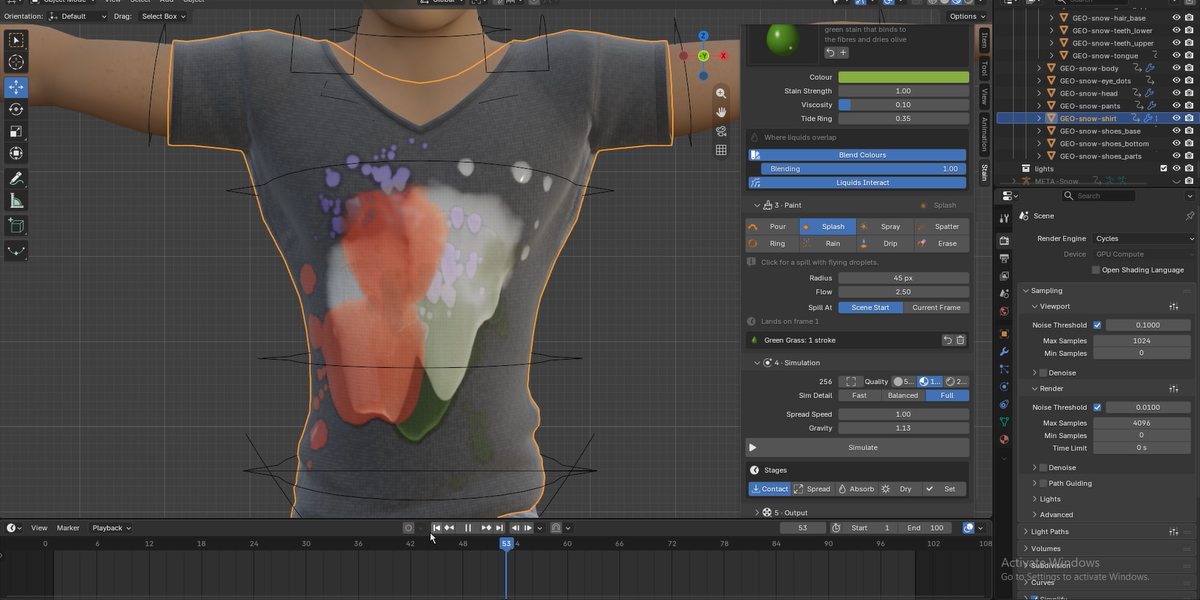
Stain Dynamics Add-on
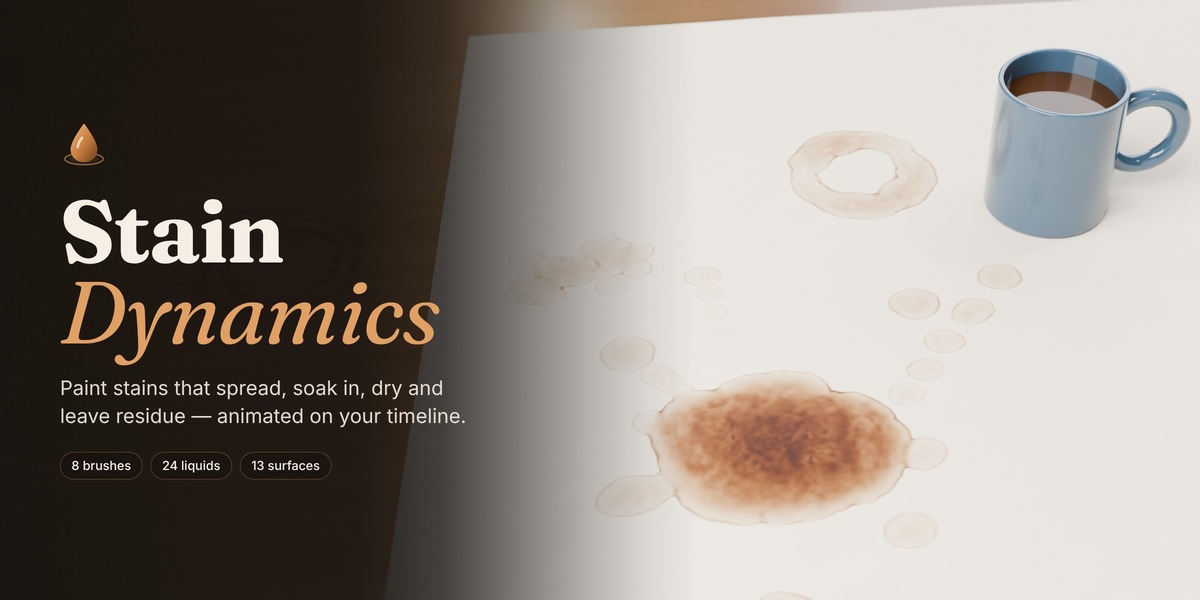
Paint coffee, blood, mud, rust, and 20 more liquids onto any UV-mapped mesh with 8 brushes, then simulate how they spread, soak in, run downhill, dry into tide rings, and leave residue.
Paint, Simulate, and Render.
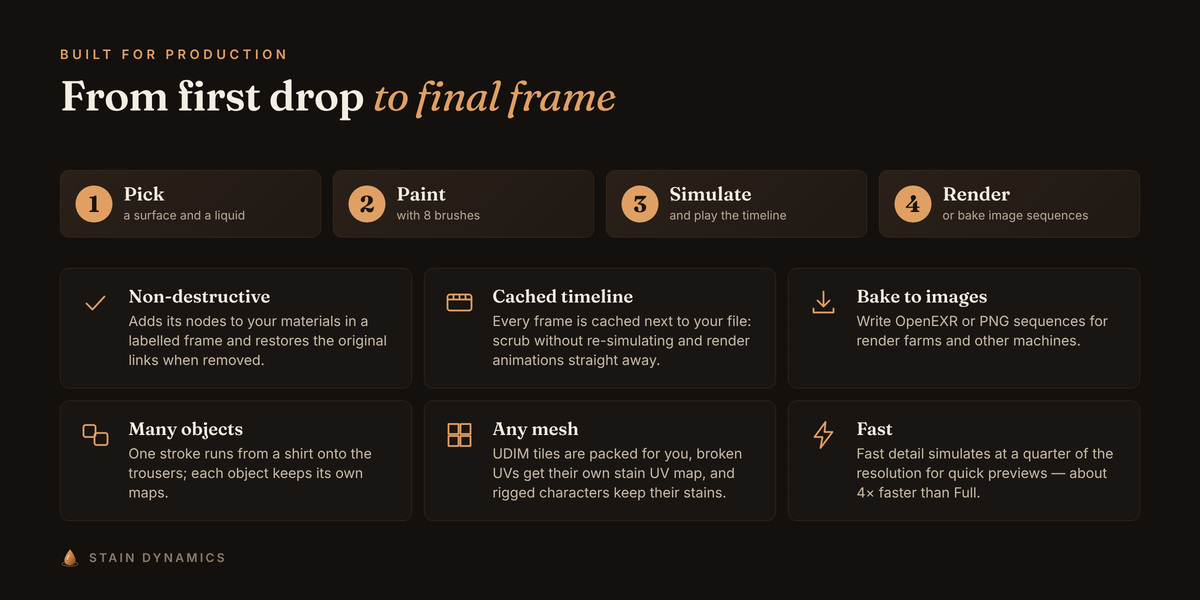
⦁ Pick a surface (Cotton, Denim, Raw Wood, Concrete, Metal…) and a liquid (Coffee, Blood, Mud, Rust Water…).
⦁ Paint on the model with one of 8 brushes.
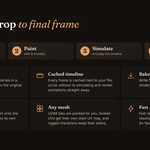
⦁ Press Simulate, play the timeline, and render. The result is cached, so scrubbing is instant.
Stains that behave like the real thing
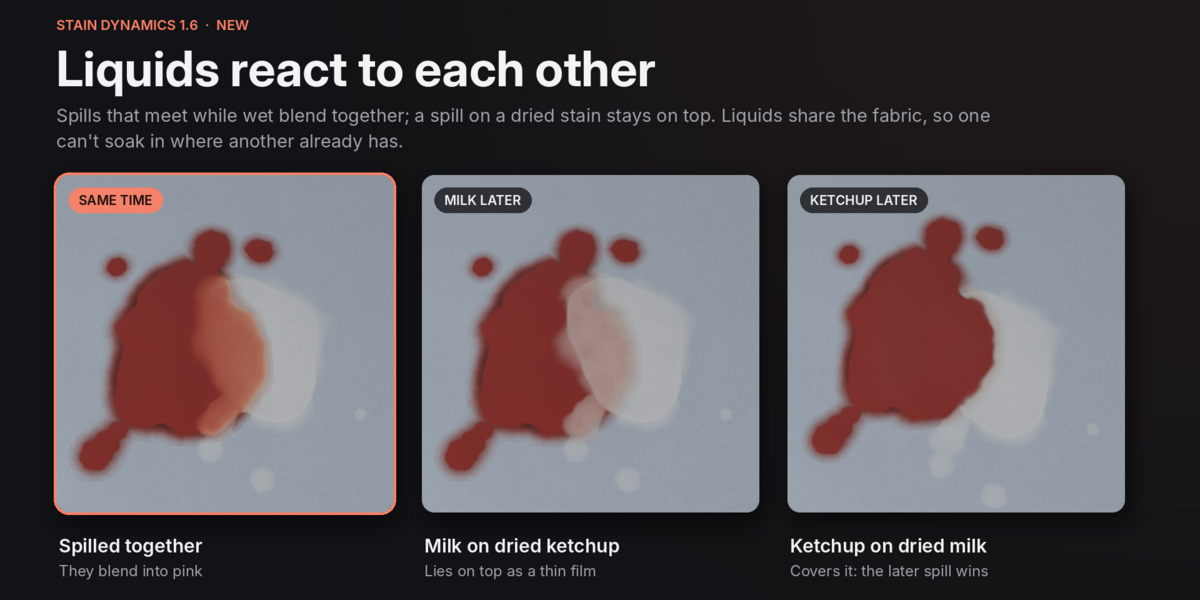
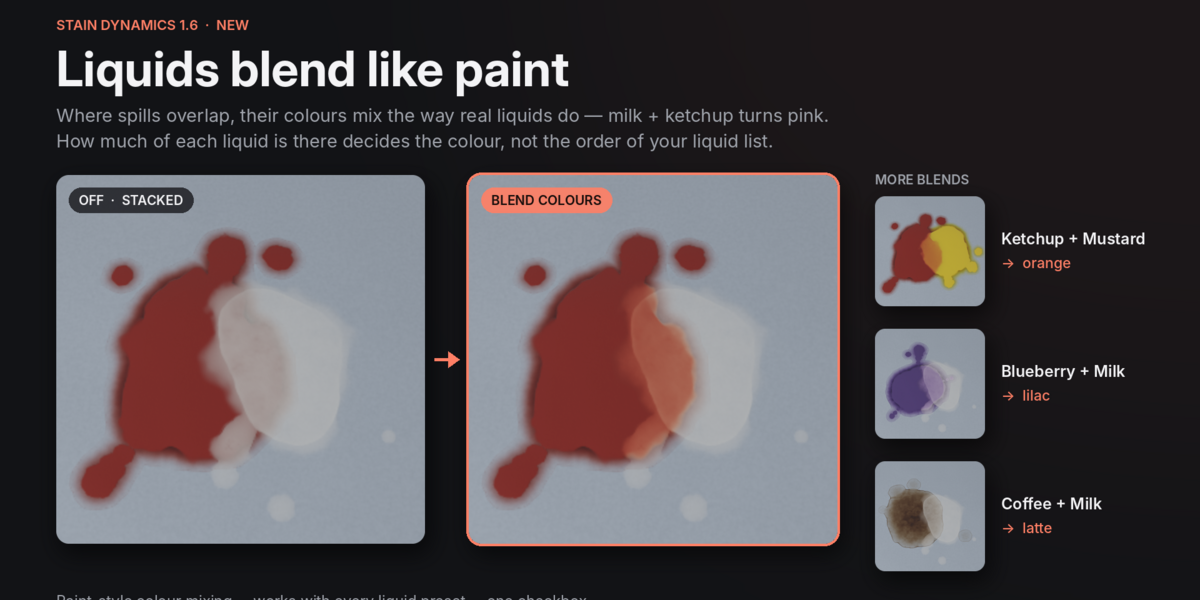
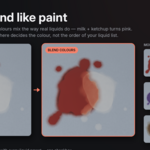
• Blend Colours — Overlapping liquids mix like real paint: milk + ketchup turns pink, ketchup + mustard orange, coffee + milk latte.
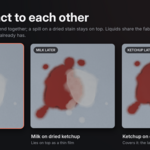
• Liquids Interact — Liquids share the fabric and react to timing: spills that meet while wet blend, while a later spill lies on top of a dried stain.
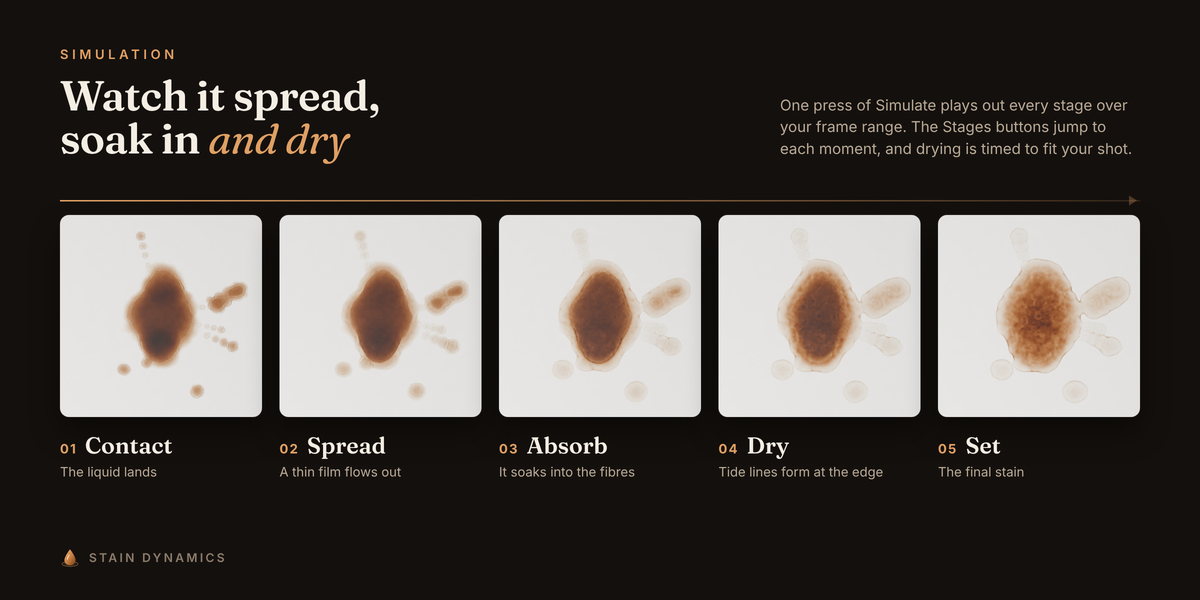
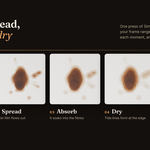
⦁ Spreads as a thin film and stops at a natural size; thick liquids stay as blobs, runny ones race outward.
⦁ Soaks in and wicks through fibres and wood grain, with ragged, organic edges.
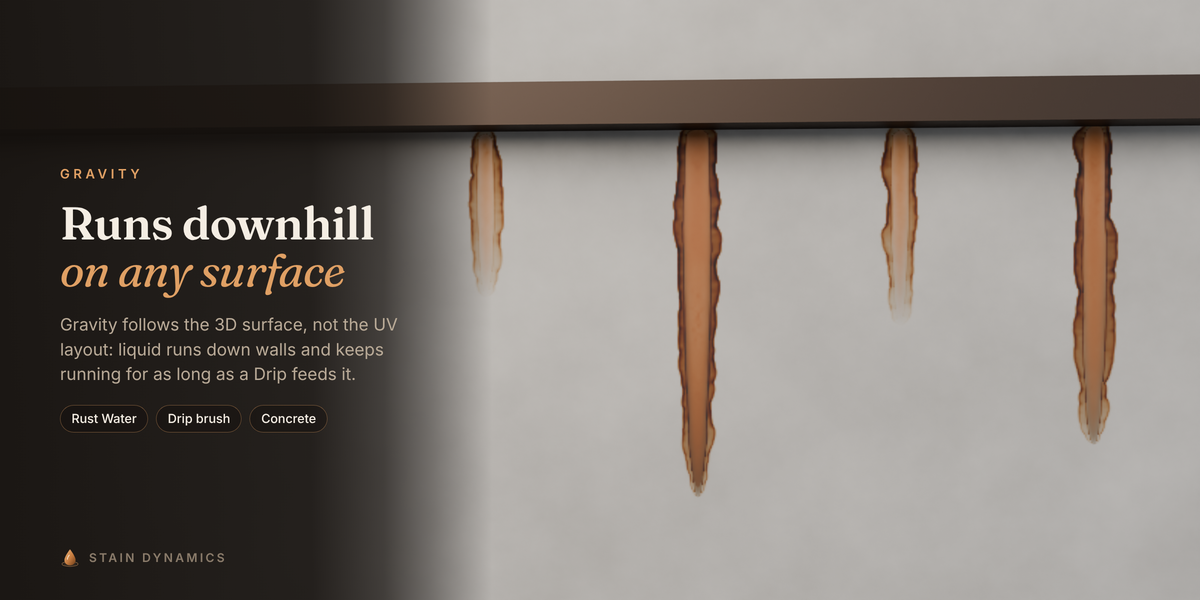
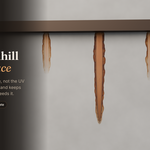
⦁ Runs downhill on tilted and vertical surfaces. Gravity follows the 3D surface, not the UV layout.
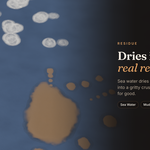
⦁ Dries from the edge, pulling dye outward into the dark tide ring every coffee stain has.
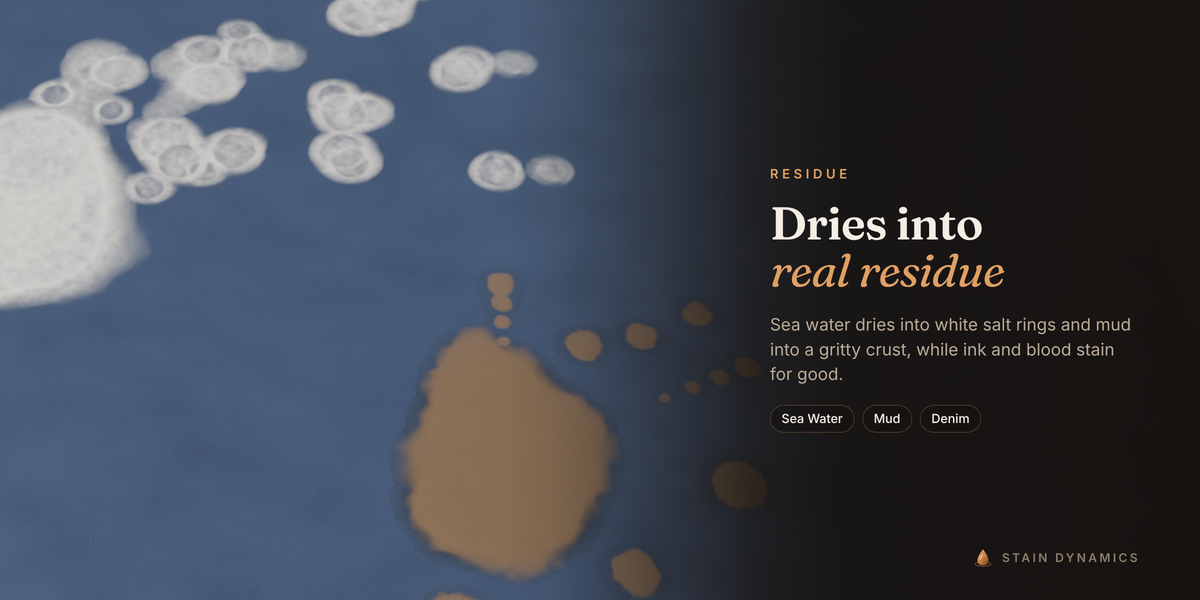
⦁ Leaves the right traces: permanent dye, crusty residue, white salt rings, oil that never dries.
⦁ Five stages you can jump straight to: Contact, Spread, Absorb, Dry, Set. Drying adapts to your frame range, so every stage fits in the shot.
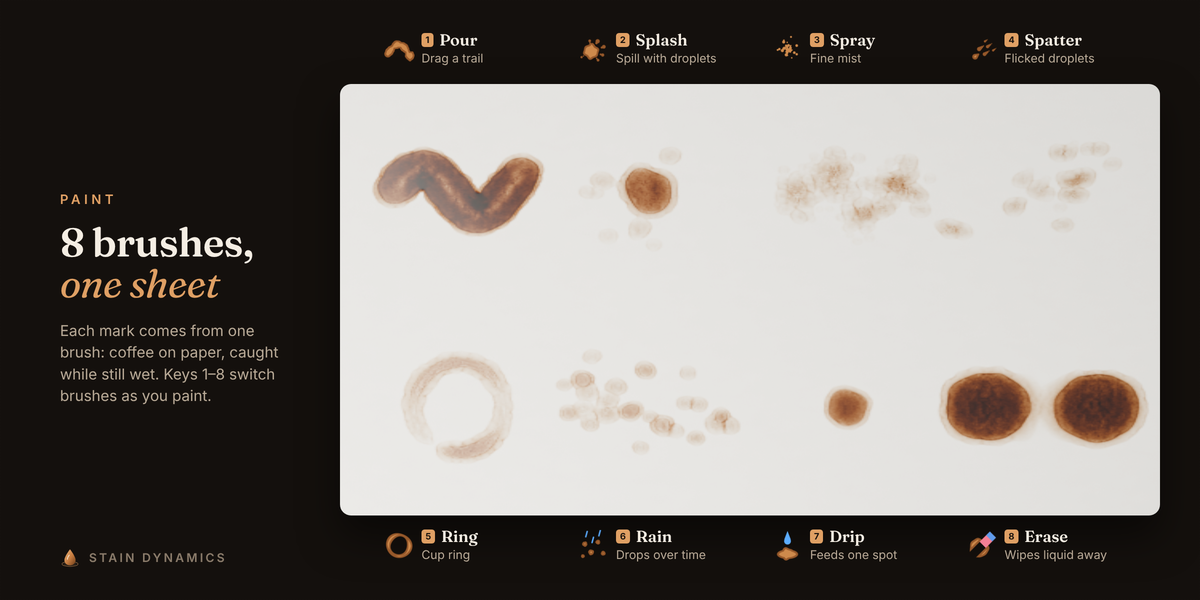
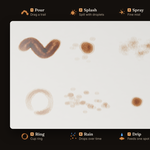
8 brushes
⦁ Pour — drag a continuous trail of liquid.
⦁ Splash — one click: a spill with satellite droplets thrown away from the view.
⦁ Spray — a fine mist, densest in the middle.
⦁ Spatter — droplets flicked the way you drag, each with a tail.
⦁ Ring — the ring a wet cup or glass leaves behind.
⦁ Rain — drops that keep landing at random spots over time.
⦁ Drip — keeps feeding liquid at one spot for as long as you like.
⦁ Erase — removes painted liquid.
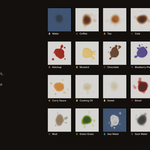
24 liquids, 13 surfaces
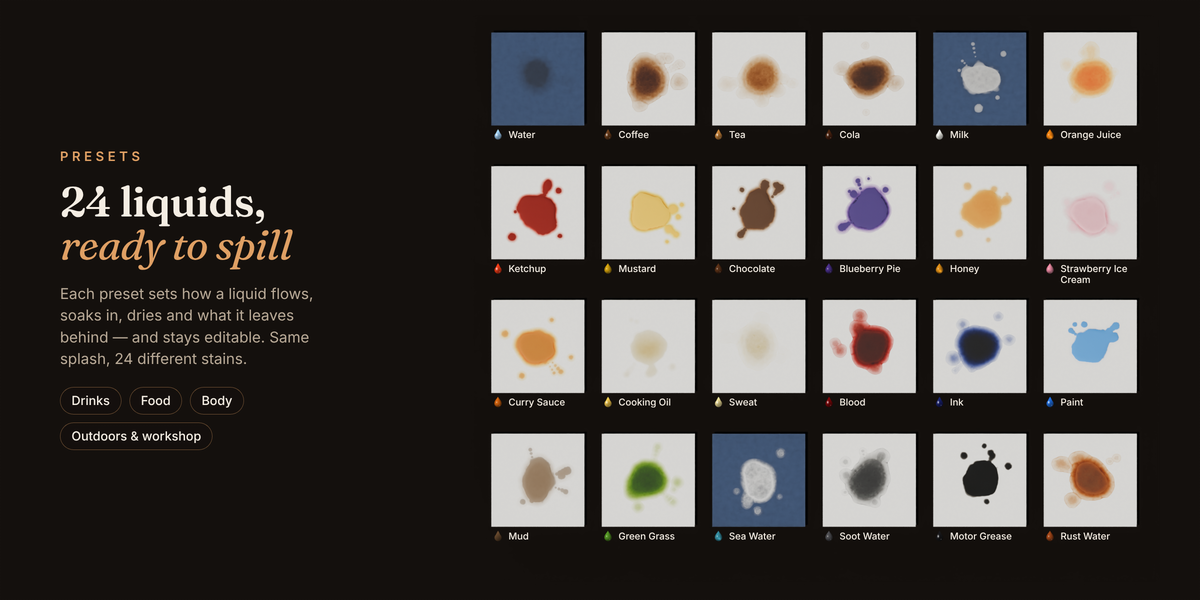
Every preset sets dozens of physical properties for you — viscosity, evaporation, dye binding, oil, solids — and stays editable.
⦁ Drinks: Water, Coffee, Tea, Cola, Milk, Orange Juice
⦁ Food: Ketchup, Mustard, Chocolate, Blueberry Pie, Honey, Strawberry Ice Cream, Curry Sauce, Cooking Oil
⦁ Body: Sweat, Blood
⦁ Outdoors & workshop: Ink, Paint, Mud, Green Grass, Sea Water, Soot Water, Motor Grease, Rust Water
⦁ Surfaces: Cotton, Denim, Silk, Polyester, Wool, Leather, Raw Wood, Varnished Wood, Concrete, Paper, Carpet, Metal, Glass / Plastic
Save your own liquids and surfaces as presets; they are available in every file.
Built for production
⦁ Non-destructive. Stain Dynamics adds its nodes to your existing materials in a labelled frame and restores the original links exactly when removed. An eye toggle bypasses the effect.
⦁ Cached and render-ready. Every simulated frame is cached next to your .blend, so the timeline scrubs instantly and animation renders update by themselves. Bake to EXR or PNG image sequences for render farms.
⦁ Several objects at once. One stroke can run from a shirt onto the trousers; each object keeps its own maps.
⦁ Any UV layout. UDIM tiles are packed automatically, broken or mirrored UVs get a dedicated stain UV map, and rigged characters keep their stains while they move.
⦁ Fast. Balanced detail simulates at half resolution and restores edge detail: 100 frames of three liquids on a hanging cloth at 1024 px take about 13 seconds on a 2-core machine.
⦁ Re-simulate any time. Strokes are stored as 3D dabs, not pixels, so you can change resolution, surface or liquid afterwards and simulate again.
• Bake Frame to Material: freeze the stain on any frame into a reusable, packed material you can put on any object or use from the Asset Browser.
Stain Dynamics is an art-directable approximation, not a lab-grade fluid simulation: it reproduces the look of spreading, absorption, gravity runs, tide lines and residue, and gives the same result every time for the same settings.
