 VisionAir Studio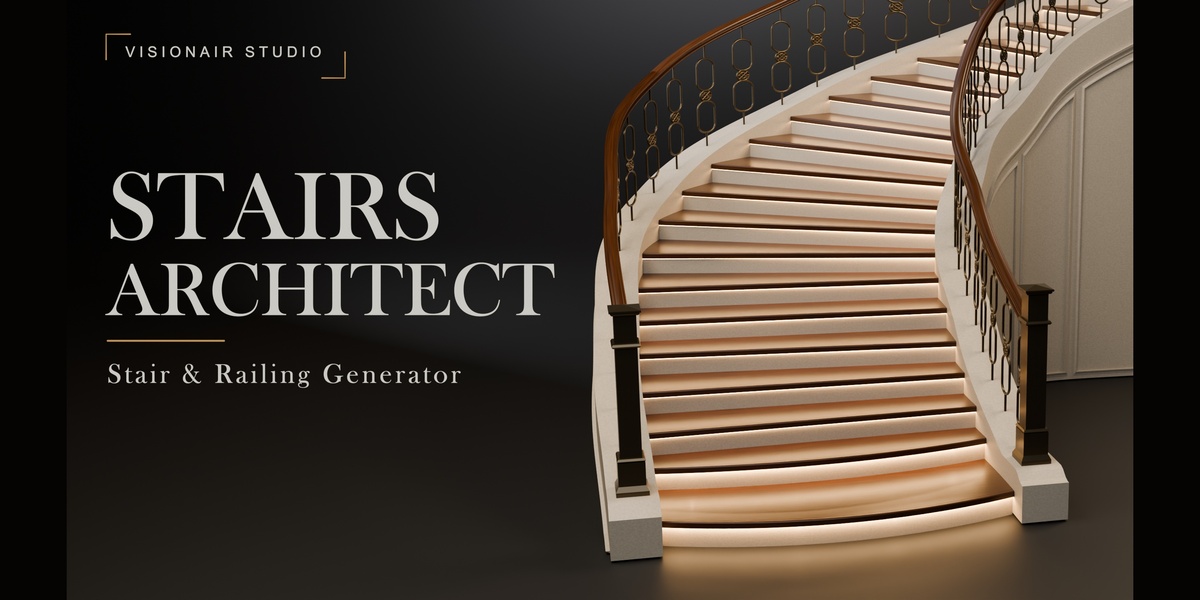
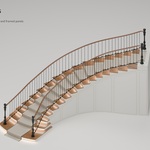
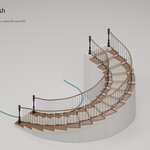
Build the staircase. Shape every detail.
Stairs Architect is a stair generator for Blender, built for architectural visualization. Start with a preset or your own open curve, adjust the layout, and finish the assembly with railings, carpet, lighting and molding.
From a straight flight to a sweeping double staircase
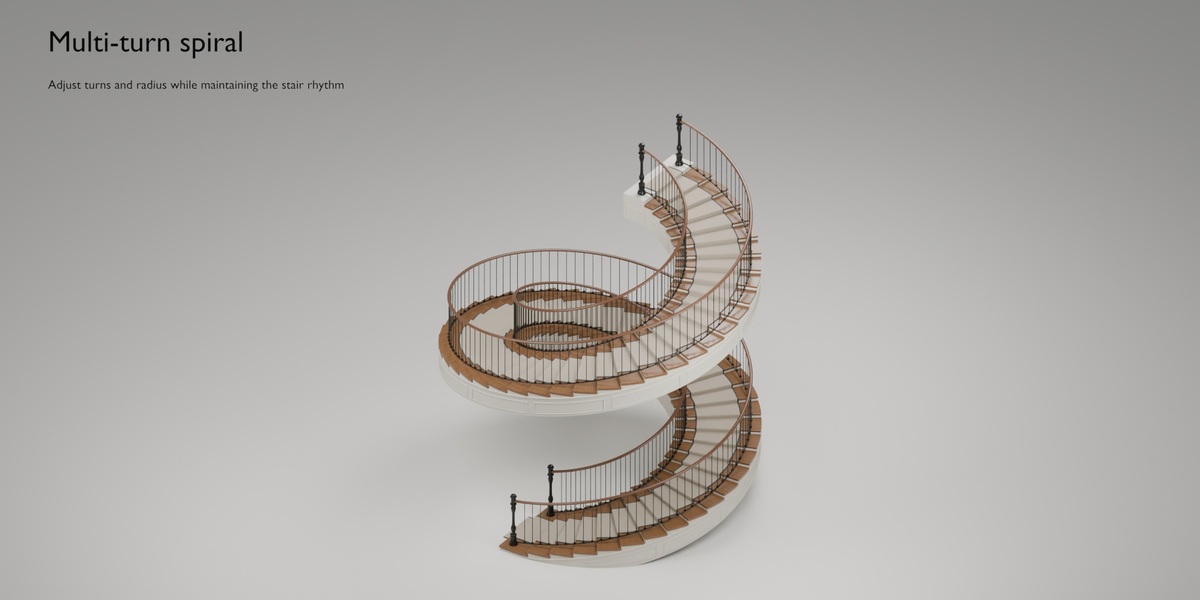
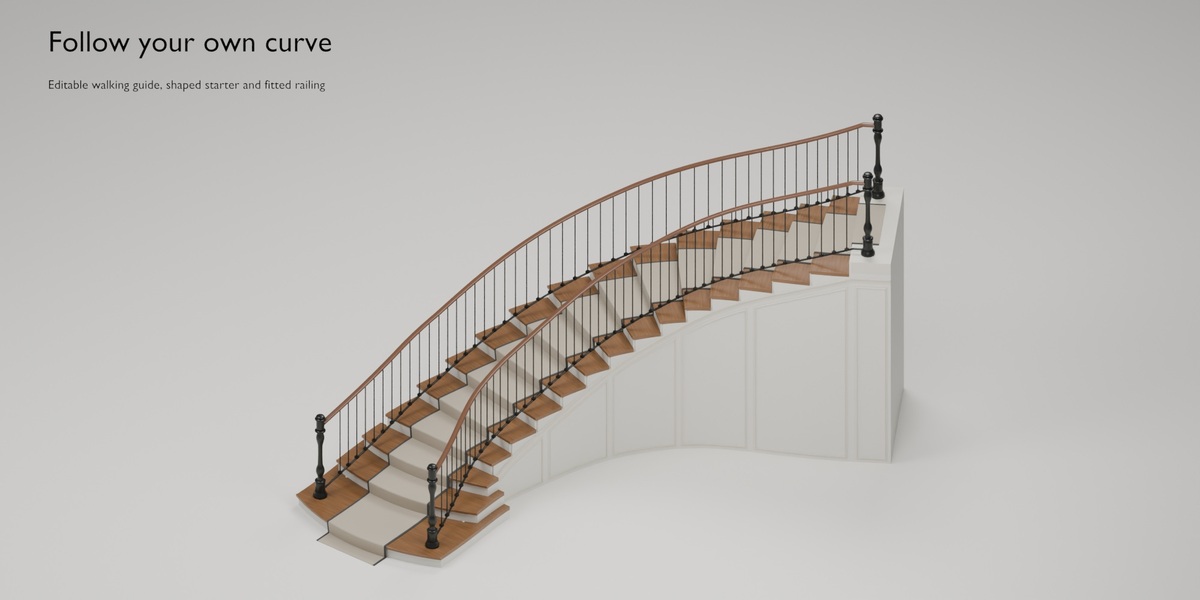
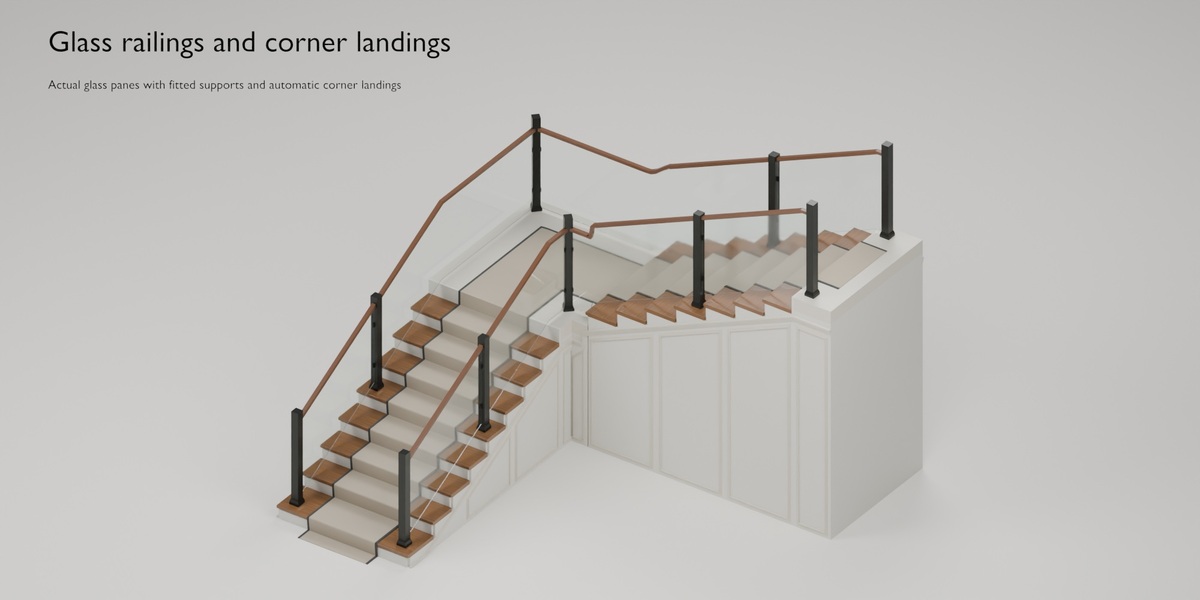
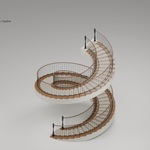
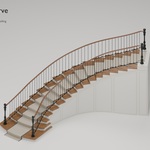
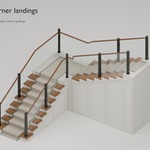
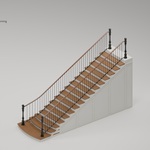
Create Straight, Sweep, L, U and multi-turn Spiral stairs. Symmetrical double flights share a landing and respond to one flight guide. Custom curves support curved routes and intermediate landings at sharp corners when enough space is available.
Shape the stairs
- Adjust height, tread count, stair width and walking path.
- Add level platforms and point-based landings.
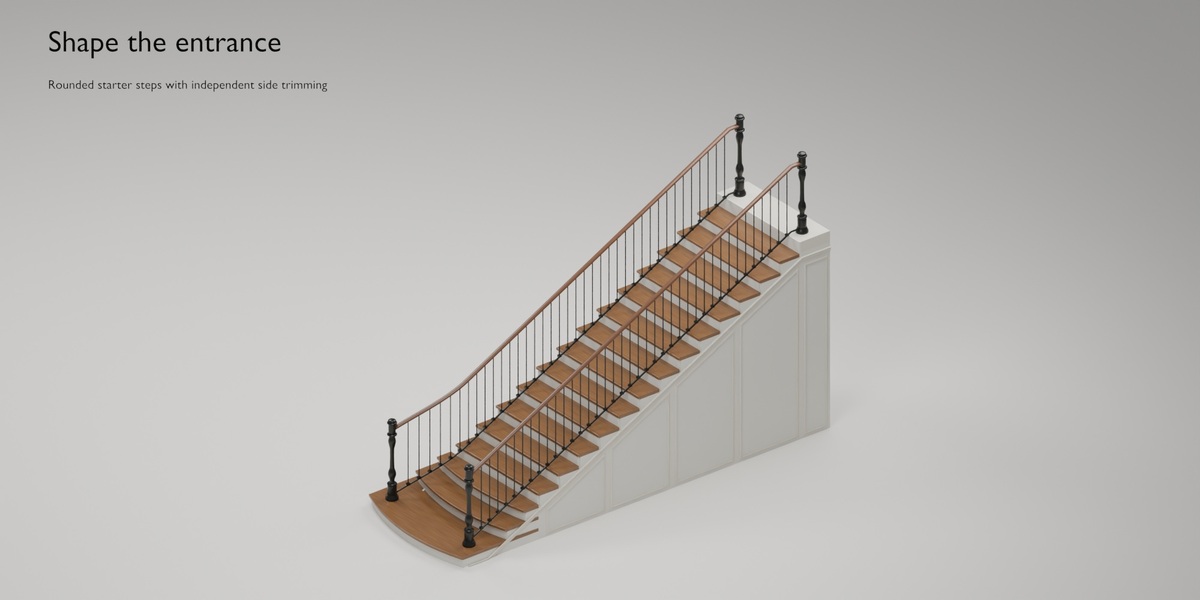
- Choose ten starter-step variations plus the legacy treatment.
- Trim the left and right starter edges independently.
- Control spiral radius and number of turns.
Build the railing you need
The library includes 40 post designs, 40 handrail profiles and 21 railing styles, including modeled glass panes and support hardware.
- Enable either railing side or both.
- Set independent one/two-post arrangements at sharp-corner landings and slide the posts along their allowed route.
- Adjust handrail beginning and end treatments separately.
- Use tread-mounted or raised stringer-mounted railings.
- Keep fixed post height independent from handrail height, or enable automatic fitting.
Smoother handrails in tight turns
Enable Correct Tight Handrail Bends in Handrail Assets to ease compressed curve and height transitions. Adjust Bend Radius to control the easing distance while retaining the selected section and lateral railing placement. Infill refits to the corrected rail, and sharp landing corners retain level mitered joints. The option is off by default for existing stairs; fixed post height remains independent.
Add the architectural finishes
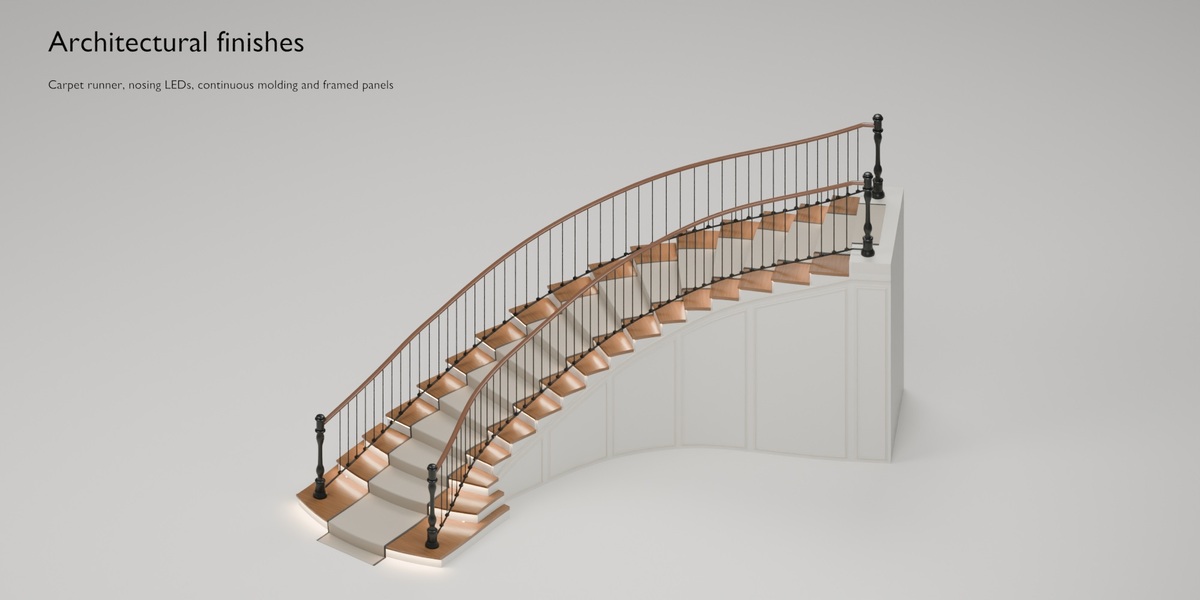
- Carpet runners: width, border and start/end tail controls.
- Nosing LEDs: emissive strips with optional area lights beneath the tread nosing.
- Crown molding: four profiles for continuous edge trim, with optional matching framed panels beneath the stair.
- Supports and surfaces: open or full stair treatments, component materials and adjustable texture direction.
Edit, then create your final mesh
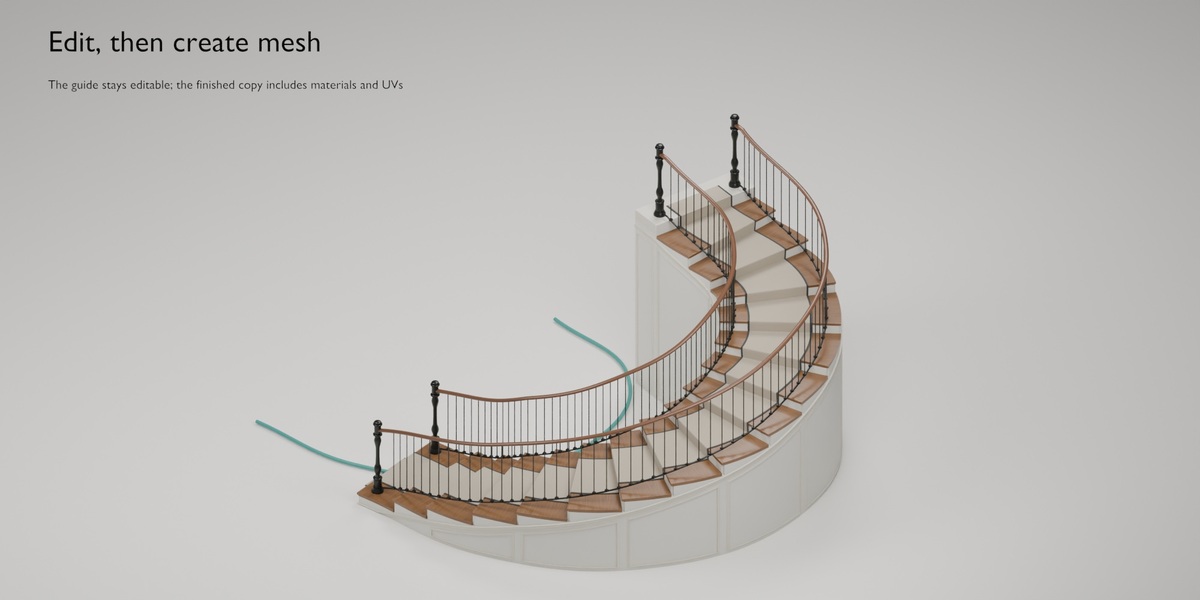
Use Draft detail while adjusting the design. Create a separate final mesh copy with material assignments and UVs when ready; the editable guide remains available. Generated UVs are intended for tiling materials. Finished mesh copies remain independent from later guide edits.
What is included
- Stairs Architect 1.26.0 installer, with readable source and component libraries.
- Asset previews, illustrated guides, user documentation and GPL license text.
- Separate finished-mesh and editable example scenes. The editable example requires the add-on for parameter changes.
Compatibility
Windows x64 · Blender 4.2–5.2, including 5.2.0. Blender 5.3 and later are not currently declared supported. No external service, activation account, AI subscription or additional Python installation is required during use.
Practical scope
This is an architectural modeling tool, not structural or building-code certification. Custom routes need space for viable treads and landings. Automatic UVs are not a unique baking atlas or a promise of zero distortion.
Support
Use the product's Creator Inbox for help. Include the add-on version, Blender version, operating system, steps to reproduce the issue and any error text.
