 Henrik Uhrmann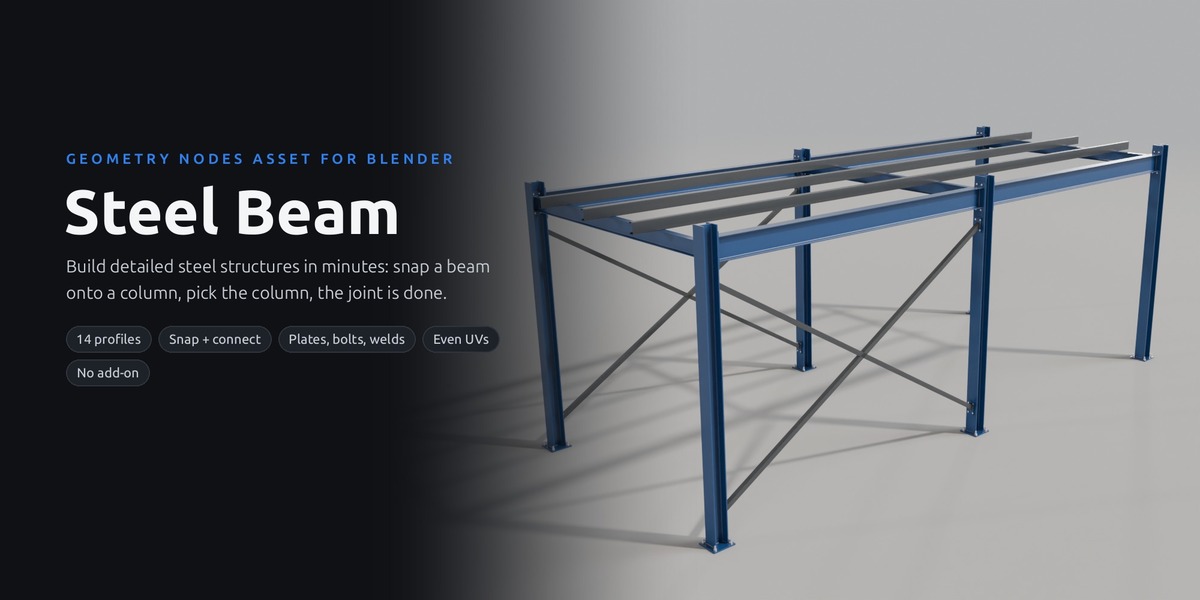




Steel Beam
Build detailed steel structures in minutes. Drag in a beam, snap it onto a column, pick the column: the beam is trimmed and gets its end plate, bolts and weld. 14 real profiles, base plates, fin plates, cleats, splices and mitred corners, all pure Geometry Nodes.
Build fast, in full detail
Every step is a few clicks in the modifier panel. Snapping places the beams, Connect To does the joints.
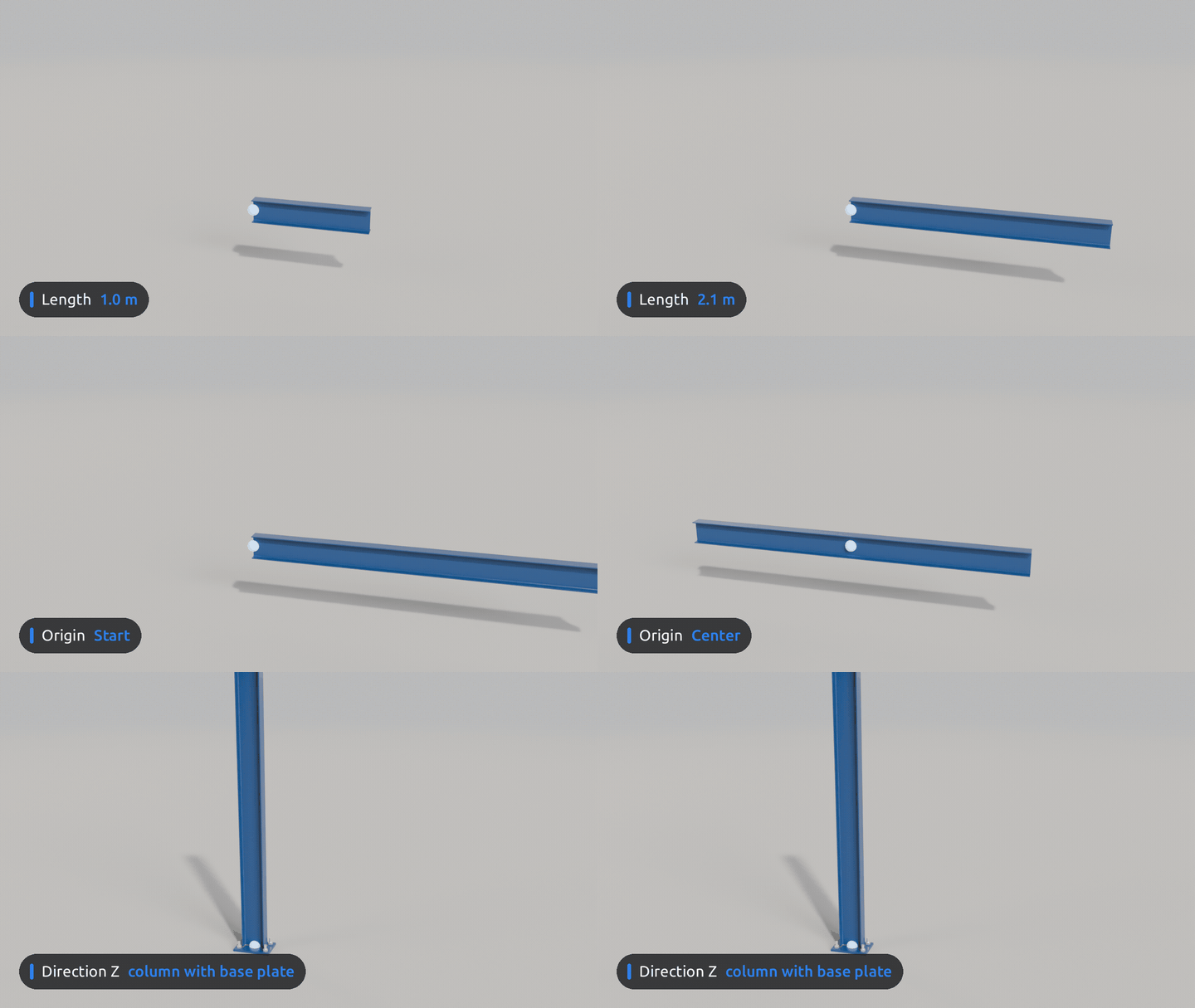

Drag in one beam
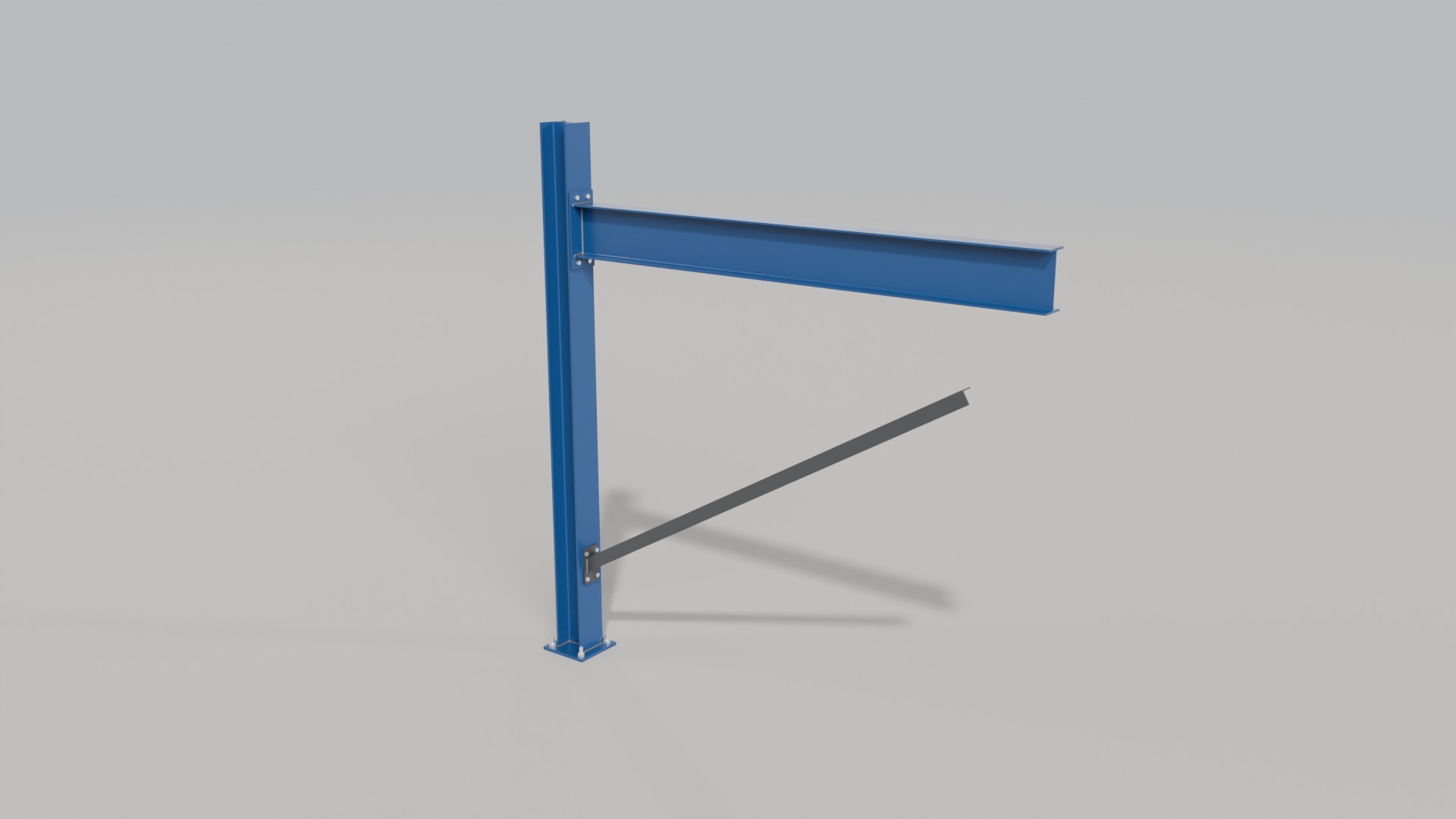
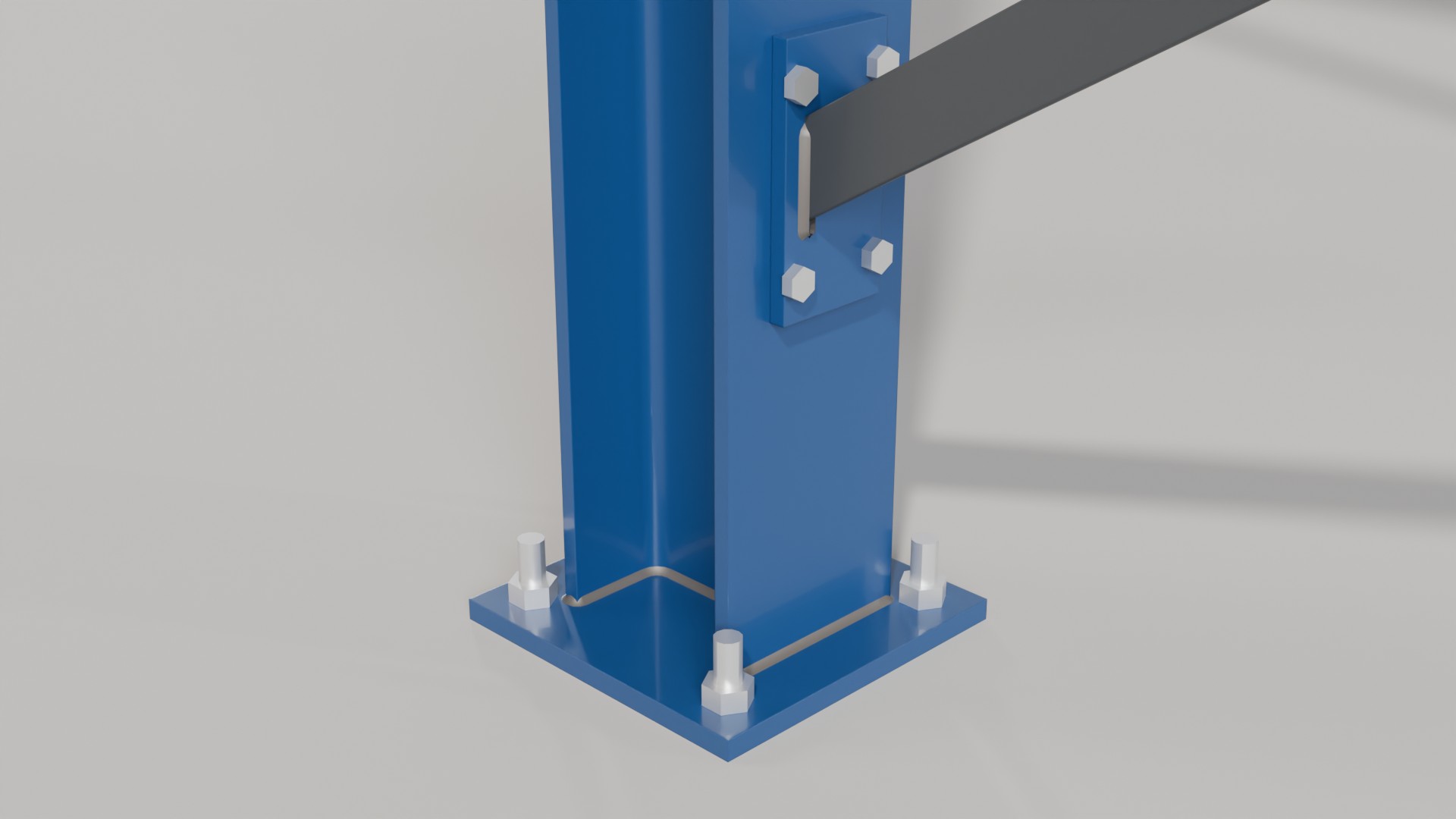
The Normal Beam asset is a straight steel beam with its origin at the start. Set Length, Origin (start, centre or end) and Direction in the modifier. Direction Z makes it a column, and a column gets its base plate with anchor bolts on its own.
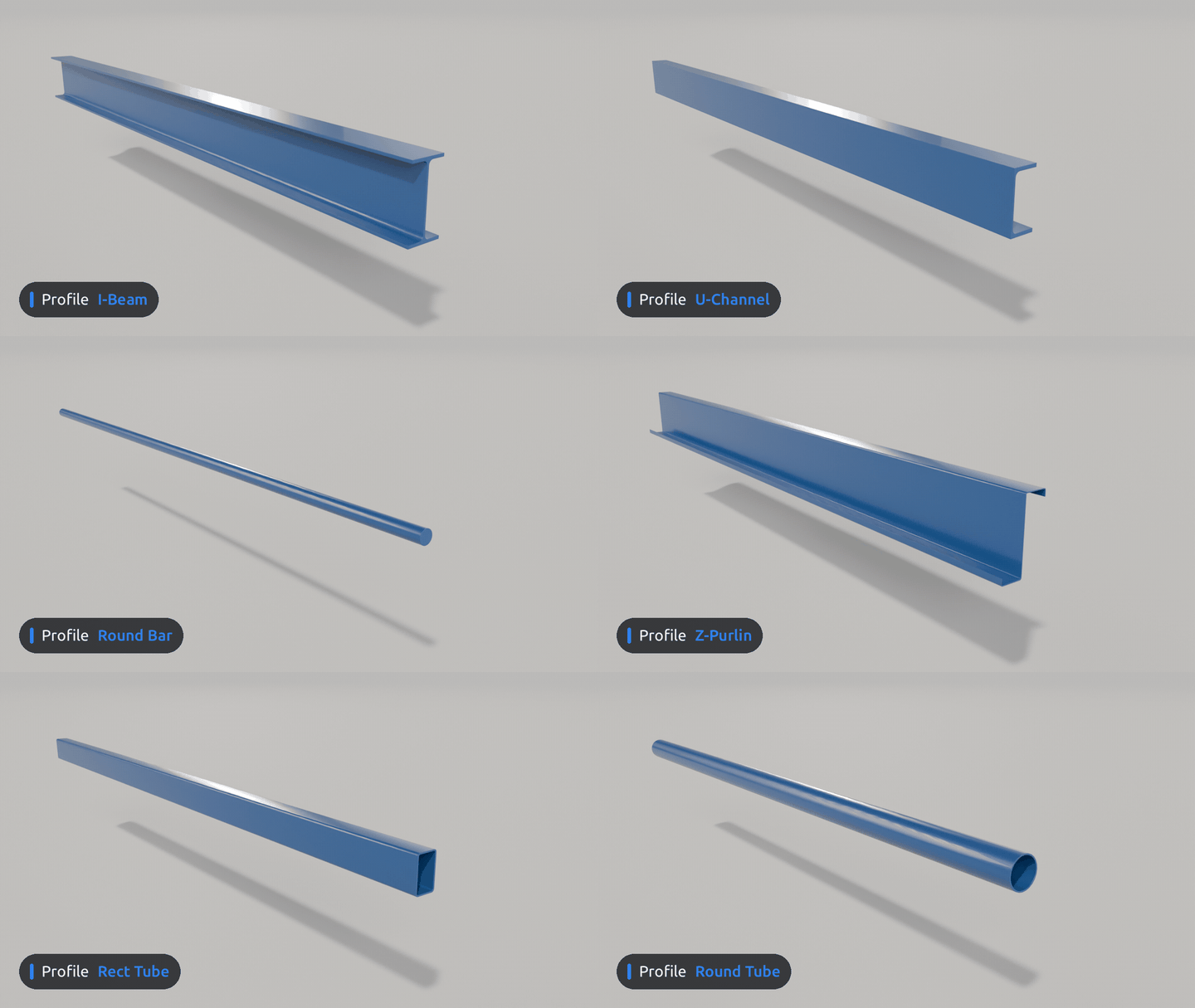

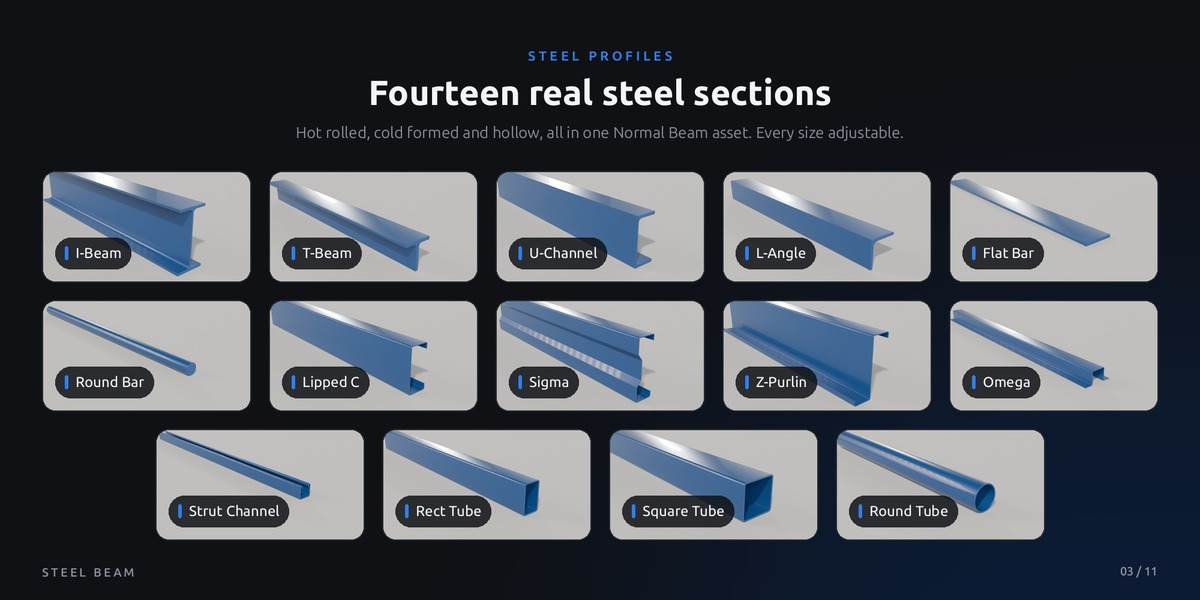
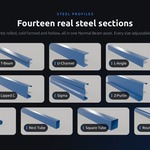
Any of 14 real sections
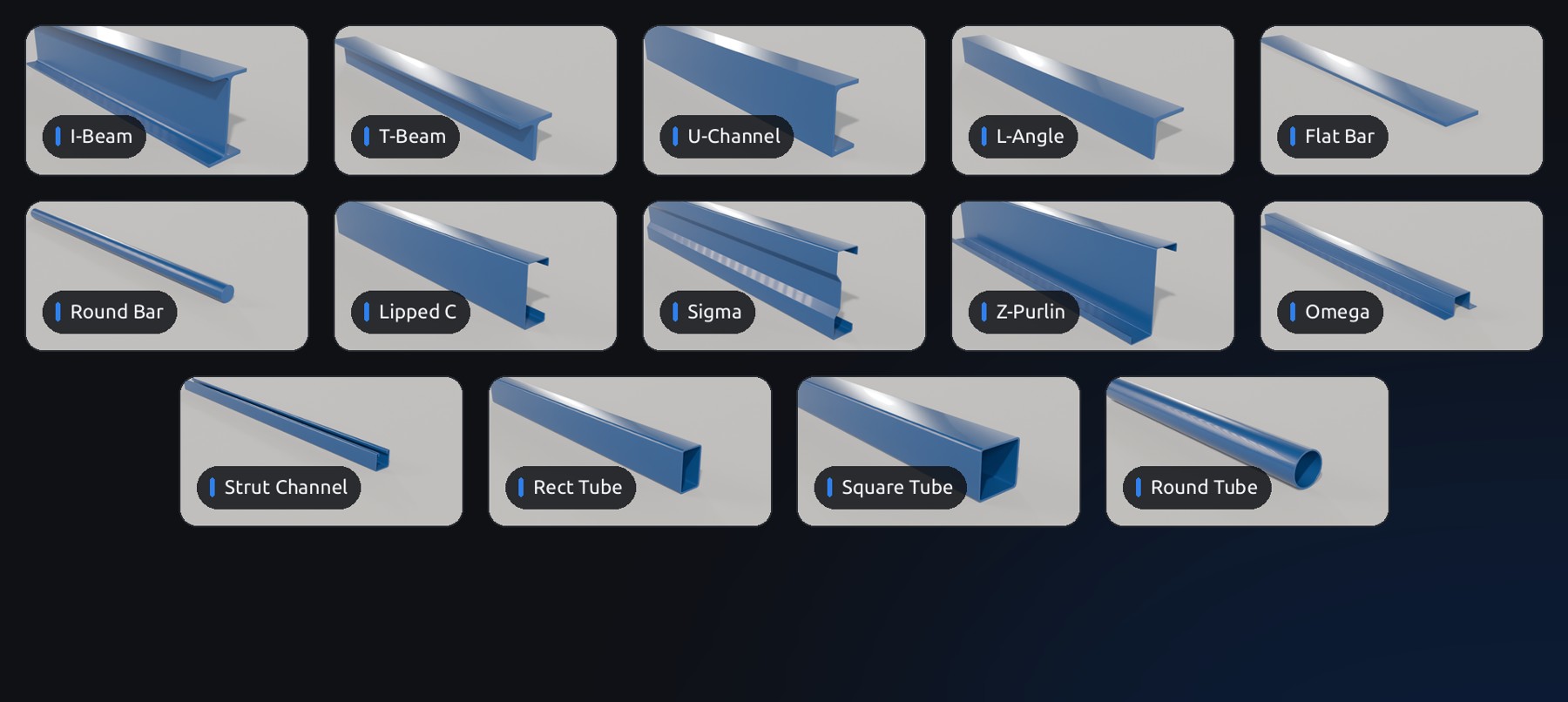
One menu switches between I-beam, T, U-channel, angle, flat and round bar, lipped C, sigma, Z purlin, omega, strut channel, rectangular, square and round tube. Rounded roots and edges, real cold formed bends, every size adjustable.
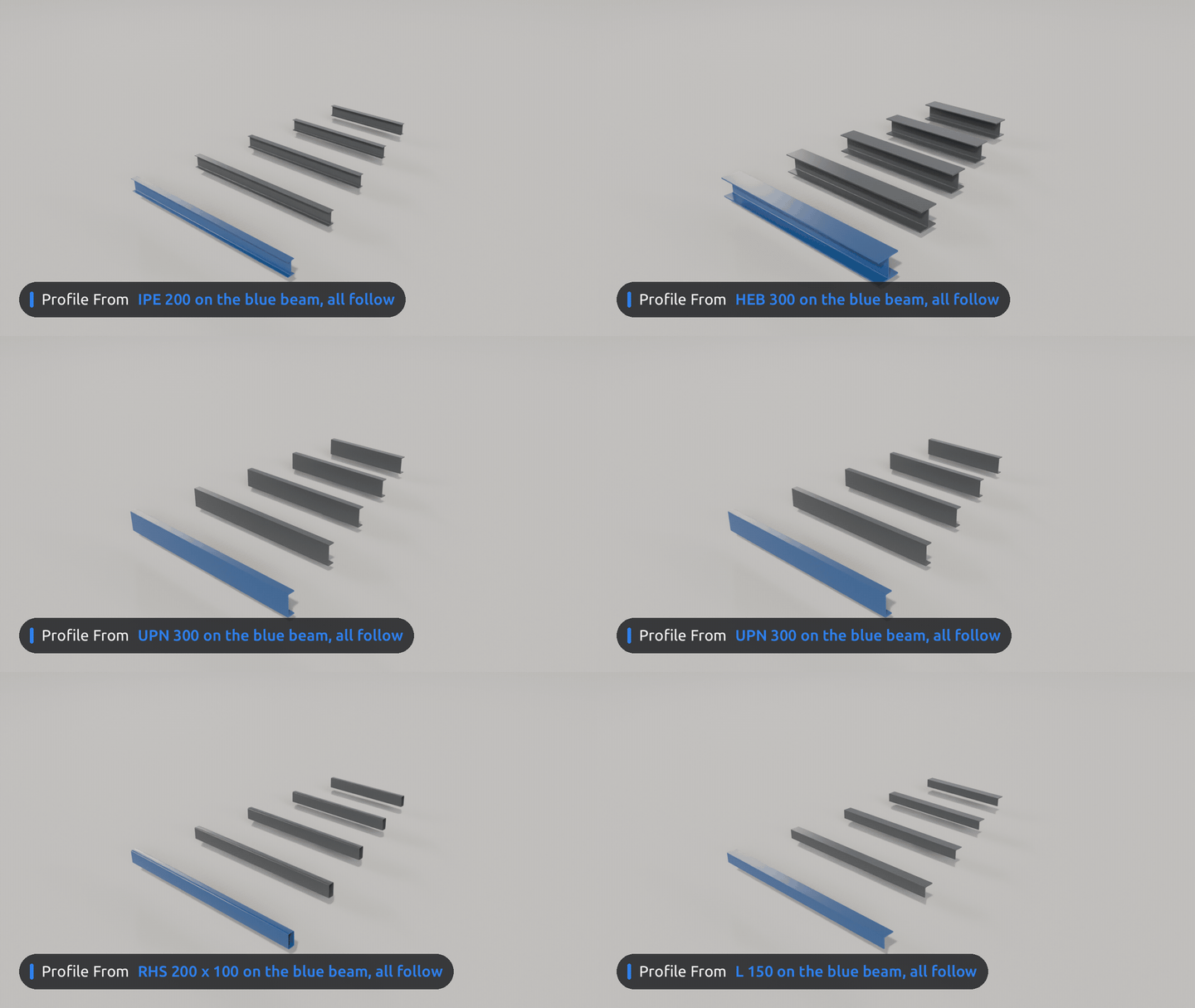

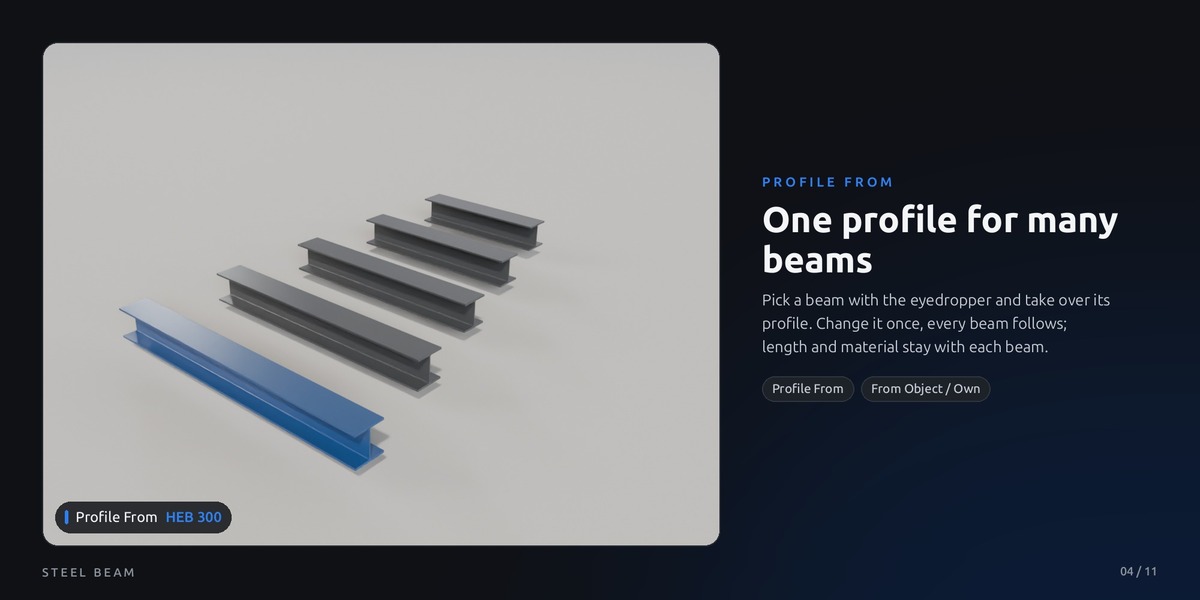
One profile for many beams
Pick another beam with the eyedropper in Profile From and this beam takes over its profile, type and all sizes. Change the source and every beam that points to it follows. Length, direction and material stay with each beam; switch Profile Values to Own to set a beam on its own again.
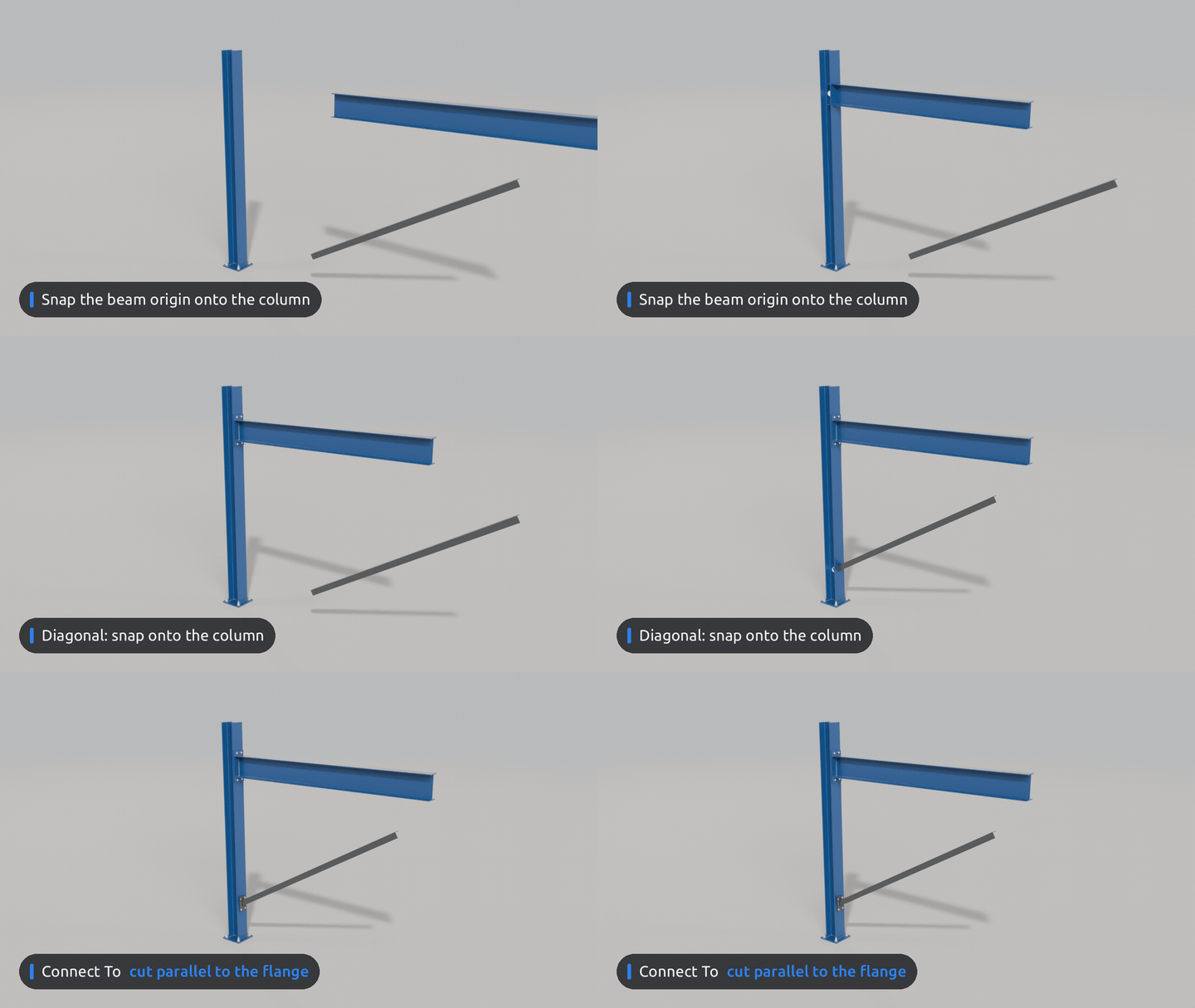

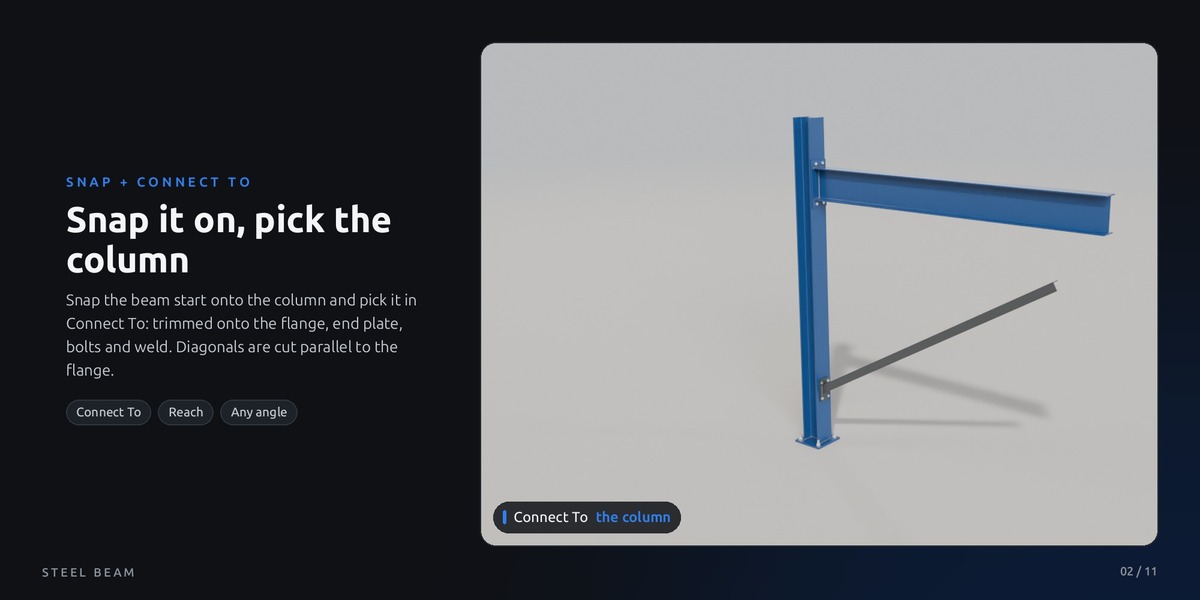
Snap it on, pick the column, done
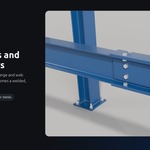
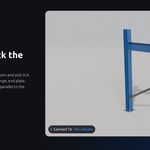
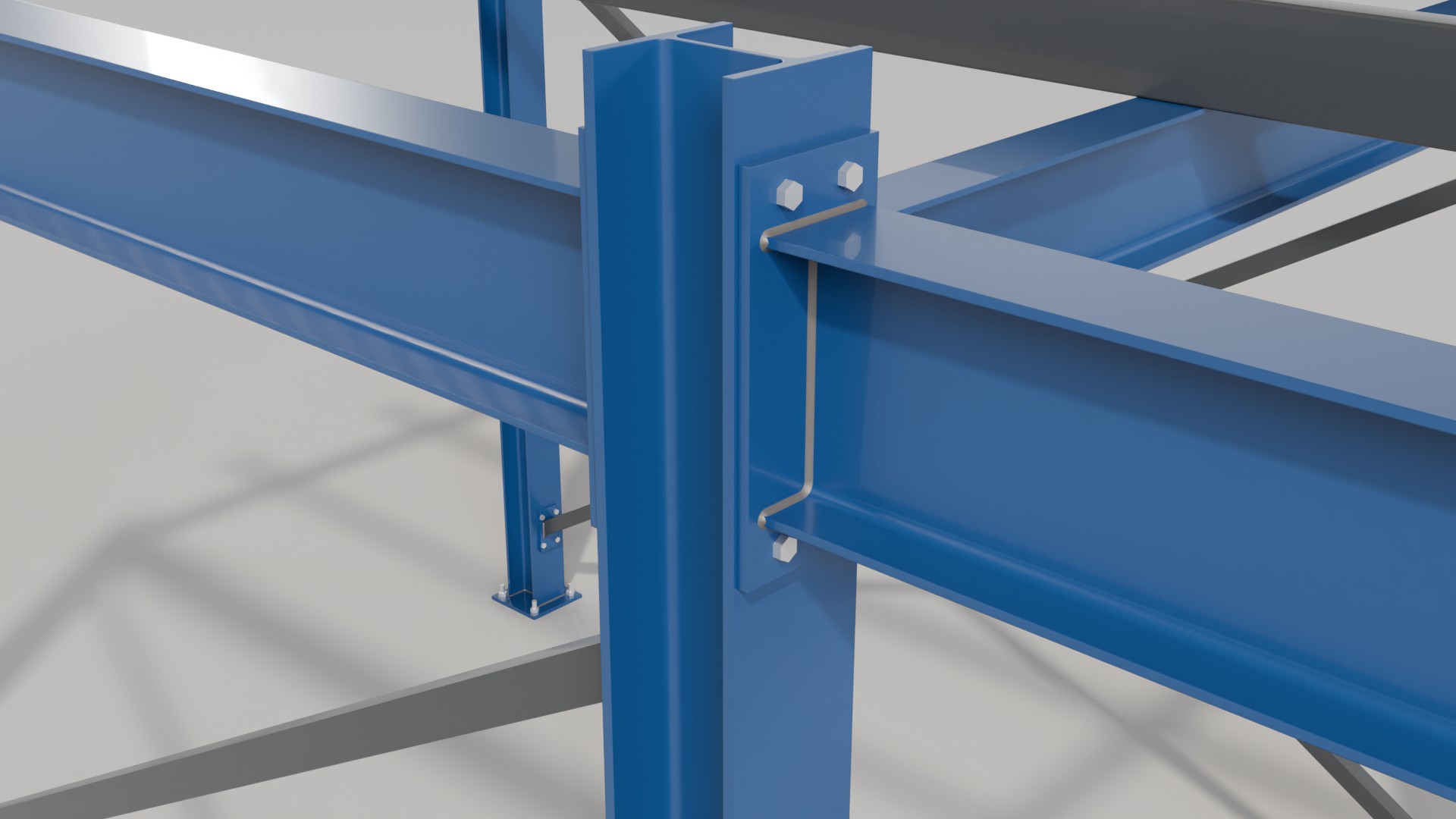
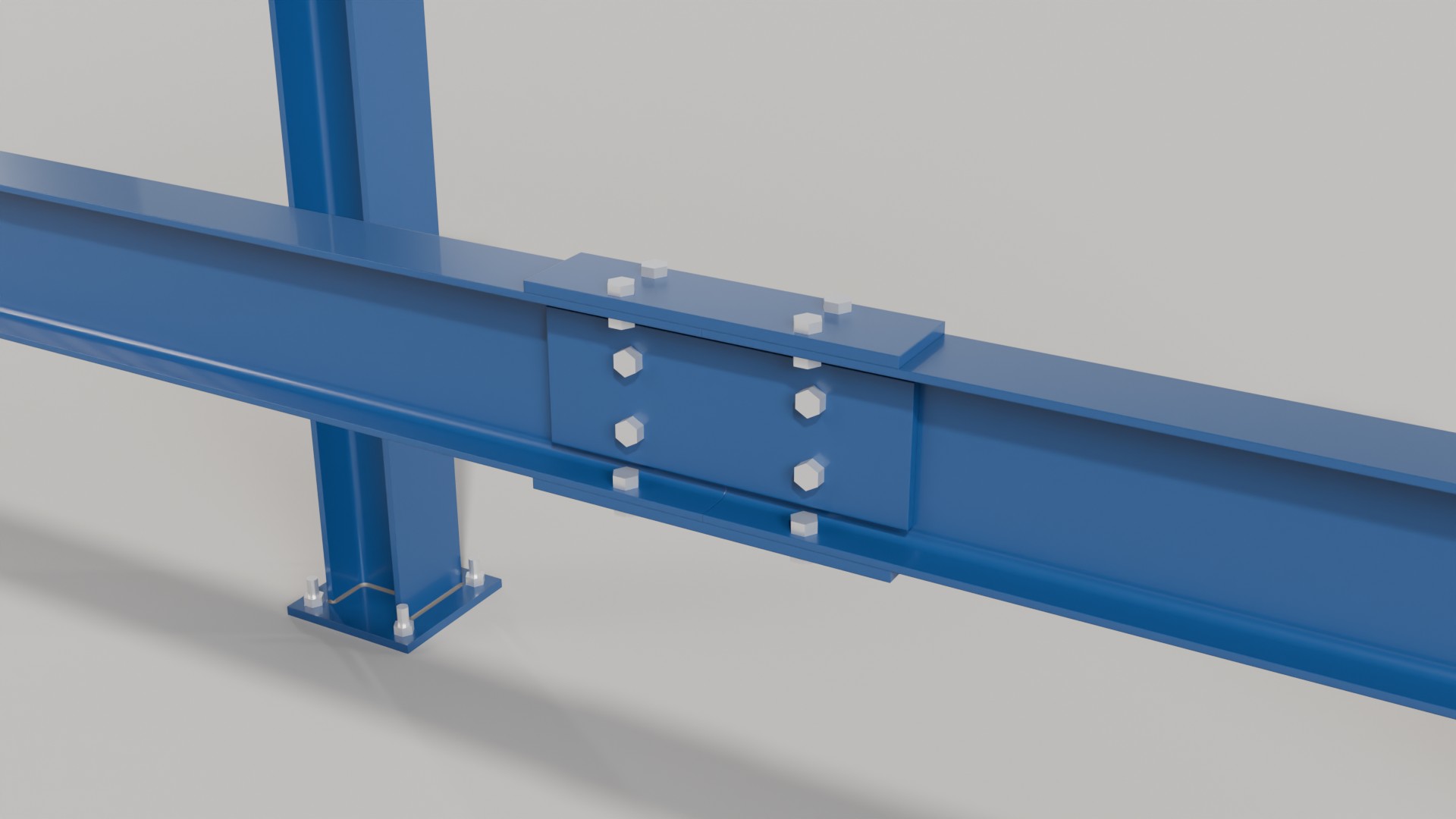
Snap the beam start onto the column, then pick the column in Beam Connection > Connect To. The beam end is trimmed onto the column surface, or extended to it when it stops short, and gets a welded, bolted end plate. Diagonals are cut parallel to the flange, so their plates lie flat on it. A second slot takes the column at the other end.
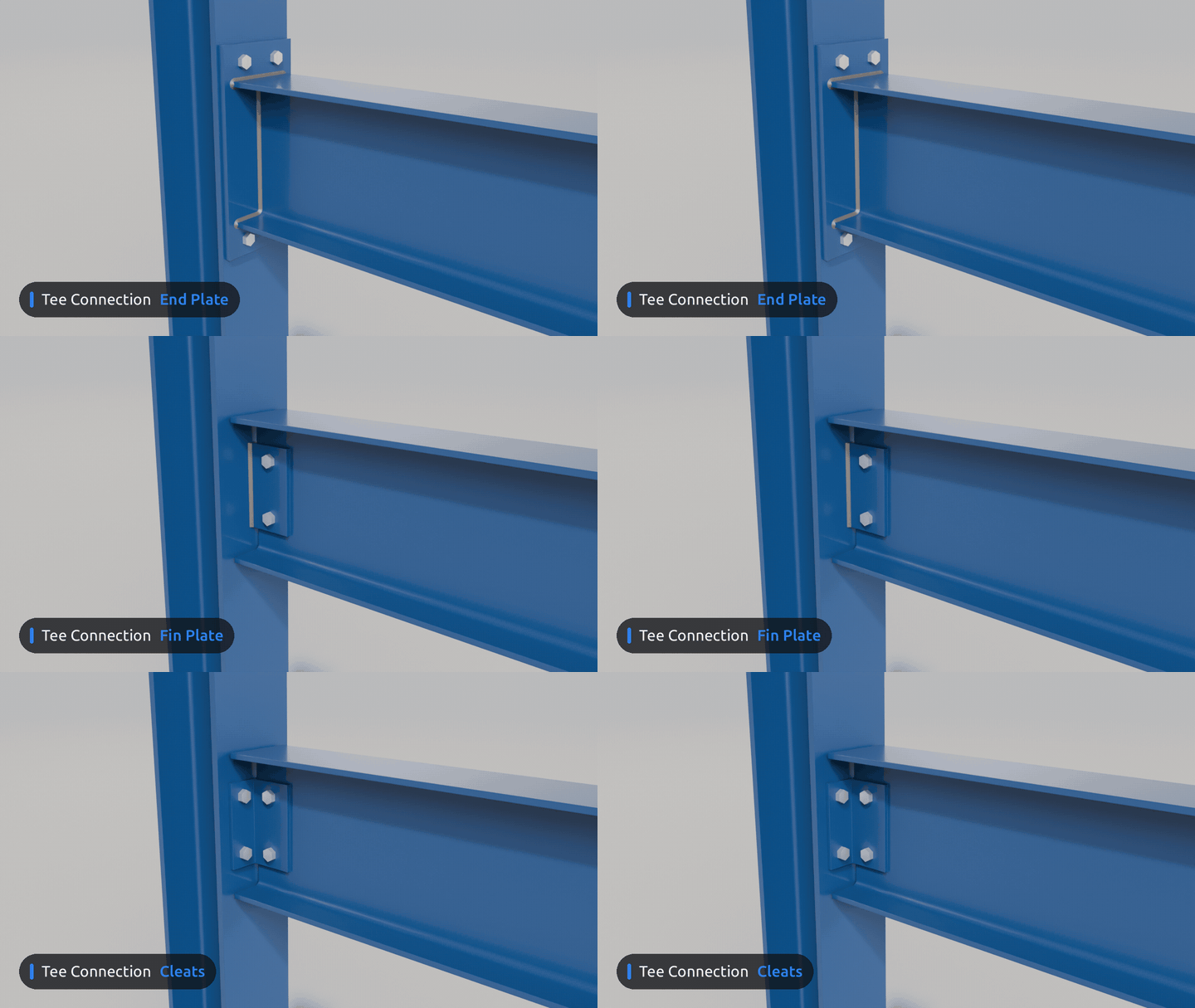

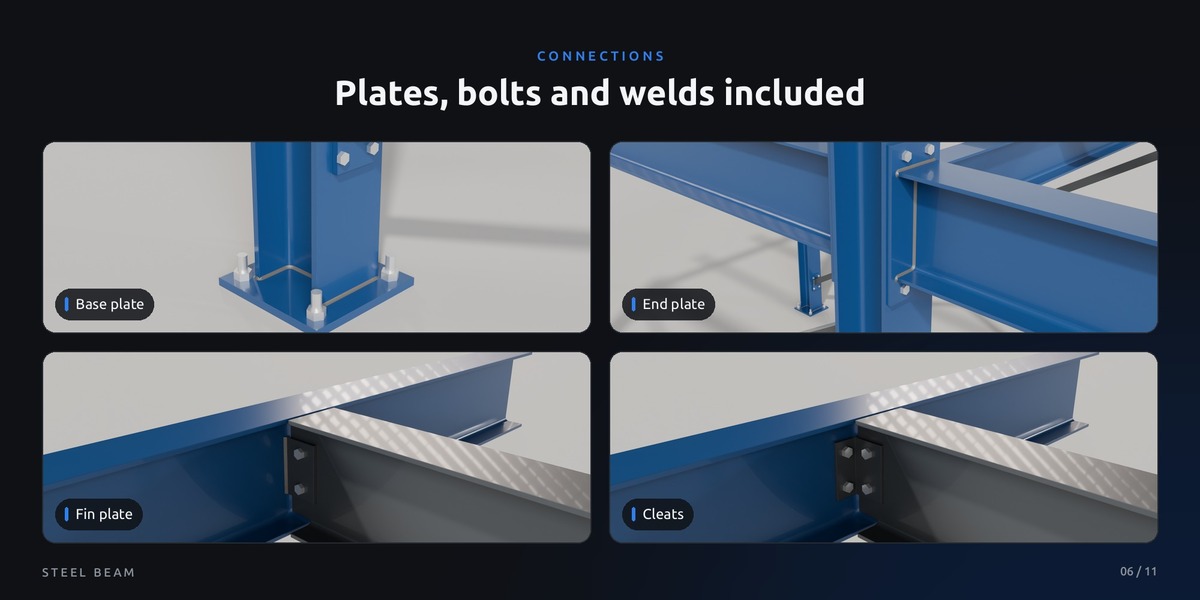
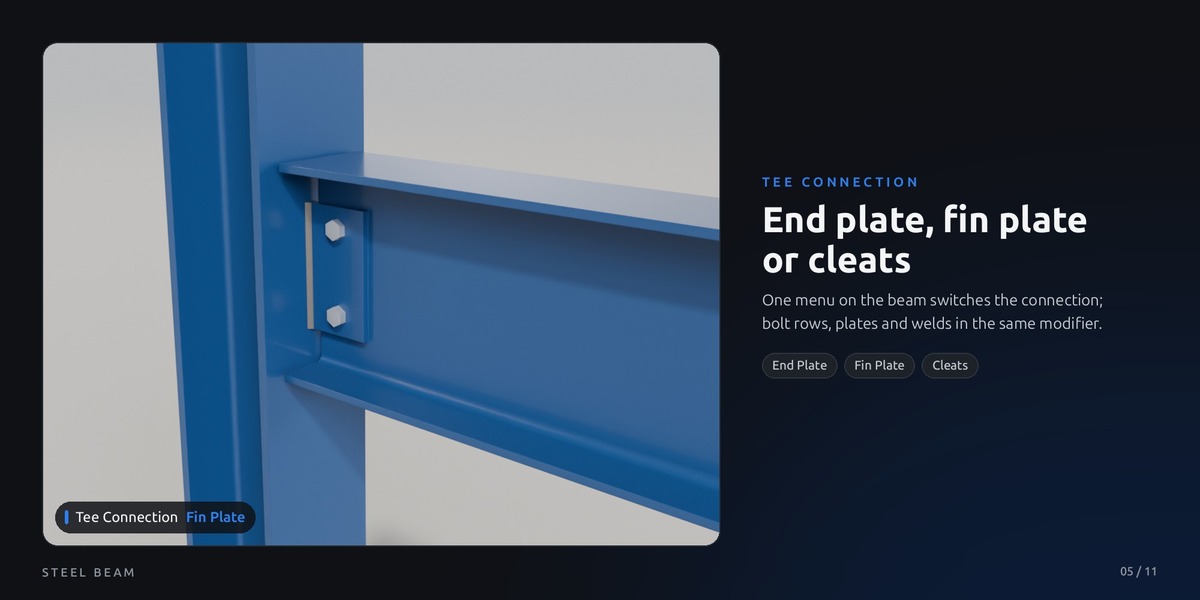
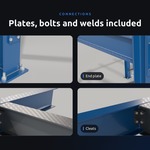
End plate, fin plate or cleats
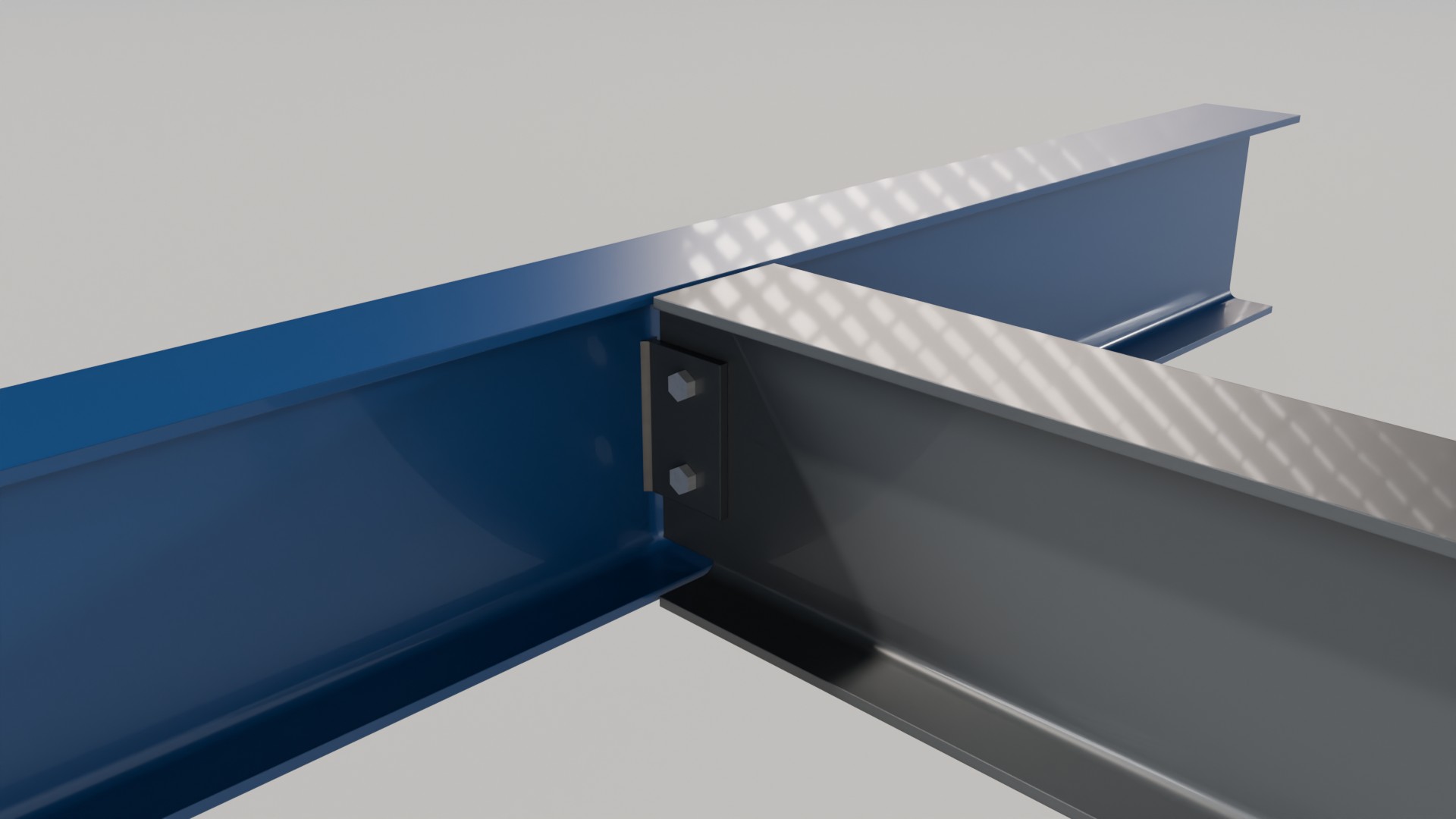
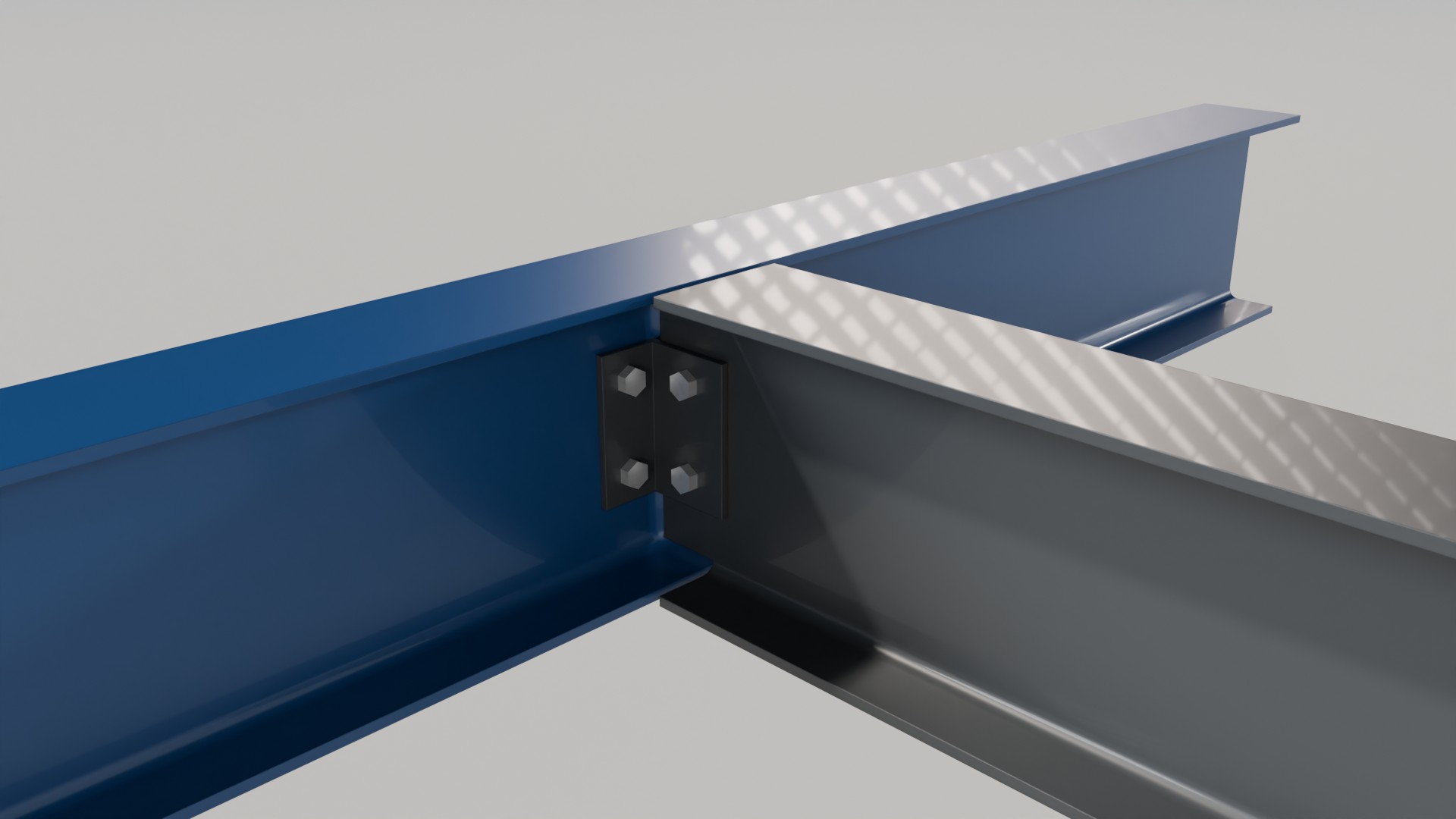
One menu on the beam switches the connection: end plate flush on the column, fin plate welded to the column and bolted to the web, or two cleats. Bolt rows, diameters, plate sizes and welds are all in the same modifier.
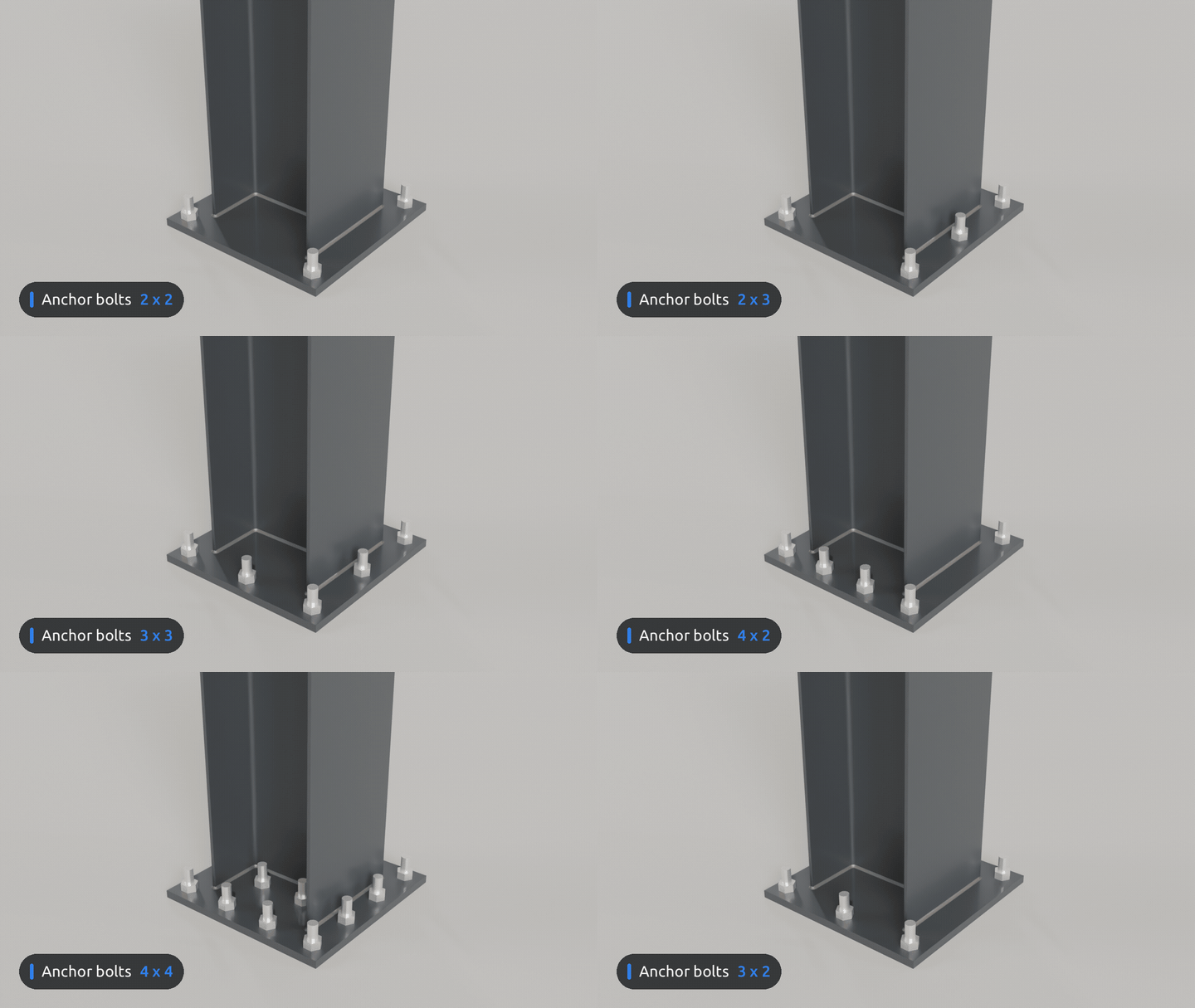

Columns stand on base plates
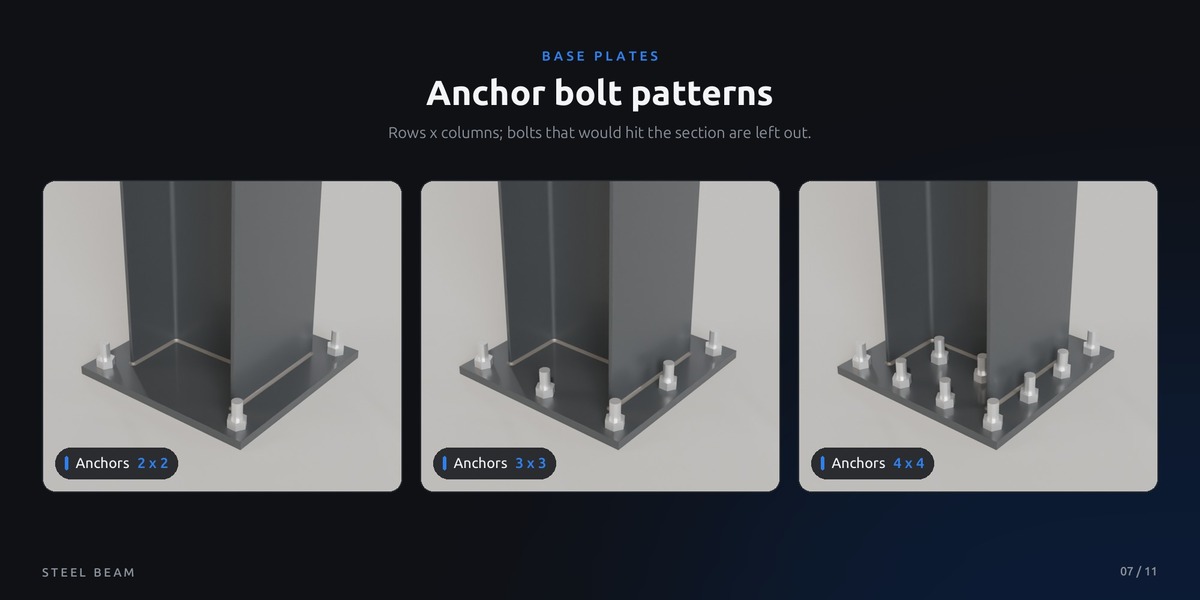
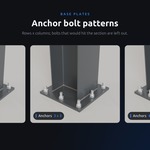
Every column foot gets a base plate with anchor rods, nuts and a fillet weld all around the section. Choose the anchor pattern, edge distance and plate margin; bolts that would hit the section are left out.
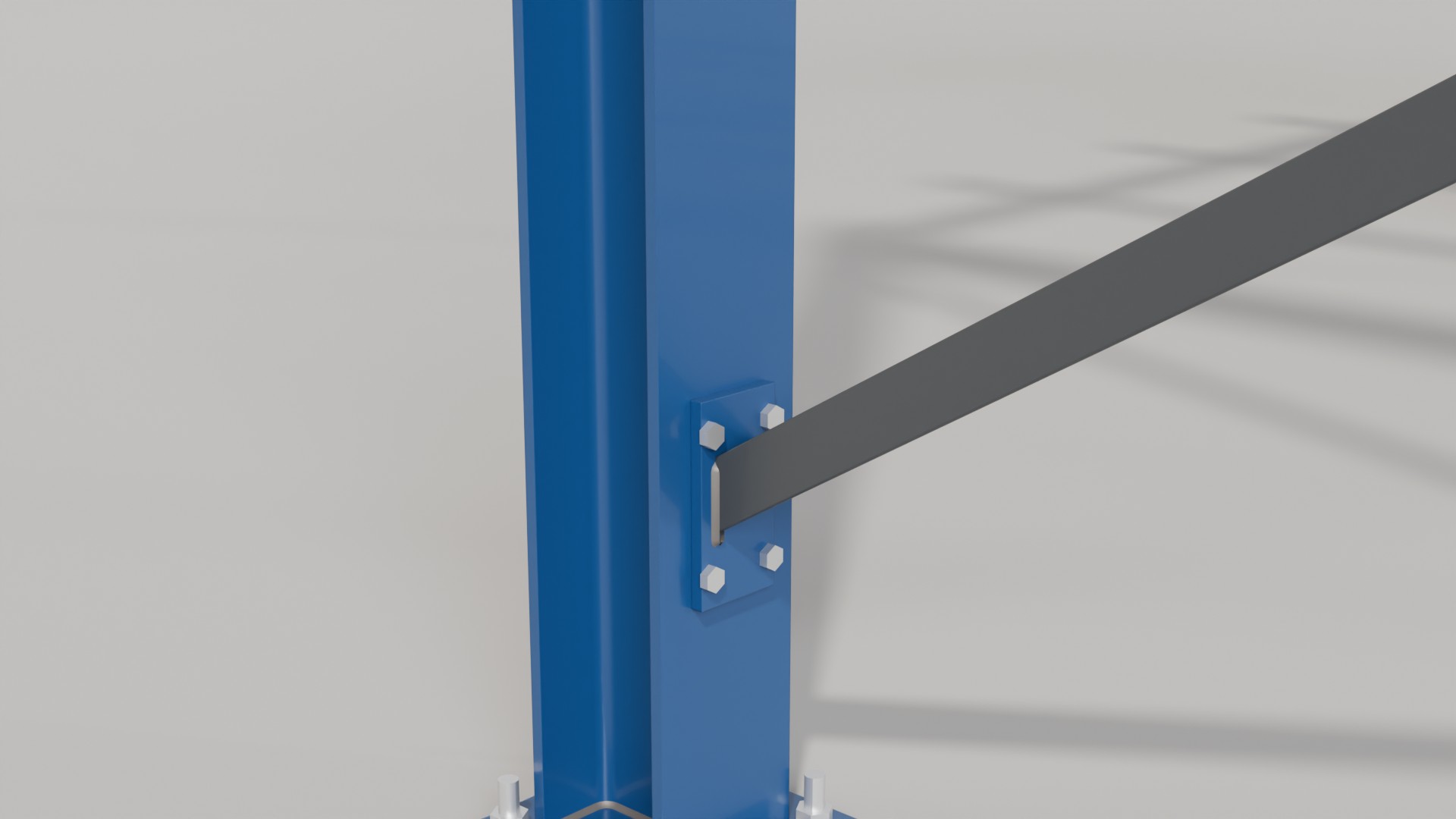

Bracing that sits right
Diagonal braces work the same way: snap, Connect To. The end is cut parallel to the member it meets, so plate, bolts and weld sit flat on the flange, at any angle up to 60 degrees.
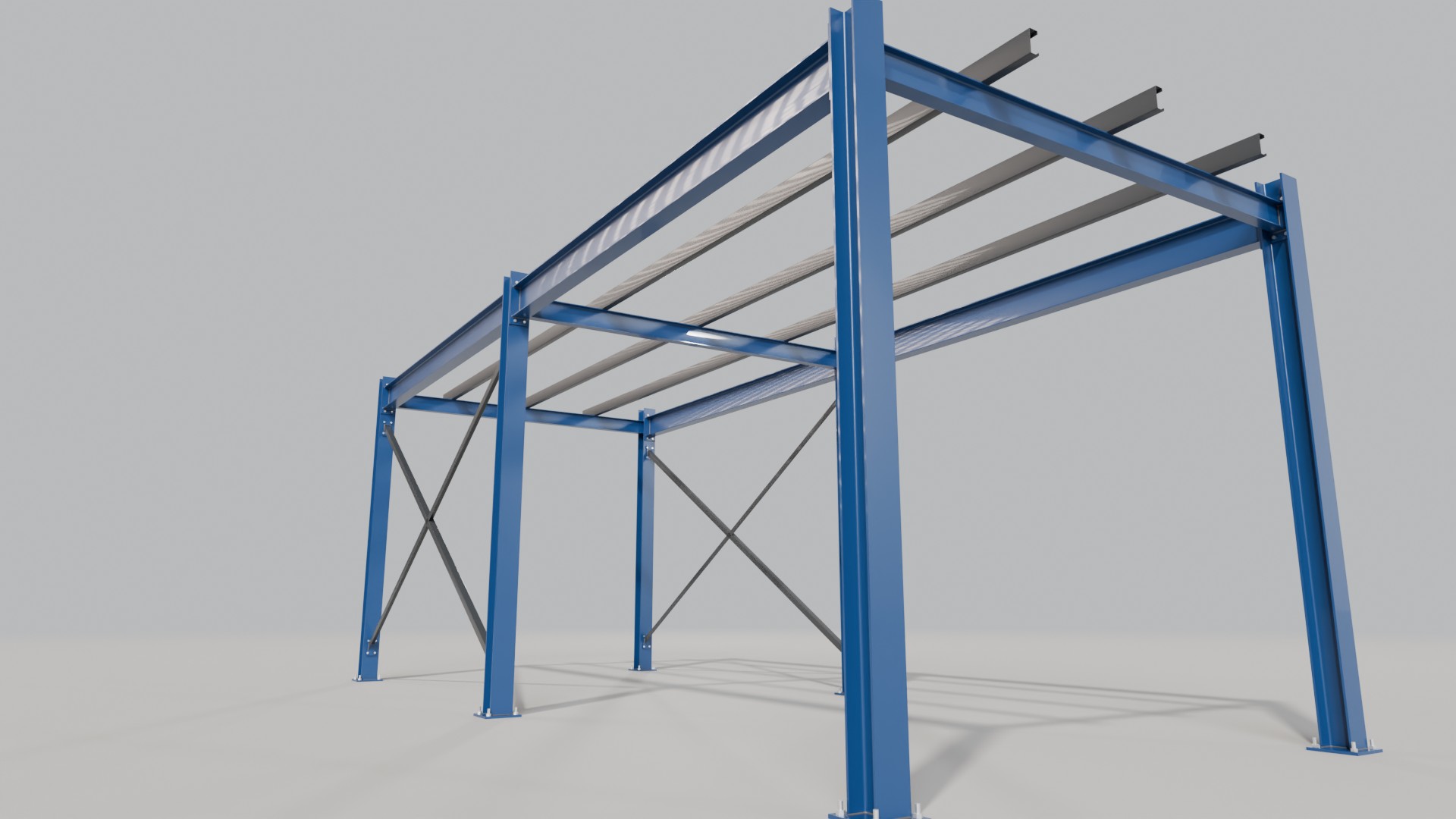

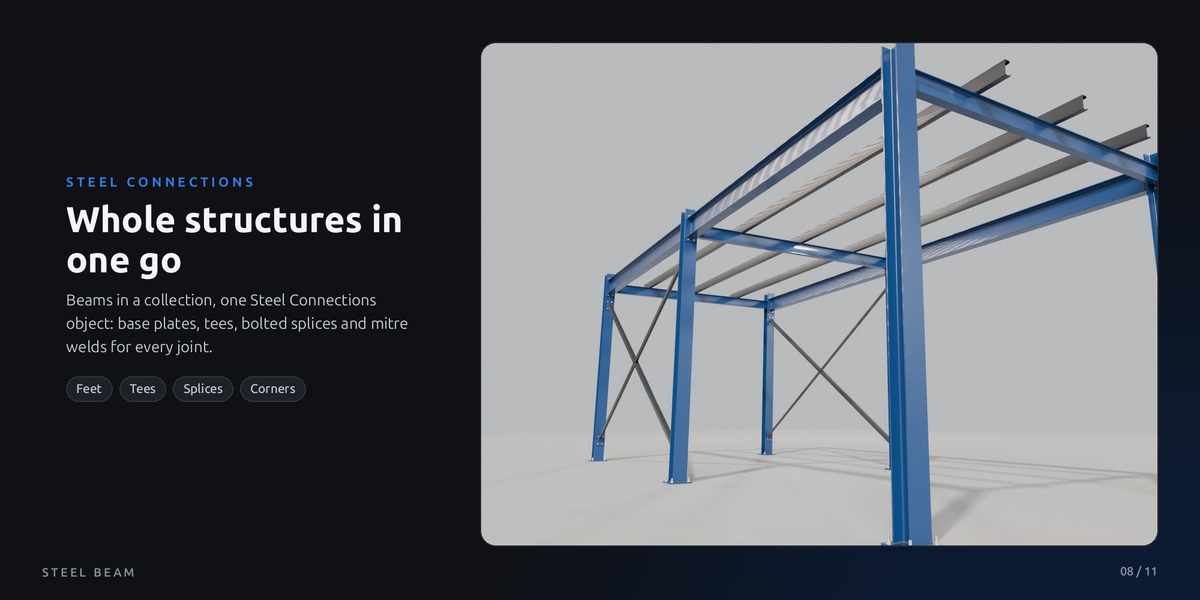
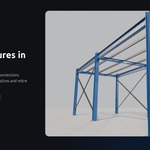
Whole structures in one go
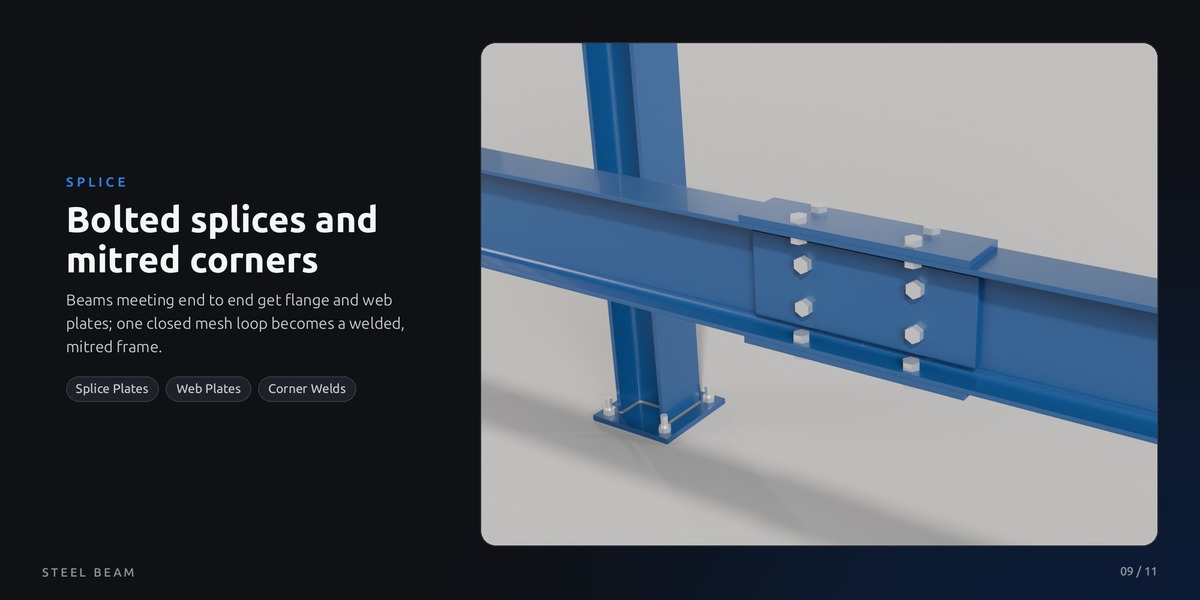
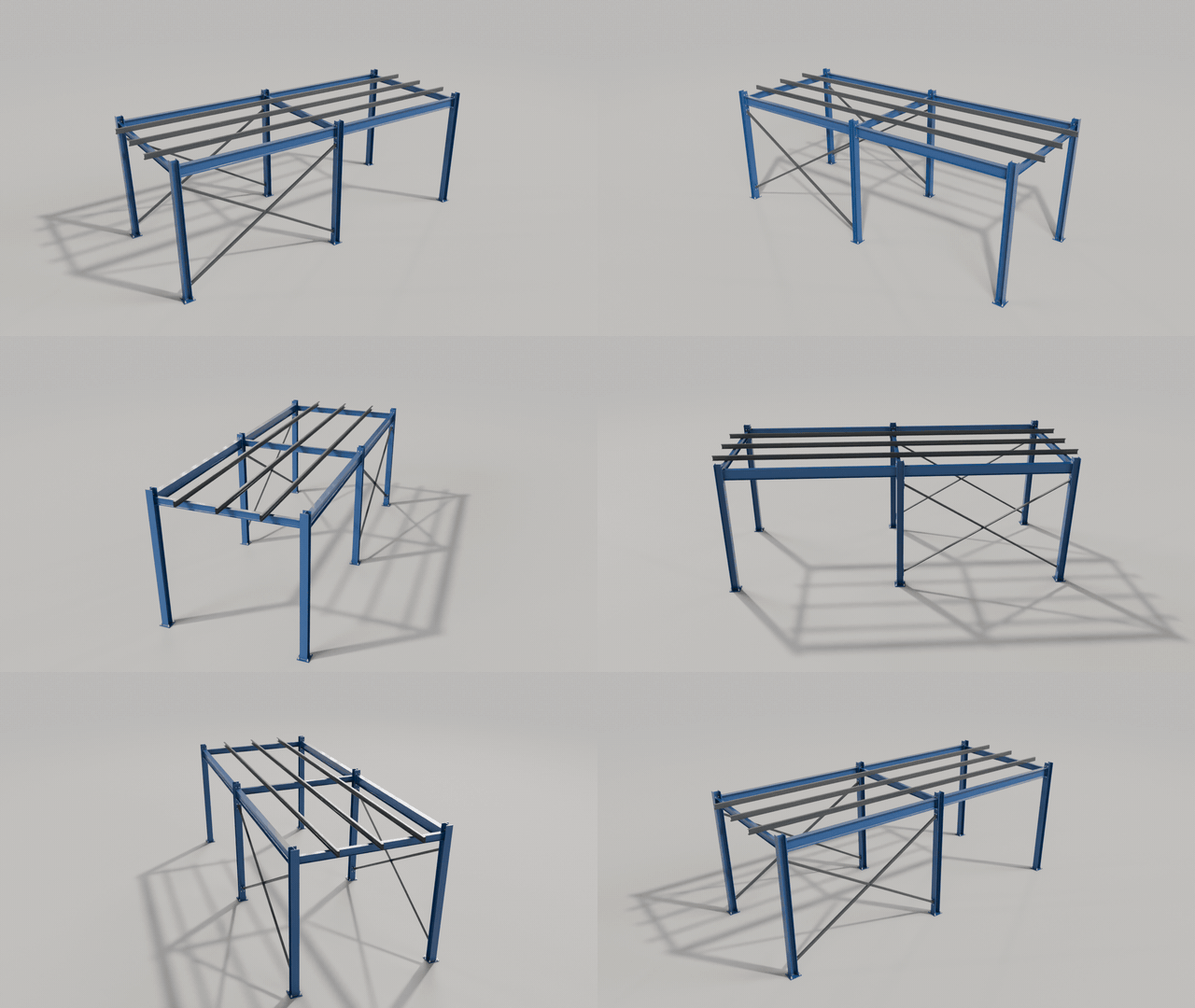
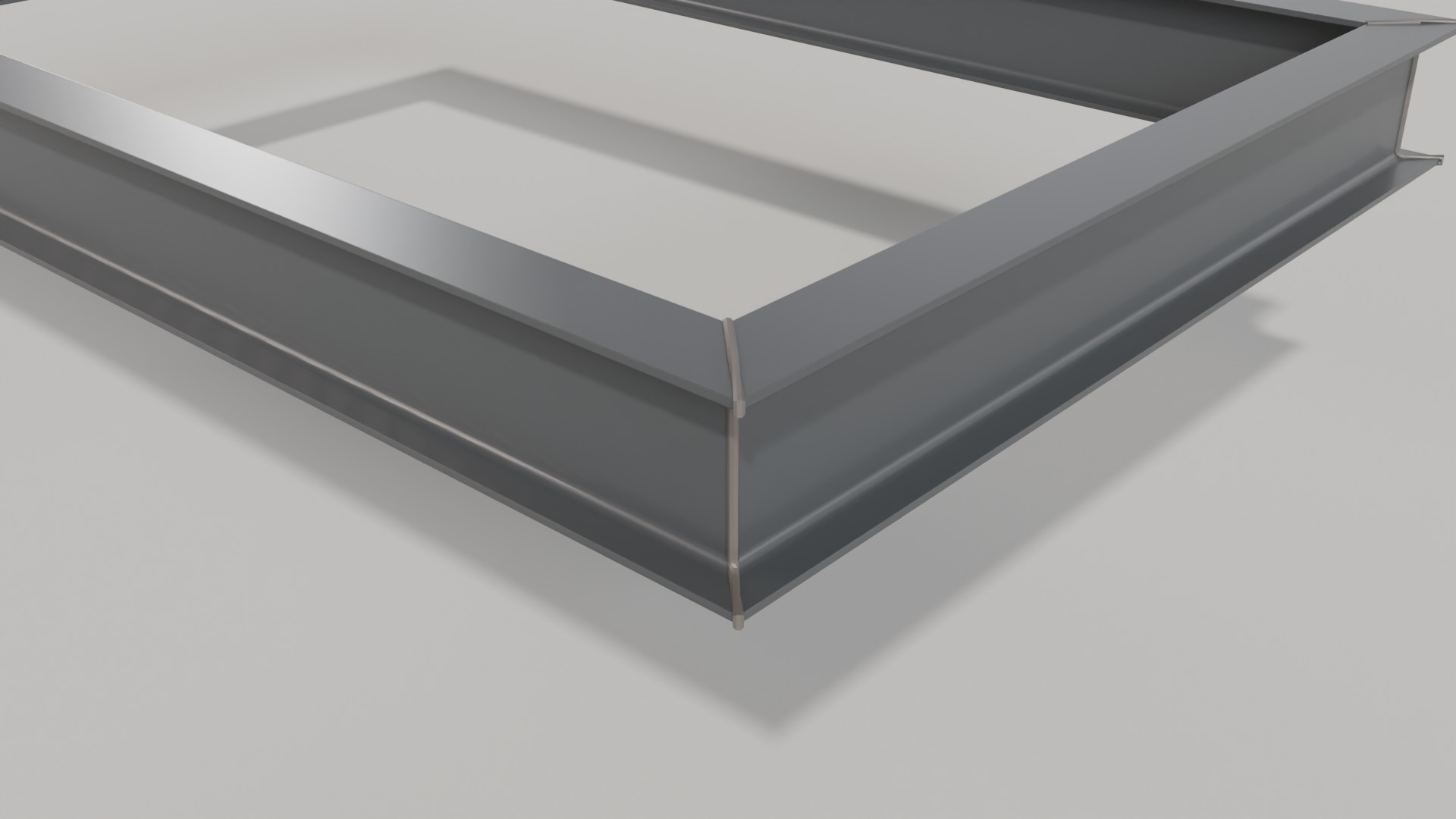
For big structures put the beams into a collection and add one Steel Connections object: it finds every joint and builds base plates, end plates, fin plates or cleats, bolted splices and welds along mitred corners. Beams with their own Beam Connection are skipped, so both ways mix.
Built like the real thing
Every part is real geometry with even UVs and its own material, ready for close-ups.








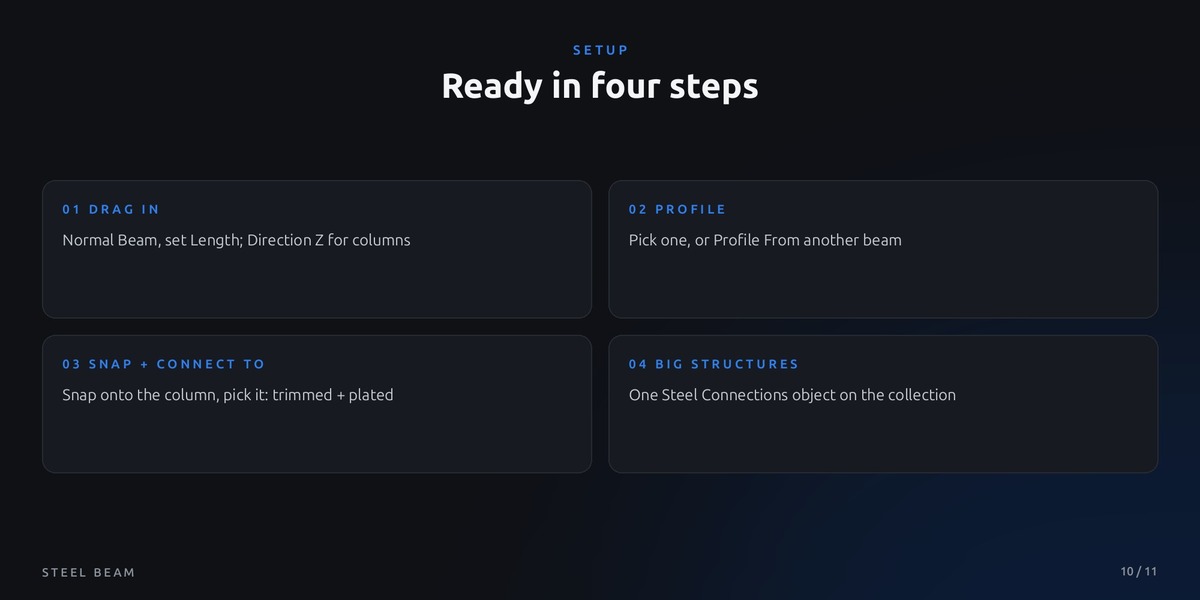
Ready in four steps
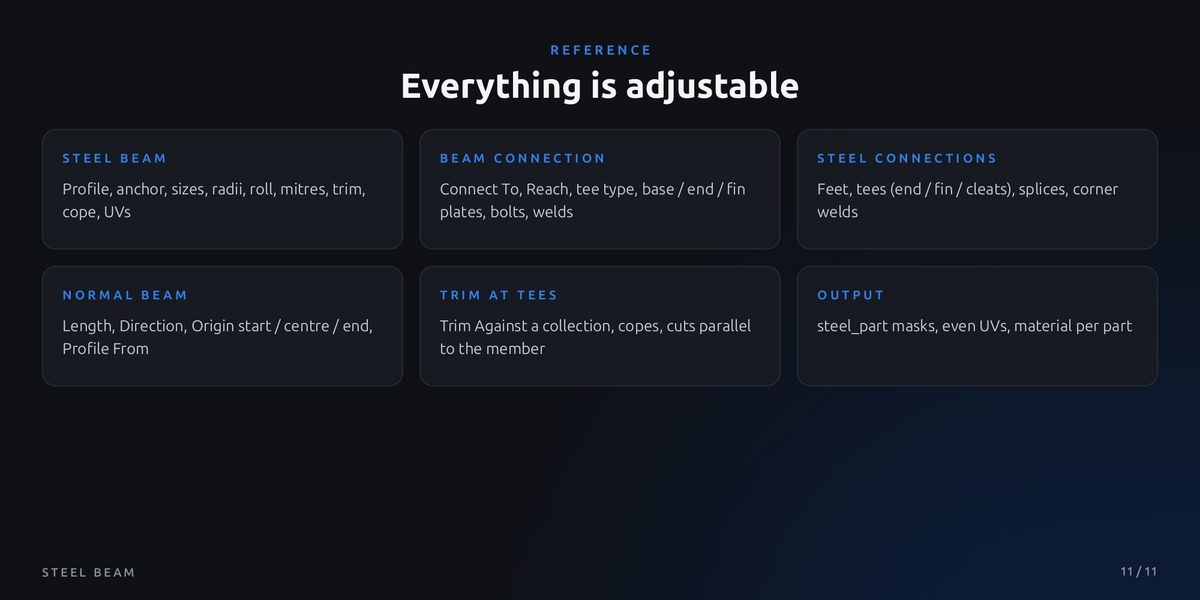
All parameters
Normal Beam object asset: straight beam, 14 profiles, origin at the start, base plates on columns
Demo scene: braced frame, all profiles, base plates, bolt patterns, portal frame, fin plates, cleats, mitred frame, Beam Connection examples
Quick start guide (README) with the connection workflow and known limits
No add-on, pure Geometry Nodes
Self-contained, no external files