Steel Beam Construction Generator
 Henrik Uhrmann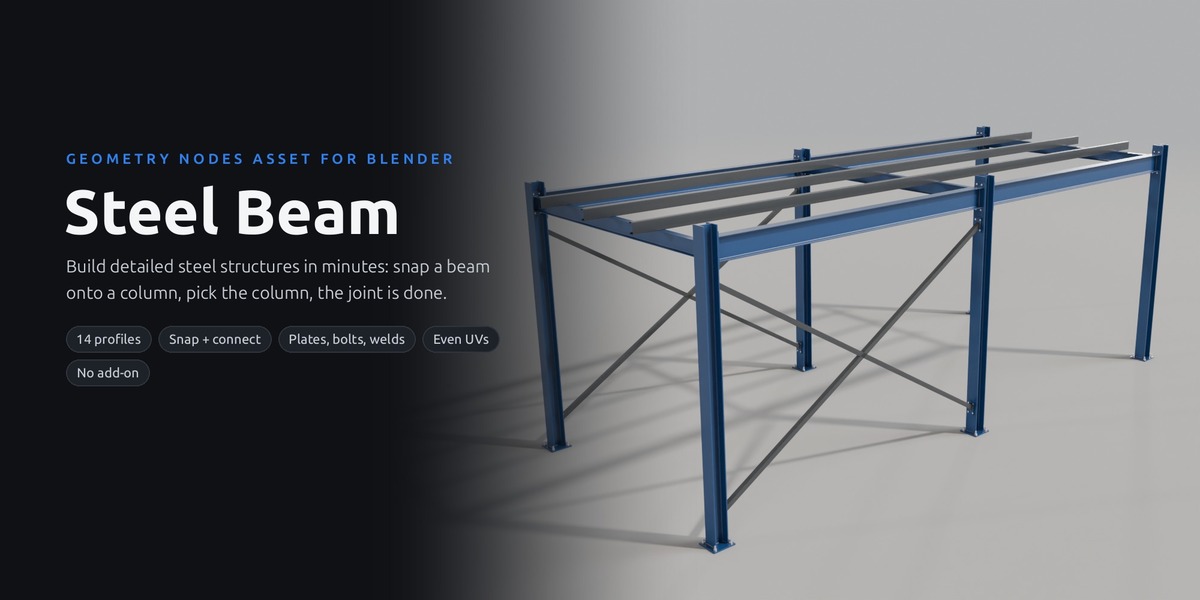








Are the profiles real standard sizes?
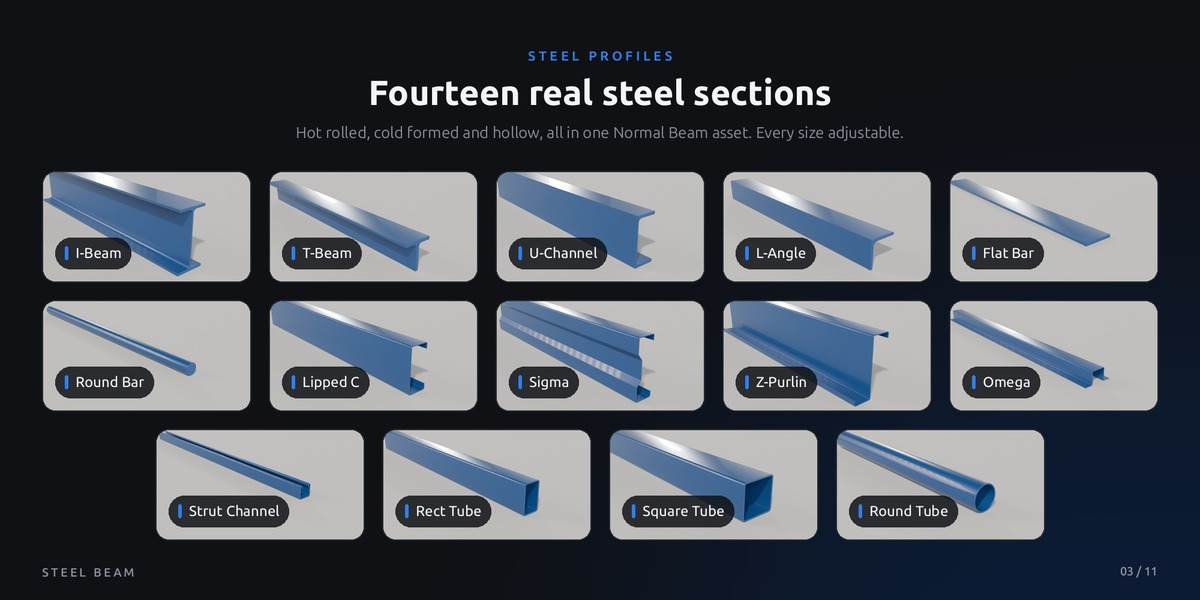
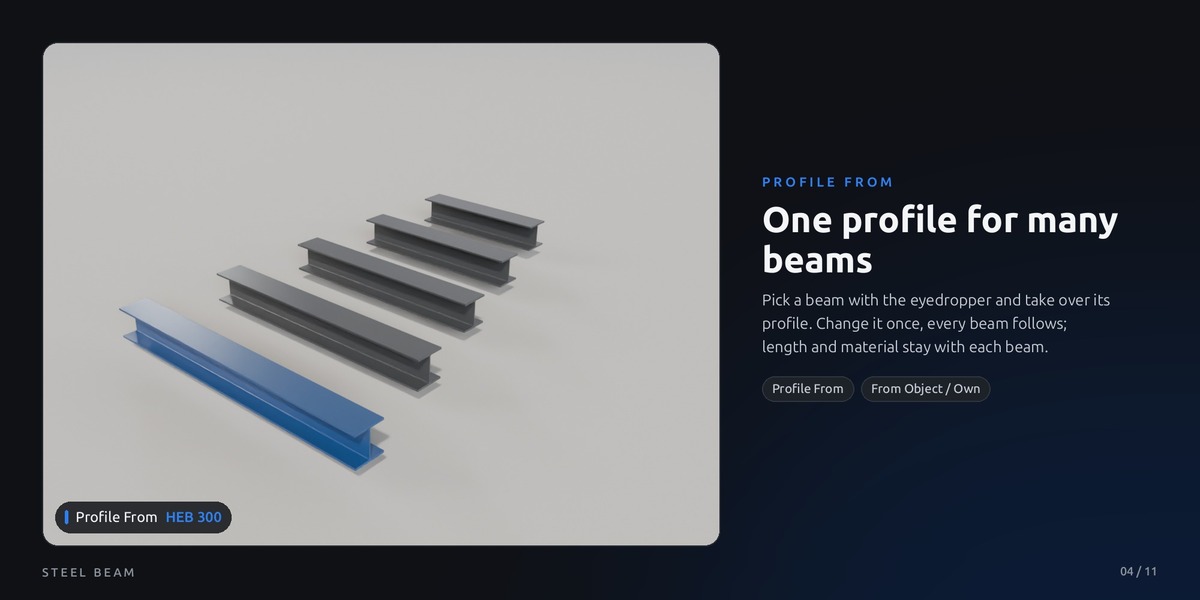
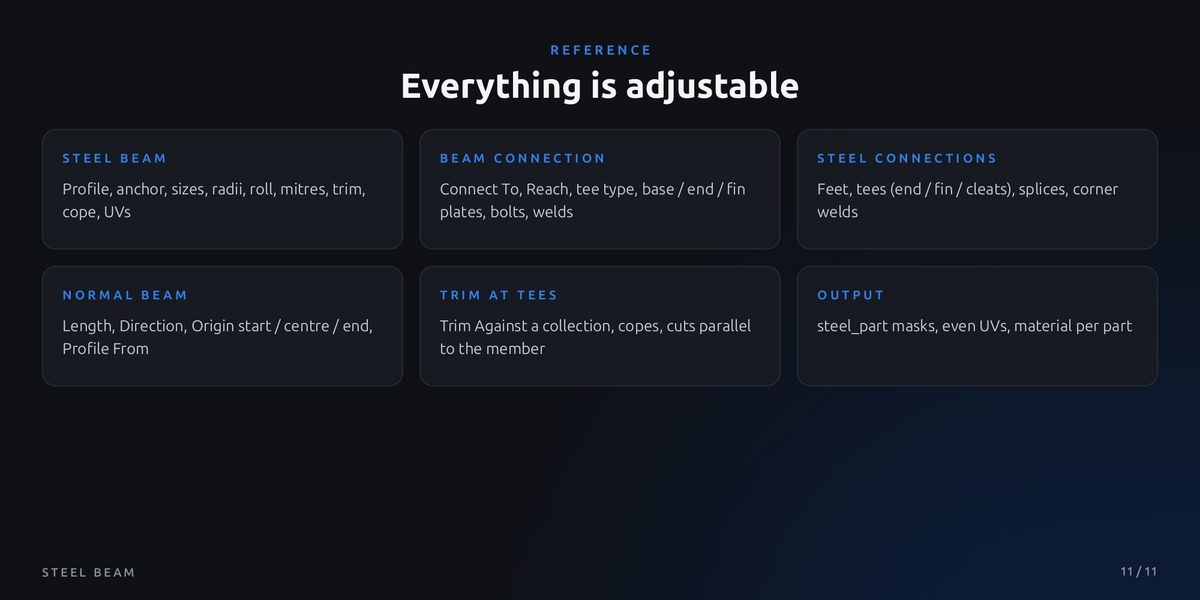
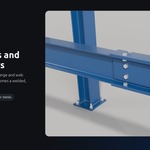
he 14 profile types follow real steel sections, and every size (height, width, thicknesses, radii) can be set freely, so you can enter the values of the section you need. It is a modelling and visualisation tool, not a structural design tool.
How do I connect a beam to a column?
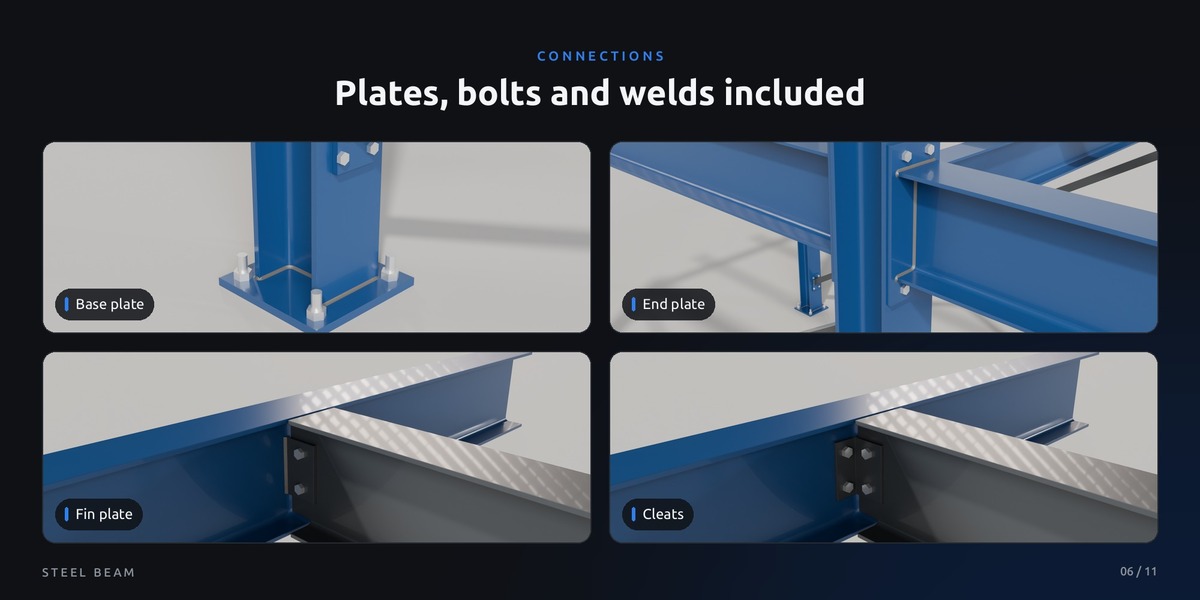
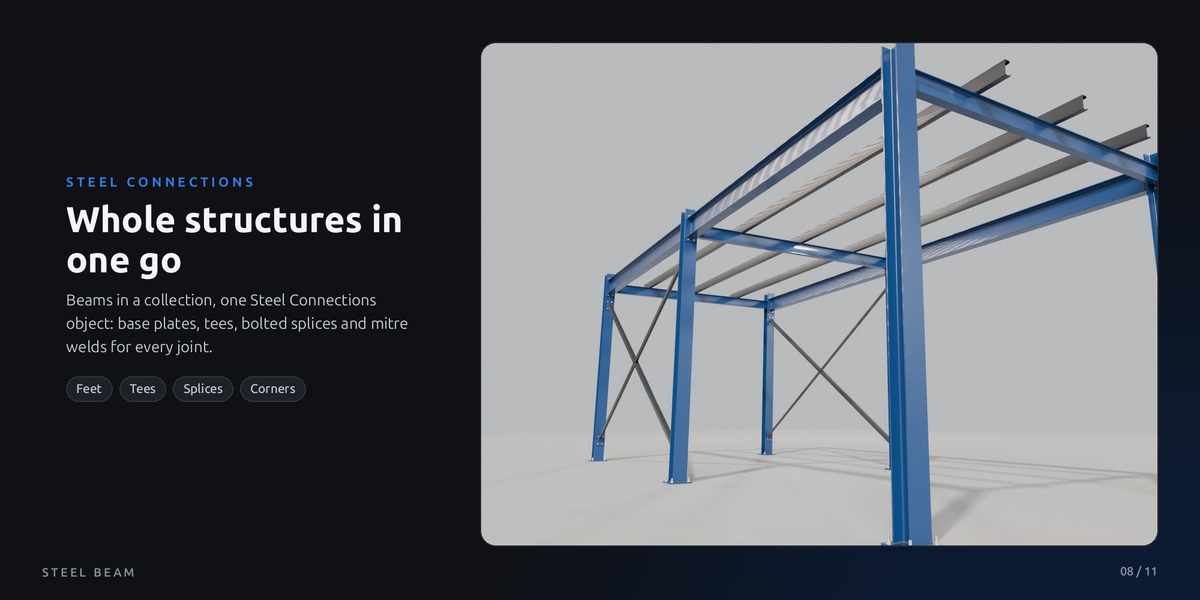
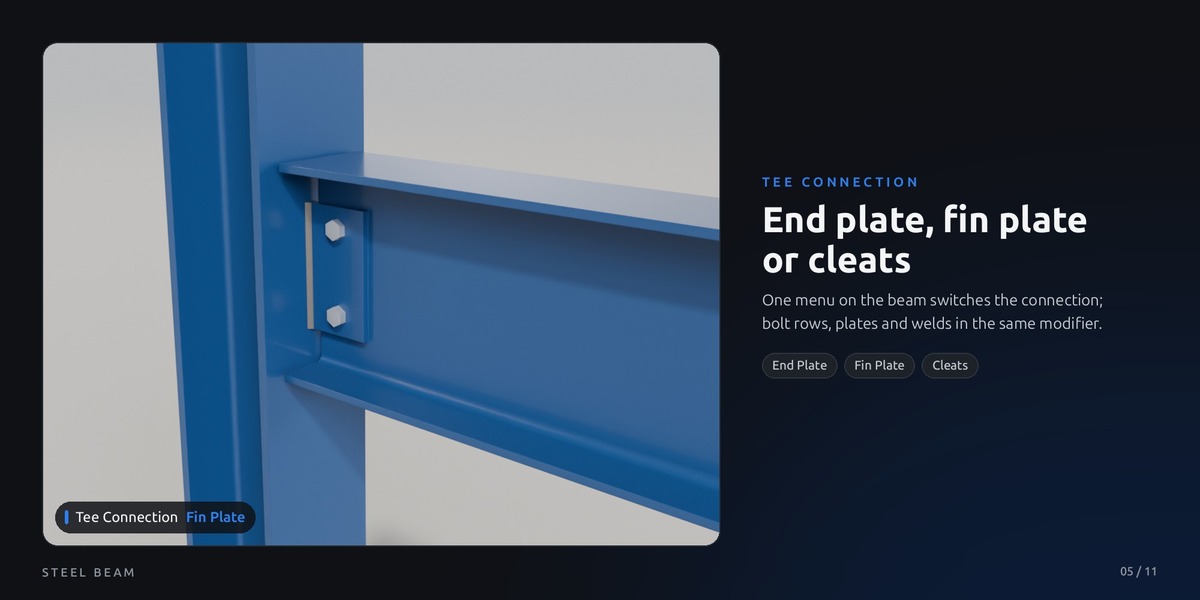
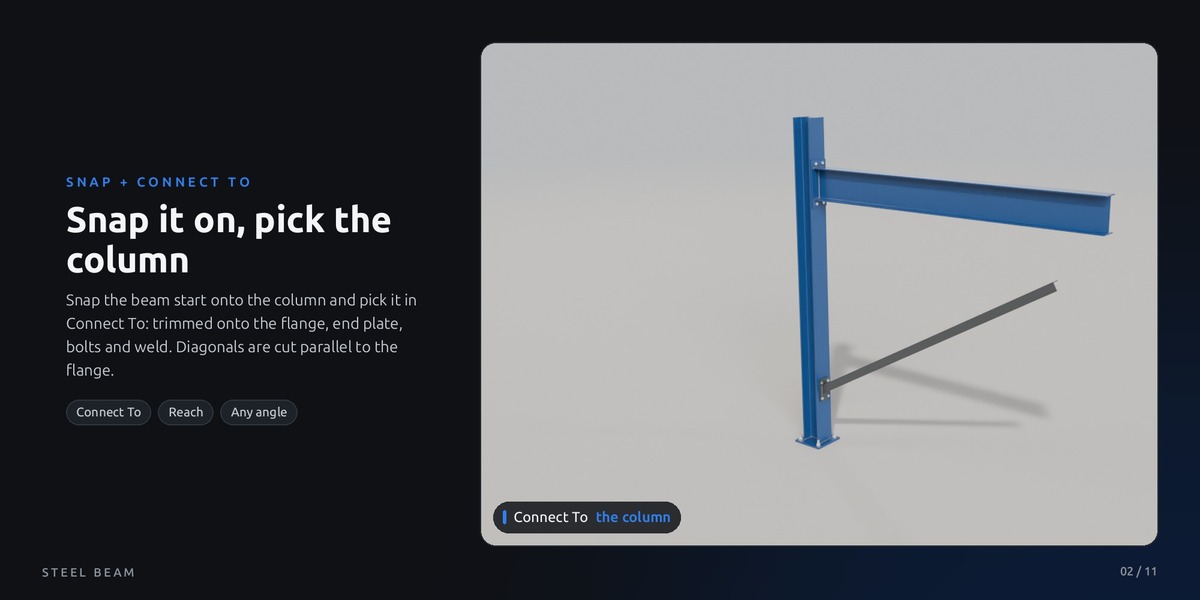
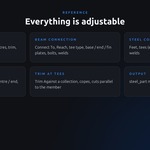
Snap the beam start onto the column, then pick the column with the eyedropper in Beam Connection > Connect To. The end is trimmed onto the column surface and gets an end plate, fin plate or cleats with bolts and welds.
How do I start?
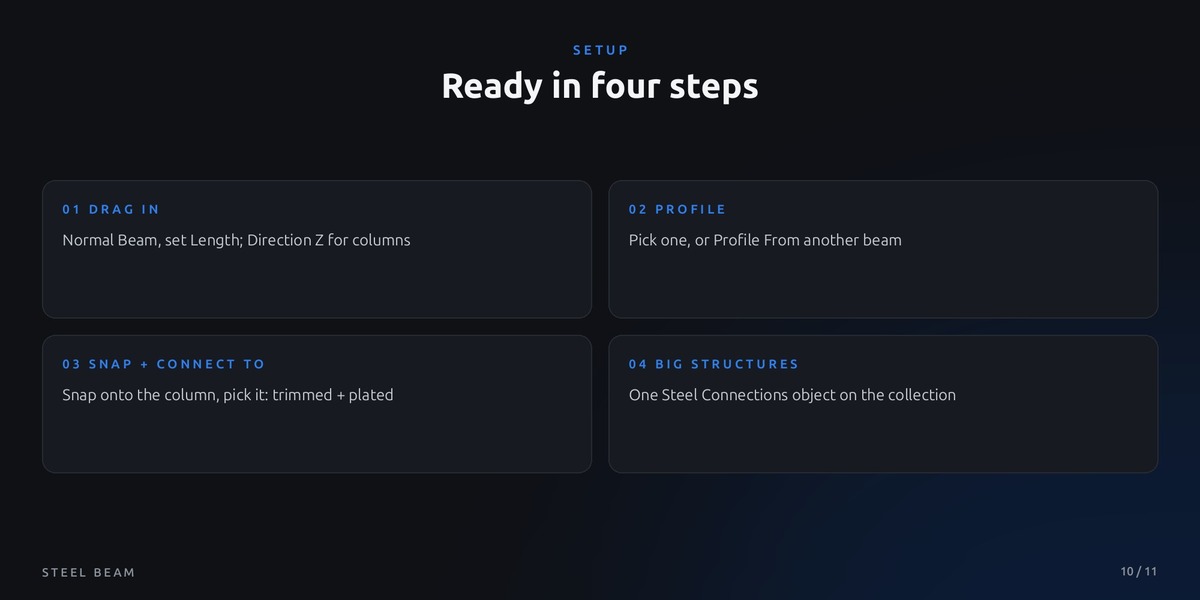
Add the unzipped folder as an asset library (Edit > Preferences > File Paths > Asset Libraries) and drag the Normal Beam from the Asset Browser into your scene. Or open Steel Beam.blend: the demo scene shows every feature.
Which Blender version do I need?
Blender 5.2 or newer. It is a pure Geometry Nodes asset, no add-on to install.
$8$6.40
Have questions about this product?
Login to message
| Published | 3 days ago |
| Blender Version | 5.2 |
| Render Engine Used | Cycles, Eevee |
| License | Royalty Free |
Discover more products like this
procedural geometry nodes steel profiles industrial steel construction steel beam steel structure