 Skava
Skava
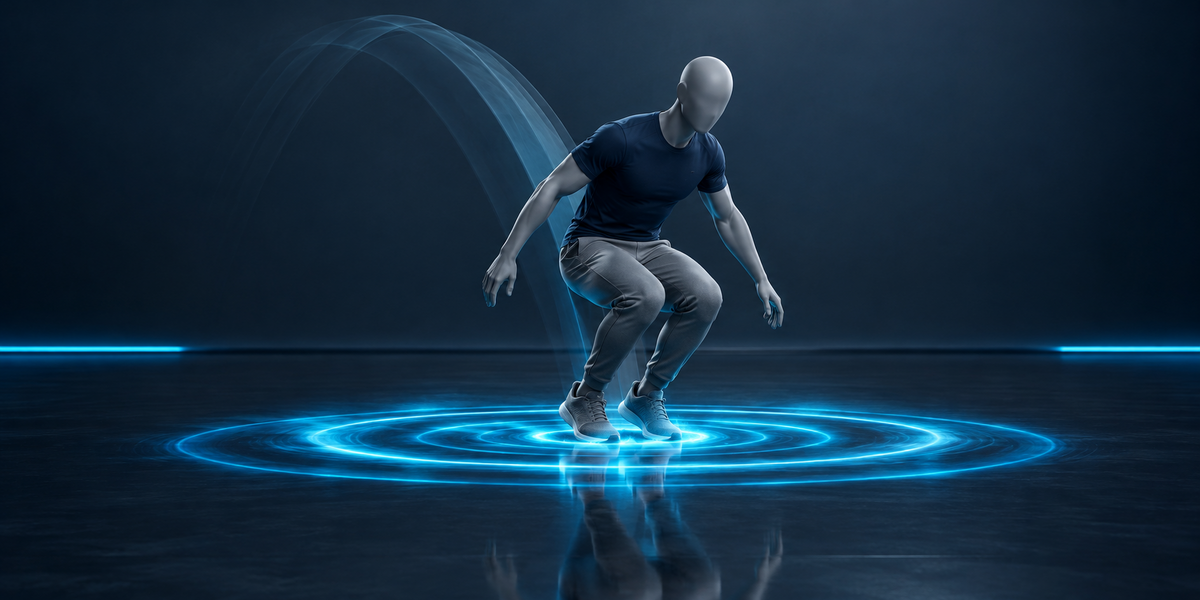
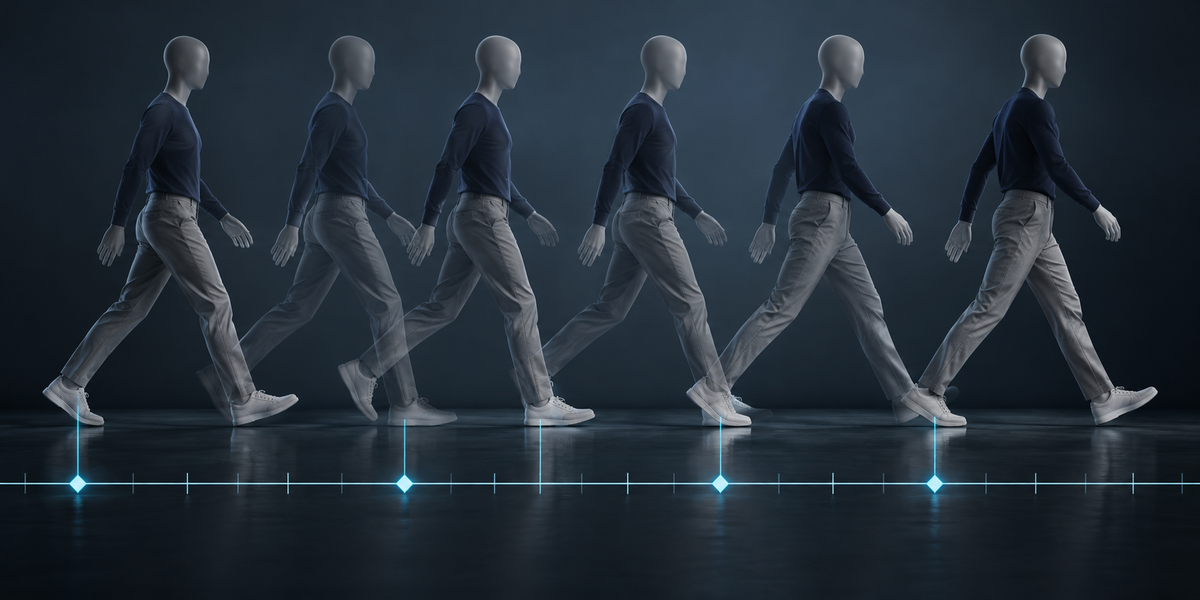
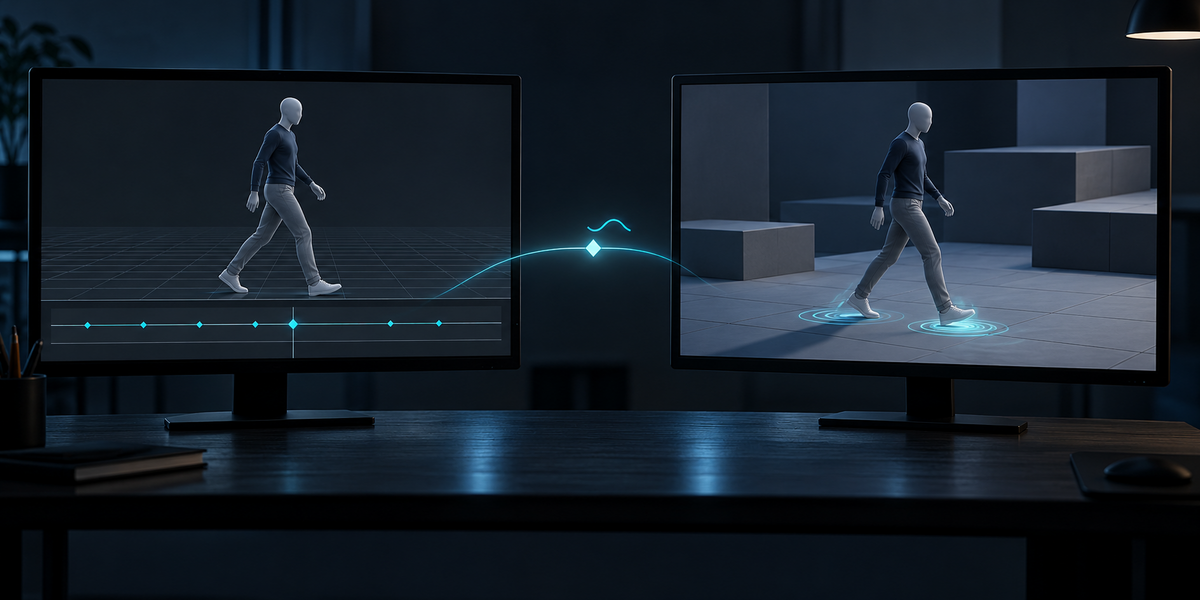
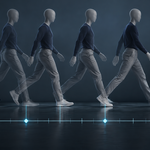
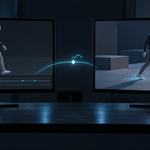
Every footstep and landing in your animations, found automatically and written into Unity's import settings as animation events and foot contact curves — then checked in the engine: at each event, the foot really is on the ground.
Placing footstep events by hand means scrubbing every clip of every character, frame by frame, in Unity's import inspector — and doing it again whenever the animation changes. StepSync reads each action in Blender, finds the moments the feet (or paws) meet the ground, and writes them where Unity reads them.
What you get
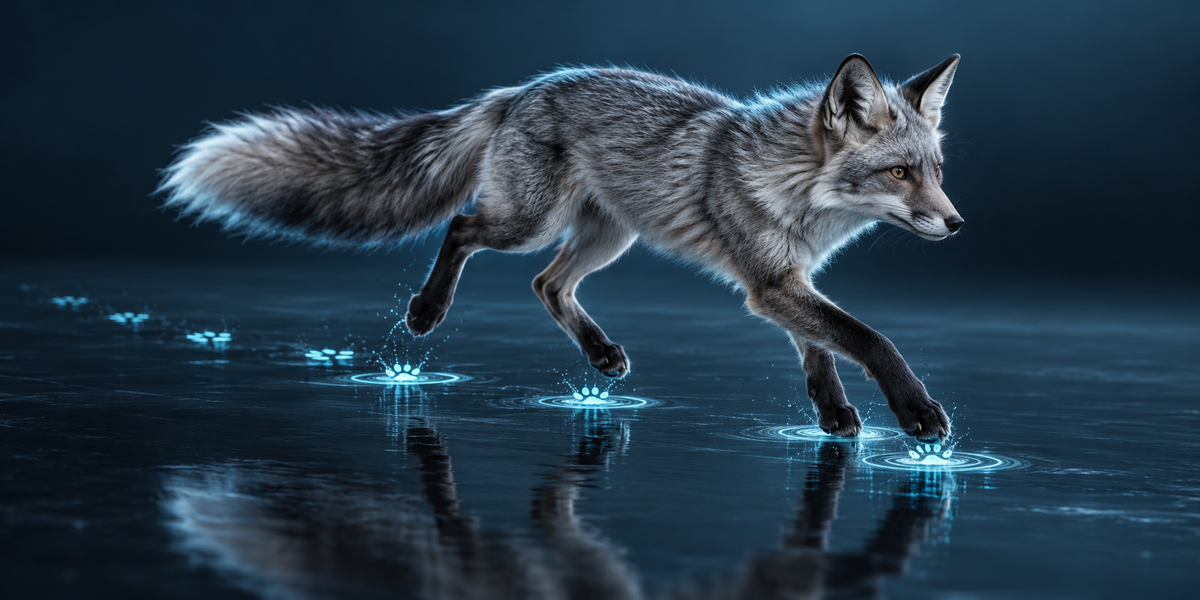
- Feet found from the skin — any rig, any bone names, two feet or four paws; a skeleton with no mesh works from its bones.
- Footsteps that hold up on real animation — walked in place or travelling, heel to toe, sloped mocap floors, sliding game animations.
- Markers in Blender — SS_Left_plant, SS_Right_lift, SS_Body_land on every action; your own markers stay.
- Unity in one click — OnFootstep and OnLanding events with the foot's name and impact speed, plus a 0/1 contact curve per foot for foot IK, written into every clip of the FBX; a receiver component for sounds and UnityEvents.
Measured in Unity 6
- Six sets of animation — the UE5 mannequin, CesiumMan, a galloping fox, and CMU motion capture of walking, running and hopping: every event landed in its clip at the right time (0.0 ms off).
- At 79% of the footstep and landing events the foot had just come down onto the floor; with the same events shifted in time, 12%. Steps stay on the same pose (0.0 mm) when a clip is trimmed in Unity, and a blend of clips gives no doubled or missing footsteps.
Blender 4.2 to 5.2, tested in Unity 6. No AI, no cloud, no account.