StepSync — Footsteps and Foot Contacts From Your Animations, Into Unity, Checked in the Engine
 Skava
Skava
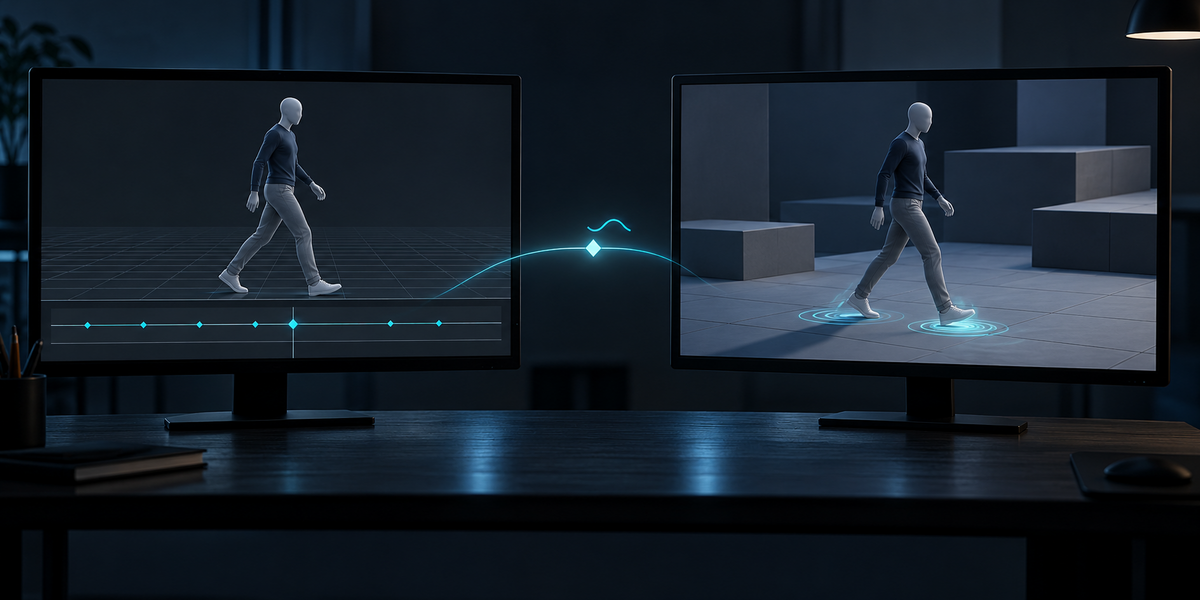
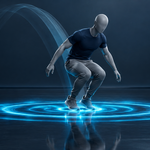
StepSync
v1.0.0 · Blender 4.2 LTS and later (tested on 4.2.9 and 5.2.2) · Unity 6 (tested; the scripts use no Unity 6-only calls, but 2022.3 was not tested) · Windows / macOS / Linux
1. What it does
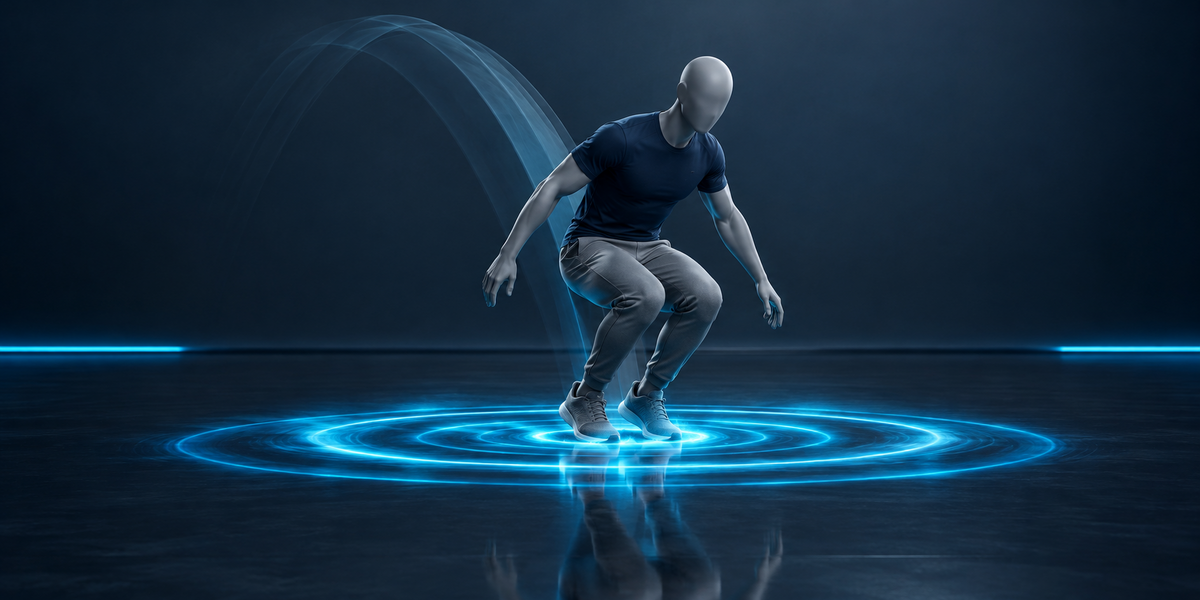
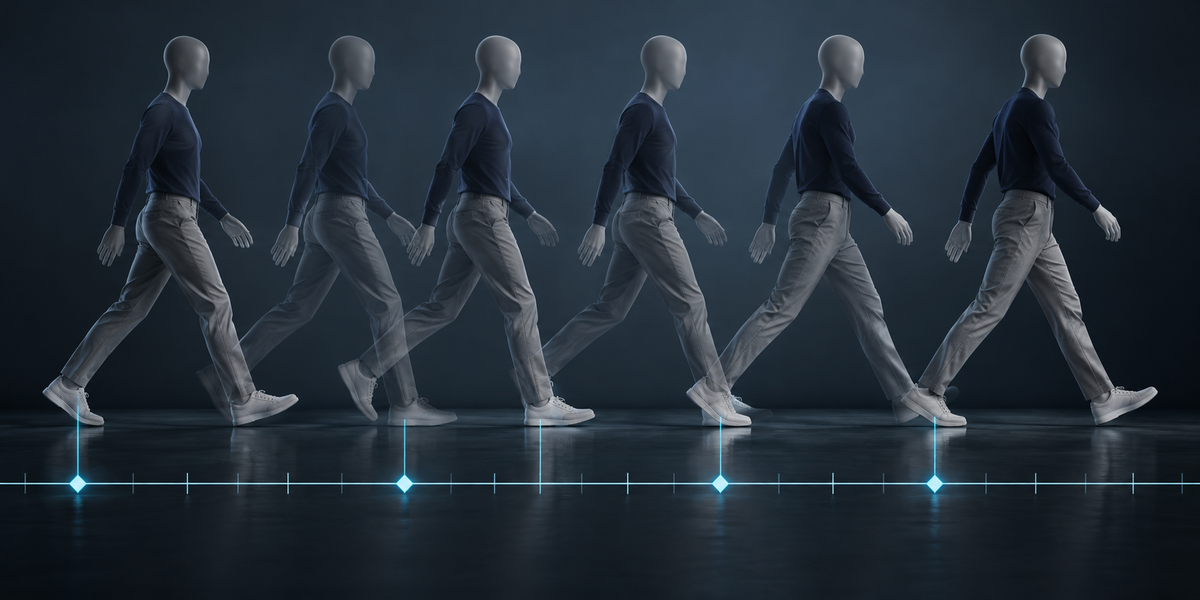
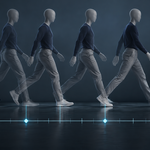
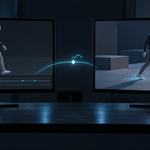
StepSync finds every footstep, lift and landing in your character's animations and puts them where you need them: as pose markers in Blender, and in Unity as animation events (OnFootstep, OnLanding) and a contact curve per foot, written into the import settings of every clip of the FBX.
2. Installing
Edit, Preferences, Add-ons, the arrow in the top right corner, Install from Disk, pick the zip, tick the checkbox. The panel is in the 3D Viewport sidebar (N), tab StepSync.
3. Quick start
- Select the character's armature (or a mesh skinned to it) and press the eyedropper next to the Armature field.
- Press Find Steps. The panel lists the feet it found and the footsteps in each action; markers SS_Left_plant, SS_Left_lift, SS_Body_land… appear in each action.
- Choose a folder under Unity and press Export for Unity: <armature>.steps.json, a StepSync folder with two scripts and, with Also Export FBX on, the character as FBX with its actions.
- In Unity, copy the folder into Assets, select the FBX in the Project window and choose Tools > StepSync > Apply Steps To Selected Model.
- Add StepSyncReceiver to the GameObject with the Animator: footstep and landing sounds, and UnityEvents with the foot's name and how fast it came down.
4. Settings
- Landings — also mark the moment the character lands after being off the ground.
- Landing After — how long every foot must be off the ground for the next contact to be a landing (default 0.18 s). A run's stride is in the air for about a tenth of a second and stays a footstep; lower the value if you want running strides to be landings too.
- Every Nth Frame — read every frame, or every second, third… on long clips. Footsteps then fall on the frames that were read.
- Unity Scripts — write the importer and the receiver with the export; once per Unity project (two copies of the same scripts stop Unity compiling).
- Also Export FBX — the armature, its meshes and its actions through Blender's own FBX exporter. That exporter leaves out an action whose channels do not all belong to the armature; StepSync names such actions in a warning. If the armature follows a control rig (Rigify and similar), the FBX is not written — the exporter would bake the control rig's current pose into every take — and you export your own baked FBX; the steps file is written either way.
5. How the steps are found
Feet. The parts of the skin that touch the floor in the rest pose, grouped by the bone chain they hang on — a left and a right foot never merge, however close they stand. Skin that hangs from a bone starting high up (a robe or skirt hem near the floor) is not a foot. Each foot gets up to 40 sole points that ride rigidly on their bones, so every frame is read from the bones alone. The names Left/Right come from the bone names when they say so, otherwise from where the foot is; four or more feet are named Front/Back too. A skeleton with no mesh uses the ends of its lowest bones; the root bone and helper bones under it (UE's ik_foot_root) are not feet.
Floor. Followed along the clip, so a sloped or drifting motion-capture floor does not hide steps: the low end of the lowest foot within a second, and for each foot its own low end within two seconds (never more than 4% of the character's height above the common one, so a raised leg does not count).
Planted. A foot is on the ground when one of its sole points near the floor is (almost) not moving — the point it pivots on as it rolls from heel to toe. "Not moving" is measured against the ground: an animation walked in place moves its planted foot backwards like a treadmill belt, and that speed is found (the speed most low frames agree on) and taken away. A game animation's planted foot often slides; slower than a quarter of the foot's own swing speed still counts as planted. Contacts and gaps of a single frame are ignored.
Events. A footstep is the first frame of a contact, with the speed the sole came down at (m/s, from the scene's unit scale); a lift is the first frame after it. A landing is the first contact after every foot was off the ground for at least Landing After; it replaces the footstep on that frame, so one moment never plays two sounds. In a clip that loops (it ends in the pose it starts with), a footstep on the first frame counts when the foot was in the air just before the loop point, and nothing is counted twice on the seam.
Which actions. Every action whose bone channels mostly belong to this armature, or to a control rig that a good share of its bones follow. An action that plays on another armature (a second character with the same skeleton) and not on this one is left out, and so is the rig of a horse or a weapon that a single bone is attached to.
6. In Unity
- Events — OnFootstep on every footstep and OnLanding on every landing, with the foot's name as the string parameter and its downward speed (m/s) as the float parameter. StepSync's events carry a tag in the int parameter; re-applying and Remove Steps From Selected Model touch only those — your own events, even ones named OnFootstep, stay.
- Curves — StepSyncLeft, StepSyncRight… 1 while the foot is planted, 0 while it swings. Add an Animator float parameter with the same name and read it with animator.GetFloat("StepSyncLeft"), for example as a foot IK weight.
- Clips — a Blender action is matched to the clip whose take is named after it (Blender's FBX exporter writes Armature|Action; with two characters in one FBX, only this armature's takes). Times are measured from each clip's own first frame: a trimmed clip, or a take split into several clips, gets the steps that fall inside it. A take added since you set up the clip list is added as a clip. If nothing matches, the import settings are left as they were.
- StepSyncReceiver — plays a random sound from a list and raises onFootstep / onLanding. In a blend tree or a transition only the clip that weighs most at that moment gives footsteps (Heaviest Clip Only, on by default): a walk fading into a run does not double the steps, and a three-way blend still has them. Min Weight (off by default) ignores light clips as well.
7. Measured
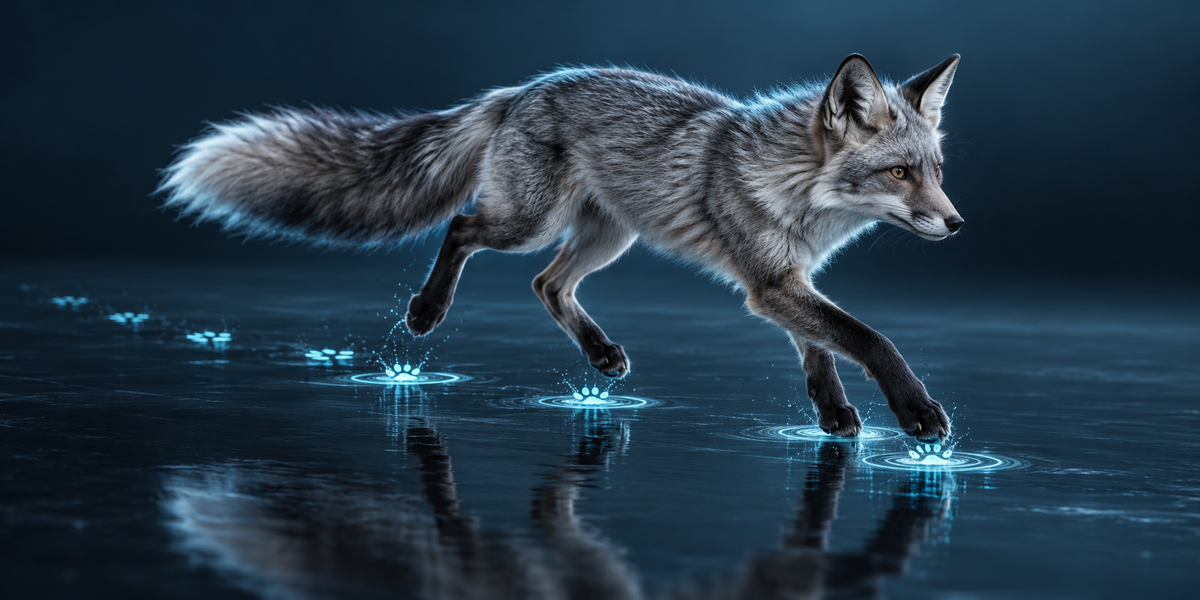
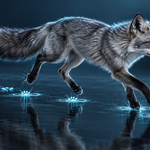
All in Unity 6 with the shipped importer and receiver, on six sets of animation: the UE5 mannequin (walk, idle, two attacks), CesiumMan's walk, a fox's walk, run and survey, and CMU motion capture of a walk, a run and a series of hops (the last three skeletons have no mesh).
- In the clips — every event written into its clip, at the right time: 0.0 ms off on all six.
- At the ground — at each footstep and landing the clip was sampled in Unity and the foot measured on the deformed mesh (on the ankle for the mesh-less skeletons): did it just come down onto the floor? Mannequin 9 of 9, CesiumMan 2 of 2, CMU run 3 of 3, CMU hops 23 of 30, the fox 6 of 9, CMU walk 2 of 4 — 79% in all. The same events shifted in time: 12%.
- Trimmed clips — the first 30% of a clip cut off in Unity, the steps applied again: on all six, every step inside the trimmed clip was written and fell on exactly the same pose as before (0.0 mm). Counted as a share of the whole take instead, the same steps would be 13 to 486 mm off.
- Your own events — an OnFootstep placed by hand survived Apply, a second Apply (no doubled steps) and Remove, on all six; with no matching clip the import settings were left untouched.
- Blends — the receiver on an Animator mixing copies of a clip: 50/50 and 45/45/10 gave exactly as many footsteps as the clip alone (five sets; CesiumMan's clip fires no events under an Animator in batch mode, so it was not counted). The earlier rule (ignore clips under half weight) gave double the steps at 50/50 and none at 45/45/10.
- Contact curves — where the foot was within 1% of the character's height of the floor, the curve averaged 0.95–1.0; where it was more than 4% above, 0.0–0.03.
8. Limits
- Unity only in this version. The steps file is plain JSON (clip, frame, share of the clip, foot, speed) for any other engine.
- A footstep is the frame the foot reaches the floor in the animation. A foot that slides hard while planted (common in game animation) can be marked a frame or two early or late; the fox's gallop shows it.
- Feet are found from the rest pose: a character that stands on its toes, or a rest pose lifted off the floor, may give fewer feet than it has. Hands that touch the ground are not tracked in this version.
- Markers are written into the actions themselves (named SS_…); Remove Markers takes away exactly those.
9. Changelog
v1.0.0 — first release.
Have questions about this product?
Login to message
| Published | 1 day ago |
| Blender Version | 4.2 - 5.2 |
| Extension Type | N/A |
| License | GPL |
Discover more products like this
contacts foot ik game development unity game ready markers mocap Export Footsteps character animation animation events sound