 bhdesign
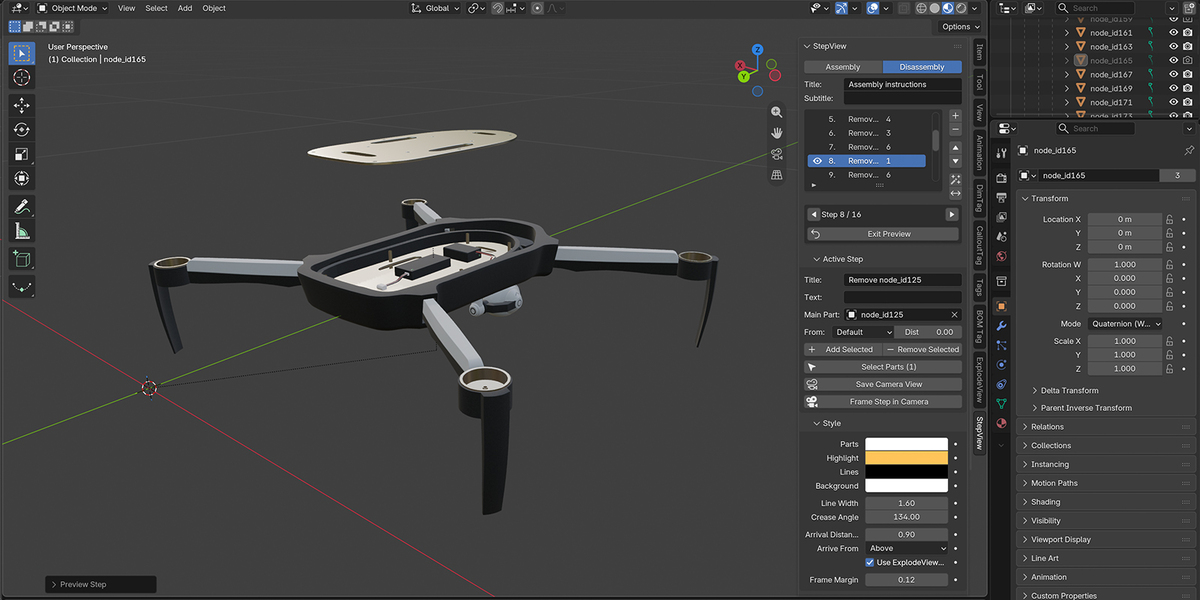
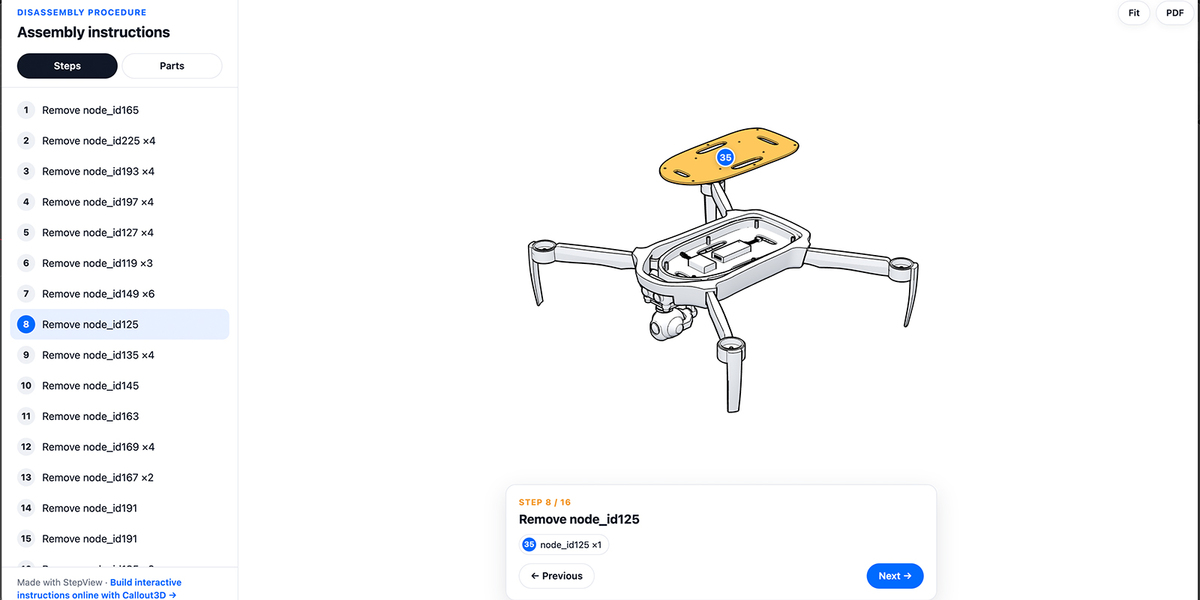
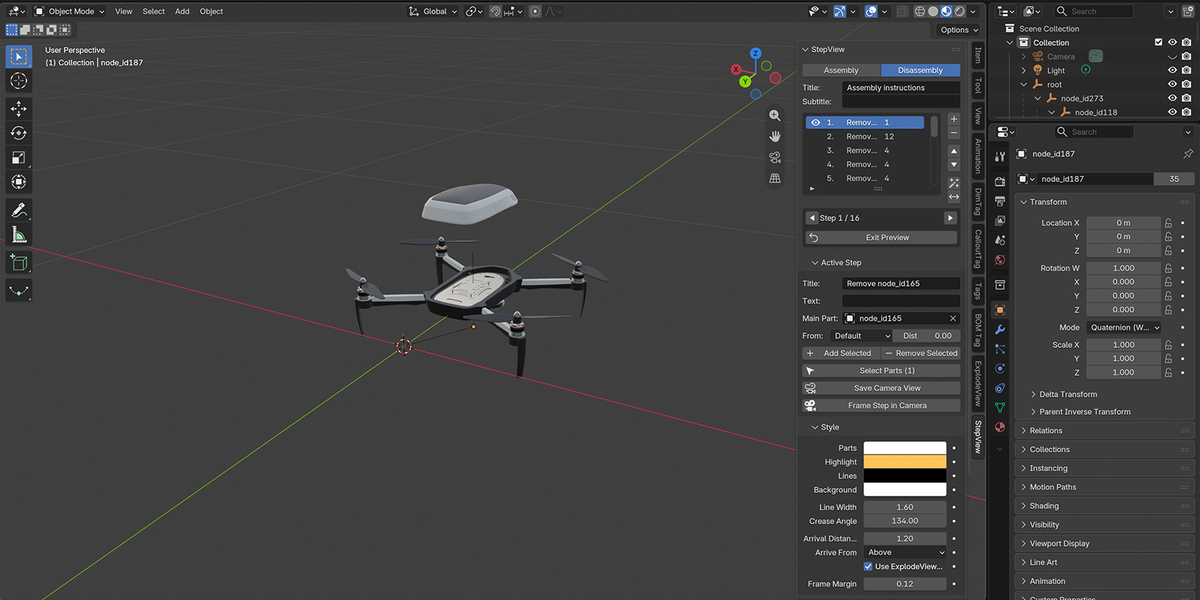
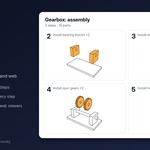
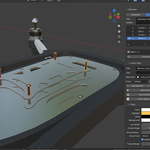
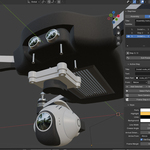
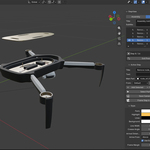
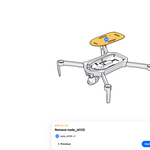
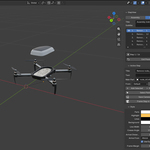
Turn any Blender assembly into step-by-step instructions.
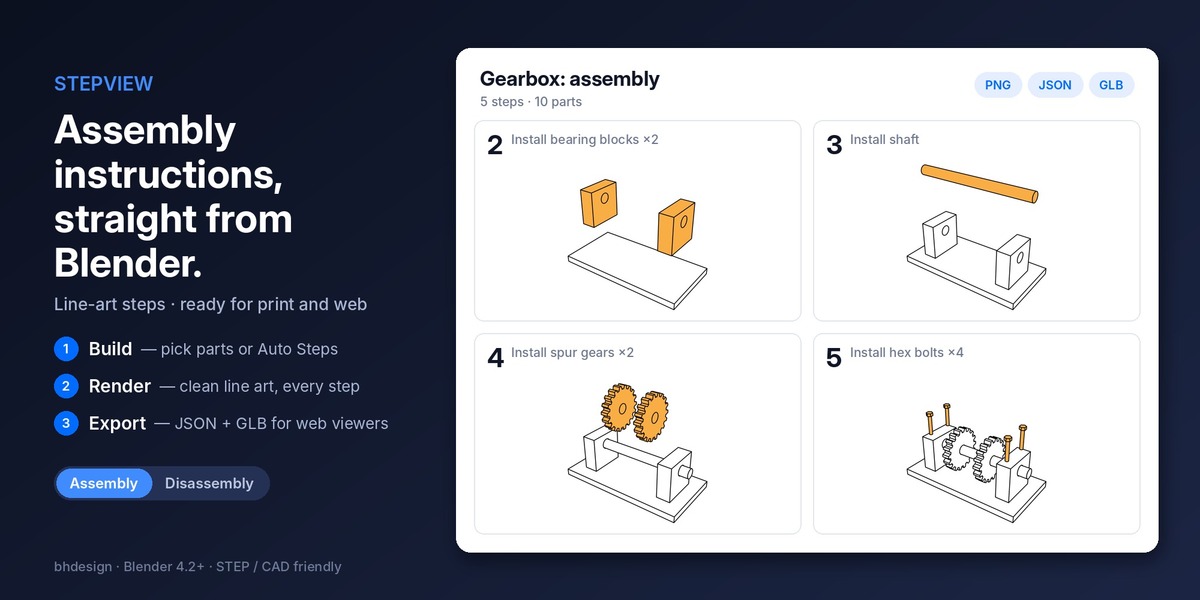
Pick the parts for each step, or let Auto Steps do it. StepView shows each step the way an instruction manual does: parts from earlier steps in place, the new parts highlighted and offset to show where they go, later parts hidden. Then render every step as clean line art in one click, and export everything for the web.
Perfect for assembly manuals, maintenance and repair procedures, work instructions, technical documentation, product onboarding and e-commerce.
Build your steps
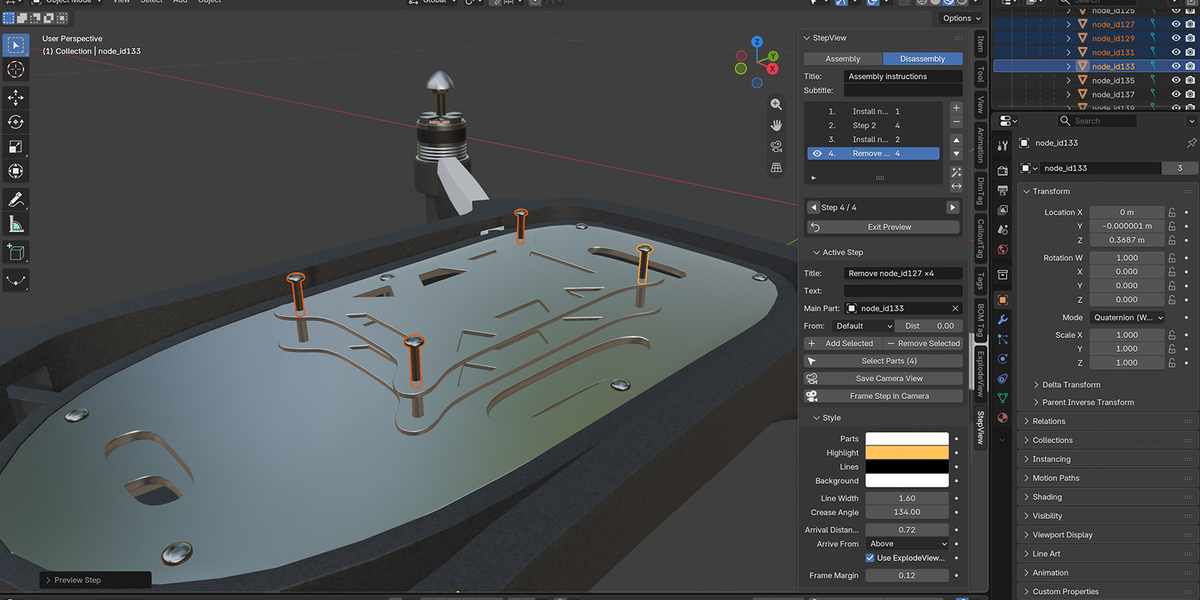
- Add Step from Selection: the selected parts become a step, with a title and a description.
- Auto Steps: identical parts are grouped (4 bolts = 1 step), and the steps are ordered bottom-up for an assembly or top-down for a disassembly.
- Reorder, rename, add or remove parts at any time.
- Main part per step: the part a web viewer zooms to.
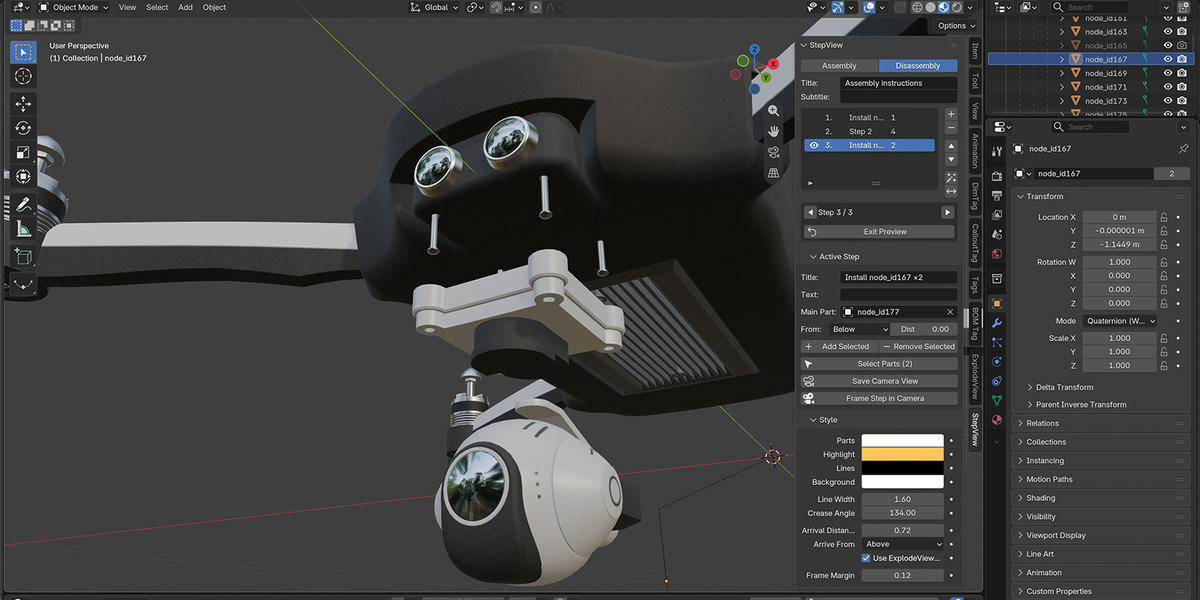
- Direction per step: parts can arrive from above, below or any side, step by step (a cover from below, a shaft from the side), with their own distance.
Assembly or disassembly
- Assembly: start from nothing, each step adds parts. The build order.
- Disassembly: start from the full product, each step removes parts. For maintenance, repair and part replacement.
- Reverse Steps turns one into the other in one click.
Preview in the viewport
Step through your instructions with Previous / Next. Nothing is changed for good: Exit Preview puts every part back exactly where it was, with its original visibility and color.
Line-art renders
Render All Steps creates one image per step in a technical-manual style: white parts, black outlines, the parts of the current step in your highlight color.
- Colors, line width and edge angle are adjustable.
- Every step is framed automatically, or save your own camera view per step.
- Fast: no Cycles or Eevee setup needed. Your own render settings are restored afterwards.
View your instructions in 3D, free
Export Bundle writes one folder:
-
project.json: the procedure (title, steps, descriptions, parts per step, camera per step, images), the bill of materials, the part tree and callouts. -
model.glb: the assembled model. Node names match the part names in the JSON. -
images/: the step renders.
Open them in the free StepView web viewer: callout3d.com/stepview/project.html. Pick your exported files and your instructions open in 3D, step by step. Nothing is uploaded: your files stay in your browser.
Need to share instructions with a team, host them on your own server, or add videos and images to the steps? Have a look at Callout3D, the online editor for interactive 3D work instructions.
Works with the Exploded Assembly Kit
- ExplodeView: arriving parts come from their exploded direction.
- BOM Tag: part names and quantities go into the JSON bill of materials.
- CalloutTag: callout numbers and anchors are exported with each step.
None of them is required: StepView works on its own.
Compatibility: Blender 4.2 and newer · Windows, macOS, Linux · GPL license