 bhdesign
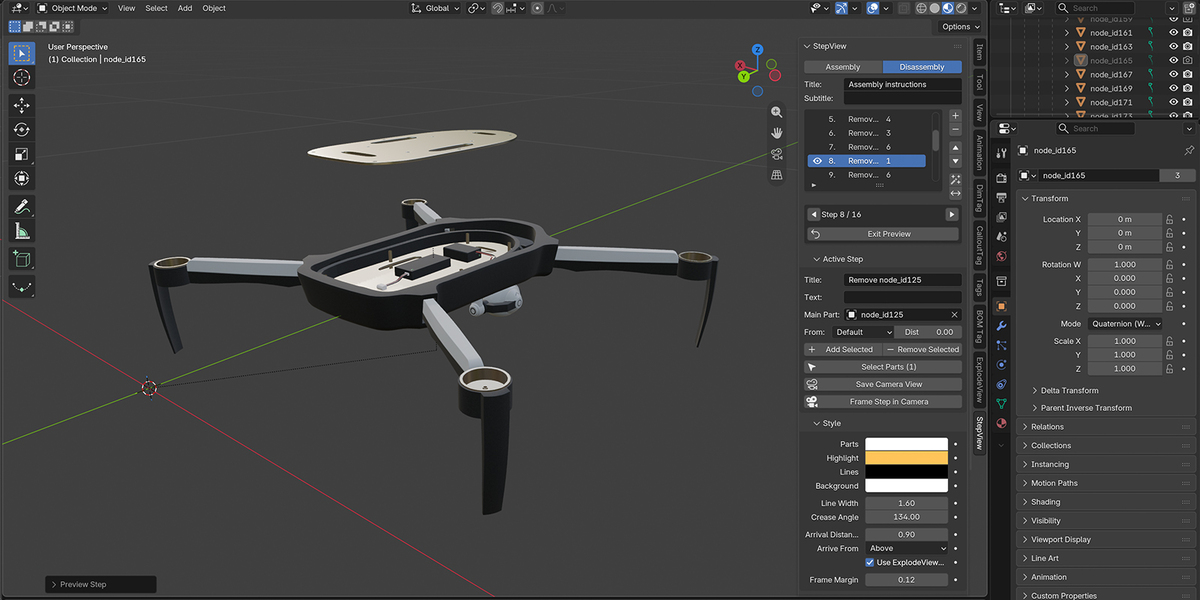
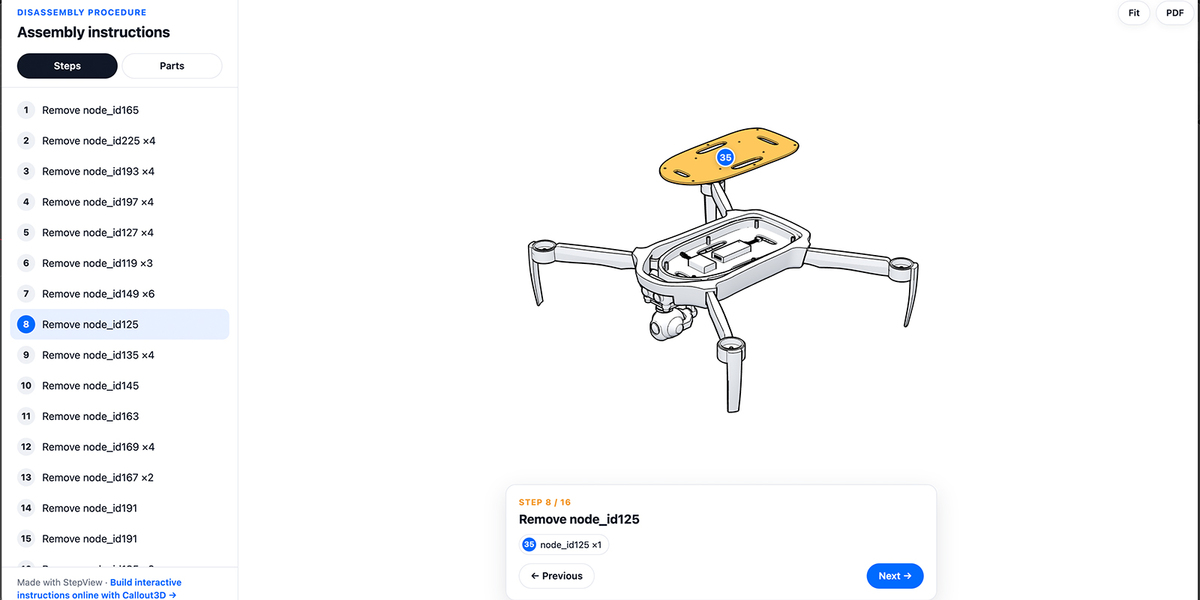
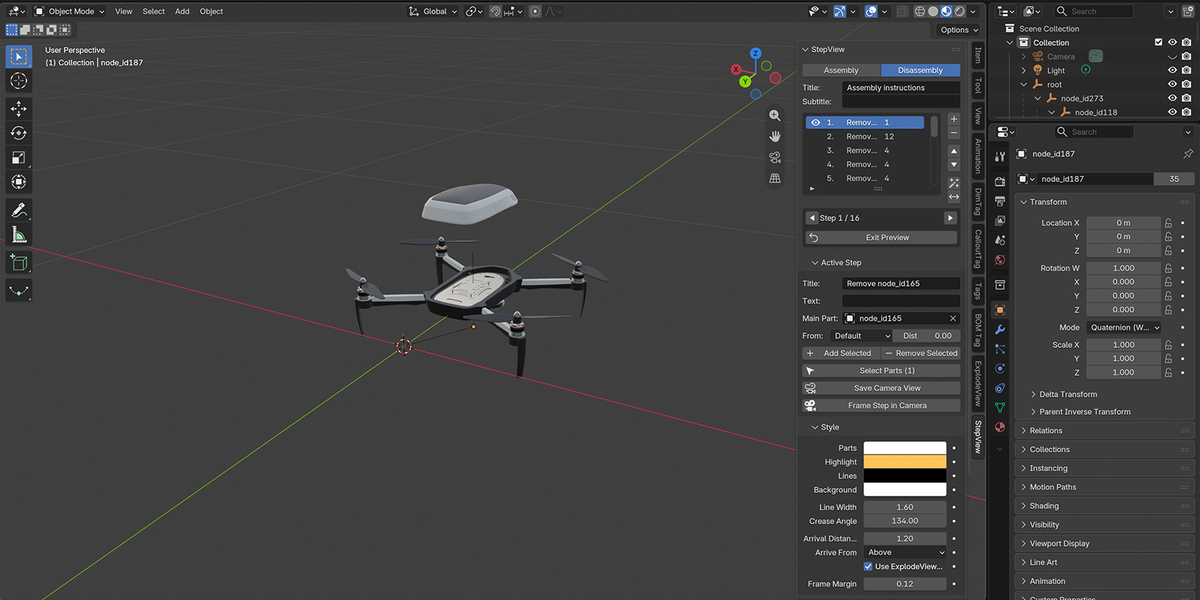
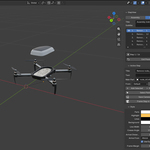
Does it work with imported CAD or STEP models?
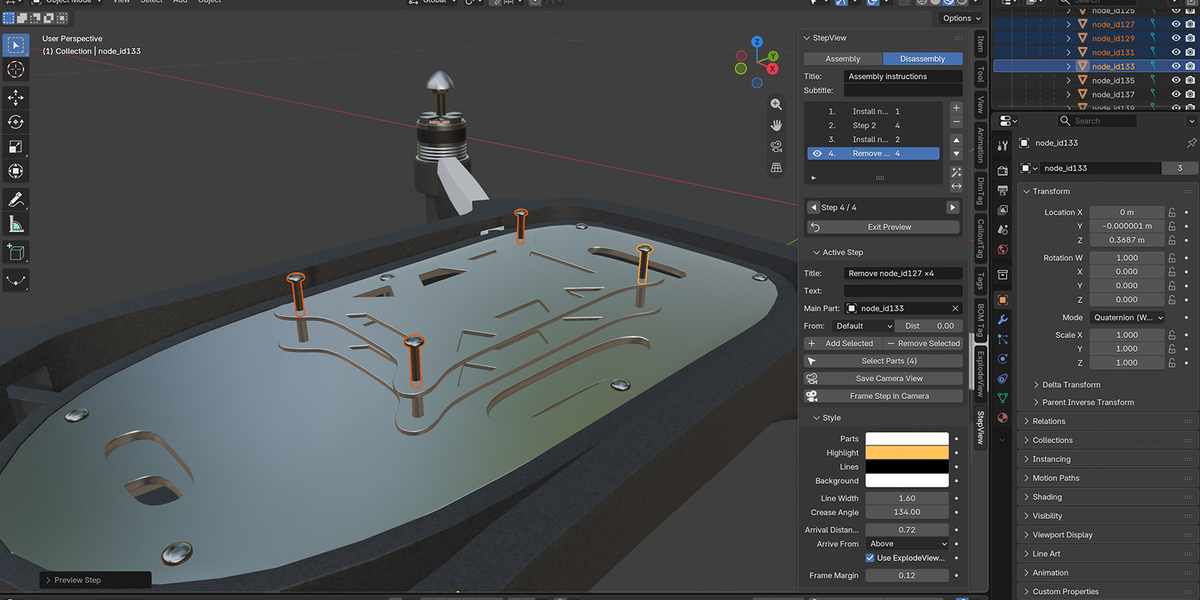
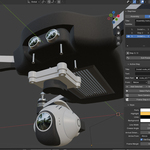
Yes. Offsets and framing are computed from each part's geometry, not from its origin.
Are my files uploaded when I use the web viewer?
No. The viewer reads the files you pick directly in your browser. Nothing is sent to a server.
Can I show the instructions on a website?
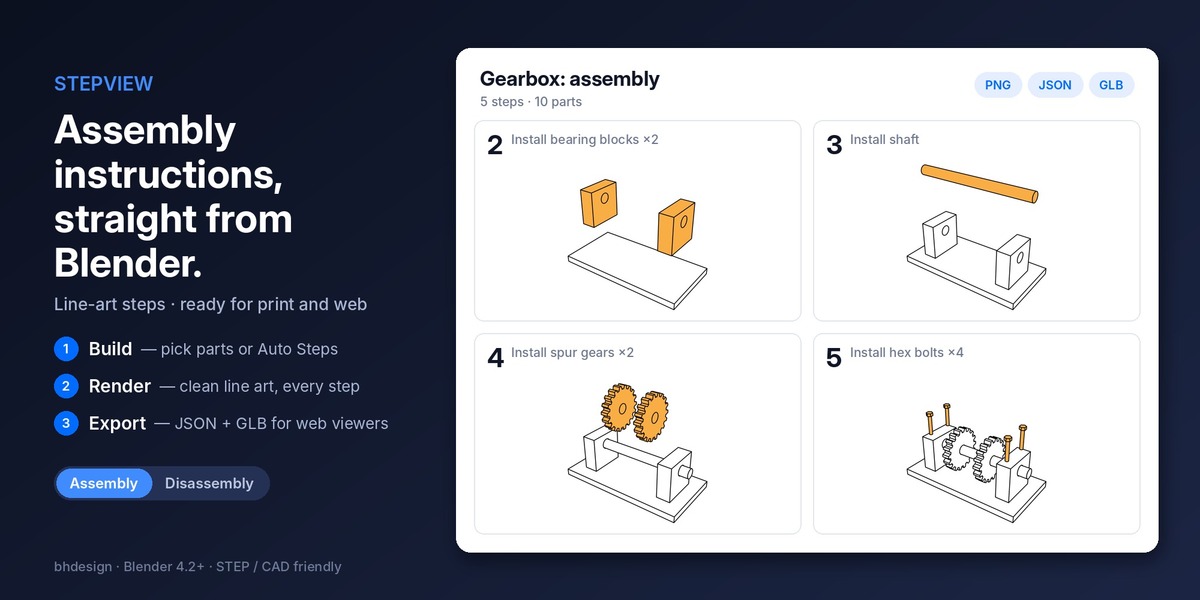
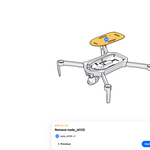
Yes. Export Bundle creates a JSON procedure, a GLB model and the step images. Open them in the free StepView web viewer (callout3d.com/stepview/project.html) to check them in 3D. To publish instructions for your team or on your own server, see Callout3D. Developers can also read the JSON and GLB in their own Three.js or Babylon.js viewer.
Which render engine does it use?
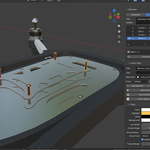
Workbench with Freestyle outlines, for a clean technical-manual look and fast renders. Your scene's render settings are restored afterwards.
Can I write my own instructions for each step?
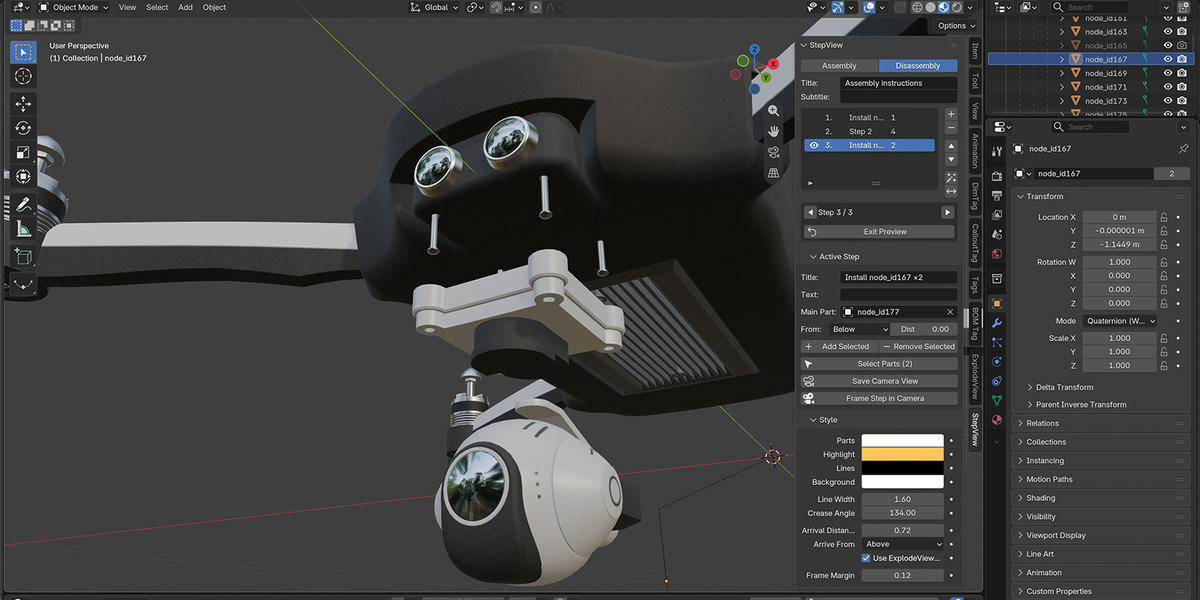
Yes. Each step has a title and a text, exported to the JSON for your web viewer.
Can I make a repair or maintenance procedure?
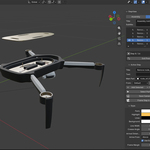
Yes. Choose Disassembly: the first step shows the full product and each step removes parts.
Do I need ExplodeView, BOM Tag or CalloutTag?
No. StepView works on its own. With them, arriving parts follow their exploded directions, and the export includes your part names, quantities and callouts.
Will my model be changed?
No. Preview, render and export move and hide parts only temporarily. Every part goes back to its exact position, visibility and color afterwards.
Have questions about this product?
Login to message
| Blender Extension Compatible | Yes |
| Published | 1 day ago |
| Blender Version | 4.2 - 5.3 |
| Extension Type | Add-on |
| Render Engine Used | Cycles, Eevee |
| License | GPL |
Discover more products like this
work instructions step by step line art threejs manual glb Technical Documentation Maintenance cad assembly instructions