525 Retro 80S Stickers Decal Pack For Blender, Decal Machine And Many Other Add-Ons.
 Cyber Kriss
in Urban
Cyber Kriss
in Urban

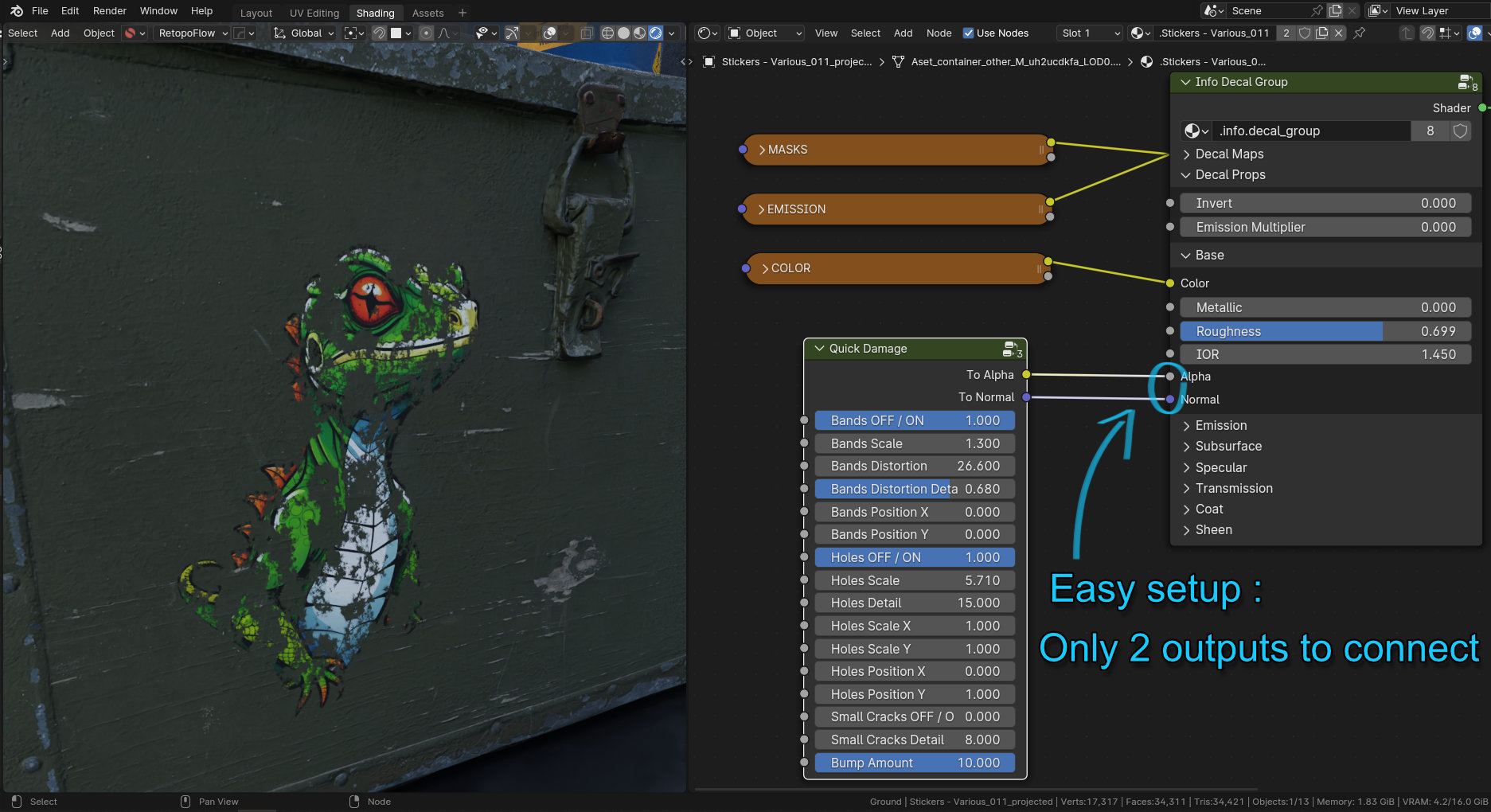


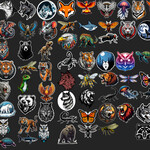
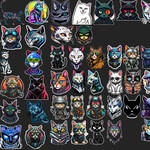
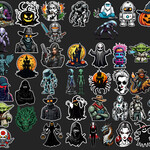
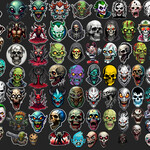
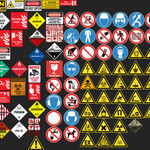
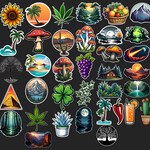
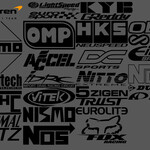
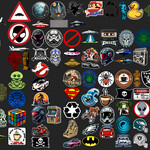
Installing the stickers :
- Go to the Blender preferences by hitting F4.
- Then in the Add-ons tab, find Mesh:DECALmachine
- Go to Preferences → General → Assets → Import Existing → Library from Folder or .zip
Install everything, or just the collection you want to use, they are in their own separated folder.
This decal pack has been created with Decal Machine 2.12, make sure that Decal Machine is up to date to ensure full compatibility.
$5
Have questions about this product?
Login to message
| Sales | 20+ |
| Rating | 2 ratings |
| Dev Fund Contributor | |
| Published | over 2 years ago |
| Blender Version | 3.0 - 5.2 |
| Render Engine Used | Cycles, Eevee |
| License | Royalty Free |
