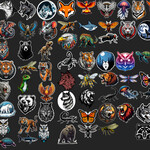
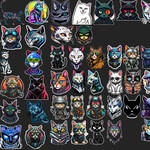
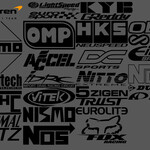
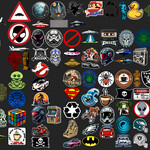
525 Retro 80S Stickers Decal Pack For Blender, Decal Machine And Many Other Add-Ons.
 Cyber Kriss
in Urban
Cyber Kriss
in Urban



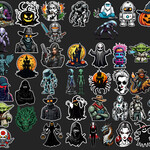
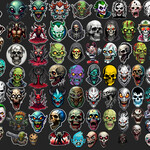
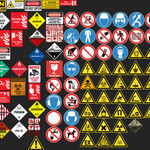
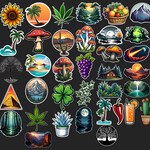
Is it compatible with the latest Blender version ?
Yes, Decal Machine is always updated and maintained for the latest Blender version.
Simply run the updater (a one click solution) in the add-on preferences, and your decals will be ready.
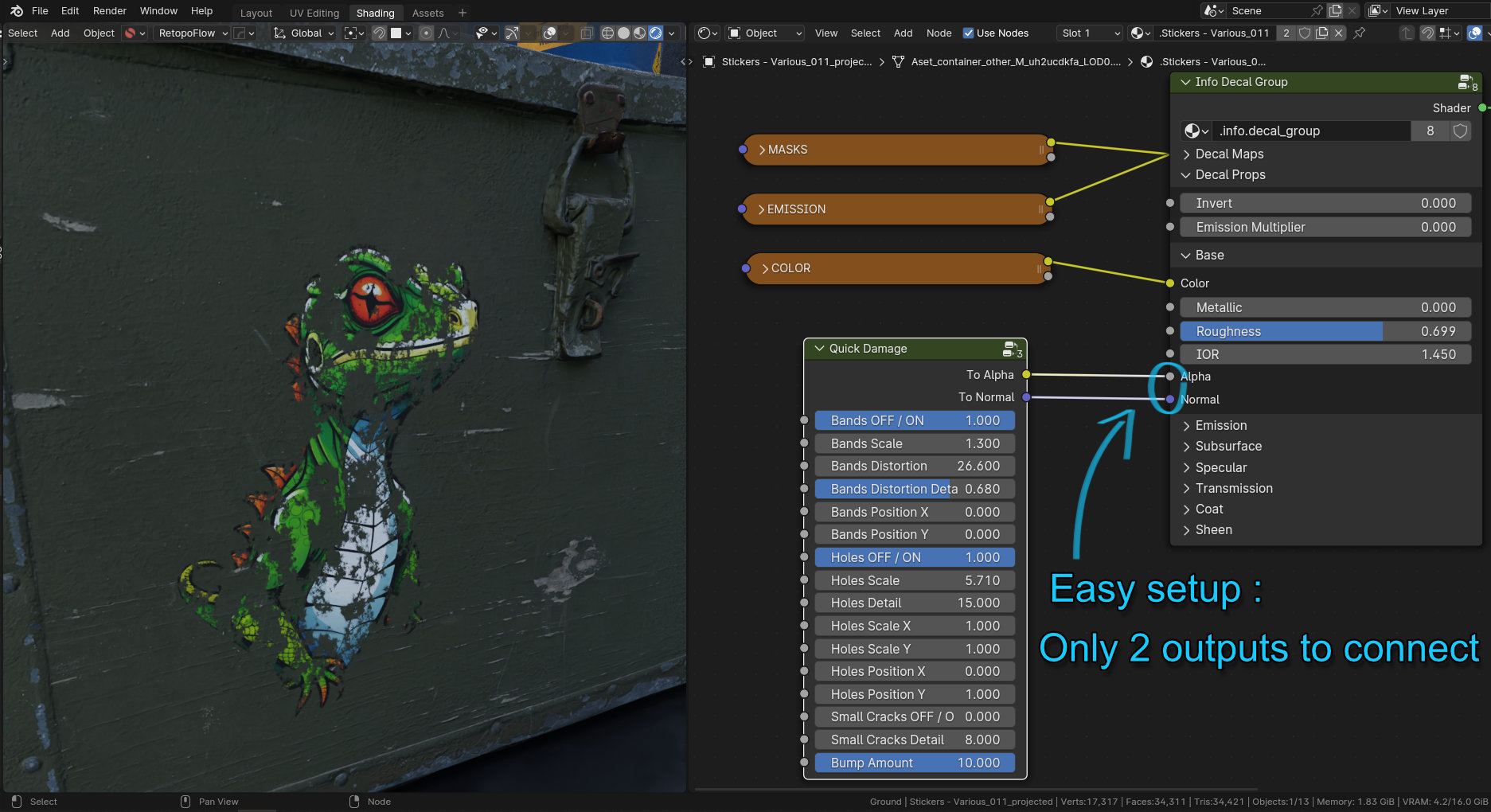
Quick Damage ? How does that work ?
How to use : in Blender 3.x :
1. Copy the .Blend file to your Blender's asset folder (assuming you already created one).
2. Locate the node group in your asset browser (you can change the preview with the thumbnail I provide).
3. Drag it from the asset browser to the shading editor (on your sticker decal material).
4. Connect the outputs to the corresponding input of the shader.
5. Tweak the parameters to your need.
6. Enjoy !
How to use in Blender 4.x :
Once the node group is copied in your assets folder, it is immediately accessible in the shader editor via the right click menu add => Quick Damage will be there.

$5
Have questions about this product?
Login to message
| Sales | 20+ |
| Rating | 2 ratings |
| Dev Fund Contributor | |
| Published | over 2 years ago |
| Blender Version | 3.0 - 5.2 |
| Render Engine Used | Cycles, Eevee |
| License | Royalty Free |
