Stitch Maker: Editable 3D Stitches From Mesh Edges
 Salman Animator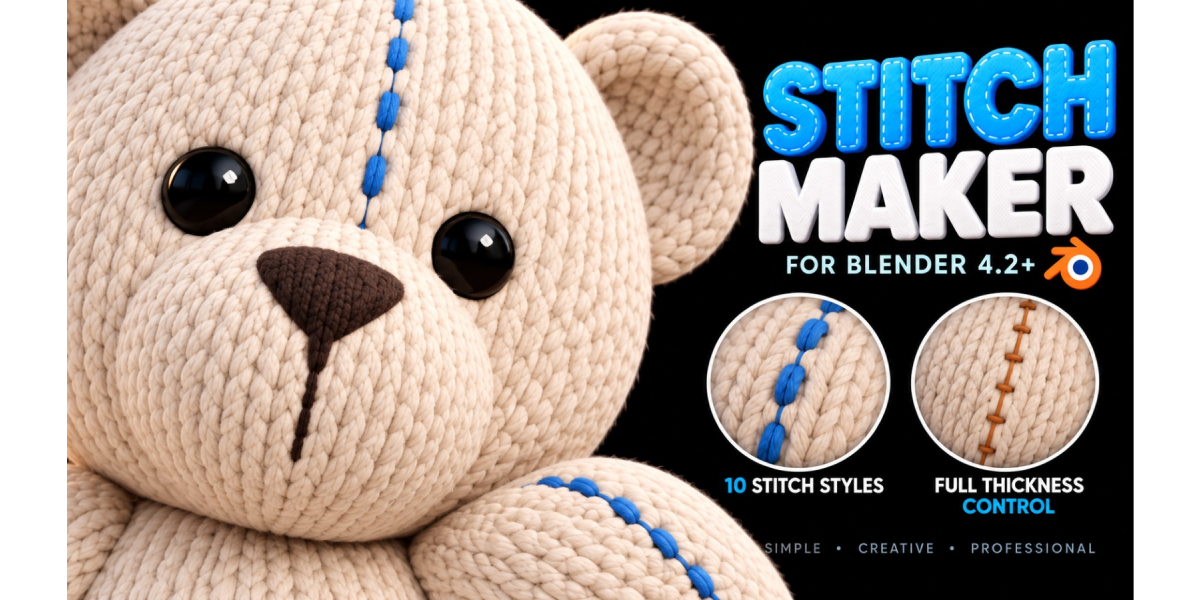
Requirements
Blender 4.2 or newer. The add-on is packaged as a Blender extension with blender_manifest.toml.
Installation
- Download
Stitch_Maker_v1.13.0_Superhive.zip. Do not unzip it. - In Blender, open Edit > Preferences > Add-ons (or Get Extensions).
- Use the drop-down arrow at the top right and choose Install from Disk.
- Select the ZIP and enable Stitch Maker.
- Open the 3D Viewport sidebar with N and click the Stitch Maker tab.
If you are updating, disable and remove the older version first and save your .blend files. Do not enable two copies at once.
First use

- Select a mesh and press Tab to enter Edit Mode.
- Select the edges where the seam should go (Alt + click selects an edge loop).

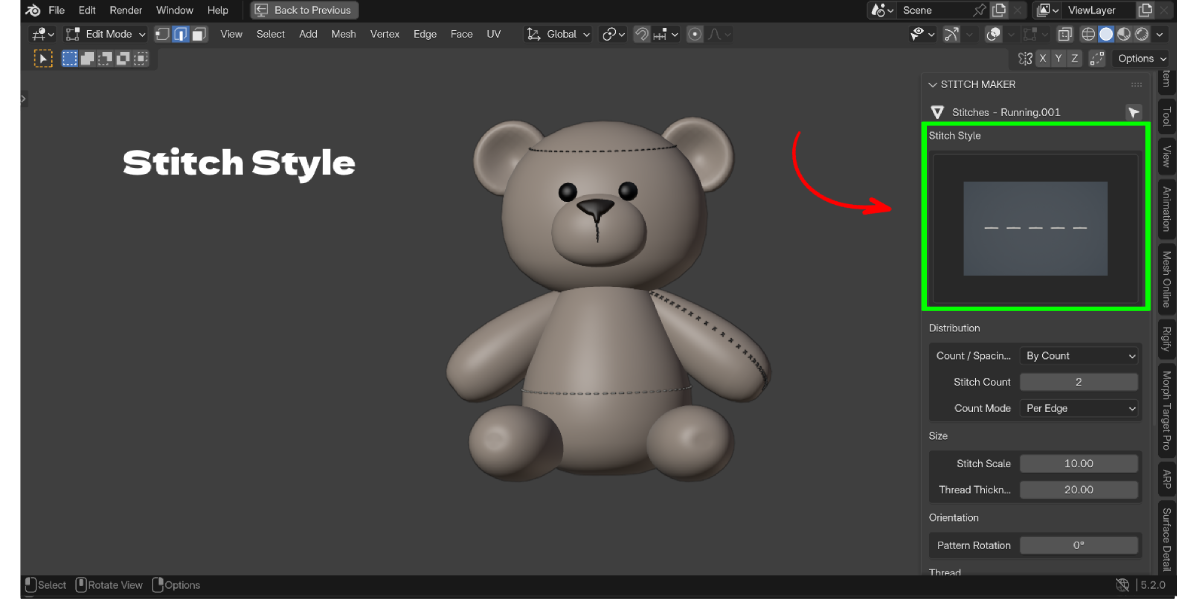
- Choose a Stitch Style.
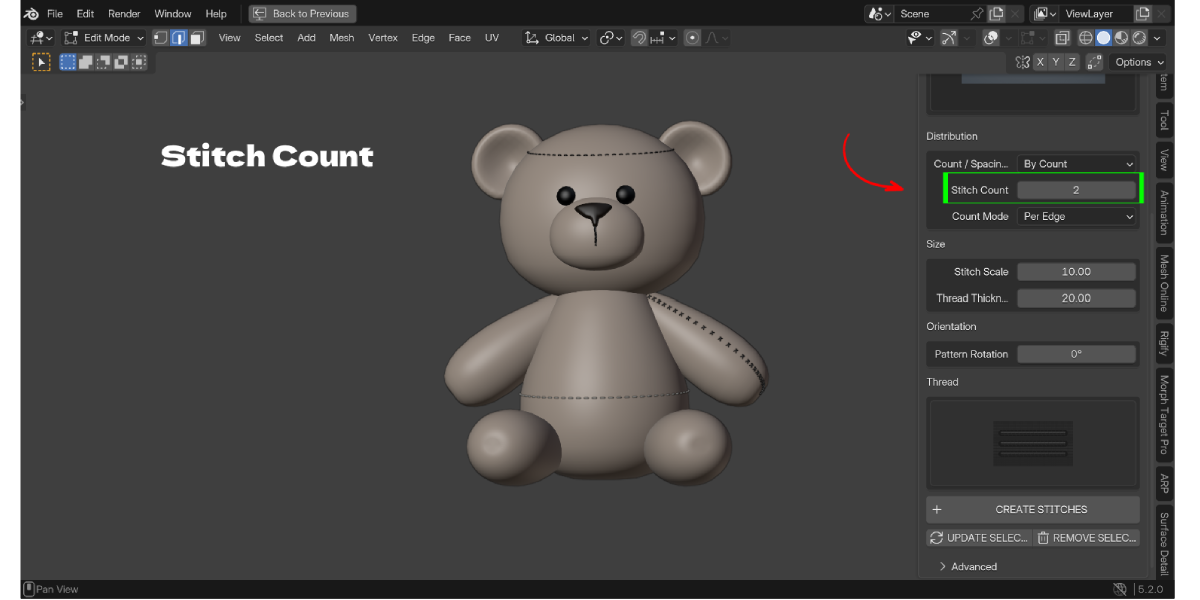
- Choose By Count or By Spacing.
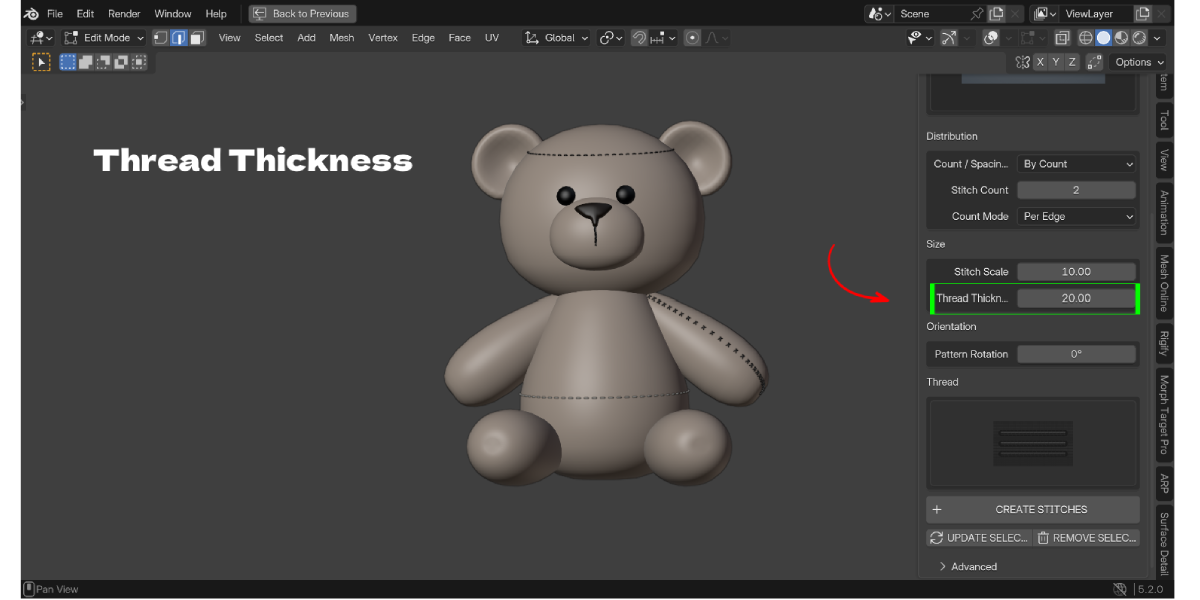
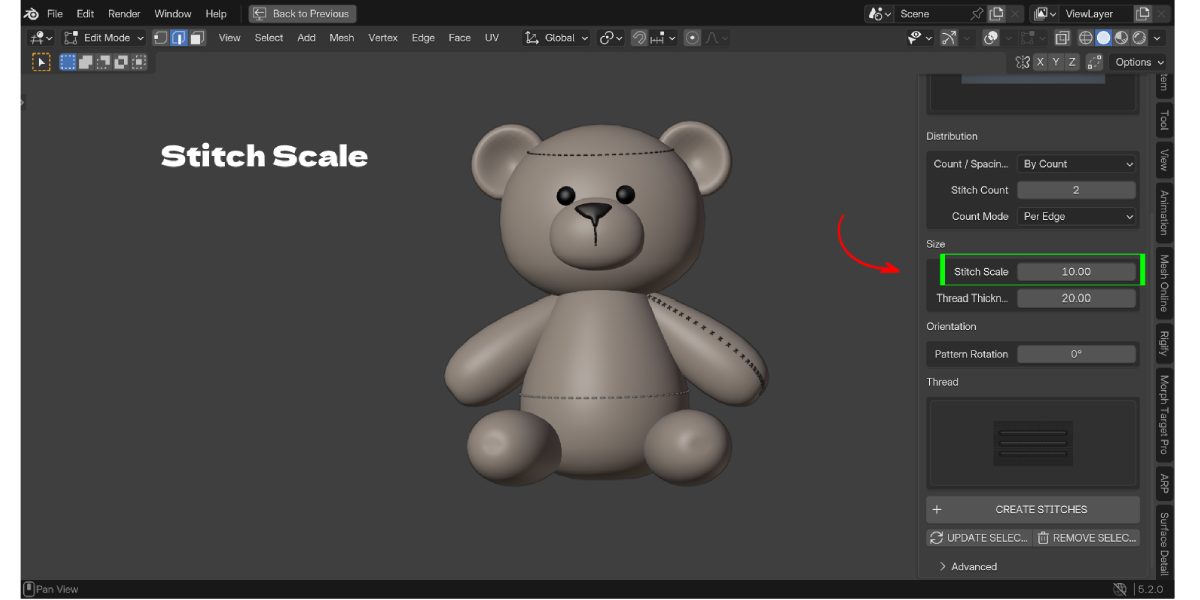
- Set Stitch Scale and Thread Thickness.
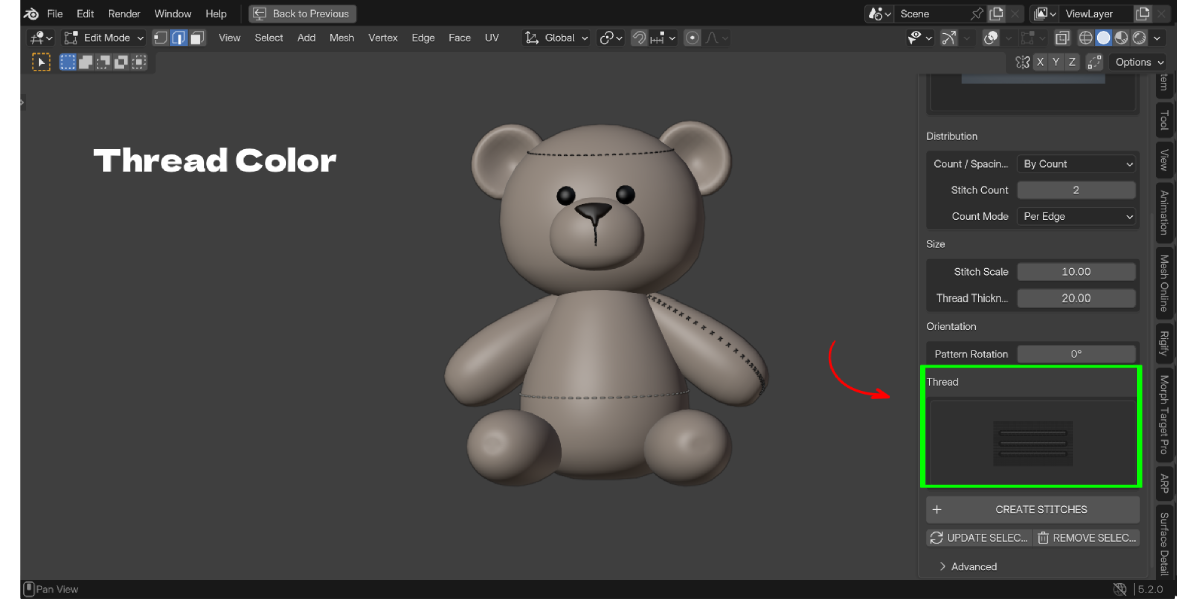
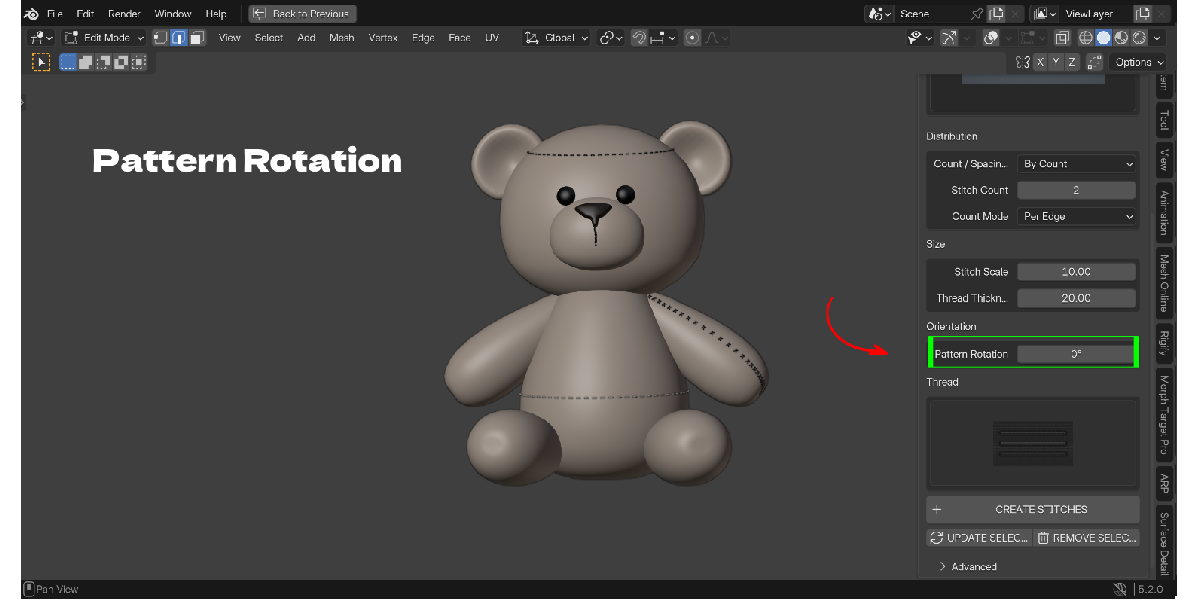
- Optionally set Pattern Rotation and Thread Color.

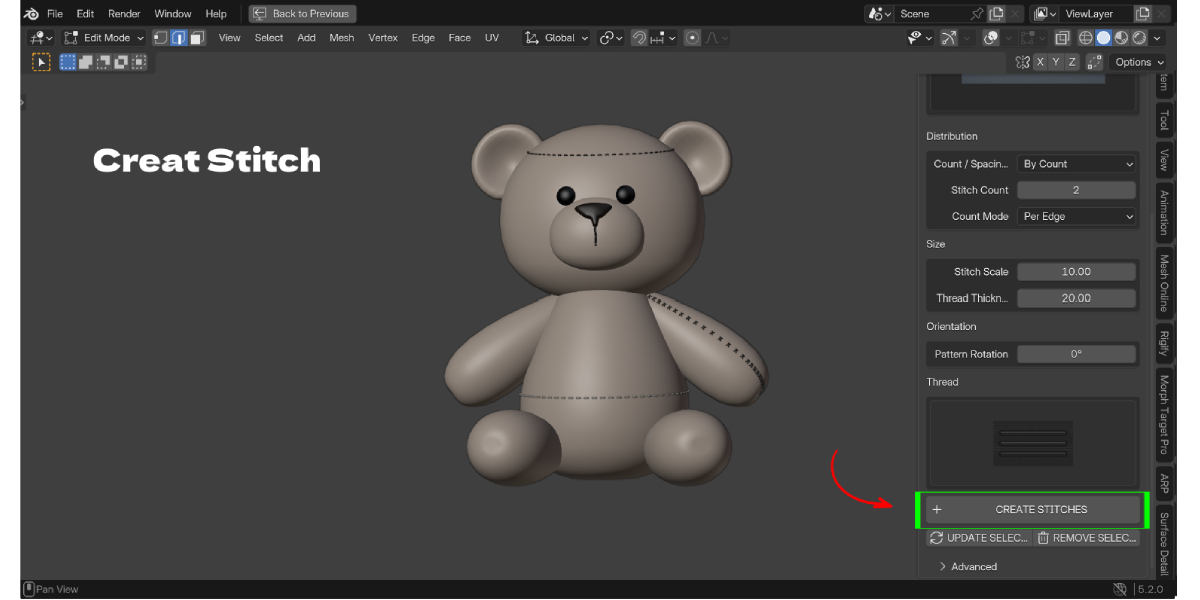
- Click CREATE STITCHES.
Default settings: By Count, Stitch Count 2, Count Mode Per Edge, Stitch Scale 10, Thread Thickness 20, Pattern Rotation 0, Sew Depth 1.
Main panel
- Stitch Style: large preview of the active style. Click it to open the grid of all 15 styles.
- Distribution: By Count or By Spacing. In By Count, Stitch Count is the number of full pattern repeats, and Count Mode is Per Edge or Entire Path. In By Spacing, Spacing is the world distance between repeats.
- Size: Stitch Scale is the overall pattern size. Thread Thickness is the round thread diameter only. They are independent.
- Orientation: Pattern Rotation (0 to 360 degrees) and Flip Side for styles that use it (Blanket, Whip).
- Thread: 12 colors (Black, White, Gray, Blue, Red, Green, Yellow, Orange, Brown, Beige, Pink, Purple).
- Actions: Create Stitches, Update Selected, Remove Selected.
Advanced panel
- Sew Depth: how far the hidden thread goes below the surface between punctures. 0 is just below, 1 is the default, higher is deeper.
- Surface Offset: lifts the visible thread slightly. It does not pull the hidden parts out.
- End Margins: space left at the open ends of a seam.
- Knot Size: knot size for the Knotted style.
- Path Resolution and Roundness: samples along each stitch and sides around the thread.
- Fit to Surface, Use Evaluated Surface, Projection Distance: surface fitting controls.
- Repeat Limit and Vertex Limit: safety limits that stop oversized builds instead of freezing Blender.
Editing an existing stitch set
Select the generated stitch object, change settings and click UPDATE SELECTED. If something fails, the previous stitches are kept. REMOVE SELECTED deletes only the stitch set.
Performance tips
- Use a lower Stitch Count, Path Resolution or Roundness on long seams.
- Create one stitch set per seam instead of one huge set.
- Raise the Vertex Limit only when you need very dense stitches.
Troubleshooting
- Stitches are floating above the mesh: set Surface Offset to 0 and keep Fit to Surface on.
- Stitches look too small or are not visible: raise Stitch Scale and Thread Thickness; check your object scale.
- Create Stitches does nothing or shows an error: make sure you are in Edit Mode with edges selected on a mesh object.
- Operation stopped because of a limit: lower the count or raise Repeat Limit or Vertex Limit in Advanced.
- Thread jumps to the other side of a thin mesh: lower Projection Distance or Sew Depth.
- Fit fails on a mesh with modifiers: turn off Use Evaluated Surface, or apply the modifiers that change topology.
Have questions about this product?
Login to message
| Blender Extension Compatible | Yes |
| Published | about 3 hours ago |
| Blender Version | 3.2 - 5.2 |
| Extension Type | Add-on |
| Render Engine Used | Cycles, Eevee |
| License | GPL |

Discover more products like this
sewing leather seams clothing zigzag stitch non-destructive cross-stitch procedural embroidery stitches stitch generator plush-toy