Stitch Maker: Editable 3D Stitches From Mesh Edges
 Salman Animator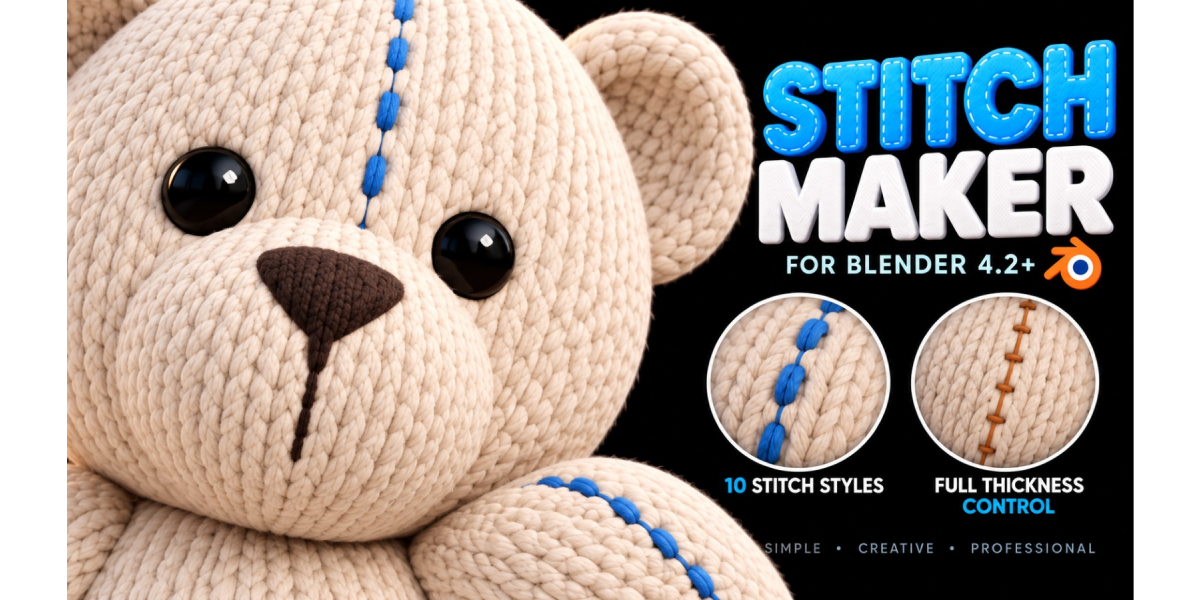



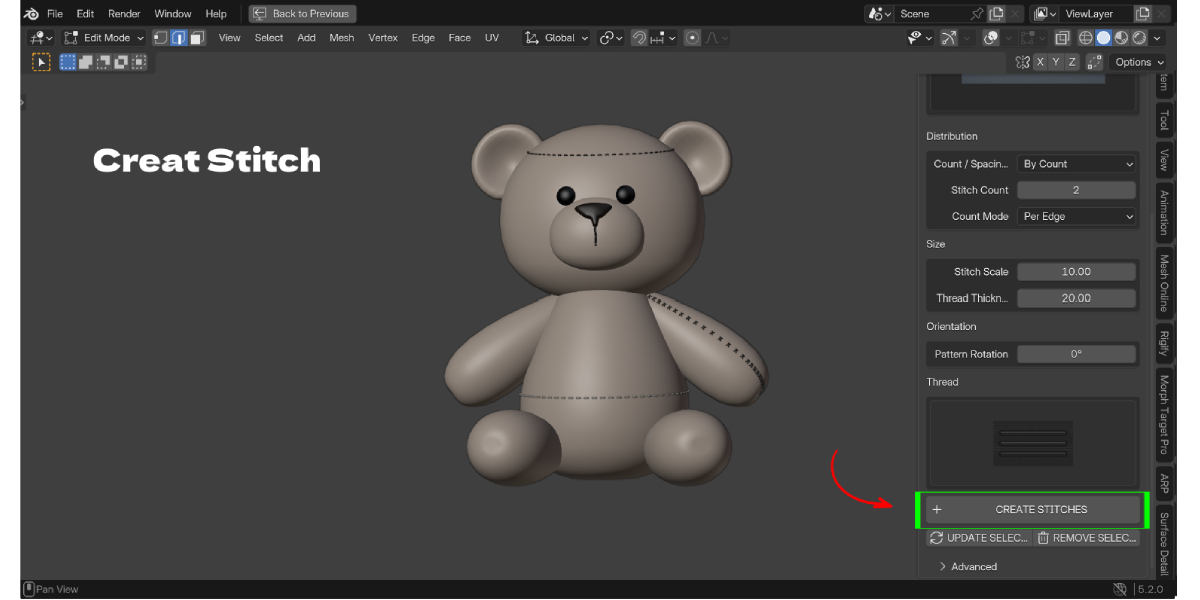
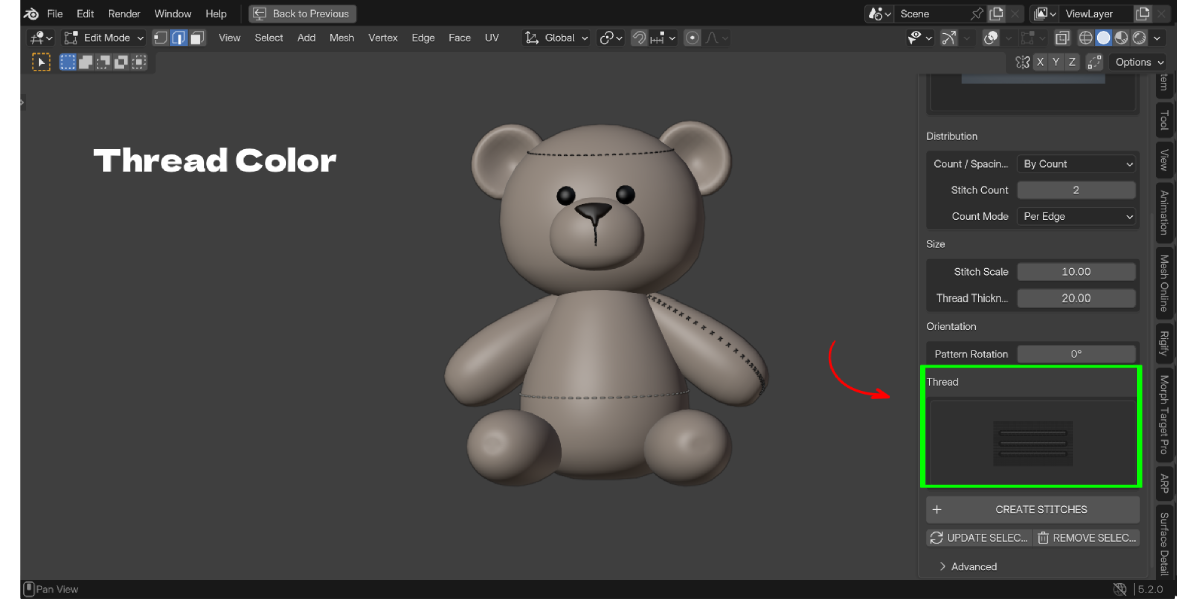
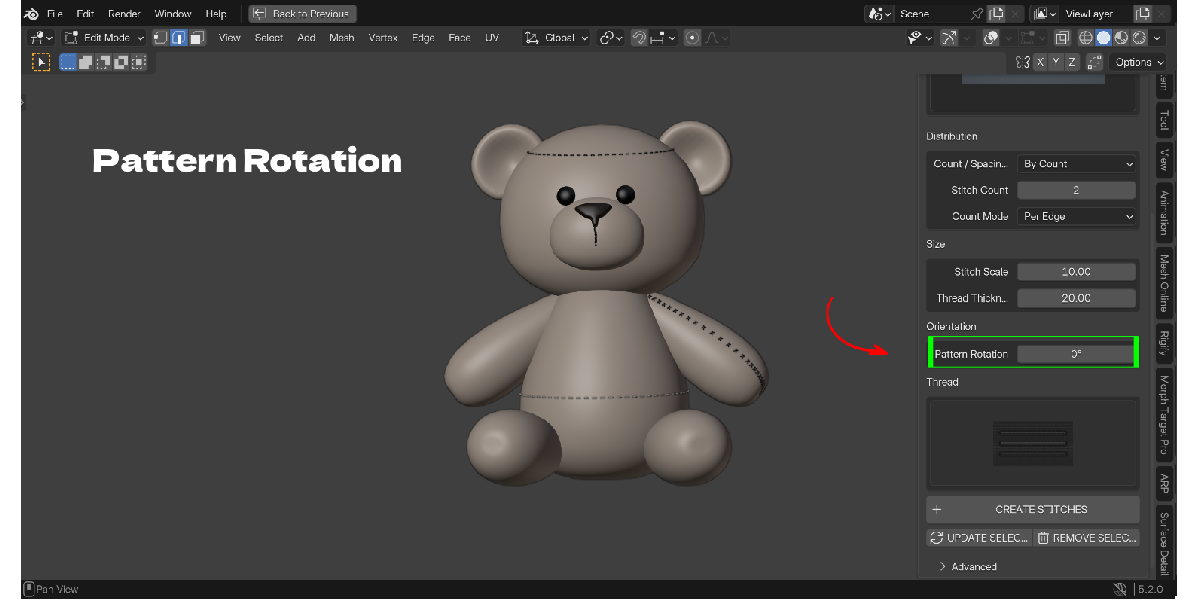
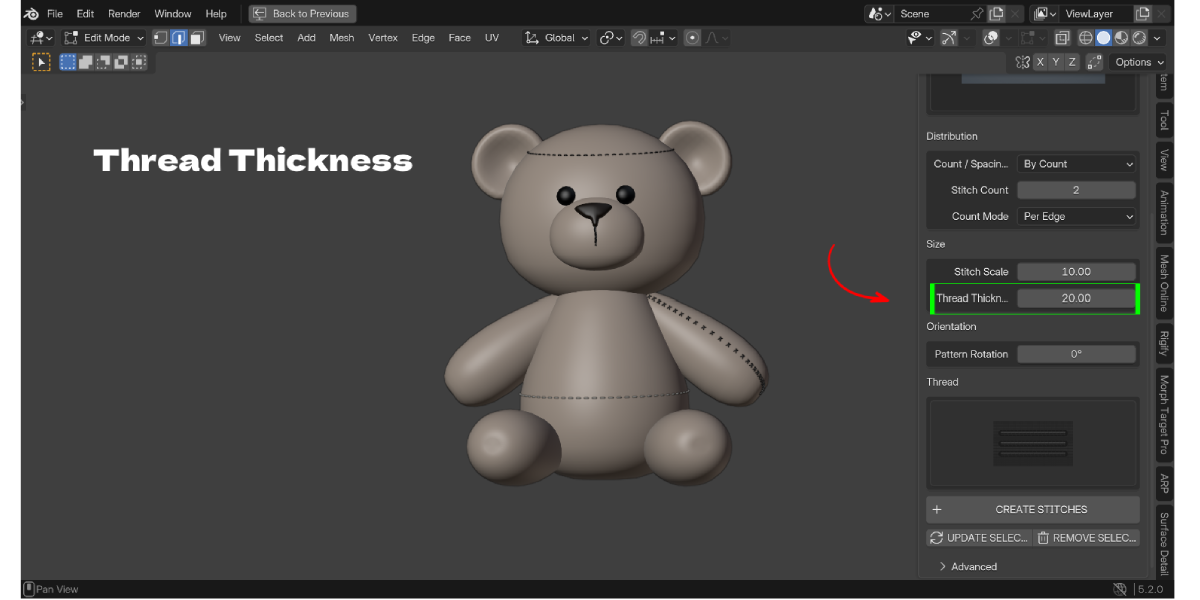
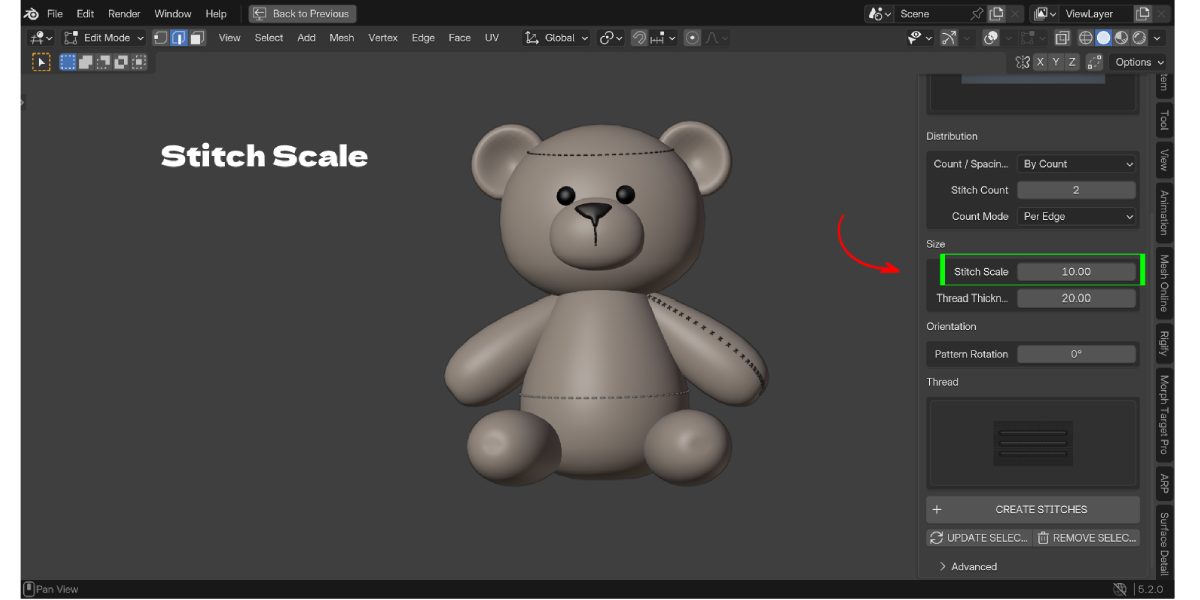
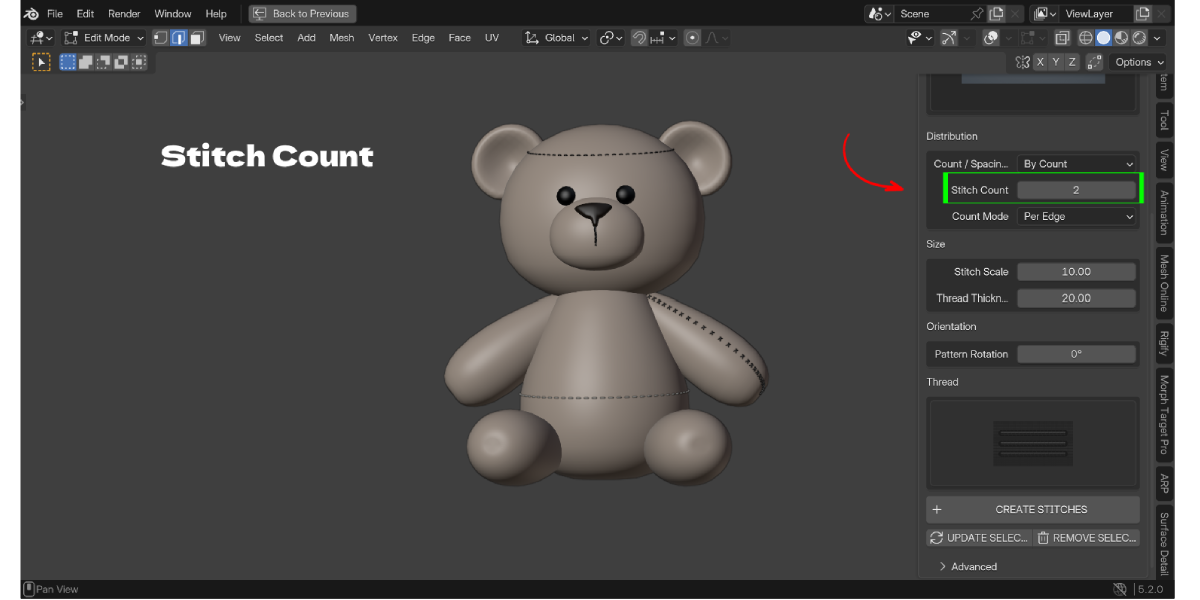
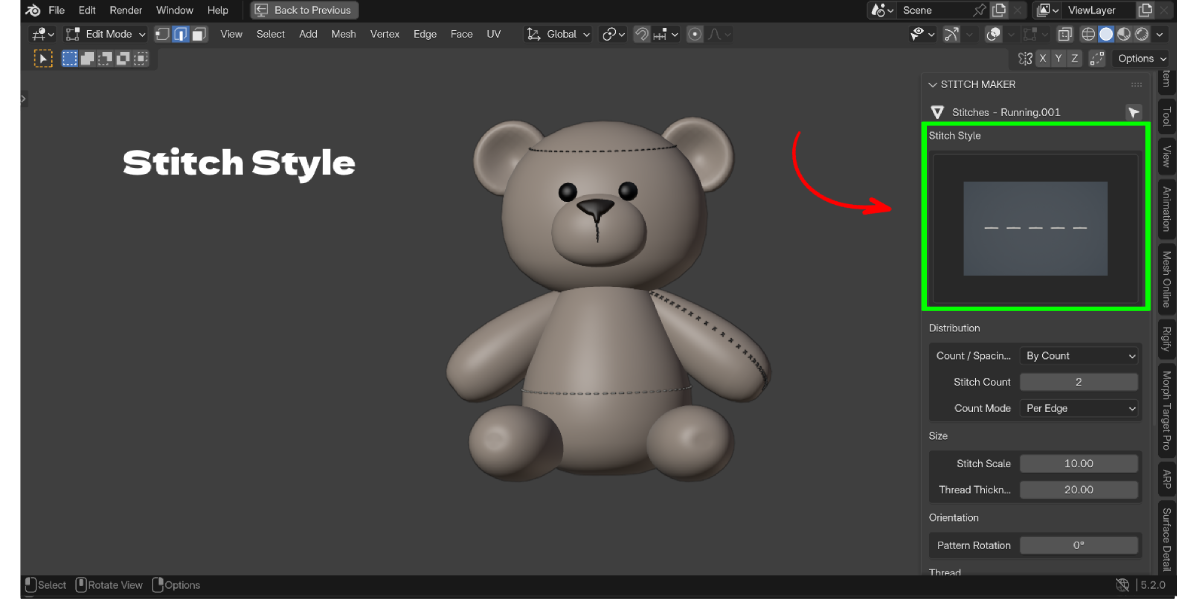
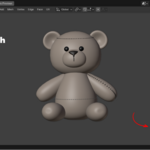
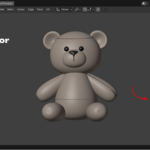
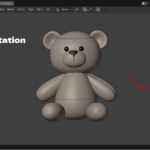
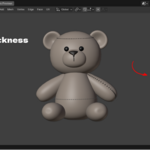
Select the edges in Edit Mode, pick a style in the Stitch Maker panel and click Create Stitches.
Yes. Stitches are fitted to the surface using its local direction, so they follow curved shapes.
No. Your source mesh is never cut or changed. Stitches are created as a separate object.
Yes. Select the stitch set, change any setting and click Update Selected.
The stitches are normal mesh geometry with a standard node material, so they render in both.
Yes. Stitches are a regular mesh object, so you can assign any material.
15: Running, Double, Zigzag, Cross, Blanket, Knotted, Chain, Whip, Ladder, Baseball, Saddle, Herringbone, Overlock, X-Laced and Decorative Loop.
Yes. The add-on is GPL and anything you make with it is yours.
Message the creator through the Superhive product page.
Have questions about this product?
Login to message
| Blender Extension Compatible | Yes |
| Published | about 3 hours ago |
| Blender Version | 3.2 - 5.2 |
| Extension Type | Add-on |
| Render Engine Used | Cycles, Eevee |
| License | GPL |

Discover more products like this
stitch generator leather zigzag stitch cross-stitch clothing sewing seams plush-toy non-destructive procedural stitches embroidery