 Salman Animator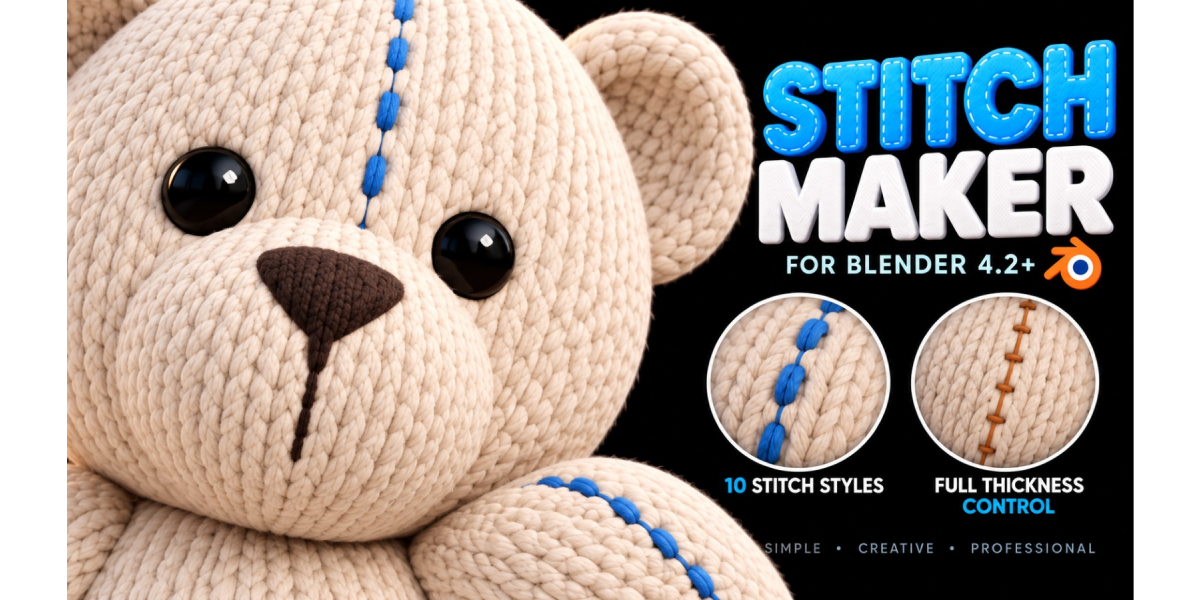
The problem
Adding stitches in Blender usually means modeling one stitch, putting it on an Array and a Curve modifier, and fixing origins until it finally follows the seam. On a curved surface like a plush toy or a hat, the stitches float, sink or tilt. Want a different spacing later? Rebuild it.
The solution



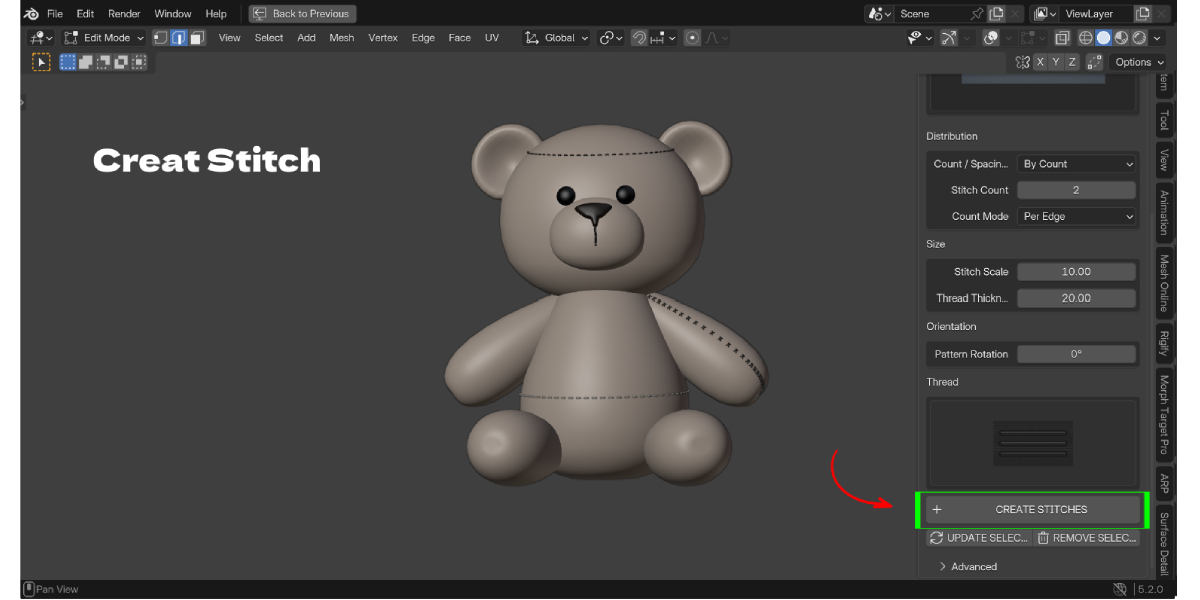

Stitch Maker builds stitches straight from the edges you select in Edit Mode. Pick a style, set how many stitches you want, and click Create Stitches. The thread is fitted to the surface of your mesh and dips below it between puncture points, so it reads like it was really sewn in, not glued on top.
Your original mesh is never cut, booleaned or changed. Each stitch set is its own object that remembers its settings, so you can change the style, count, size or color and click Update Selected.
Sewing seams in Blender, on any shape
Stitch Maker uses the local surface direction at every point, so it works on curved characters, plush toys, cloth, cylinders and spheres, not only flat planes. Thin or folded areas are protected so the thread does not jump to the other side of the mesh.
15 stitch styles
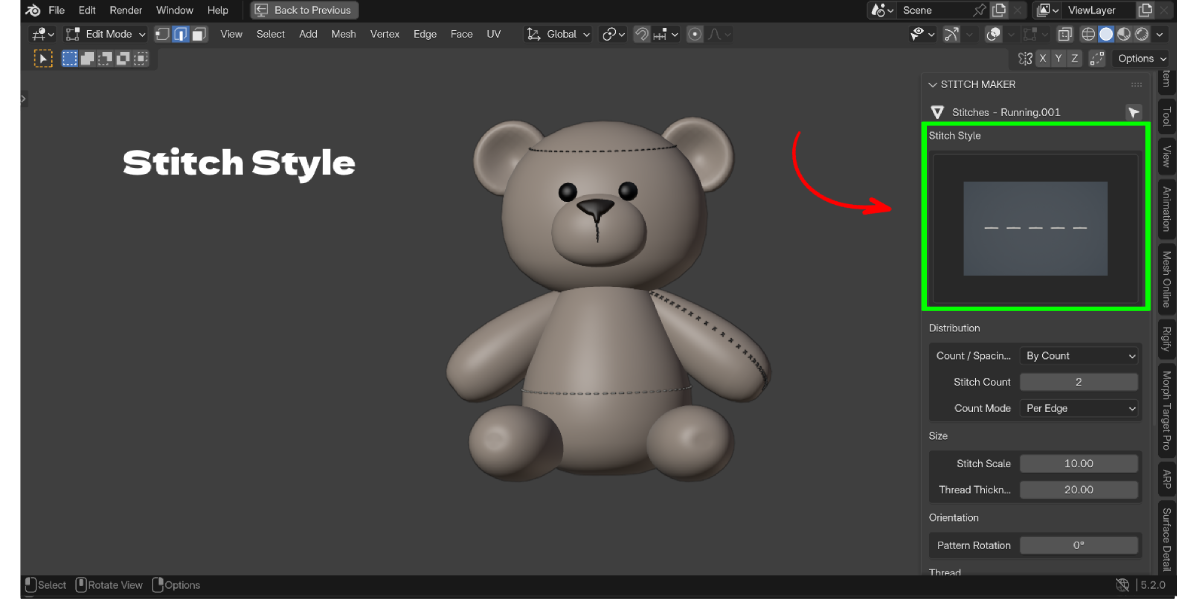
Running, Double, Zigzag, Cross, Blanket, Knotted, Chain, Whip, Ladder, Baseball, Saddle, Herringbone, Overlock, X-Laced and Decorative Loop. Each one is chosen from a large preview grid right in the sidebar.
Key Features
- Stitches from selected edges: select any edges in Edit Mode and create a stitch set along them. Benefit: no curves, arrays or origin fixing.
- 15 stitch styles: from a simple running stitch to baseball, herringbone and overlock. Benefit: one tool for plush toys, clothing, leather goods and props.
- Sewn-through thread: visible thread stays on top, then passes slightly below the surface between punctures. Benefit: stitches look sewn in instead of floating.
- Surface fitting: every contact point is projected onto your mesh using smoothed local normals. Benefit: stitches follow curved and uneven surfaces.
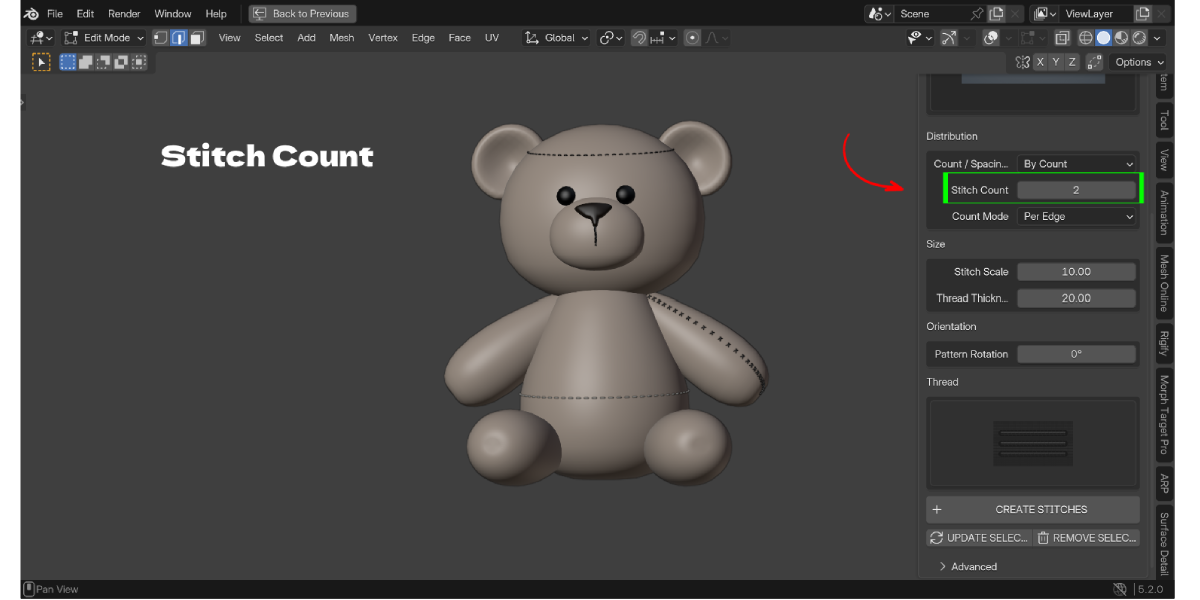
- By Count or By Spacing: set an exact number of stitches per edge or for the whole path, or use a fixed world spacing. Benefit: even seams without counting by hand.
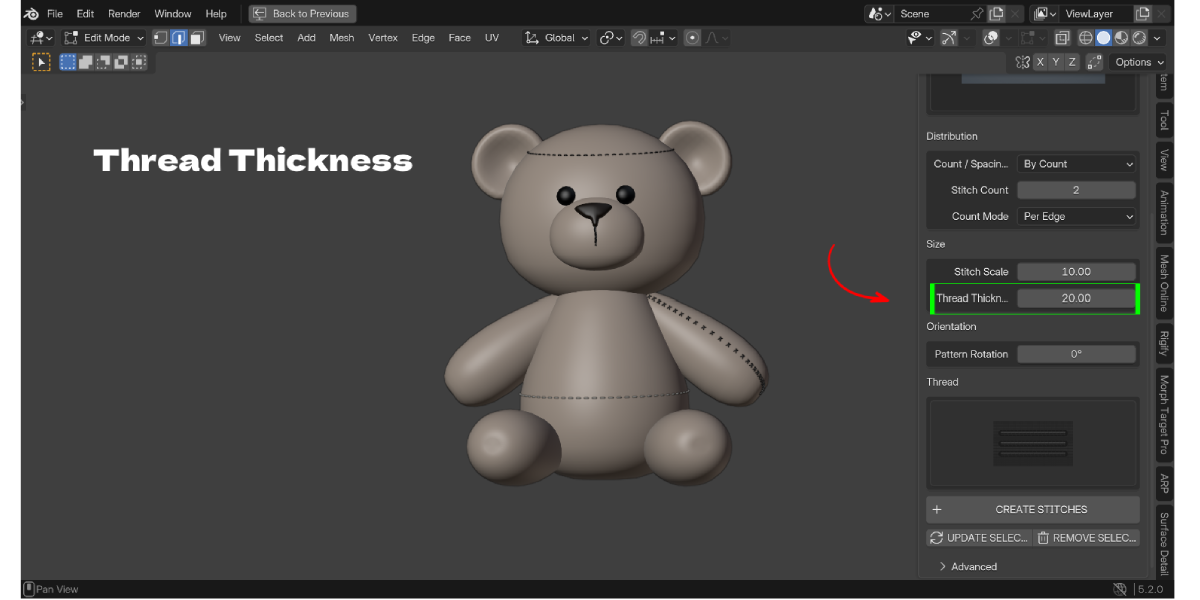
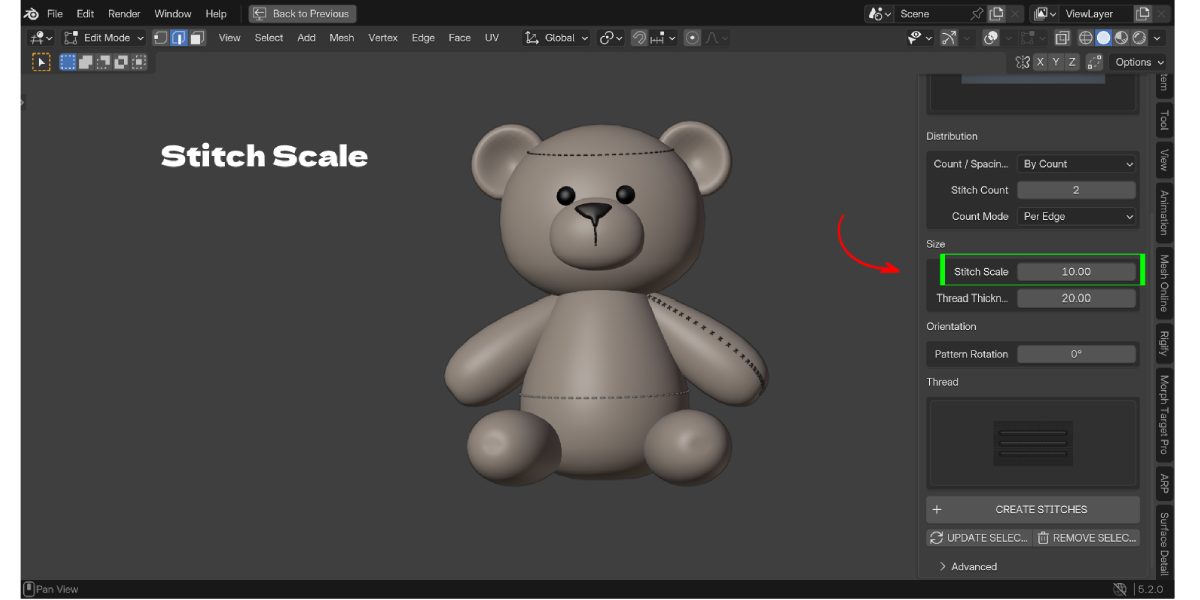
- Stitch Scale and Thread Thickness: two separate numeric controls with no small upper limit. Benefit: fine embroidery or chunky toy seams from the same tool.
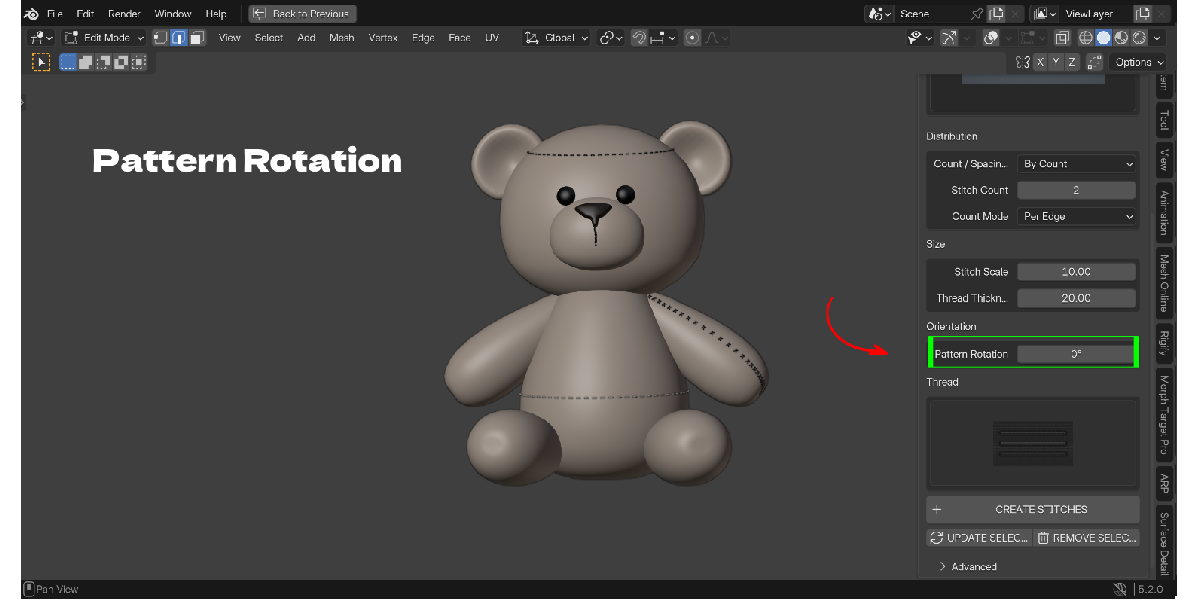
- Pattern Rotation and Flip Side: rotate each motif around its anchor; flip Blanket and Whip stitches to the other side. Benefit: match the direction of a real seam.
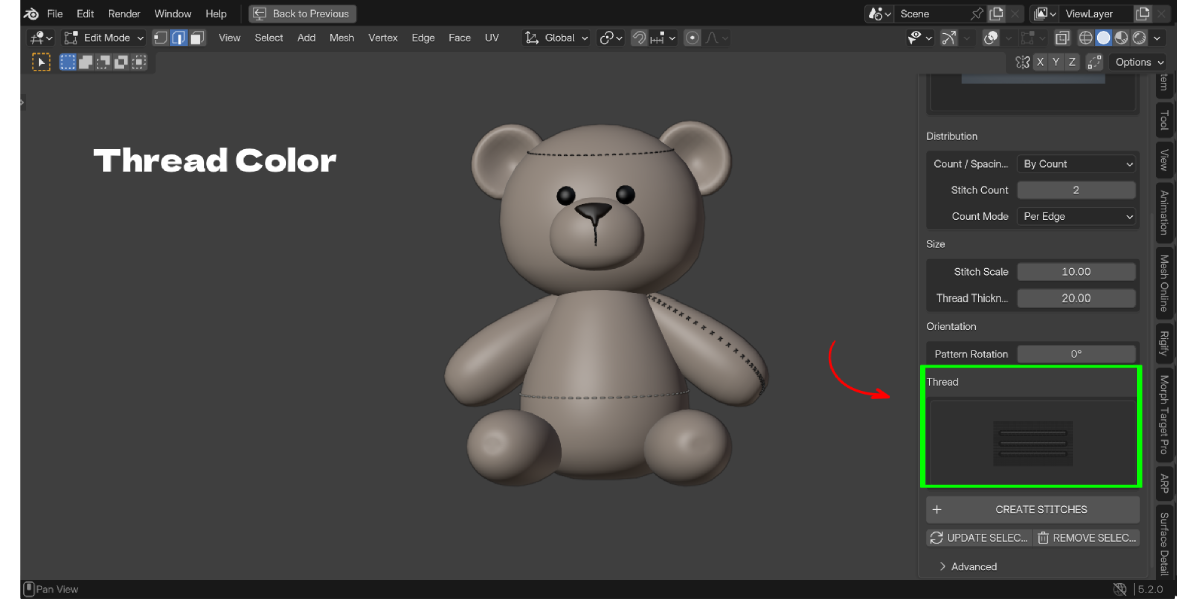
- 12 thread colors on a procedural material: tints keep the fibre noise, bump, roughness variation and sheen. Benefit: thread that looks like thread without building a shader.
- Update Selected: rebuild an existing stitch set with new settings; if the rebuild fails, the old geometry is kept. Benefit: safe tweaking.
- Remove Selected: deletes only the generated stitches and their unused material. Benefit: your source mesh stays untouched.
- Non-destructive: the source mesh is never cut, booleaned or remeshed. Benefit: keep your model clean for UVs, sculpting or export.
- Advanced settings: Sew Depth, Surface Offset, path resolution, roundness, evaluated surface (modifiers and shape keys) and safety limits. Benefit: full control when you need it, out of the way when you do not.

Workflow Benefits
Before: model a stitch, convert the seam edges to a curve, add Array and Curve modifiers, line up origins, apply scale, then fix every stitch that sinks or floats. Repeat for each seam.
With Stitch Maker:
- Select the seam edges in Edit Mode.
- Pick a stitch style and color.
- Set the count or spacing, scale and thickness.
- Click Create Stitches.
- Want changes? Select the stitch set, adjust and click Update Selected.
Fewer objects to manage, no destructive edits to your mesh, and every seam stays editable.

Who it is for
- Character artists adding seams to plush toys, dolls and stuffed animals
- Clothing and fashion artists stitching jeans, jackets, hats and bags
- Prop artists working on leather goods, wallets, belts, balls and car seats
- Game artists who want real stitch geometry they can bake to normal maps
- Product visualization for textiles, upholstery and accessories
What's included
- Stitch Maker add-on ZIP (version 1.13.0), install from disk
- 15 stitch preview images and 12 thread color swatches built in
- README, changelog and license inside the ZIP
- License: GPL-3.0-or-later
- Support: message the creator through Superhive
