 Sonneblom Digitaal
What it does
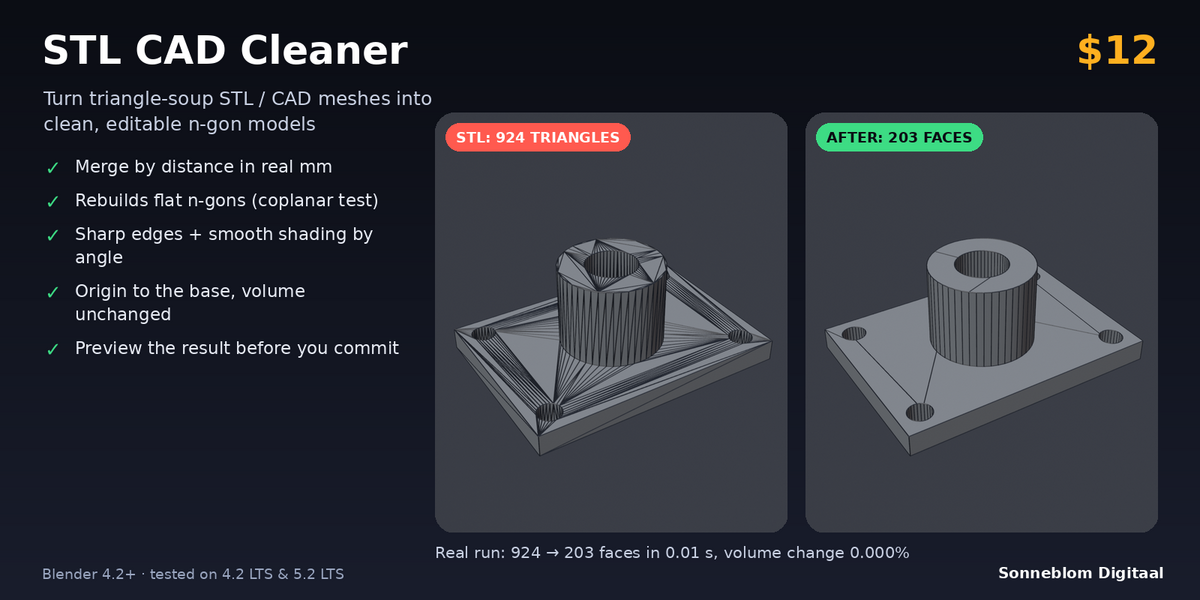
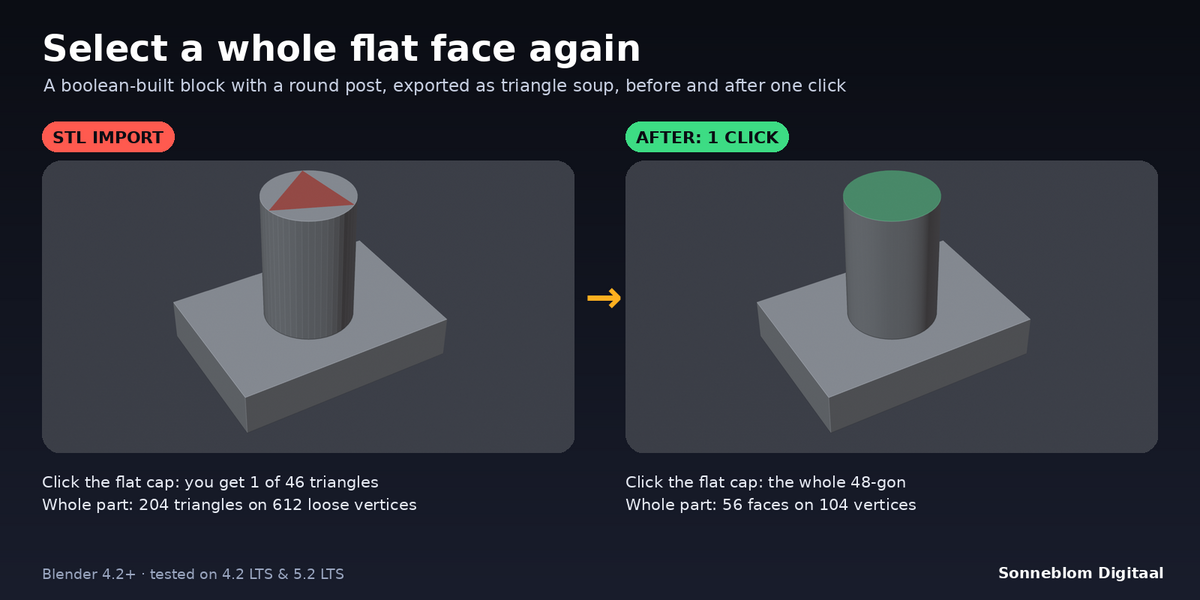
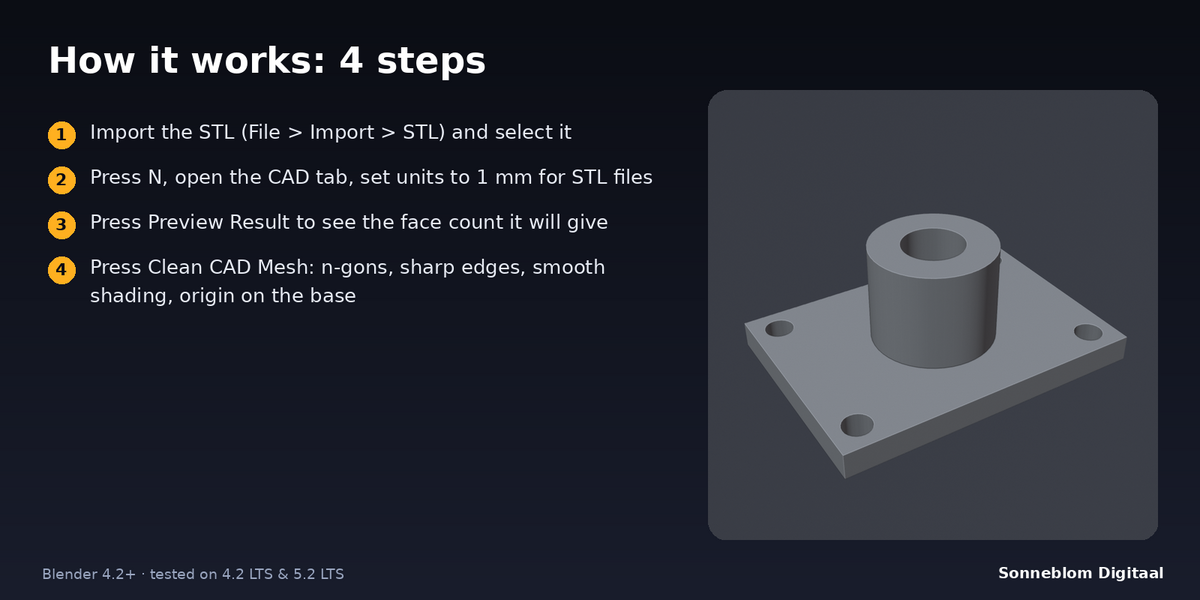
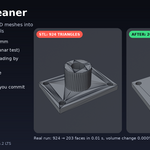
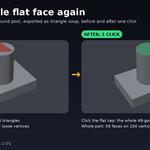
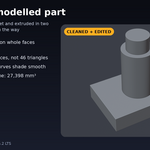
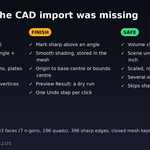
STL CAD Cleaner turns the triangle soup you get from STL files and CAD or Printables downloads into a mesh you can actually edit. An STL stores every triangle with its own three corners, so nothing is connected, a flat face is a pile of thin triangles, and Blender's Tris to Quads often gives up on these parts. One click welds the corners, joins coplanar triangles back into flat n-gons (a cube is 6 faces again, a round post cap is one 48-gon), removes the extra vertices that sit on straight edges, marks sharp edges, switches to smooth shading by angle and moves the origin to the base. The shape does not change: the report shows the volume before and after.
It is about editability, not repair: it does not fill holes or fix broken meshes (Print Fix does that).
Who it's for
Makers who download STLs from Printables, Thingiverse or a CAD export and want to remix them in Blender: cut a slot, add a boss, bevel an edge, extrude a face. Also anyone who needs a CAD part with clean selectable faces for modelling, rendering or a Boolean workflow.
Key features
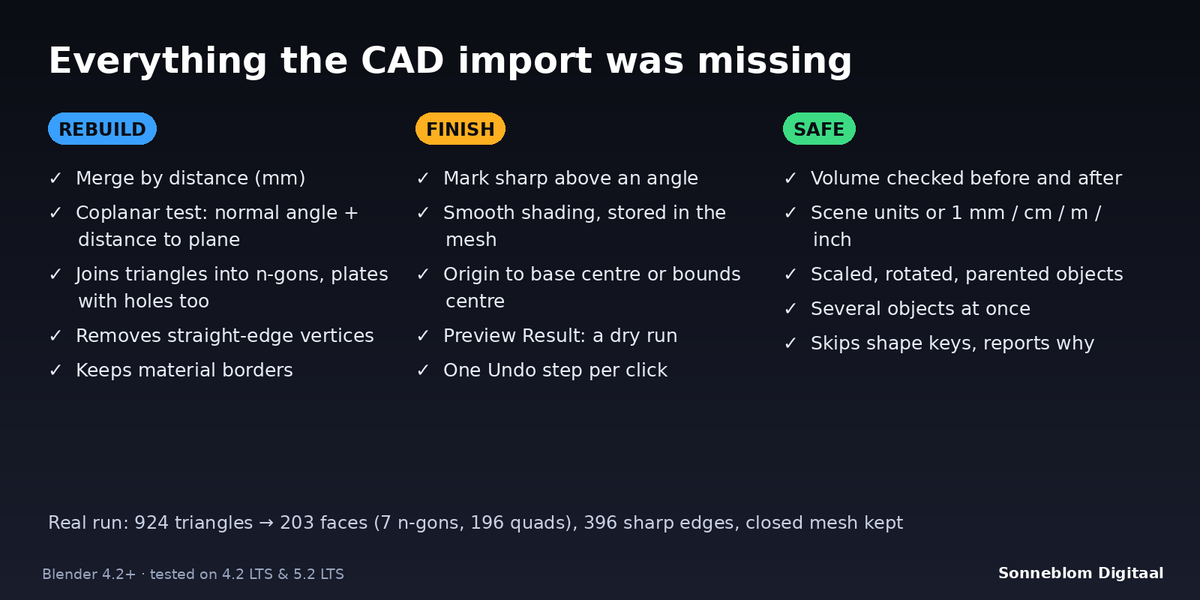
- Merge by distance in real millimetres (default 0.01 mm), so an unwelded STL becomes one connected mesh.
- Flat n-gon recovery with a coplanar test: a triangle joins a flat face only if its normal is within the Angle (default 0.5°) of the face AND every vertex lies within the Flatness (default 0.01 mm) of its plane. Gently curved surfaces are never melted into one tilted face. Plates with holes work; the face around a hole becomes a few n-gons because Blender faces cannot have holes.
- Removes straight-edge vertices left over where triangles met along an edge, never moving the outline by more than the Flatness.
- Mark sharp edges above an angle (default 30°) and smooth shading, stored in the mesh (same result as Shade Smooth by Angle, no modifier).
- Origin to the base centre (lowest point, centre of the bounds), to the bounds centre, or left alone. The geometry does not move in the scene.
- Preview Result: a dry run that reports the face count you would get and changes nothing.
- Safe by design: keeps material borders, reports the volume before and after for closed meshes, and warns when it changes by more than 0.1%.
- Scene units or a 1 mm / 1 cm / 1 m / 1 inch override; unapplied scale (also non-uniform or mirrored), rotation and parents are handled. Several objects at once, works from Object Mode and Edit Mode, one undo step per click.
How to use
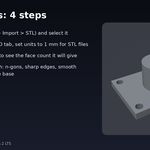
- Install the zip, press N in the 3D Viewport and open the CAD tab.
- Import your STL, select it and set 1 Blender unit = to 1 mm (STL files have no units).
- Click Preview Result to see how many faces you will get.
- Click Clean CAD Mesh. Read the report (faces before and after, sharp edges, volume).
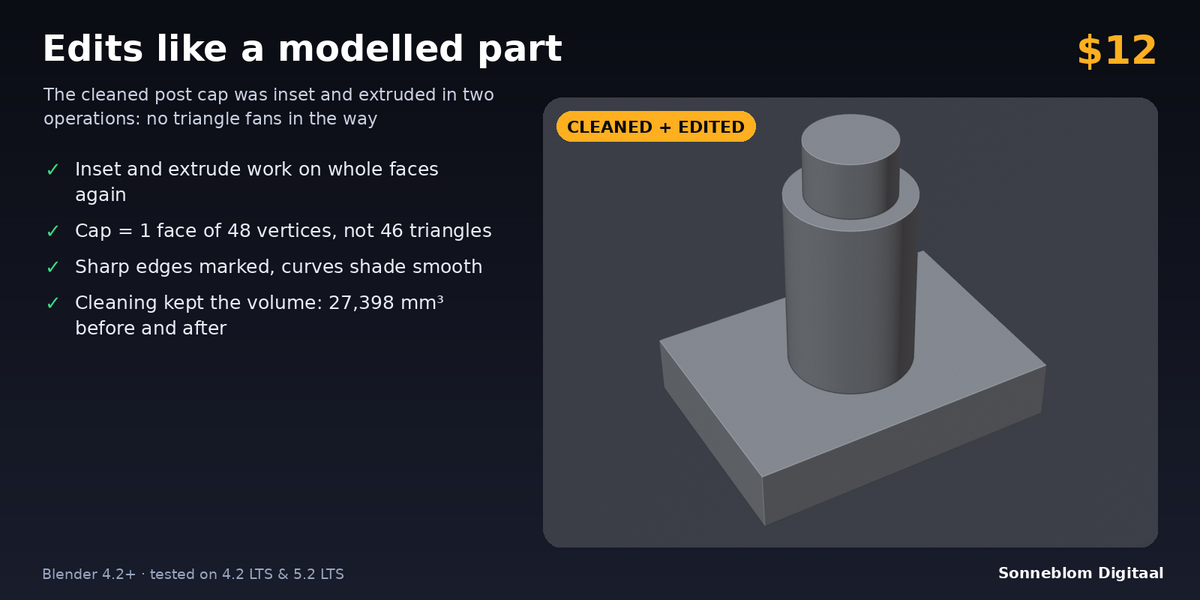
- Edit as usual: select a whole flat face, inset, extrude, bevel. Ctrl+Z undoes the clean.
Compatibility
Blender 4.2 LTS or newer, tested on 4.2 LTS and 5.2 LTS. Works on Windows, macOS and Linux (pure Python, no extra files, no network access).
Good to know
- It works on the base mesh of the object. Modifiers are not applied; objects with shape keys are skipped (the report says so).
- It joins triangles that are flat. A truly curved surface stays as strips of quads and triangles; very fine curved facets (less than the Angle apart) can merge, never moving the surface more than the Flatness. Lower Angle and Flatness to keep them.
- Scans and noisy meshes that are not really flat will change little. For noisy CAD files raise Distance and Flatness slightly.
- Mark sharp edges replaces the existing sharp marks of the mesh. Turn it off to keep yours.
- STL files carry no UV maps or vertex weights; welded corners do not keep any.
- Open or non-manifold meshes are cleaned too, but the volume check only runs on watertight meshes. Linked duplicates are cleaned once and their origin is left alone.
- Speed: a part of about 30,000 triangles takes a couple of seconds.
Support
Questions or a bug? Use the Superhive product page messages and we reply within a day.