STL CAD Cleaner
 Sonneblom Digitaal
Why not just use Tris to Quads?
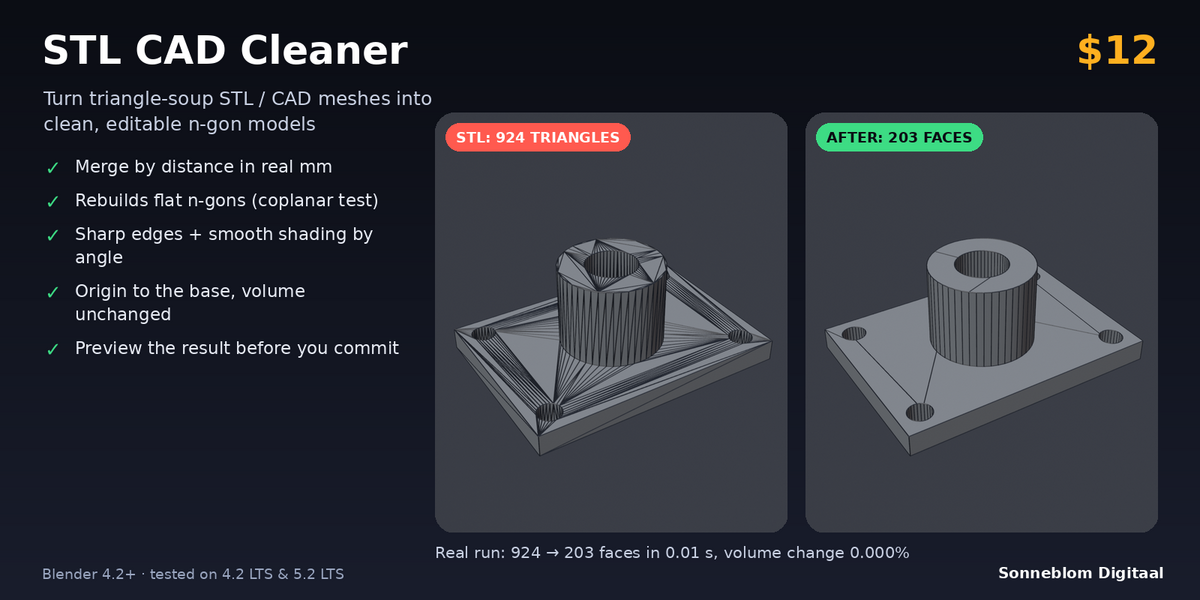
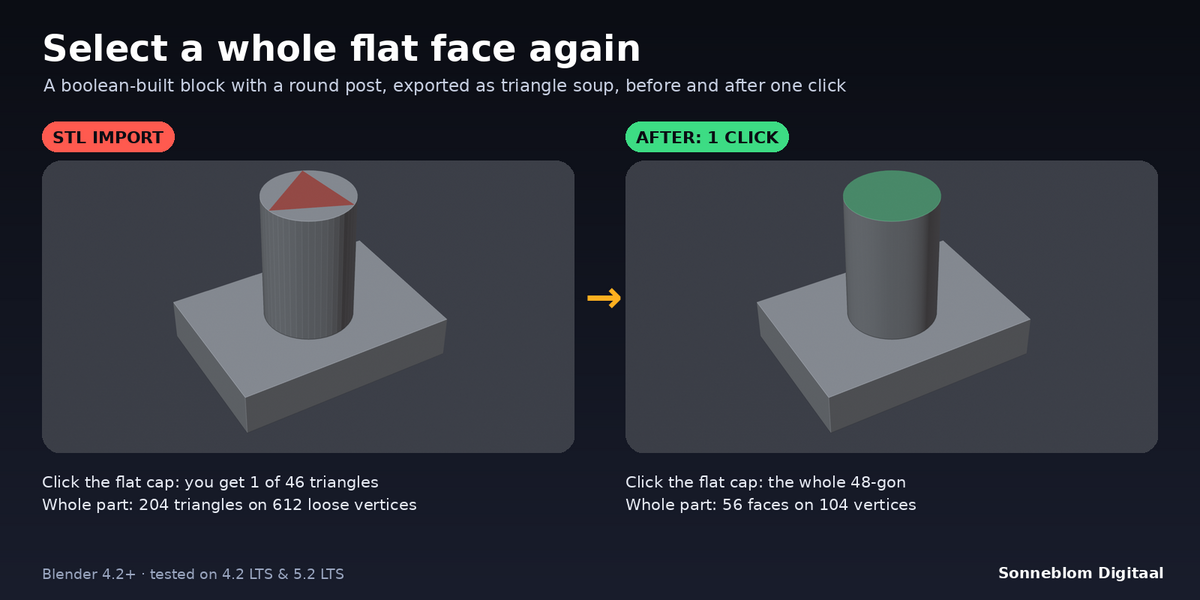
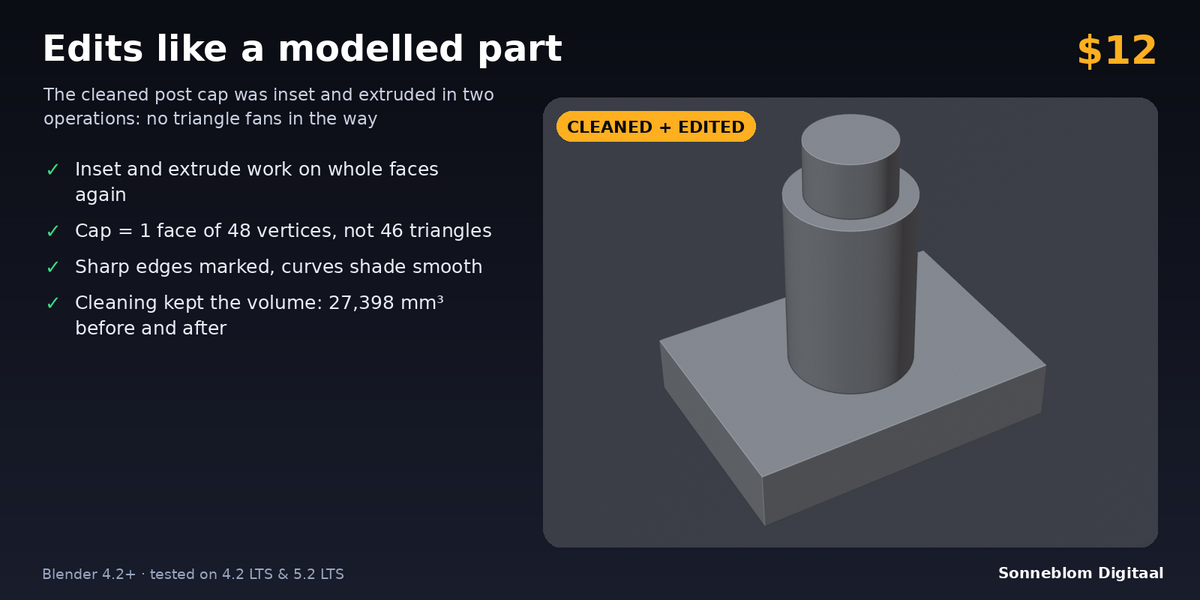
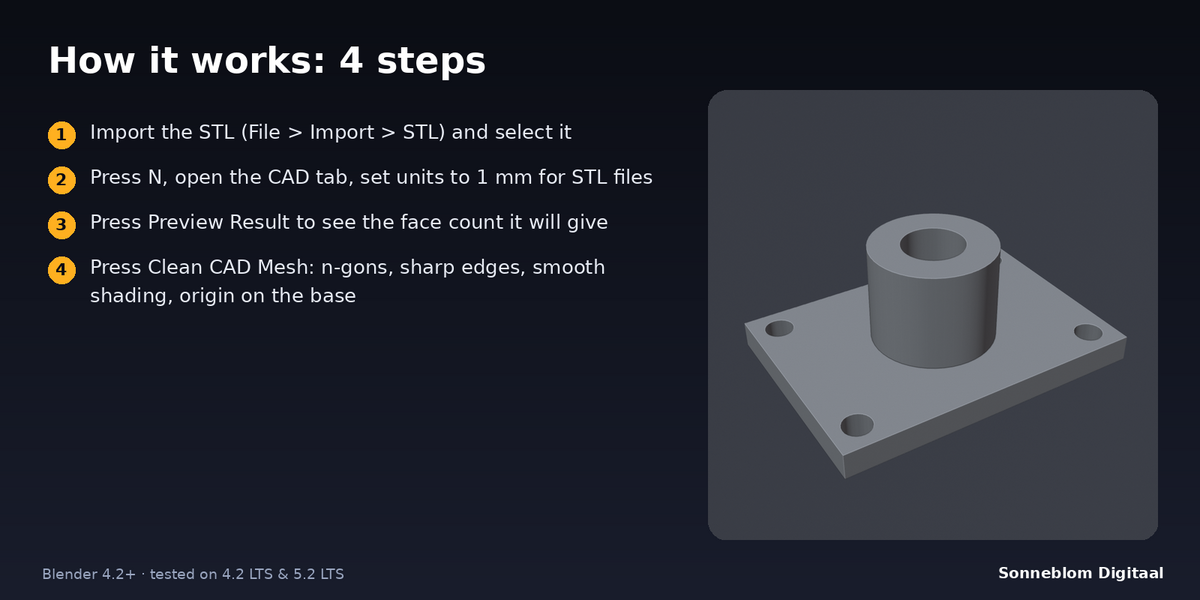
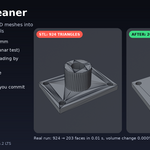
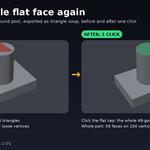
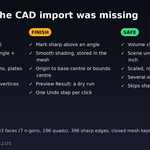
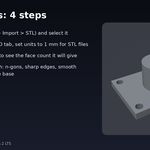
Tris to Quads only pairs triangles into quads, and on CAD meshes it often leaves fans of triangles on big flat faces or on faces with many corners. STL CAD Cleaner joins every coplanar triangle of a flat face into one n-gon (a 48-vertex cap becomes one face), with a distance test so curved surfaces are not flattened.
Will it change the shape of my part?
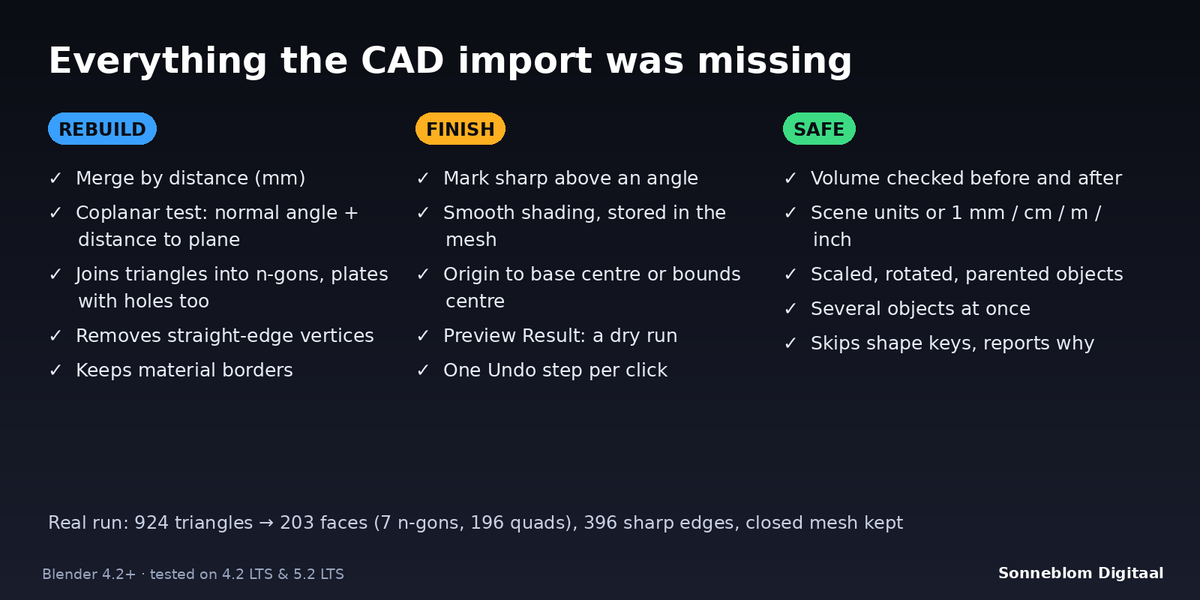
No. Joining coplanar triangles does not move any surface. The only tolerances are Distance (0.01 mm by default, for welding) and Flatness (0.01 mm), and the report shows the volume before and after for closed meshes: +0.000% on clean CAD parts.
Why does a plate with holes still have several faces on top?
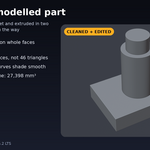
Blender faces cannot have holes, so the flat top of a plate with holes can never be a single face. It becomes a few n-gons around the holes instead of hundreds of triangles.
Nothing happens or the sizes are wrong. Why?
STL files have no units and Blender's default scene counts 1 unit as 1 metre. Set 1 Blender unit = to 1 mm in the panel so Distance and Flatness are real millimetres.
Does it repair holes or broken meshes?
No. It is for editability: welding, flat faces, sharp edges, shading and origin. If the mesh has holes it is still cleaned and the report says it is not watertight. Print Fix, our repair add-on, is the tool for holes.
Can I see the result before changing my mesh?
Yes. Preview Result is a dry run that reports the face count, n-gons, sharp edges and volume you would get without changing anything. Ctrl+Z also undoes a clean in one step.
What do I get for $12?
The full add-on: Clean CAD Mesh and Preview Result, all settings, both zips (Blender extension and legacy add-on), the documentation and free updates for 1.x. It is licensed GPL-3.0-or-later, with no account, no trial and no network access.
Have questions about this product?
Login to message
| Blender Extension Compatible | Yes |
| Published | about 9 hours ago |
| Blender Version | 4.2 - 5.2 |
| Extension Type | Add-on |
| License | GPL |
Discover more products like this
STL mesh cleanup smooth by angle remix N-gons 3d printing cad printables