 VK Gamedev


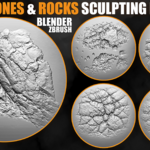
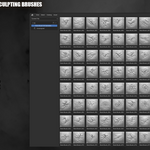
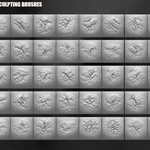
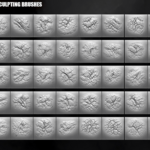
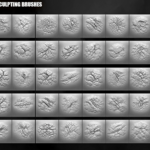
BLENDER & ZBRUSH • ROCKS • CLIFFS • ENVIRONMENTS
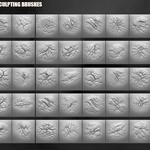
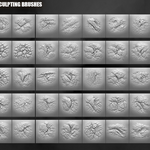
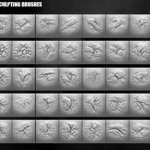
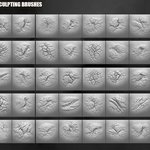
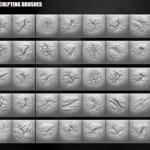
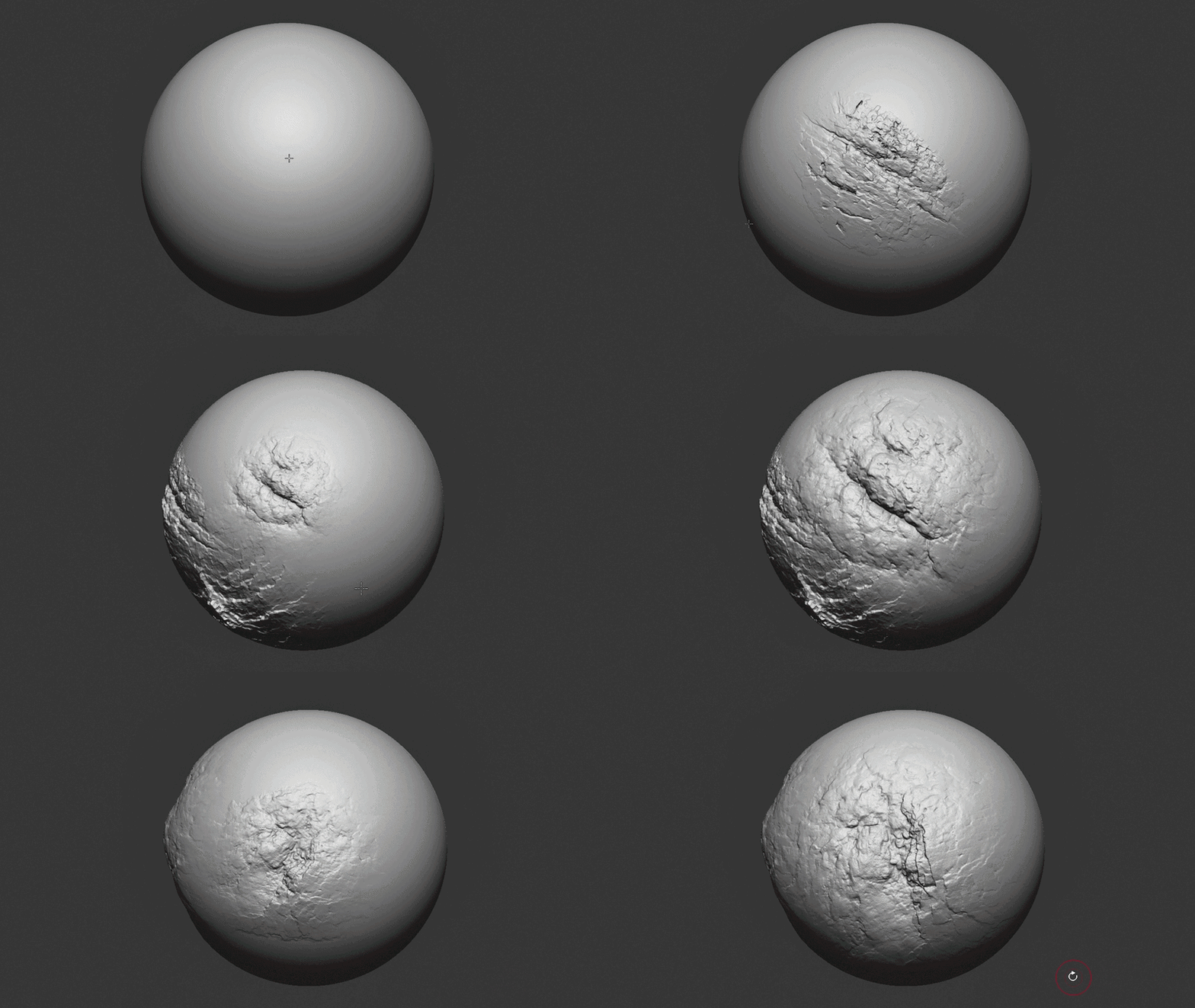
200+ Stones and Rocks Brushes
A production-ready sculpting pack for creating realistic stones, cliffs, rocky surfaces, cracks, erosion, ruins, terrain, and environment details.
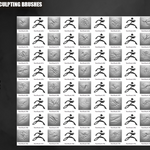
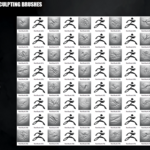
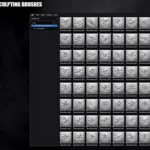
Includes 223 Blender brushes, 223 ZBrush brushes, and 223 high-resolution 2K alphas.
223 Brushes • 223 Alphas • 2K Detail Maps • Production Ready
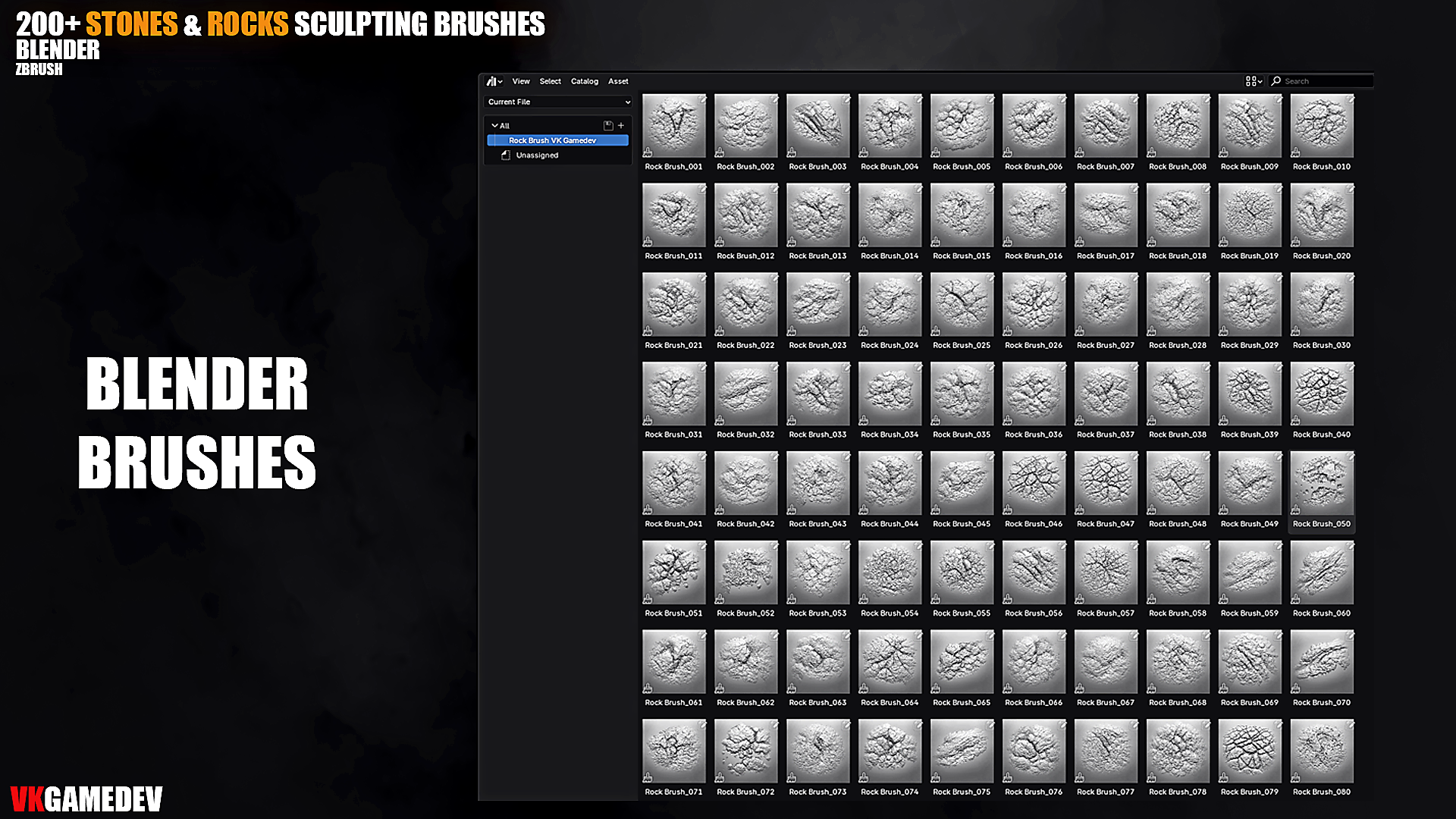
| 223 Blender Sculpting Brushes | 223 ZBrush Brushes | 2K High-Resolution Alphas |
📦 What’s Included
- 223 Sculpting Brushes for Blender
- 223 Custom ZBrush Brushes for ZBrush 2021 or higher
- 223 High-Resolution Alphas — 2K grayscale maps
- Stone, rock, cliff, crack, erosion, and surface breakup patterns
- Ready-to-use detailing assets for fast sculpting workflows
⚡ Key Features
- Large variety of natural rock, stone, and cliff surface details
- Sharp cracks, broken edges, rough stone, and erosion patterns
- 2K alphas for sculpting, height, bump, displacement, and detailing workflows
- Optimized for Blender Sculpt Mode & ZBrush
- Designed for fast environment art and production asset creation
🎯 Perfect For
- Realistic cliffs, rocks, stones, and mountain surfaces
- Ancient ruins, caves, terrain, and rocky environments
- Game assets, cinematic scenes, VFX, and concept art
- 3D printing, environment sculpting, and displacement detailing
- Stylized and realistic rock sculpting workflows
🔧 Installation
Blender
- Place the provided Blender brush files in a permanent folder.
- Open Blender Sculpt Mode.
- Load or append the brushes into your sculpting workflow.
ZBrush
- Copy all provided ZBrush brush files.
- Paste them into your ZBrush brushes folder:
C:\Program Files\Pixologic\ZBrush 2021\ZBrushes Newly added packs:


Commercial use depends on the selected license • Redistribution of raw files is not permitted
Questions or installation help? Message me anytime.
