 VK Gamedev


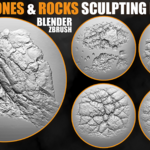
BLENDER & ZBRUSH • ROCKS • CLIFFS • ENVIRONMENTS
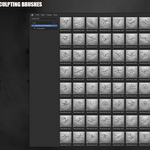
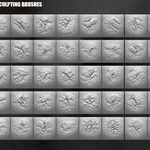
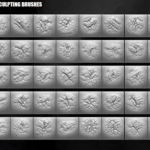
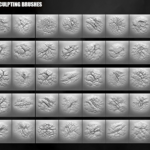
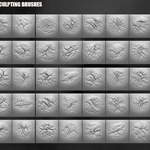
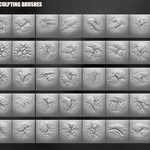
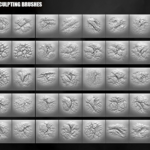
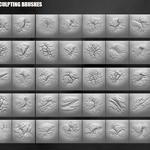
200+ Stones and Rocks Brushes
A production-ready sculpting pack for creating realistic stones, cliffs, rocky surfaces, cracks, erosion, ruins, terrain, and environment details.
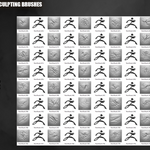
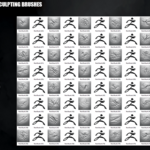
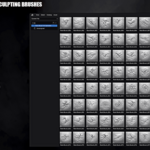
Includes 223 Blender brushes, 223 ZBrush brushes, and 223 high-resolution 2K alphas.
223 Brushes • 223 Alphas • 2K Detail Maps • Production Ready
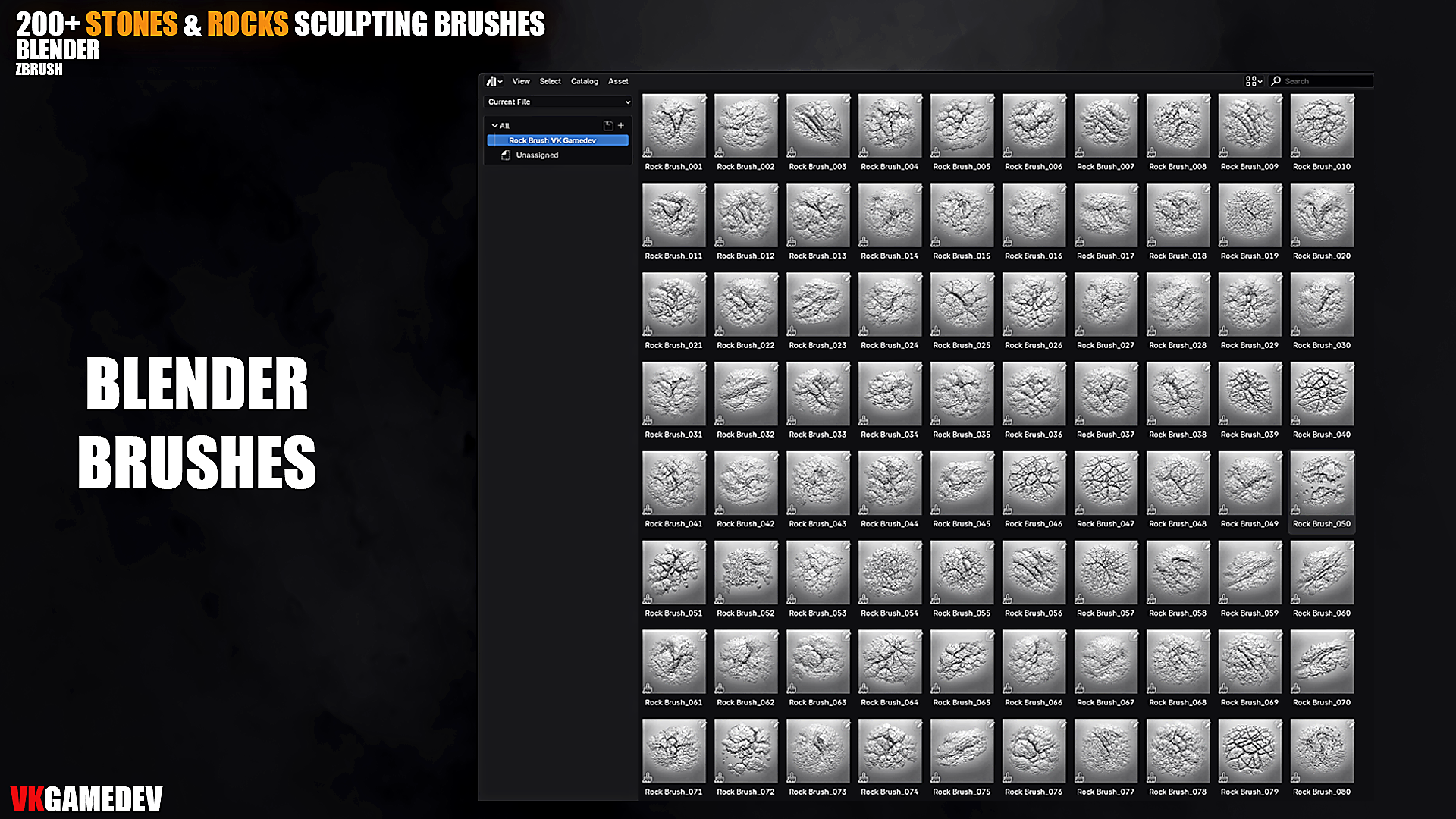
| 223 Blender Sculpting Brushes | 223 ZBrush Brushes | 2K High-Resolution Alphas |
📦 What’s Included
- 223 Sculpting Brushes for Blender
- 223 Custom ZBrush Brushes for ZBrush 2021 or higher
- 223 High-Resolution Alphas — 2K grayscale maps
- Stone, rock, cliff, crack, erosion, and surface breakup patterns
- Ready-to-use detailing assets for fast sculpting workflows
⚡ Key Features
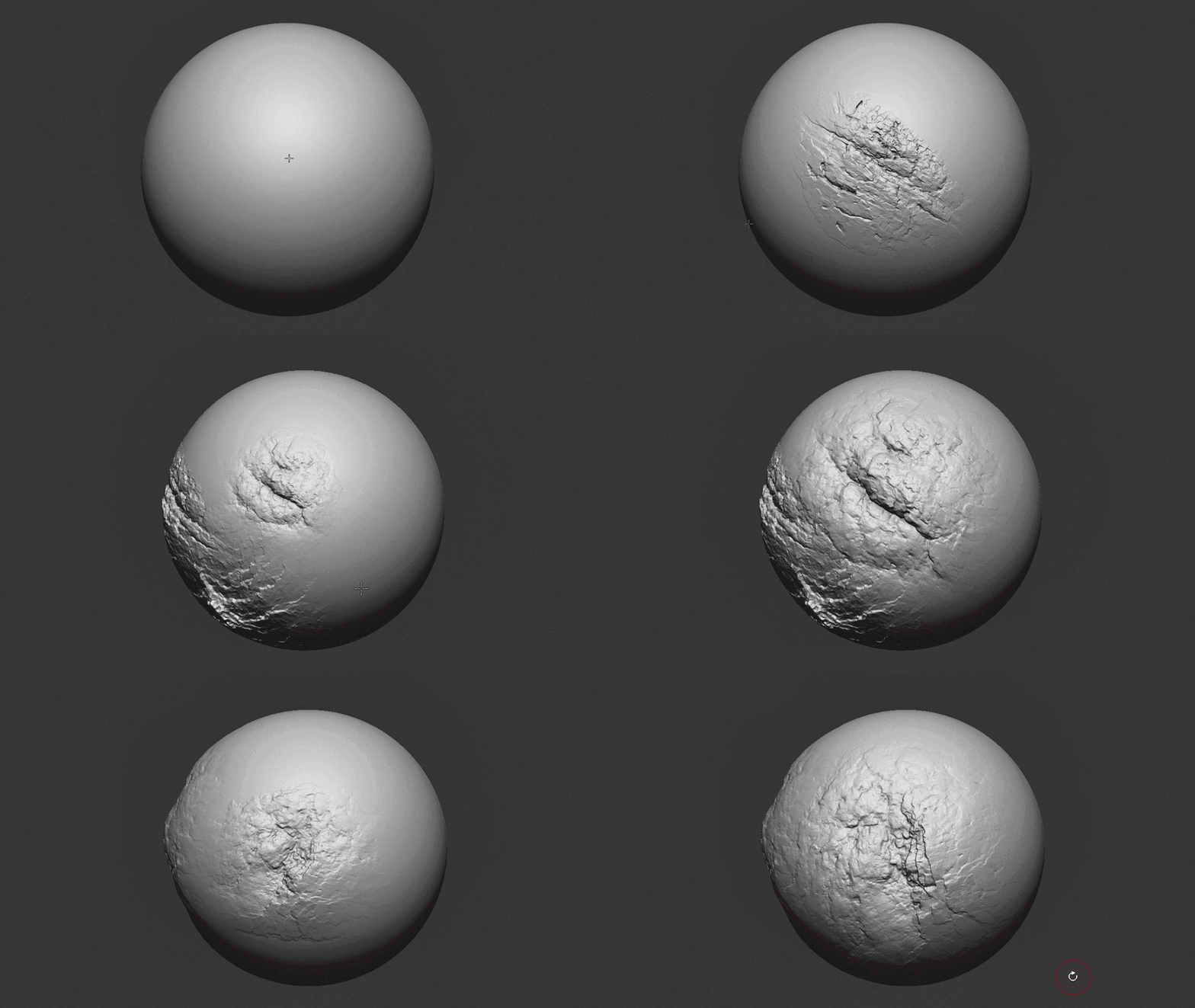
- Large variety of natural rock, stone, and cliff surface details
- Sharp cracks, broken edges, rough stone, and erosion patterns
- 2K alphas for sculpting, height, bump, displacement, and detailing workflows
- Optimized for Blender Sculpt Mode & ZBrush
- Designed for fast environment art and production asset creation
🎯 Perfect For
- Realistic cliffs, rocks, stones, and mountain surfaces
- Ancient ruins, caves, terrain, and rocky environments
- Game assets, cinematic scenes, VFX, and concept art
- 3D printing, environment sculpting, and displacement detailing
- Stylized and realistic rock sculpting workflows
🔧 Installation
Blender
- Place the provided Blender brush files in a permanent folder.
- Open Blender Sculpt Mode.
- Load or append the brushes into your sculpting workflow.
ZBrush
- Copy all provided ZBrush brush files.
- Paste them into your ZBrush brushes folder:
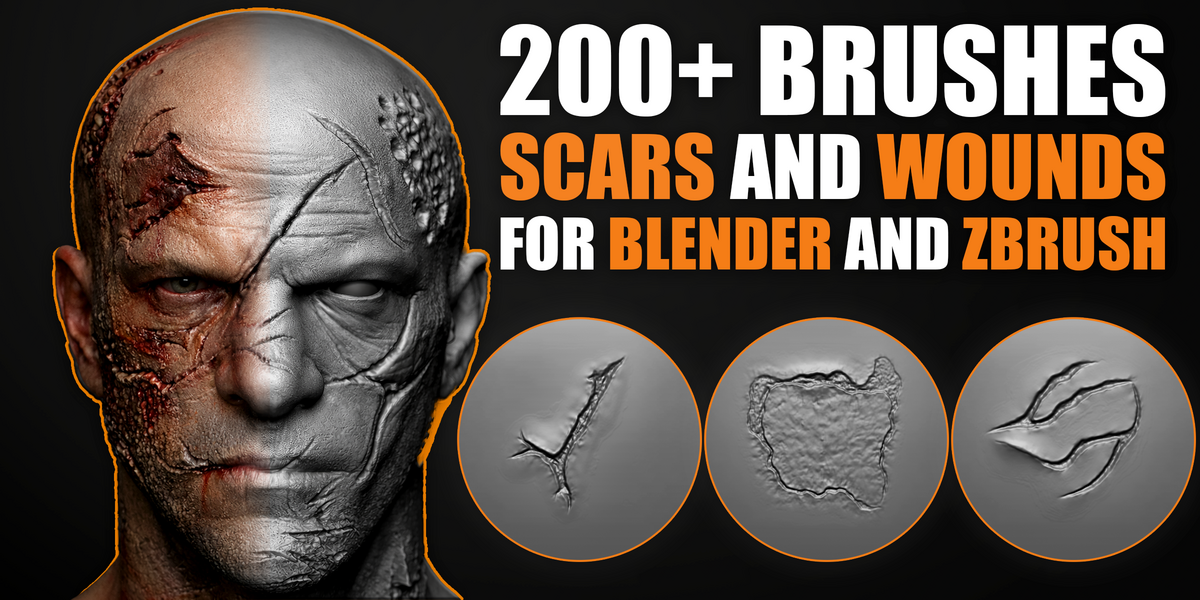
C:\Program Files\Pixologic\ZBrush 2021\ZBrushes Newly added packs:


Commercial use depends on the selected license • Redistribution of raw files is not permitted
Questions or installation help? Message me anytime.
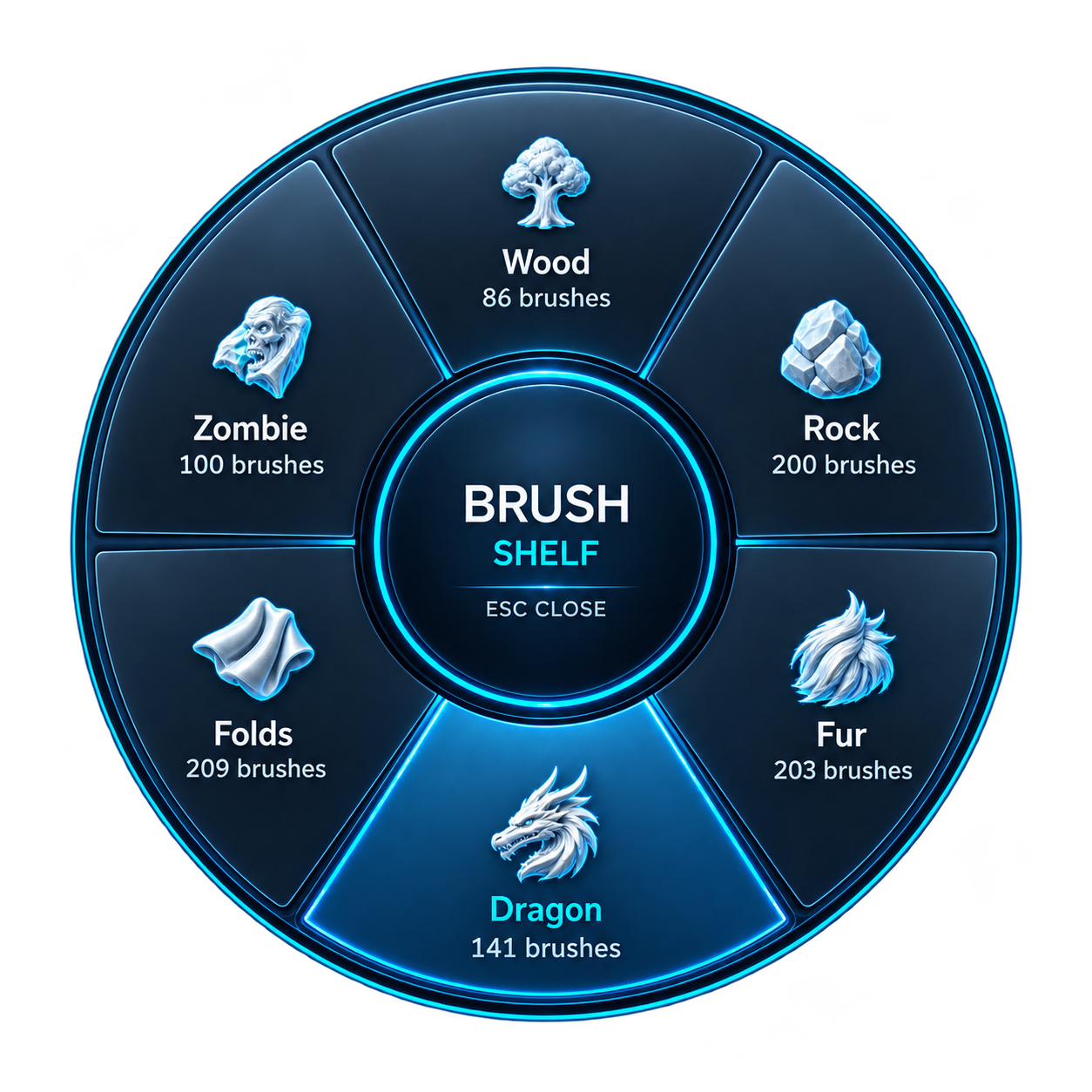
Your Brushes. One Shortcut Away.
Use these brushes with Brush Shelf for easy access while sculpting. Organize your personal brush library into custom categories, keep your favorites close, and press Q to select a brush directly in Blender’s 3D Viewport.
Discover Brush Shelf →