Strandkit | The Hair, Fur & Dynamics Library
 Nino
Nino


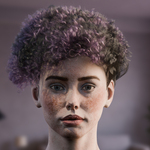
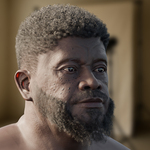
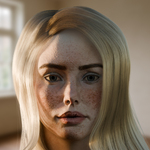
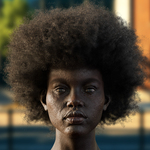
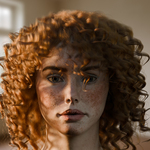
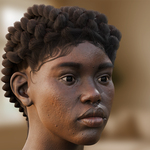
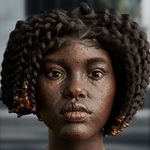

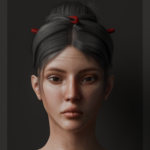
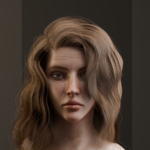
How to Add StrandKit to Blender
Now that you added StrandKit, the most important setting for almost any setup
The "System Scaling".
Used to control the entire scale of the look of the hair. Setting it lower will mean it treats your object as "smaller" meaning that your hair system will appear to be bigger. Imagine this setting as how close you would be to your cat or dog for example. If you come up way close (low scale), you'd see the fur in more detail and much larger. This is perfect if you have close-up shots of something. If you are far away from your cat or dog (large scale), you'll see less detail and the fur is of course much smaller. You'll also play around with this value based on the scale and size of your mesh. Generally, a mesh that's a lot bigger than the hair you emit on it will require a larger scale. It's quite easy to see what changes if you play around with this value.
If your fur looks off, next to playing with the system scale value, you can also enable "Scale By Reference Object". This allows you to manually set a cube or whatever as reference object for the scaling. Simply scale this around your head for example and that should set the scale perfectly.
Viewport Density
To prevent performance issues right after dragging a StrandKit preset onto your hair, StrandKit uses a viewport density slider. This will be set to a low value like 0.1 or 0.2 by default. This means that 10 or 20% of the hair system is visible in the viewport, and 100% in the render. You can, of course, set this setting to 1 to preview the full hair density. Just make sure to keep this in mind before you up your hair density without realising that the viewport density is set to a low value!
The Full version of StrandKit consists of the following
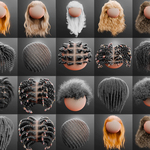
22 Fully procedural hair style systems.
1A Straight | 1B Straight | 1C Straight Wavy | 2A Wavy | 2B Wavy | 2C Wavy | 3A Curly | 3B Curly | 3C Afro | 3C Twisty Curls | 4A 360 Waves | 4B Bantu Knots | 4B Braids | 4B Coils | 4B Cornrows | 4B Twists | 4C Braids | 4C Twists | 4C Coily Afro | 4C Dreadlocks | 4C Fuzzy Afro | 4C Short Tapered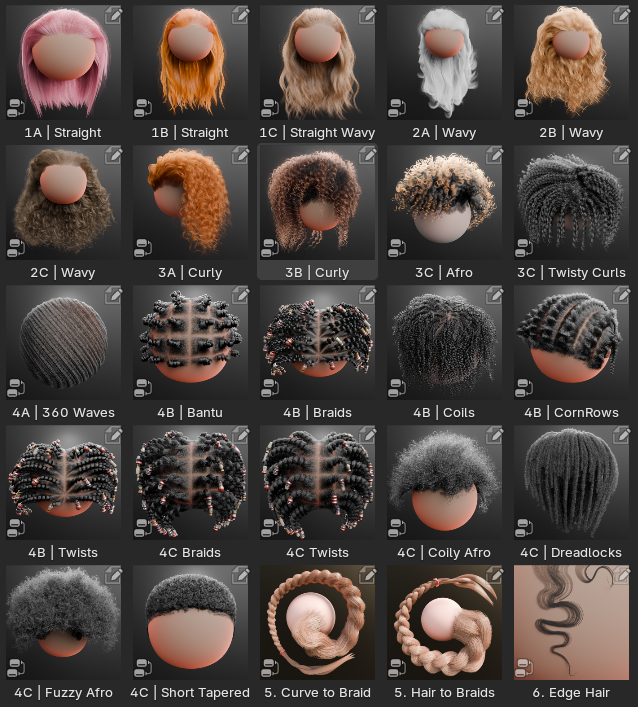
These systems can be dragged and dropped onto any hair curve / groom system. Each hair system is unique, while the modifier panel UI has been matched as much as possible for user friendliness.
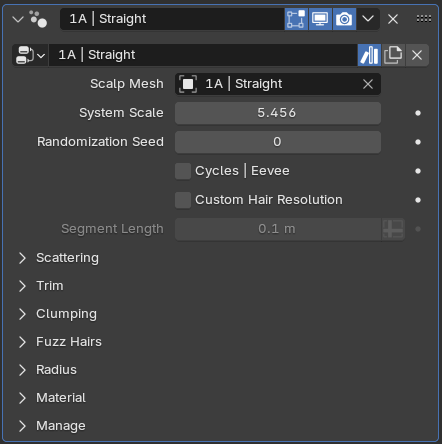
And the panels consist of the following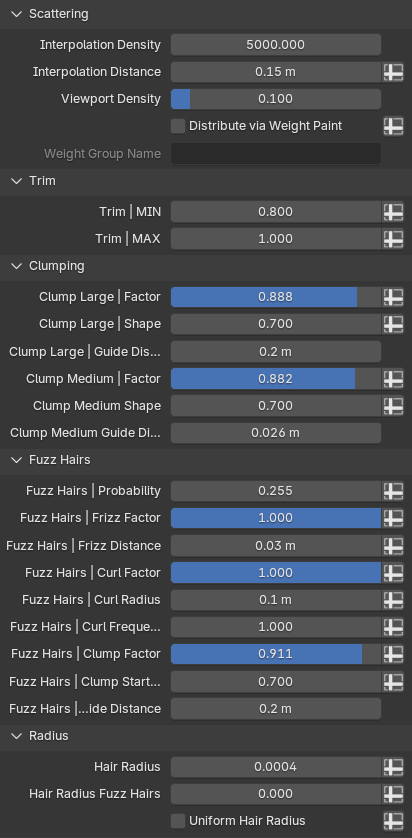
With the material incorporated and more customizable than ever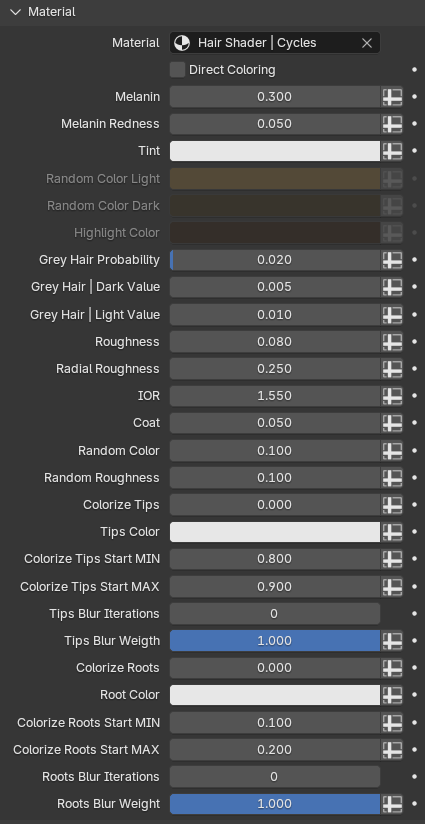
Unique Hairstyles with Different Setups
4B Bantu Knots, 4B Braids, 4B Twists, 4C Braids and 4C Twists all use a unique way of scattering. As these hair types usually follow specific patterns, these setups allow you to set up your own patterns as well. More specifically, these hairstyles will behave according to the topology of the scalp mesh.
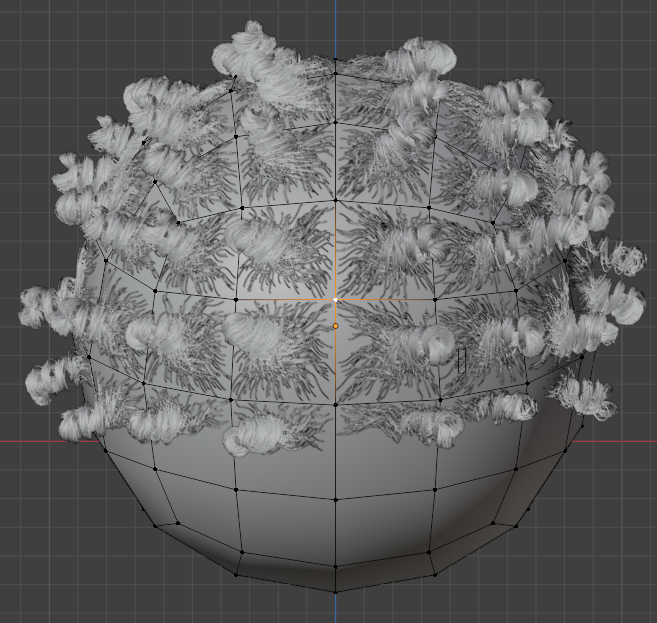
You can see how these Bantu Knots are shaped based on what face they are scattered on. This allows you to set up your own patterns by simply shaping the scalp mesh faces.
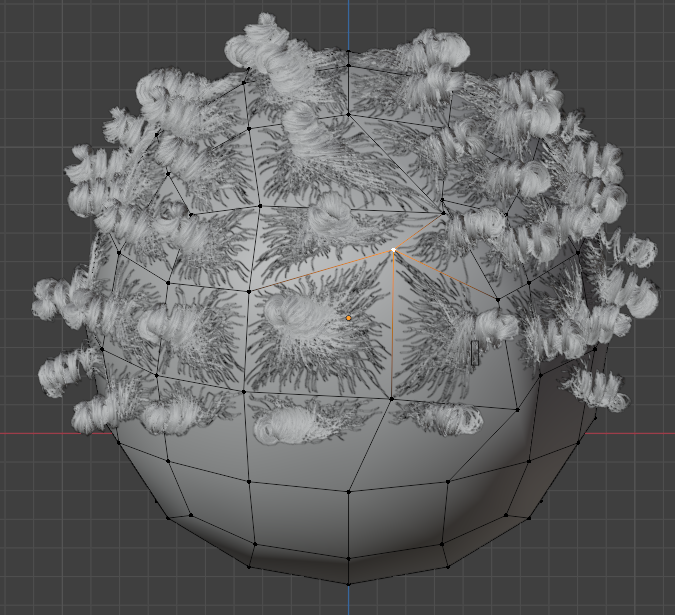
And these face shapes do not have to be quads.
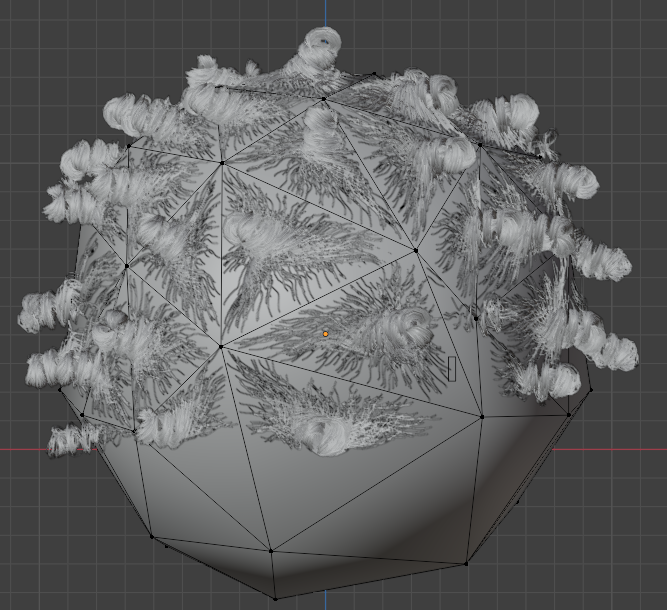
Which will give it that separated look
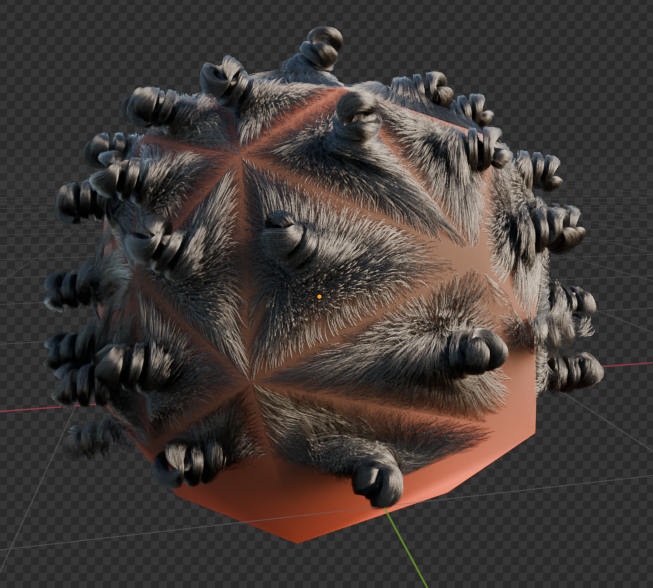
The best way to use this, is to have a separate mesh for your scalp that you shape how you'd like hair to behave, and shrinkwrap the scalp mesh to your regular mesh so it's nicely on top.
Cornrows have their own behaviour
These hairs are more shaped along the surface. The feed-in hairs (hairs that go into the braids) spawn based on the hair distance to the scalp. This means that your feed-in hairs will stop if the hair gets too far away from the surface. You can control that distance, but it's good to know how to shape the individual hairs for cornrows. This is an example of a proper way.
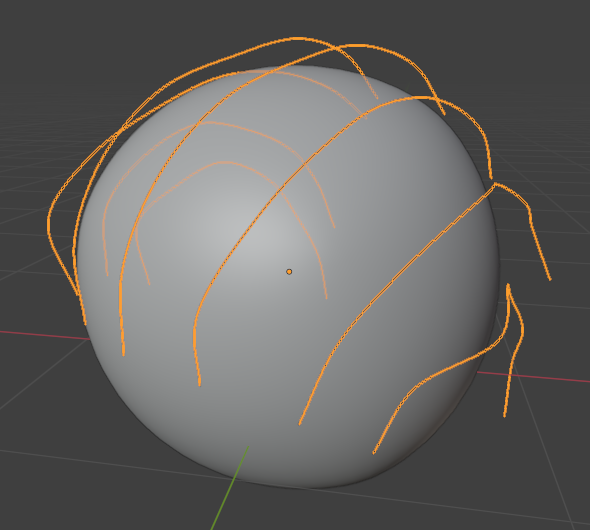
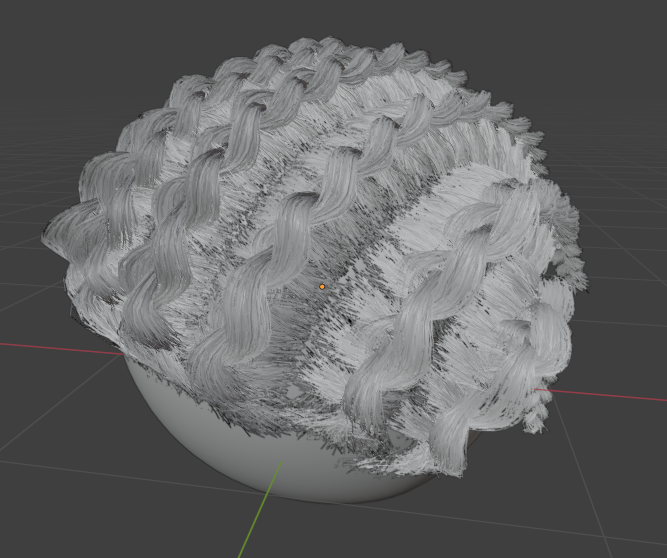
360 Waves have their own behavior
They use quite a simple groom setup, but it requires the hairs to be combed along the surface.
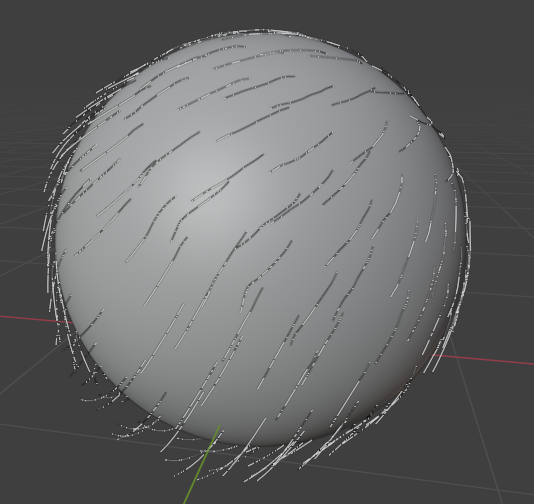
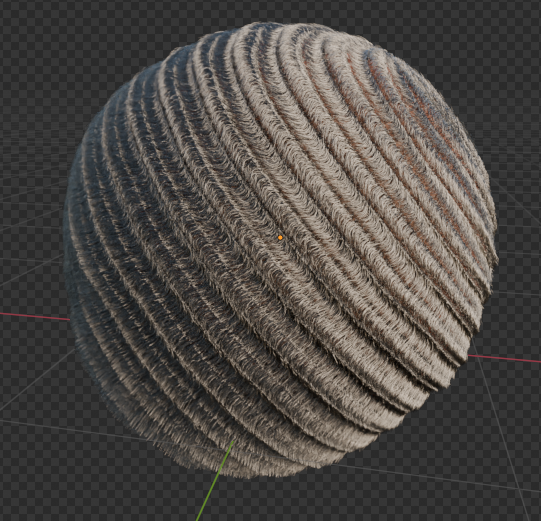
360 Waves comes with its own shape setup, which defines the wave pattern. For example: control wave scale, rotation direction, noise, wave normal strength, etc.
Short Tapered
Comes with a taper panel. This allows you to set a weight group that controls the taper of the hair, which procedurally changes hair values that define a realistic taper.
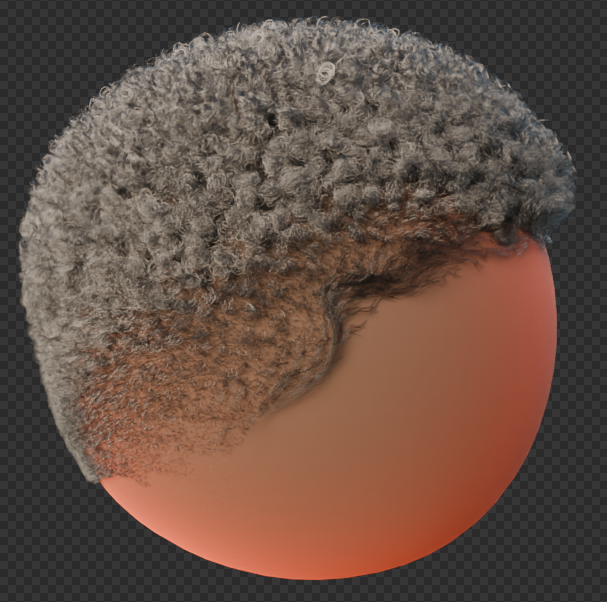
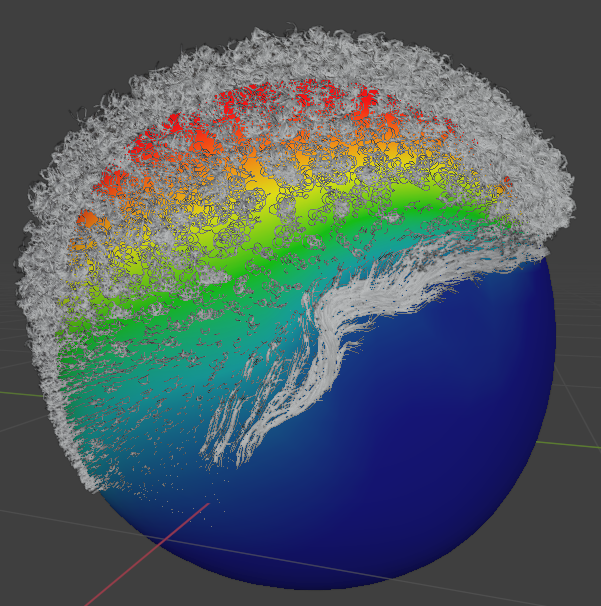
Edge Hair Tool
Fully procedural tool to create edge hairs with a simple system using a guide curve and a profile curve.
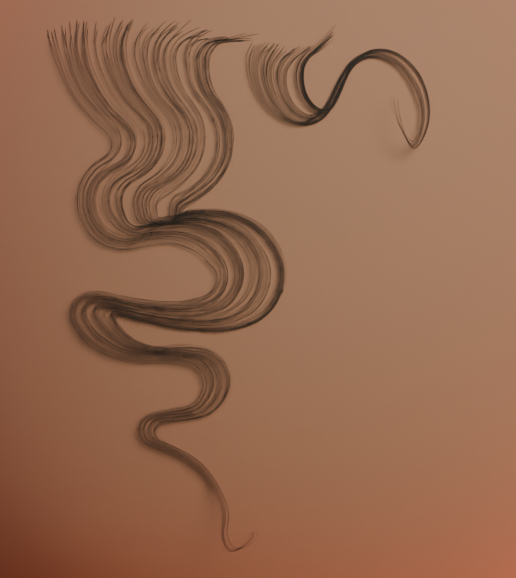
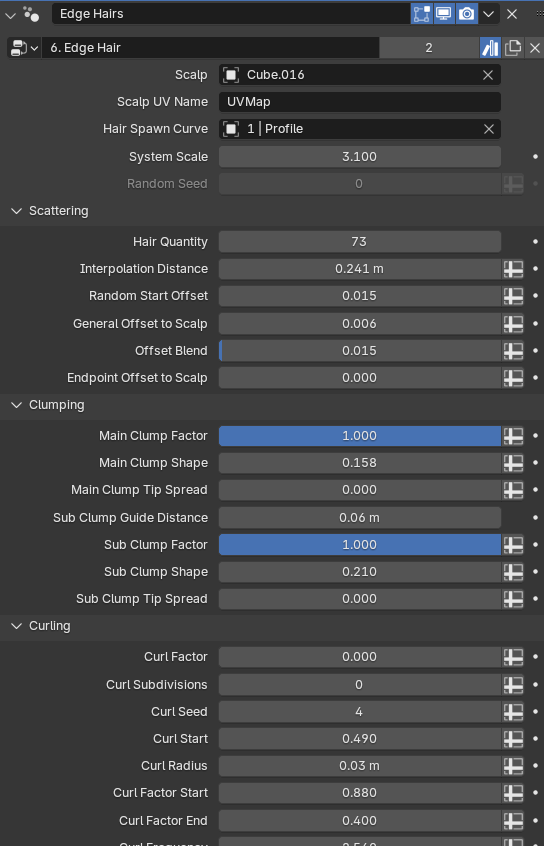
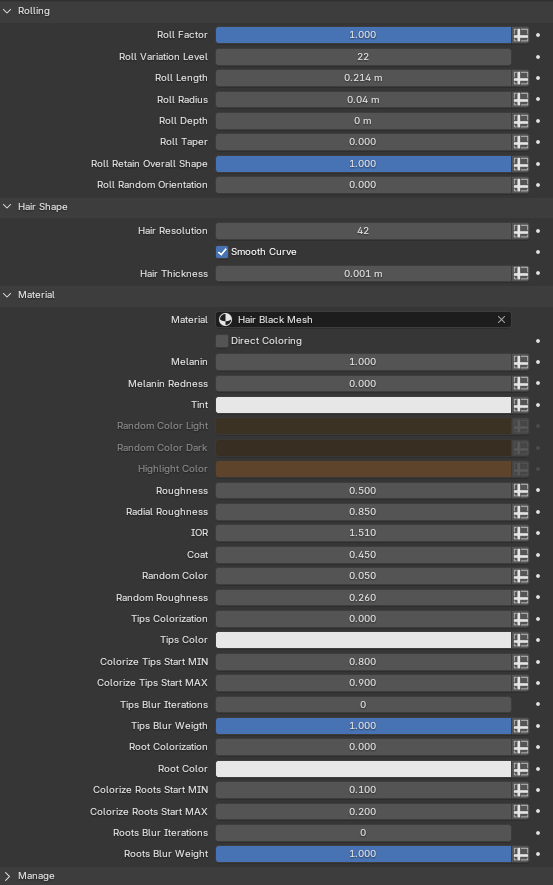
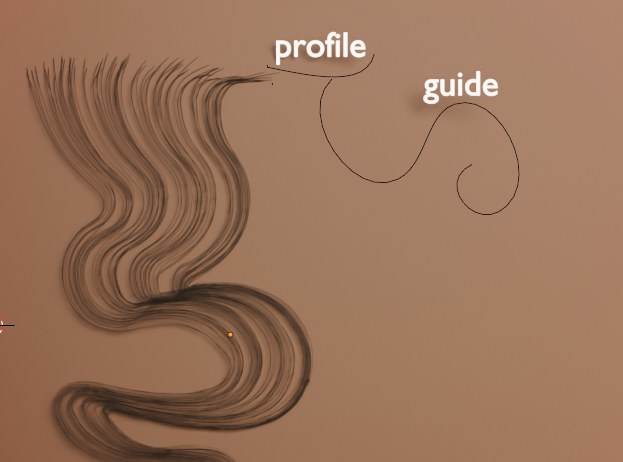
15 Fully procedural fur style systems.
Bear | Bison | Cat Long | Cat Short | Dog Curly | Dog Long | Feathers | Fox | Horse | Lion Mane | Mouse | Porcupine | Rabbit | Sheep | Wolf
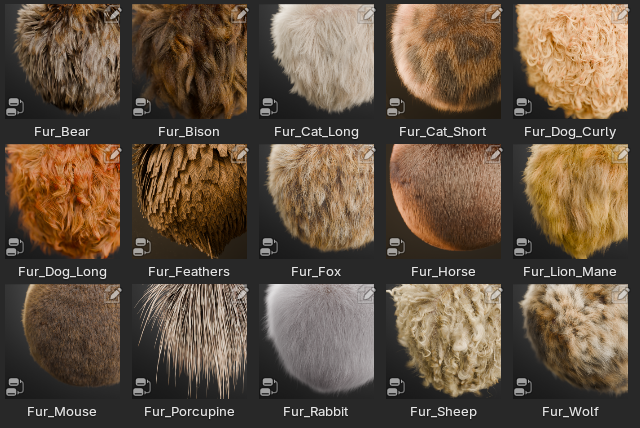
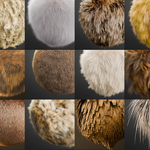
For fur, a "general" user interface in the modifier panel is set up to keep it uniform throughout fur systems. The fur systems come with a wide range of texture customization options.
This includes a custom option to transfer a texture from your scalp object to your individual hairs.
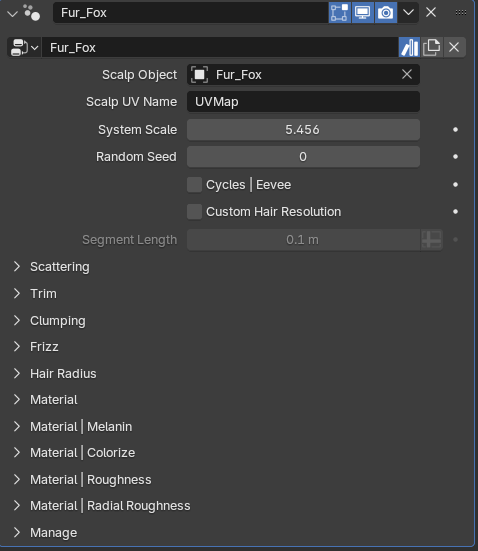
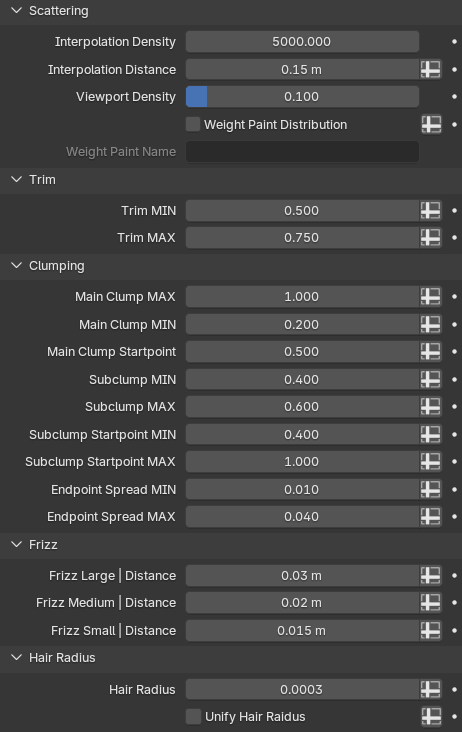
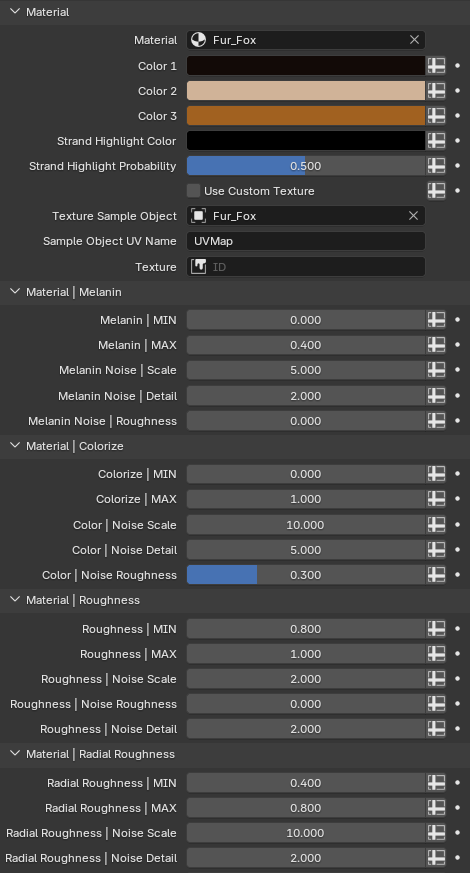
Unique Fur styles with Different Setups
Feathers, Porcupine
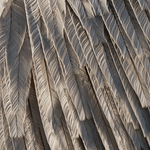
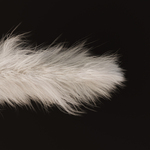
The feather system is completely unique and has its own layout as well.
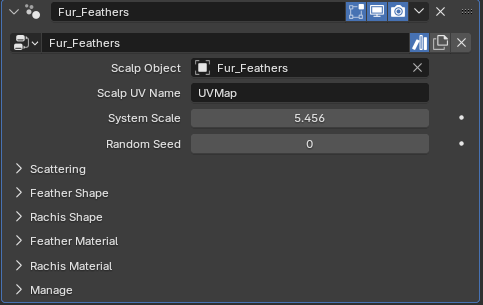
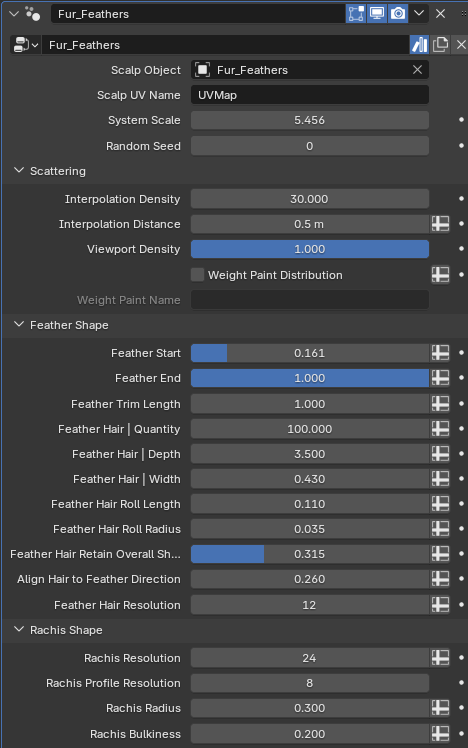
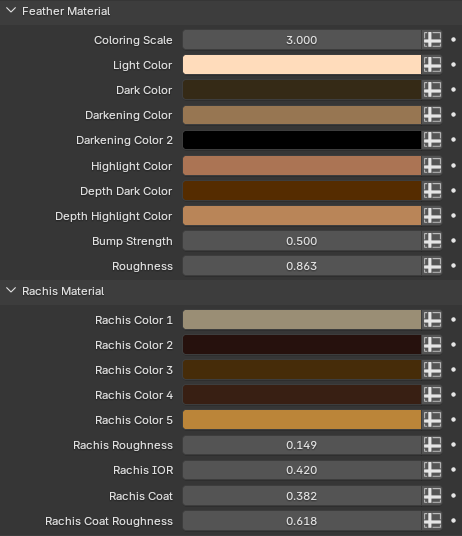
Like all systems in StrandKit, the feather system is built for the geometry node hair system and is completely procedural.
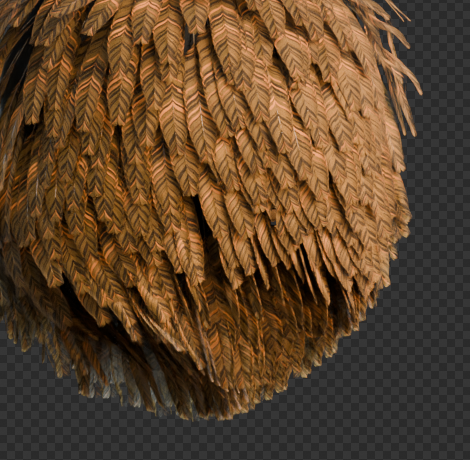
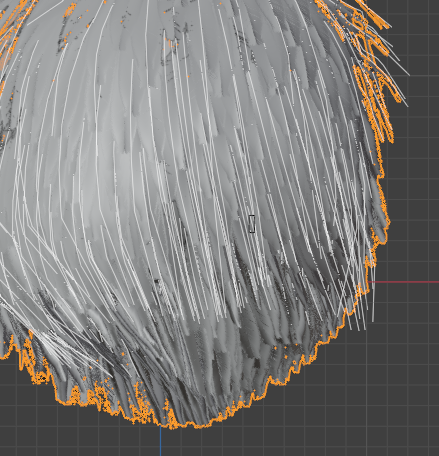
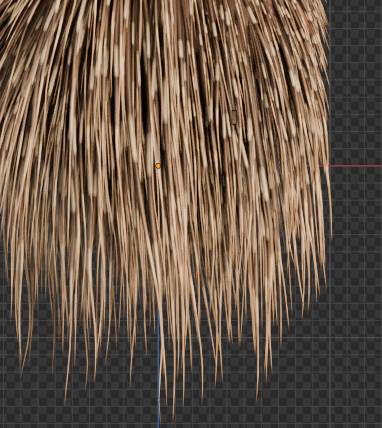
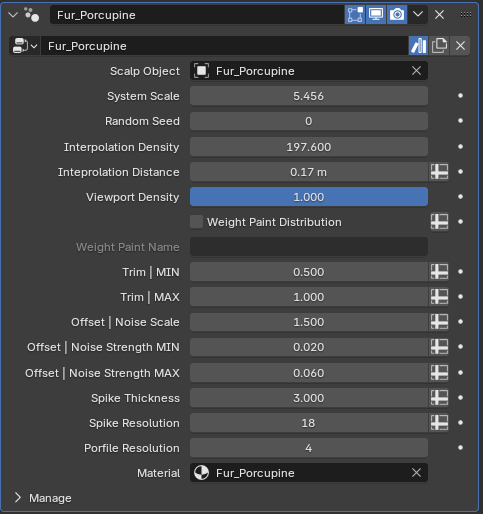
The porcupine system is based on the geometry node hair system as well, but is simpler to customize.
13 Fully procedural hair card rendering systems
1A | 1B | 1C | 2A | 2B | 2C | 3A | 3B | 3C | 4A | 4B | 4C | 4C Dreadlocks
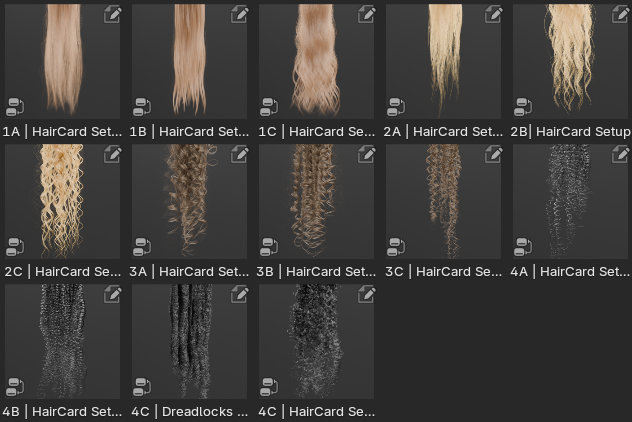
My top priority is always customization. And what's more customizable than 13 fully customizable hair card rendering setups.
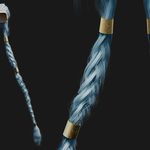
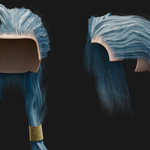
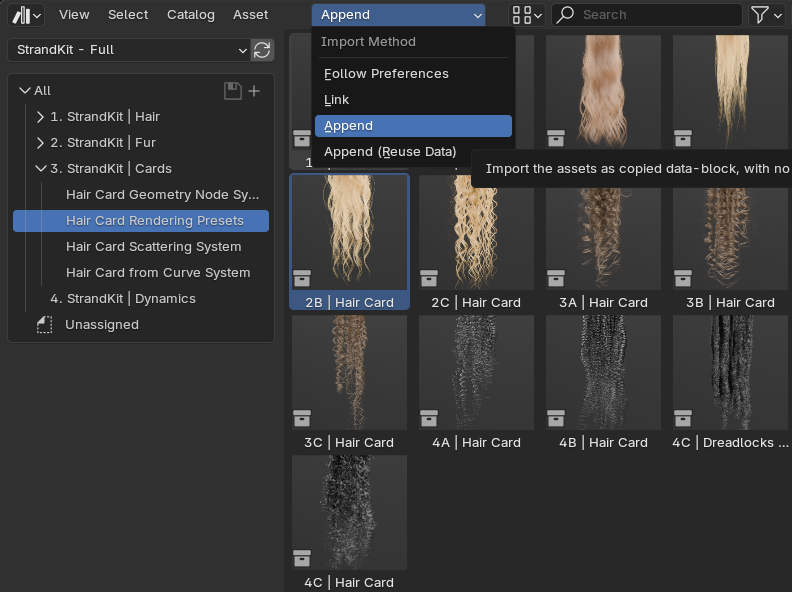
These come in both geometry node systems, as well as collections. If you drag and drop the collection, it will give you the easiest setup to render your hair cards with.
Make sure that you're adding the assets as "Append" rather than "Link" in order to customize the setup and once dragged in, in the bottom left menu untick "instance"
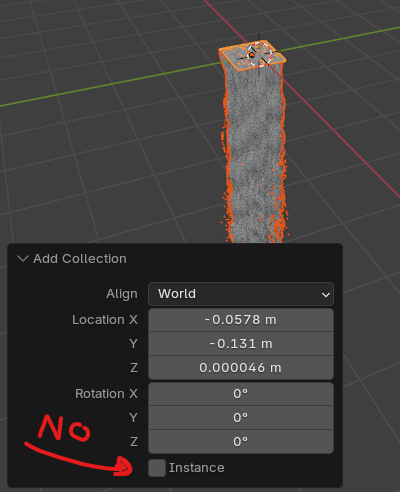
You'll then end up with a hair card rendering setup that you can customize to your own liking, after which you can render out your 6 texture maps.
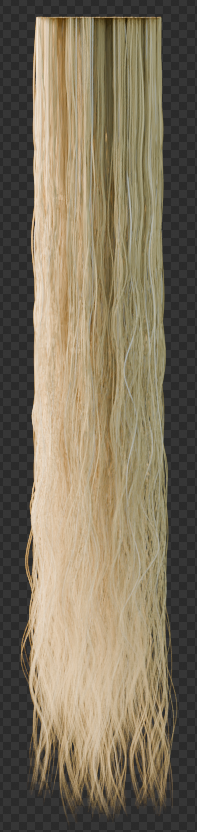
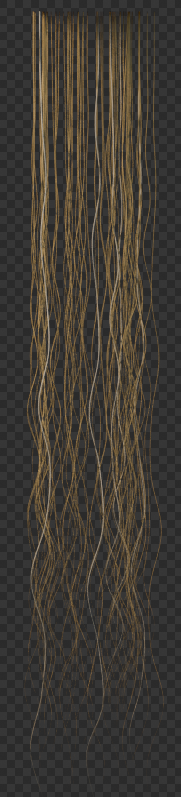
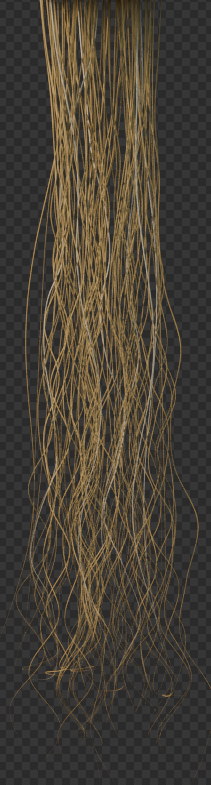
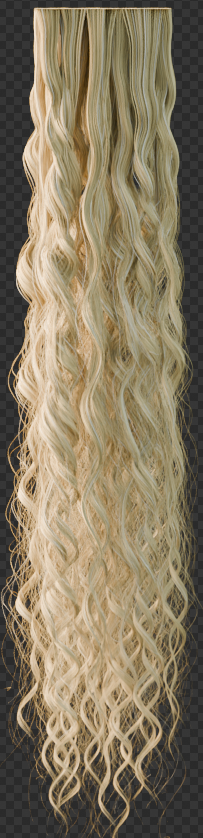
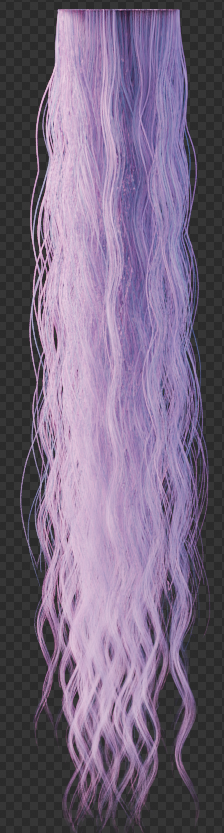
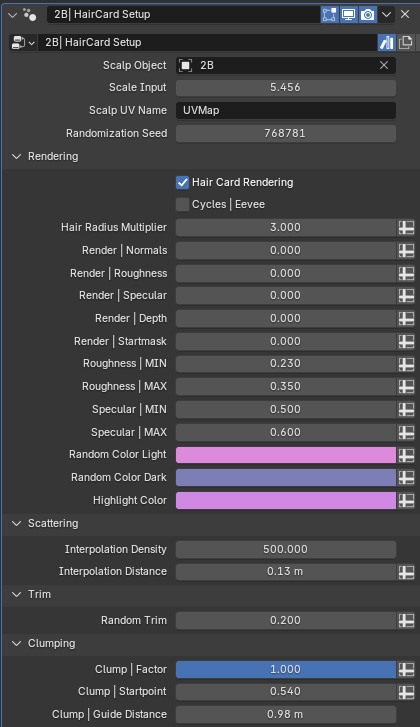
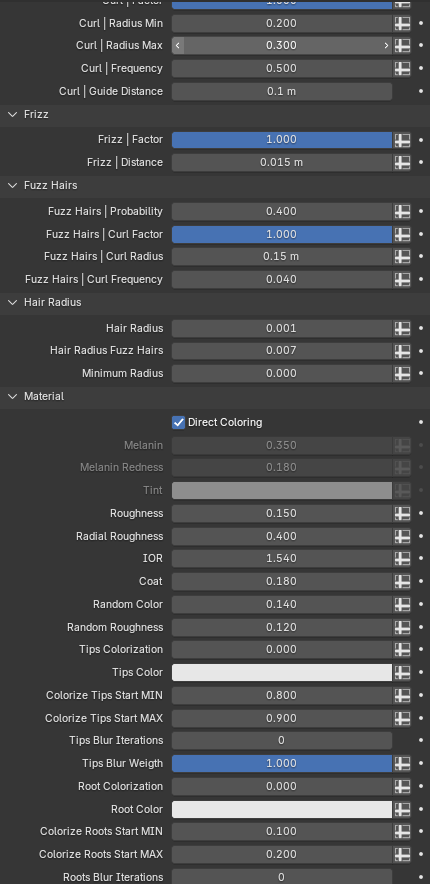
To render out various texture maps, simply set their corresponding values to "1".
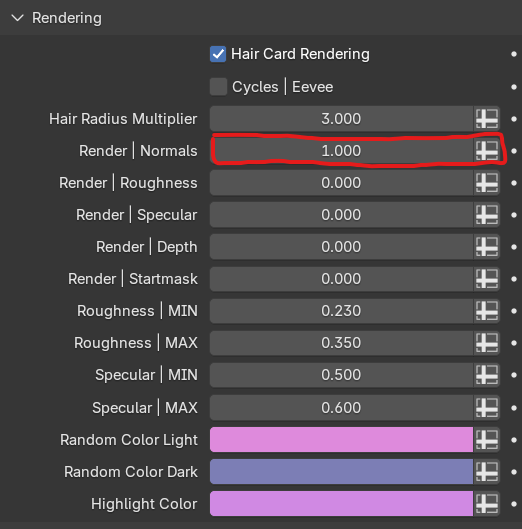
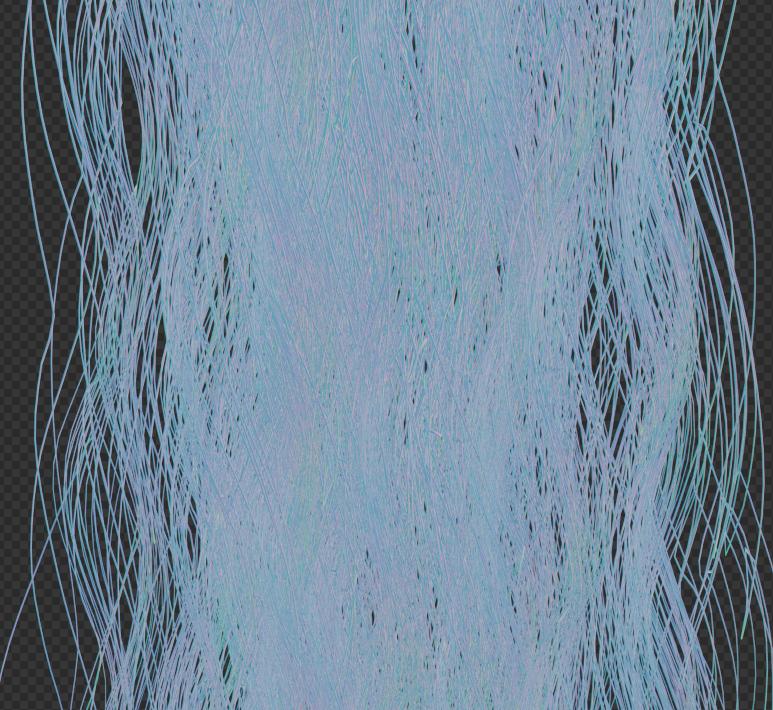
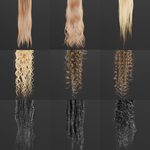
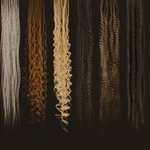
1000+ Unique Hair Cards
1A | 1B | 1C | 2A | 2B | 2C | 3A | 3B | 3C | 4A | 4B | 4C | 4C Dreadlocks
Each with 5 color values (blonde, brown, red, black, grey)
Each color value with 4 thickness values
Each thickness with 4 density values
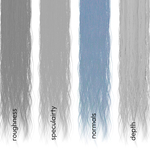
Each card with 6 texture maps for diffuse, roughness, specularity, normals, depth, and start mask
They've been named with correct extensions for Blender to automatically pick up the diffuse, roughness, specularity, and normals by using node wrangler in the shader editor (built-in Blender add-on).
Hair Card Scattering System
Fully procedural system to scatter and shape hair cards based on the geometry node based hair system.
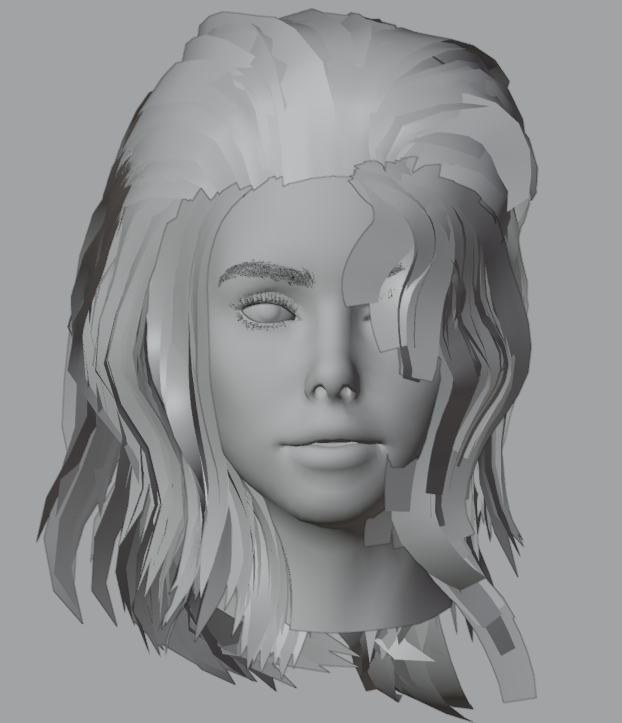
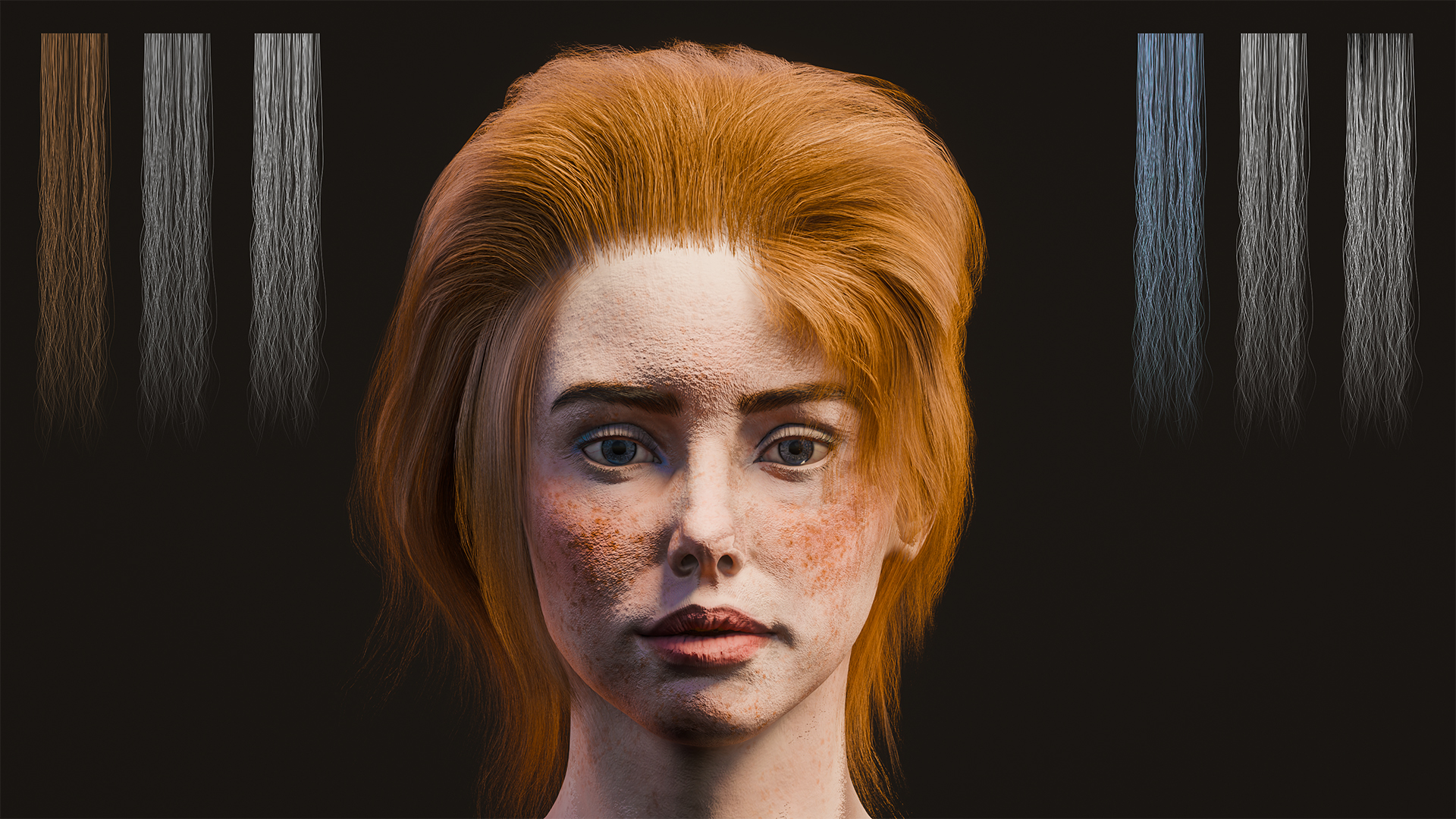
Extremely simple to set up and customize, as it's fully integrated with Blender's groom tools and hair curves.
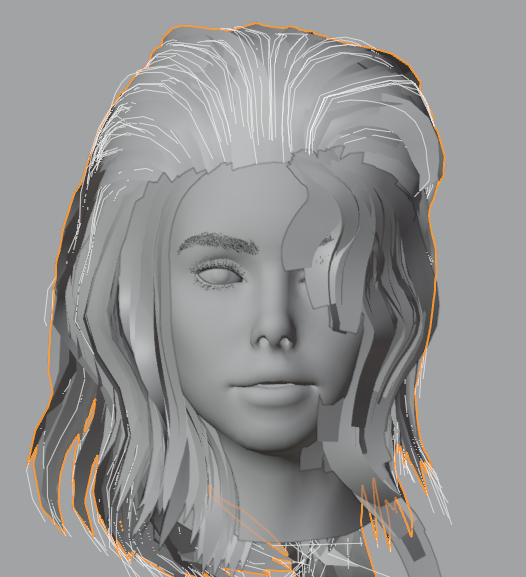
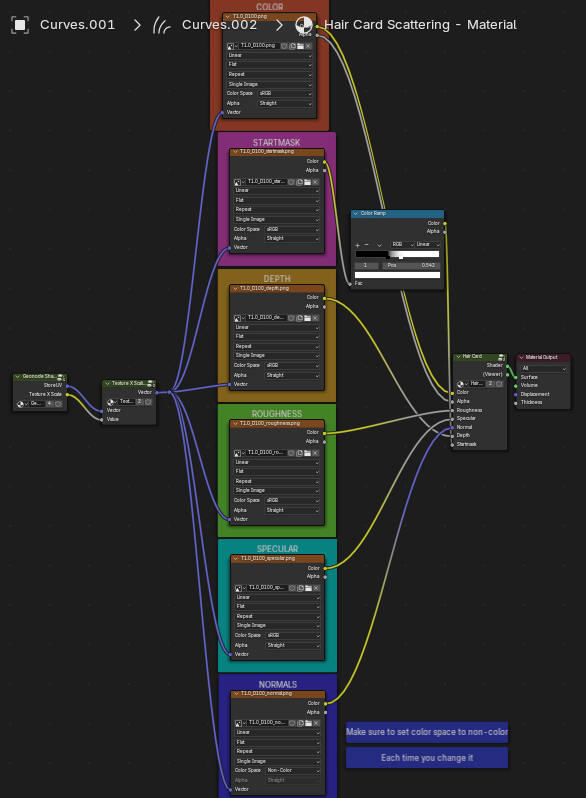
Again, the scatter system is fully customizable, and can also be used to customize the hair card shader.
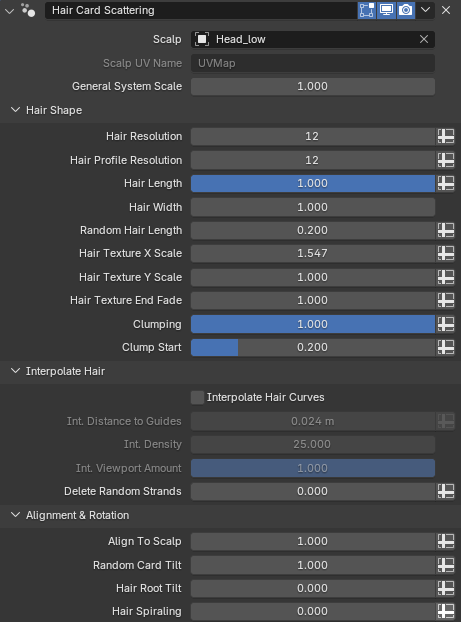
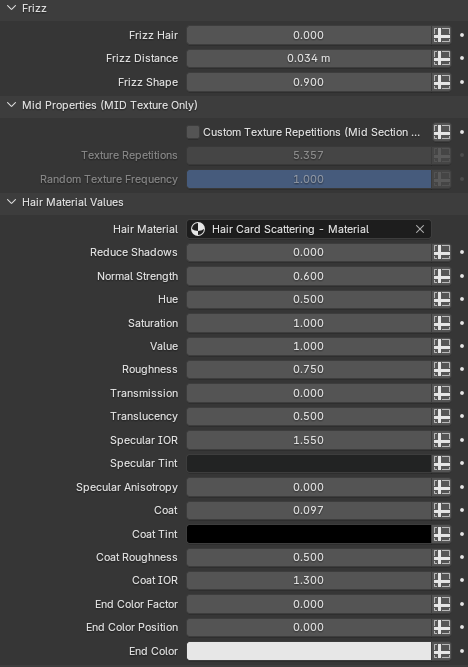
In the corresponding material "Hair Card Scattering - Material", you can easily change the hair card textures based on what hair type you need.
Converting Cards for Game Engines
The hair cards by themselves are of course perfectly usable for game engines. The hair card scattering system can be exported as well with a few simple steps.
1. Convert your hair card system to a mesh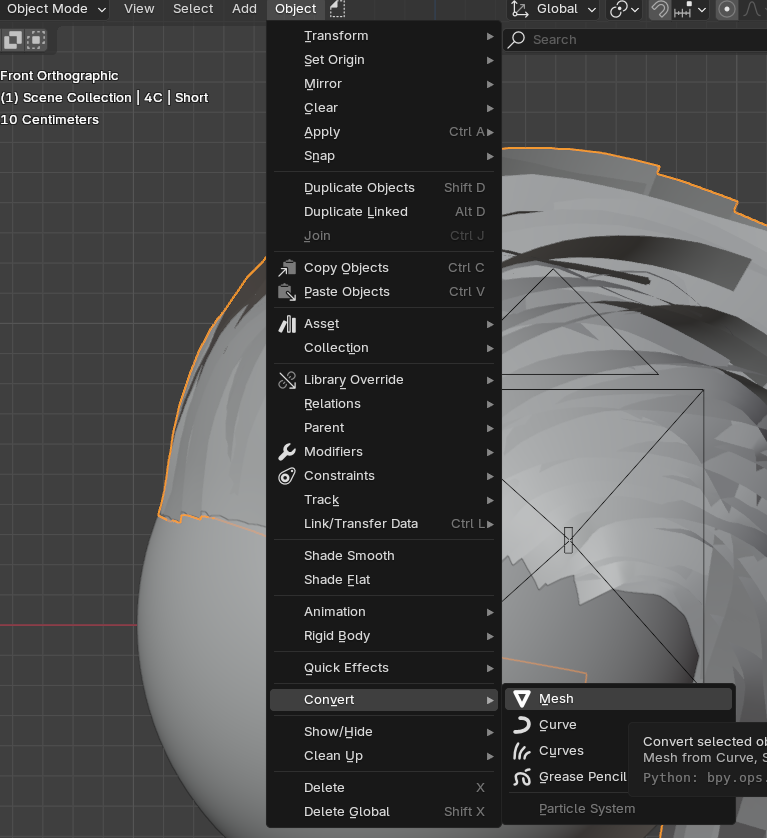
2. In your properties panel, locate the object data panel (green triangle) and then "attributes". This list contains all attributes generated in the geometry node system. Locate the StoreUV attribute and hit the "arrow down" icon on the right of the attributes panel and set the properties as follows:
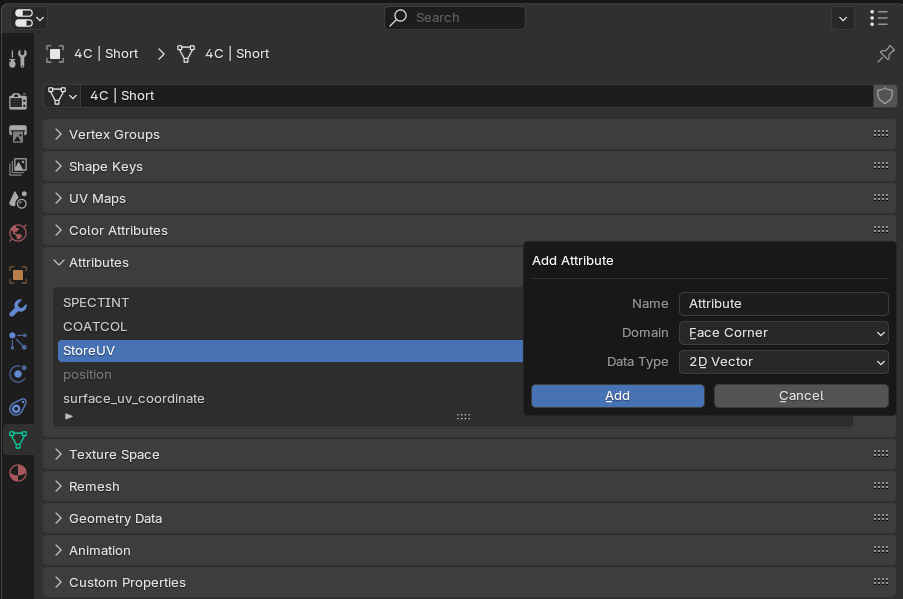
This will convert it to an actual UV map that will be exported with your converted mesh. You can then re-use the same hair card textures or even different ones in your game engine.
Note that any changes you made in the material panel of the hair card scattering tool (modifier panel) will not be forwarded as they are not integrated in the actual texture files.
Armature Driven StrandKit Dynamics | Tutorial
-
$89.99
The most complete and powerful hair system for Blender. Includes 22 procedural hairstyle setups (types 1A–4C), 15 advanced fur & feather systems, 13 hair card generators, and over 1000 baked hair cards. Comes with custom dynamics for hair and fur, curve-to-card conversion, hair card scattering, and grooming tools for buns, braids, and ponytails. Whether you're crafting characters, creatures, or game assets, StrandKit does it all. The full version gives you access too the full toolkit worth $140 if bought separately. For commercial use.
-
$249.99
The full version meant for mid-size teams from 3 to 5 seats. (Read the details under the full version variant)
-
$399.99
The full version of StrandKit meant for teams with more than 10 seats. (Read the details under the full version variant)
Have questions about this product?
Login to message
| Sales | 300+ |
| Rating | 13 ratings |
| Dev Fund Contributor | |
| Published | over 1 year ago |
| Blender Version | 4.0 - 5.1 |
| Render Engine Used | Cycles, Eevee |
| License | Royalty Free |
Discover more products like this
fur hair-generator hair procedural 3d asset library hair cards fur-library hair-library