Street Lights
 Michel's add-ons & more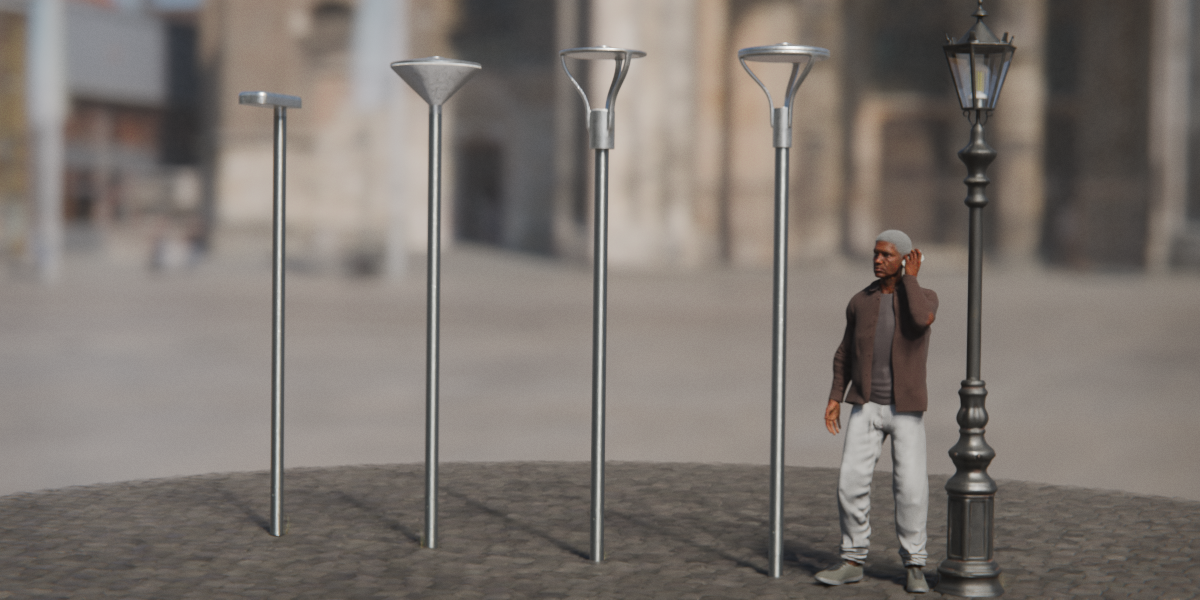
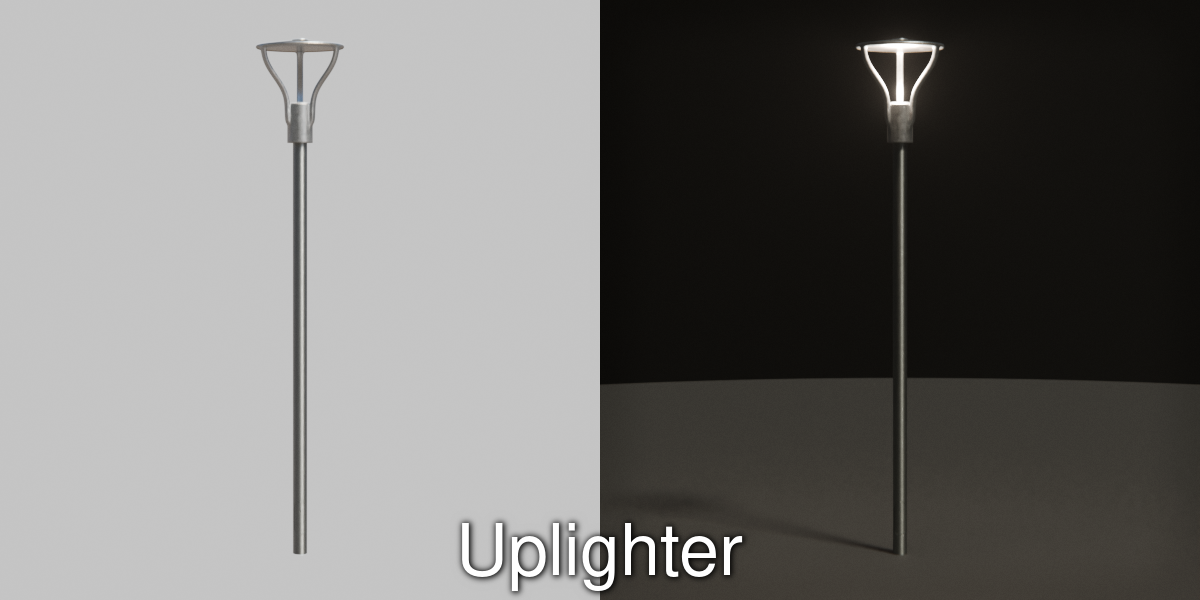
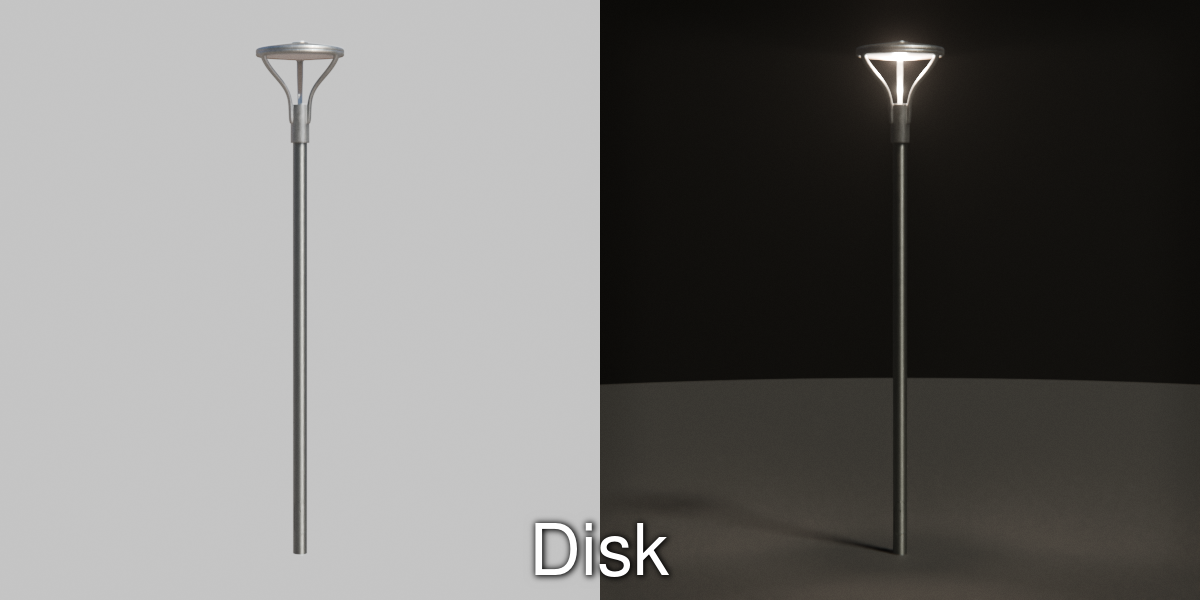
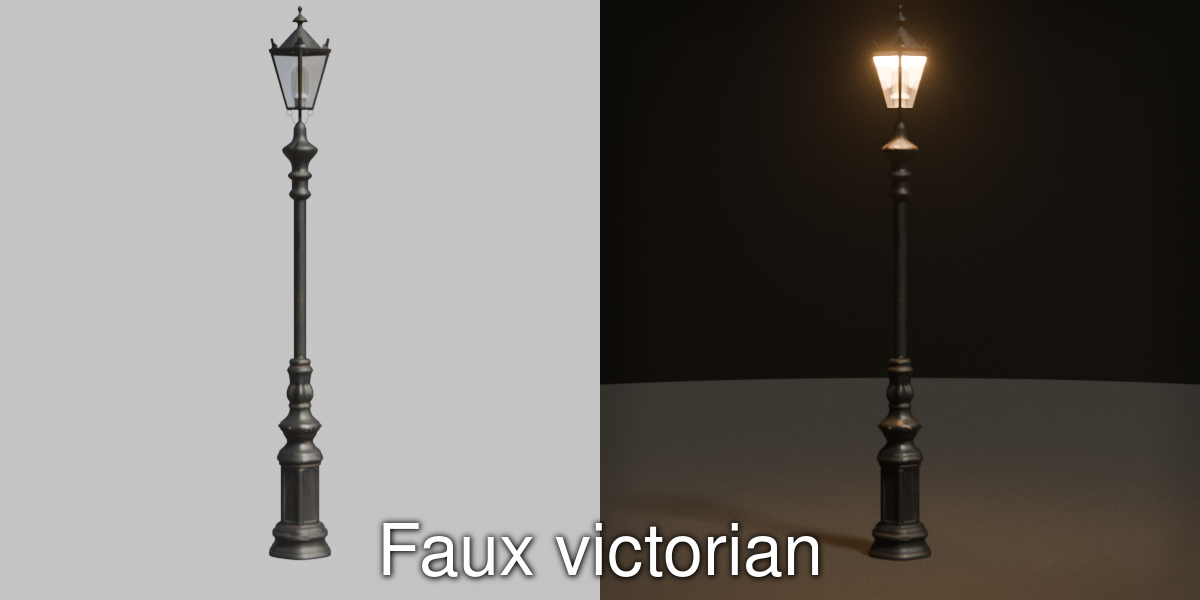
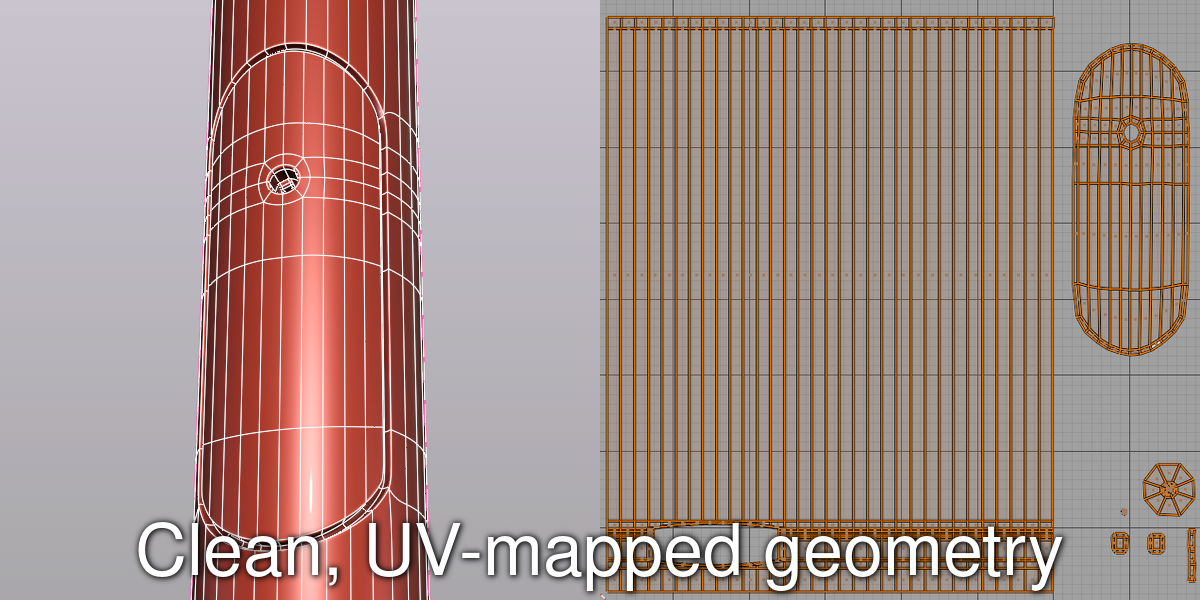
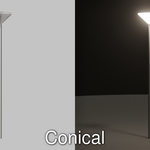
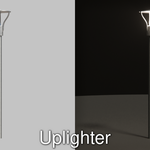
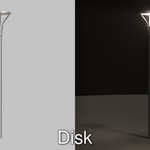
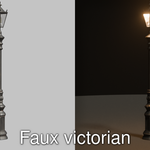
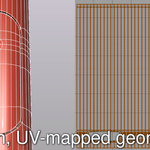
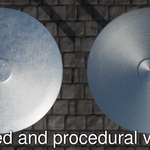
How to add a street light to your scene
All streetlights are made available as collections.
Each collection typically contains a pole (a.k.a. a mast, or a post), an armature and a light source.
The armature and the light source are parented to the pole, so if you want to position the streetlight it is easiest to move the pole, which has its lowest point as its origin.
The street light collections are grouped into two main collections: Parklights and Parklights (procedural).
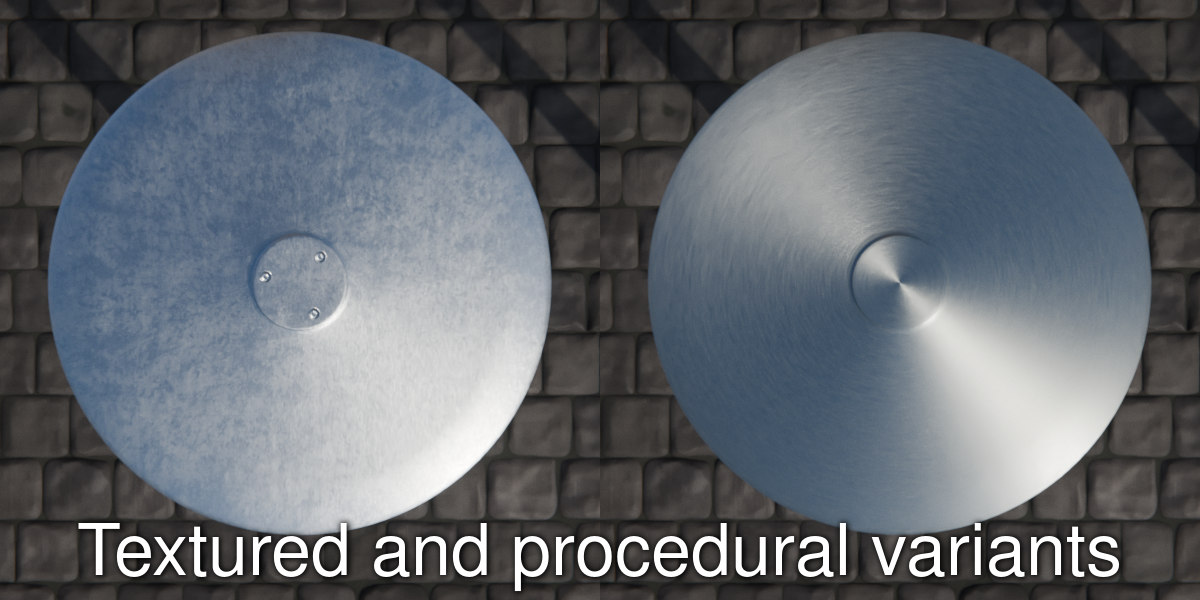
Those have the same geometry but use different materials.
The collections are named as follows:
Parklights
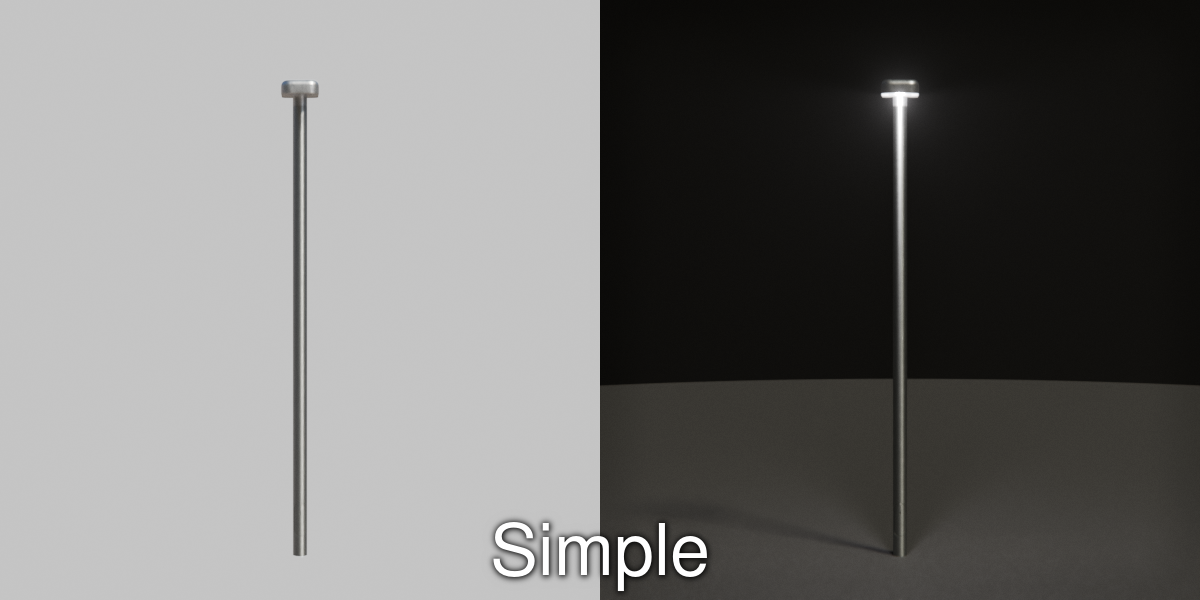
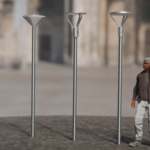
- Simple parklight
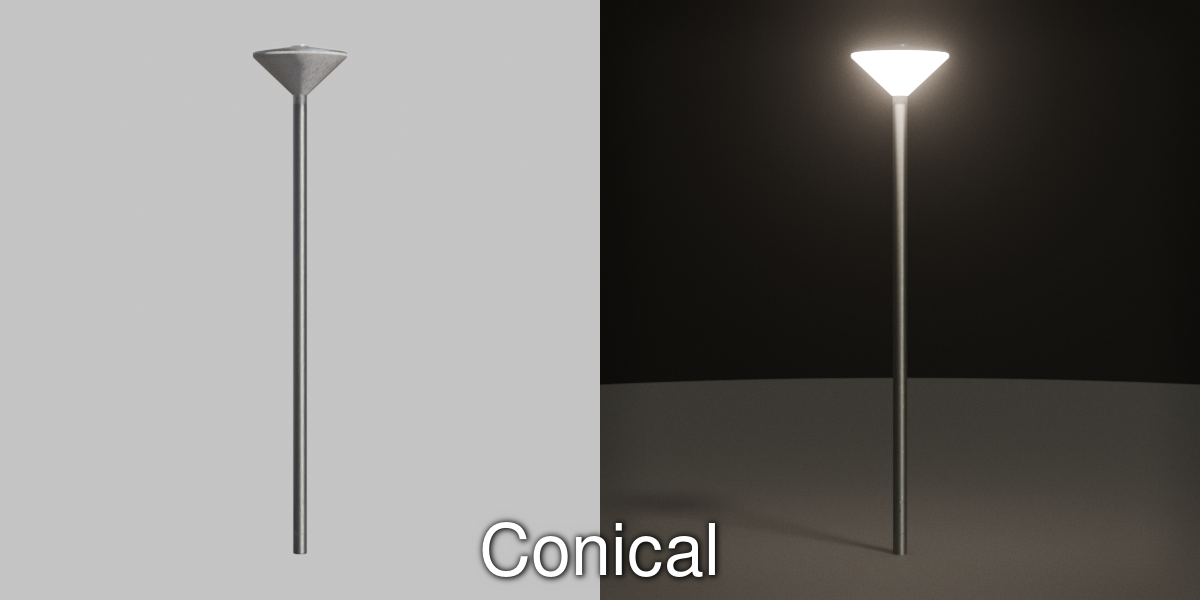
- Conical parklight
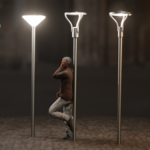
- Uplighter parklight
- Disk parklight
- Faux victorian parklight
Parklights (procedural)
- Simple parklight (procedural)
- Conical parklight (procedural)
- Uplighter parklight (procedural)
- Disk parklight (procedural)
- Faux victorian parklight (procedural)
Append or link
- File > Append ... or File > Link ...
- Browse to the downloaded .blend file and select the appropriate collection
Local asset library
(only do this once, Blender will remember this in its configuration)
- Edit > preferences > Asset Libraries
- Add Local Asset Library (point it to the directory where you put the downloaded file Street)
- Choose 'Append'
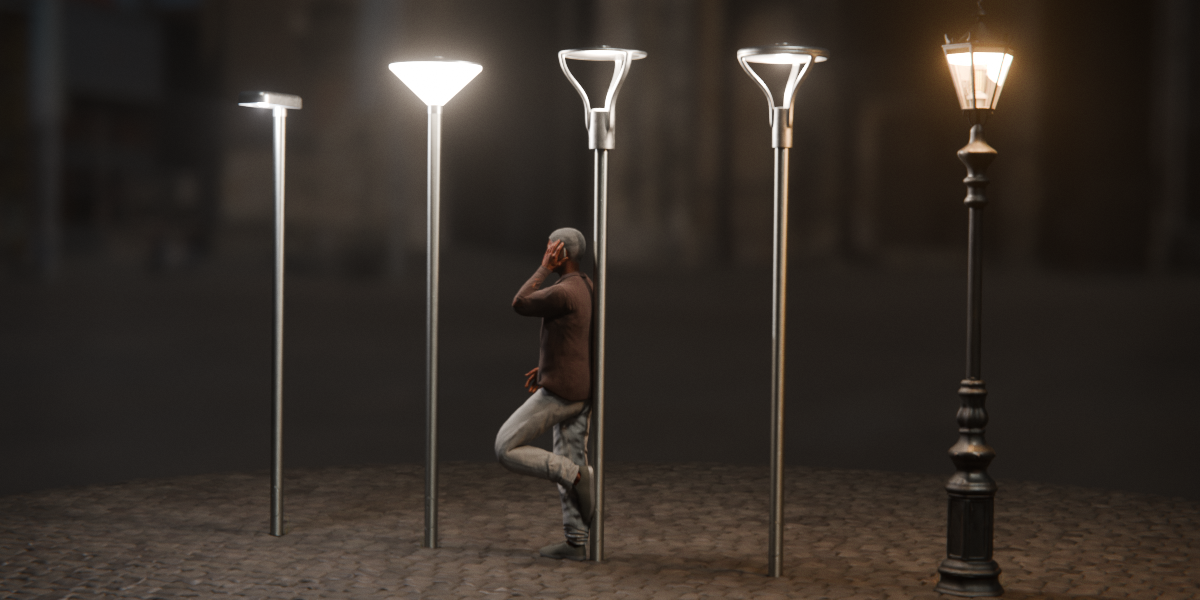
Why append? Because if you add one of the collections to your scene it contains a light source that is 'on', which looks unnatural in a daylight scene.
So you may want to select the light source and make it invisible, something that can only conveniently be done if the asset/collection is appended.
Each collection has a similar structure: A light parented to an armature that in turn is parented to a pole. So to disable the light of a conical parklight you would uncheck the view and render icons as shown below.
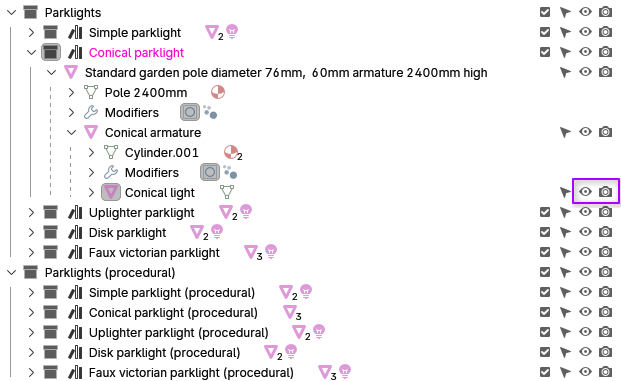
All objects follow the same naming convention and have either pole, armature or light in their name. Note that the conical park light is the exception in having an emission mesh, the other collections have a regular light object instead.
Acknowledgements
The world material in this file uses a cc0 HDRI from Polyhaven / Andreas Mischok:
Have questions about this product?
Login to message
| Published | about 9 hours ago |
| Blender Version | 5.2 |
| Render Engine Used | Cycles, Eevee |
| Misc Data | Uvs-Unwrapped, Textured |
| License | Royalty Free |
Discover more products like this
park-light street light parklight residential area park-lights streetlights park streetlight parklights street lights