 Achat
Achat
Strobe Studio makes your lights strobe. Select them, click Apply, press play: every light flickers between dark and full power, each on its own rhythm.
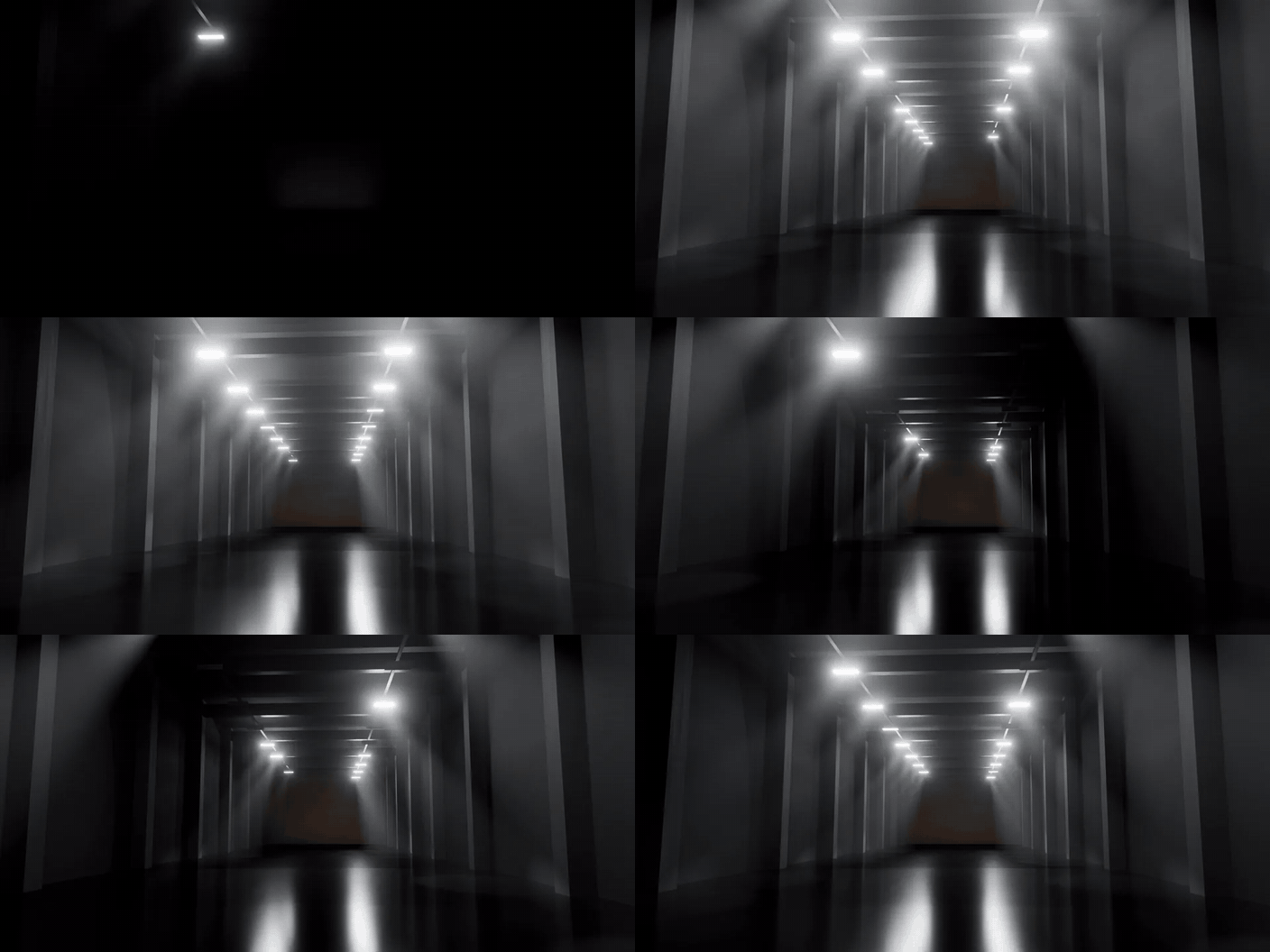
Point, Spot, Area and Sun·5 presets plus your own·Together, random or a chase·BPM Sync·EEVEE and Cycles·Blender 4.2 and newer
How it works
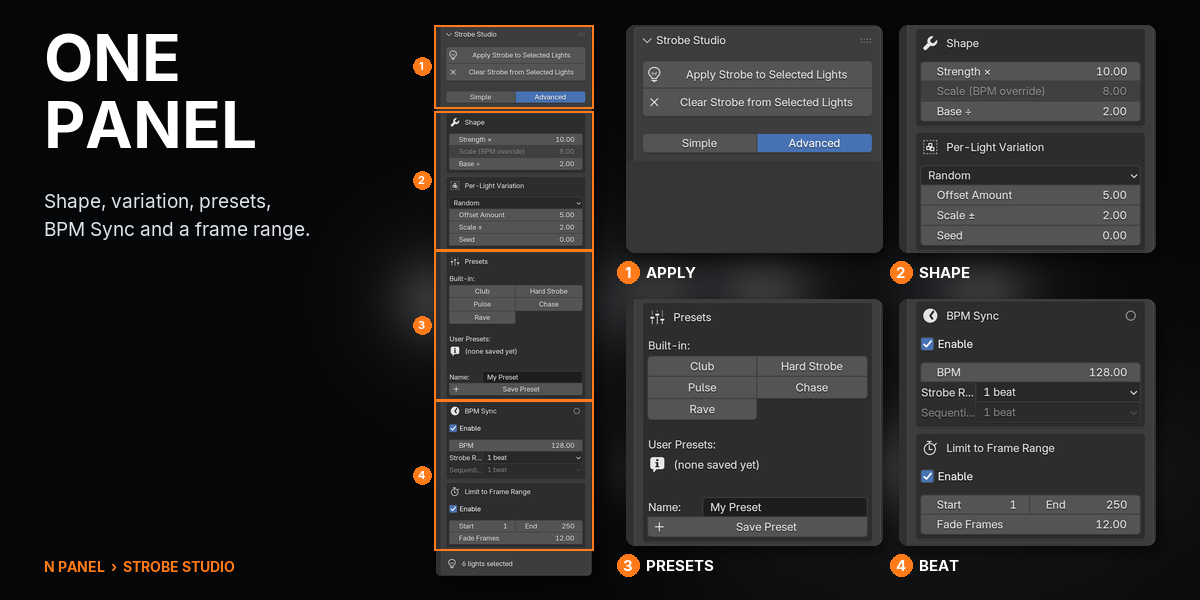
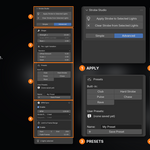
Four steps in the Strobe Studio tab of the 3D Viewport sidebar.
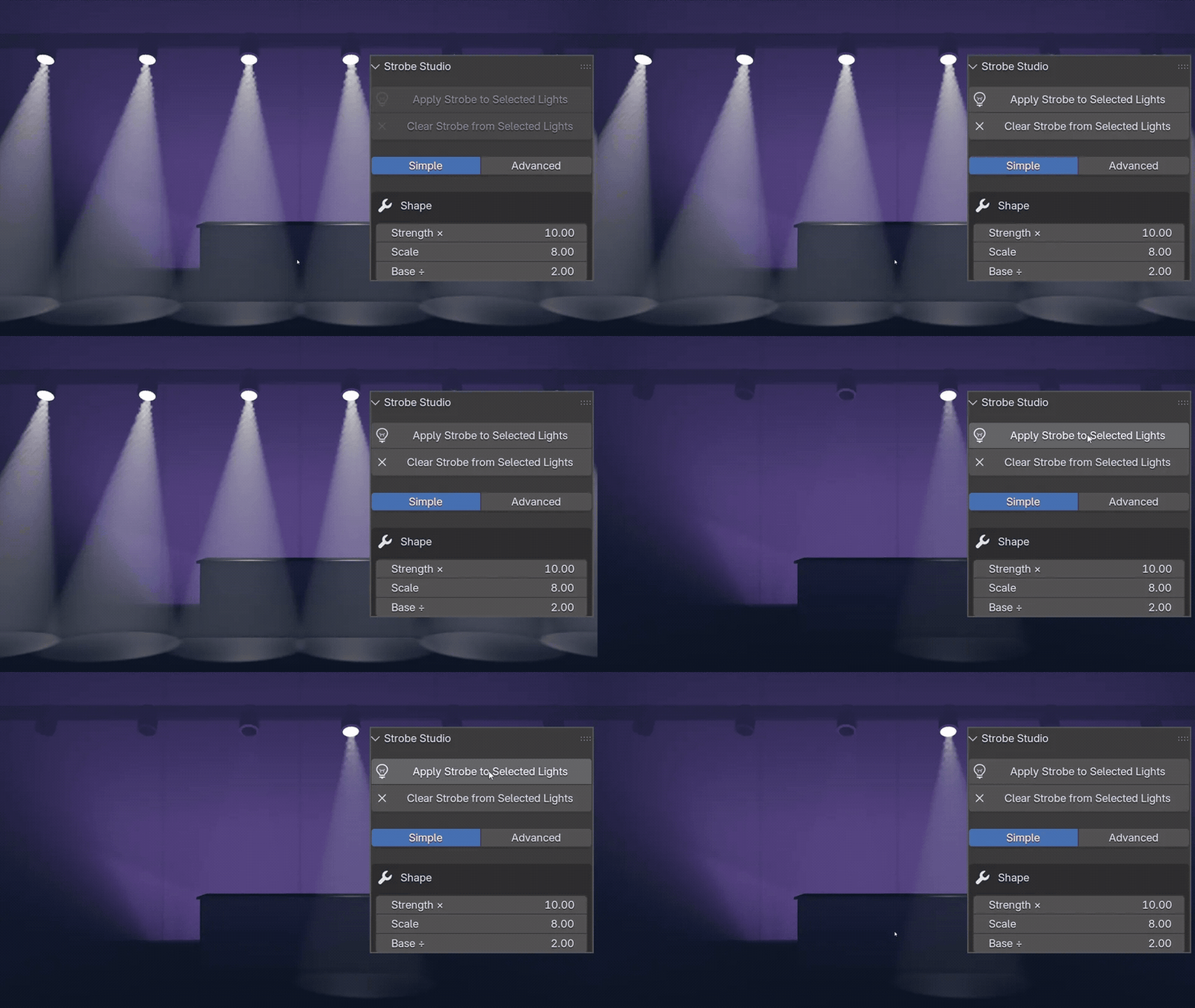 |

Step 1 Select your lights, click ApplyAny number of lights, any type. Set each to full power first: that power becomes the strobe's maximum. |
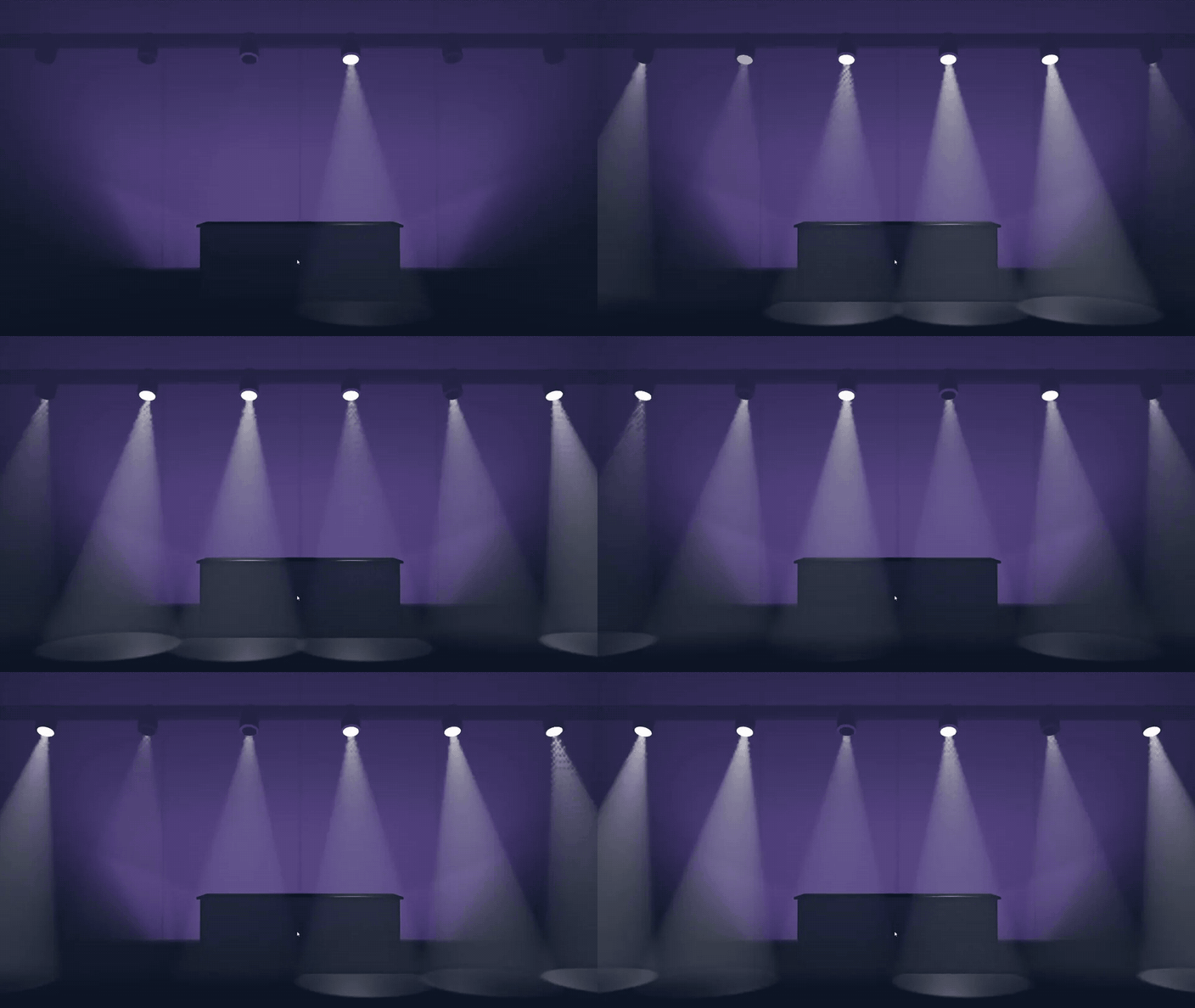 |
Step 2 Press playEvery light flickers between dark and full power, each on its own rhythm. Sliders update the selected lights live. |
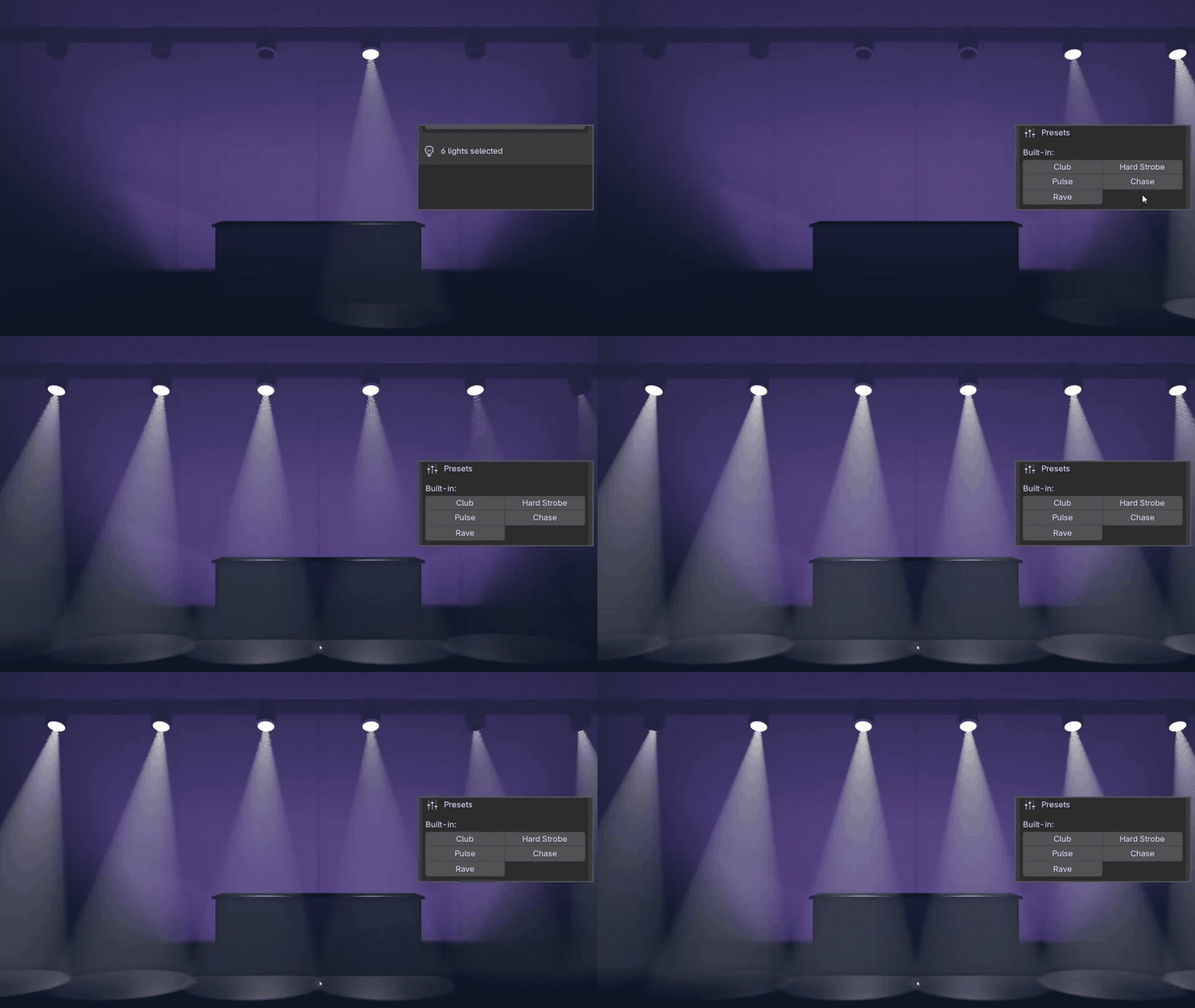 |


Step 3 Pick a presetSwitch to Advanced and click Club, Hard Strobe, Pulse, Chase or Rave, or save your own. |
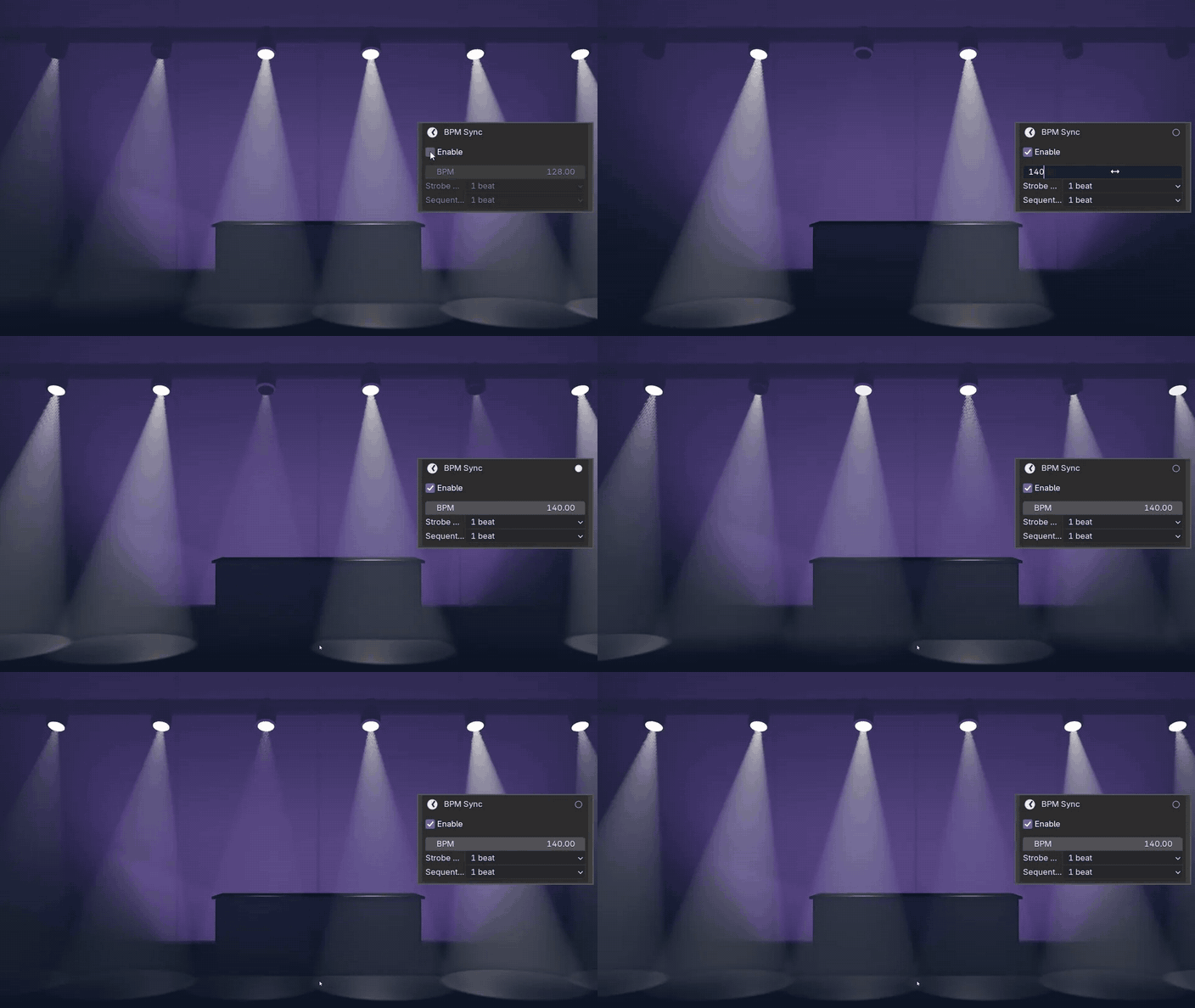 |
Step 4 Sync to your trackTick BPM Sync and type the tempo: the strobe's speed follows it, with a beat indicator. |
Five presets
One click each. Your own presets stay in your Blender config and survive reinstalls.
 ClubEvery light on its own rhythm, at a club pace. |
 Hard StrobeFast, hard flashes at high power. |
 PulseA slow, soft pulse, every light together. |
 ChaseThe flash runs down the row. |
 RaveFast and wild, each light at its own speed. |



Together, random or a chase
Per-Light Variation sets how the lights relate.
 NoneEvery light flashes together. |
 RandomEach light gets its own offset; Scale spreads the speed. |
 SequentialThe offset steps along the selection, like a chase. |
Ready for production
Renders without the add-onIt leaves nothing but standard F-curve modifiers on the lights' power. |
Fades in and outLimit to Frame Range keeps the strobe inside a range, with fades. |
Clear puts it backClear returns every light to its original power. |
Strobe Studio or stock Blender
Strobe Studio doesn't add a light type: it animates the power of the lights you have.
| Task | Stock Blender | With Strobe Studio |
|---|---|---|
| One strobing light | A keyframe, a Noise modifier, a Limits modifier, tuned by eye | Select it, click Apply |
| Twenty lights that don't flash together | Twenty setups, each with its own offset | Per-Light Variation: Random |
| A chase down a row | Offsets stepped by hand along the row | Sequential, or the Chase preset |
| Strobe in time with a track | Work out the noise scale from fps and BPM | BPM Sync: type the BPM |
Details
| Blender | 4.2 and newer, tested on 5.2 LTS |
| Render engines | EEVEE and Cycles (it animates the lights' power) |
| Systems | Windows, macOS, Linux |
| Install | Drag the .zip into Blender (extension) |
| Updates | Every update is free |
| Licence | GPL, source included |
| Support | [email protected] |
Changelog
| 2.2.4 (2026-10-13) | Applying a second time keeps each light's original power. Install steps updated for Get Extensions. |