 3DMAGIC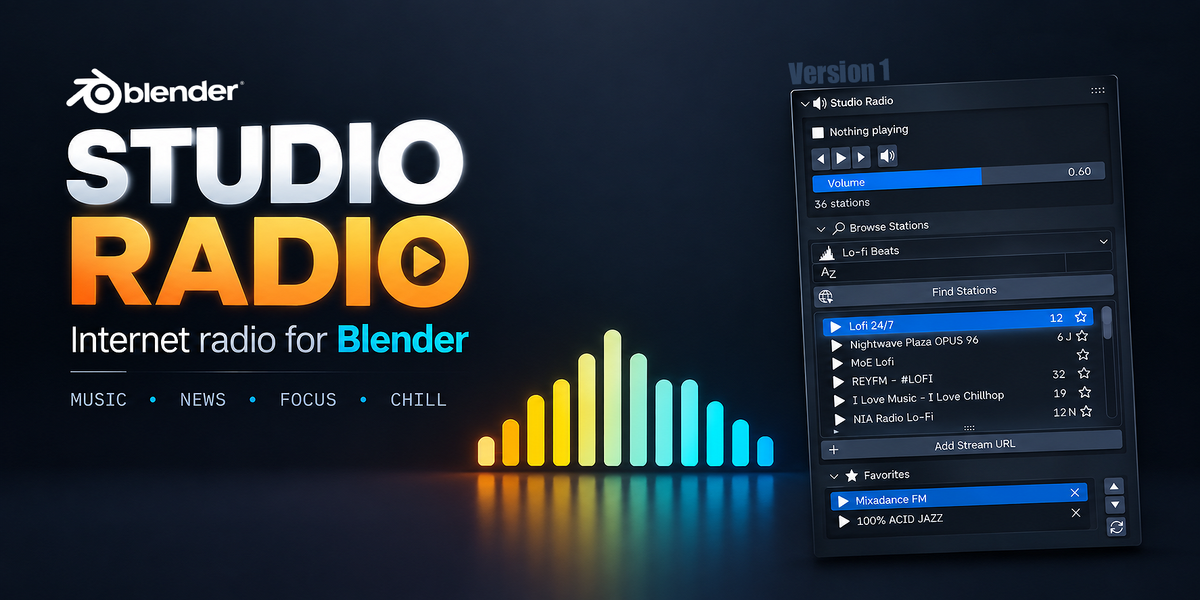





Does Studio Radio work offline?
No. Internet access is required for searching and streaming radio stations.
Where do the radio stations come from?
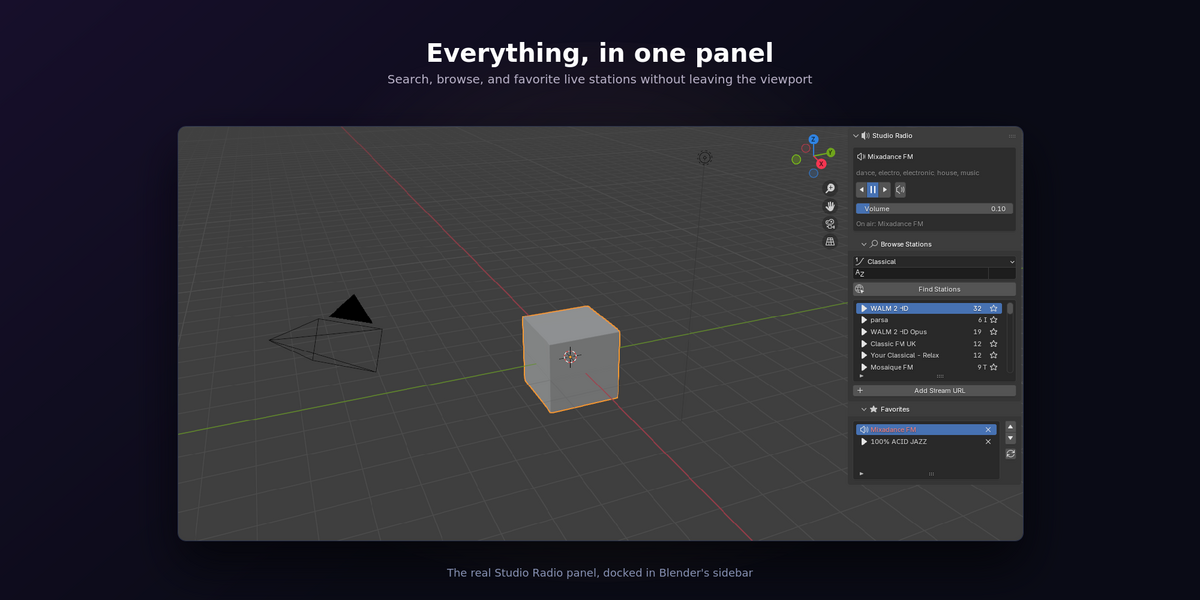
Station search is powered by the open Radio-Browser directory. You can also add direct stream URLs manually.
Does it work on Windows, macOS, and Linux?
Yes. Studio Radio is designed to work on Windows, macOS, and Linux.
Can I control the radio with my keyboard?
Yes. Studio Radio includes keyboard shortcuts for play/stop, station switching, volume, mute, and the radio pie menu. All shortcuts can be customized in Add-on Preferences.
Will Studio Radio slow down Blender?
No. Network operations run in the background to keep the Blender interface responsive.
Can I save favorite stations?
Yes. Favorites are saved separately from your .blend files, so they remain available across different Blender projects.
Can I add my own radio station?
Yes. You can paste a direct stream URL using the Add Stream URL option and save it to your favorites.
Which Blender versions are supported?
Studio Radio supports Blender 3.6 and newer.
Do I need an internet connection?
Yes. An internet connection is required to search for stations and stream radio.
Does Studio Radio include music files?
No. Studio Radio does not include or distribute music files. It streams audio directly from the internet radio station you choose.
$3.99
Have questions about this product?
Login to message
| Blender Extension Compatible | Yes |
| Published | 3 days ago |
| Blender Version | 3.6 - 5.2 |
| Extension Type | Add-on |
| License | GPL |
Discover more products like this
playlist Workflow blender addon radio player stations streaming favorites internet radio audio productivity Music