 Domenas




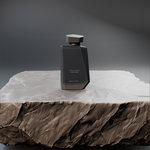
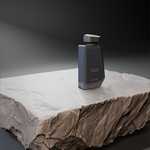
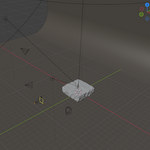
Stop Rebuilding the Same Blender Setup for Every Project
Turn your model into a presentation-ready product scene faster — with tools that reduce repetitive setup for lighting, cameras, animations, exploded views and rendering.
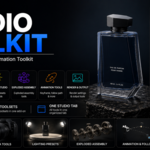
Studio Toolkit brings the repetitive parts of product visualization into one organized Blender workflow. Build your studio, set up lighting, create product cameras, make turntables and camera animations, generate exploded assemblies, and prepare your final renders — all from one toolkit.
Less manual setup. Fewer repetitive steps. More time for the work that actually matters.
Whether you're creating product renders, technical presentations, portfolio shots or animations, Studio Toolkit is built to help you move from finished model → polished presentation with less setup along the way.
You already built the model. Don't waste time rebuilding the presentation workflow around it.
Build Product Scenes Faster
Start with your model — not repetitive scene setup.
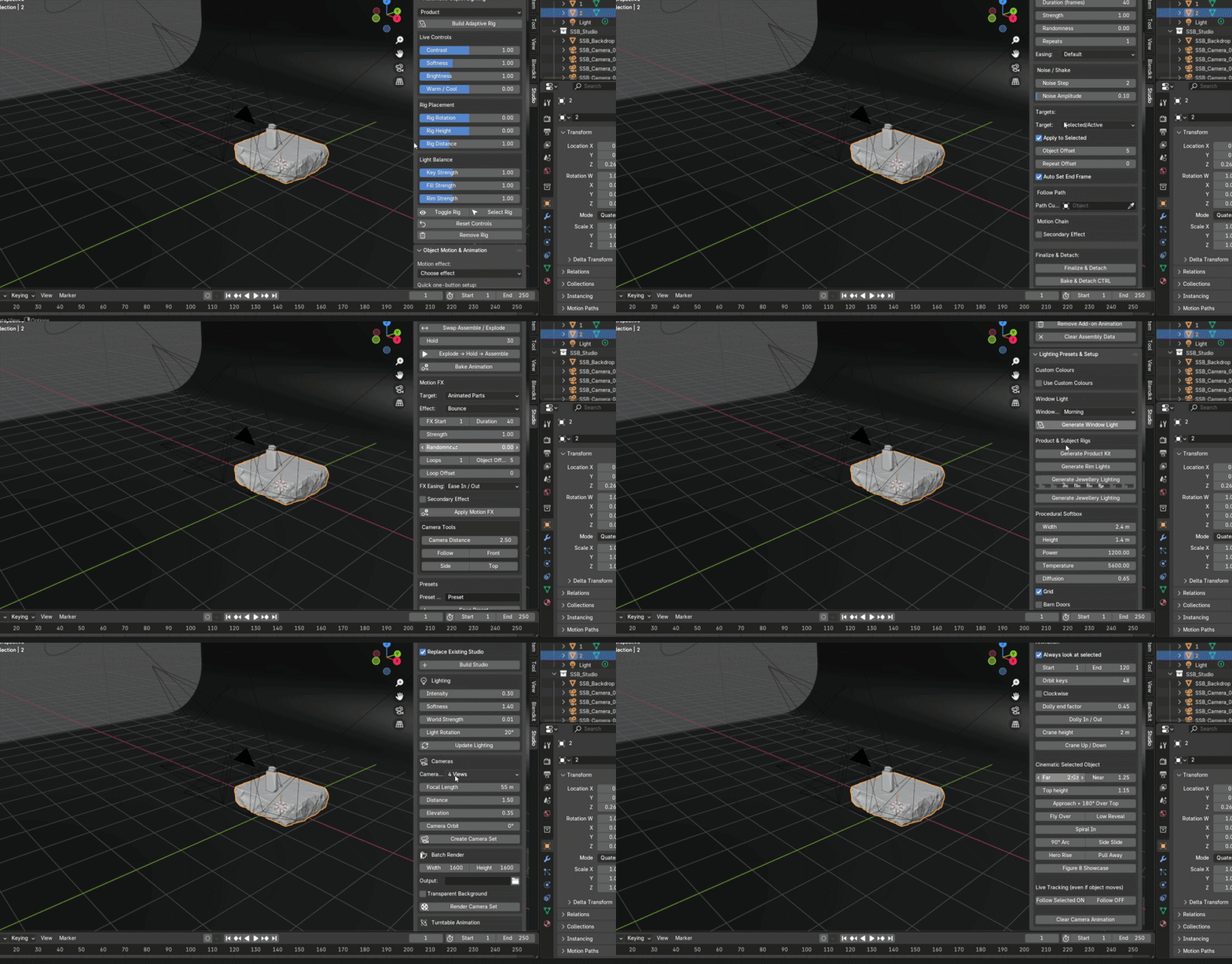
Studio Toolkit helps you build a presentation-ready product scene with the essential setup tools brought together in one workflow.
Prepare your studio, adjust lighting, set up cameras, create animations and move toward your final render — all with tools brought together in one organized toolkit.
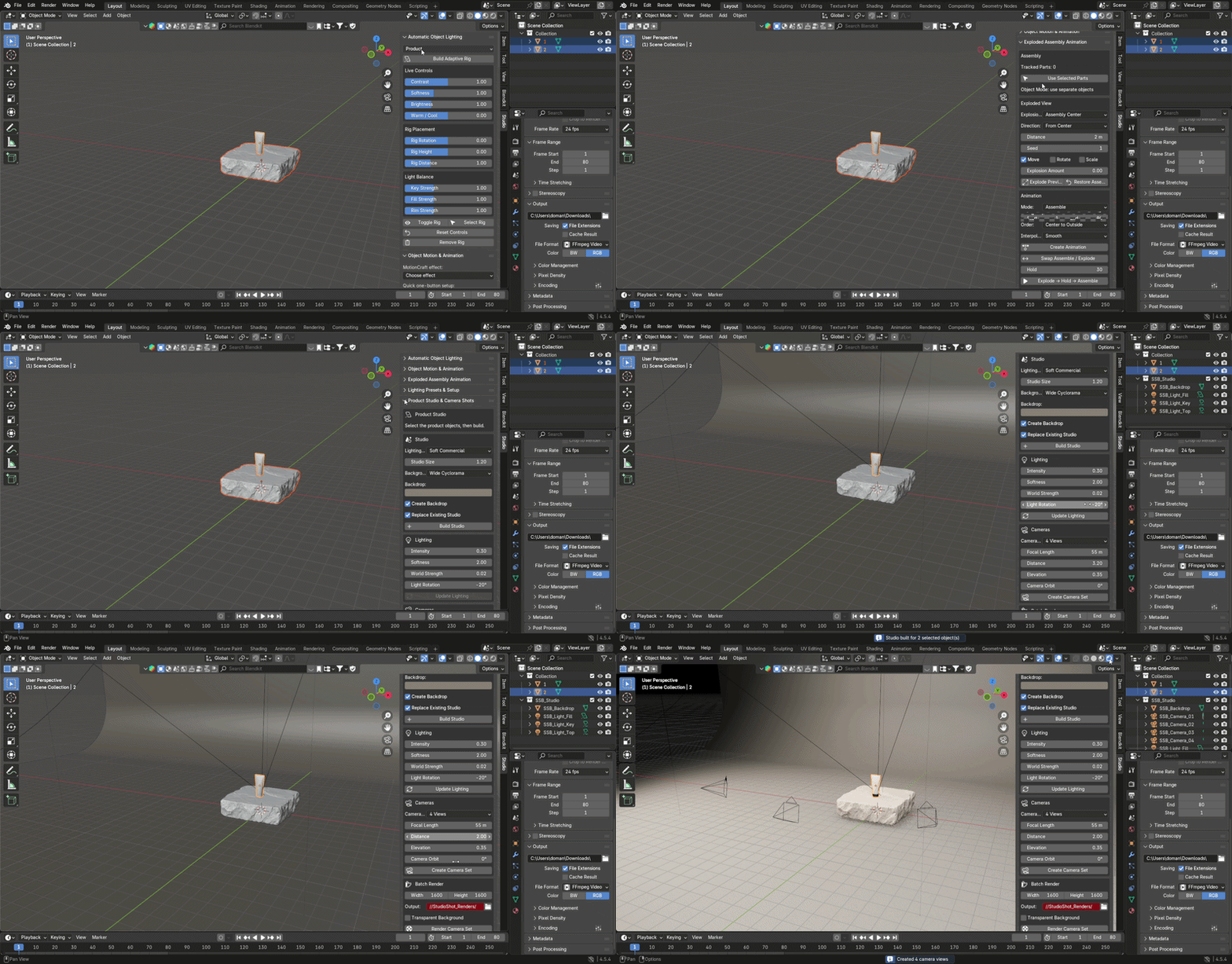
Studio Lighting and Camera Setup
Spend less time positioning lights and cameras — and more time creating the final look.
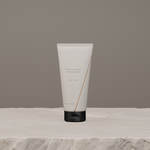
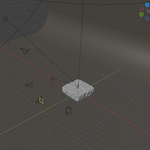
Studio Toolkit brings lighting and camera controls together in one organized workflow, helping you build different studio-style setups and prepare your product for rendering more efficiently.
Adjust your scene, lighting and camera setup from the same toolkit, then continue refining the presentation without rebuilding your setup from scratch.
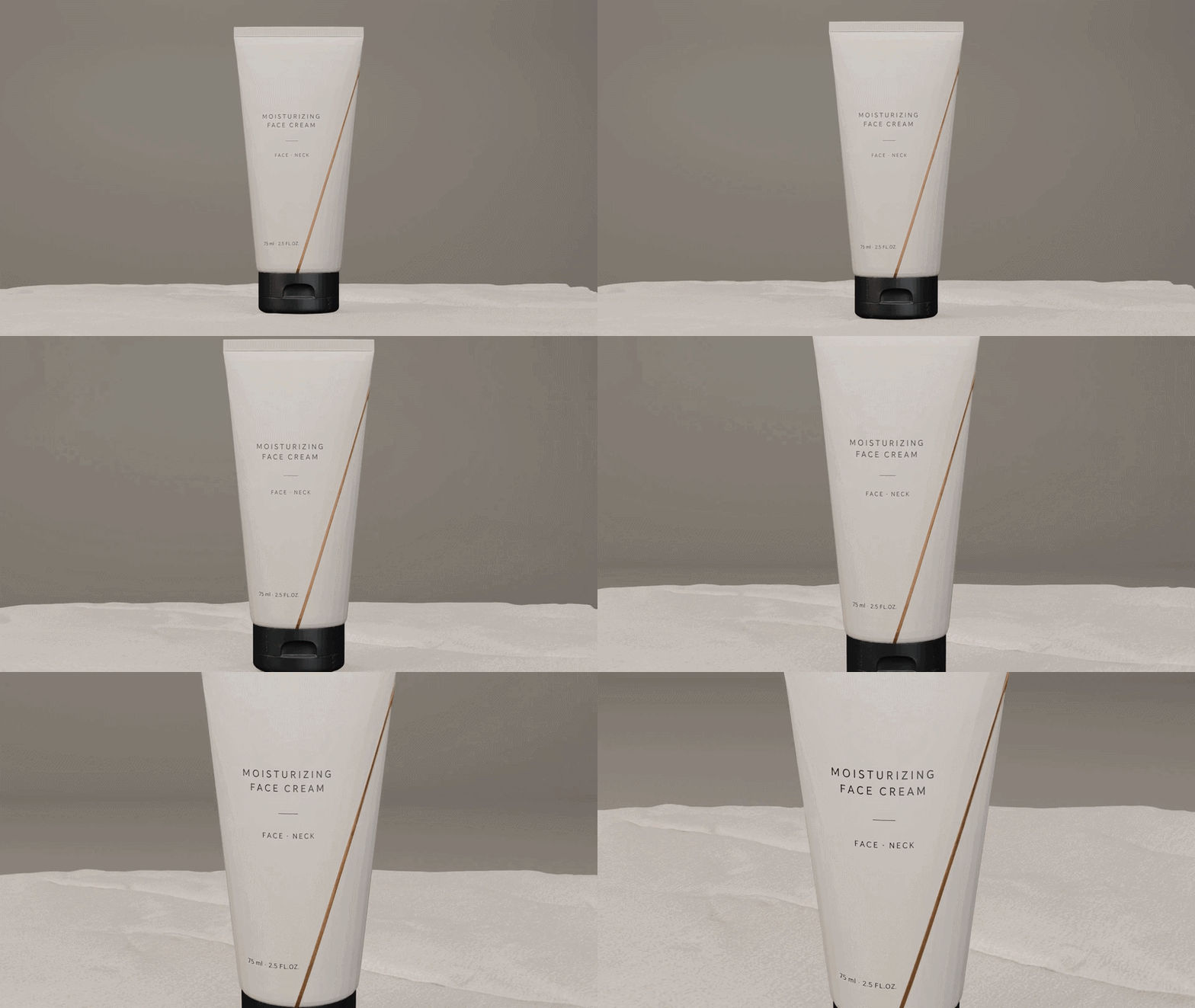
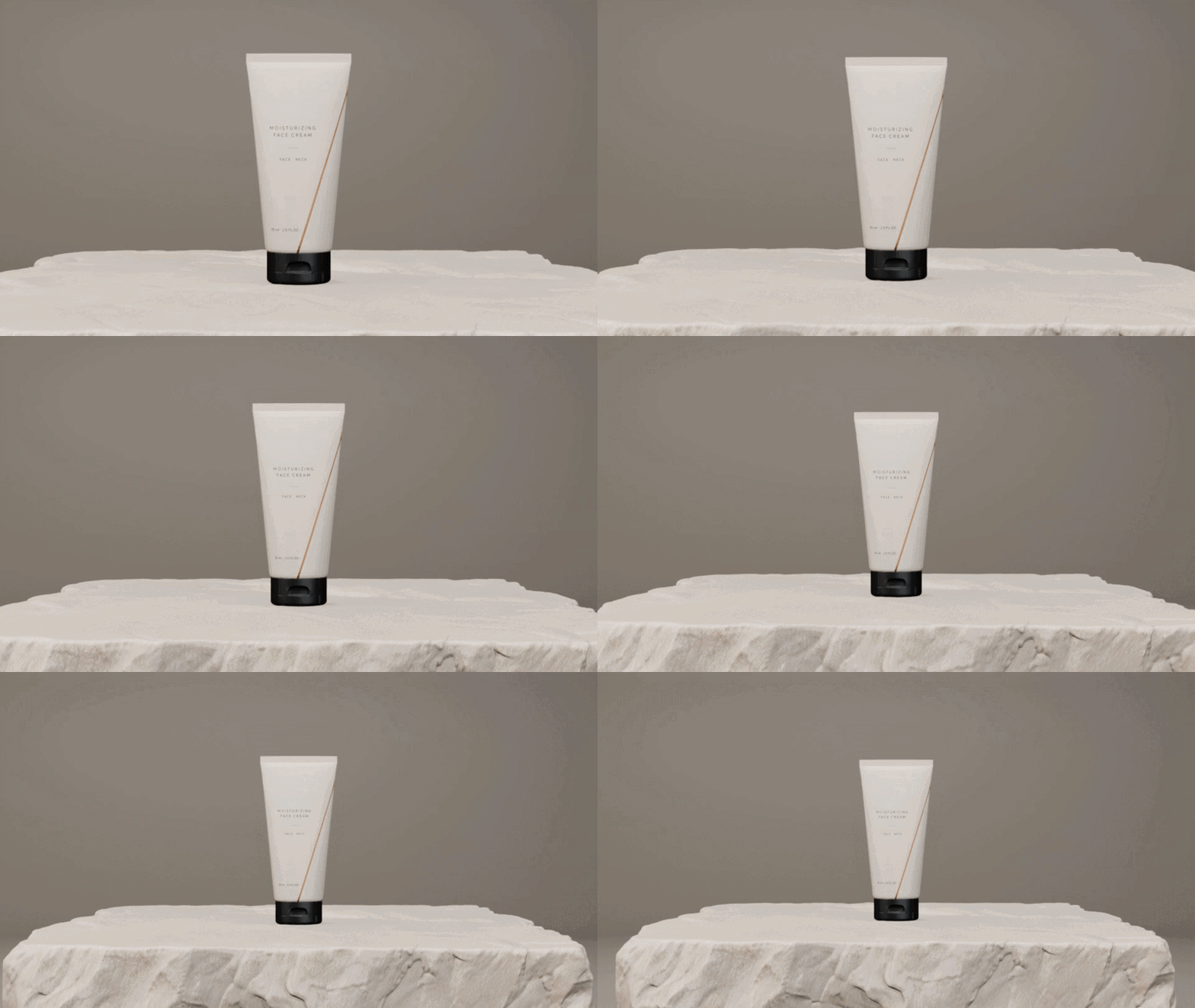
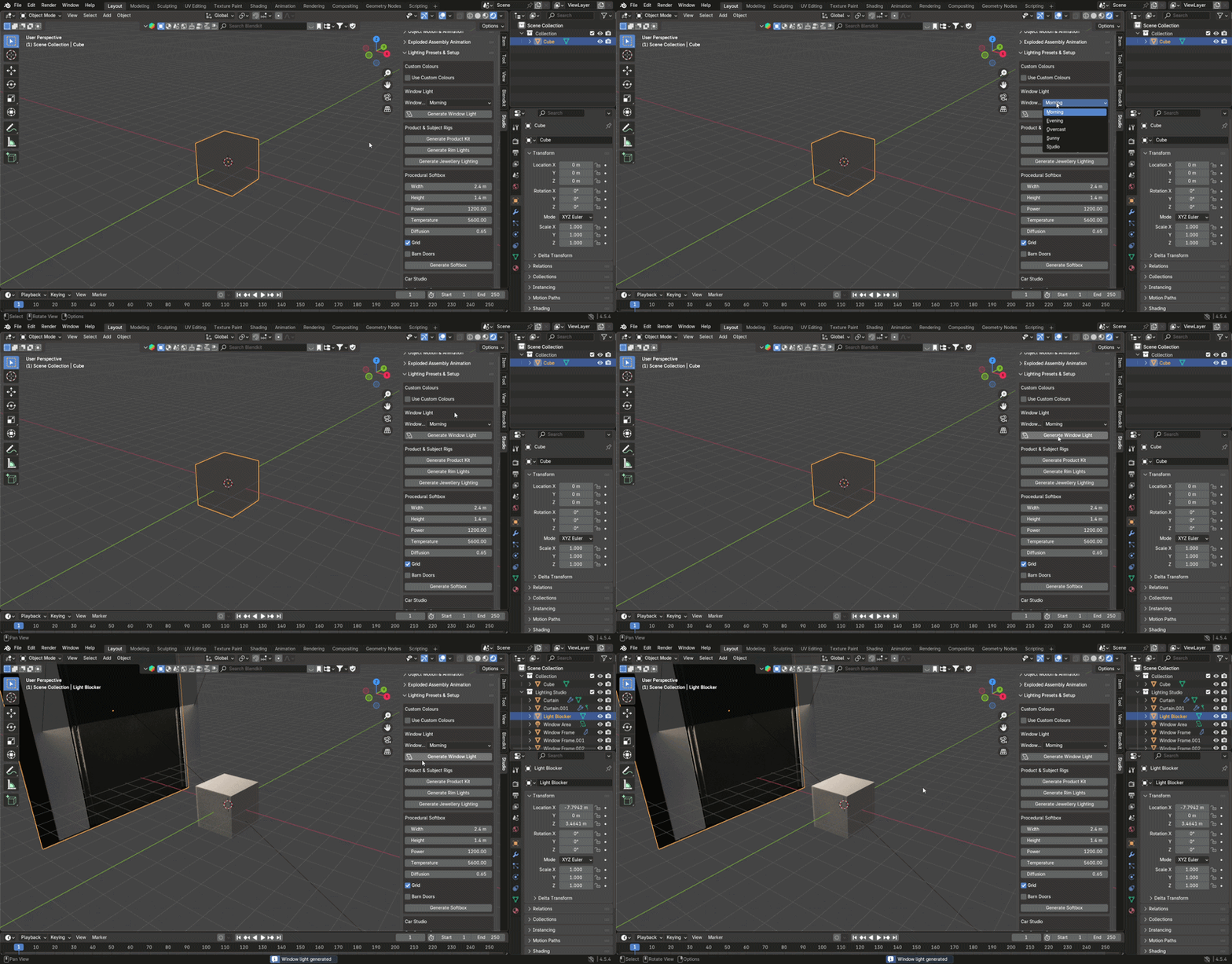
Lighting Presets and Setup
Try different lighting looks without rebuilding your lighting setup every time.
Studio Toolkit includes lighting setup and preset tools that help you quickly prepare and explore different lighting conditions for your product scene.
Switch between different looks, experiment with the presentation of your model, and refine the result with less repetitive lighting setup.
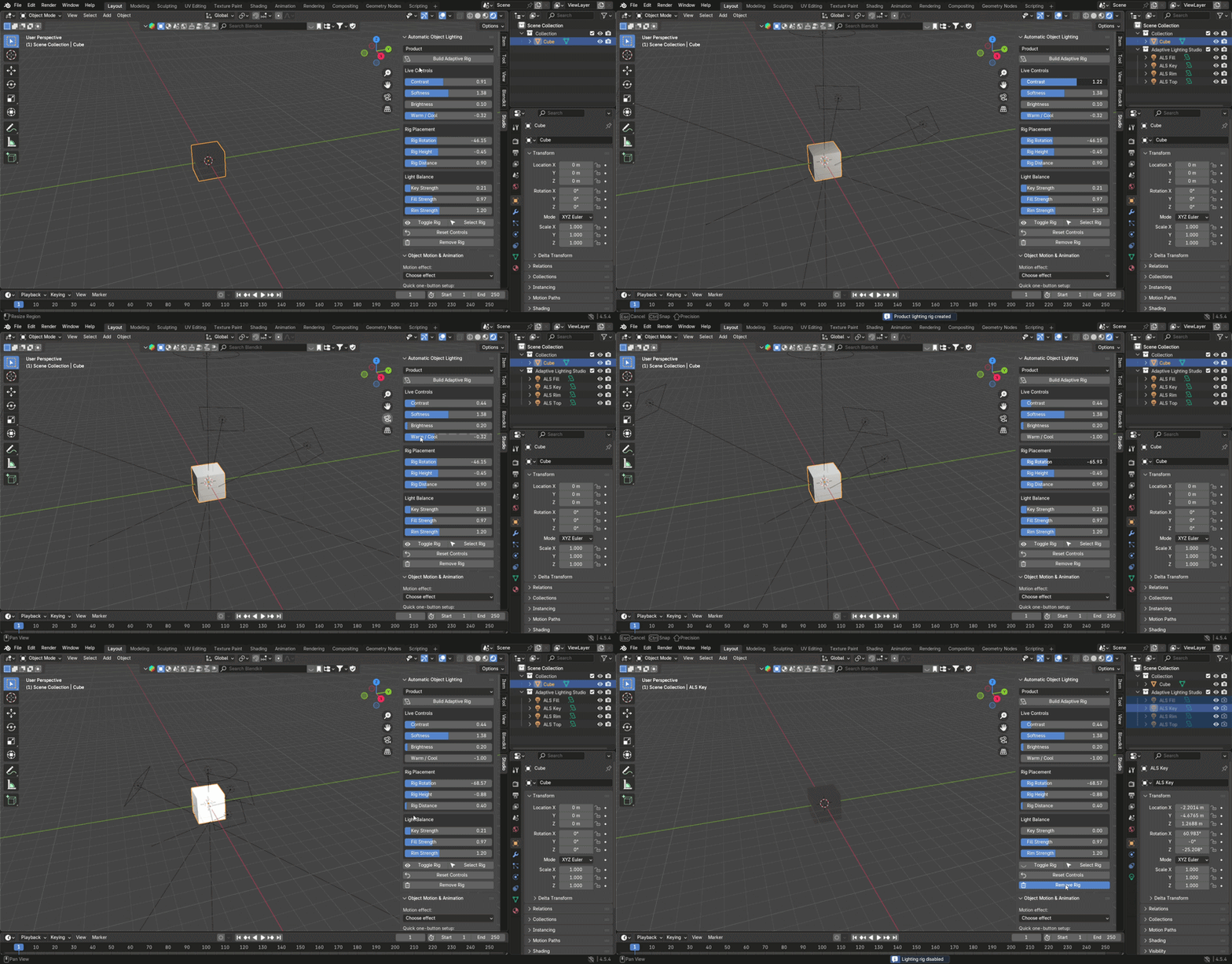
Automatic Object Lighting
Select your product and let Studio Toolkit build the lighting setup around it.
Automatic Object Lighting helps reduce the time spent manually creating and positioning lights for product presentation. Build an adaptive lighting rig for your object, then use the available controls to adjust the lighting and refine the look.
A faster starting point for product lighting — while keeping the final look under your control.
Exploded Assembly Workflows
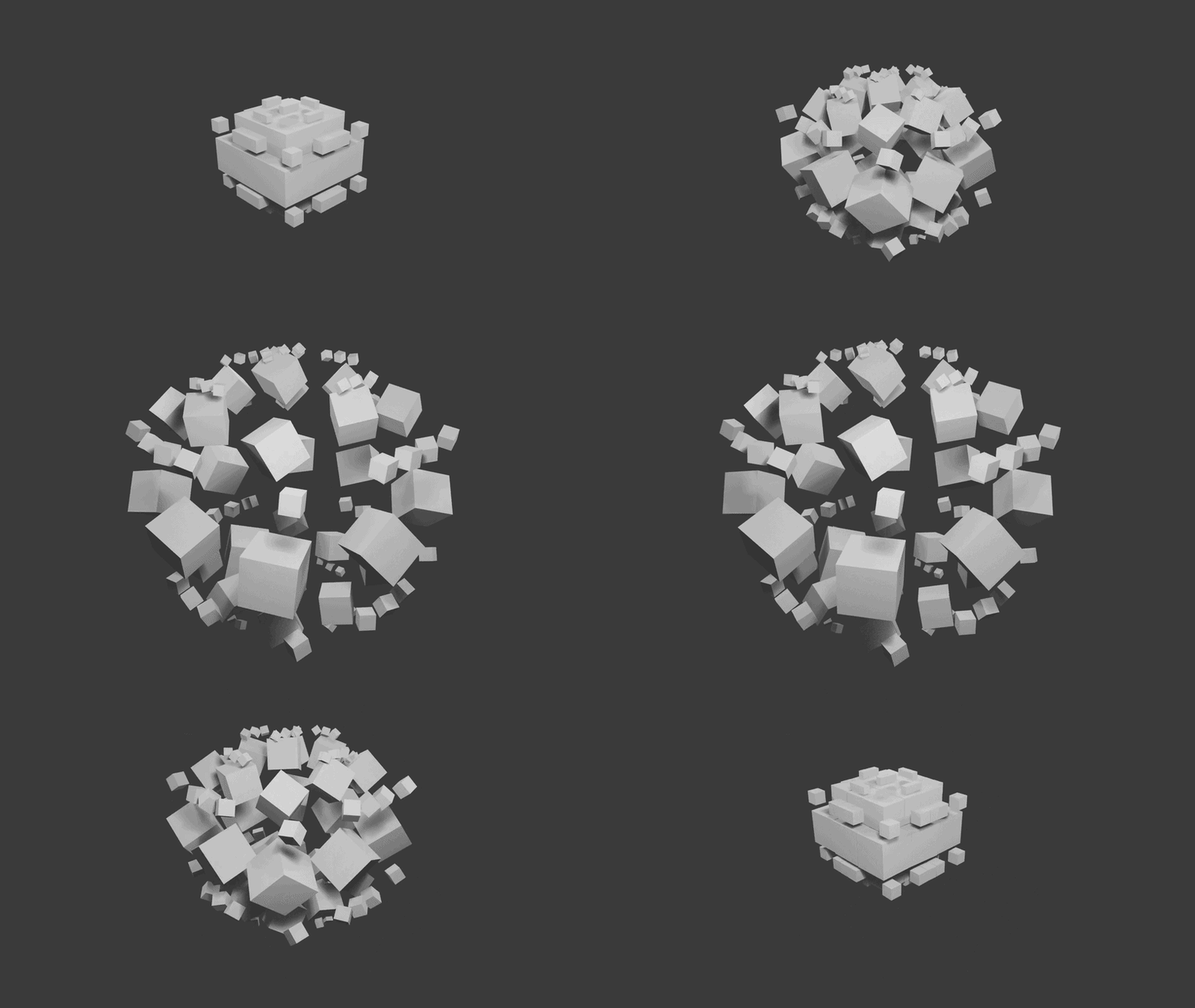
Create exploded product presentations without manually positioning and animating every part from scratch.
Studio Toolkit helps you turn multi-part objects into exploded assemblies and create Explode → Hold → Assemble animations as part of your Blender workflow.
Use exploded views to clearly present how individual components relate to each other, then continue with cameras, animation and rendering using the other tools included in Studio Toolkit.
Less repetitive animation work. A faster way to build polished exploded assembly presentations.
Animation Tools
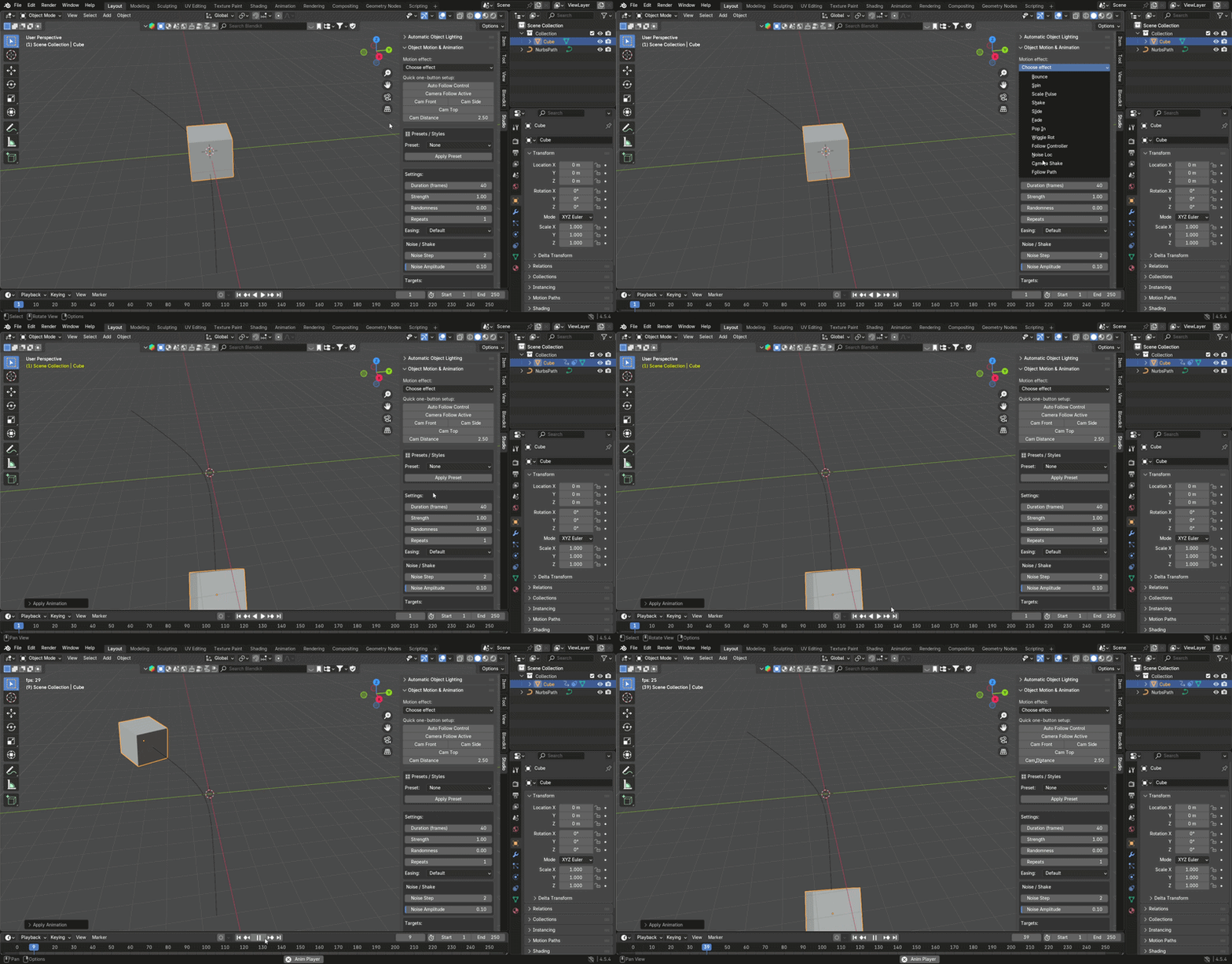
Add motion to your product presentation without building every animation from scratch.
Studio Toolkit provides ready-to-use animation tools for creating different types of product movement and presentation effects directly inside your Blender workflow.
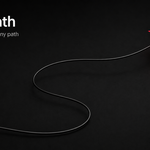
Choose from available motion effects, adjust the animation controls, or use Follow Path to create controlled movement along a defined path.
Less repetitive animation setup. More ways to bring your product presentation to life.
Rendering and Output Preparation
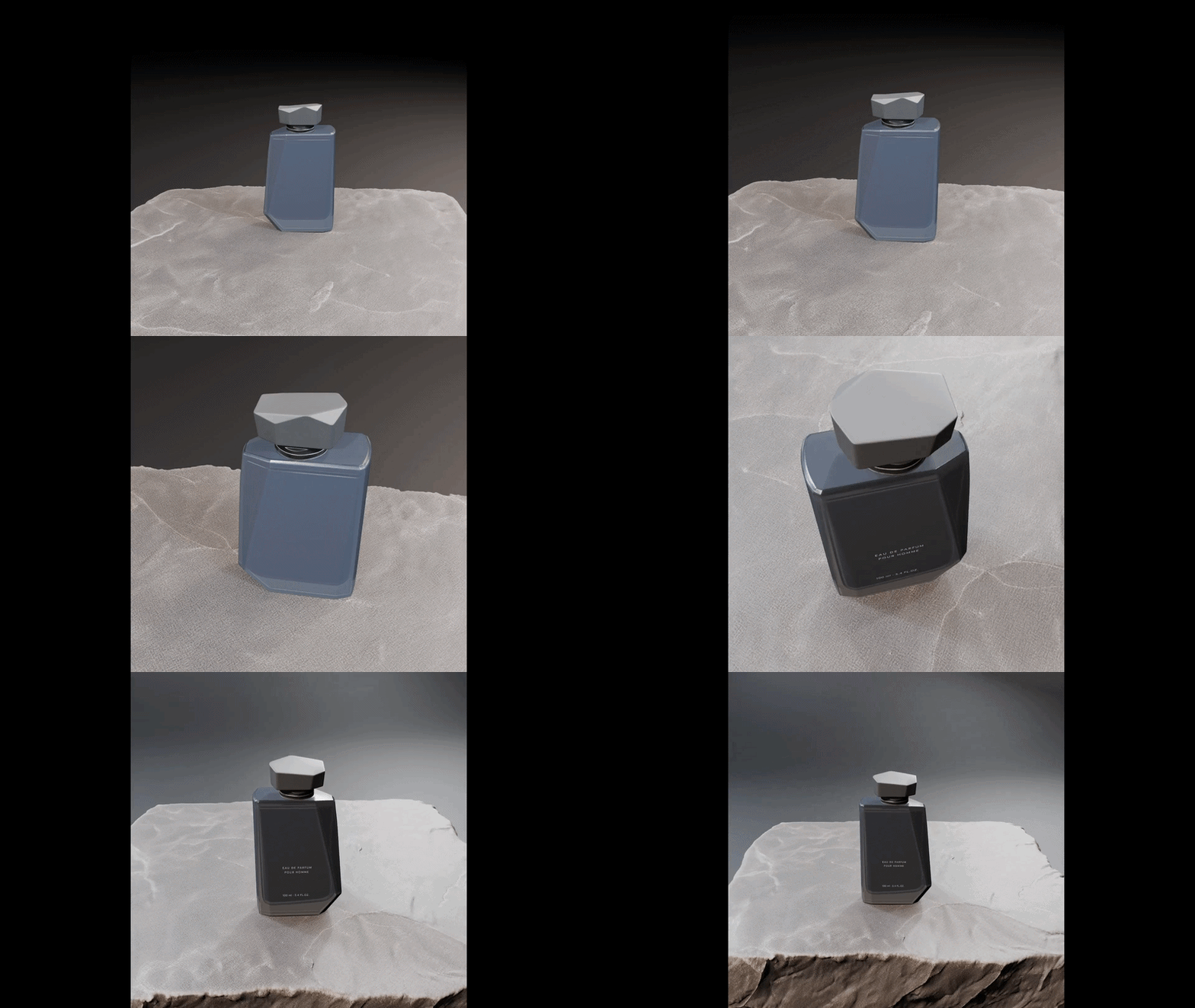
Take your product from scene setup to final render with fewer repetitive steps.
Once your scene is ready, Studio Toolkit provides rendering and output tools to help you prepare the final presentation without breaking your workflow.
Move from lighting and cameras through animation to rendering with the essential tools brought together in one organized toolkit.
What's Included
Studio Toolkit brings together tools for:
- Automatic Object Lighting
- Object Motion & Animation
- Exploded Assembly Animation
- Lighting Presets & Setup
- Product Studio & Camera Shots
- Camera Views & Animations
One Organized Blender Toolkit
Keep the tools you need for product presentation together instead of rebuilding the same setup for every project.
Studio Toolkit brings scene setup, lighting, cameras, animation, exploded assemblies and rendering tools into one organized Blender toolkit.
Open the section you need, adjust the relevant controls, and continue building your presentation — from your model and studio setup through animation and final rendering.
Less repetitive setup. One organized workflow. More time to focus on the final result.
Installation
- Download the Studio Toolkit ZIP file.
- Open Blender.
- Go to Edit > Preferences > Add-ons.
- Click Install.
- Select the Studio Toolkit ZIP file.
- Enable Studio Toolkit.
Studio Toolkit is then available from the Blender interface.
License: GNU General Public License v3.0 or later
Author: Domenas
