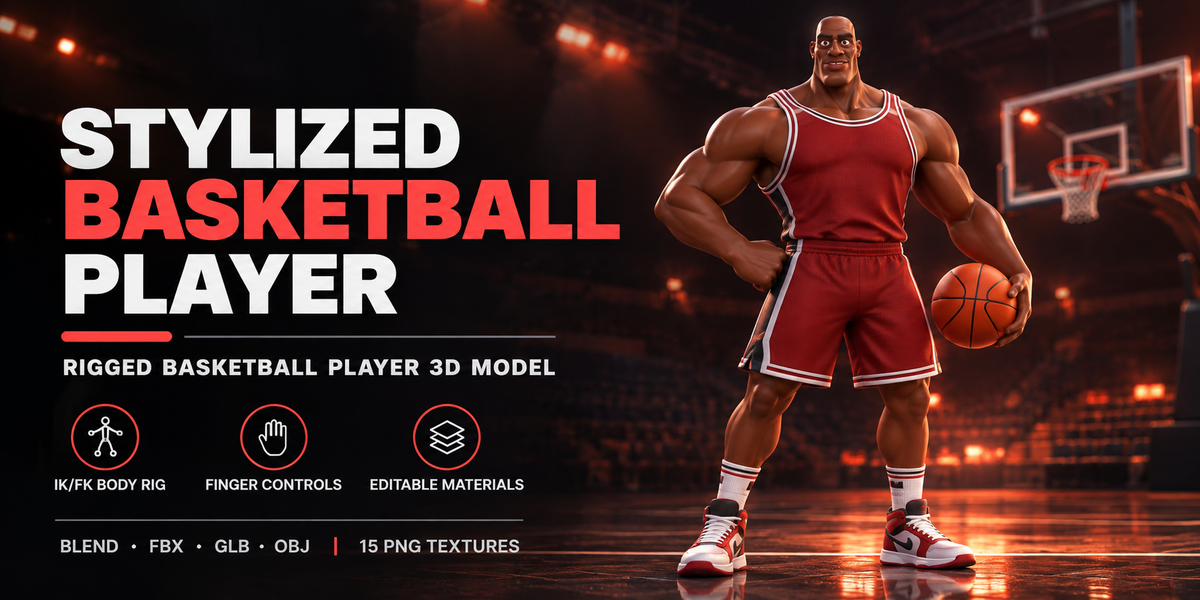
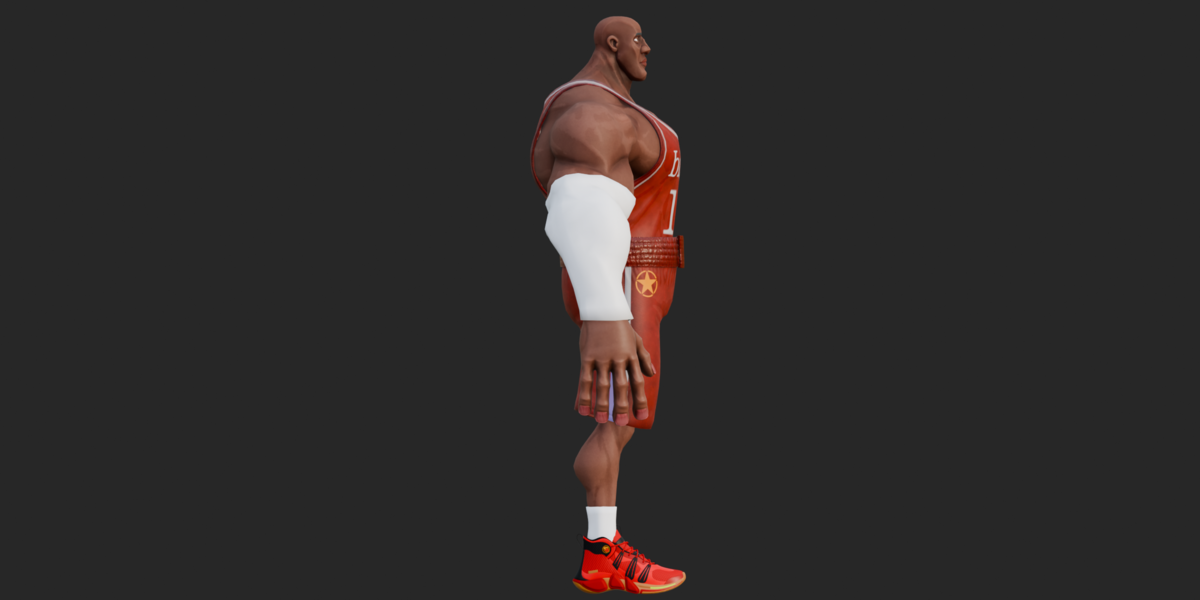
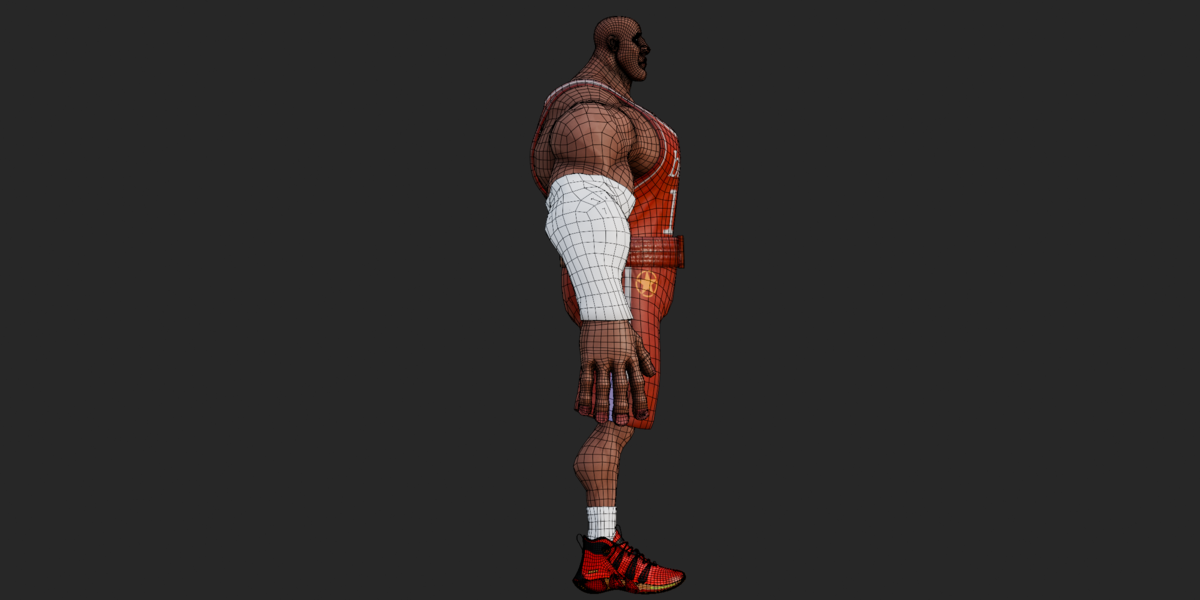
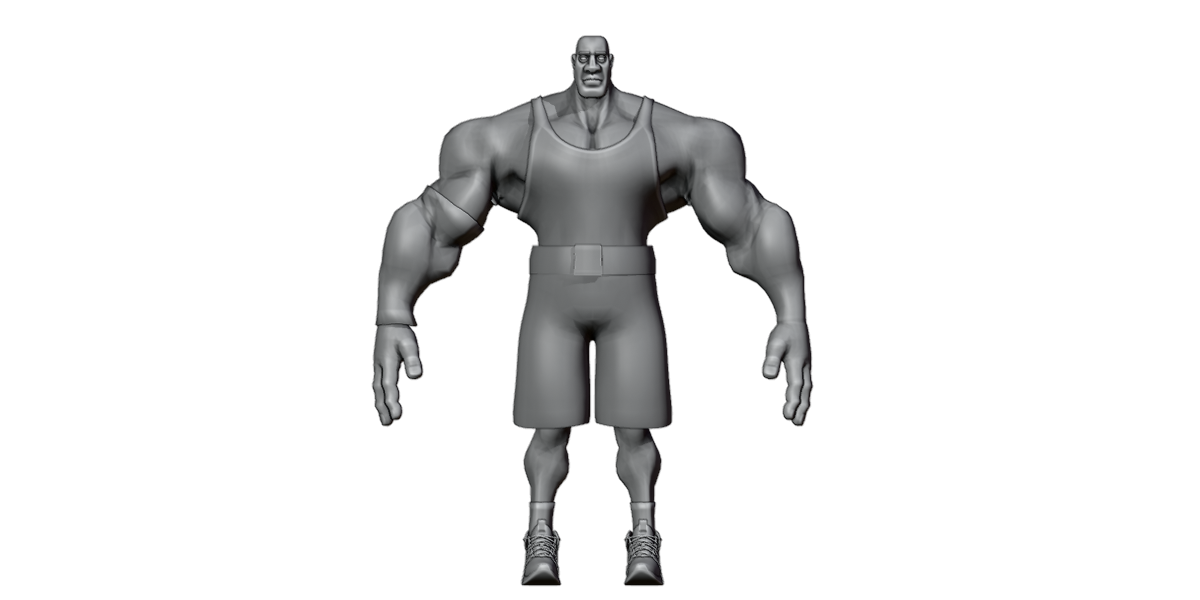
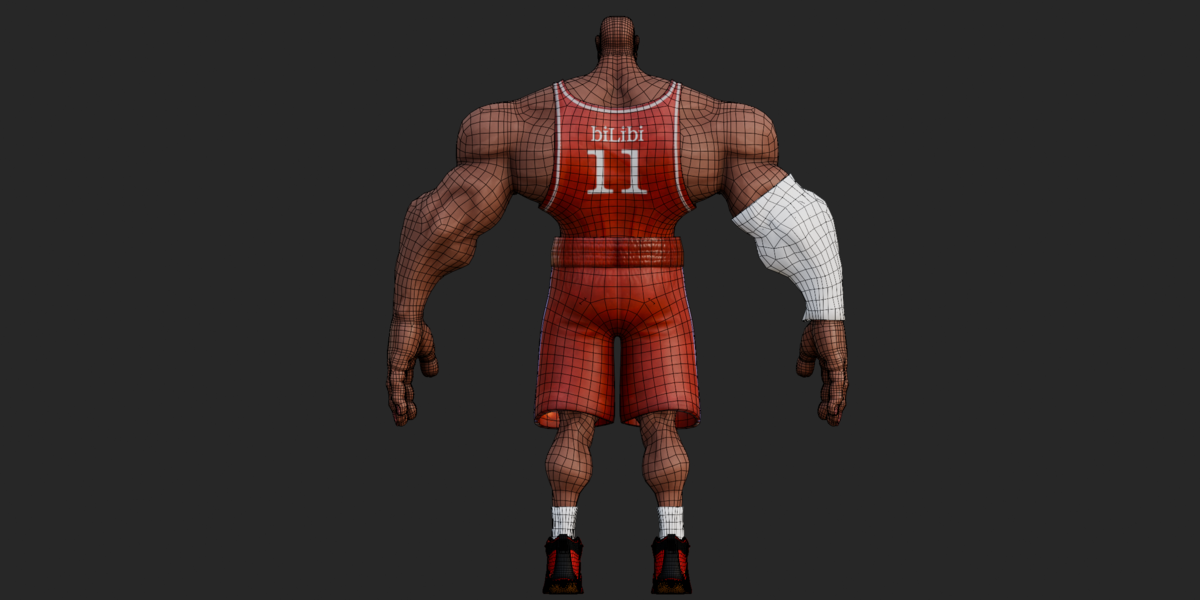
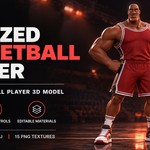
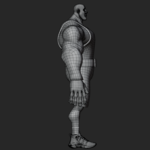
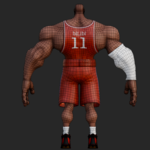
Rigged Basketball Player 3D Model – Stylized Muscular Athlete
 Salman Animator
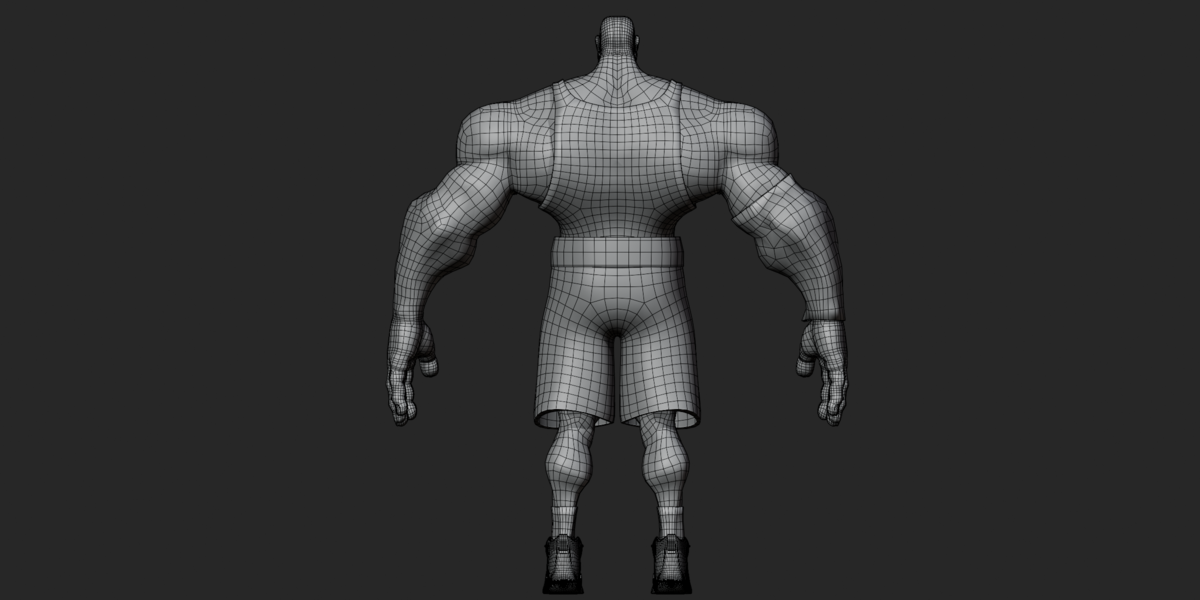
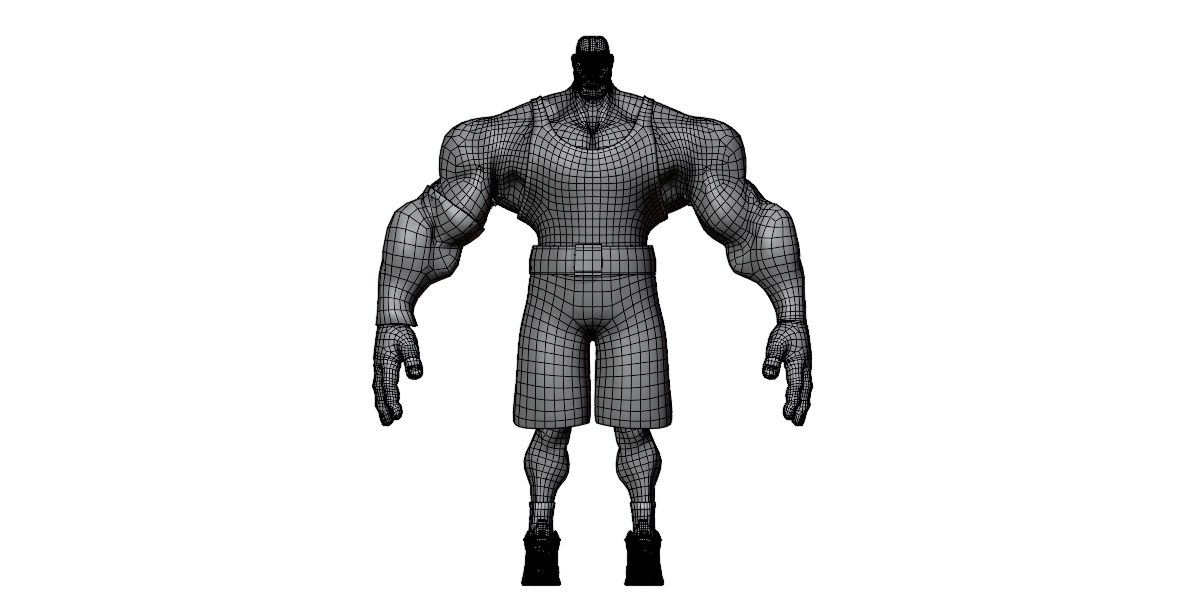
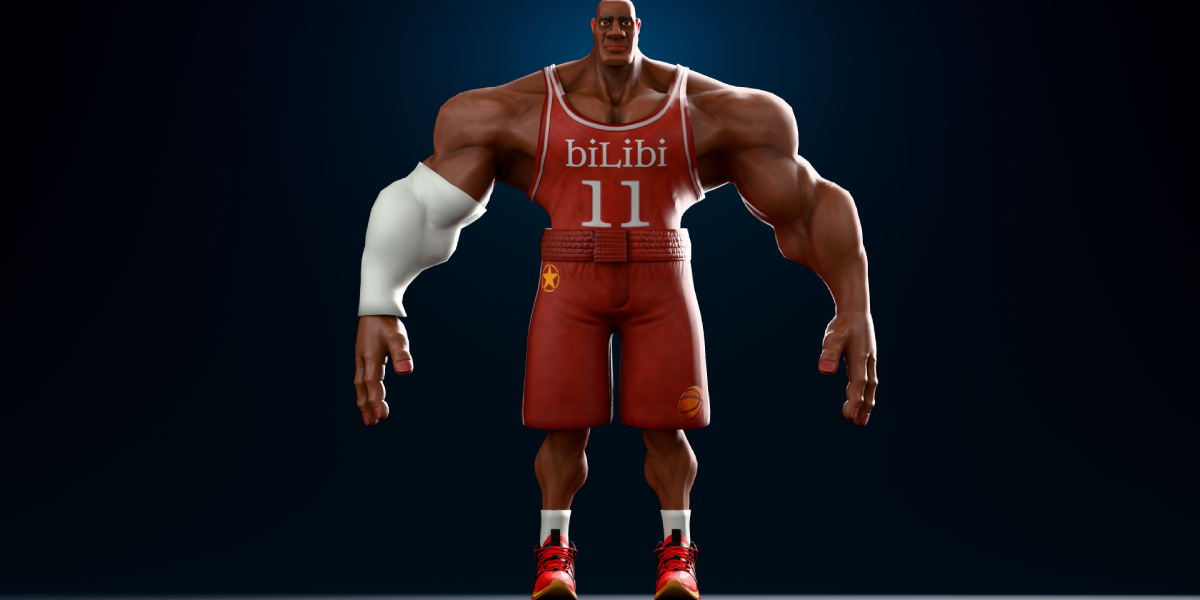
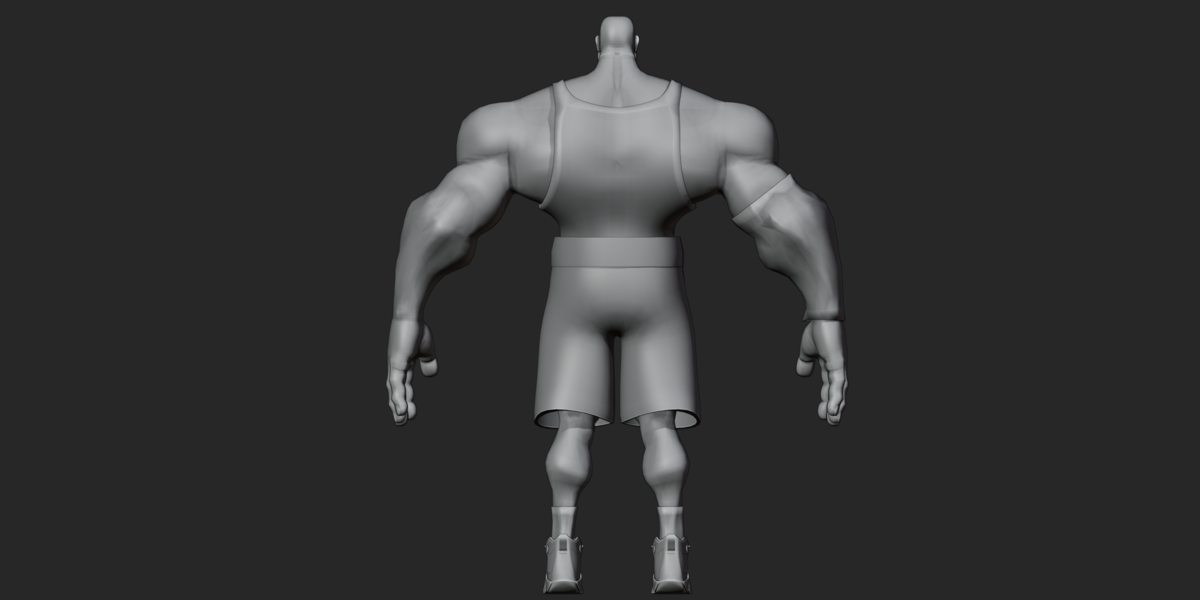
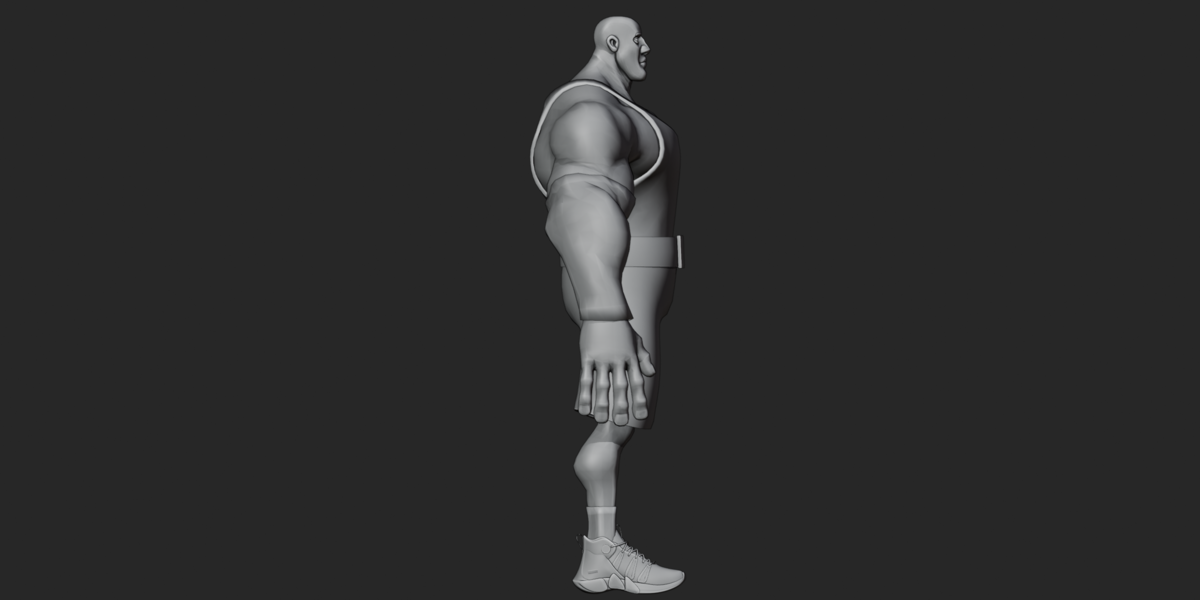
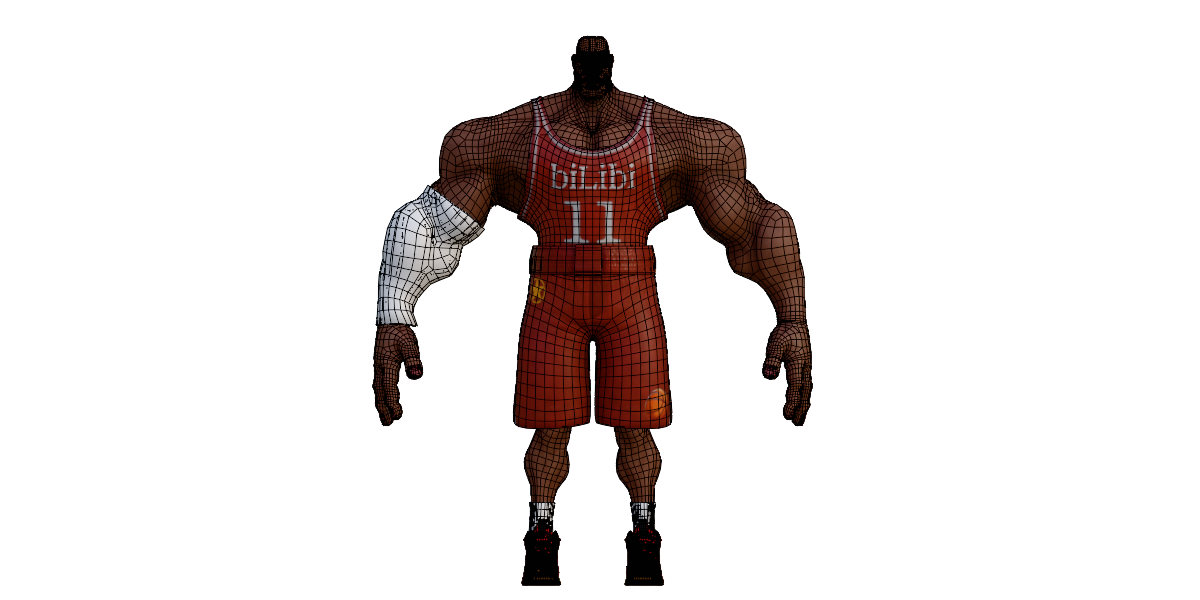
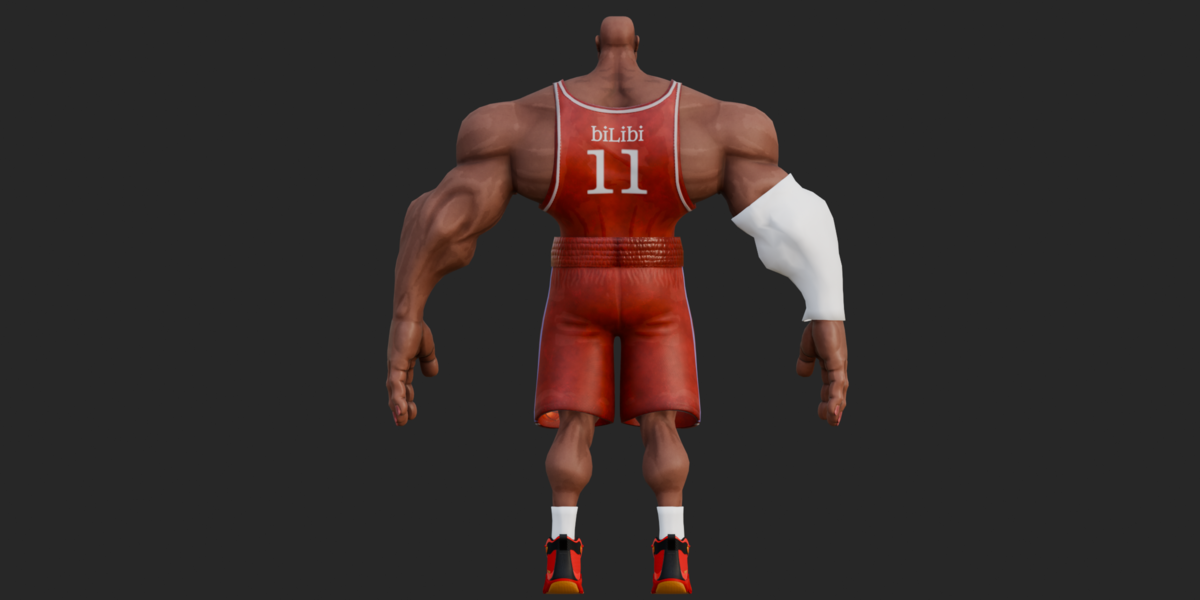
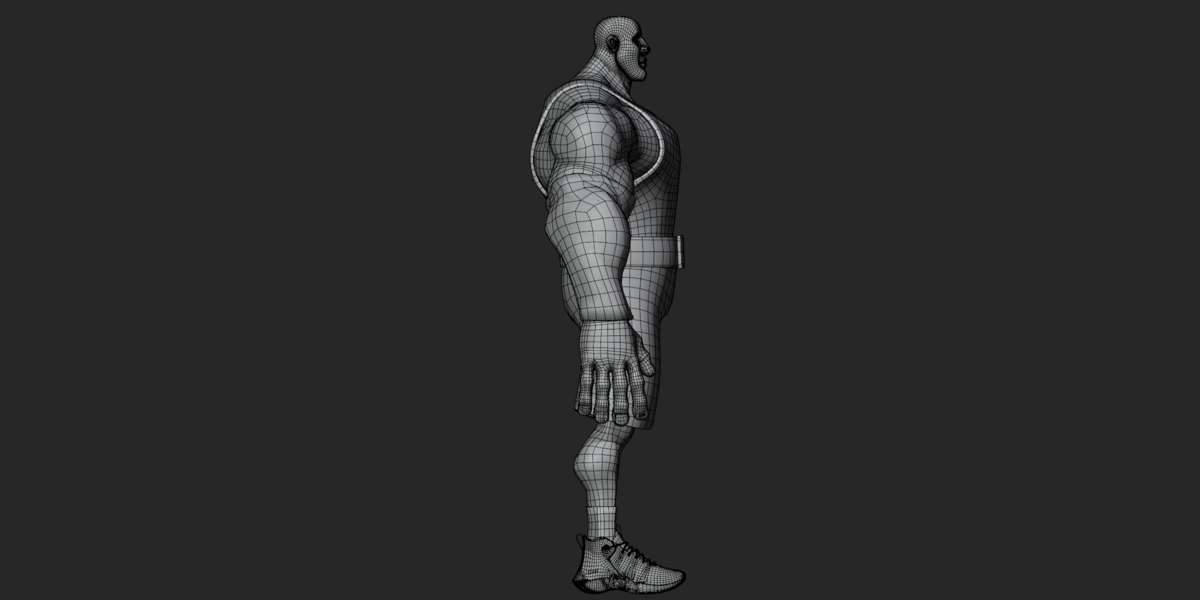
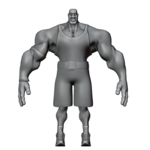
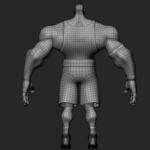
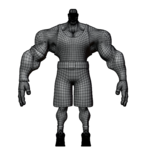
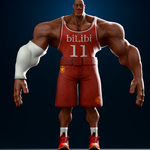
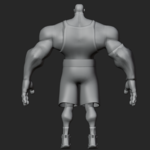
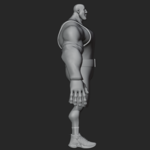
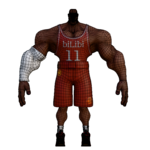
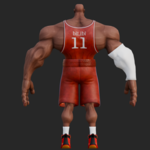
Getting Started
Choose the file that works best for your project:
Bascket Player.blend — Open directly in Blender to access the character and full control rig.
Bascket Player.fbx — Import the rigged character into other compatible 3D applications.
Bascket Player.glb — Use the glTF version containing the character's skin and joint data.
Bascket Player.obj + .mtl — Import the static character without rigging.
The Blender file includes packed textures. Additional texture files are provided in textures.zip.
How to Pose the Character
Open the BLEND file in Blender.
Select the armature named
player rig_rig.Switch to Pose Mode.
Use the IK/FK controls to position the arms and legs.
Use the finger controls to adjust the hands.
Save your pose or add keyframes to create your own animation.
The rig also contains spine, shoulder, and facial reference bones.
Important: The model has no premade animations. You will need to create your own movement.
Editing Colors and Textures
Select the part you want to change.
Open Blender's Material Properties or Shading workspace.
Adjust the material color or replace its texture.
Check the result in the viewport.
The texture archive contains Base Color and Normal maps for the body and clothing, plus Metallic and Roughness maps for the shoes.
Most textures are 2048 × 2048 pixels. The shoe Normal map is 4096 × 4096 pixels.
Importing into Other Software
For FBX or GLB:
Import the character using your application's supported importer.
Check the skeleton and mesh.
Confirm the materials and textures.
Test the rig before creating animations.
For OBJ:
Keep the OBJ and MTL files together.
Extract
textures.zipinto atexturesfolder beside the OBJ.Import the OBJ and reconnect missing textures if needed.
Troubleshooting
Missing textures?
Extract textures.zip and reconnect the correct images.
Rig controls not working?
Select the armature, enter Pose Mode, and check the controller bones.
No animation playing?
This is normal. The character includes a rig but no animation clips.
Wrong size or direction?
Check the scale and orientation settings in your software.
Materials look different after importing?
Check the shader settings and reconnect the supplied textures.
Important Notes
The OBJ version is not rigged.
No shape keys or facial blendshapes were found.
Real-world scale and export orientation have not been verified.
External software and game-engine compatibility have not been functionally tested.
Check the rights to the jersey artwork before commercial use.
Usage permissions are governed by the applicable marketplace license.
The character can be posed, recolored, and animated using the available rig and materials.
Have questions about this product?
Login to message
| Published | about 2 months ago |
| Blender Version | 2.6x - 5.2 |
| Render Engine Used | Cycles, Eevee, Freestyle |
| Misc Data | Rigged, Textured |
| License | Royalty Free |
