Stylized Butcher Man Character With Cleaver
 Salman Animator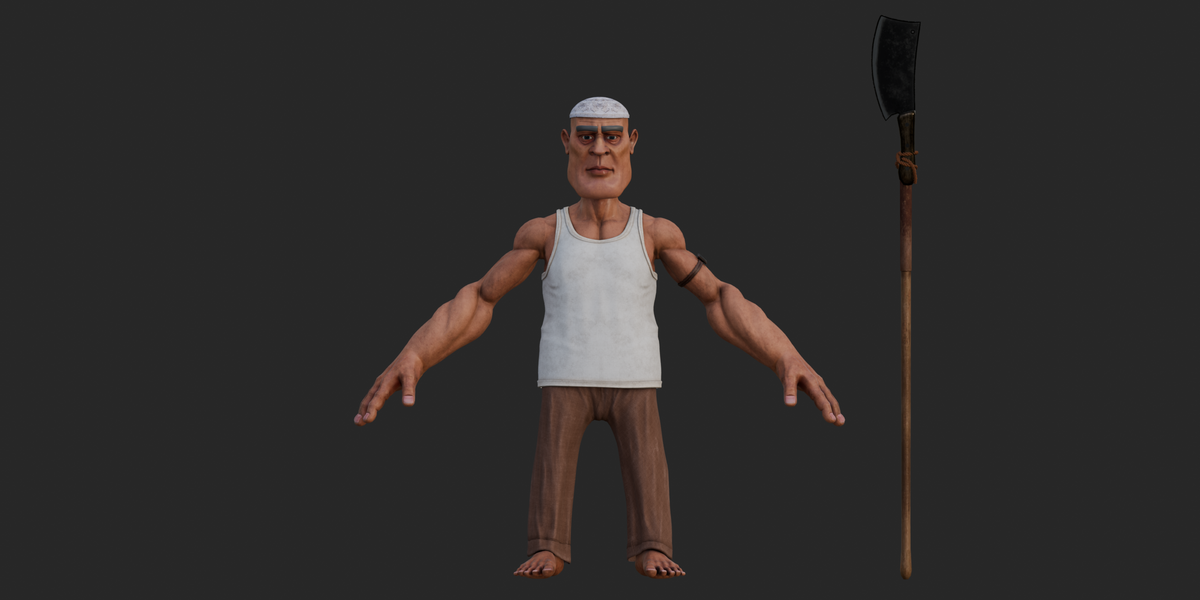
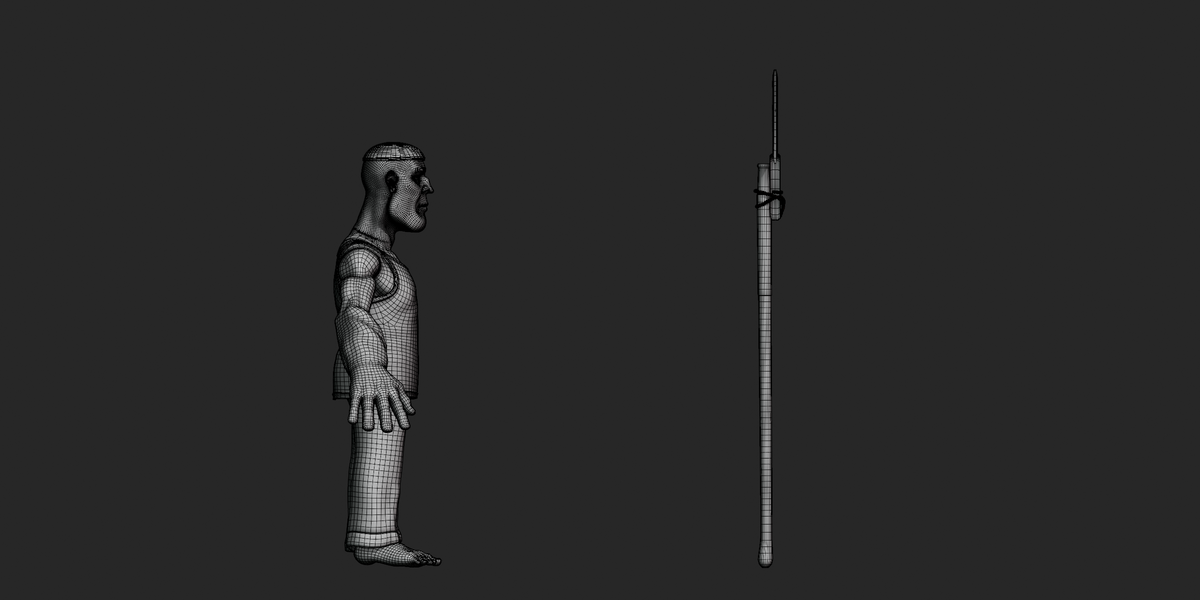
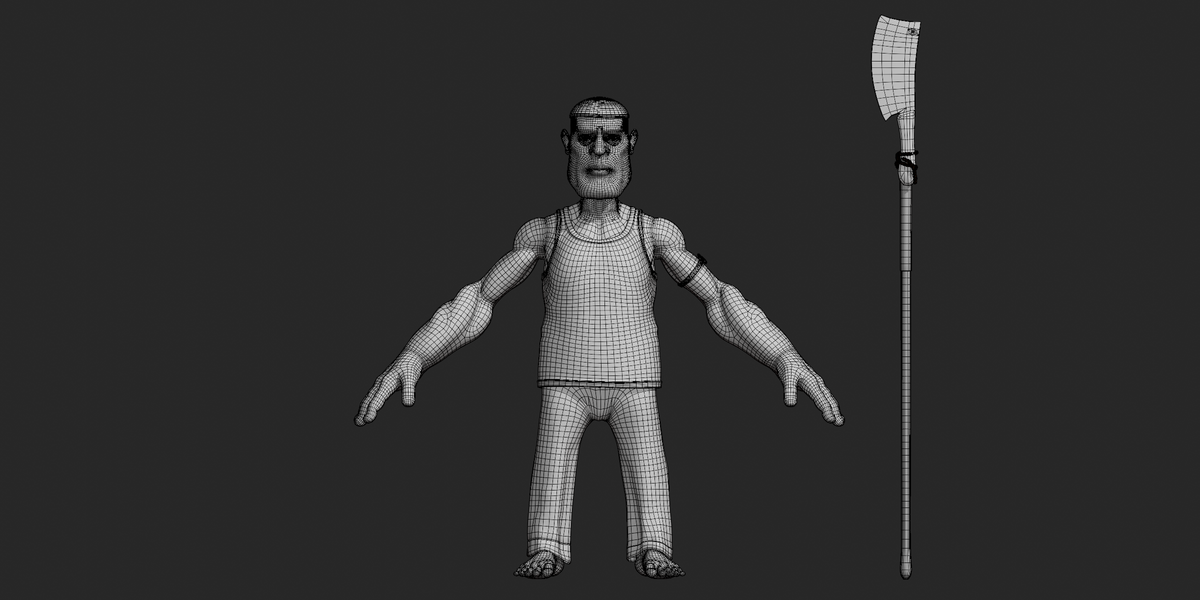
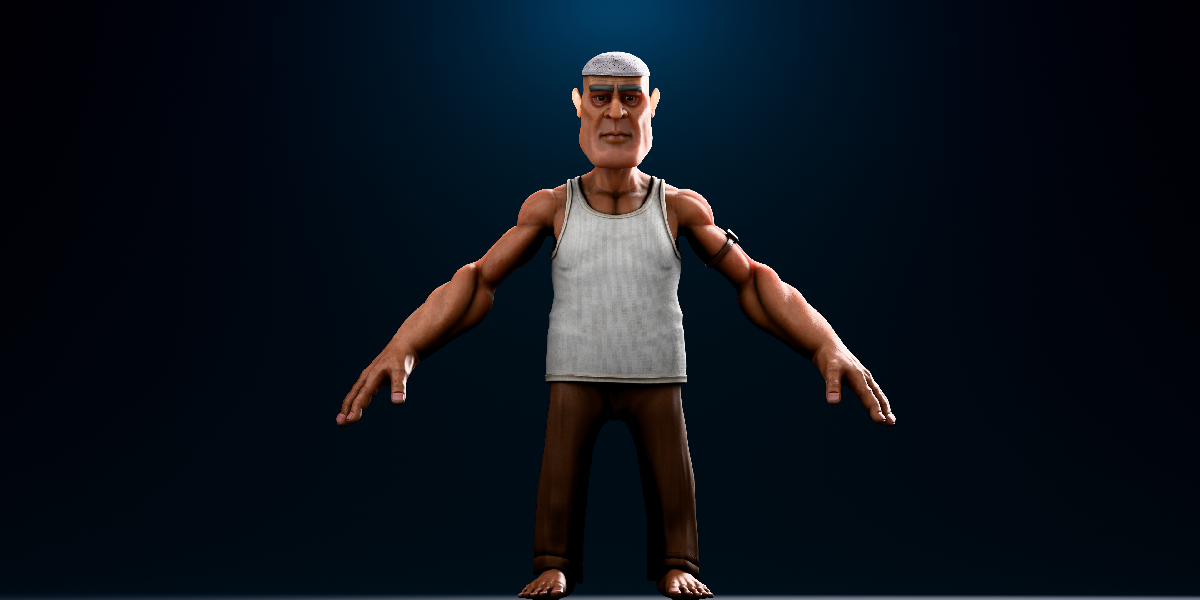
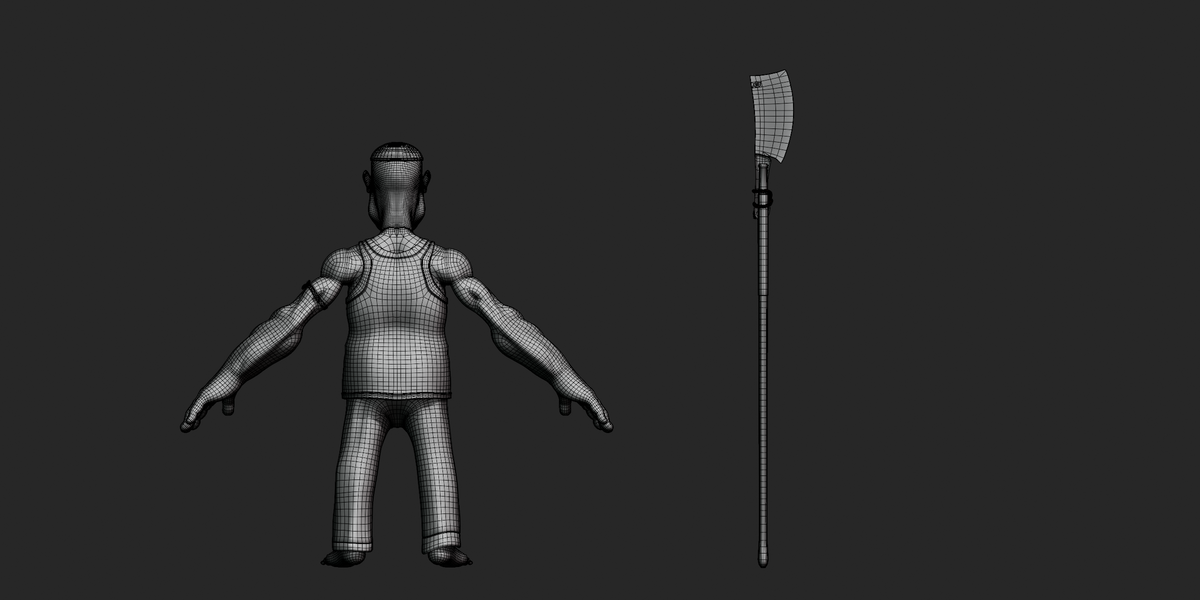
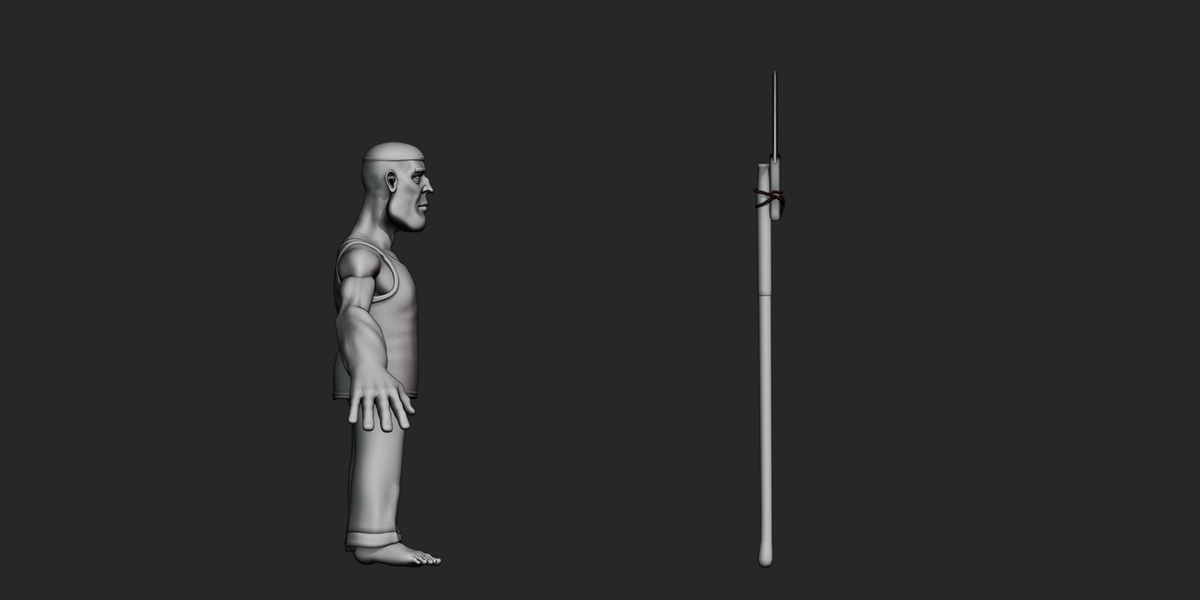
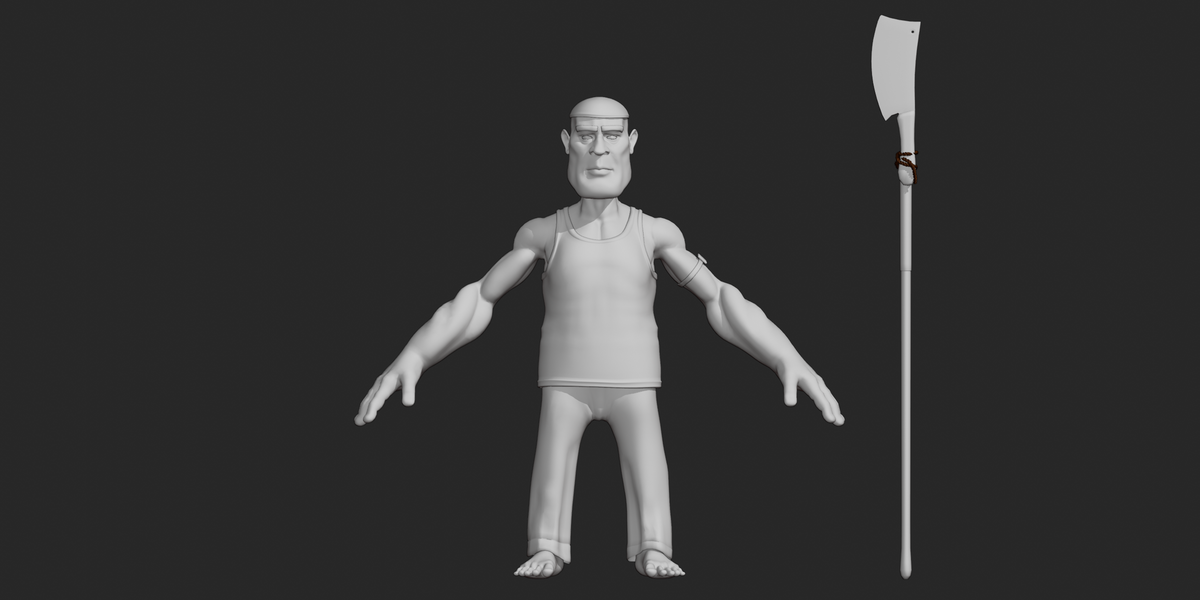
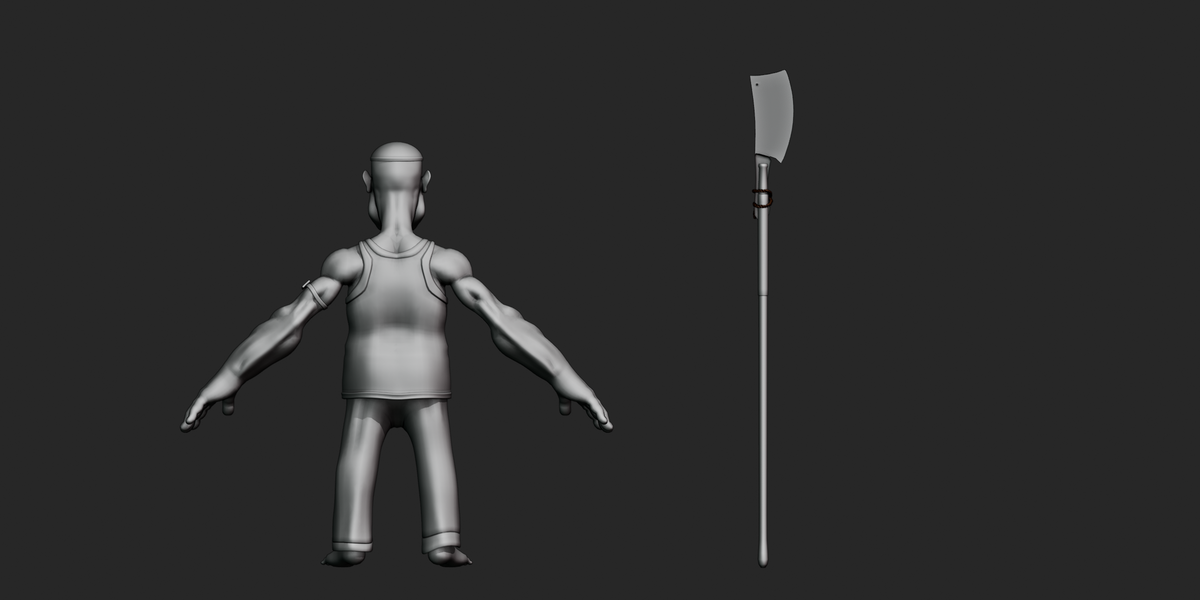
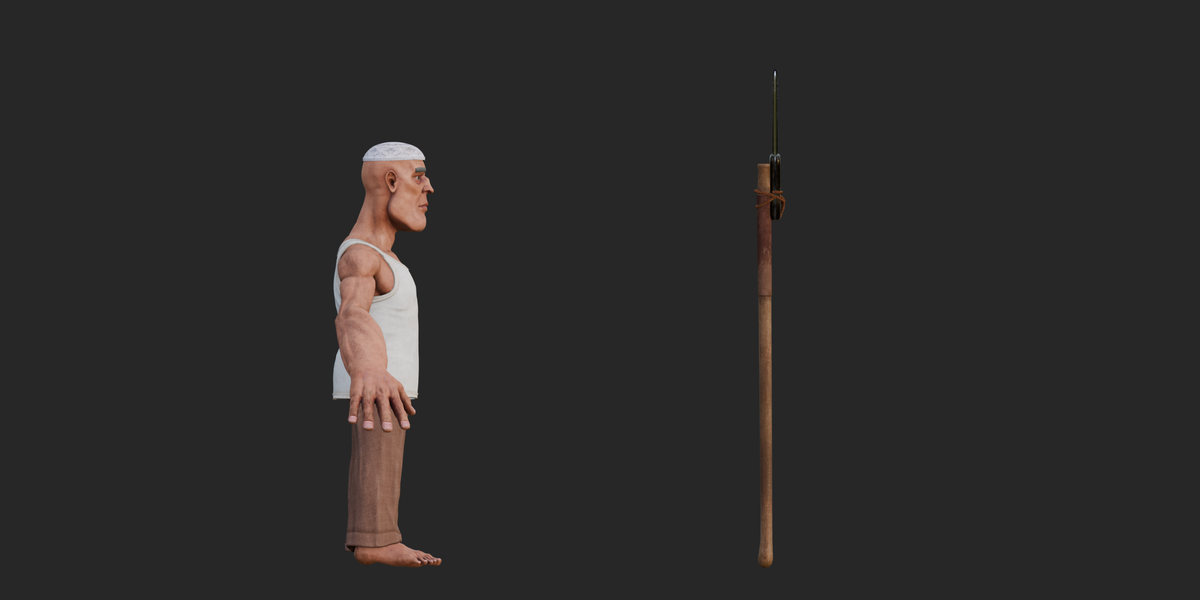
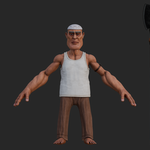
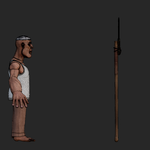
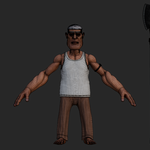
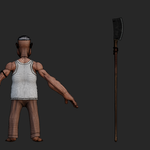
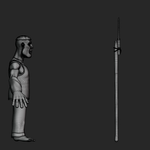
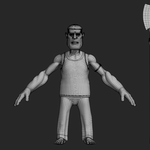
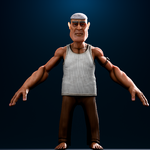
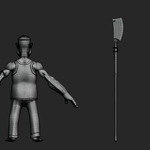
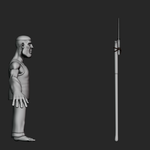
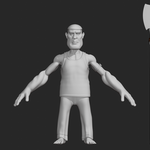
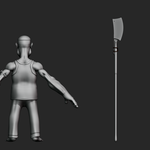
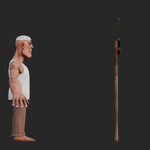
Stylized Butcher Character 3D Model, Documentation
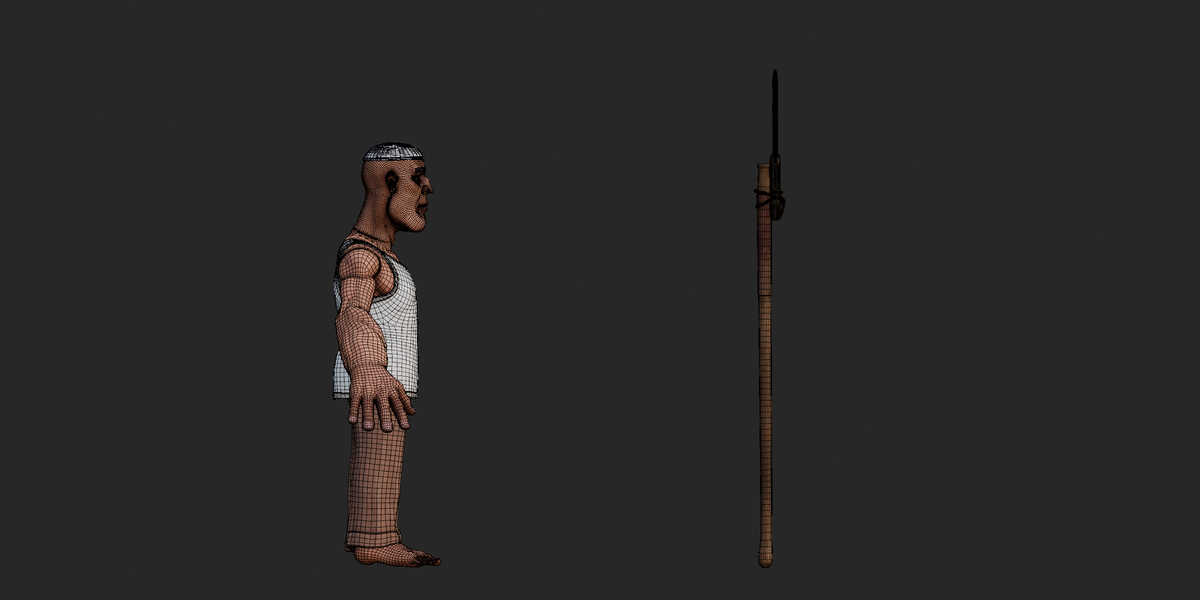
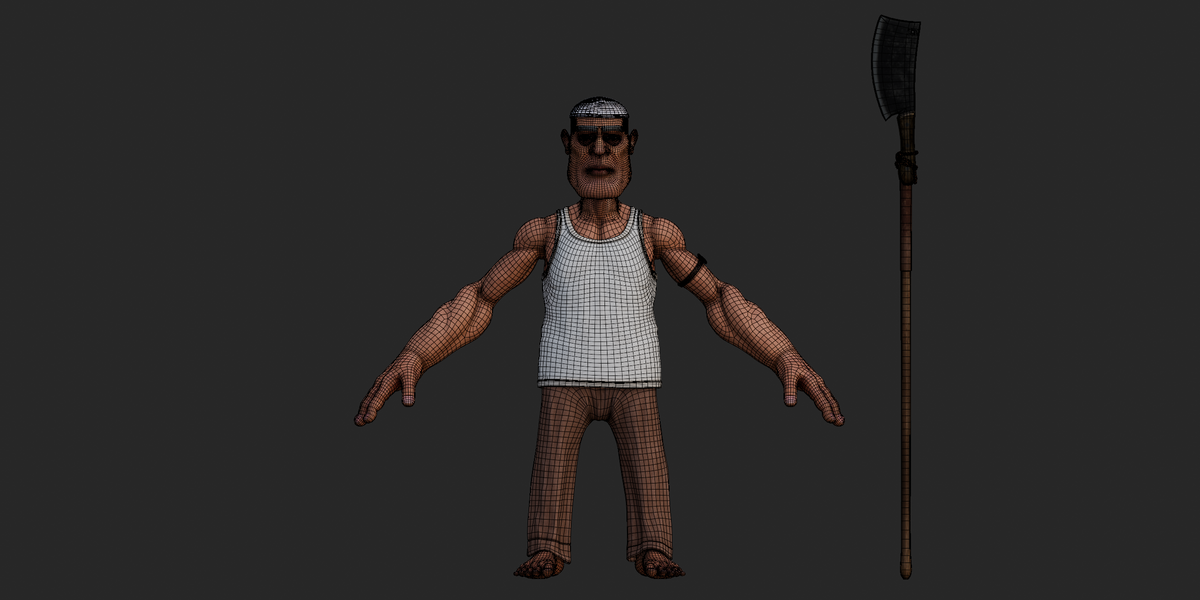
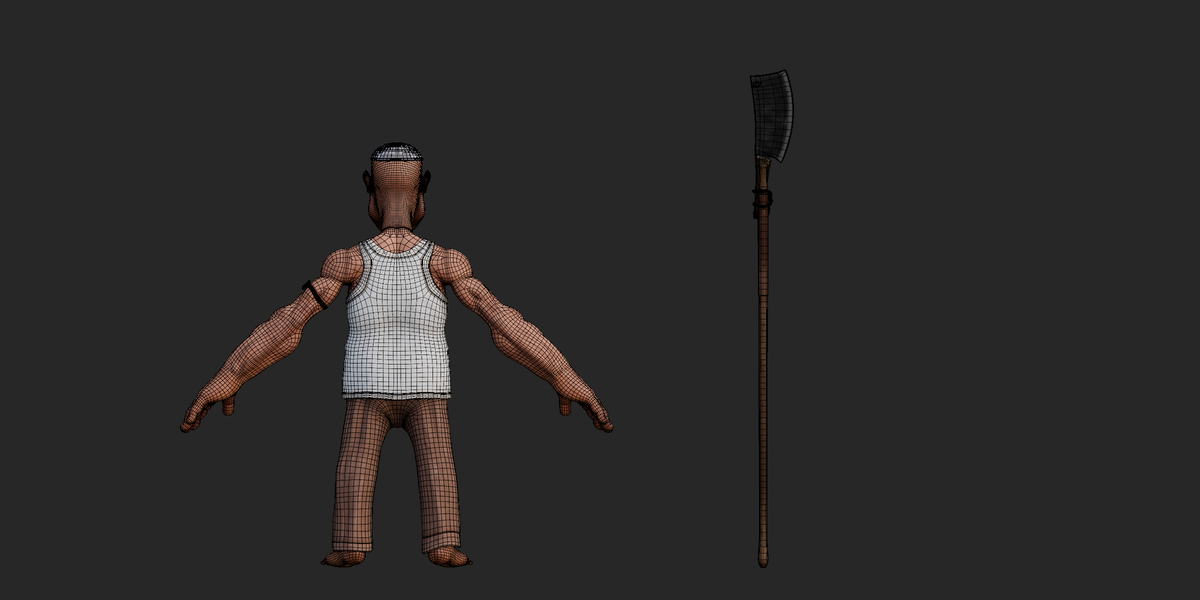
Stylized human butcher 3D character with a complete outfit, cleaver prop, Auto-Rig Pro-style humanoid rig, facial controls, finger and toe controls, facial shape keys, and baked animation clips.
Includes Blender, FBX, GLB, and OBJ/MTL formats with 18 materials, 2K–4K texture maps, and a separate texture archive.
Key Features
Stylized human butcher character
Complete butcher outfit
Cap, shirt, trousers, strap/harness and corded amulet
Cleaver prop included
Auto-Rig Pro-style humanoid rig
IK/FK arms and legs
Individual finger and toe controls
Detailed facial control rig
Facial corrective shape keys
Up to 12 named morph targets on the main head mesh
Separate 33-joint cleaver rope/strap rig
18 materials
2K–4K texture maps
32 texture files in the texture archive
27 embedded texture images in the GLB
3 animation clips in the GLB
BLEND, FBX, GLB and OBJ/MTL formats
Technical Documentation
Included Files & Formats
| Format | Included File | Purpose |
|---|---|---|
| BLEND | stylized Character .blend |
Native editable Blender source |
| FBX | stylized Character .fbx |
Rigged character interchange |
| GLB | stylized Character .glb |
Self-contained glTF character with embedded textures and animation |
| OBJ + MTL |
stylized Character .obj + .mtl
|
Static mesh workflow |
| Textures ZIP | textures.zip |
32 source texture files |
Verified file sizes:
BLEND: approximately 352.6 MB
FBX: approximately 175.4 MB
GLB: approximately 232.0 MB
OBJ: approximately 7.1 MB
MTL: approximately 4.2 KB
Textures ZIP: approximately 269.6 MB
The native .blend file was present, but its internal scene structure could not be directly inspected because a functional Blender installation was unavailable during inspection.
Materials
The GLB contains 18 materials.
The material setup includes:
Base Color textures
Normal maps
Metallic/Roughness maps where used
Alpha-capable materials
Flat-color material values where no texture is assigned
The two materials flagged for alpha blending are:
topi.HG_Teeth
The remaining materials are opaque.
The black material is the only material identified as single-sided. The other materials are double-sided in the GLB representation.
Material names include:
facebodyhand and feettopiscleraBright.001irisBlue.001pupil.001.HG_TeethpantshirttaweezropeWoodLeather_cleaver01___Defaultmettalblack
The original Blender shader-node graph could not be inspected directly, so the documented material information is based on the exported GLB and MTL data.
Textures
The texture archive contains 32 files in the textures/ folder.
The GLB contains 27 embedded texture images used by its 18 materials.
Texture resolutions range from 2048×2048 to 4096×4096.
Examples include:
| Texture | Resolution | Type |
|---|---|---|
face_Base_Color |
4096×4096 | Base Color |
face_Normal_OpenGL |
4096×4096 | Normal |
face_Roughness |
4096×4096 | Roughness |
body_Base_Color |
2048×2048 | Base Color |
body_Normal_OpenGL |
2048×2048 | Normal |
shirt_Base_Color |
2048×2048 | Base Color |
shirt_Normal_OpenGL |
2048×2048 | Normal |
pant_Base_Color |
2048×2048 | Base Color |
pant_Normal_OpenGL |
2048×2048 | Normal |
Wood_albedo |
4096×4096 | Base Color |
Wood_normal |
4096×4096 | Normal |
Leather_albedo |
4096×4096 | Base Color |
Leather_normal |
4096×4096 | Normal |
| Cleaver Base Color | 4096×4096 | Base Color |
| Cleaver Normal | 4096×4096 | Normal |
| Cleaver Metallic/Roughness | 4096×4096 | Metallic/Roughness |
Additional maps in the texture archive include:
Ambient Occlusion
Transmission
Separate opacity
Additional normal and roughness maps
EXR bump source
No texture explicitly labeled as Displacement, Height, or Emission was found.
Normal maps labeled OpenGL use the OpenGL convention. A DirectX-based workflow may require green-channel adjustment.
Rig
The main character uses an Auto-Rig Pro-style humanoid rig, identified through its exported bone naming structure.
The main character skin uses 761 joint nodes.
The rig provides:
IK/FK arms
IK/FK legs
Spine controls
Head and neck controls
Hand controls
Individual fingers
Individual toes
Facial controls
Eyelid controls
Eyebrow controls
Lip controls
Jaw controls
Tongue controls
Teeth controls
Nose controls
Ear controls
Cheek controls
The exported GLB contains 815 nodes matching the Auto-Rig Pro-style .x, .l, and .r naming pattern, including control, reference, deform and mechanism-related bones.
Secondary Prop Rig
A separate 33-joint weapon/prop skin is included for the cleaver's rope or strap.
It uses a tail/spline chain with controls such as:
c_tail_00.xthroughc_tail_14.xc_tail_master.xc_posc_traj
This system provides secondary movement for the cleaver's rope/strap.
Bones
The character has:
761 main character skin joints
33 weapon/prop joints
Full hand/finger chains
Full toe chains
Facial bone controls
Spine and neck chains
Arm and leg IK/FK chains
Root and trajectory controls
The rig contains extensive facial controls, including eyelids, lips, eyebrows, jaw, nose, cheeks, tongue, teeth and ears.
Animation
The GLB contains 3 animation clips:
| Animation | Approx. Duration | Description |
|---|---|---|
animation block |
13.59 sec | Main baked full-rig animation |
Eh |
Single instant | Static baked pose |
Grabber_HandleAction |
0.067 sec | Short cleaver hand-grip action |
The main animation block contains baked animation data across 762 nodes, with translation, rotation, scale and one shape-key weight channel.
Eh is a single-frame/static pose and should not be presented as a normal playable animation.
Grabber_HandleAction affects the Grabber_Handle object and contains a short translation action.
FPS and Blender-native frame-range information could not be verified from the GLB.
Shape Keys / Blendshapes
Shape keys are present on 5 meshes.
The main head mesh contains 12 named facial corrective morph targets, including controls for:
Under-eye areas
Left/right eyes
Smile controls
Lip raise/lower controls
Another body mesh contains 11 facial shape keys, including forehead, eye and smile controls.
Three additional meshes contain unnamed Key 1 shape keys.
Only the shape keys on body.002 are referenced by animation weight data in the supplied GLB. Other available shape keys can be adjusted manually.
UV
The real content meshes contain one UV channel using TEXCOORD_0.
No second UV channel was found.
No UDIM setup was detected, and the exported UV coordinates use standard single-tile 0–1 space.
UV stretching, overlaps and seam quality were not visually inspected.
Geometry
The GLB contains 106 mesh objects, including rig control/widget meshes. Of these, 16 are identified as real content meshes.
The main character mesh contains approximately:
25,664 vertices
47,116 triangles
Other character, outfit and prop meshes make up the remaining geometry.
The OBJ export contains:
49,653 vertices
34,870 UV coordinates
48,304 normals
51,467 faces
14 named objects
No LOD meshes were found.
The source scene's modifier stack could not be directly inspected, so the use of Subdivision, Mirror, Geometry Nodes or other Blender modifiers was not independently confirmed.
Dimensions & Scale
The supplied files do not provide a verified real-world character height or complete scene-unit metadata.
Therefore, no specific character height should be assumed from the exported coordinates.
The FBX is reported with an original unit scale factor of 1.0, but the source Blender scene's exact unit-system configuration could not be independently verified.
Object Structure
The GLB contains several main scene groups, including:
weapon rig_grpcs_grp.001char_grpTarget_EmptyGrabber_Handle
Target_Empty contains the main character, outfit and prop hierarchy.
The GLB also contains numerous rig custom-shape objects used as visual control widgets.
No cameras or lights are present in the GLB.
Collections
Blender collections are not preserved as directly inspectable collection data in the exported GLB/OBJ files.
Because the native .blend scene could not be opened, its original Blender collection structure could not be verified.
Constraints
The exported files do not preserve the complete Blender constraint definitions.
The presence of IK/FK bone naming and Auto-Rig Pro-style control structures supports the supplied rig description, but the original Blender constraint graph was not directly inspected.
Drivers
Blender drivers are not preserved in GLB or OBJ exports.
The native .blend file was not opened, so the presence or absence of Blender drivers in the original scene could not be independently confirmed.
Cameras & Lights
No cameras or lights were found in the GLB.
The supplied files therefore do not provide a verified ready-made camera or lighting setup for rendering.
Whether the original .blend contains cameras or lights that were excluded during export could not be confirmed.
File Dependencies
GLB
The GLB is self-contained.
Its mesh, rig, animation data and 27 embedded images are stored inside the single GLB file.
OBJ
The OBJ depends on its MTL file and external textures.
The MTL uses relative paths such as:
textures/
Extract textures.zip so the textures/ folder is available next to the OBJ/MTL files.
FBX
The FBX texture paths were not directly inspected. Depending on the importing application and saved paths, texture relinking may be required.
BLEND
The native Blender texture paths could not be inspected directly.
Import Workflow
Blender
Open
stylized Character .blend.Check that the texture paths are resolving correctly.
Select the character armature.
Enter Pose Mode.
Test the IK/FK, finger, toe and facial controls.
Preview the available animation actions.
Edit materials, textures, shape keys or poses as required.
FBX
Import the FBX.
Enable armature and skinning import.
Check the imported scale.
Verify the skeleton hierarchy.
Relink textures from
textures.zipif required.Test the rig and any supported animation data.
The FBX was confirmed as a binary FBX with format version 7400, but its internal mesh/rig structure was not independently parsed during inspection.
OBJ
Keep the OBJ and MTL together.
Extract
textures.zip.Place the
textures/folder beside the OBJ/MTL.Import the OBJ.
Confirm the material textures are found.
The OBJ is a static mesh export and does not contain the rig, skinning, animation or shape keys.
GLB
Import the GLB into a compatible glTF application.
No external texture linking is required.
Check the character rig and animation list.
Preview
animation blockfor the main animation.Use the embedded materials and textures directly.
The GLB contains the complete embedded texture and animation data in one file.
Software / Version Information
Verified metadata includes:
OBJ/MTL header: Blender 4.5.5 LTS
GLB generator: Khronos glTF Blender I/O v4.5.49
FBX binary format: 7400
These are metadata observations, not claims that the character was fully compatibility-tested in those versions.
Engine Workflow
The FBX and GLB formats can be used with applications that support those formats.
For real-time engines:
GLB provides a convenient self-contained option.
FBX provides a conventional rigged-character interchange option.
OBJ should be used when only static geometry is required.
Engine-specific behavior for materials, facial morphs, IK/FK systems, joint limits and animation retargeting was not independently tested.
The asset should therefore not be described as engine-tested or universally game-ready.
Customization
The character can be customized through its supplied materials, textures, rig and shape keys.
Possible workflows include:
Recoloring the outfit
Editing Base Color textures
Adjusting normal and roughness maps
Posing the character
Adjusting fingers and toes
Creating facial expressions
Editing available shape keys
Repositioning the cleaver
Adjusting the cleaver rope/strap rig
Editing the included animation
Creating new animations
Re-exporting to FBX or GLB
The package does not contain separate alternate outfit variants or additional character clothing sets.
Animation Workflow
Open the native Blender file or import the GLB.
Locate the available animation actions.
Use
animation blockfor the main approximately 13.6-second animation.Use
Ehas a static pose reference.Use
Grabber_HandleActionfor the short cleaver-grip movement.Edit the animation as required.
Export the edited character and animation using the required format.
Rig Workflow
Select the main character rig.
Enter Pose Mode.
Use the
c_control bones.Pose the arms and legs with the available IK/FK systems.
Adjust fingers and toes individually.
Use the facial controls for expressions.
Use shape keys where required.
Select the separate weapon rig when adjusting the cleaver rope/strap.
Keyframe the controls to create new animation.
Texture Workflow
Extract
textures.zip.Use the supplied texture files according to their material names.
Relink missing images in Blender when necessary.
Replace Base Color, Normal, Roughness or Metallic maps as required.
Keep the correct 2K or 4K resolution for the material being edited.
Repack resources into the Blender file if a self-contained
.blendis desired.
Material Workflow
The main material names can be located in Blender's Material and Shading workspaces.
Materials with texture maps can be customized by replacing their image textures, while materials without Base Color textures use their material color values directly.
For real-time engines, verify the engine's PBR channel setup because material interpretation can vary between applications.
Troubleshooting
Textures are missing
For OBJ, extract textures.zip and keep the textures/ folder beside the OBJ/MTL files.
For Blender or FBX, relink missing texture paths when required.
Model appears grey
Check whether texture paths are broken. Some materials also use flat color values rather than Base Color textures.
Transparency looks incorrect
topi and .HG_Teeth use alpha blending in the GLB. Check the target application's alpha/blend settings.
Normal maps look wrong
The supplied OpenGL normal maps may require green-channel adjustment for applications using a DirectX normal convention.
Rig controls do not behave as expected
The complete Blender constraint and driver setup could not be inspected directly. Rig behavior may differ outside Blender or without the required rigging setup.
Shape keys are missing
OBJ does not support shape keys, and the supplied FBX does not contain them. Shape keys are available in the BLEND and GLB versions.
Animation is not playing
Use animation block for the main animation. Eh is a single static pose, while Grabber_HandleAction is only a very short prop-grip action.
Scale is incorrect
The supplied files do not provide a verified real-world character height. Check the target application's unit and import-scale settings.
GLB contains extra objects
The GLB contains many small rig custom-shape/widget meshes in addition to the character geometry. These may appear as extra objects in applications that import the complete scene hierarchy.
Known Limitations
No verified real-world character dimensions are provided.
No cameras or lights are present in the GLB.
OBJ is static and does not contain rigging, skinning, animation or shape keys.
The FBX's internal rig/material structure was not directly parsed during inspection.
The native Blender scene could not be opened for direct verification.
Blender collections, modifier stacks, constraints and drivers could not be fully verified from the exported files.
Only
animation blockis a normal multi-frame animation.Ehis a single static pose.Grabber_HandleActionis approximately 0.067 seconds.Shape keys are present on 5 meshes, but only one mesh's shape-key weights are driven by supplied animation data.
The GLB contains 27 embedded images, while the texture archive contains 32 source texture files.
Some additional texture maps in the archive are not embedded in the GLB.
Specific game-engine compatibility and performance were not tested.
No README, PDF, TXT or separate documentation file was included in the supplied package.
Quick Start
For the most complete editing workflow, use the native BLEND file.
For a self-contained interchange file with embedded textures and animation, use GLB.
For a traditional rigged character transfer, use FBX.
For a static model, use OBJ + MTL with the extracted texture folder.
Have questions about this product?
Login to message
| Published | 3 days ago |
| Blender Version | 2.6x - 5.2 |
| Render Engine Used | Cycles, Eevee, Freestyle |
| Misc Data | Rigged, Textured |
| License | Royalty Free |
