 NicoHartl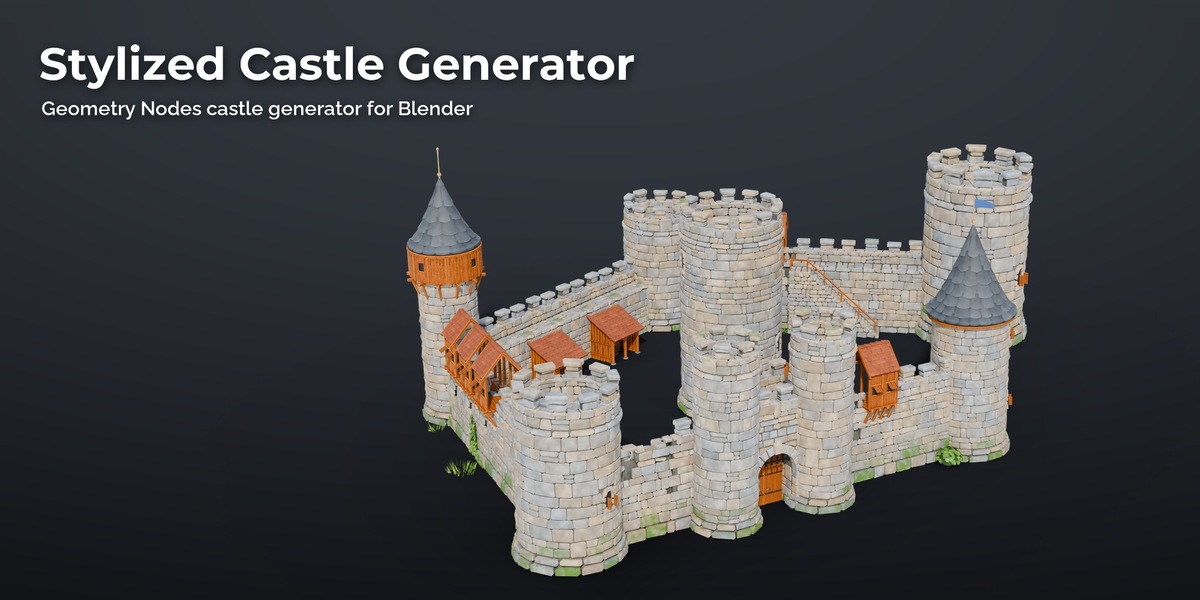
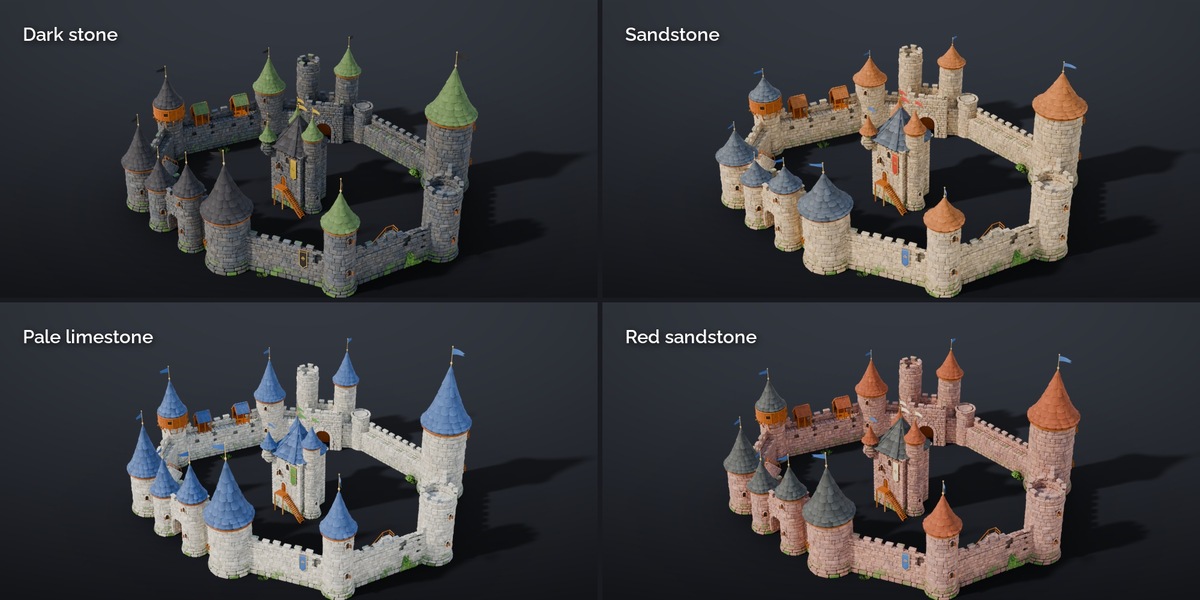
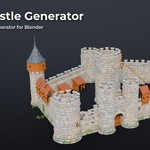
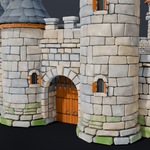
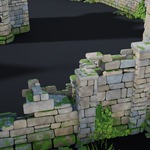
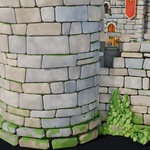
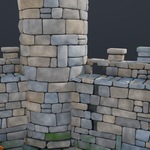
Stylized Castle Generator v1.0 (Blender 5.2+)
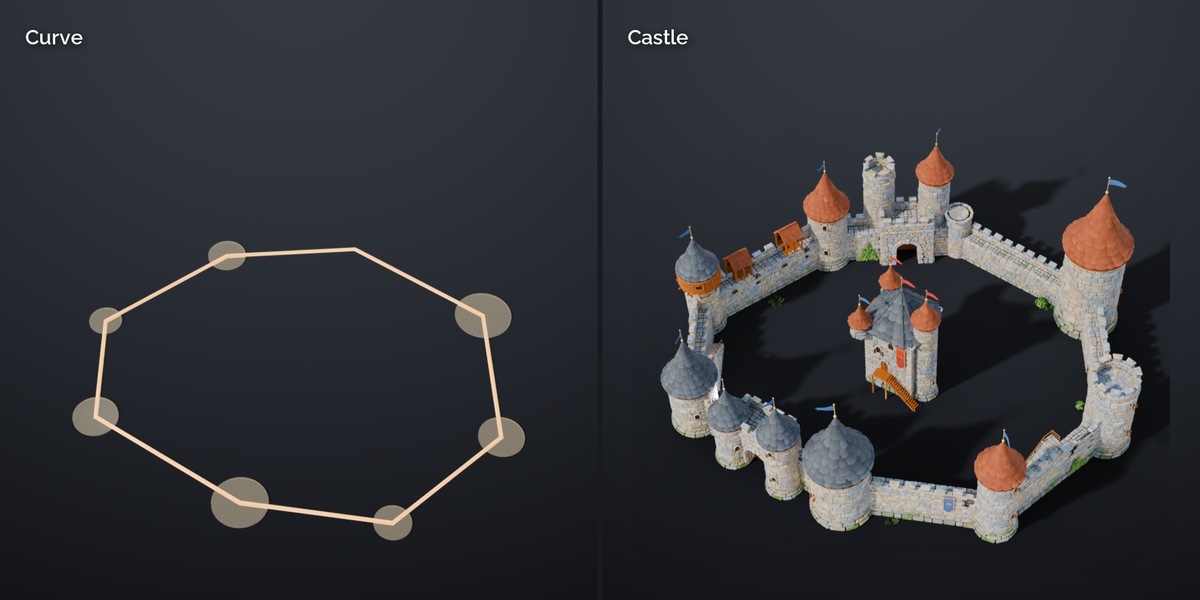
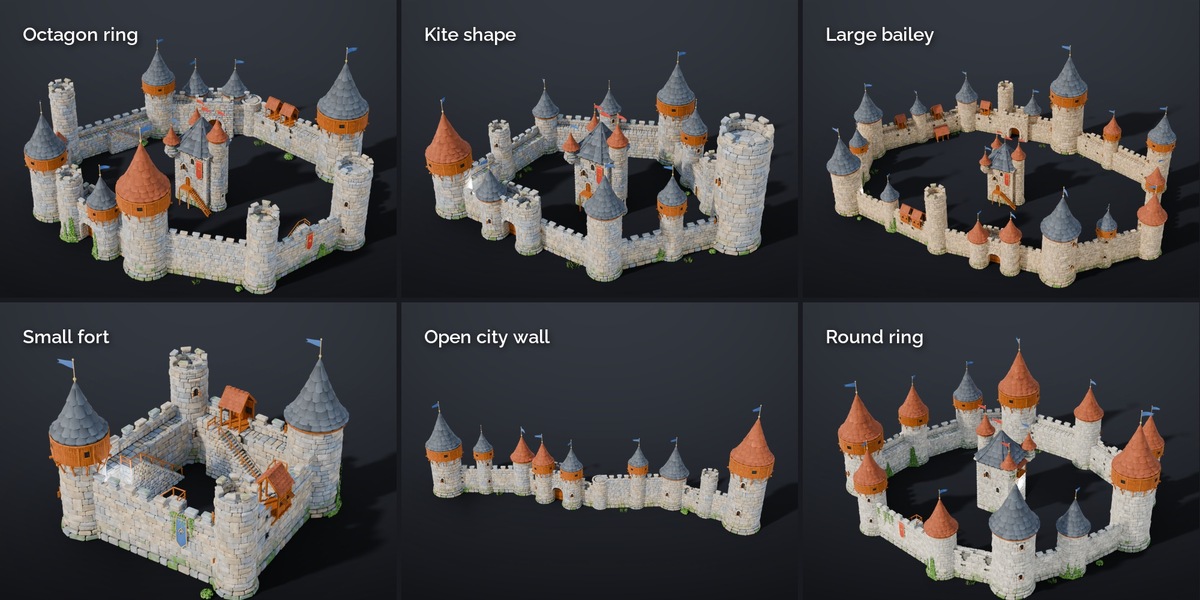
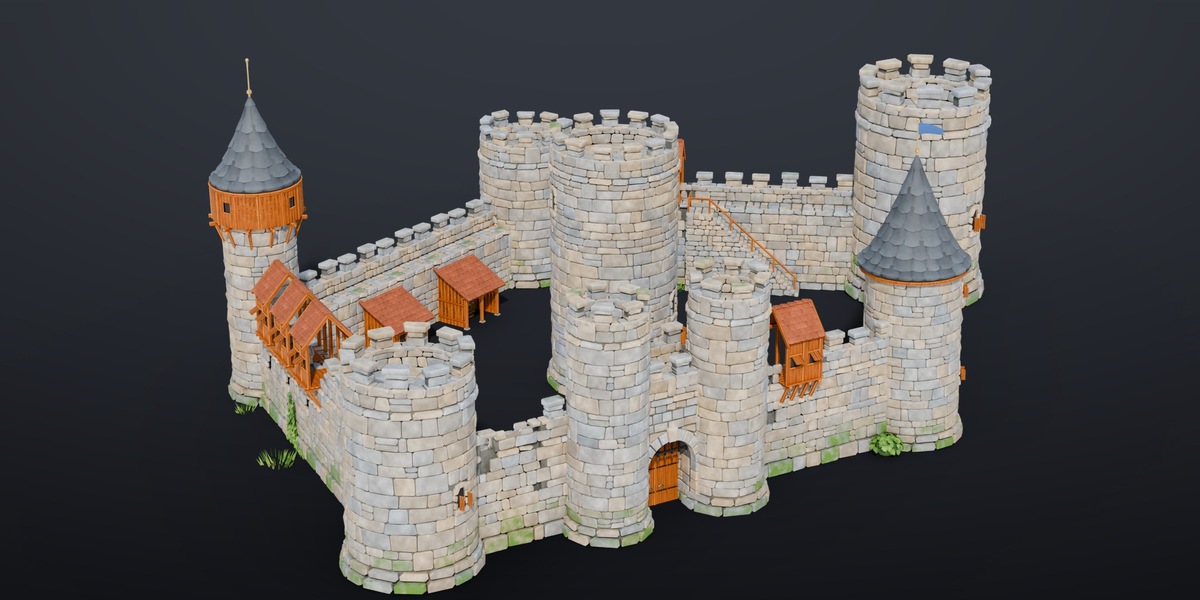
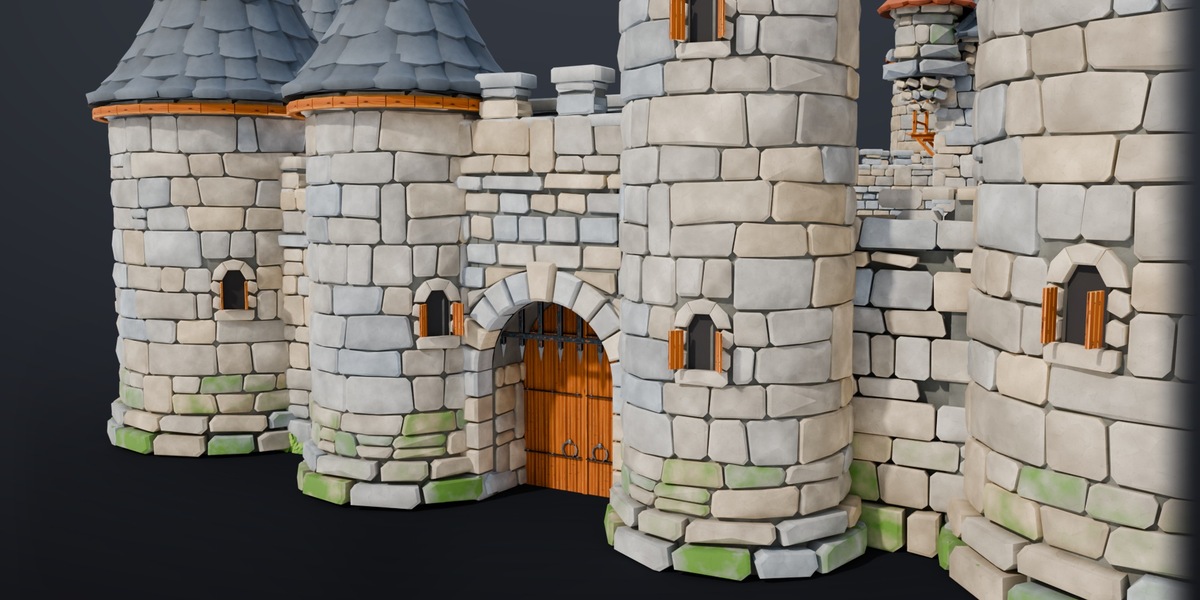
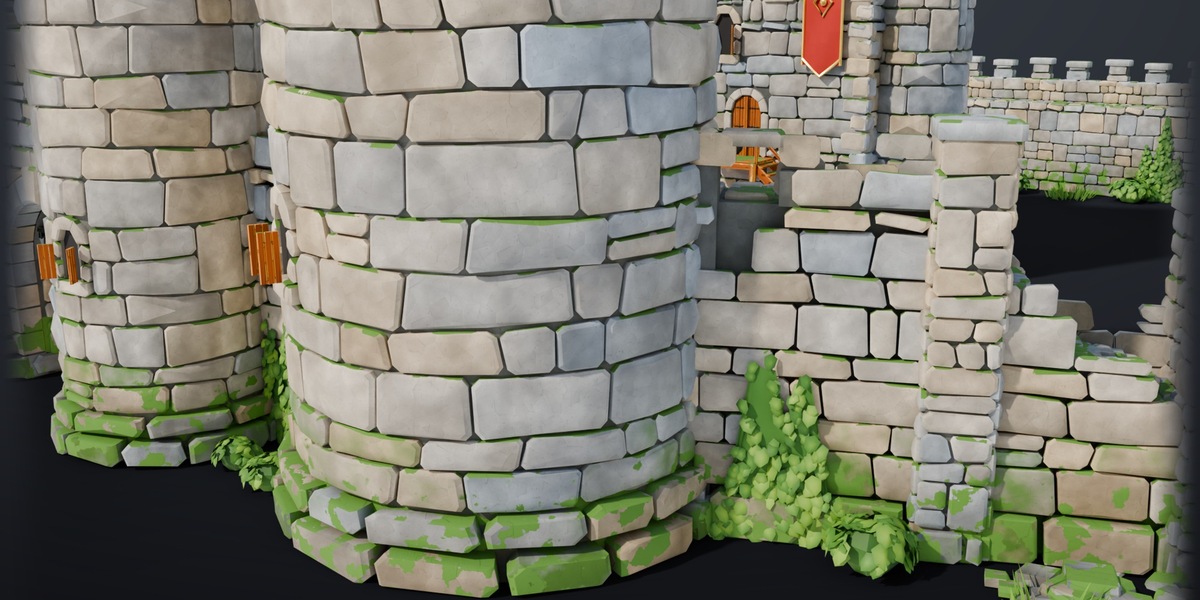
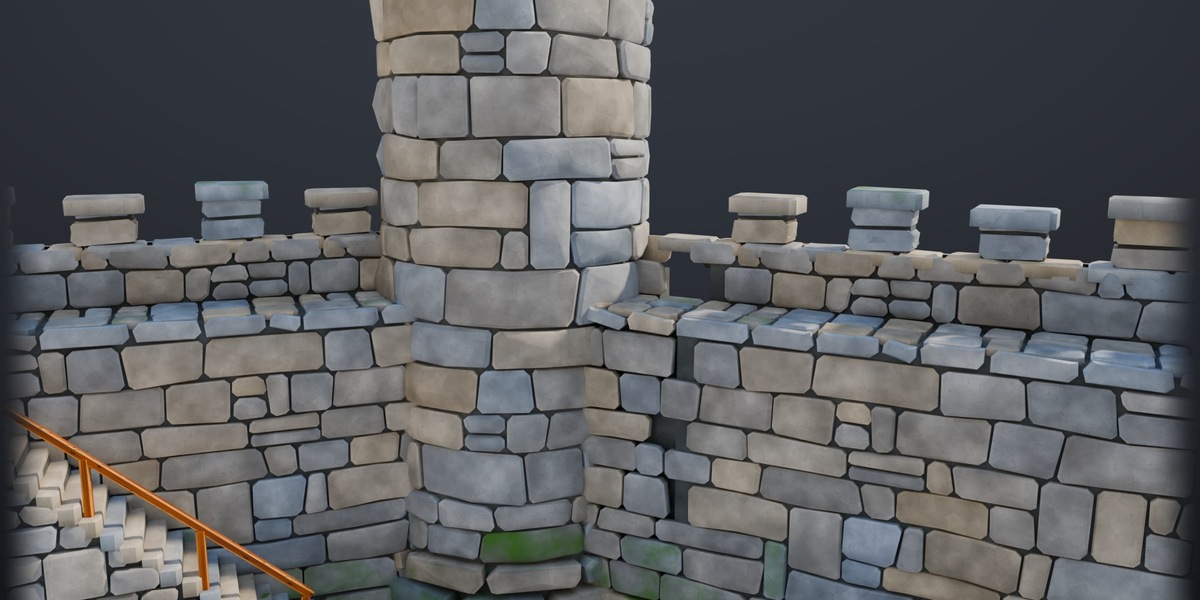
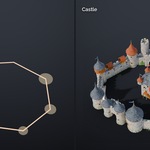
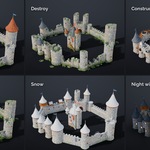
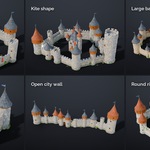
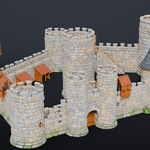
The generator builds a castle along a curve you draw. Walls follow the curve at any angle, towers stand on its points and gates appear where you put a marker. Story sliders turn the same castle into a ruin, a building site, an overgrown or a winter castle. Everything is a live Geometry Nodes modifier built from the included Stylized Castle Kit (69 modules, real stone geometry, three LODs), so the result stays editable and exports to any engine.
Install
Edit > Preferences > Add-ons > Install from Disk > Stylized_Castle_Generator_v1.0.zip, enable Stylized Castle Generator. The panel is in the 3D Viewport sidebar (N) > Castle.
Quick start
- Add Castle: a starter castle at the 3D cursor (outline curve with the Castle modifier, a gate and a postern marker).
- Select the curve, press Tab and move the points. E extrudes a new point (a new tower), X deletes one. Every spline of the curve is a wall: closed splines are rings with a courtyard, open splines are city walls.
- Alt+S on a point scales its tower; below 0.35 there is no tower, only a corner pier.
- Gates: Gate / Postern in the panel adds a marker at the 3D cursor. Markers snap to the nearest wall where there is room (a gatehouse needs a free stretch of about 9 m between towers).
- All settings are in the Modifier tab > Castle. Presets in the panel set several at once.
- Make Real Copy creates a mesh copy for sculpting or baking, Export Castle writes one glTF or FBX file.
Settings
| Panel | Setting | What it does |
|---|---|---|
| Main | Seed | Changes every random choice: variants, heights, damage |
| Main | Realize | Turn the castle into one mesh (export, sculpting); keep off while editing |
| Layout | Tower Size | Size of all corner towers (per tower: point radius) |
| Layout | Tower Spacing | Small wall towers on long runs every N metres (0 = off) |
| Layout | Tower Floors | Storeys (3 m) of the corner towers |
| Layout | Tower Height Variation | Random extra storeys per tower |
| Layout | Playful Lean | Towers lean a little, each its own way (storybook look) |
| Layout | Height Variation | Mix of low, normal and tall wall runs |
| Layout | Flip Inside | Closed rings face the right way automatically; this turns open wall lines |
| Layout | Gates / Posterns | Mesh objects whose vertices place gatehouses / small doors |
| Layout | Keep Position | Optional object: the keep stands here instead of the courtyard centre |
| Style | Gate Style | Random per gate, gatehouse, or gatehouse with two drum towers |
| Style | Cone Roofs, Wooden Galleries, Slate Roofs | Share of towers with cone roofs, wooden gallery rings, slate |
| Style | Roof Height | Flatter or pointier cone roofs |
| Style | Wall Hoardings | Share of walls with a wooden fighting gallery |
| Style | Banners, Banner Colour | Long banners on the outer wall faces |
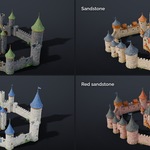
| Colours | Stone Style | Kit look, sandstone, grey granite, pale limestone, dark stone, red sandstone |
| Colours | Stone Tint, Tile Roof Colour, Slate Roof Colour, Wood Tint, Cloth Colour A / B | Colour pickers |
| Bailey | Keep | None, square keep, round keep, random |
| Bailey | Wall Stairs, Sheds | Stone stairs up to the wall walk, timber lean-to sheds against the inner wall |
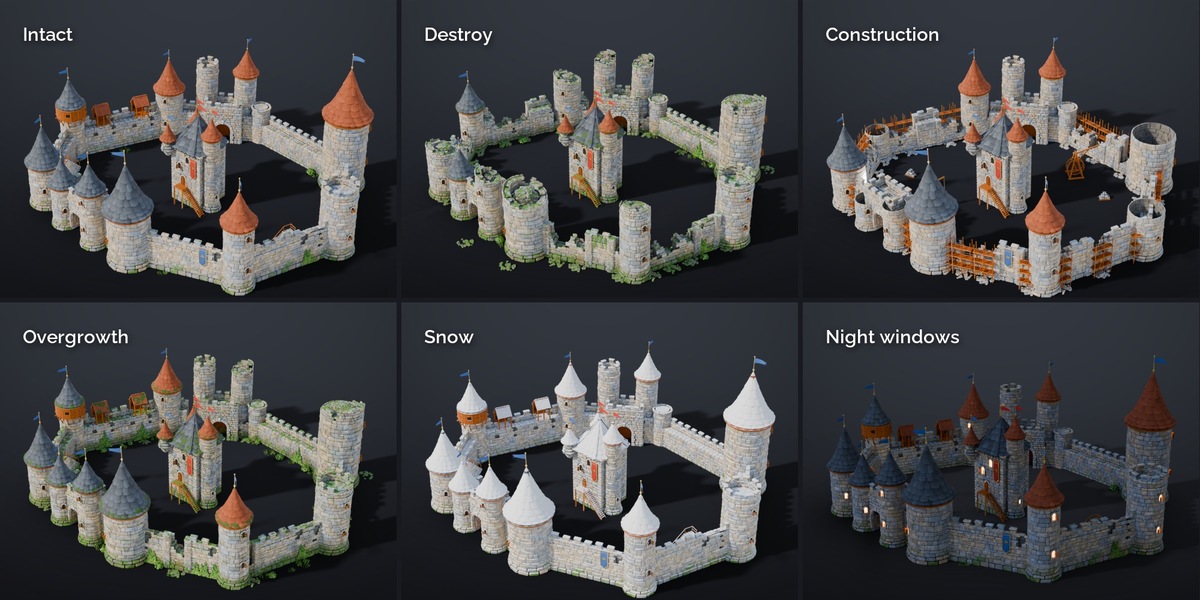
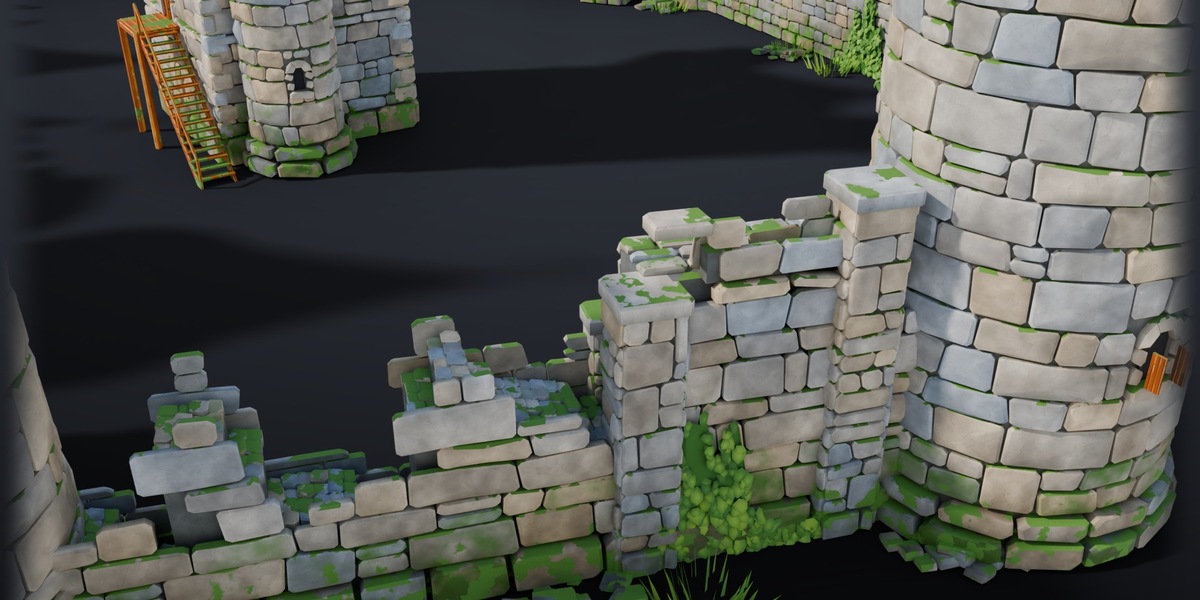
| Story | Destroy | Breaches, broken walls, ruined towers, rubble, no roofs or wood |
| Story | Wear | Clean new stone, kit look, or dirt, streaks, moss and missing merlons |
| Story | Construction | Unfinished walls and towers, scaffolding, treadwheel cranes, stone piles |
| Story | Overgrowth | Ivy on walls and towers, bushes and grass at the foot, moss on stone and roofs |
| Story | Snow | Snow on roofs, wall walks and every upward face |
| Story | Night Windows | Warm light in the windows |
Tips
- Corners sharper than about 45 degrees push walls out of the tower; keep a bit of space between points.
- Rendering: works in Cycles and EEVEE. The modifier works on instances, so even big castles stay light in the viewport. Turn on Realize only for export or sculpting.
- Games: the modules are game ready (LOD1 and LOD2 in the kit packages for Unreal, Unity and Godot). Export the castle as one file, or rebuild it from the same modules in your engine.
License
Code: GPL-3.0-or-later. 3D assets and node groups: royalty free for use in your own projects (games, renders, films, commercial work), no redistribution or resale as assets.
Made with procedural modelling in Blender with AI assistance (Claude), designed and reviewed by Nico Hartl.
Have questions about this product?
Login to message
| Published | about 6 hours ago |
| Blender Version | 5.2 |
| Extension Type | N/A |
| Render Engine Used | Cycles, Eevee |
| License | GPL |
Discover more products like this
castle generator procedural hand painted environment Castle geometry nodes game assets medieval fantasy stylized modular-kit fortress