 3D Tudor
3D TUDOR · GEOMETRY NODES
Shape the cliff.
Let the landscape follow.
Stylized Cliff Generator for Blender brings rock terraces, grass and soil shading, and 3D meadow plants into one editable workflow.
42 exposed controls · 2 prepared setups · 2K surface maps
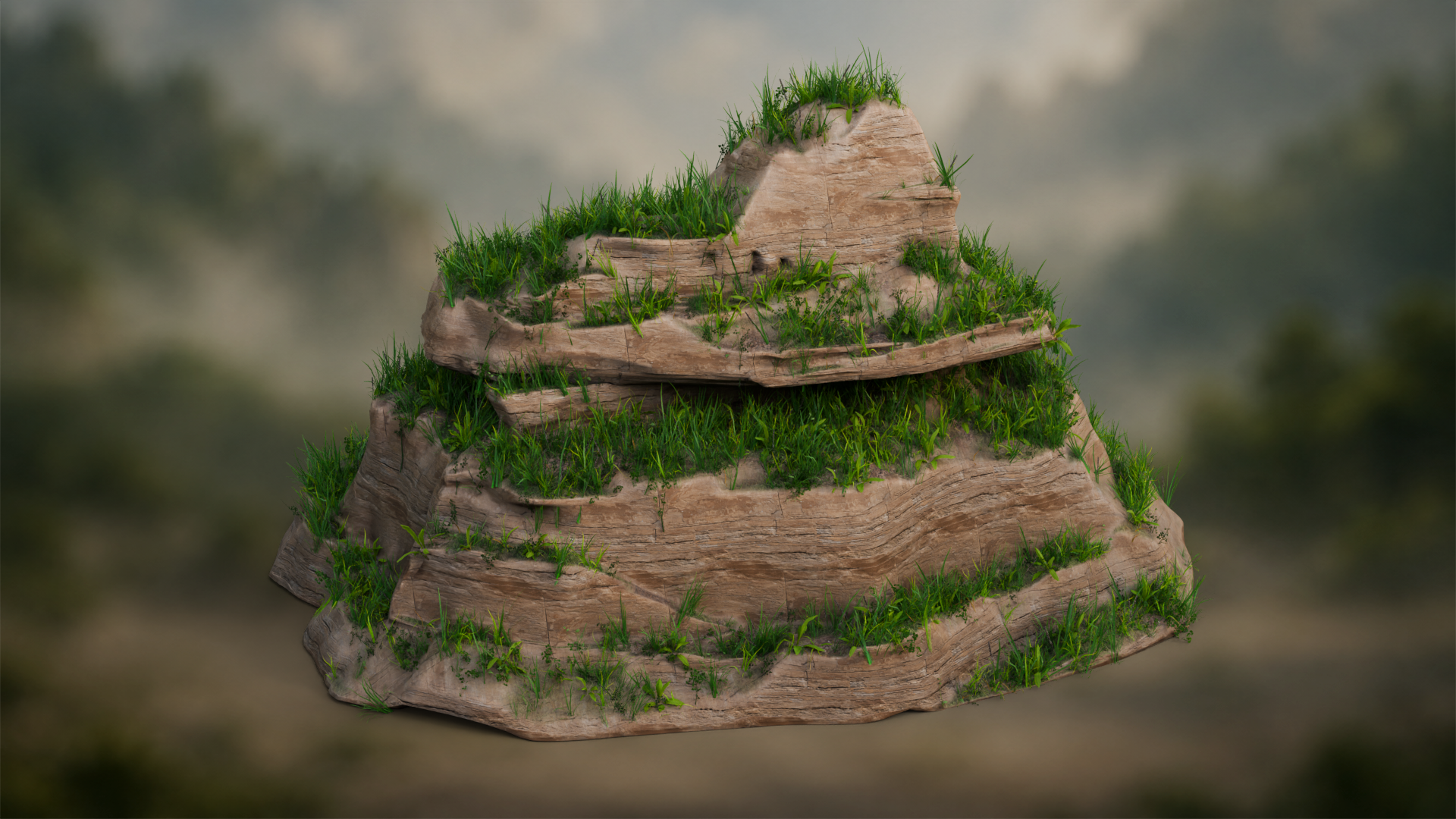
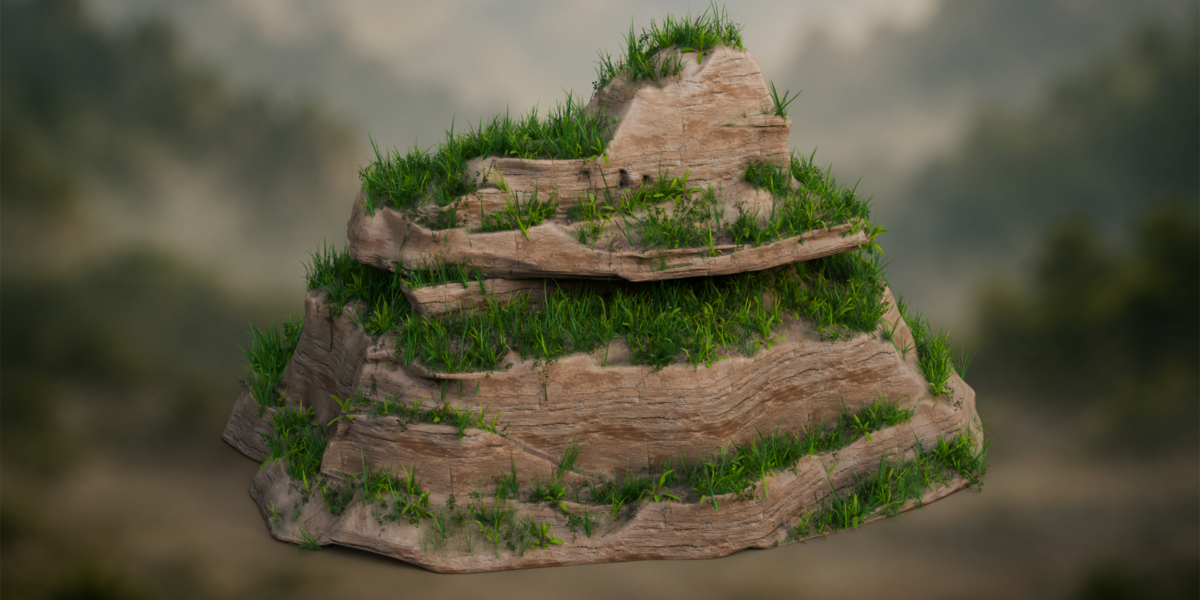
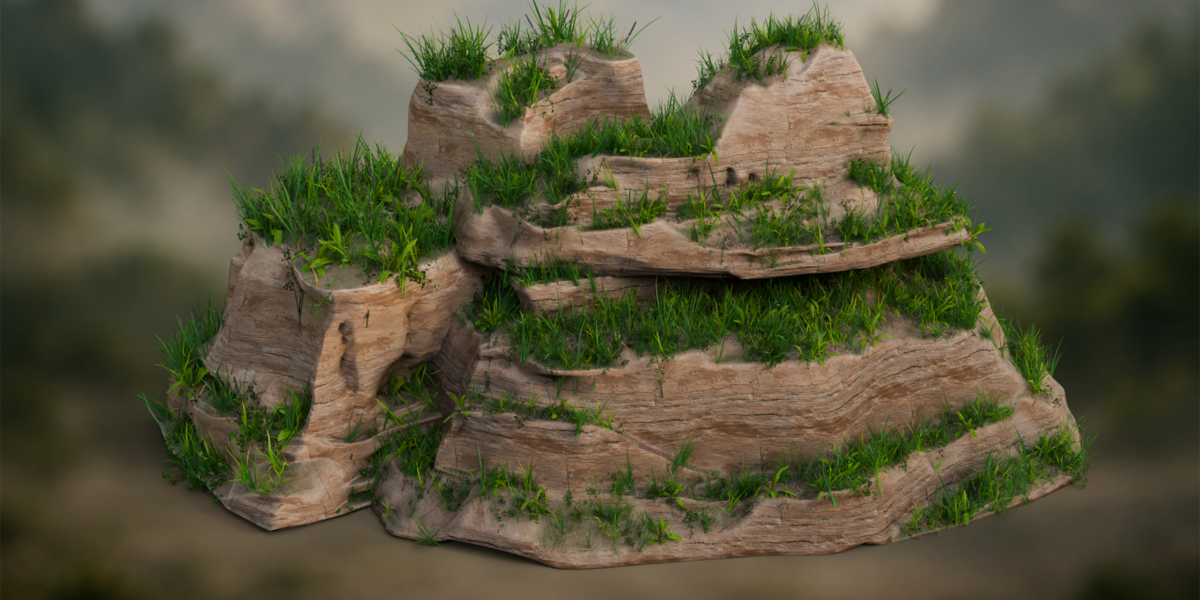
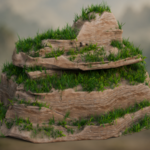
Procedural cliff terraces give the grass distinct ledges to follow, while exposed rock keeps the stepped silhouette readable.
A landmark that can change with the scene
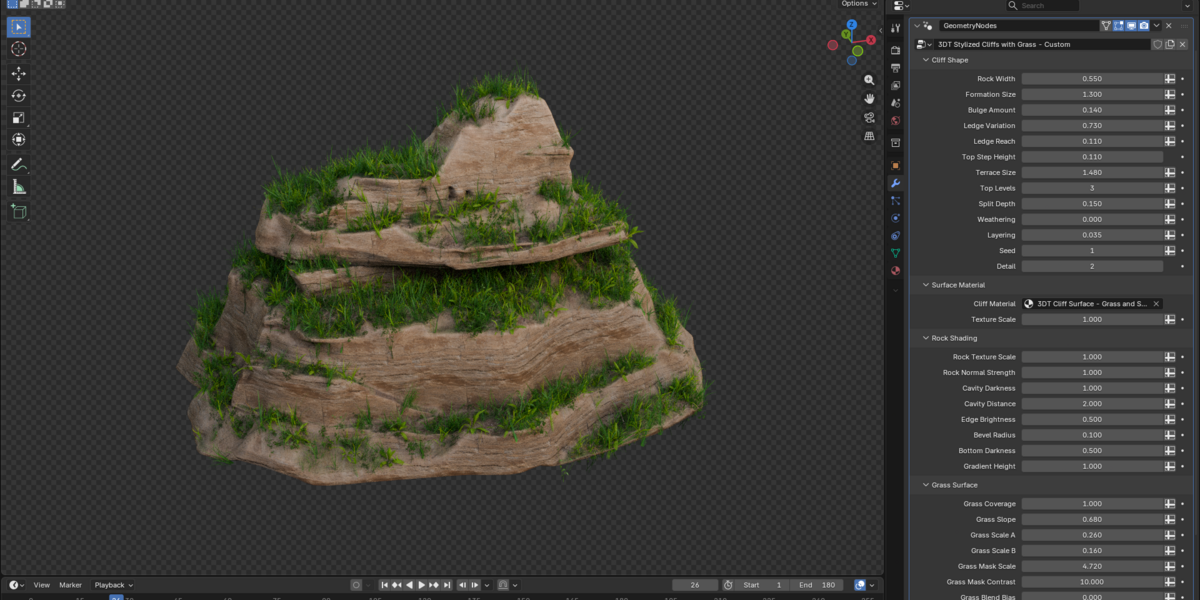
A tall column can frame the horizon; a broad shelf can give a path somewhere to go. The same cliff shape rarely serves both equally well. Use Rock Width, Formation Size and Bulge Amount to establish the mass, then refine the terraces and exposed ledges as the environment develops. The generator keeps those decisions available in the modifier instead of locking the formation to one finished silhouette.
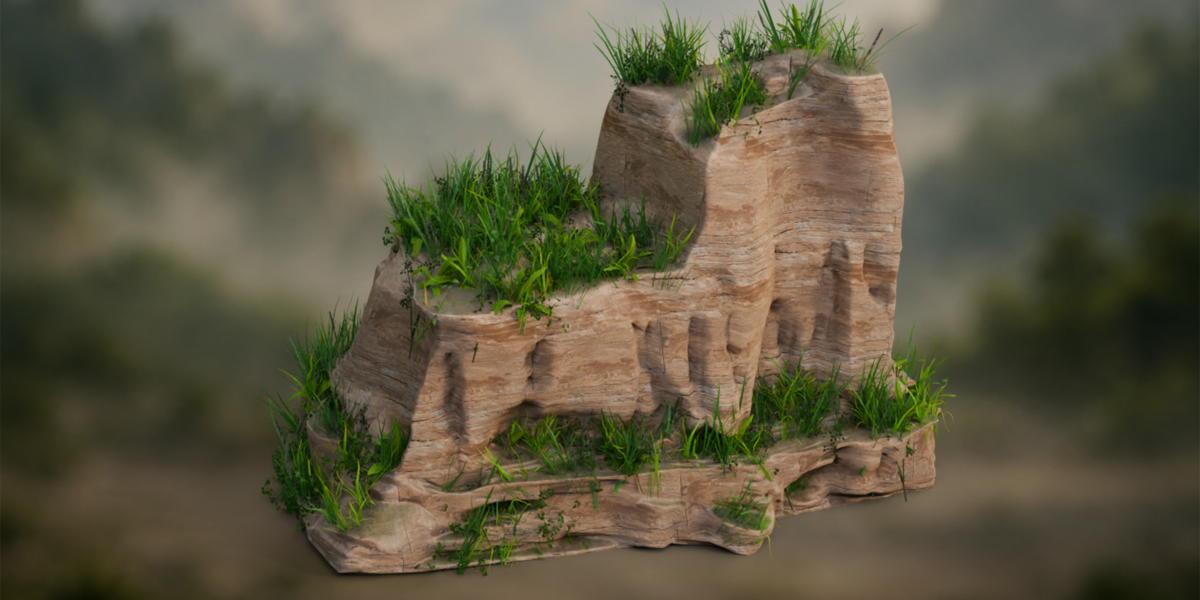
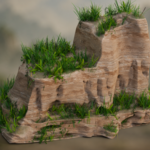
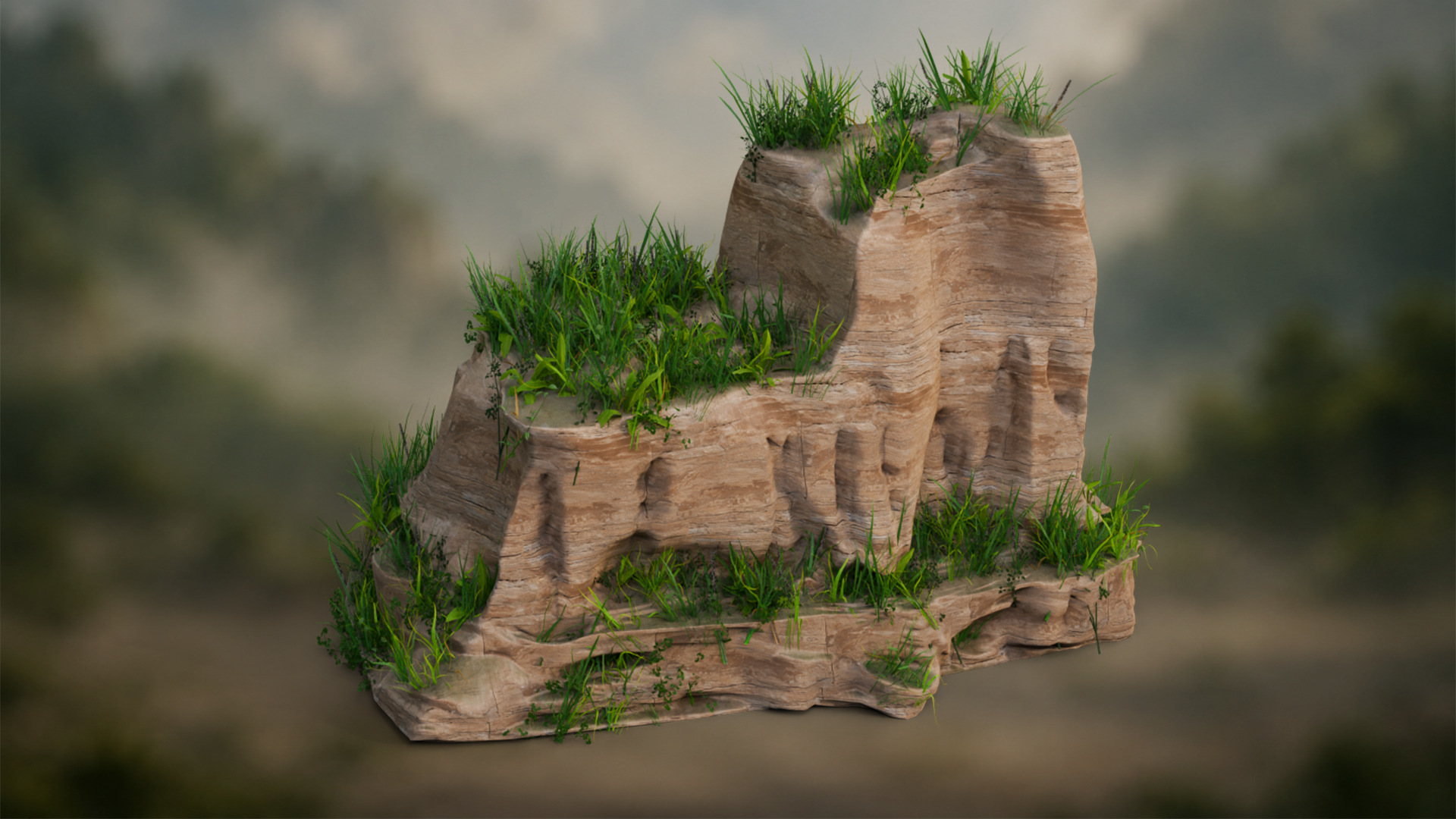 Stylized cliff columns create a stronger vertical landmark; grass-topped shelves break up the exposed rock face.
Build the rhythm of the rock
Terrace Size, Top Levels and Top Step Height help you explore the upper shelves. Ledge Reach and Ledge Variation develop their edges, while Split Depth, Weathering, Layering and Seed offer further variation. Work from the camera view, compare the large outline, then decide how much surface detail that shape actually needs.
Keep rock, grass and soil in conversation
The included Cliff Surface - Grass and Soil material gives the formation a layered surface. Adjust rock texture scale and normal strength, then cavity darkness, edge brightness and the lower shading gradient. Grass coverage, slope and mask settings let you develop the green areas; soil coverage, patch scale, contrast and texture scale refine the exposed soil. These controls belong to the supplied layered material.
Surface colour first. Meadow plants when you need them.
Grass on the material and three-dimensional meadow vegetation are separate. Show Meadow Grass enables the plants. Viewport density, render density, size, size variation, maximum angle, seed and mask strength let you work on their distribution without confusing it with the green surface beneath. Check the cliff at its intended screen size before increasing density: a foreground shelf and a distant formation have different needs.
An editable Blender starting point
Open the visible Custom Settings example to begin. Default Settings is in the excluded Geometry Node collection; enable that collection in the Outliner to compare the two prepared setups. Both expose 42 controls. The guide explains the collections and dependencies so you can transfer the complete setup into another scene, including its node groups, materials and meadow objects.
What is in the download?
The generator package includes one Blender project, the getting-started guide in HTML and Markdown, and nine separate 2048 × 2048 PNG texture maps: Base Color, Normal and Roughness for cliff, grass and soil. Source images are also packed in the .blend file. A separate demonstration package contains three silent control videos — cliff shape, textures and grass, and material swapping — plus a rendered turntable. The two prepared setups are examples of one generator, not a large preset library.
Which Blender version should I use?
Use Blender 5.1.2 with the supplied Cycles scene. Earlier-version compatibility and matching appearance in another renderer have not been established. For a game-engine project, prepare and test your own exported geometry, materials, collision and performance settings; this product supplies the Blender setup rather than a finished engine integration.
Can I change the material?
Yes. Assign another shader through Cliff Material. A replacement material uses its own settings; it does not automatically inherit the included rock, grass and soil controls. Other materials visible in the swapping demonstration illustrate the operation and are not an extra material collection.
Where does it fit?
Use it for stylized landscapes, fantasy and adventure environments, background formations or an individual cliff landmark. Start with the broad shape, develop the rock and vegetation boundary, then add the plant detail that helps the composition. Keep the original example nearby while you compare variations.
Start with a formation. Make it your own.
Open Custom Settings, find the proportions your scene needs, then refine its surfaces and meadow plants.