 Orhan
Orhan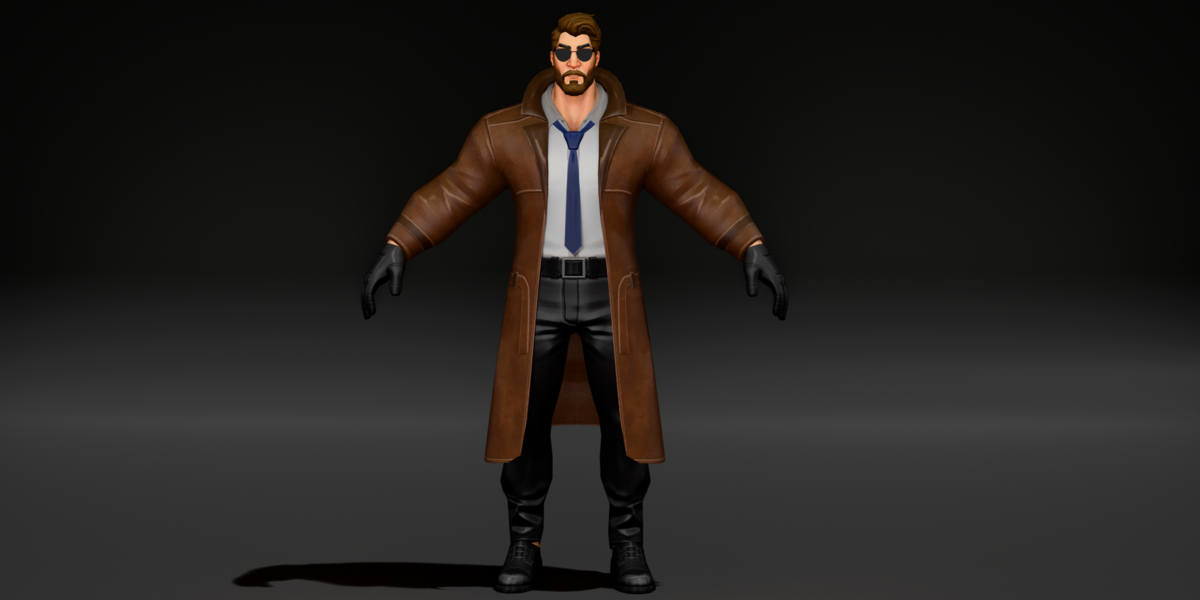
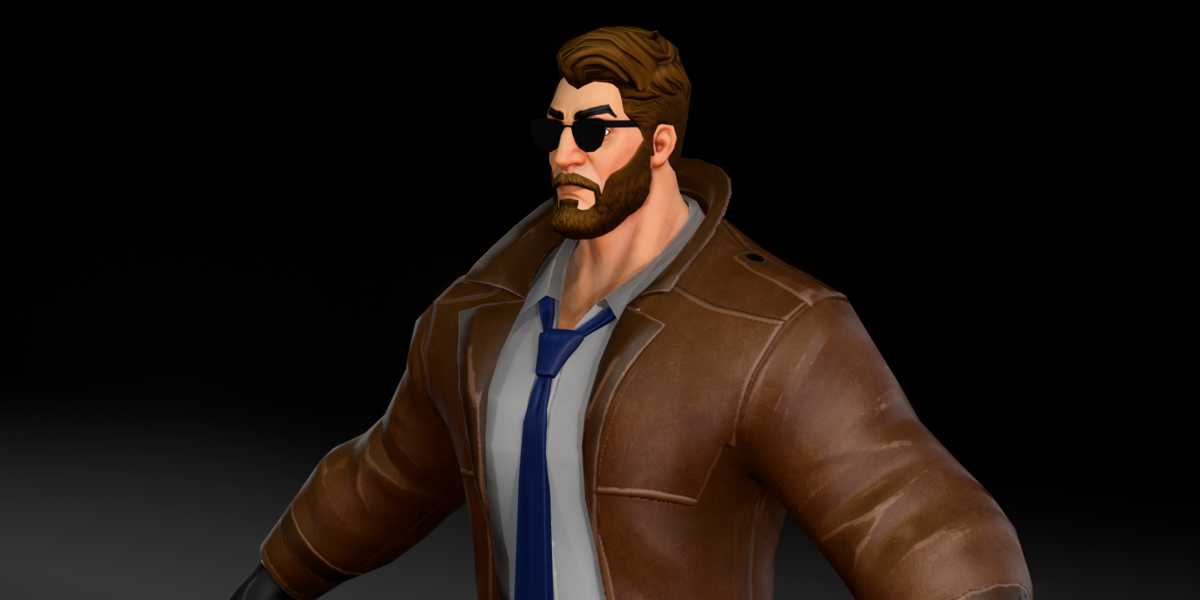
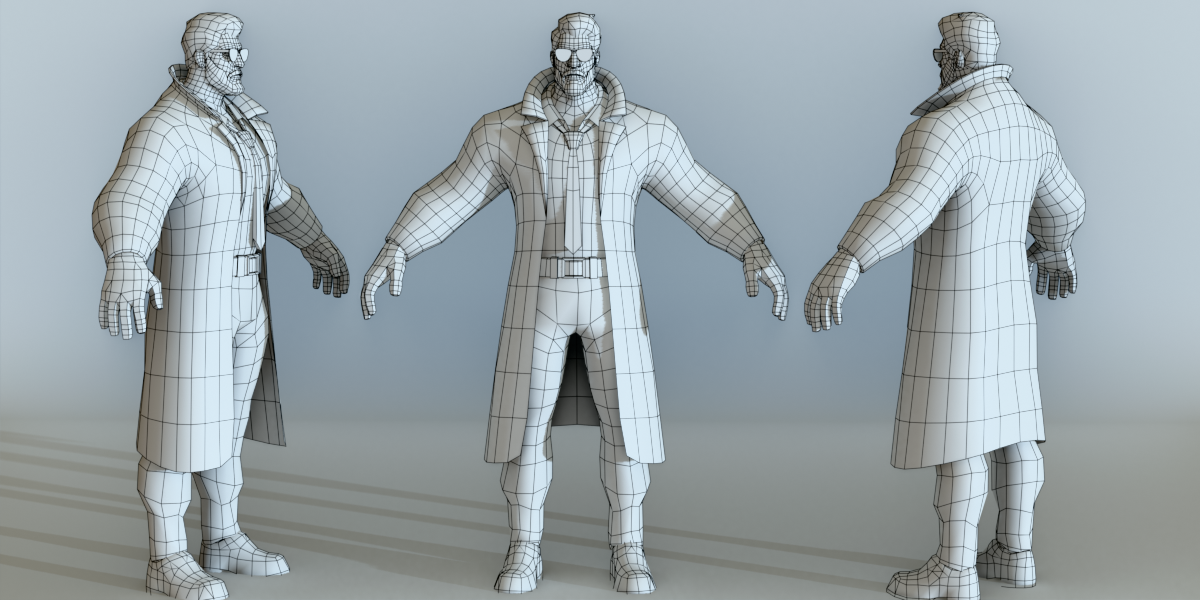
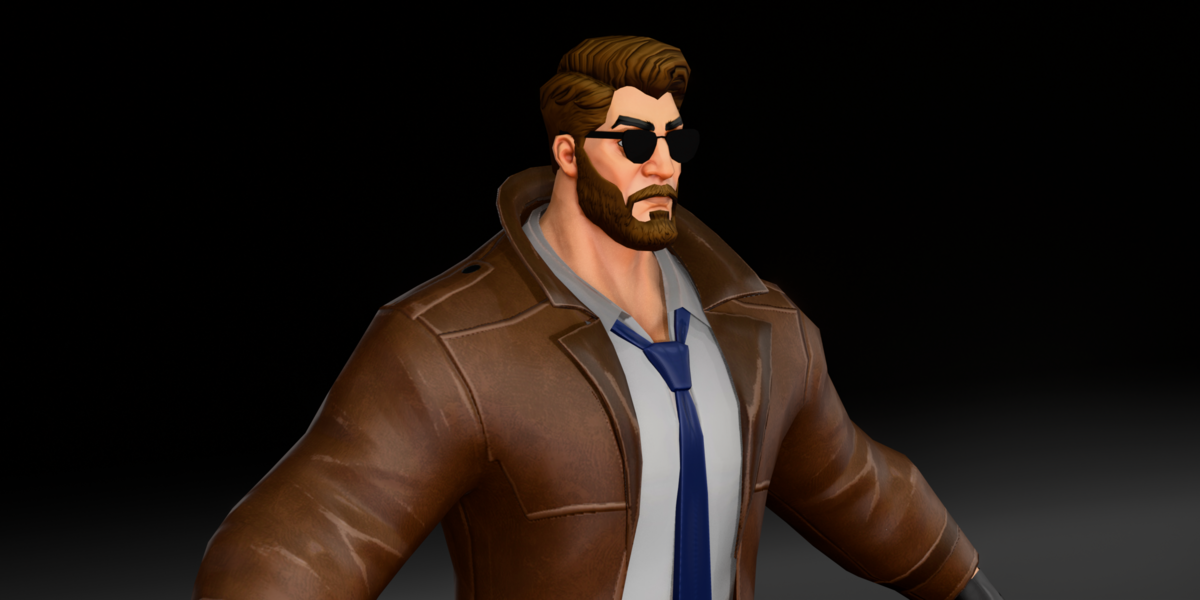
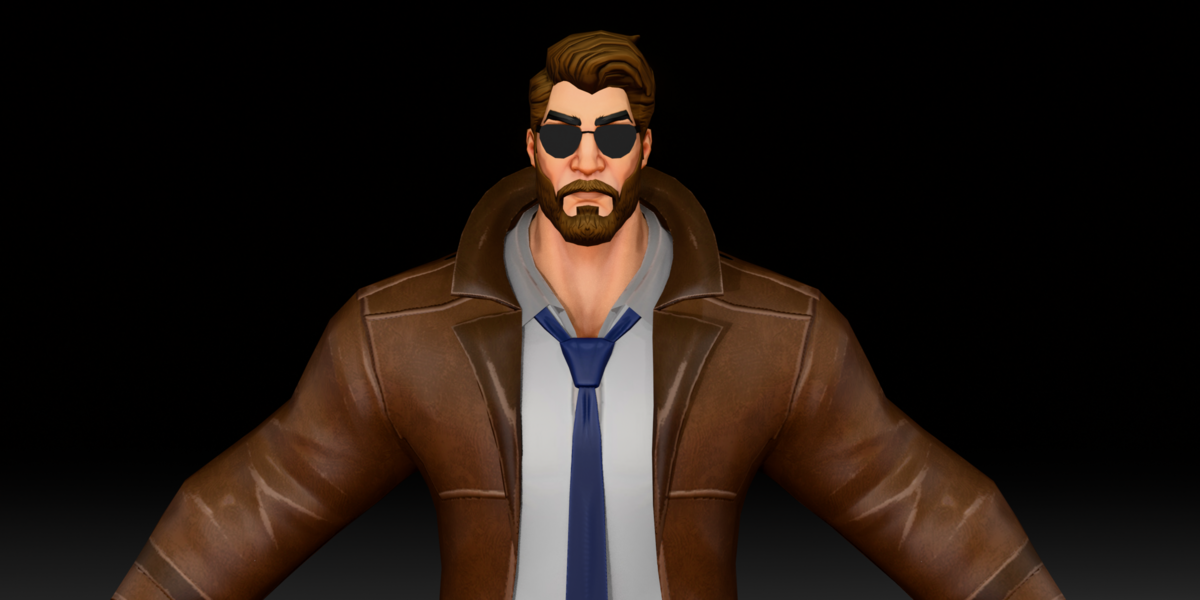
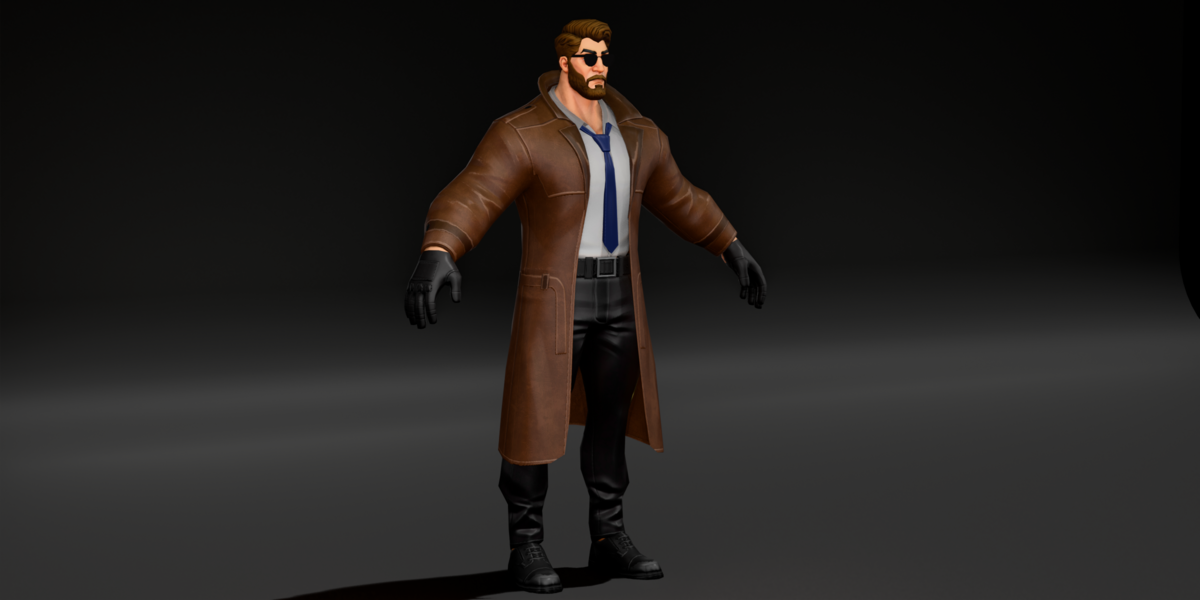
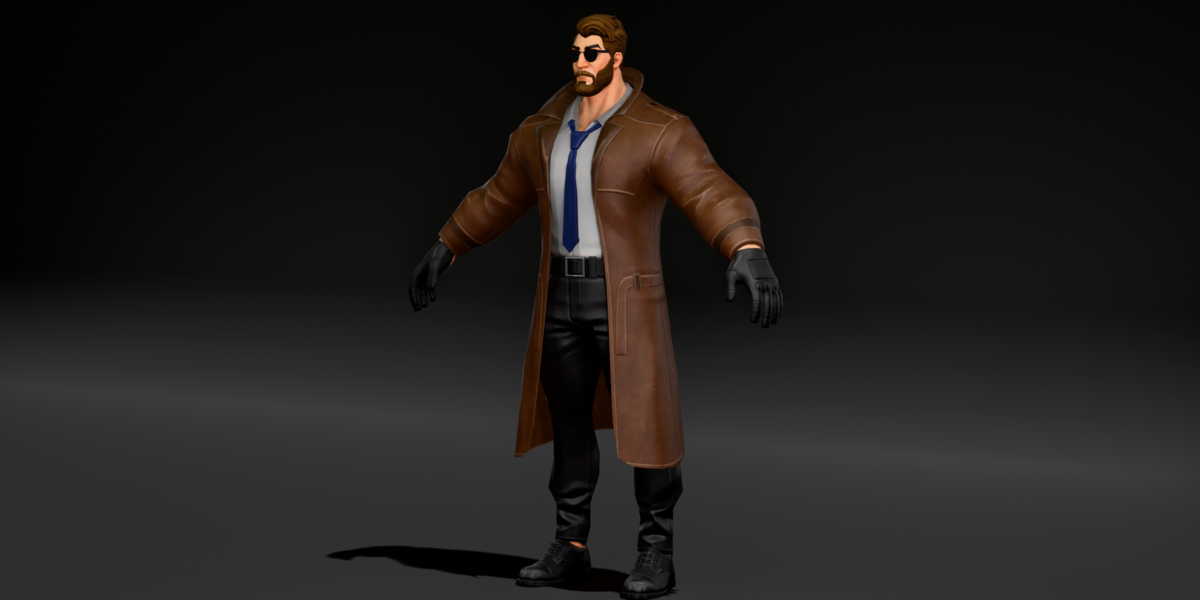
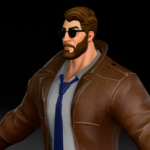
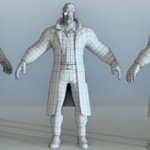
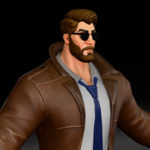
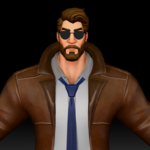
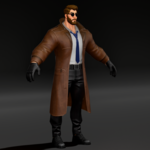
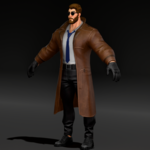
Requirements
- Blender 4.5 LTS (the file was saved in Blender 4.5). It may open in Blender 4.2 or newer, but only 4.5 has been confirmed.
- The rig was made with Auto-Rig Pro. Posing and animating the bones works in plain Blender. Auto-Rig Pro tools such as IK/FK snapping need the Auto-Rig Pro addon.
- Materials are set up for EEVEE and also work in Cycles.
Files included
-
detective-character-rigged-blender.blend: the main file with rig, poses, shape keys, costume and skin materials, and packed textures fbx/detective-character-rigged.fbxgltf/detective-character-rigged.glb-
obj/detective-character.objand.mtl, plustextures.zip(unzip next to the OBJ so thetexturesfolder sits beside it)
First use
- Open the .blend file, or in your own scene use File > Append and pick the
detectivecollection. - Select the rig
detective_rigand switch to Pose Mode to pose him. To load a saved pose, pick theposeortposeaction for the rig in the Action Editor. - To change the body type, select a mesh (for example
body), open Object Data Properties > Shape Keys and move the fatty, builder or skinny value. Every clothing piece has the same shape keys; set them to the same value so the outfit matches. - To match the skin to the body type, select
body, open Material Properties and swapsimple bodyforfatty body,builder bodyorskinny body. Use the materials ending in-blackfor the dark skin tone. - To change costume colors, swap the materials on the coat (
coat-1tocoat-4), shirt (shirt-1toshirt-4), trousers (pant-1topant-4) and hair and beard (hairs-1tohairs-4). - To remove the beard, glasses, coat or other pieces, hide them in the Outliner.
Mesh details
- About 10,700 triangles across 12 objects
- One UV map per object
- 2K textures (2048 and 2000 pixel), base color and normal
Limits
- No walk cycles or other animations are included. The two actions are single frame poses.
- Shape keys are separate per object. If you want one slider to drive all of them, add a driver or use a shape key sync tool.
- The body material does not switch by itself when you change shape keys; swap it in Material Properties as shown above.
- The FBX, GLB and OBJ files use the default costume and skin. The extra color and skin variants are in the .blend file.
- Textures come as base color and normal maps. There are no separate roughness or metallic maps.
Troubleshooting
-
Pink textures in the OBJ: unzip
textures.zipso thetexturesfolder sits next to the .obj and .mtl files. - Clothes do not match the body: check that the same shape key value is set on the body and on every clothing piece.
-
Skin details look wrong after changing shape: swap the body material to the one that matches the shape key (for example
fatty bodyfor fatty). - Shape keys missing after FBX import: enable blend shape (morph) import in your target app.
- Rig UI panel missing: the rig works without it. Install Auto-Rig Pro if you want its extra panel and snapping tools.
Have questions about this product?
Login to message
| Published | 1 day ago |
| Blender Version | 2.6x - 5.2 |
| Render Engine Used | Cycles, Eevee |
| Misc Data | Uvs-Unwrapped, Rigged, Normal-Mapped, Textured |
| License | Royalty Free |

Discover more products like this
Rigged Cartoon shape keys game ready auto-rig pro stylized low poly Trench Coat detective noir character police