Stylized Nature Builder
 AS Formworks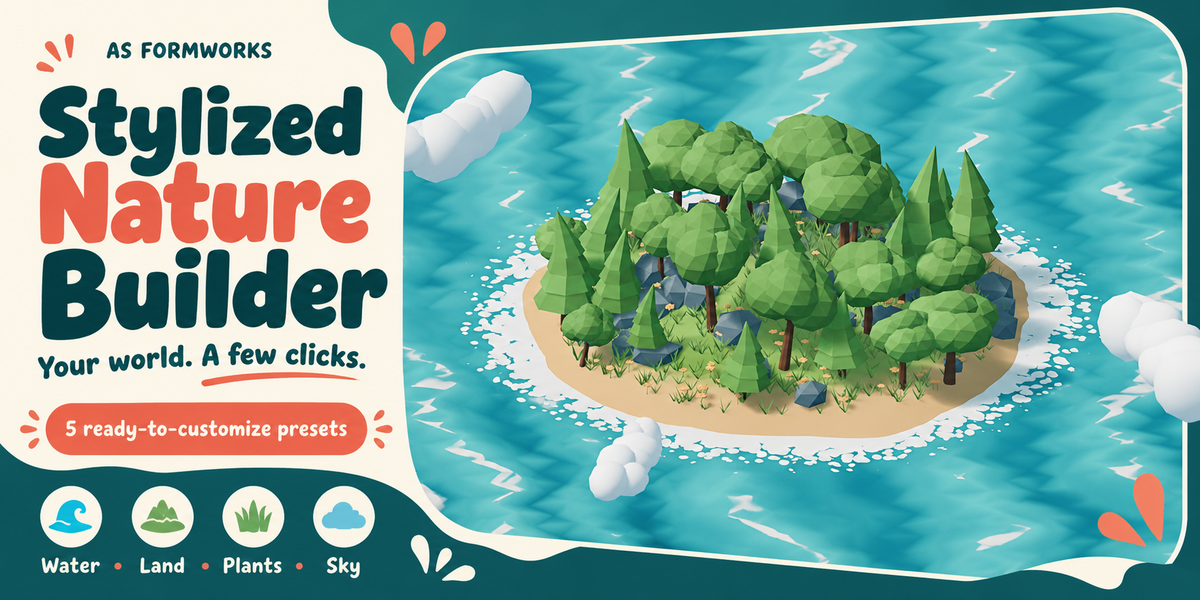
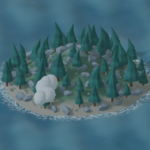
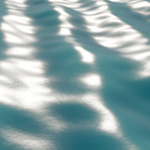
Stylized Nature Builder 1.0.0 — User Guide
Tested: Blender 5.2.1 LTS on Windows; EEVEE and Cycles CPU. Other Blender versions and operating systems have not been validated.
Installation
- Extract the outer Customer Bundle.
- In Blender open Edit > Preferences > Add-ons > menu > Install from Disk.
- Select stylized_nature_builder-1.0.0.zip without extracting that installer. Do not install the outer Customer Bundle.
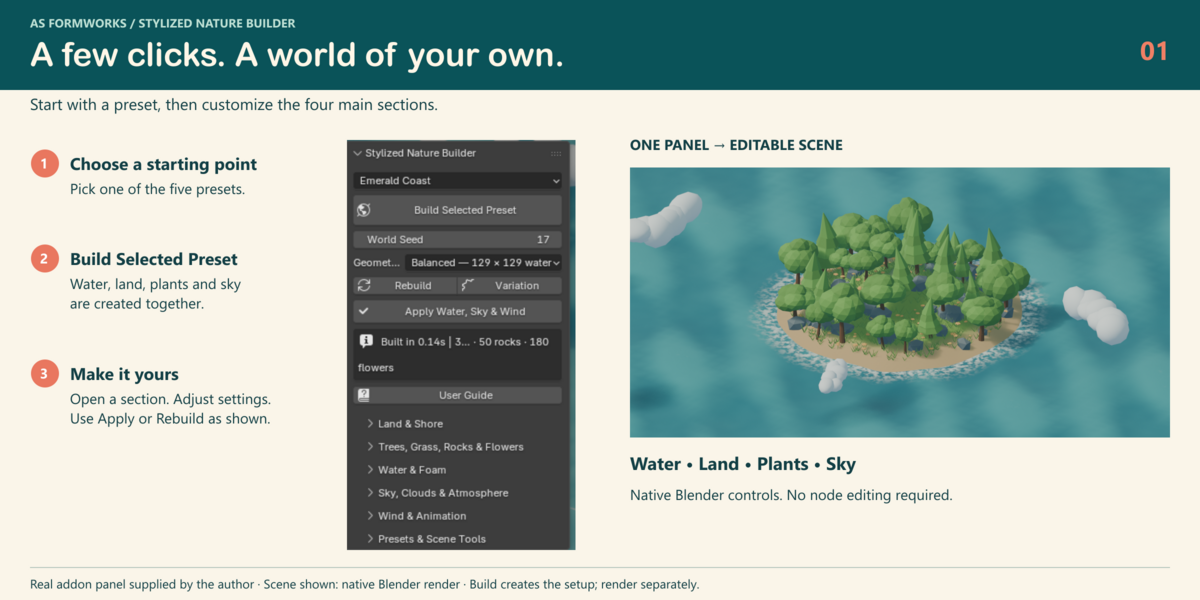
- Enable Stylized Nature Builder. In the 3D View press N > Nature Builder.
Your first world
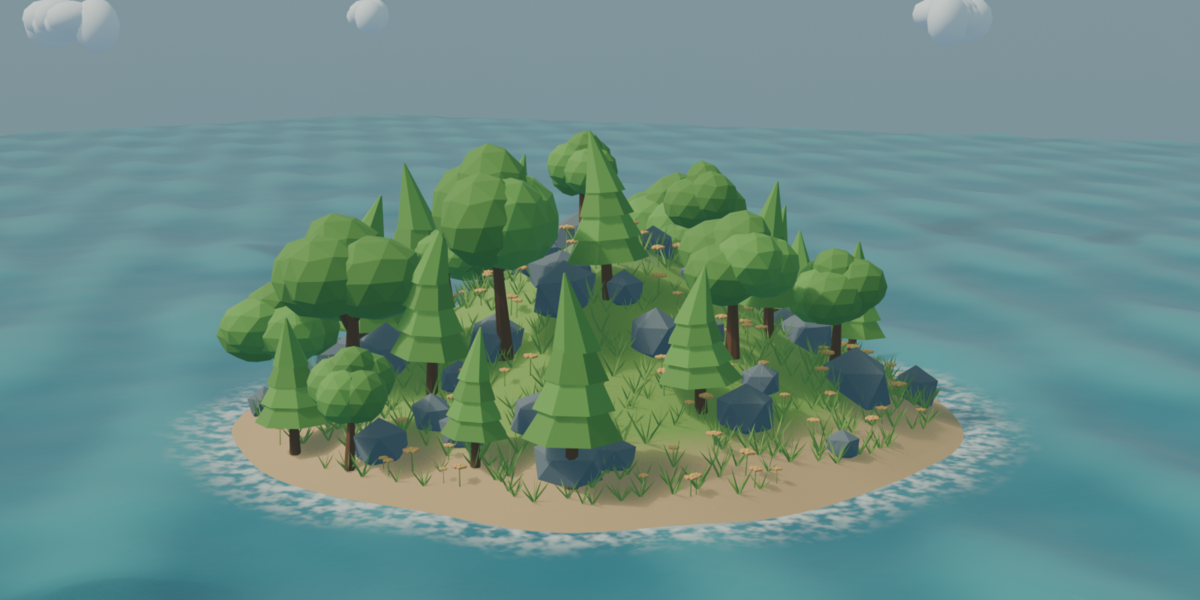
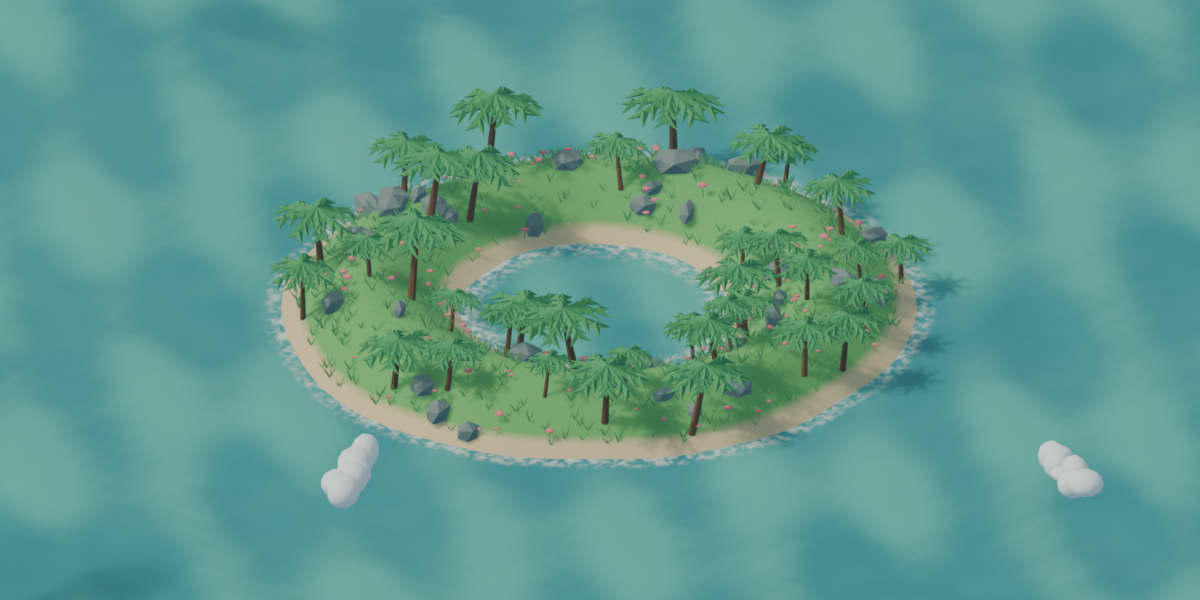
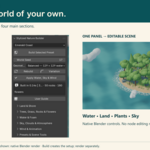
- Choose Emerald Coast and click Build Selected Preset.
- Use Rendered view or Material Preview with Scene Lights and Scene World enabled. Solid view does not show finished materials.
- Use Presets & Scene Tools > Create Preview Camera if needed; this changes the active camera.
- Render separately with Blender Render Image or Render Animation. Build creates the setup and does not render automatically.
Which update button?
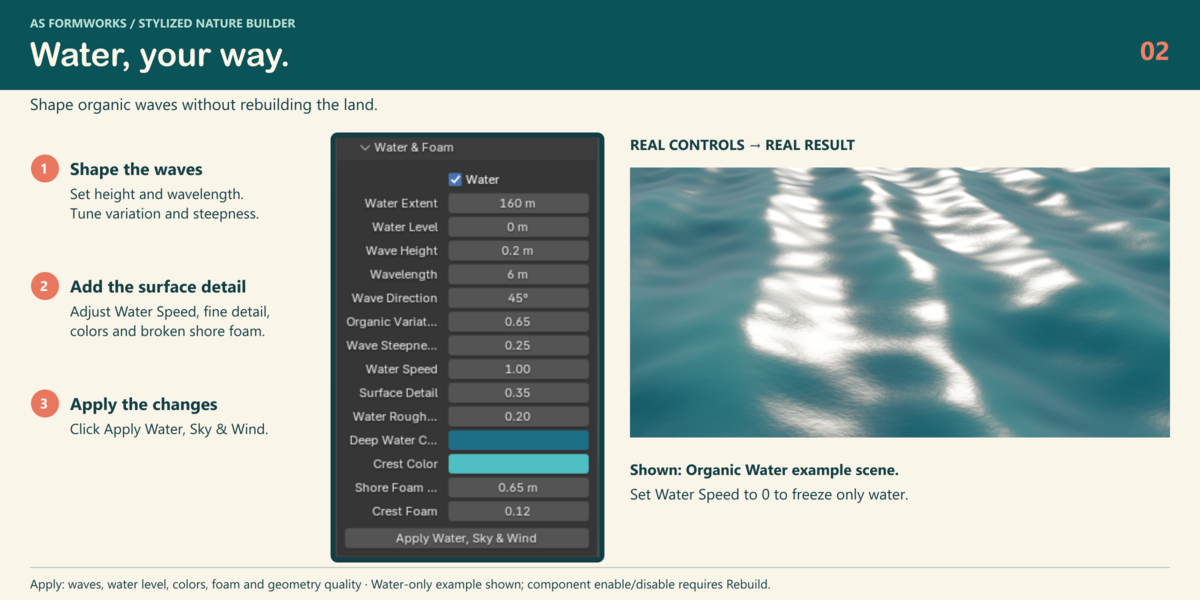
Apply Water, Sky & Wind: updates water, colors, quality, lighting and animation while keeping land and scatter. Changing Water Level can flood existing plants; Rebuild afterward to refresh placement.
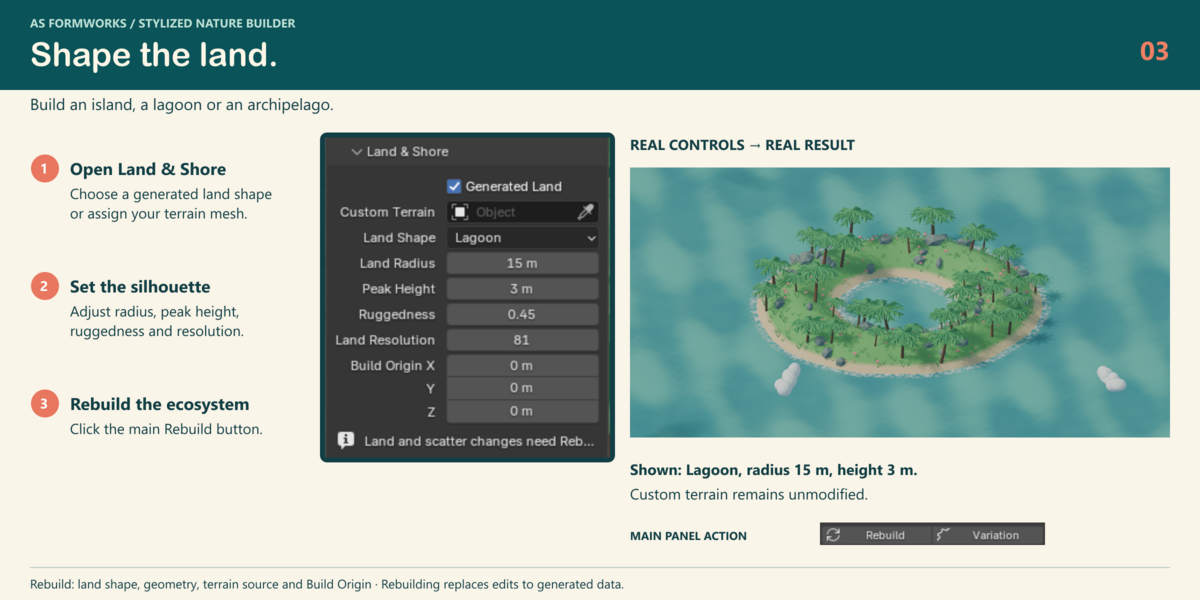
Rebuild: use for land geometry, counts, biome, component enable/disable, build origin and cloud structure. It replaces manual edits to generated objects, materials and nodes. Build Selected Preset first reloads that preset values, then builds.
Land and plants
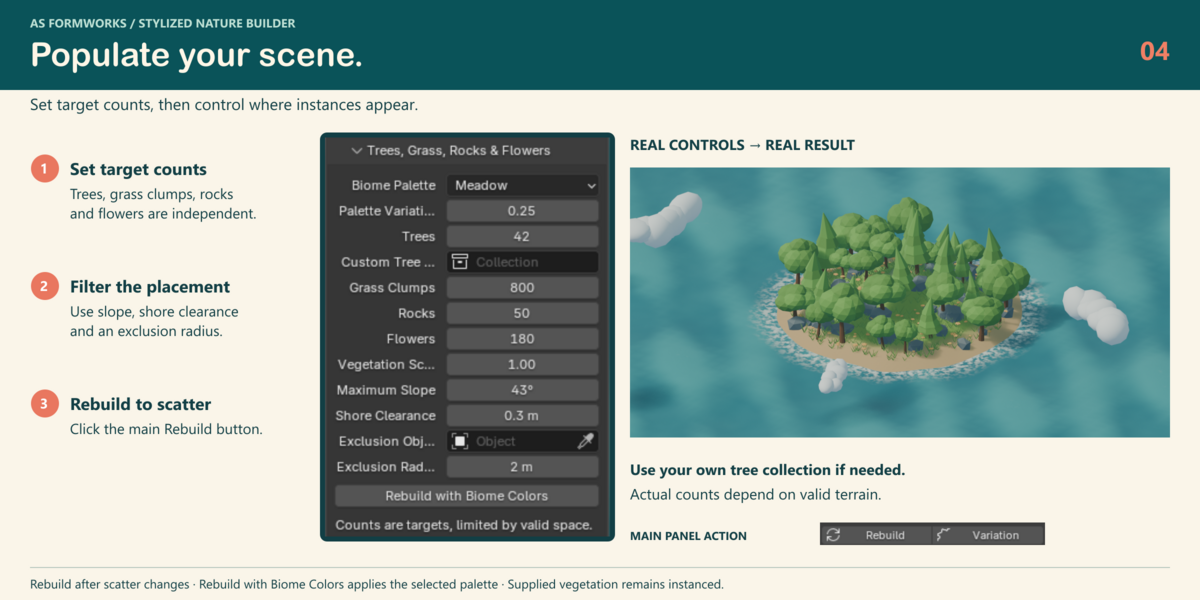
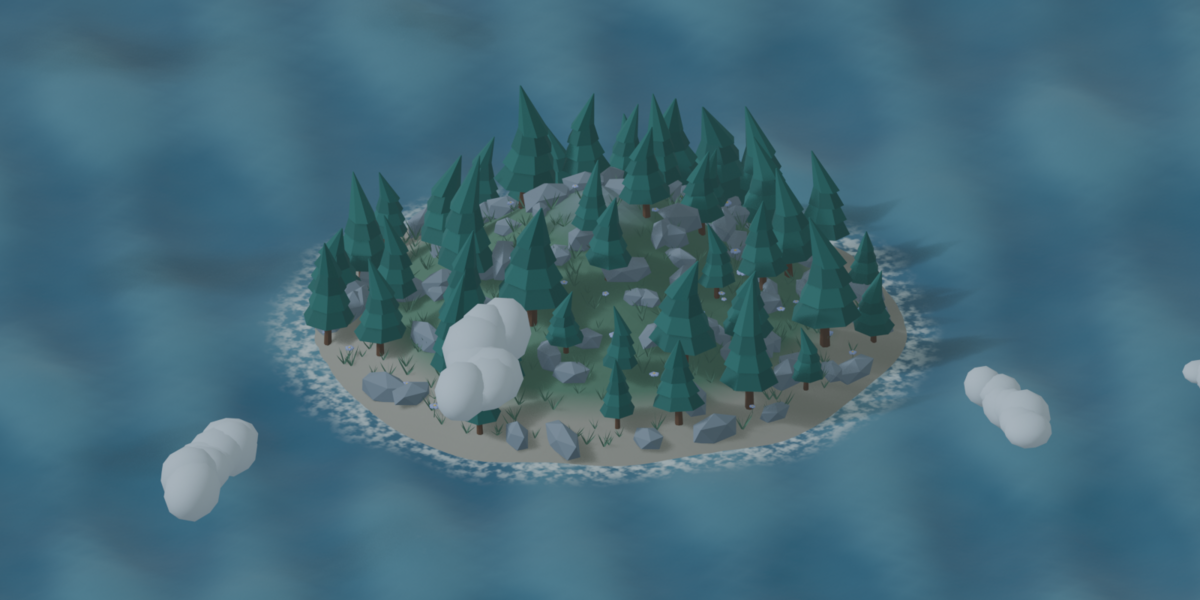
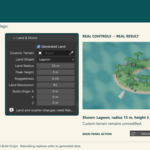
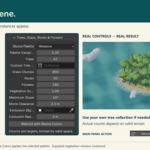
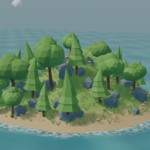
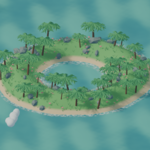
Choose Island, Lagoon or Archipelago, then set radius, peak height and ruggedness. Set target counts for trees, grass, rocks and flowers. Use maximum slope, shore clearance, size variation and an exclusion radius to guide placement, then Rebuild. Counts depend on valid terrain and may be lower than requested. Layers can overlap.
For custom terrain, assign a mostly horizontal Z-up mesh in Custom Terrain. The source mesh, transforms and materials remain unmodified. Supply a simplified proxy for evaluated meshes above 500,000 vertices. Custom Tree Collection must directly contain mesh objects. Set origins at ground contact, orient along +Z and apply intended scale. Custom trees retain their own animation and texture paths; automatic wind belongs to supplied assets.
Organic water
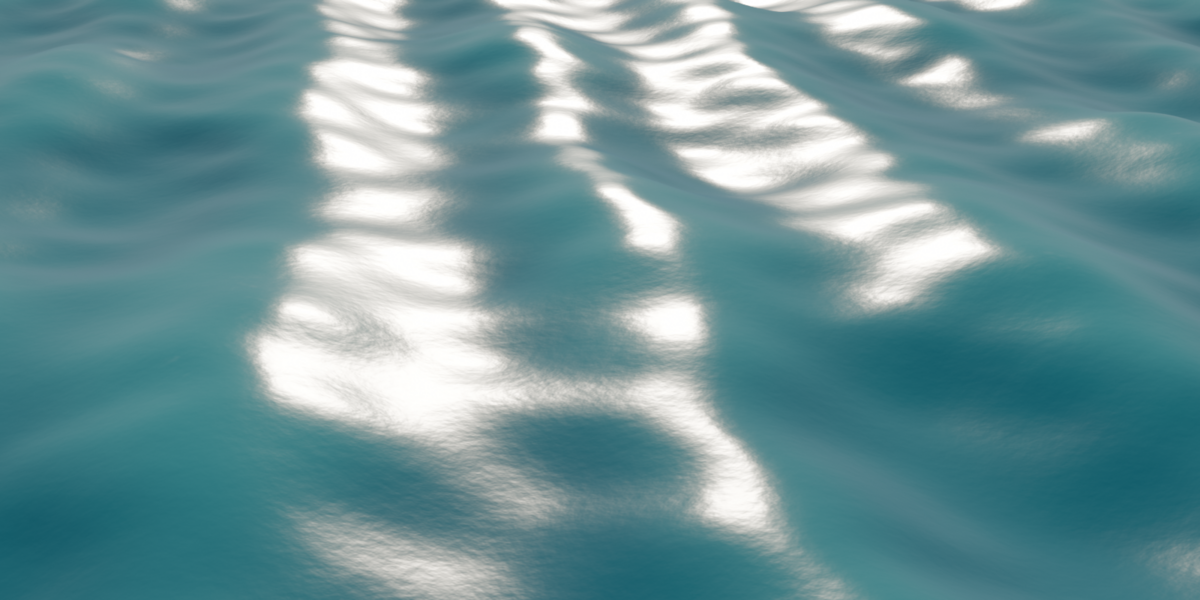
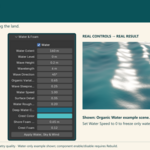
Set Water Extent and Level, Wave Height, Wavelength and Direction. Organic Variation breaks up regularity; Wave Steepness adds rounded crest movement; Surface Detail controls animated fine normals; Water Speed multiplies the common animation speed. Set Water Speed to 0 to freeze only water. Tune roughness, deep and crest colors, Shore Foam Width and Crest Foam. Click Apply Water, Sky & Wind.
Preview quality has 65 × 65 water vertices; Balanced 129 × 129; Final 257 × 257. Samples concentrate near Build Origin. Larger extent at the same quality reduces detail. Water is finite, opaque and stylized. Shore foam is an artistic proximity effect, not a fluid simulation. With no terrain target, shore foam is disabled.
Sky and animation
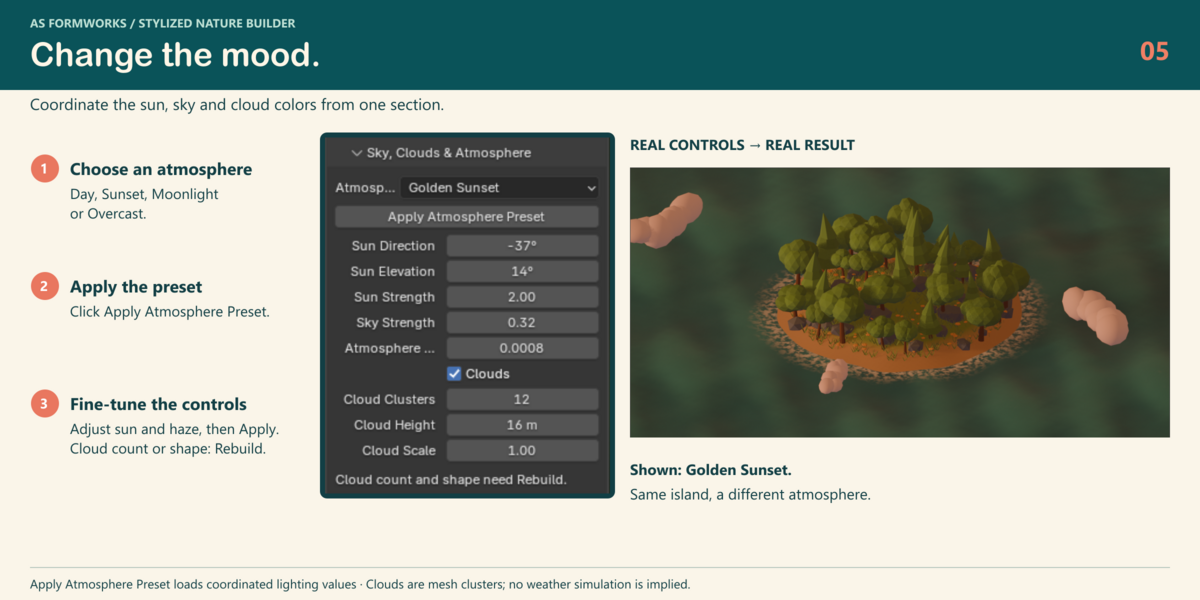
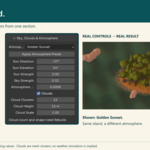
Choose Day, Sunset, Moonlight or Overcast and click Apply Atmosphere Preset. Fine-tune sun, sky and existing haze with Apply. Cloud count and shape need Rebuild. Clouds are low-poly mesh clusters.
Enable Animate Water & Wind, click Apply and play the timeline. Wind bends supplied vegetation near the roots; clouds drift gently. Animation uses native drivers, without Python frame-change handlers. Click Apply after changing scene FPS. Disabling animation freezes the starting state, not the current frame. Animation is not a seamless loop.
Presets and included examples
Save Preset exports settings and colors as JSON. Load Preset loads values without building; click Build Ecosystem afterward. JSON does not store assets, cameras, generated node edits or object references. Reassign scene-local terrain, tree collections and exclusion references as needed. Repeatability is verified in the tested Blender version.
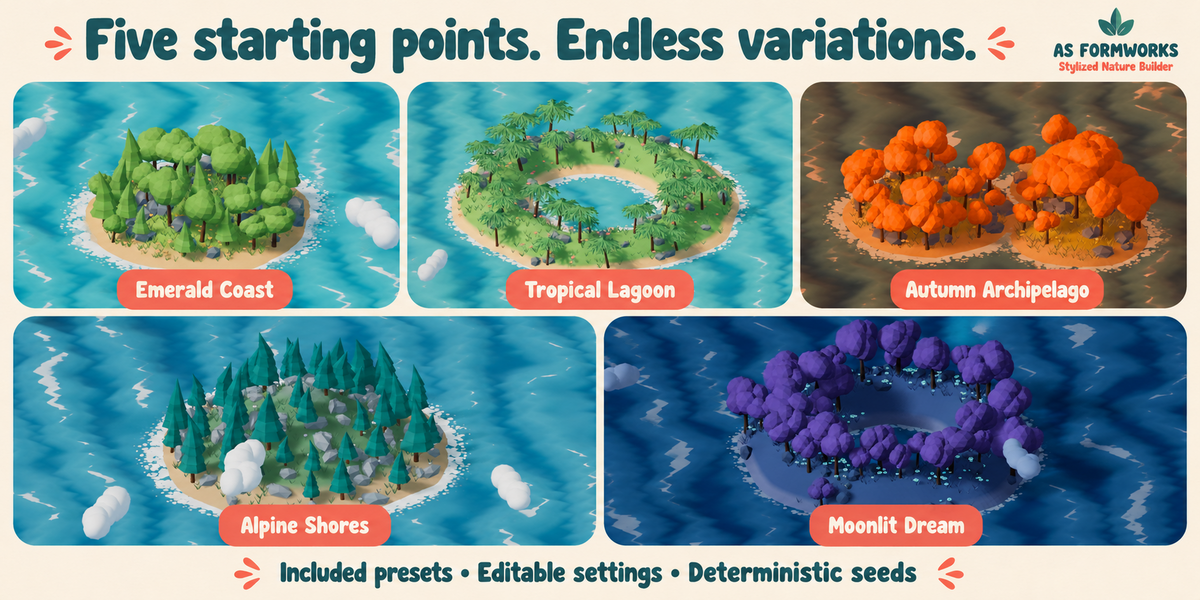
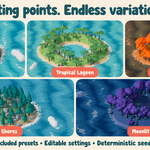
Seven native examples: Emerald Coast, Tropical Lagoon, Autumn Archipelago, Alpine Shores, Moonlit Dream, Coastal Vista and Organic Water. They open and evaluate native animation without the addon registered; install it for the control panel and rebuild. The water-only study shows waves under a low sun. Five JSON presets and an offline illustrated quick start are included.
Scene integration, performance and export
Build keeps ordinary user objects and render settings but assigns a generated world. Remove Generated Ecosystem deletes tagged generated data and can restore the previous world. Existing lights remain and can affect the result. Rebuild replaces edits to generated data, so save a working copy. Use Build Origin for persistent placement.
Use Preview while composing, moderate scatter counts and instancing. Reduce haze for faster previews. Game-engine export requires separate instance conversion, procedural-material baking, collision and LOD preparation. There is no automatic engine export, ecological growth, weather simulation or texture baker.
License and support
GPL-3.0-or-later for addon source and supplied procedural library. Full source and license included. Rendered images do not acquire the addon code license merely by being rendered. Imported assets retain their licenses. No original boat meshes or textures are included. Supplied materials are procedural and need no external textures or online service.
Contact AS Formworks through Superhive with product version, Blender version, operating system, engine, preset, reproduction steps and the complete error message. See the included offline User Guide and FAQ for more detail.
Have questions about this product?
Login to message
| Published | about 6 hours ago |
| Blender Version | 5.2 |
| Extension Type | Add-on |
| Render Engine Used | Cycles, Eevee |
| License | GPL |
Discover more products like this
#nature procedural geometry nodes waves island sky clouds vegetation Water ecosystem stylized terrain