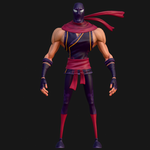
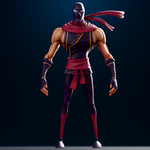
Skinny Ninja Stylized Rigged 3D Character
 Salman Animator
Documentation
1. Overview
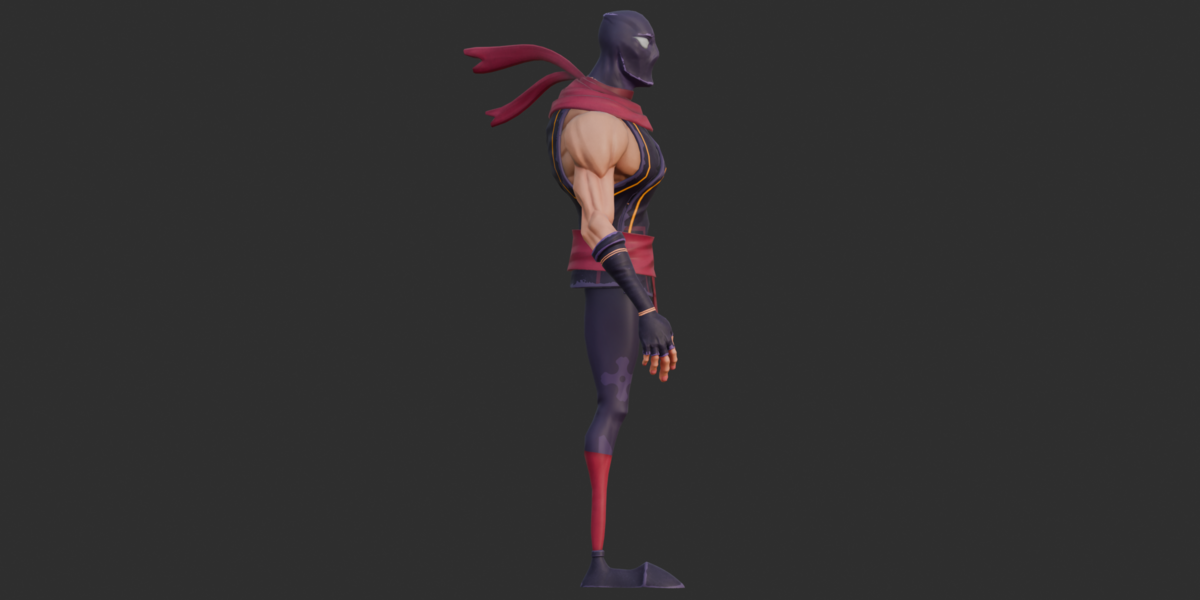
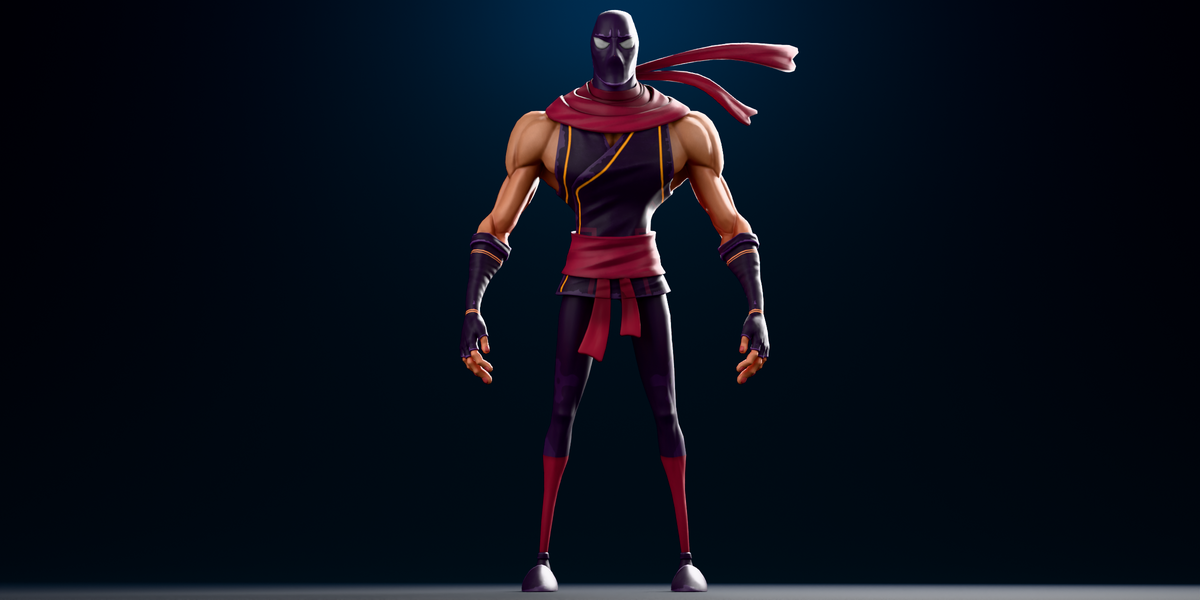
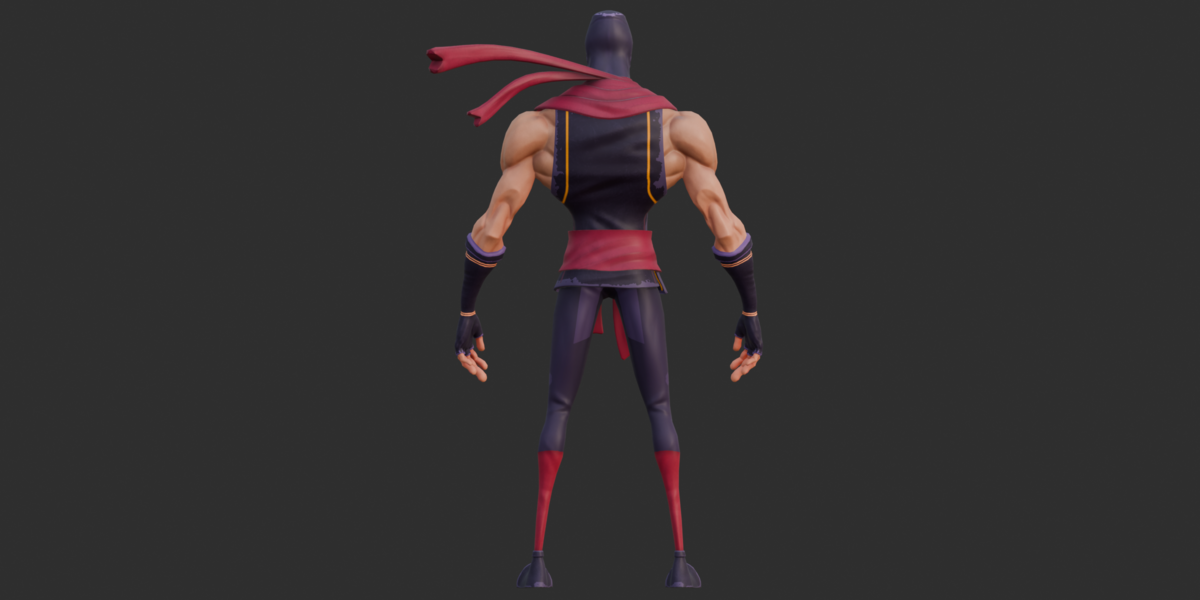
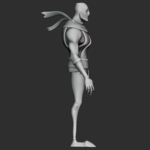
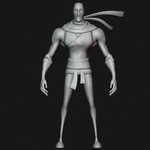
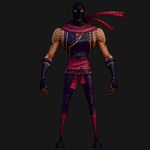
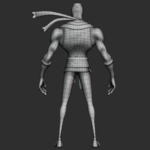
The Skinny Ninja is a stylized lean character designed for posing, animation, rendering, and character-based 3D projects.
The package includes a full character rig with facial and hand controls, six PBR materials, multiple texture maps, 14 short pose actions, and several export formats.
Included formats are Blender, FBX, GLB, OBJ/MTL, source PNG textures, and a glTF JSON scene reference.
2. Key Features
Stylized skinny ninja character with a lean silhouette
Full 711-joint character rig
Auto-Rig Pro-style control naming and custom rig widgets
Approximately 268 facial control bones
Approximately 128 hand/finger-related bones
14 stored actions: 12 hand poses and 2 fist poses
6 PBR materials
7 PNG textures at 2048×2048
15 skinned character mesh parts
Blender, FBX, GLB, and OBJ/MTL formats
26 production renders across two render sets
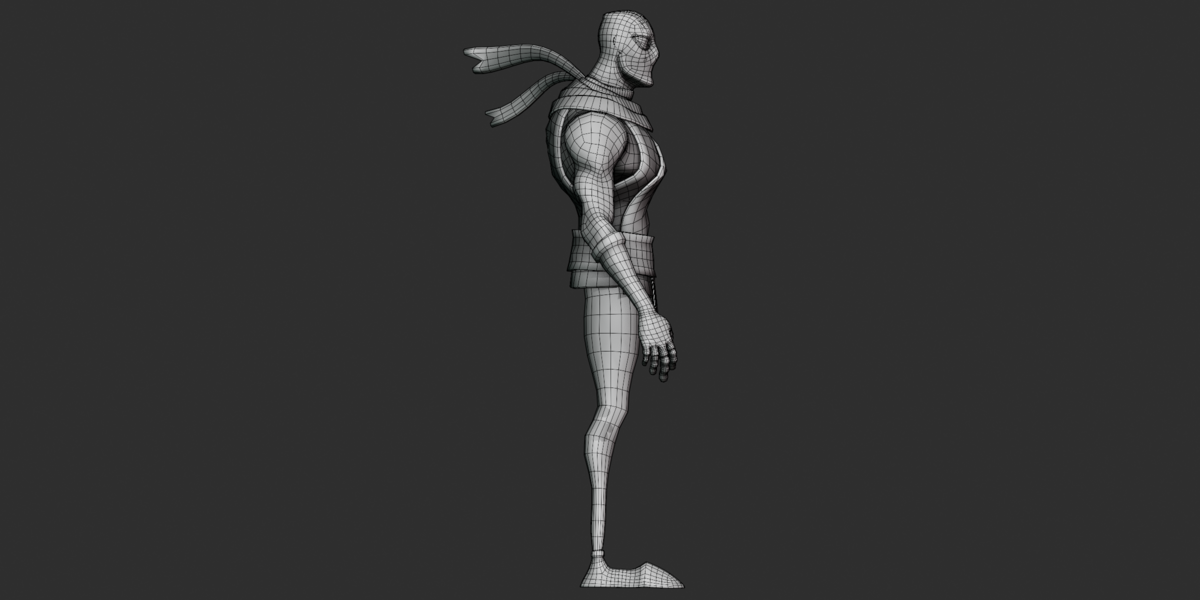
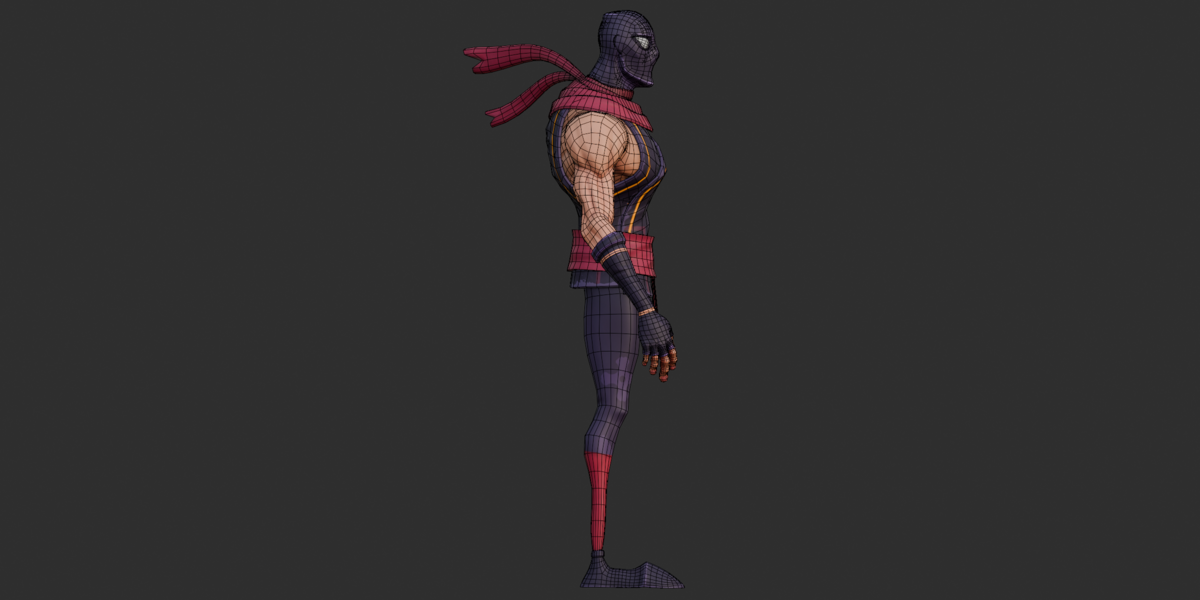
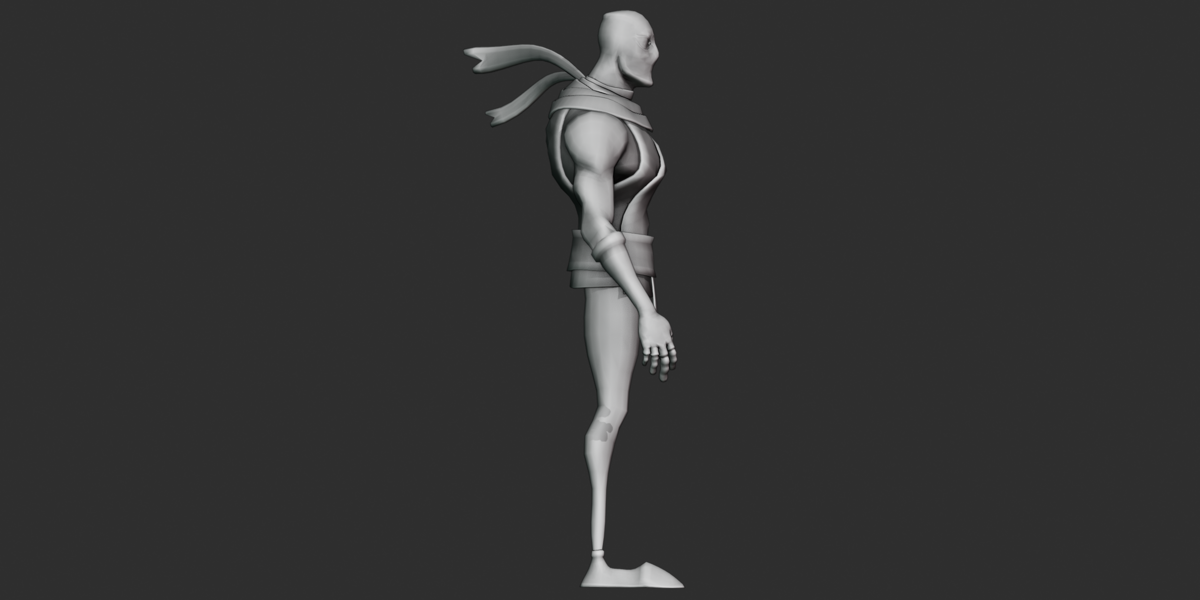
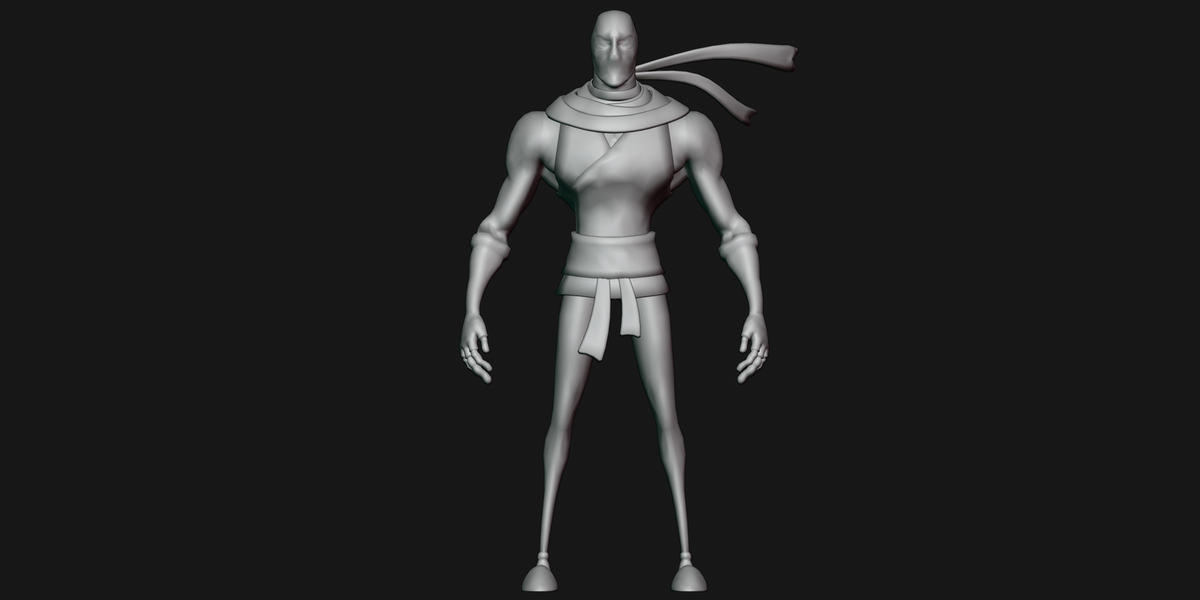
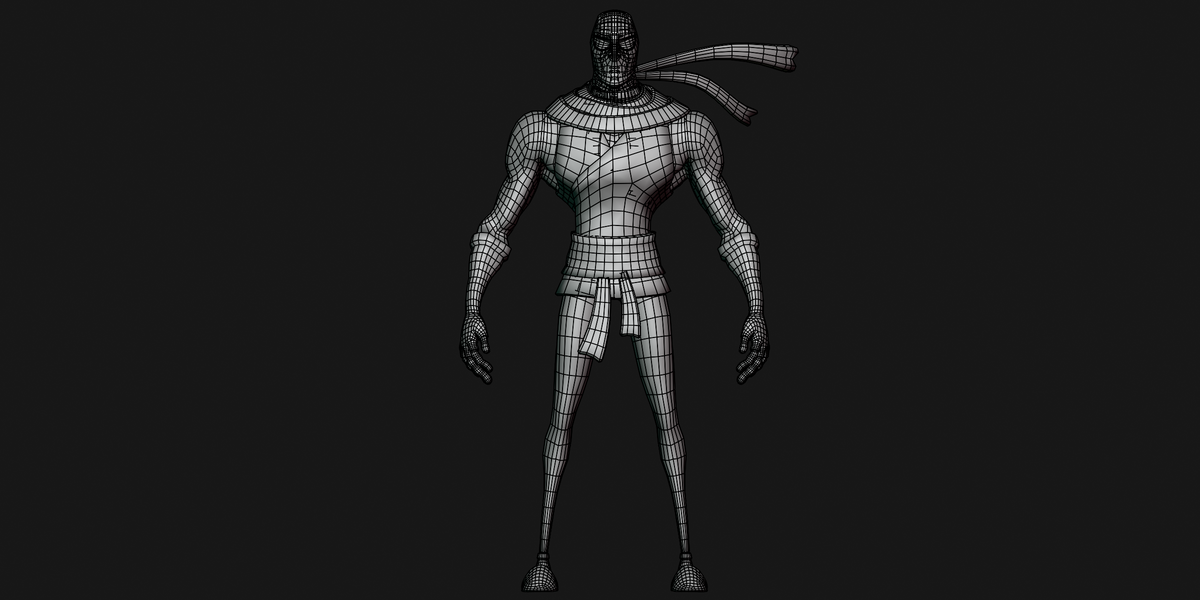
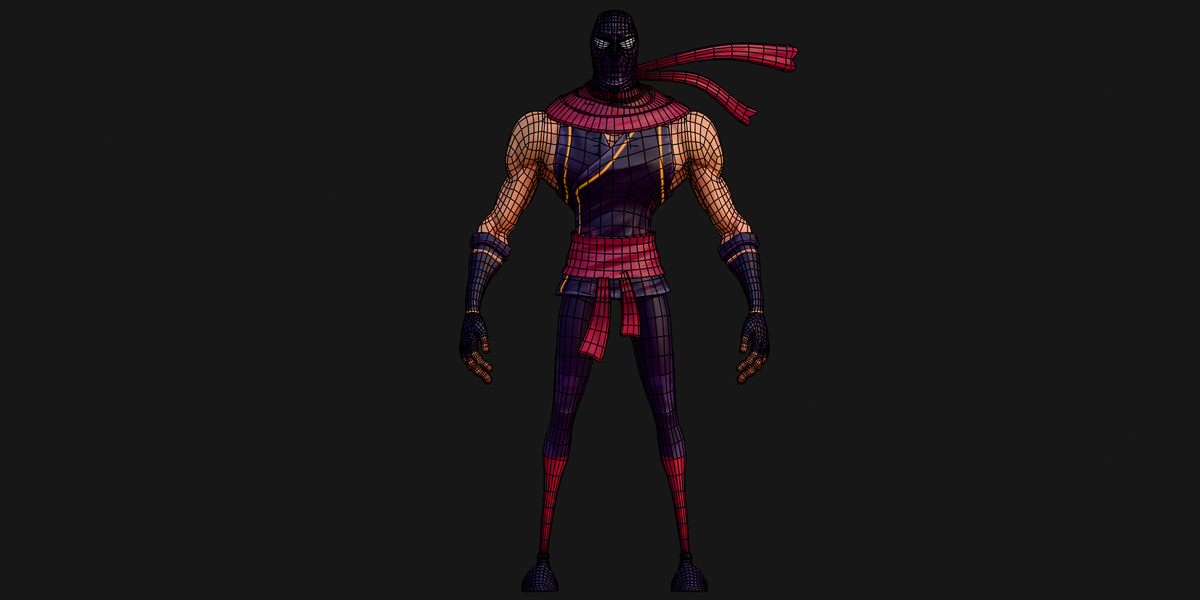
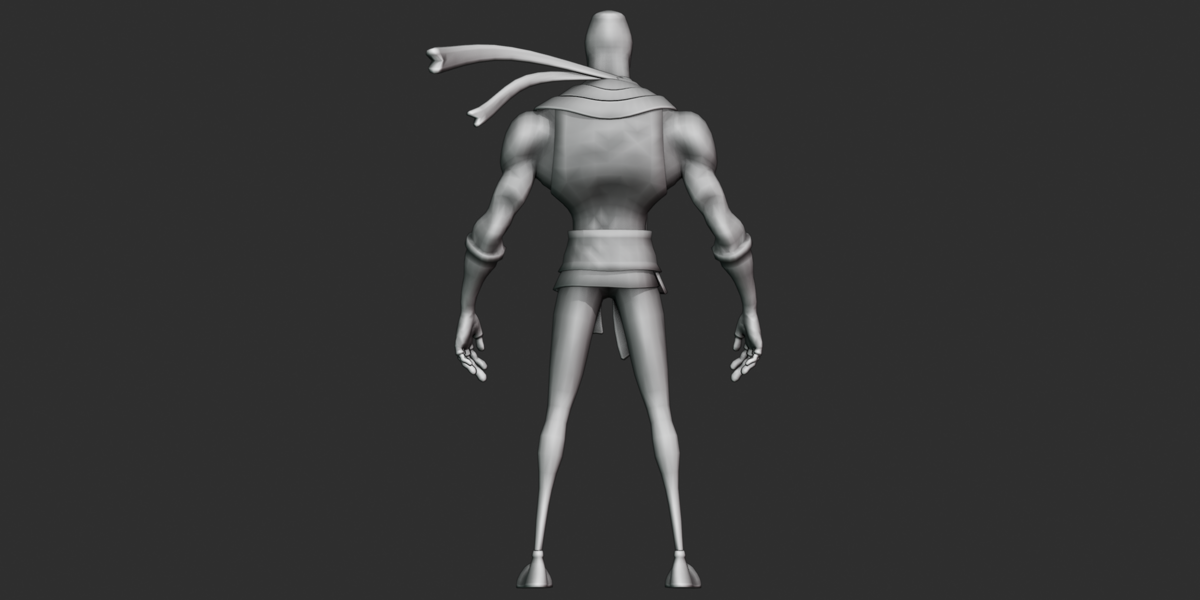
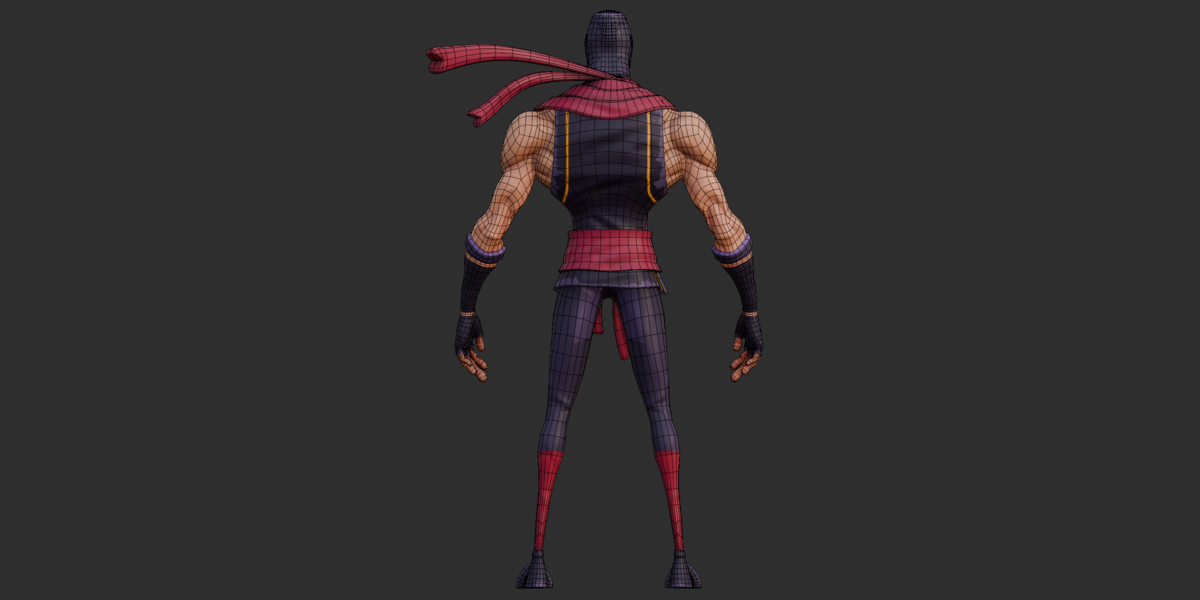
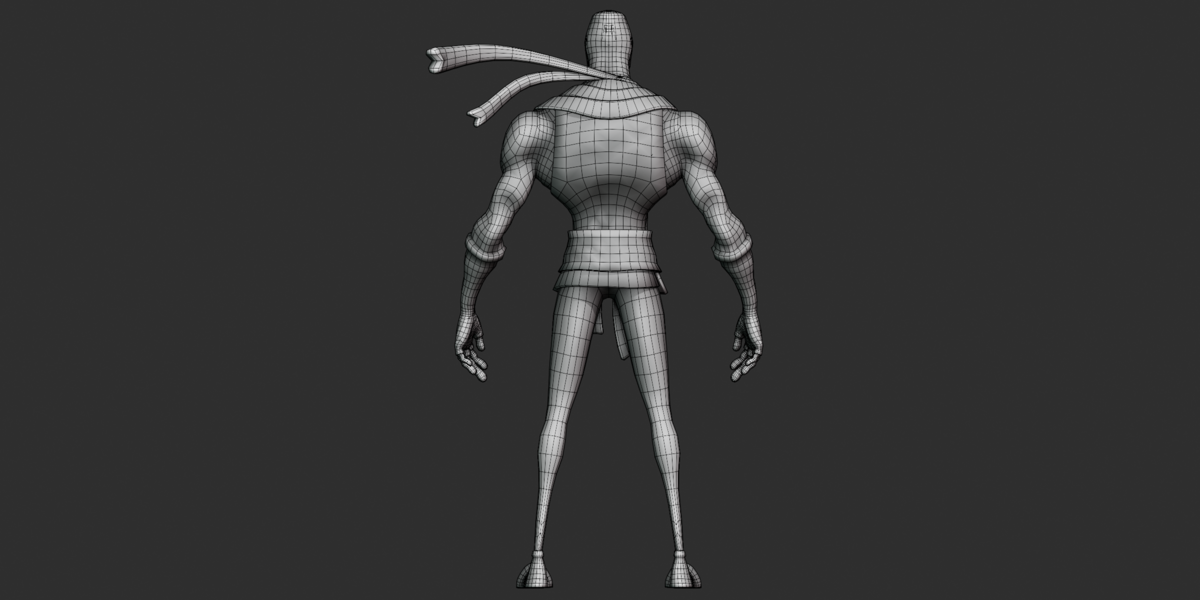
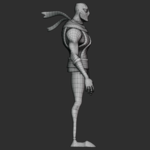
Beauty, clay/sculpt, and wireframe/topology views
3. Included Files
Main Files
skinny ninja.blend— Blender source sceneskinny ninja Inspired.fbx— Rigged/skinned FBX exportskinny ninja Inspired.glb— Rigged GLB with embedded texturesskinny ninja Inspired.obj— Static OBJ meshskinny ninja Inspired.mtl— OBJ material definitionstextures.zip— 7 PNG texture mapsglb_json.json— glTF scene/data reference
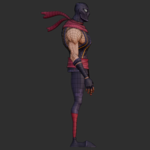
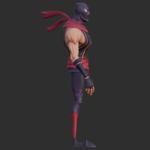
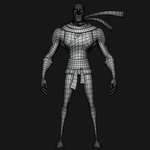
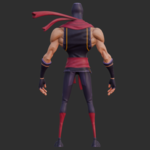
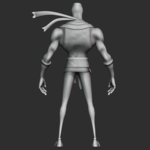
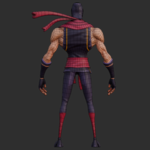
The renders include beauty, clay/sculpt, and wireframe/topology views from different angles.
No README, PDF, or separate written documentation file was included.
4. File Formats
| Format | File | Purpose |
|---|---|---|
| Blender | .blend |
Full source scene, rig, meshes, materials, and actions |
| FBX | .fbx |
Rigged/skinned character workflow |
| GLB | .glb |
Self-contained rigged character with embedded textures |
| OBJ + MTL |
.obj + .mtl
|
Static mesh workflow |
| PNG | textures.zip |
Source texture maps |
| JSON | glb_json.json |
glTF scene/data reference |
The OBJ is static and contains no armature or animation data.
No DAE, ABC, USD/USDC, MAX, MA, MB, or STL files were found.
5. Materials
The asset contains six PBR metallic-roughness materials:
| Material | Use | Base Color | Normal |
|---|---|---|---|
cloth |
Clothing | cloth_Base_Color.png |
cloth_Normal_OpenGL.png |
mask |
Face mask | mask_Base_Color.png |
mask_Normal_OpenGL.png |
body |
Body/skin | body_Base_Color.png |
body_Normal_OpenGL.png |
eyes |
Eyes | eyes_Base_Color.png |
None |
teeth |
Teeth | Flat color | None |
tong |
Tongue | Flat color | None |
Metallic is 0.0 for all six materials.
Roughness values are:
Cloth:
0.573Mask:
0.541Body:
0.5Eyes:
0.5Teeth:
0.5Tongue:
0.5
The teeth use a flat light-gray color, while the tongue uses a flat dark-red color.
No transparent or emissive materials were found in the inspected GLB data.
6. Textures
The package contains seven PNG textures, all at 2048×2048:
cloth_Base_Color.pngcloth_Normal_OpenGL.pngmask_Base_Color.pngmask_Normal_OpenGL.pngbody_Base_Color.pngbody_Normal_OpenGL.pngeyes_Base_Color.png
The cloth, mask, and body materials use Base Color and Normal maps.
The eyes use only a Base Color texture.
No separate Roughness, Metallic, AO, Height/Displacement, Emission, or Opacity maps were found.
The Normal_OpenGL naming comes from the supplied filenames and glTF assignments; the channel orientation was not independently verified from the image pixels.
7. Rig
The character uses a 711-joint skeleton named skinny ninja rig_rig.
The naming structure includes c_ controls, cs_ custom-shape widgets, .l / .r side suffixes, .x center controls, and reference-bone naming. This matches an Auto-Rig Pro-style naming structure, although the rig type itself was not explicitly identified in the exported files.
The rig includes both IK and FK control naming, including leg IK, foot-pole, thigh FK, leg FK, and toe FK controls.
The package also contains custom control-shape meshes used as viewport rig widgets. These are separate from the visible character geometry.
8. Bones and Controls
The verified skeleton contains:
711 total joints
Approximately 268 facial control bones
Approximately 128 hand/finger-related bones
16 spine-related bones
Multiple root and master controls
Facial controls cover areas such as:
Eyes
Eyelids
Eyebrows
Cheeks
Jaw
Lips
Nose
Chin
Tongue
Teeth
Hand controls cover the thumb, index, middle, ring, pinky, and related finger controls.
The exact deform-bone versus control-bone separation was not independently verified from the supplied exports.
9. Geometry
The GLB contains 15 skinned character mesh parts:
Body
Secondary body shell
Mask
Pants
3 belt parts
3 scarf parts
Left and right eyes
Upper and lower teeth
Tongue
Total verified character geometry:
22,346 vertices
39,892 triangles
The rig also contains 39 cs_* control/widget meshes. These are viewport helpers and are not included in the character geometry total.
No LOD meshes were found.
10. Animation
The GLB contains 14 stored actions:
hand idle posehand pose1throughhand pose11rig_fistrig_fist.001
The first 12 actions are single-pose snapshots with one keyframe. The two fist actions contain two keyframes over approximately 0–0.4 seconds.
These are primarily hand and fist poses rather than finished character animations.
No verified walk cycle, run cycle, breathing loop, or other multi-second animation was found.
The actual scene FPS was not independently verified.
11. Shape Keys / Blendshapes
No shape keys, blendshapes, or glTF morph targets were found.
Facial movement is therefore handled through the bone-based facial rig.
12. UV
UV coordinates are present on the textured character meshes.
The cloth, mask, body, and eye materials use UV-based texture mapping.
No UDIM texture setup was identified from the supplied files.
The exact number and names of Blender UV channels were not independently verified.
13. Dimensions and Scale
The GLB bounding box is approximately:
X: 2.419 units
Y: 5.528 units
Z: 1.590 units
The supplied files do not explicitly confirm a real-world meter or centimeter scale.
These values should therefore be treated as exported unit dimensions rather than a confirmed real-world character height.
14. Scene Structure
The GLB contains:
900 scene nodes
54 meshes
15 character meshes
39 rig-control/widget meshes
6 materials
7 textures
1 skin
14 animations
The main armature is skinny ninja rig_rig.
No cameras or lights were found in the GLB scene.
The supplied renders use separate camera and lighting setups and should not be treated as included scene setups.
15. Blender Version
Export metadata identifies:
Blender 4.5.5 LTS
Khronos glTF Blender I/O v4.5.49
The Blender version was identified from metadata in the supplied FBX, OBJ/MTL, and GLB exports.
The .blend file itself could not be independently opened during inspection, so Blender-internal settings such as modifiers, collections, drivers, and constraints were not verified.
16. Import Workflow
Blender
Open
skinny ninja.blendin Blender 4.5 LTS or a compatible version.Check the character and texture paths.
Locate
skinny ninja rig_rig.Enter Pose Mode and test the controls.
Preview the supplied hand and fist actions.
Customize materials, textures, poses, or animation.
FBX
Import
skinny ninja Inspired.fbx.Check the mesh, skeleton, and skin deformation.
Relink the PNG textures if required.
Check the available pose/action data.
Retarget or create additional animation as needed.
OBJ
Keep the OBJ and MTL together.
Extract
textures.zip.Place the textures in a matching
textures/folder.Import the OBJ.
Relink textures if required.
OBJ is static and contains no rig or animation.
GLB
Import
skinny ninja Inspired.glb.Check the materials and textures.
Verify the skeleton and skin.
Preview the available pose actions.
The GLB contains embedded textures, so external texture files are not required for normal GLB import.
17. Engine Workflow
FBX and GLB can be used with compatible 3D applications and real-time engines.
Typical workflow:
Import the FBX or GLB.
Check the skeleton and mesh deformation.
Verify material assignments.
Connect or adjust PBR textures if required.
Check scale.
Retarget animation when necessary.
Blender-specific control widgets and IK/FK behavior may not transfer directly to other engines.
No specific engine version or third-party importer was independently tested.
18. Customization
The supplied files allow customization of:
Materials
Clothing
Mask
Body/skin
Eyes
Teeth
Tongue
Roughness and metallic values
Textures
The supplied PNG textures can be edited or replaced.
Posing
The rig can be used for custom body, hand, finger, and facial poses.
Facial Controls
The facial bone system can be used to adjust eyes, eyelids, eyebrows, cheeks, jaw, lips, nose, tongue, and teeth.
Animation
New animation can be created using the supplied skeleton and controls.
Shape-key-based facial animation and LODs are not included and would require additional work.
19. Animation Workflow
Open the source
.blendor import the FBX/GLB.Locate the animation/action list.
Preview the 14 supplied hand and fist poses.
Use the existing poses as starting points for new animation.
Add additional keyframes in the Timeline or Dope Sheet.
Export the finished animation through FBX or GLB as required.
The supplied actions are short pose data, not finished performance clips.
20. Rig Workflow
Select
skinny ninja rig_rig.Enter Pose Mode or the equivalent mode in your application.
Use the supplied custom rig widgets where supported.
Pose the character using the available IK/FK and facial controls.
Add keyframes to create animation.
Export through FBX or GLB when required.
The 39 cs_* meshes are visual control helpers and are not part of the visible character model.
21. Texture Workflow
Extract the seven PNG files from
textures.zip.Match each texture to its corresponding material.
Relink missing texture paths after import if required.
Edit or replace textures while maintaining the correct material assignment.
For OBJ, keep the textures inside the expected
textures/folder.
The main textured materials are cloth, mask, body, and eyes.
The teeth and tong materials use flat colors instead of texture maps.
22. Material Workflow
In Blender:
Open the
.blendfile.Go to the Shading workspace.
Select the character mesh.
Choose the required material.
Adjust Base Color, Normal, Roughness, or Metallic values.
Preview the result in Material Preview or Rendered view.
For other applications, use the equivalent PBR metallic-roughness material workflow.
23. Troubleshooting
Textures are Missing
For OBJ, extract textures.zip into a textures/ folder beside the OBJ and MTL files.
For FBX, texture paths may need to be relinked manually.
OBJ Has No Rig
This is expected. OBJ is a static mesh format.
Use FBX or GLB for the rigged version.
Rig Controls Are Missing
Blender custom control widgets may not transfer as interactive controls to other applications.
Use the native .blend file for the complete Blender rig experience.
Animation Appears Empty
The supplied animations are only 1–2 keyframes long. They are pose presets rather than long animation clips.
Materials Look Different
Check the six material assignments and reconnect the supplied Base Color and Normal maps where required.
The teeth and tongue intentionally use flat colors without texture maps.
Scale Is Incorrect
The package does not explicitly confirm a real-world unit scale. Adjust the import scale according to your target application's unit system.
FBX Import Issues
Some applications may require manual texture relinking or additional rig/animation setup after FBX import.
GLB Texture Issues
The seven textures are embedded in the GLB. If they do not appear, check that the application supports embedded glTF images correctly.
24. Known Limitations
No walk, run, idle-loop, or other long animation clips
14 supplied actions are mainly hand/fist poses
No shape keys, blendshapes, or morph targets
OBJ contains no rig or animation
No separate Roughness, Metallic, AO, Height/Displacement, Emission, or Opacity texture maps
No cameras or lights in the inspected GLB scene
Real-world scale is not explicitly confirmed
Blender-specific rig controls may require additional setup in other applications
No Mixamo/Rigify bone-name mapping is included
Blender modifiers, drivers, constraints, and collection organization were not independently verified
25. Compatibility Notes
The package provides standard Blender, FBX, GLB/glTF, and OBJ formats.
Applications and engines with compatible FBX or glTF support should generally be able to import the corresponding mesh data. Rigging, animation, materials, scale, and custom controls may require additional setup depending on the application.
No specific third-party engine version or importer was independently tested.
26. Quick Start
Blender
Open .blend → Check Textures → Select Rig → Pose → Test Hand Poses → Customize → Animate → Export
GLB
Import GLB → Check Materials → Check Skeleton → Test Poses → Animate or Retarget
FBX
Import FBX → Check Skeleton → Check Materials → Relink Textures → Retarget/Create Animation
OBJ
Place OBJ + MTL Together → Extract Textures → Import → Relink Textures if Needed
27. Recommended Workflow
Import → Setup → Materials → Rig → Pose → Animation → Customization → Export
Import the FBX or GLB for the rigged character, or OBJ for static use.
Setup the scene and confirm the character meshes are present.
Materials — check the six PBR materials and relink textures when necessary.
Rig — test body, hand, finger, and facial controls.
Pose — use the supplied hand-pose actions as starting points.
Animation — create additional keyframes and animation as required.
Customization — edit materials, textures, colors, and poses.
Export the finished character through FBX or GLB.
28. Important Notes
The technical documentation is based on direct inspection of the supplied FBX, GLB/glTF JSON data, OBJ/MTL, texture archive, and render files.
The .blend file could not be opened during inspection, so Blender-only information such as modifiers, drivers, constraints, collections, and detailed shader-node structure is not presented as verified.
The most complete workflow is the native Blender source file. The GLB is convenient for a self-contained rigged export with embedded textures, while the OBJ is intended for static mesh use.
The asset includes a detailed 711-joint rig and extensive facial and hand controls, but it does not include finished locomotion or long-form character animation.
Have questions about this product?
Login to message
| Published | 9 days ago |
| Blender Version | 2.6x - 5.2 |
| Render Engine Used | Cycles, Eevee, Freestyle |
| Misc Data | Rigged, Textured |
| License | Royalty Free |
