 Orhan
Orhan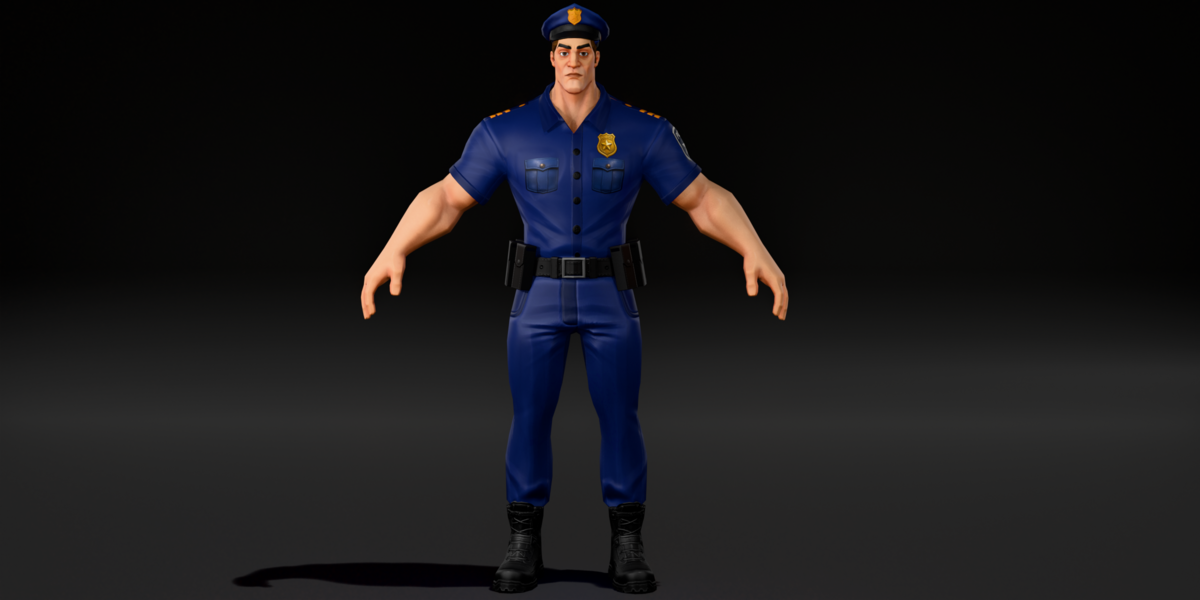
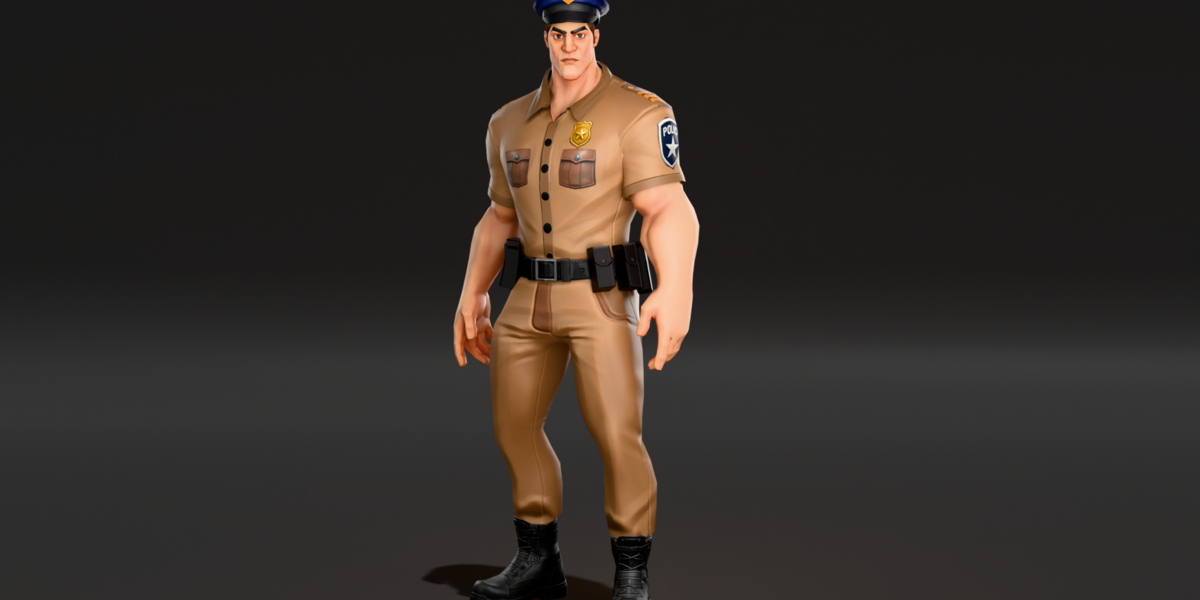
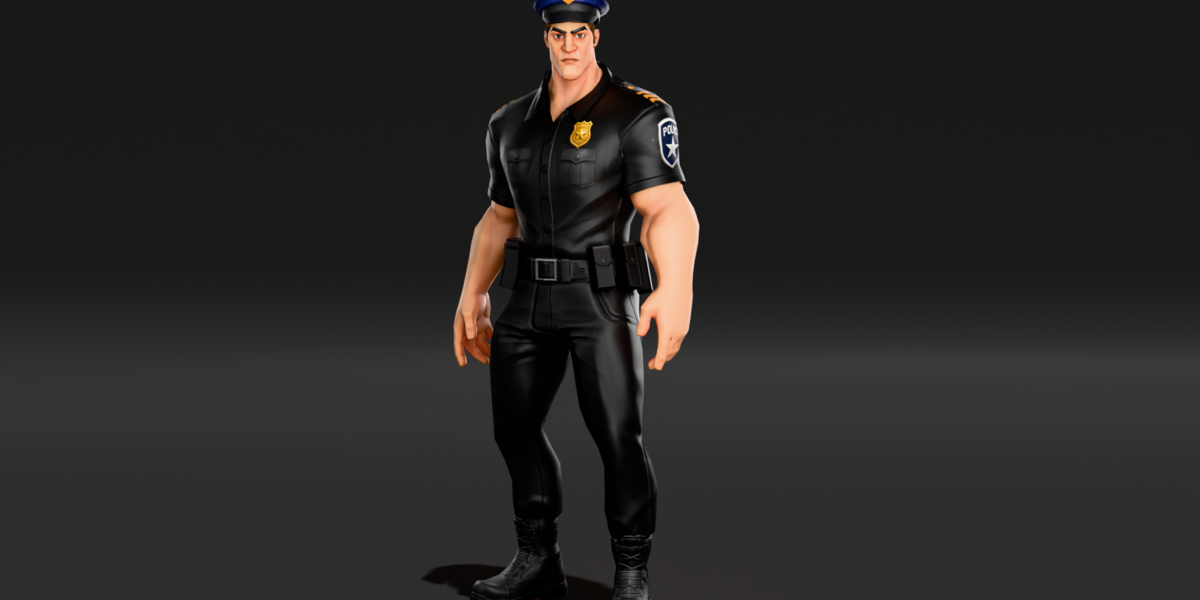
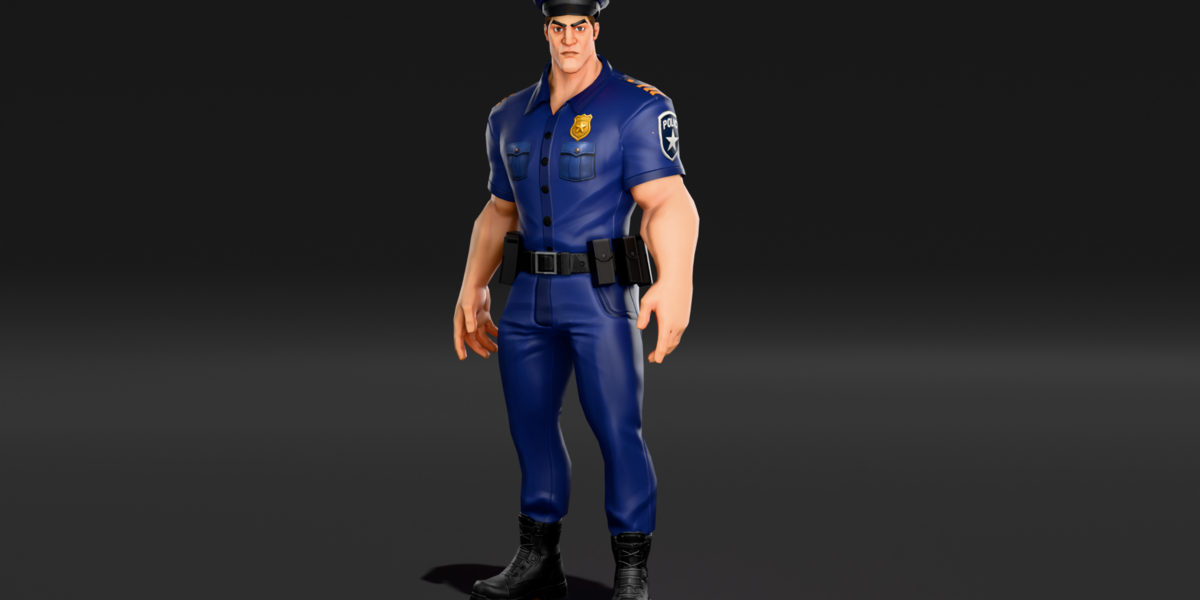
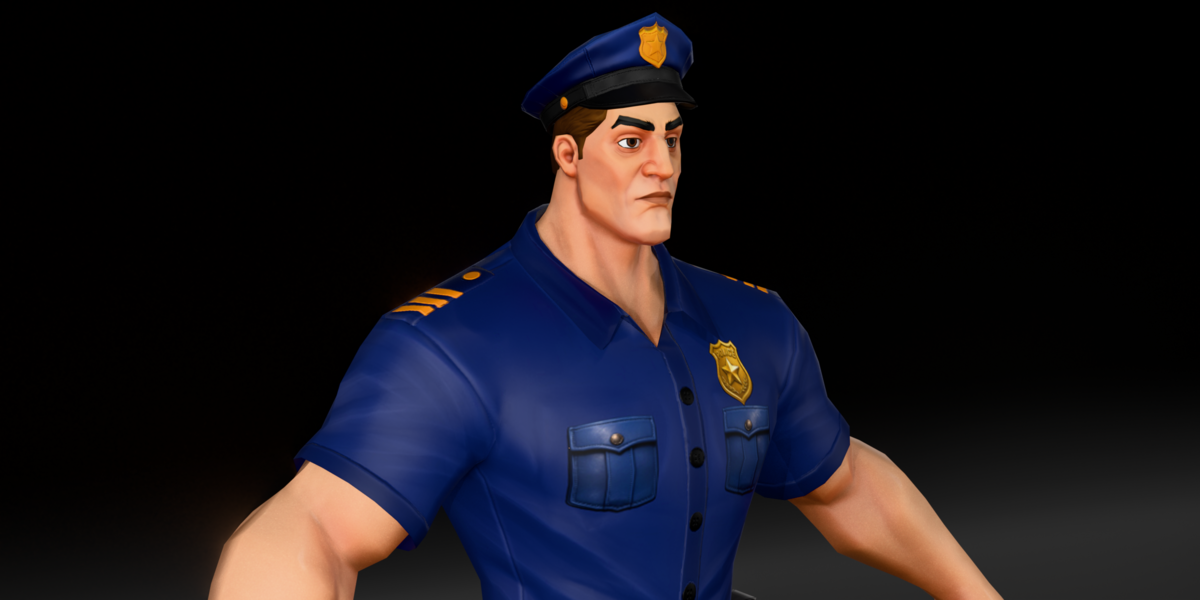
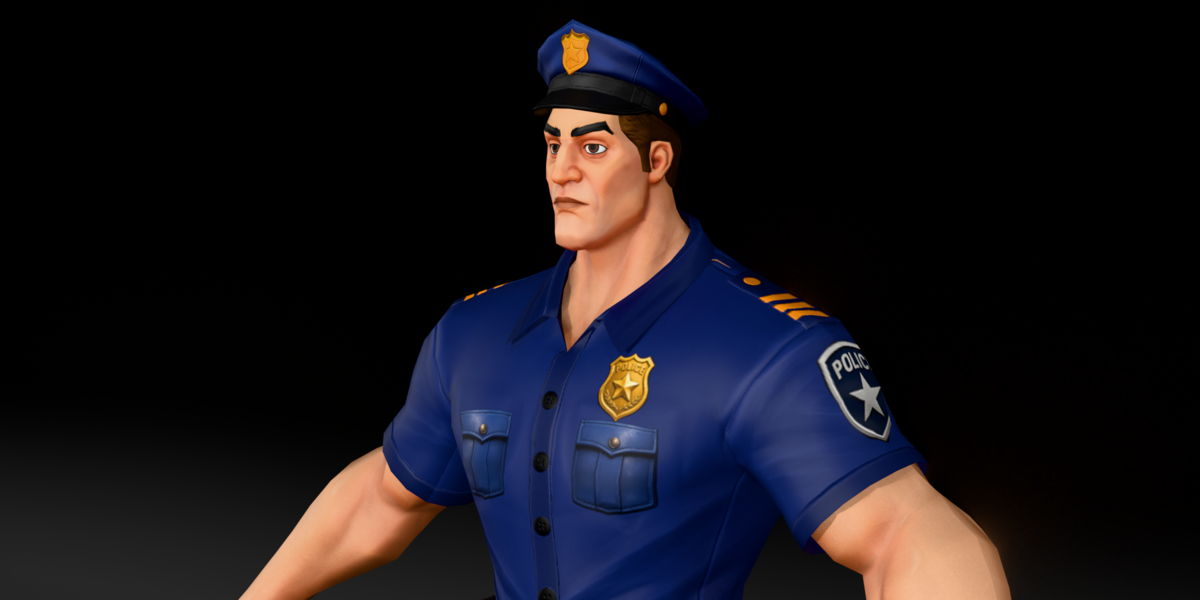
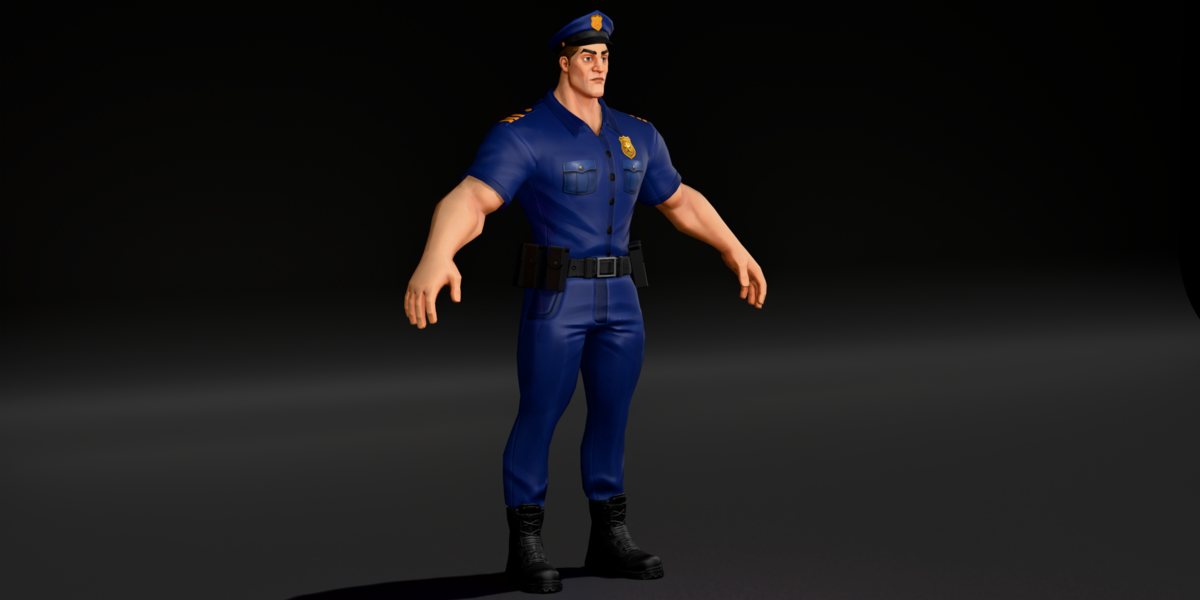
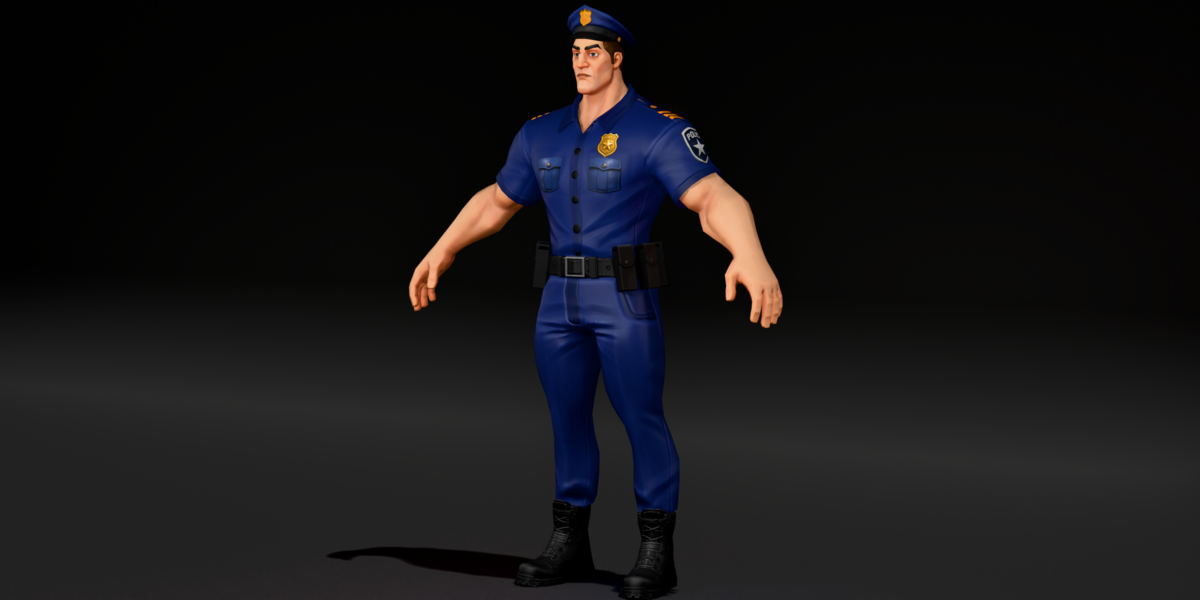
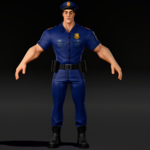
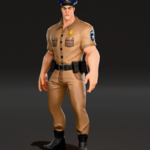
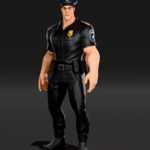
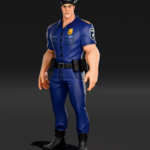
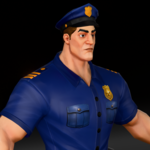
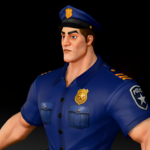
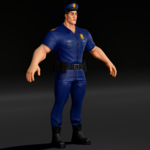
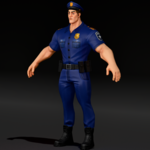
Requirements
- Blender 4.5 LTS (the file was saved in Blender 4.5). It may open in Blender 4.2 or newer, but only 4.5 has been confirmed.
- The rig was made with Auto-Rig Pro. Posing and animating the bones works in plain Blender. Auto-Rig Pro tools such as IK/FK snapping need the Auto-Rig Pro addon.
- Materials are set up for EEVEE and also work in Cycles.
Files included
-
simple-police-character-rigged-blender.blend: the main file with rig, shape keys, uniform materials and packed textures fbx/simple-police-character-rigged.fbxgltf/simple-police-character-rigged.glb-
obj/simple-police-character.objand.mtl, plustextures.zip(unzip next to the OBJ so thetexturesfolder sits beside it)
First use
- Open the .blend file, or in your own scene use File > Append and pick the
Simple_Police_Rig_grp_rigcollection. - Select the rig
Simple_Police_Rig_rigand switch to Pose Mode to pose him. - To change the body type, select a mesh (for example
body), open Object Data Properties > Shape Keys and move the fatty, builder or skinny value. Every clothing piece has the same shape keys; set them to the same value so the uniform matches. - For the best skin detail on the fatty or skinny shape, open the
simple bodymaterial in the Shader Editor and connect the matching Principled BSDF (the one using the fatty or skinny body texture) to the Material Output. - To change uniform colors, select the shirt and swap
shirt0-1forshirt0-2,shirt0-3orshirt0-4in Material Properties. For the trousers, swappant-1forpant-3orpant-4. - To remove the shirt or other pieces, hide them in the Outliner. The hat and hair share one object; to keep the hair without the hat, select the
police hatobject, enter Edit Mode and use P > By Material.
Mesh details
- About 7,500 triangles across 7 objects
- One UV map per object
- 2K textures (2048 and 2000 pixel), base color and normal
Limits
- The character comes in a T pose with no animations included.
- Shape keys are separate per object. If you want one slider to drive all of them, add a driver or use a shape key sync tool.
- The body skin does not switch by itself when you change shape keys; connect the matching shader as shown above.
- The FBX, GLB and OBJ files use the default blue uniform. The other colors are in the .blend file.
- Textures come as base color and normal maps. There are no separate roughness or metallic maps.
Troubleshooting
-
Pink textures in the OBJ: unzip
textures.zipso thetexturesfolder sits next to the .obj and .mtl files. - Clothes do not match the body: check that the same shape key value is set on the body and on every clothing piece.
- Shape keys missing after FBX import: enable blend shape (morph) import in your target app.
- Rig UI panel missing: the rig works without it. Install Auto-Rig Pro if you want its extra panel and snapping tools.
Have questions about this product?
Login to message
| Published | about 9 hours ago |
| Blender Version | 4.5 |
| Render Engine Used | Cycles, Eevee |
| Misc Data | Uvs-Unwrapped, Rigged, Normal-Mapped, Textured |
| License | Royalty Free |

Discover more products like this
low poly police officer Cartoon Rigged cop auto-rig pro stylized character police uniform game ready shape keys