 GPolygon Design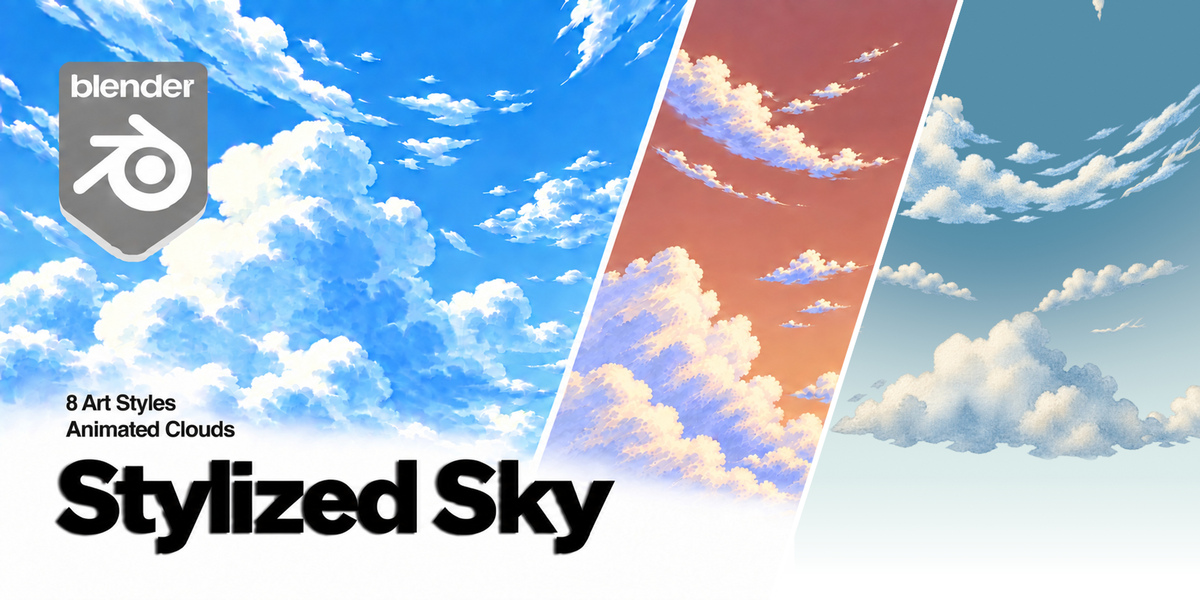

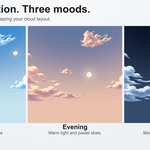
Illustrated skies, ready for your scene

Stylized Sky brings expressive cloud artwork and animated skies to Blender. Choose a visual style, set the mood, and shape the composition from one compact sidebar panel.
AI-generated artwork: The bundled cloud artwork was created using AI image generation and prepared for use in Blender.
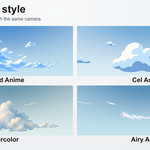
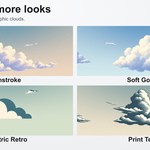
Eight distinct art styles
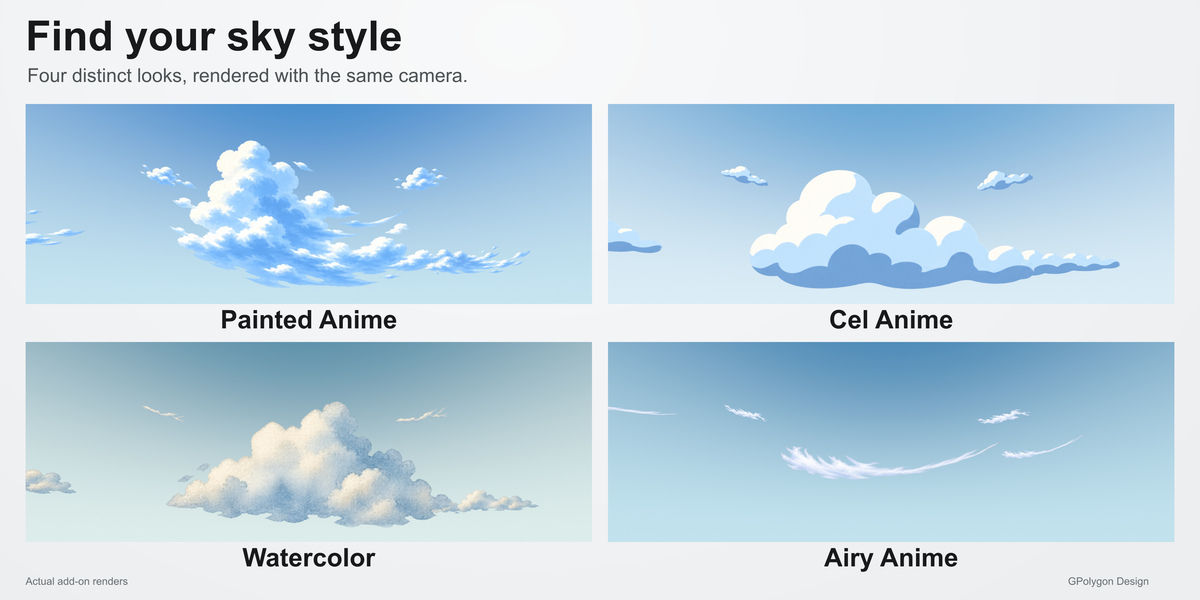
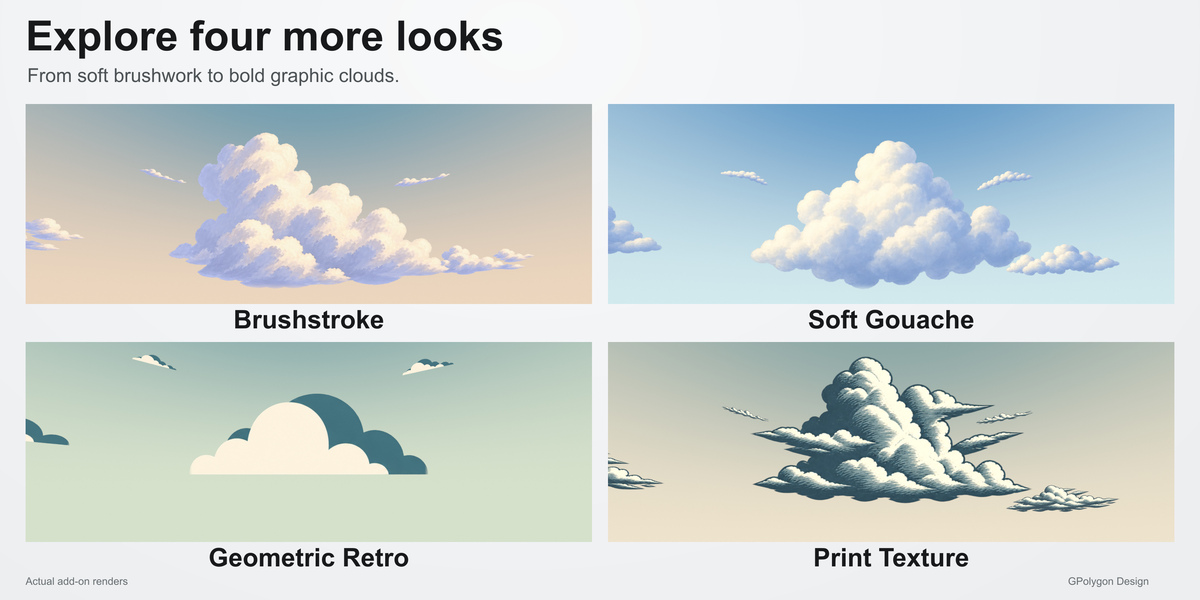
Painted Anime, Cel Anime, Watercolor, Airy Anime, Brushstroke, Soft Gouache, Geometric Retro and Print Texture. From soft painted clouds to bold graphic shapes, each style has its own character.
A few controls. Plenty of variation.
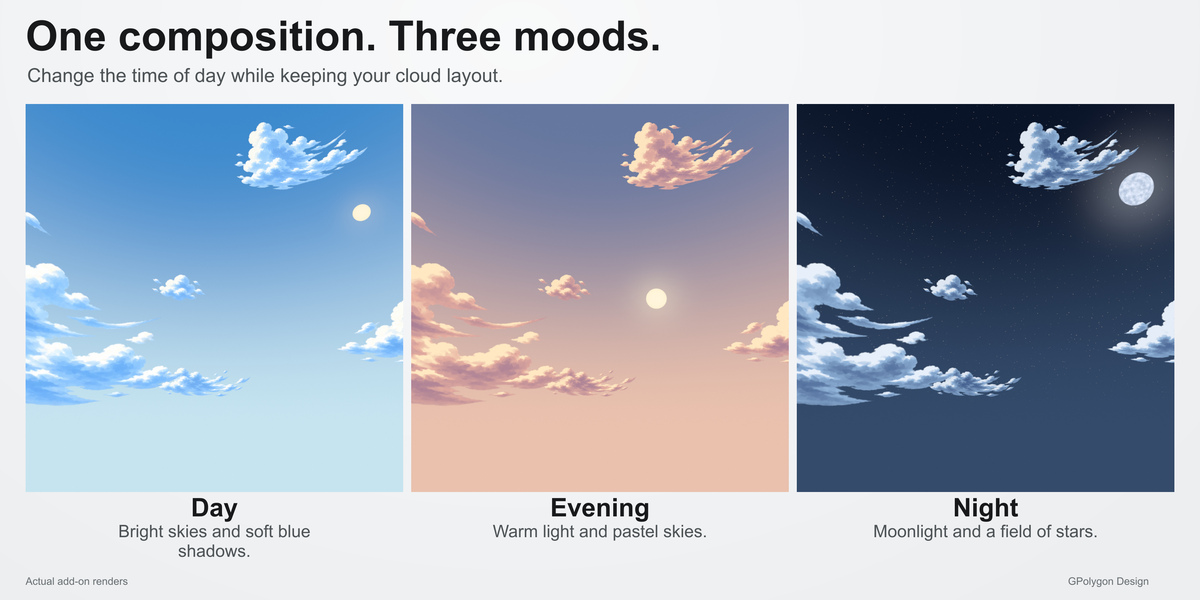
- Day, Evening and Night: change the palette, sun or moon, stars and default lighting while keeping your cloud arrangement.
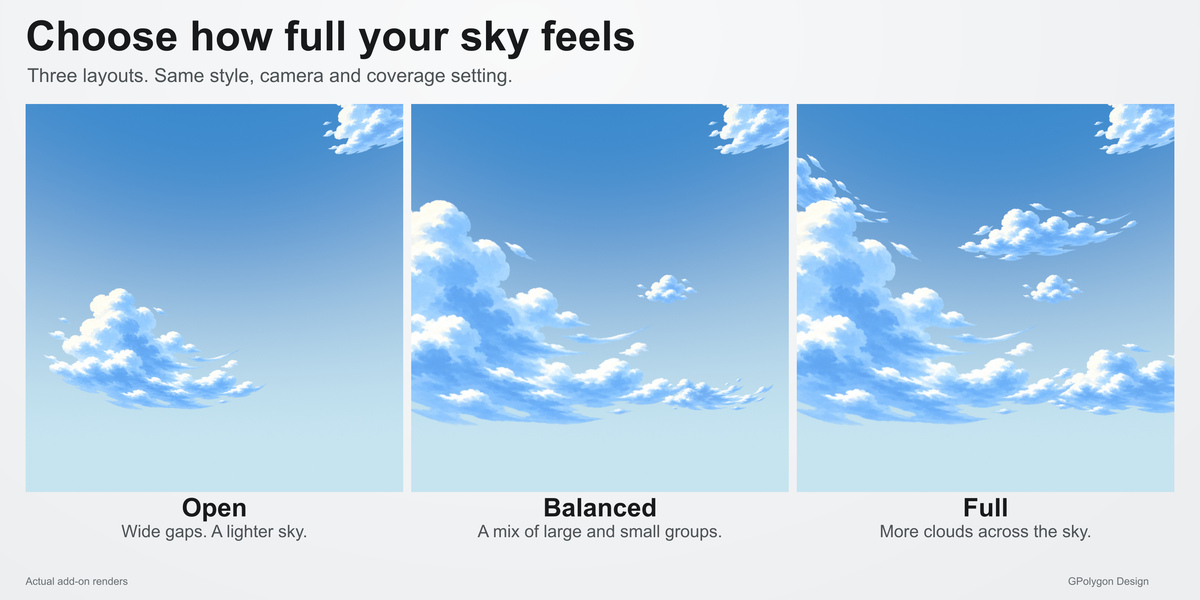
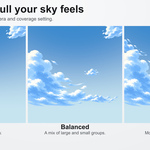
- Open, Balanced and Full: choose a sparse sky, a balanced composition or a fuller cloud arrangement.
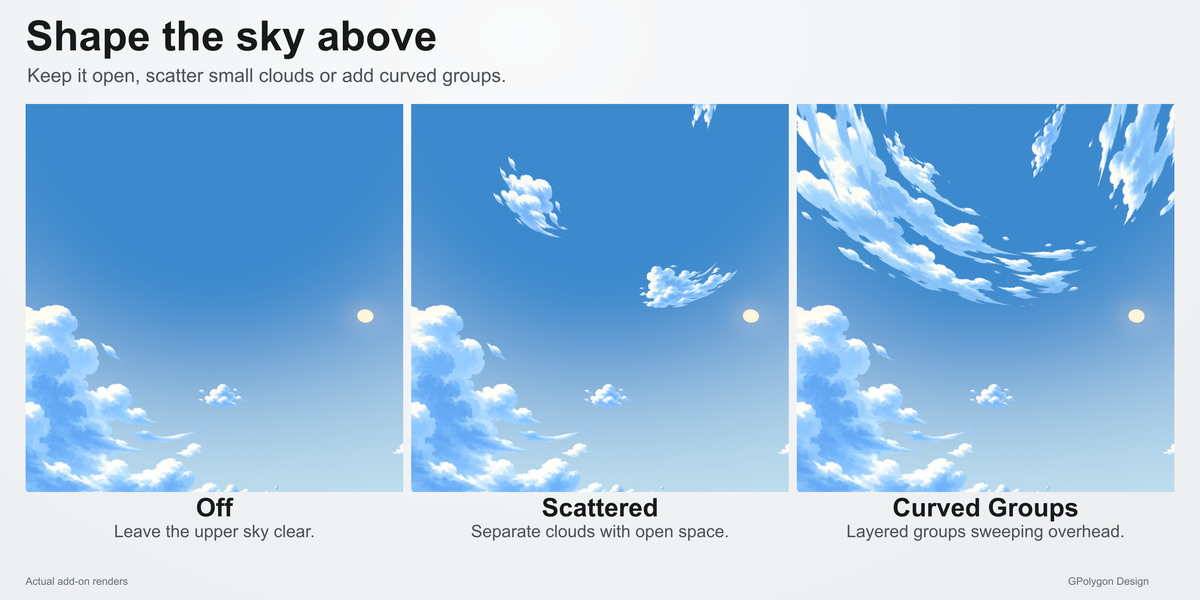
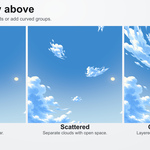
- Upper Clouds: leave the sky above clear, add scattered clouds or use layered curved groups.
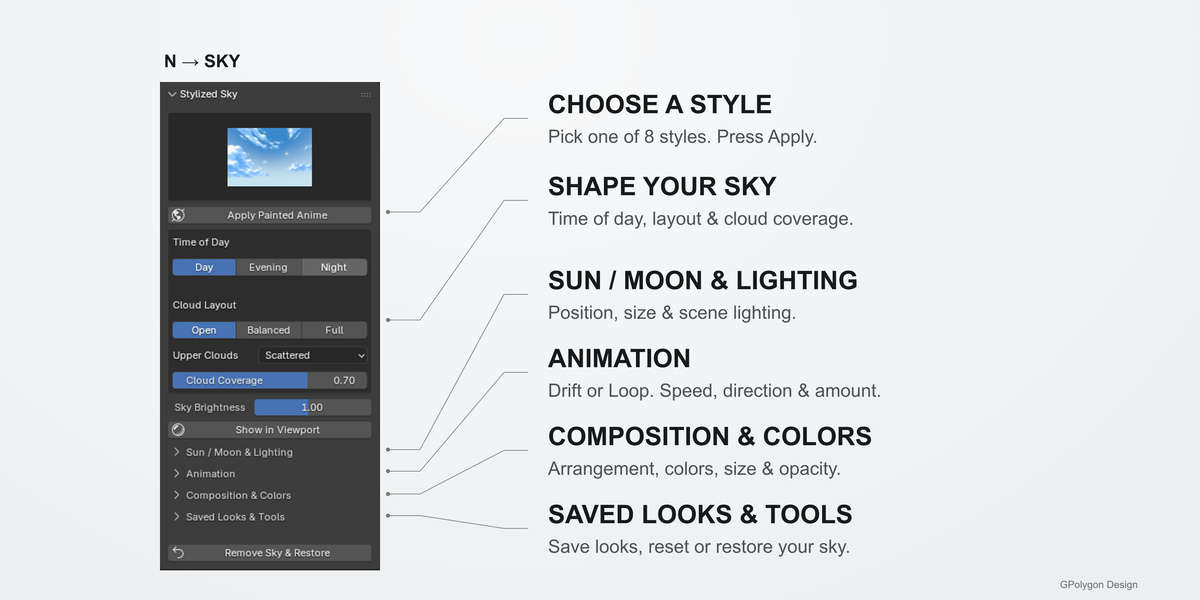
- Cloud Coverage: reveal complete cloud groups step by step, from a clear sky to the full selected layout.
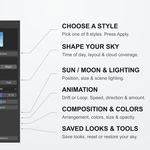
- Animated clouds: use continuous Drift or a Gentle Loop, with speed, direction and motion amount controls.
Make it your own
Adjust sky colors, cloud tint, size and opacity. Rotate the composition, try a new arrangement, position the sun or moon, and tune scene lighting. Save your favorite looks inside your blend file.
Included
- Stylized Sky v1.0.0 add-on with bundled artwork and style previews
- Eight styles, three times of day and three cloud layouts
- Three upper-cloud modes and animation controls
- Built-in example scene and written setup guide
Requirements and workflow
Requires Blender 4.2 or later. Tested on Windows with Blender 4.2.22 LTS, 4.5.2 LTS, 5.1.2 and 5.2.1 LTS. Install the ZIP, open the 3D Viewport sidebar with N, choose the Sky tab and apply a style. Use a perspective view and scene World settings to see the sky.
The clouds are illustrated artwork projected into the World, rather than volumetric geometry. They have no positional parallax, moving ground shadows or physically changing painted highlights. Time of day is selected manually. Higher output resolutions do not add detail to the source artwork.
Layout and style changes rebuild the sky; fuller arrangements can take longer to prepare. See Documentation & FAQ for setup, controls and troubleshooting.