SuperBake Pro — Animation Baking Toolkit for Blender
 blenderVfxMaster


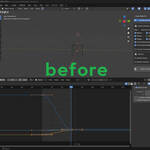
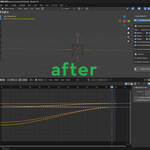
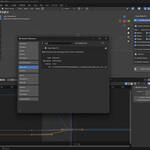
Super Bake Pro - User Guide
Overview
Super Bake Pro is the ultimate animation baking solution for Blender. It simplifies the process of baking complex animations into clean, exportable keyframes — all with a one-click workflow. Whether you're working with constraints, parenting, drivers, shape keys, or cameras and lights, Super Bake Pro ensures that your animation stays intact.
Installation
-
Download the
.zipfile from Blender Market or your preferred source. -
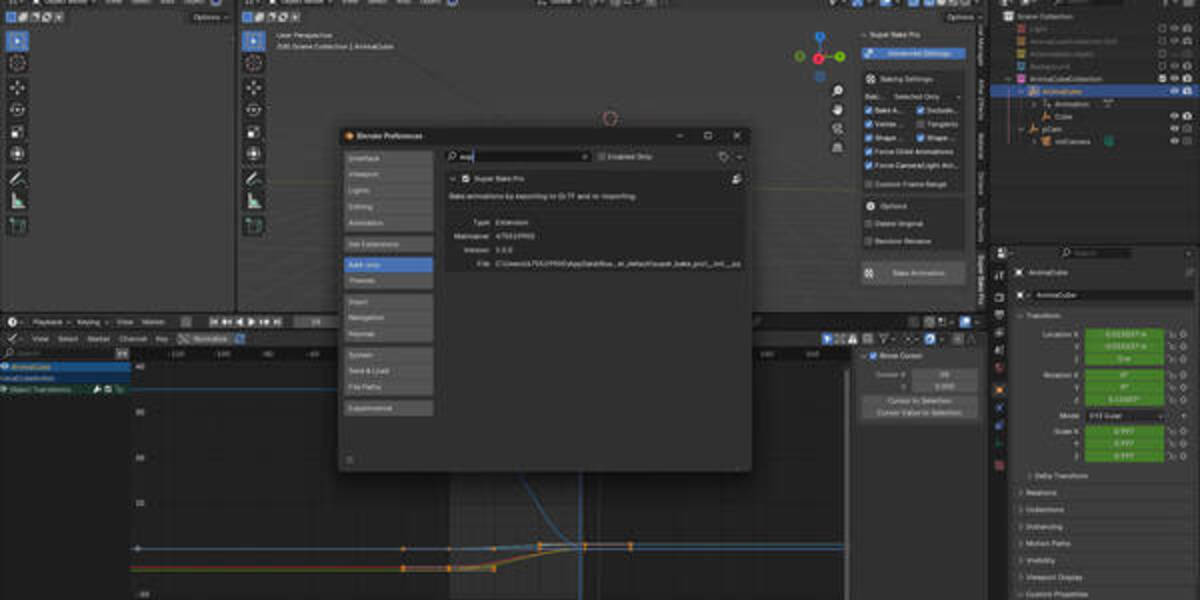
Open Blender and go to
Edit>Preferences>Add-ons. -
Click
Install, select the.zipfile, and clickInstall Add-on. -
Enable Super Bake Pro in the list.
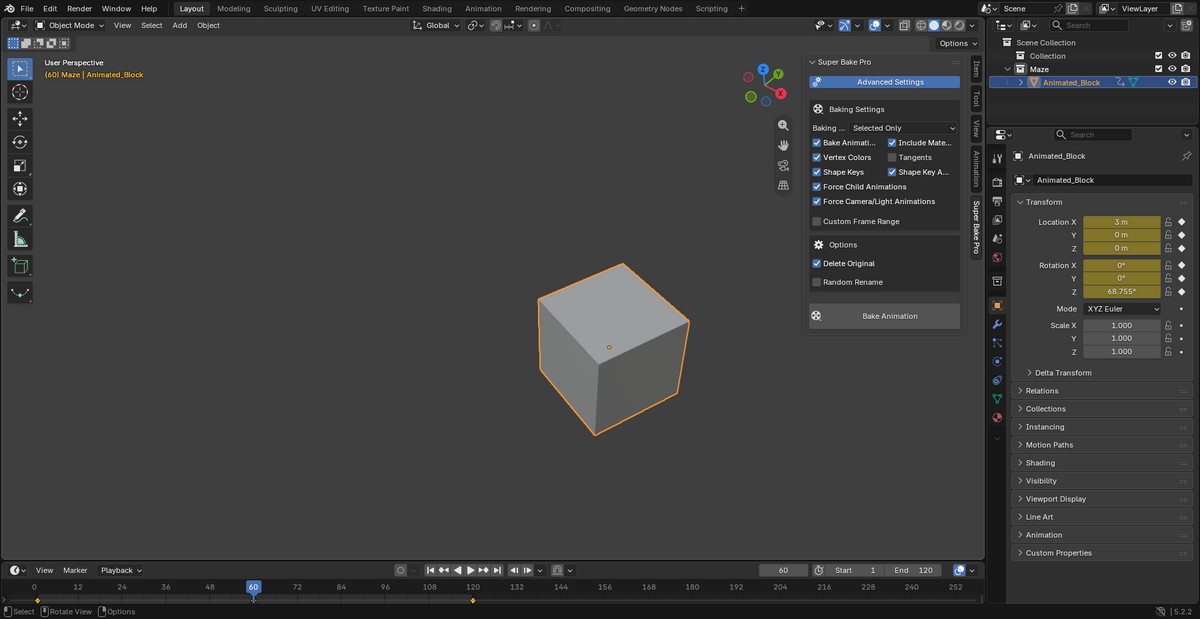
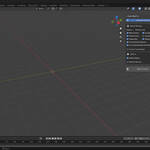
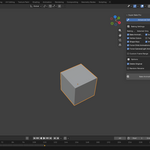
Once installed, you can access it from the N-panel under the Super Bake Pro tab.
Basic Usage
-
Select the objects you want to bake.
-
Set your frame range.
-
Choose a bake mode:
-
Selected Objects
-
Visible Objects
-
Entire Scene
-
-
Adjust optional settings (e.g. preserve materials, custom naming).
-
Click Bake Animation.
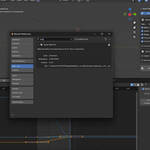
Super Bake Pro will process your scene, bake animations, and generate new baked versions with a _Baked suffix.
Key Features
Core Baking
-
Maintains full parenting and hierarchy
-
Bakes constraints and drivers
-
Supports camera, light, and shape key animations
-
Converts everything into clean keyframes
Bake Modes
-
Selected Objects: Recommended for manual control
-
Visible Objects: Useful for rendering views
-
Entire Scene: Bakes all objects
-
Auto Mode: Uses context-aware logic when nothing is selected
Advanced Options
-
Force child animation retention
-
Camera/light animation preservation
-
Shape key baking support
-
Custom frame range settings
Data Handling
-
Optional material preservation
-
Vertex color and tangent export
-
Automatic
_Bakedsuffix renaming
File & Naming
-
Randomized naming for uniqueness
-
Auto cleanup for temp files
-
Cross-platform path compatibility
Supported Object Types
-
Meshes
-
Curves
-
Surfaces
-
Metaballs
-
Text objects
-
Armatures (bones)
-
Empties
-
Cameras
-
Lights
Compatibility
-
Blender Versions: 3.0+ official releases
-
Animation Types: Keyframes, constraints, drivers, shape keys, NLA
-
Plugin Compatibility: Works with Rigify, Auto-Rig Pro, and others
Troubleshooting
-
Errors will be displayed with suggested solutions
-
Auto rollback will restore original state on failure
-
Always check frame range and object selection before baking
Tips for Best Results
-
Use clean parenting setups where possible
-
Apply transforms before baking
-
Avoid overlapping drivers if not needed
-
Use GLTF export settings optimized for baked data
Getting Help
-
Contact via Blender Market messages
-
Post issues on GitHub (if open source)
-
Ask on forums or community threads
Super Bake Pro – Bake once, export anywhere.
-
$12
1 seat. For individual creators or small commercial projects.
-
$28.80
Up to 3 seats / single studio team. Use across all internal projects within one company.
-
$144
15+ seats / company-wide / unlimited internal use across subsidiaries.
Have questions about this product?
Login to message
| Blender Extension Compatible | Yes |
| Sales | 20+ |
| Published | over 1 year ago |
| Blender Version | 3.6 - 5.2 |
| Extension Type | Add-on |
| License |
Discover more products like this
blender parenting driver baking constraint baking game development keyframes SuperBakePro animation-baking animation tools blender addon shape keys baked