




Super Easy Combo

Make It Move Media in Rigging


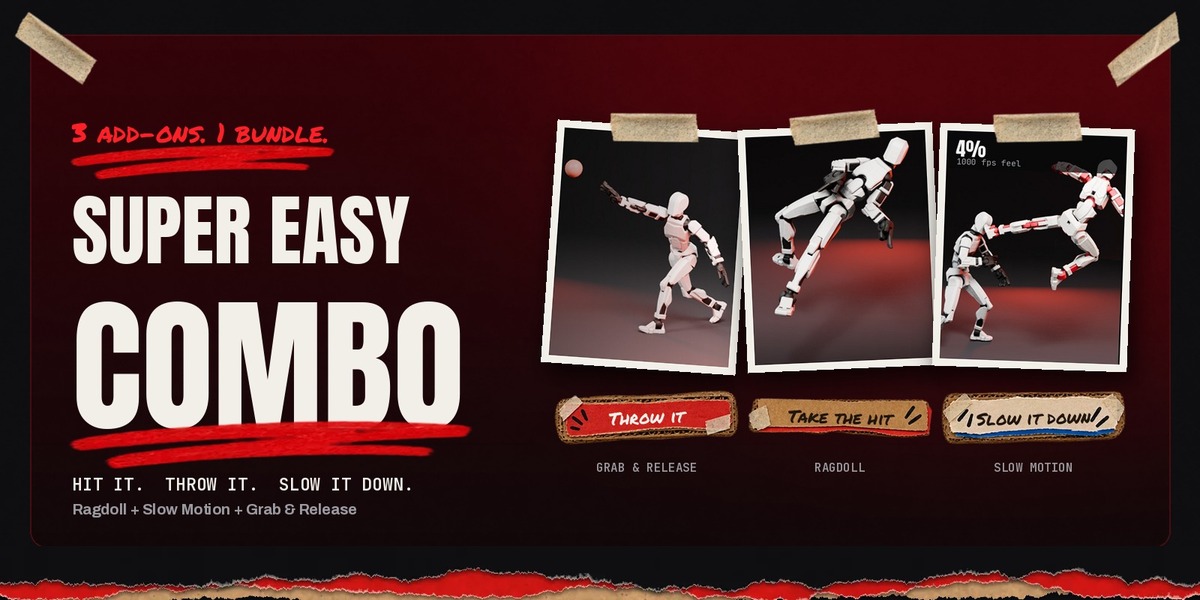
Hit. Throw. Slow it down. Three Super Easy add-ons that turn a fight scene into a highlight reel, for less than the price of two.

1

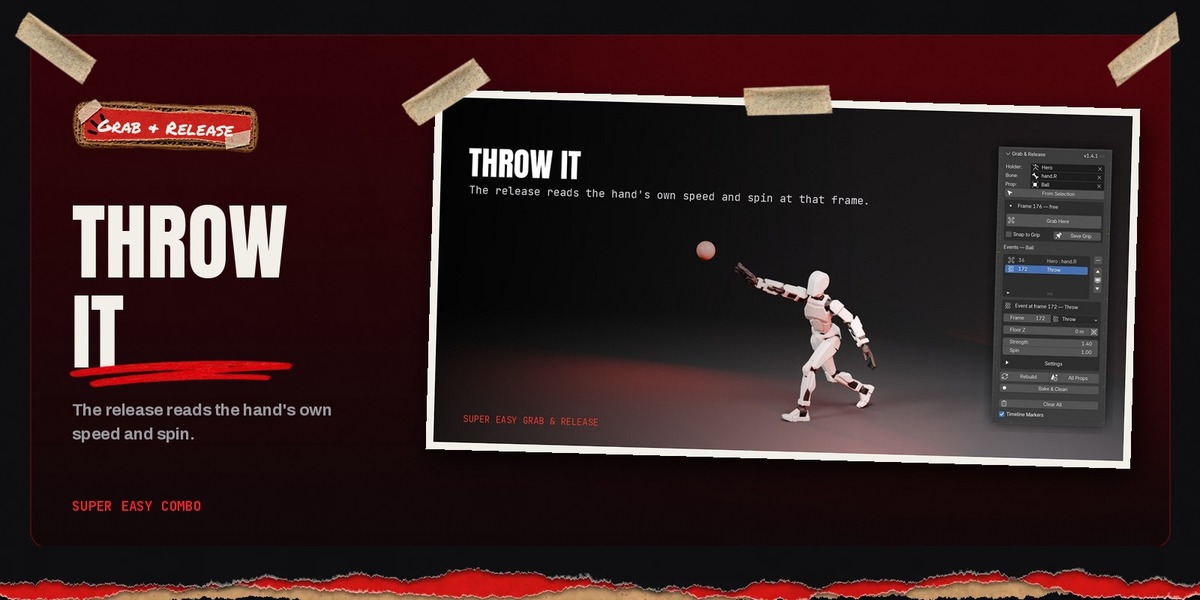
Throw it

Grab & Release launches the prop.

2

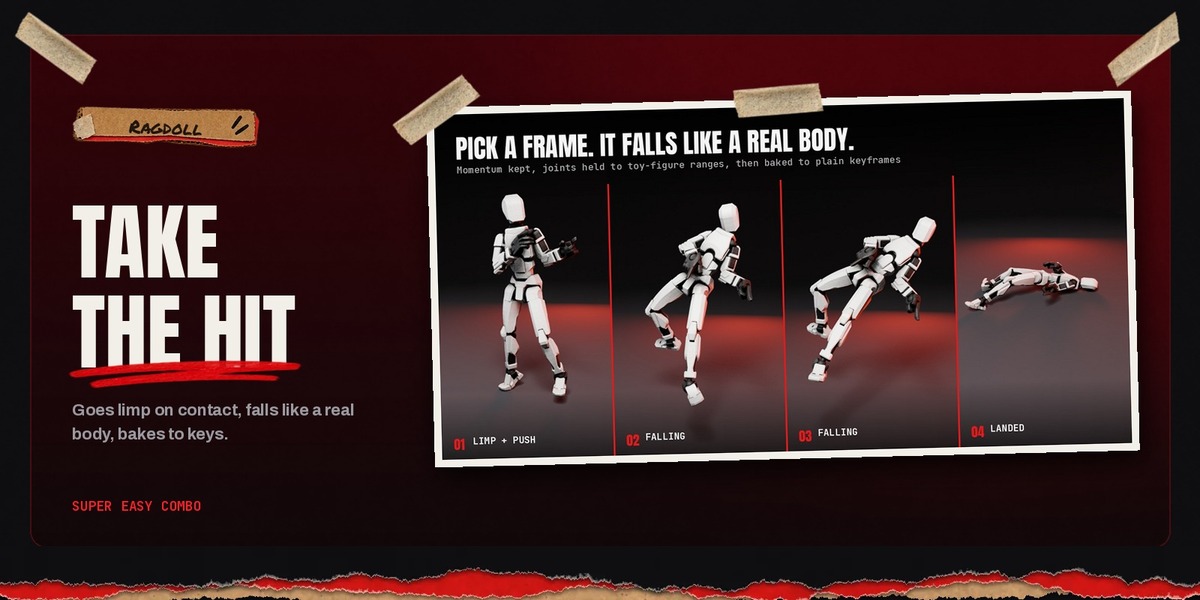
Take the hit

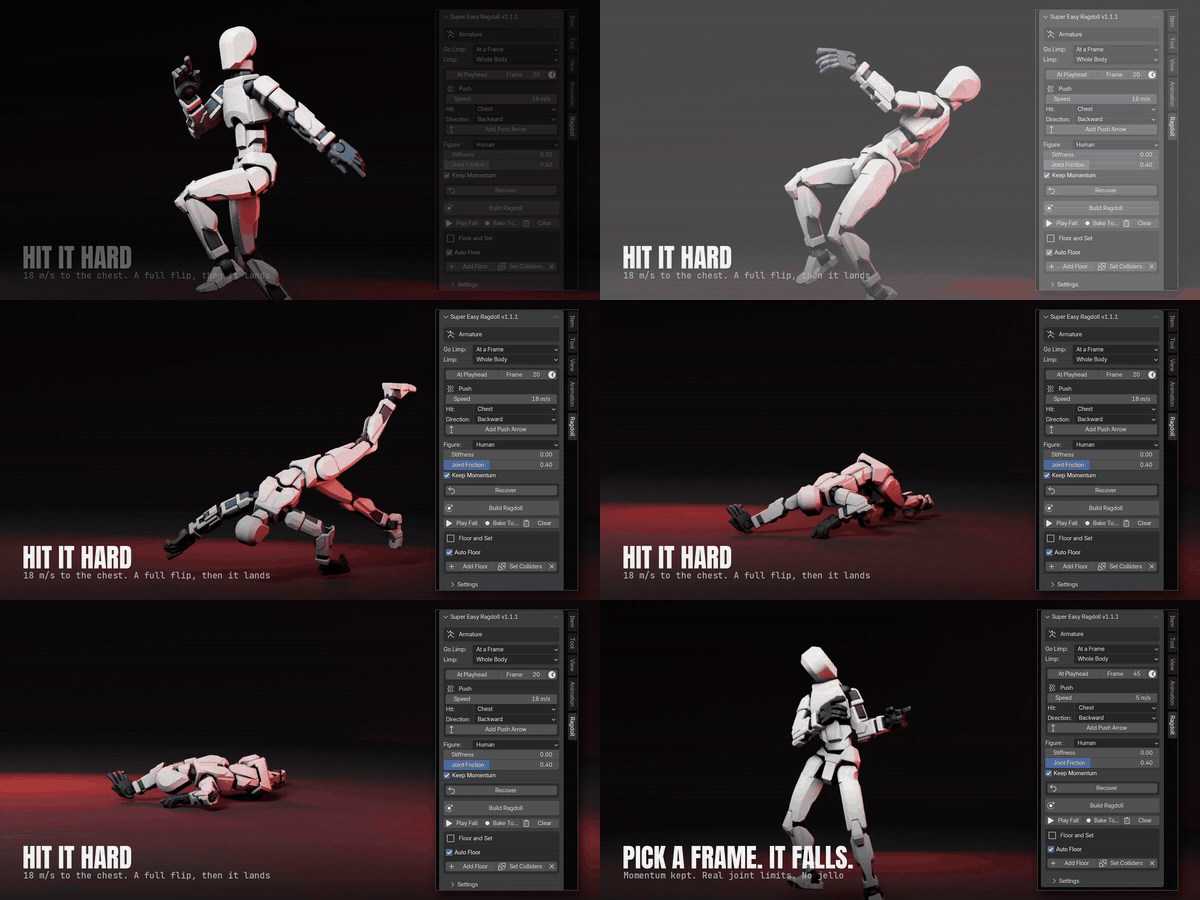
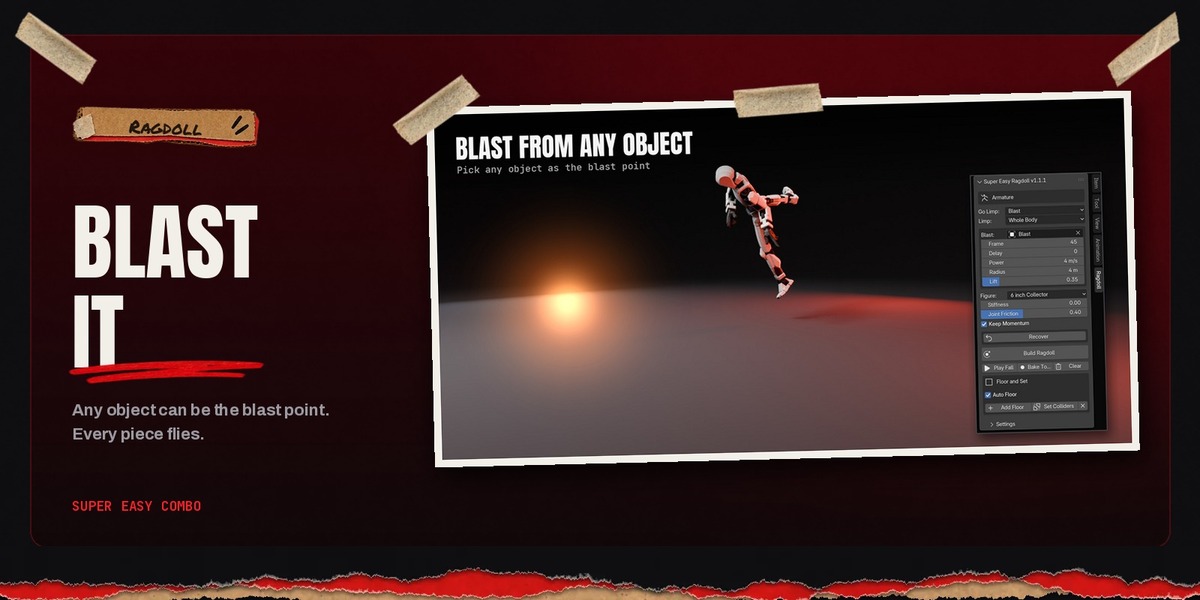
Ragdoll drops him on contact.

3

Slow it down

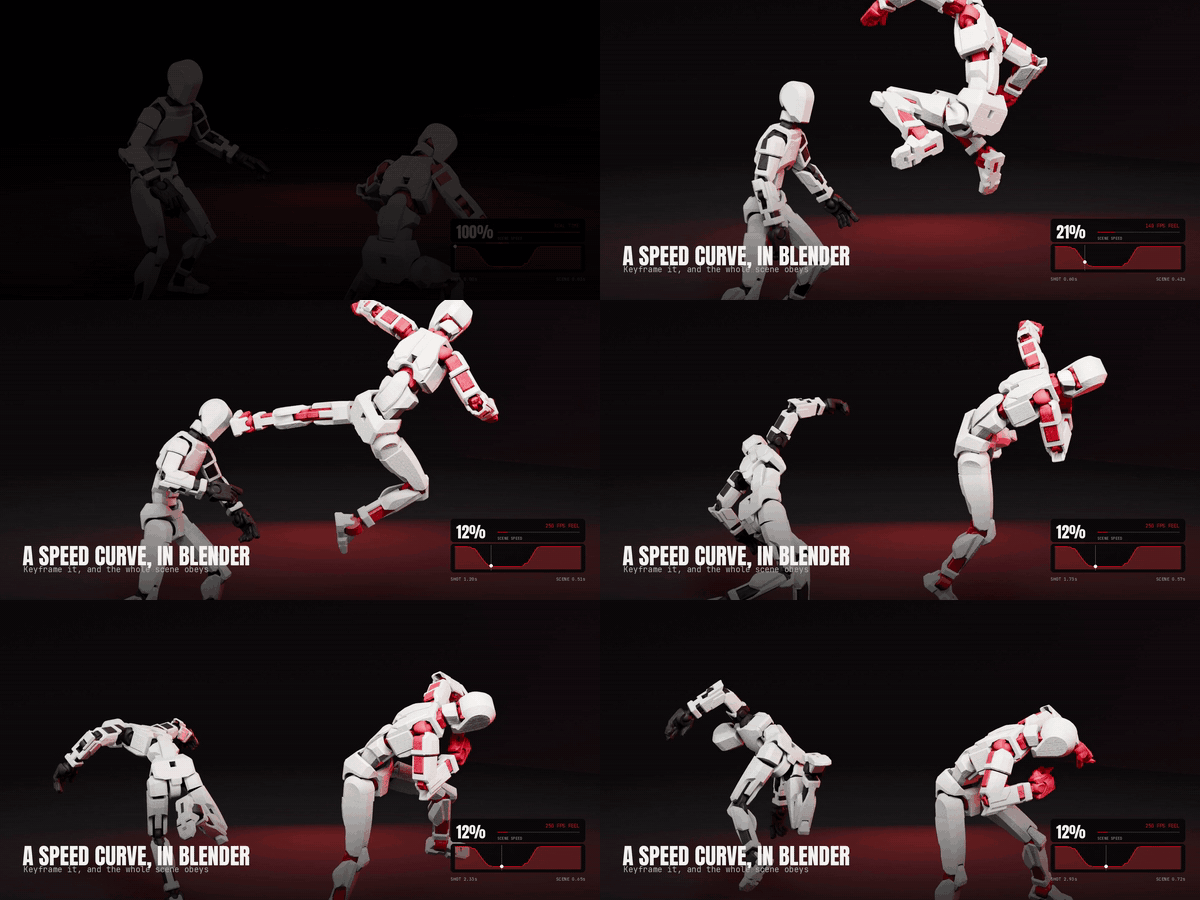
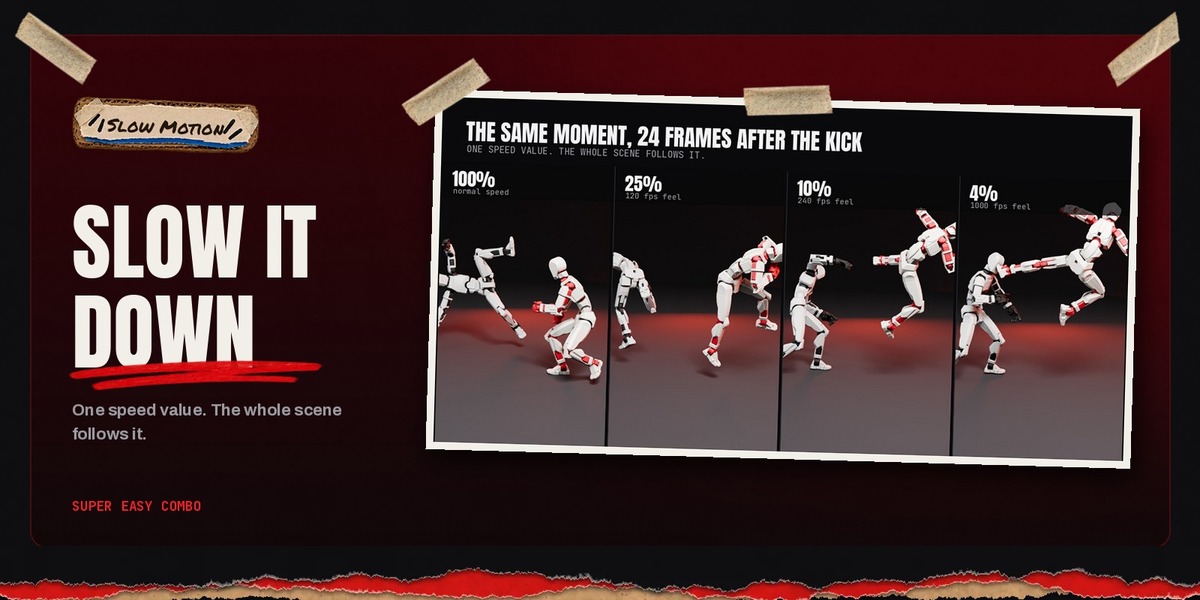
Slow Motion ramps the impact.

Super Easy Combo bundles the three Make It Move Media add-ons built for action. They were made for animating 3D-scanned action figures and work on any rigged character. Each one does its own job in a click or two, and they are tested together, so one shot can use all three.

THREE ADD-ONS, ONE PRICE

Super Easy Ragdoll

$24

Super Easy Slow Motion

$29

Super Easy Grab & Release

$19

Bought separately: $72

Combo: $45

What's in the Combo
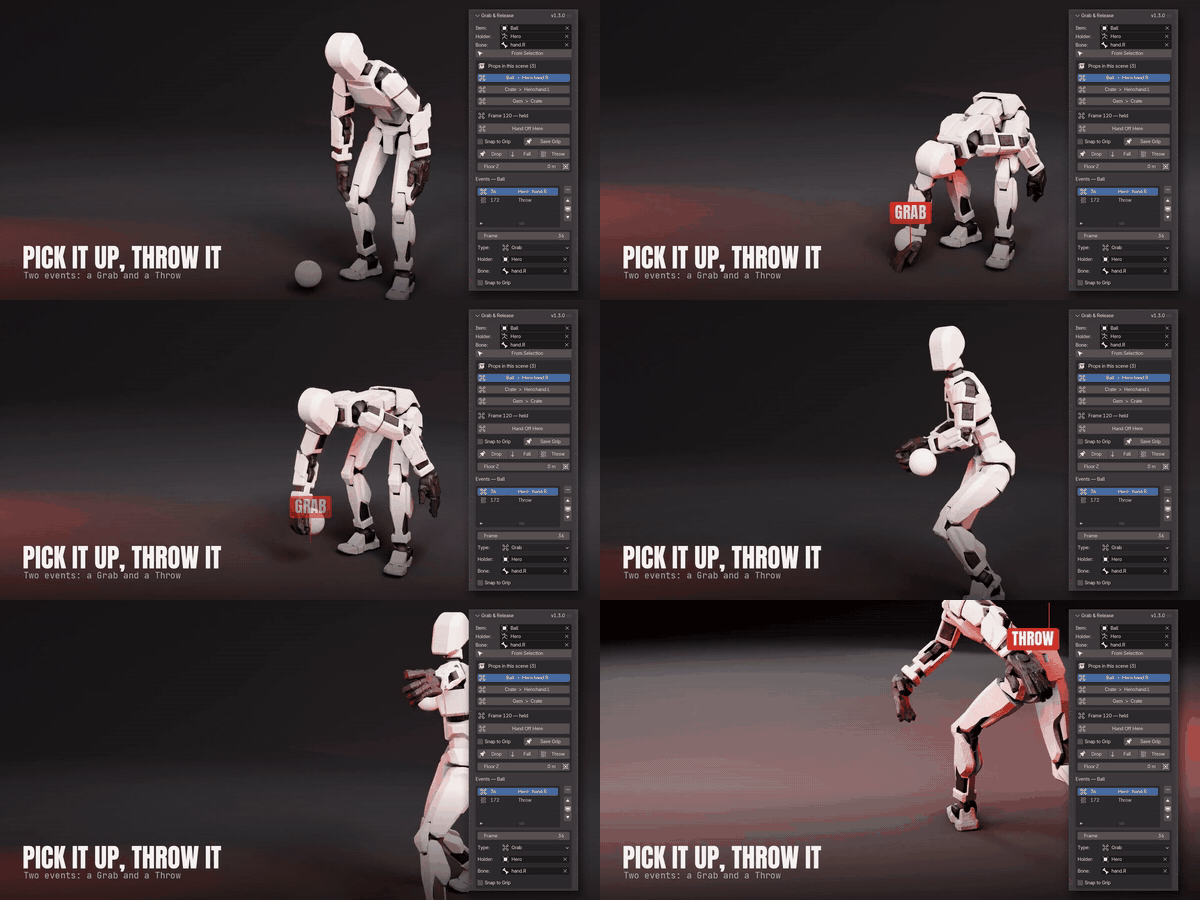
Super Easy Grab & Release

PROPS

Super Easy Grab & Release

Pick up, hand off, drop and throw props with a hand bone. No constraint setup, and every grab stays editable.

Super Easy Ragdoll

PHYSICS

Super Easy Ragdoll

One-click ragdolls for any rigged figure. Fall at a frame, when hit or from a blast, get back up, and bake it all to keyframes.

Super Easy Slow Motion

TIME & SPEED

Super Easy Slow Motion

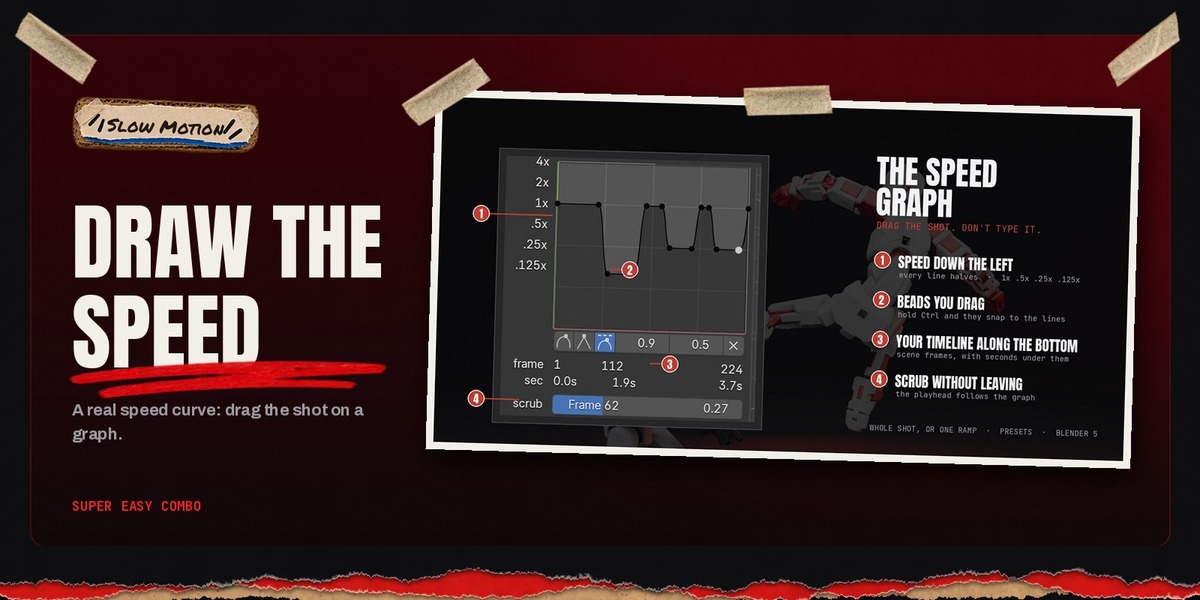
Drag a speed curve over your shot: real time into slow motion and back. One button retimes animation, physics, markers and motion blur together.

Why they belong together

A thrown prop can knock him down

Ragdoll's When Hit trigger goes limp on first contact with whatever you pick, including a prop thrown with Grab & Release.

Slow motion that keeps the physics

Slow Motion retimes the baked fall with the rest of the shot, so the impact plays at 0.25x without re-simulating.

Props stay in the hand at any speed

Grab & Release switches are built so a ramped shot never jerks the prop between hands.

Same rigs, same workflow

All three work with iClone / CC4 / AccuRIG, Mixamo, Rigify and Auto-Rig Pro rigs, and all three write ordinary Blender data you can edit.

How the bundle works

What you download

One zip, Super_Easy_Combo_1.0.1.zip, holding the three add-on files and a short install guide.

Installing

Unzip it, then install each add-on file from disk (or drag it onto Blender). About a minute for all three.

Updates

When any of the three is updated, the Combo is updated too. Download the newest Combo zip from your Superhive Orders page and install the add-on that changed.

Already own one?

Same add-ons as the single listings. Installing the Combo copy over yours just updates it.

Good to know. The Combo installs from disk, so Blender won't offer its updates automatically through Get Extensions. New Combo versions appear on your Superhive Orders page.

Requirements

Blender 5.0+Windows, macOS, LinuxEevee or Cycles

iClone / CC4 / AccuRIGMixamoRigifyAuto-Rig ProUnreal mannequinDaz Genesis

Installation

  1. Download Super_Easy_Combo_1.0.1.zip and unzip it.
  2. In Blender, open Edit > Preferences > Get Extensions, click the arrow menu at the top right and choose Install from Disk.
  3. Pick Super_Easy_Ragdoll-1.3.8.zip, then repeat for Super_Easy_Slow_Motion-1.8.12.zip and Super_Easy_Grab_and_Release-1.6.2.zip. Don't unzip these three.
  4. Open the 3D Viewport sidebar (N): the Ragdoll, Slow Mo and Grab & Release tabs are ready.

Full documentation and FAQs for each add-on live on its own Superhive page. Questions? Message me through Superhive.

More Super Easy add-ons

COLLECT THE SET

Built for 3D-scanned action figures. Works on any rigged character.
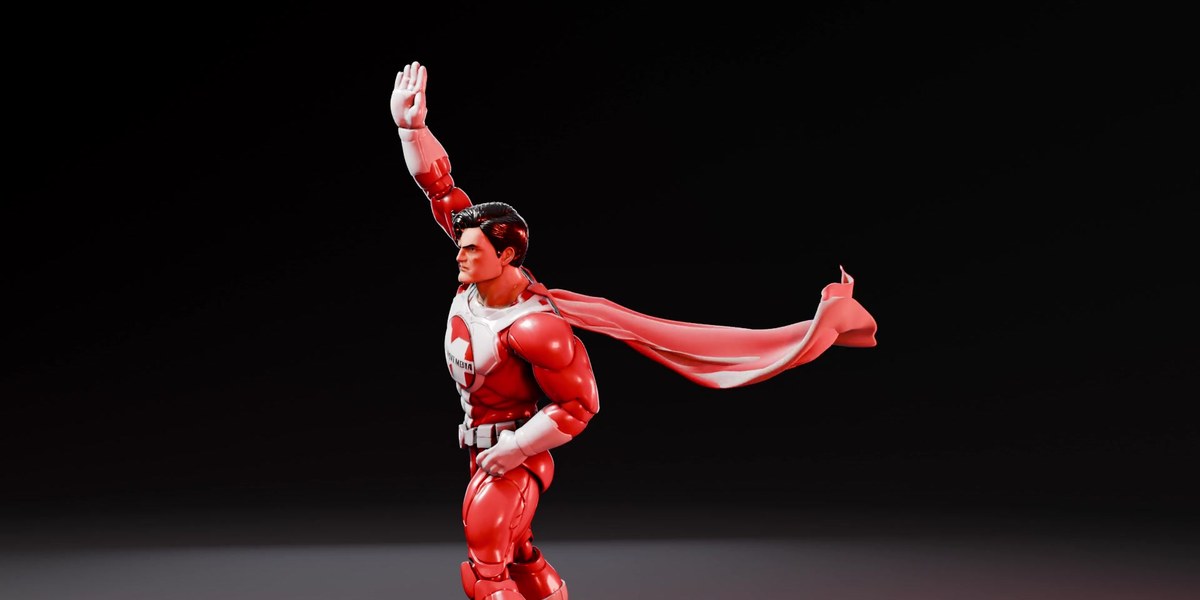
Super Easy Cape in action

CLOTH

Super Easy Cape

Click shoulder, neck, shoulder and your character wears a real cloth cape that swings, flies and settles with every move.

Pairs with Ragdoll and Slow Motion: the cape flips and lands with the fall, and slows with the ramp.

View add-on →

Super Easy Stop Motion in action

ANIMATION STYLE

Super Easy Stop Motion

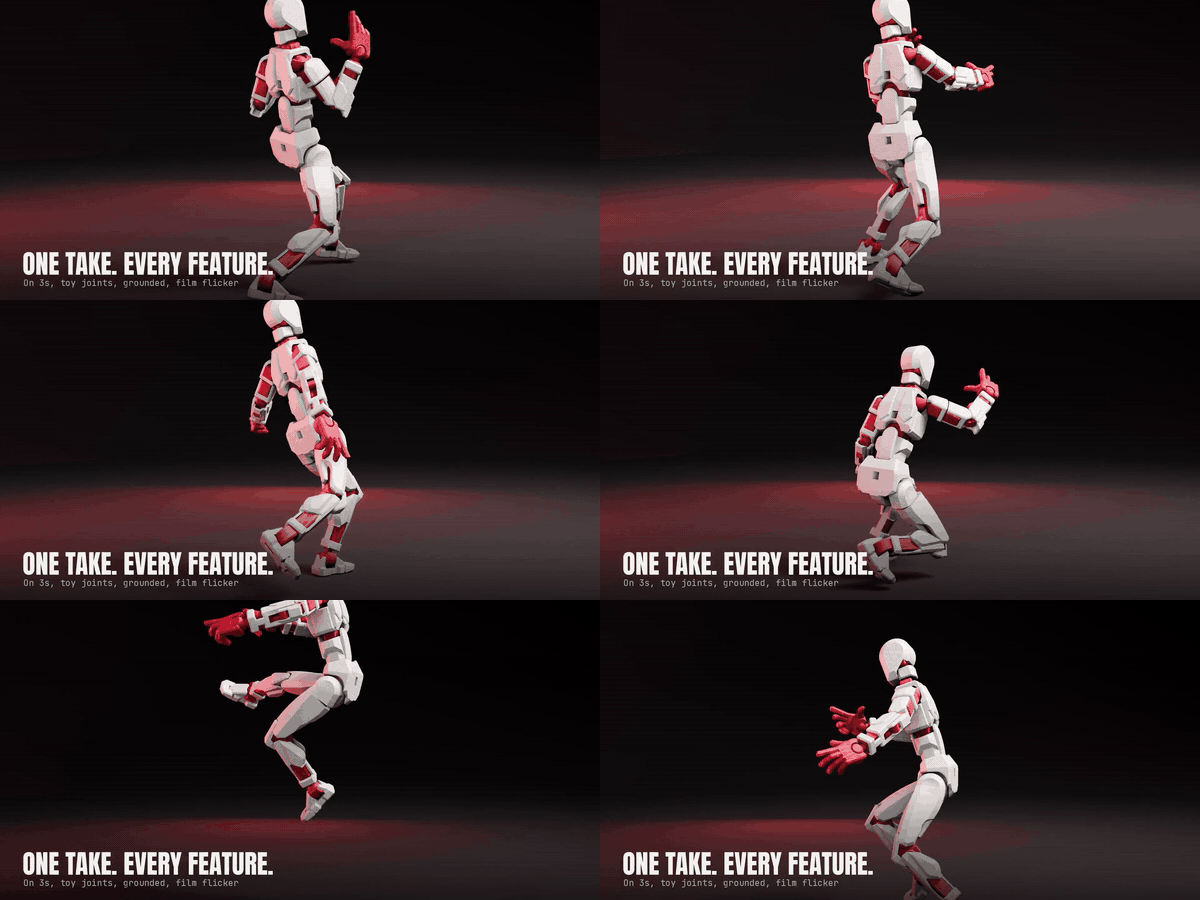
Step any animation onto 2s, 3s or 4s, with toy-joint limits and feet kept on the set.

Pairs with Ragdoll: bake a fall, then step it onto 2s so it looks shot frame by frame.

View add-on →

Super Easy Face Animation in action

LIP SYNC

Super Easy Face Animation

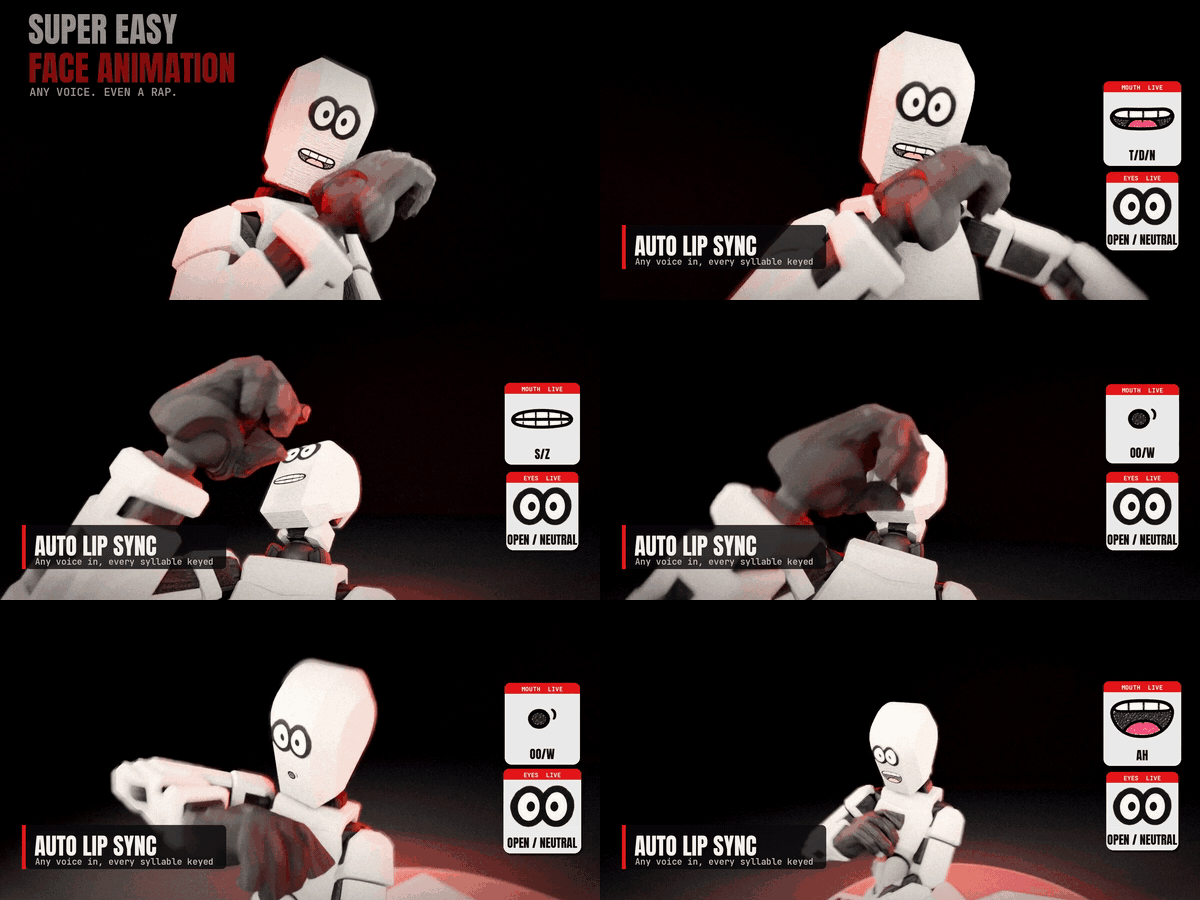
Drop a voice clip on any rigged character and get a talking, blinking face in one click.

View add-on →

Super Easy Scene Streamliner in action

VIEWPORT SPEED

Super Easy Scene Streamliner

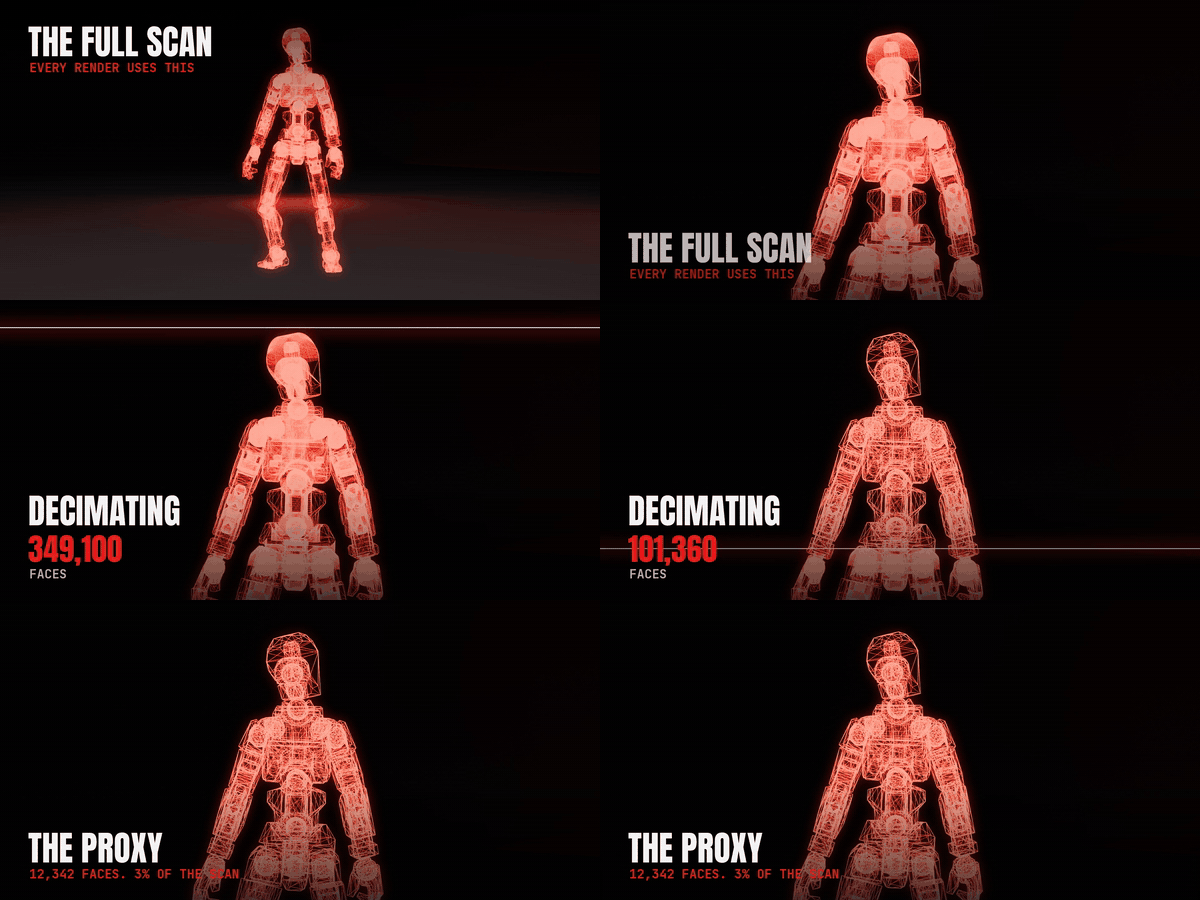
Low-poly proxies in the viewport, full detail in the render. A 49-figure crowd went from 1.1 to 19.6 FPS.

View add-on →

See every Make It Move Media add-on on Superhive →


$45

Have questions about this product?
Login to message

Details
Published about 3 hours ago
Blender Version 5.0 - 5.3
Extension Type Add-on
Render Engine Used Cycles, Eevee
License GPL