Super Easy Combo
 Make It Move Media





What's in the zip
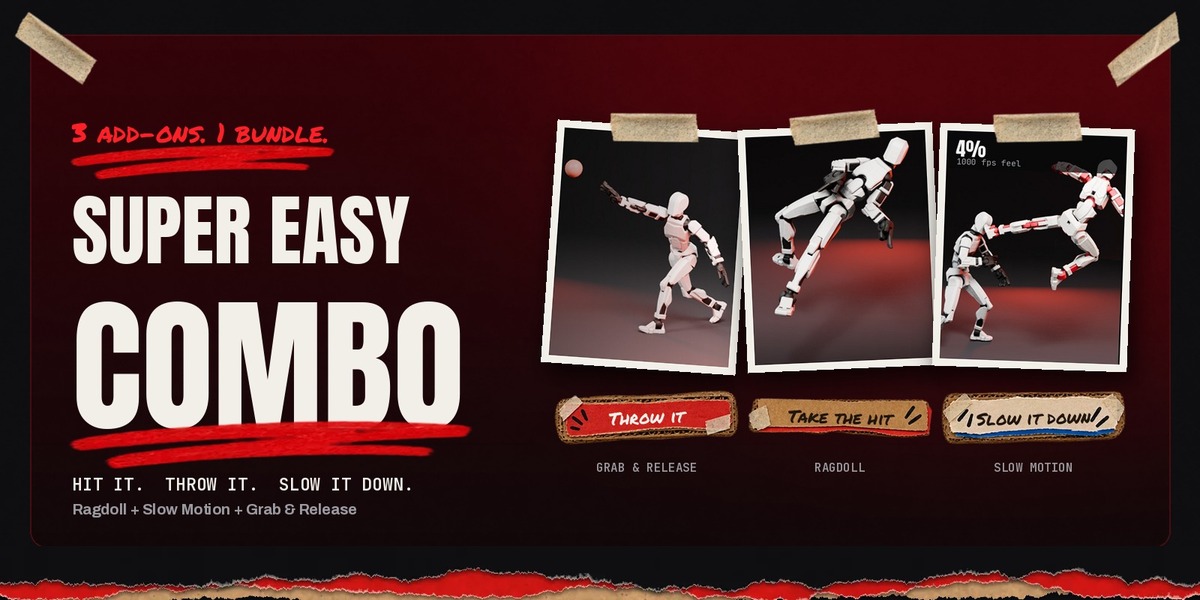
Super_Easy_Combo_1.0.1.zip holds four files:
| File | Add-on | Sidebar tab |
|---|---|---|
| Super_Easy_Ragdoll-1.3.8.zip | Super Easy Ragdoll 1.3.8 | Ragdoll |
| Super_Easy_Slow_Motion-1.8.12.zip | Super Easy Slow Motion 1.8.12 | Slow Mo |
| Super_Easy_Grab_and_Release-1.6.2.zip | Super Easy Grab & Release 1.6.2 | Grab & Release |
| READ ME FIRST - How to install.txt | These install steps |
Installation
- Download Super_Easy_Combo_1.0.1.zip from your Superhive Orders page and unzip it. You get the three add-on zips above.
- Open Blender and go to Edit > Preferences > Get Extensions.
- Click the drop-down arrow at the top right and choose Install from Disk.
- Select Super_Easy_Ragdoll-1.3.8.zip and click Install from Disk. Do not unzip it.
- Repeat for Super_Easy_Slow_Motion-1.8.12.zip and Super_Easy_Grab_and_Release-1.6.2.zip.
Shortcut: drag each of the three add-on zips onto an open Blender window and confirm the install.
Find the panels: in the 3D Viewport, press N to open the sidebar. The Ragdoll, Slow Mo and Grab & Release tabs hold the three add-ons.
Updates
Whenever one of the three add-ons is updated, the Combo gets a new version with the same files. Download the newest Combo zip from your Orders page and install the add-on that changed, the same way as above. Installing over an older version replaces it and keeps your scenes.
Because the Combo installs from disk, Blender's Get Extensions will not offer these updates automatically.
Already own one of the three?
The Combo contains the same add-ons as the single listings. Installing a Combo copy over one you already have simply updates it to the version in the Combo.
Quick start: one shot with all three
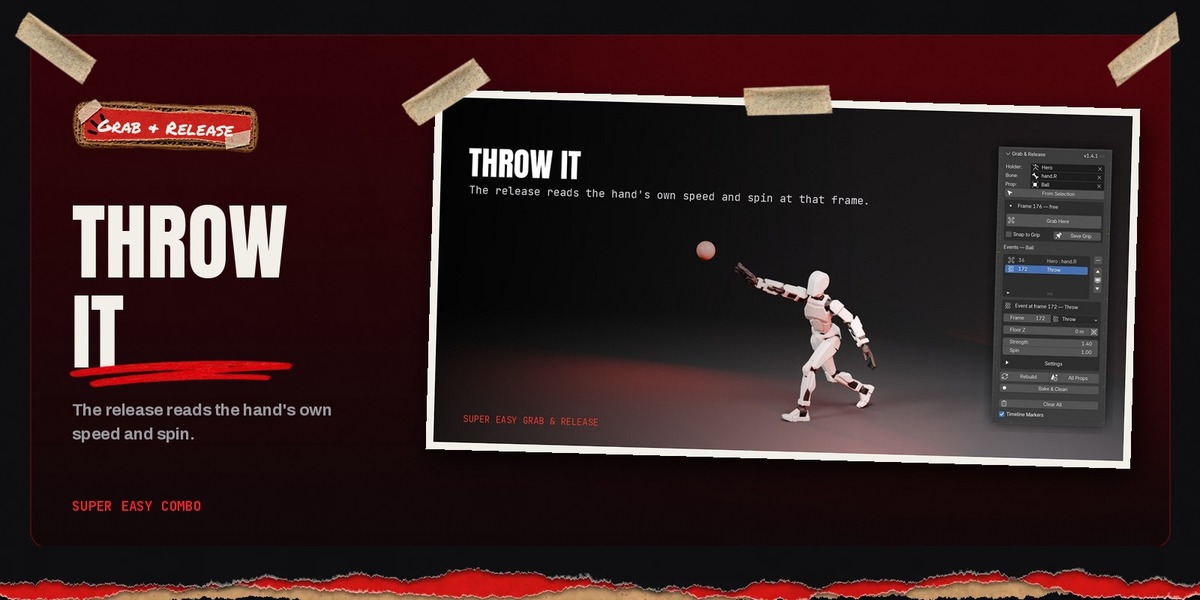
- Grab & Release: select the prop and the thrower, press Grab Here on the frame the hand takes it, then move to the release frame and press Throw.
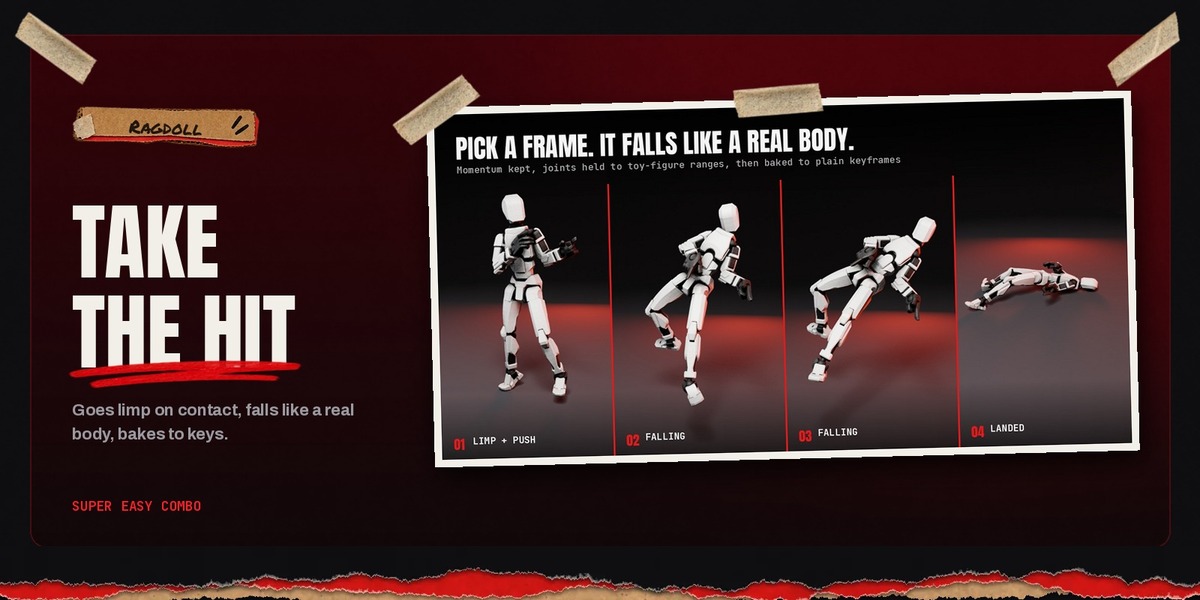
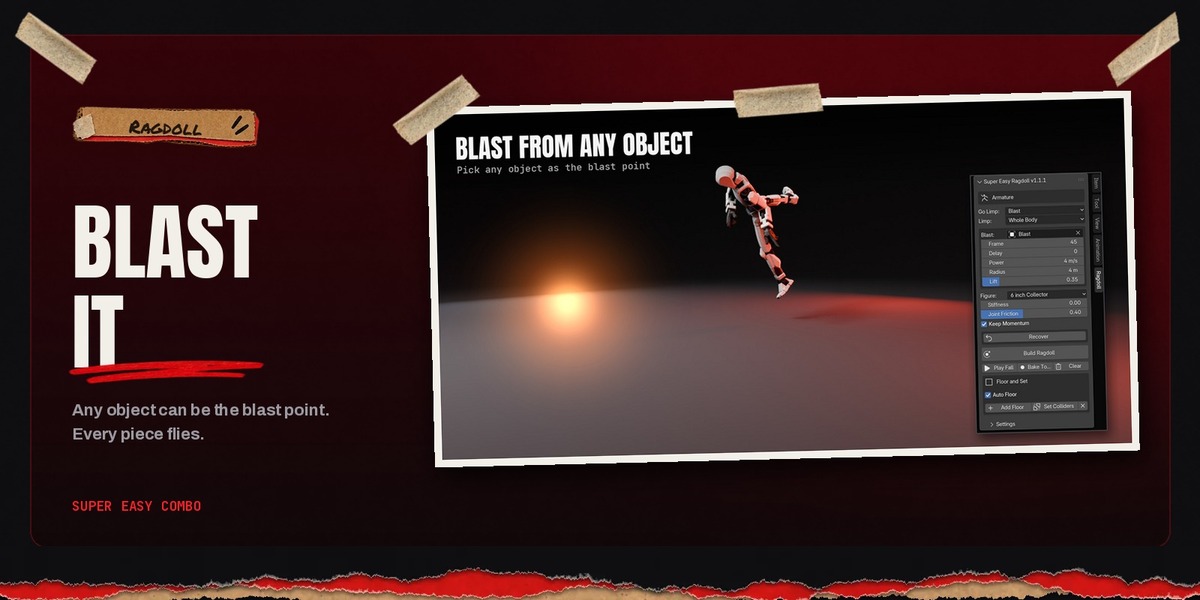
- Ragdoll: select the target figure, set Go Limp to When Hit, pick the prop as Hit By, and press Build Ragdoll. When the fall looks right, press Bake To Keys.
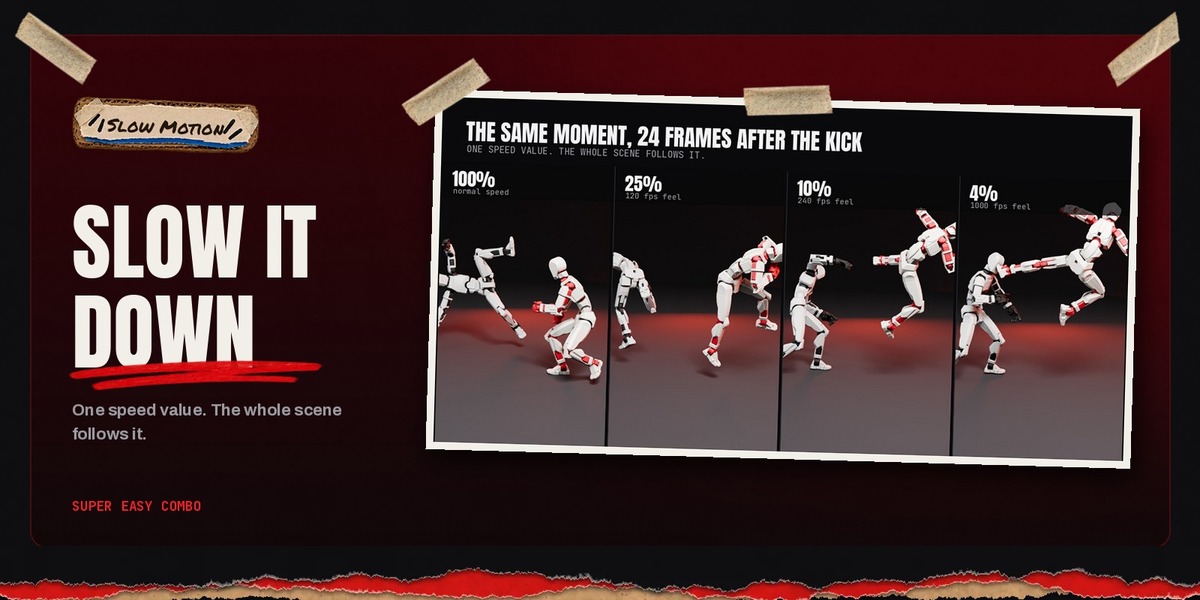
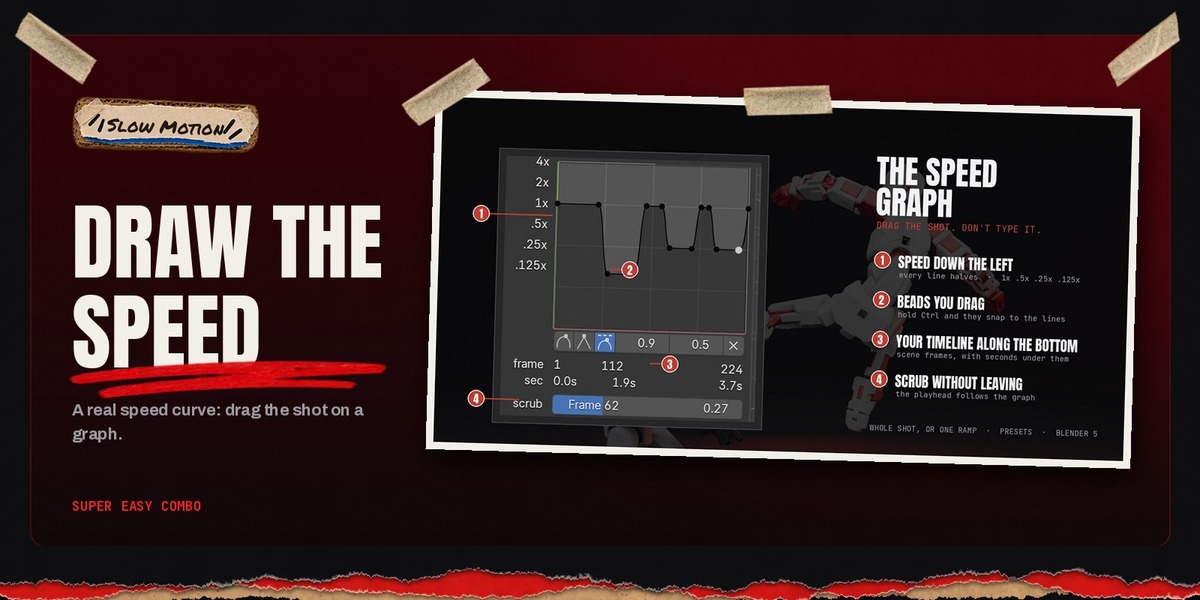
- Slow Motion: drag the speed curve down around the impact, then press Apply. Animation, the baked fall, markers and motion blur are retimed together. Restore puts the shot back to real time.
Bake the ragdoll before applying slow motion, and restore the slow motion before editing grabs or rebuilding the ragdoll.
Full documentation
Every setting of each add-on is documented on its own page:
- Super Easy Ragdoll documentation
- Super Easy Slow Motion documentation
- Super Easy Grab & Release documentation
Requirements
- Blender 5.0 or newer, on Windows, macOS or Linux.
- Any render engine.
- Any rigged character for Ragdoll and Grab & Release. Slow Motion works on any animated scene.
License
All three add-ons are GPL-3.0-or-later.
Update log
1.0.1: first release. Super Easy Ragdoll 1.3.8, Super Easy Slow Motion 1.8.12, Super Easy Grab & Release 1.6.2.
Have questions about this product?
Login to message
| Published | about 3 hours ago |
| Blender Version | 5.0 - 5.3 |
| Extension Type | Add-on |
| Render Engine Used | Cycles, Eevee |
| License | GPL |
Discover more products like this
physics Slow Motion bundle ragdoll props action figure grab and release character animation