Super Easy Grab & Release
 Make It Move Media
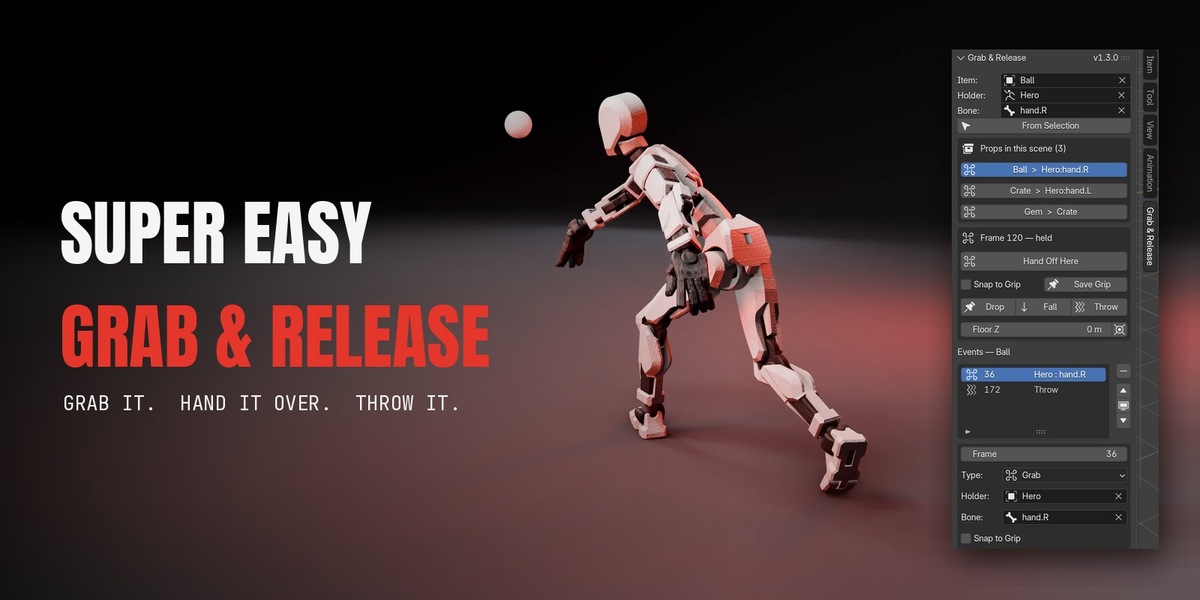
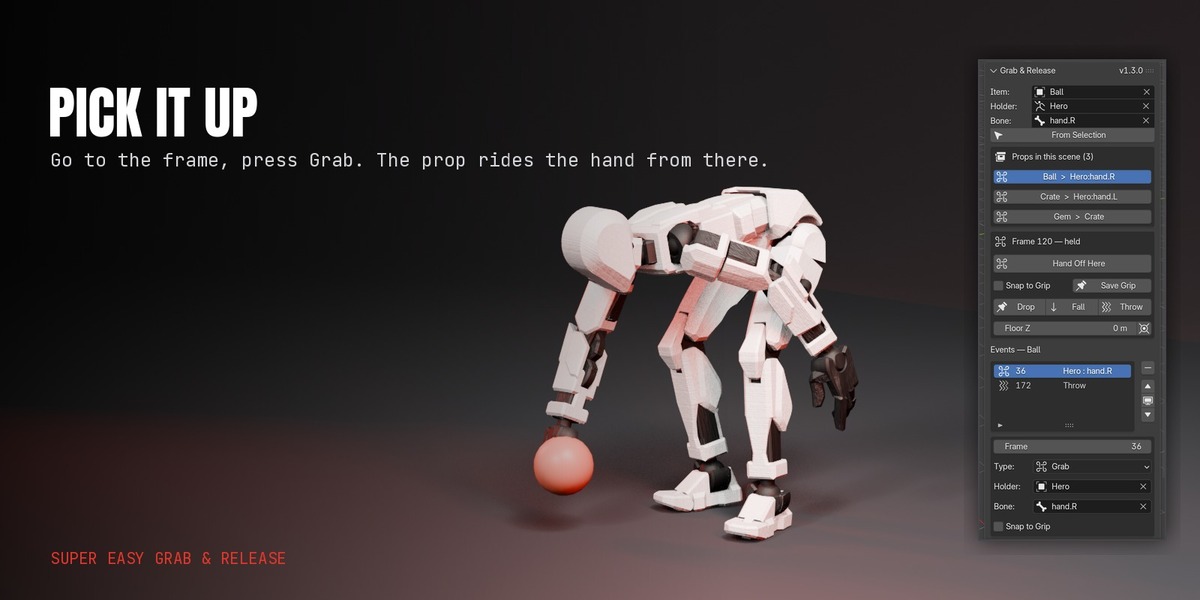




Yes. You pick the hand from a list of the armature's bones, so nothing has to be named a particular way. AccuRIG, Mixamo, ActorCore, Character Creator, Rigify, Auto-Rig Pro and hand-built rigs all work. A prop can also be held by a plain object with no rig at all.
5.0 and newer, including 5.3. It is a proper extension, so it installs by dragging the zip into Blender.
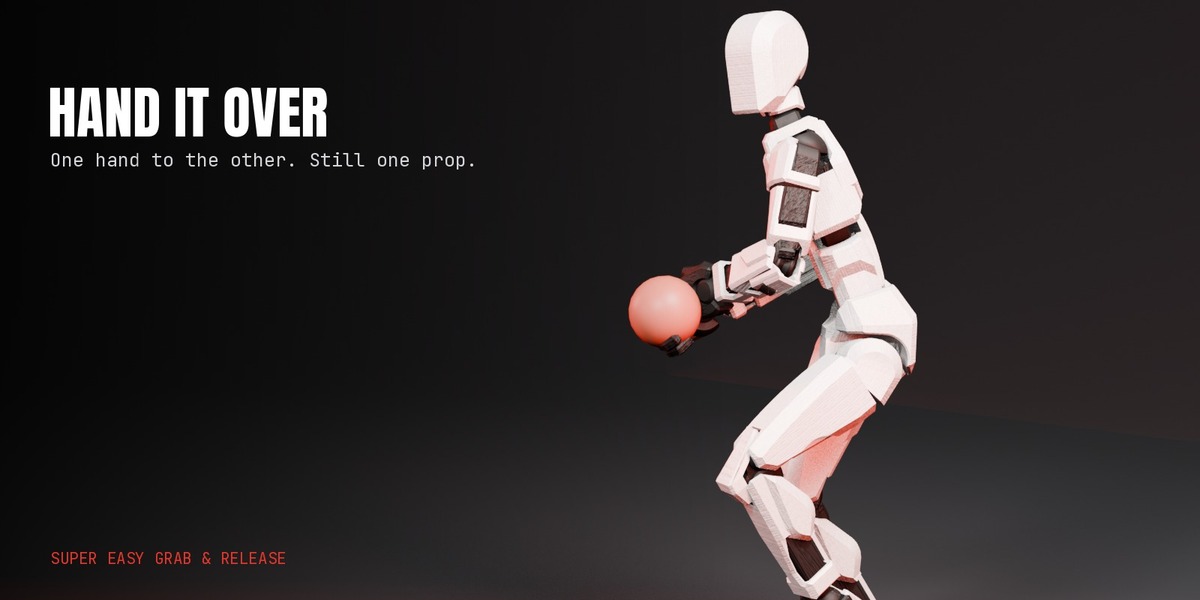
Yes. While the prop is held, pick the other character's hand and press the same button — it reads Hand Off Here. The prop stays continuous through the swap.
Yes, each with its own release frame and its own offset in the hand.
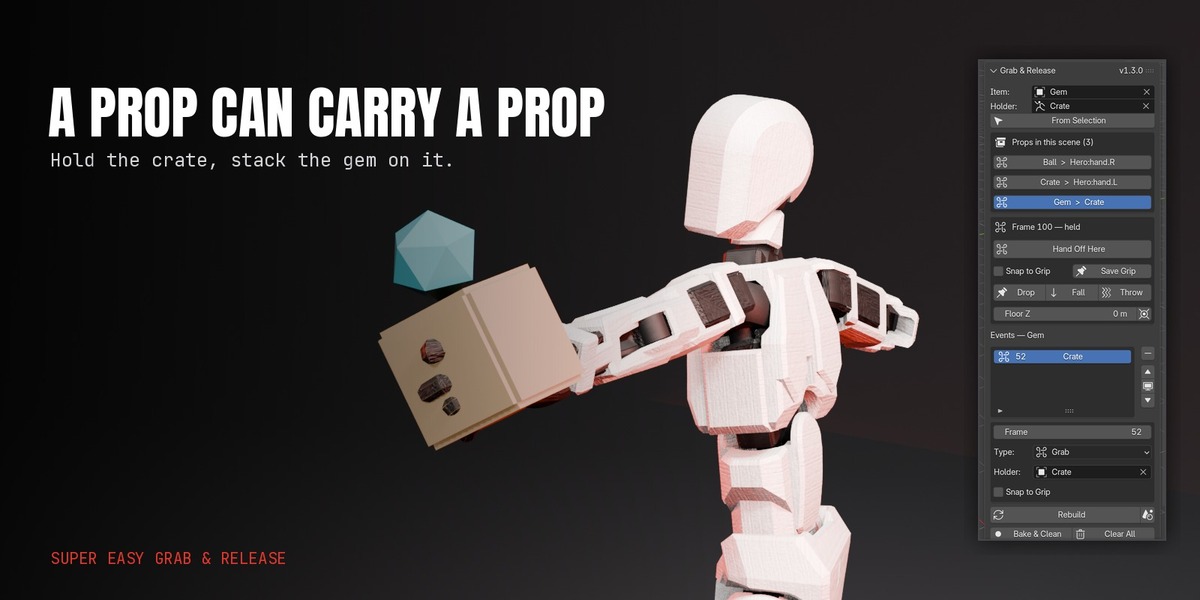
Yes, as deep as you need. A hand holds a crate, the crate holds a gem, the gem holds a charm. Editing the carrier rebuilds everything it carries, in the right order.
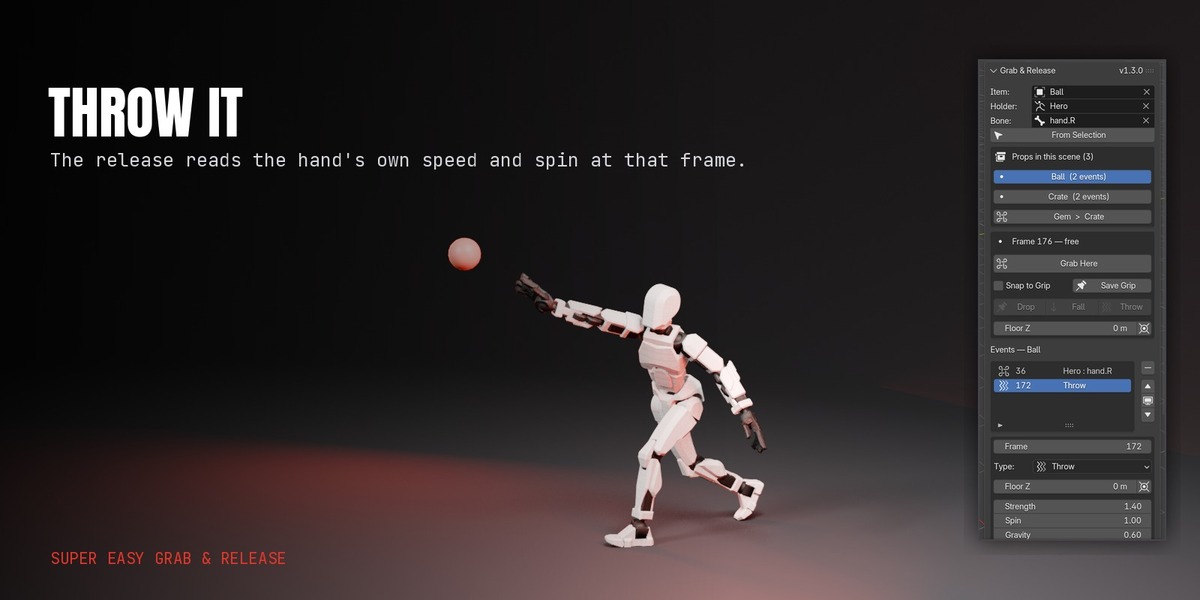
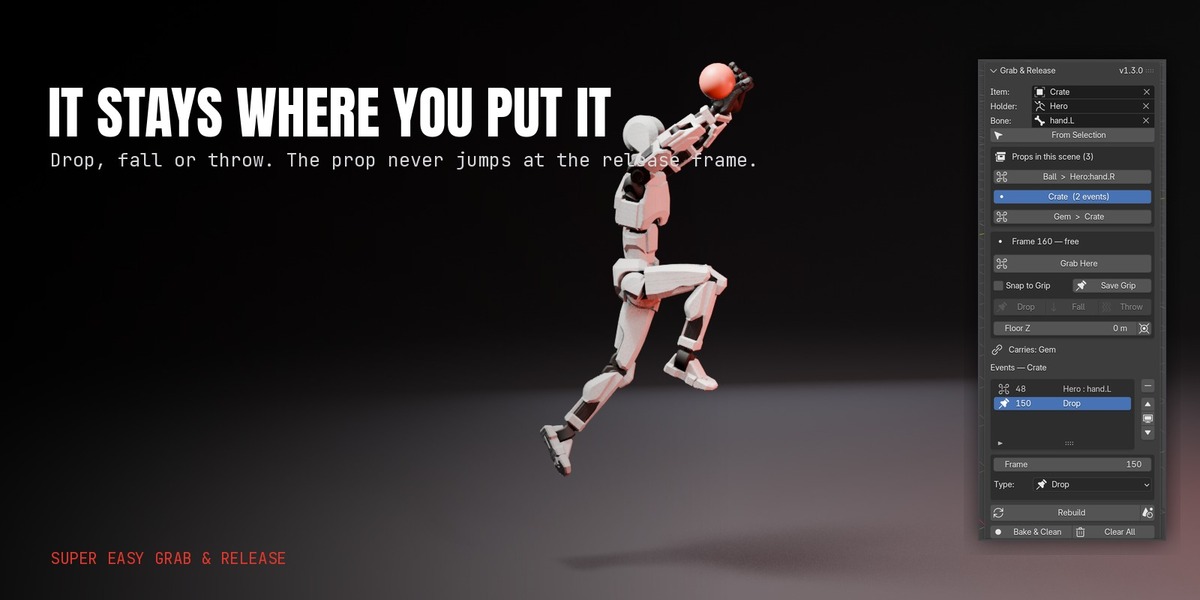
No. It reads the hand's real speed and spin at the release frame and writes keyframes for the arc. That means it is instant, repeatable and editable — but it will not collide with other props. You get Strength, Spin, Gravity, Bounces, Bounciness and a floor height to shape it.
Turn Gravity down on that release. Real gravity reads as too fast on a small set, which is why the dial is there.
Press Bake & Clean first. That leaves plain keyframes on the prop with no constraints or helper objects, which is what FBX and glTF export cleanly. Exporting before baking will not carry the constraint setup across.
Edit the frame numbers in the Events list and press Rebuild. Nothing is hand-keyed, so a retime is a few numbers rather than a rebuild by hand. If you use a time-remapping add-on, restore the original timing first, edit, then re-apply.
No. That is the problem this add-on was built to solve. Both sides of every switch put the prop in the same place on the switch frame, so there is nothing to blend between, even at the sub-frames motion blur reads.
Yes. Releases are clean at sub-frames, so blur across a release frame does not smear the prop toward its old pose.
Yes, before the first grab and after a release. Between a grab and a release the hand owns it, so your keys there will fight it.
Child Of constraints on the prop, keyframes, and small hidden empties in a collection called Super Easy Grab & Release. They are unselectable and excluded from renders. Bake & Clean removes all of it and leaves keyframes.
Every update is included and arrives through Blender's Get Extensions once you accept Superhive as a repository. Message me through Superhive with requests — several features in the list above started as one.
Have questions about this product?
Login to message
| Blender Extension Compatible | Yes |
| Published | about 3 hours ago |
| Blender Version | 5.0 - 5.3 |
| Extension Type | Add-on |
| Render Engine Used | Cycles, Eevee |
| License | GPL |
Discover more products like this
release parenting character animation child of action figure pick-up throw prop hand off grab