 Make It Move Media
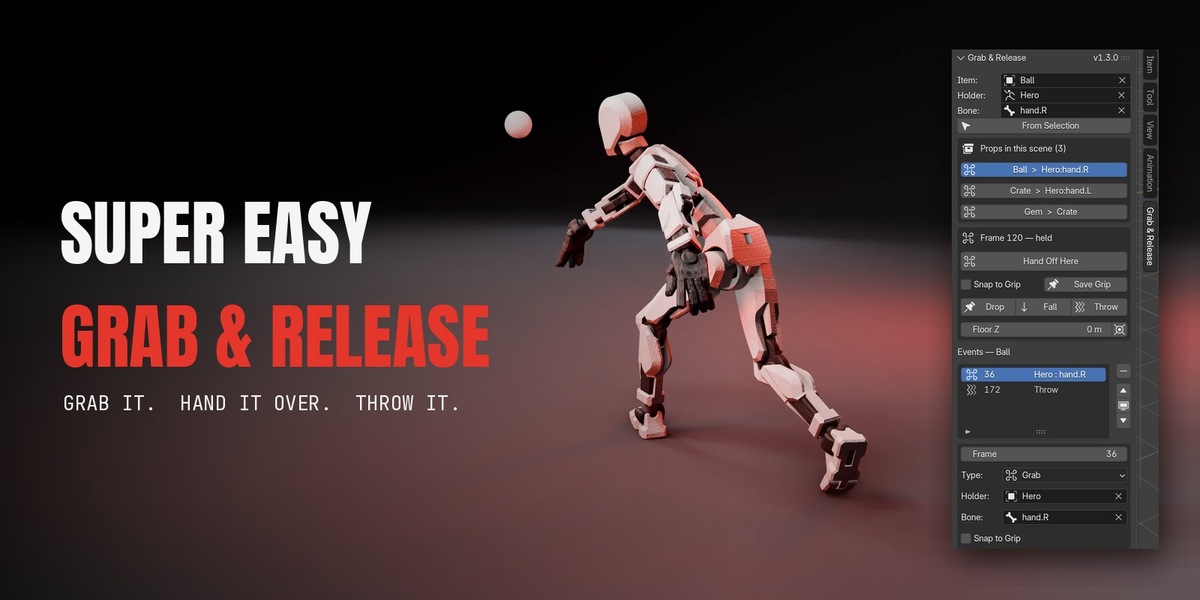
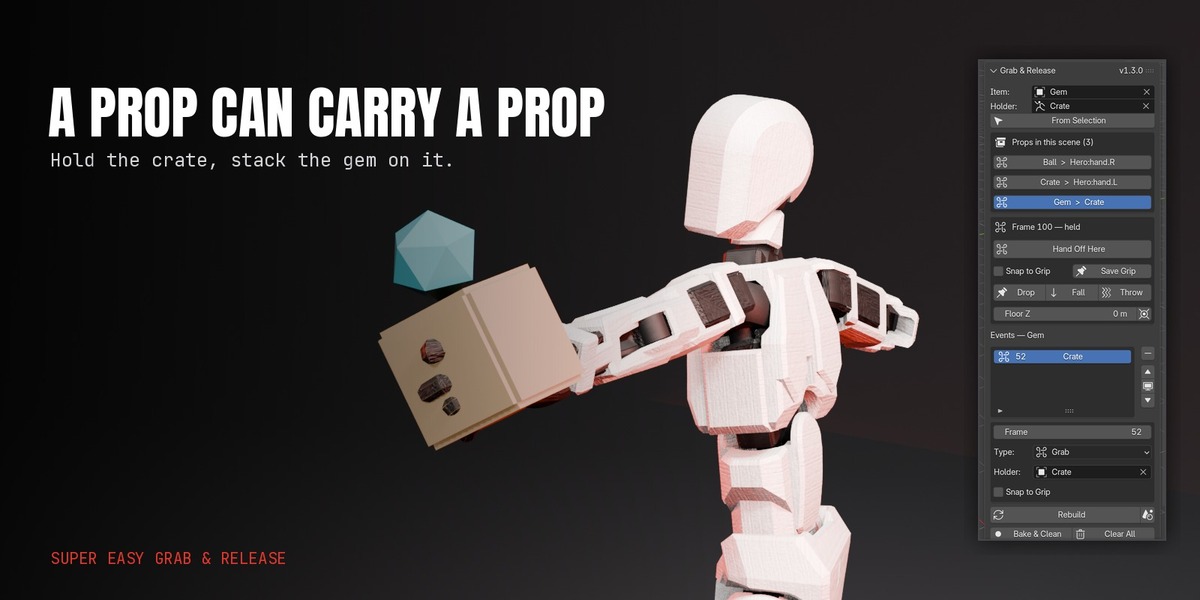
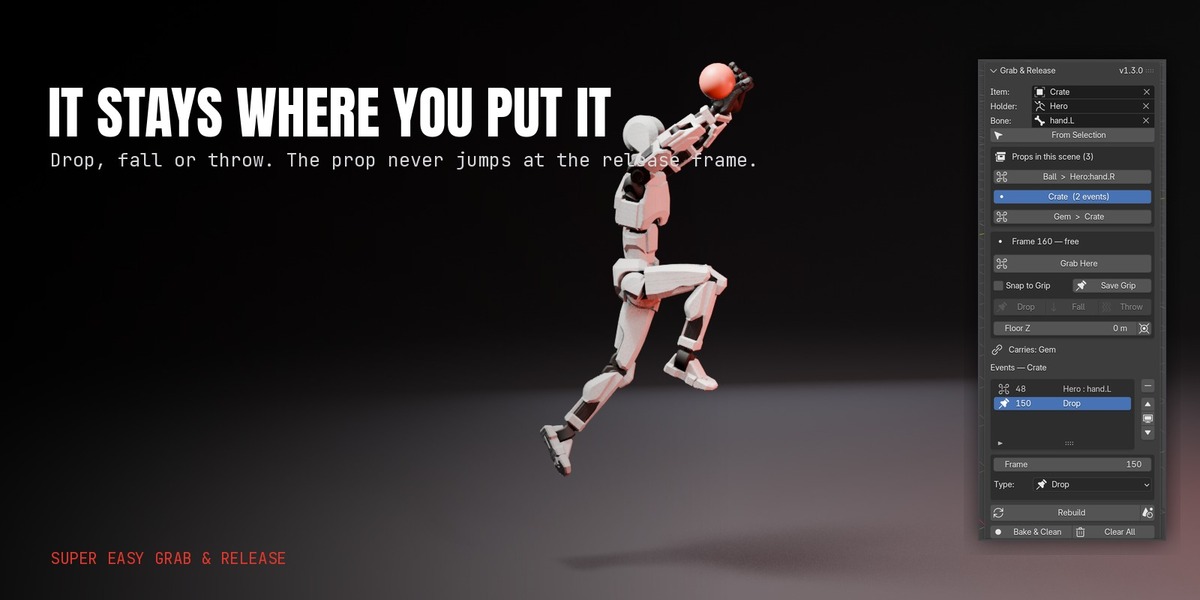




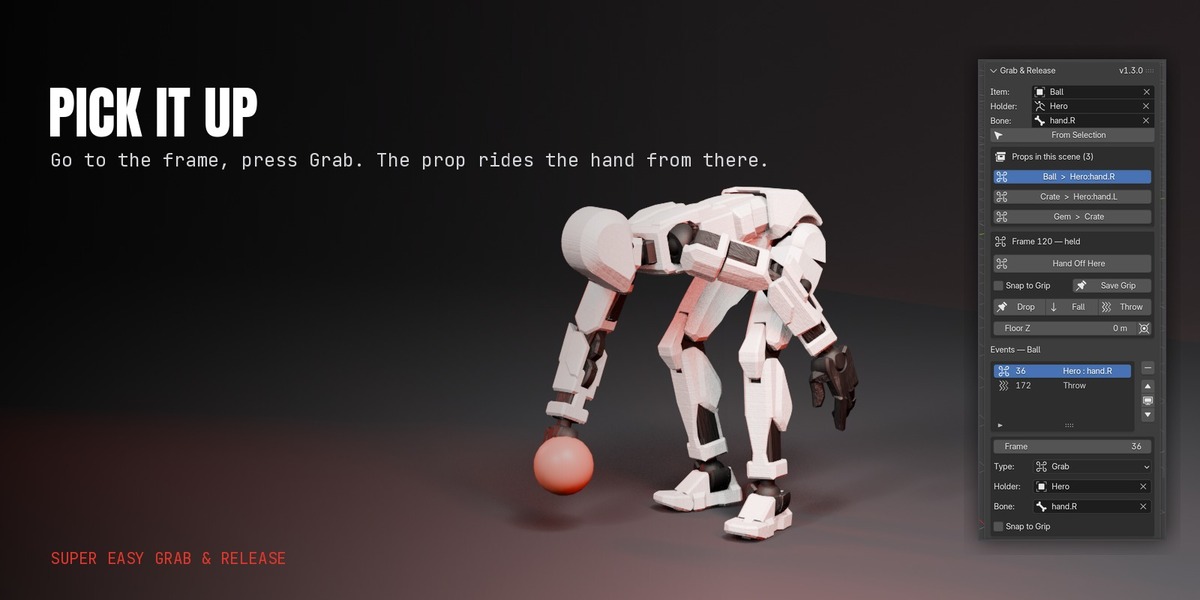
Your character picks up the sword at frame 30 and throws it at frame 70. Blender cannot keyframe that.
The Parent field has no keyframe. So you fake it: a Child Of constraint, Set Inverse at the right frame, influence keys with the right interpolation, and a transform key on the prop so it does not snap back when you let go. Get one of those wrong and the prop jumps. Retime the shot and it jumps again.
Super Easy Grab & Release does it in two clicks.
1
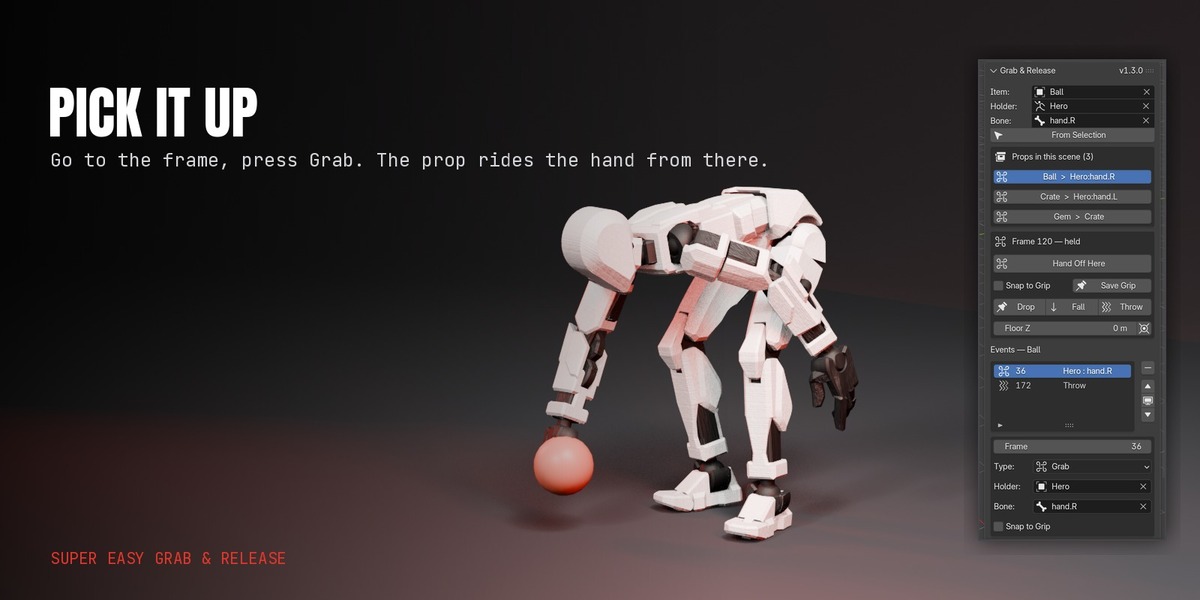
Grab Here
At the frame where the hand touches the prop.
2
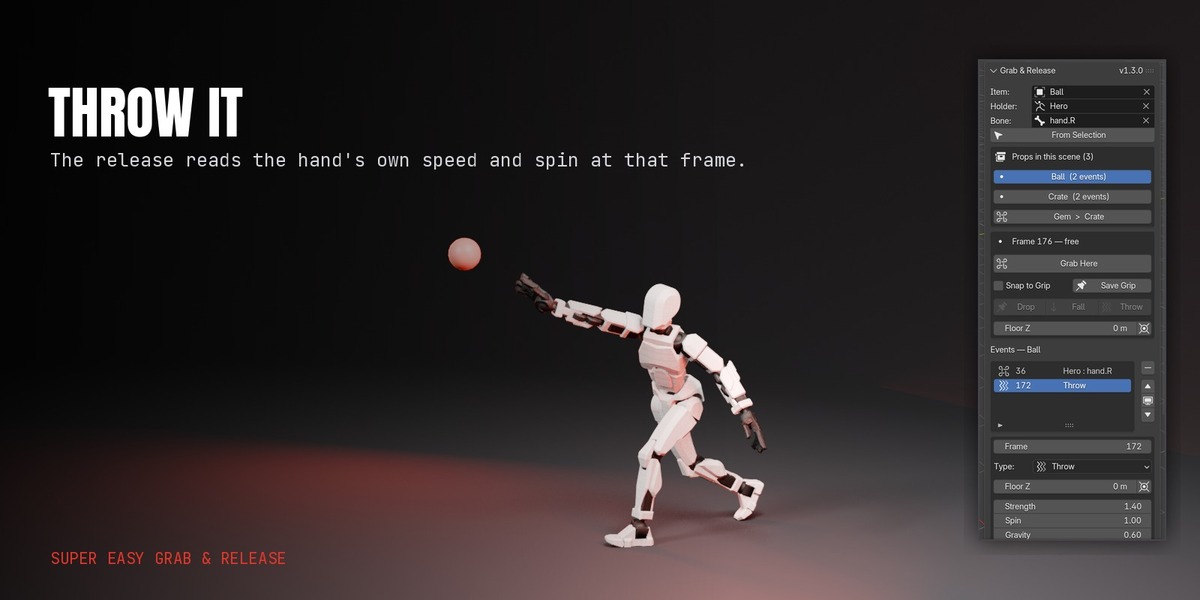
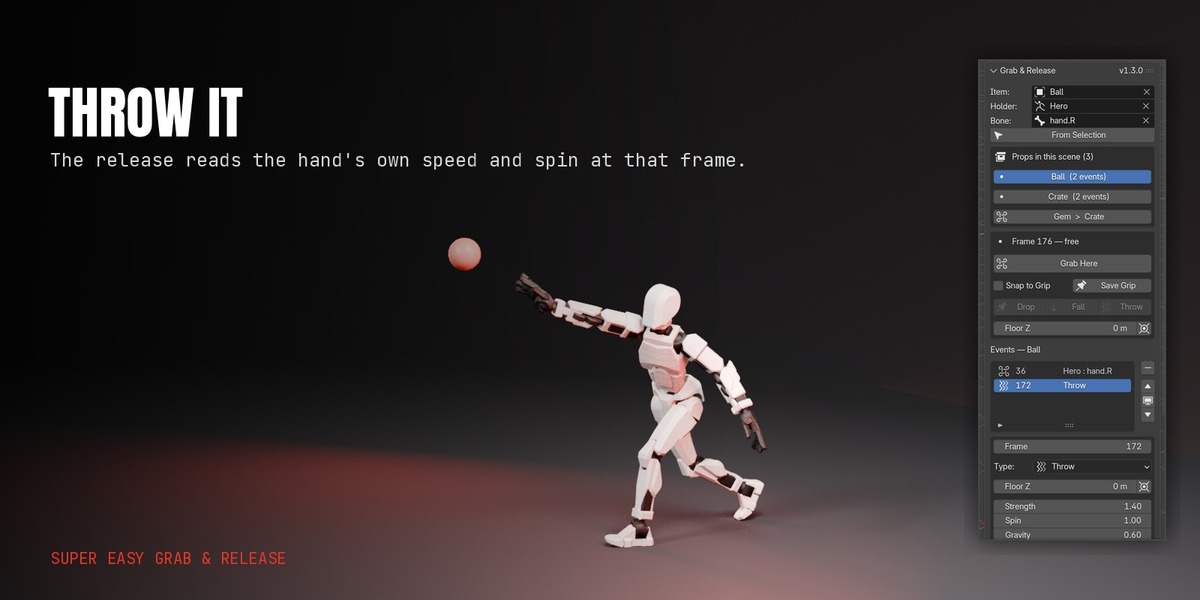
Drop, Fall or Throw
At the frame where it lets go.
The prop rides the hand exactly, lets go exactly where the hand was, and stays there.
Every pickup and release goes into an editable list. Move a frame, change a hand, change a throw, press Rebuild, and the whole thing is regenerated. Nothing is hand-keyed, so nothing breaks when the shot changes.
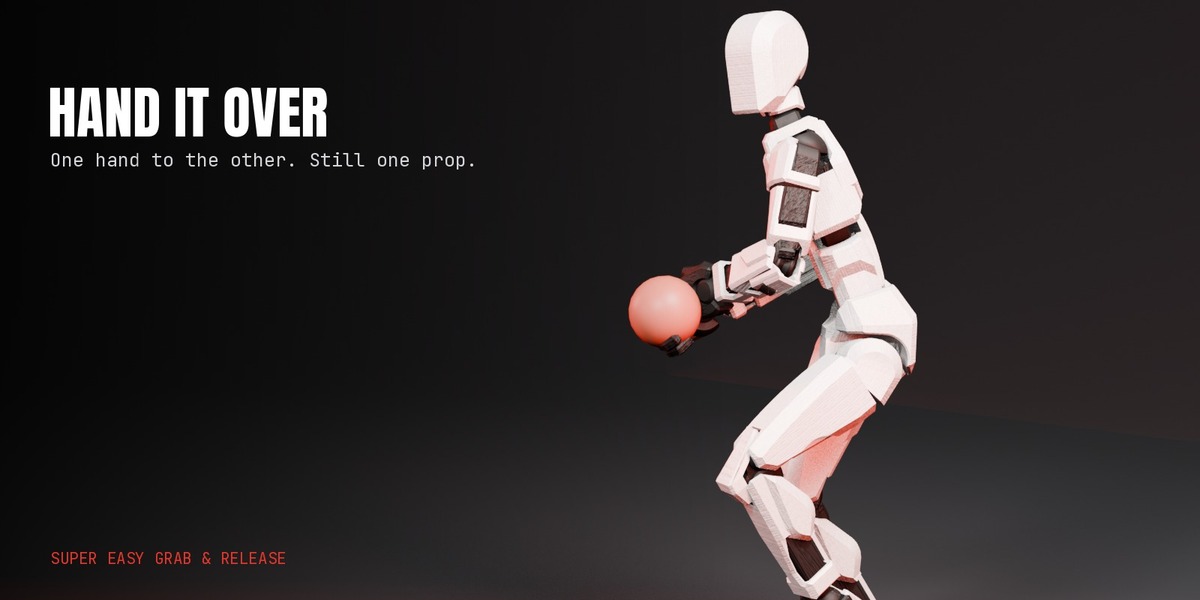
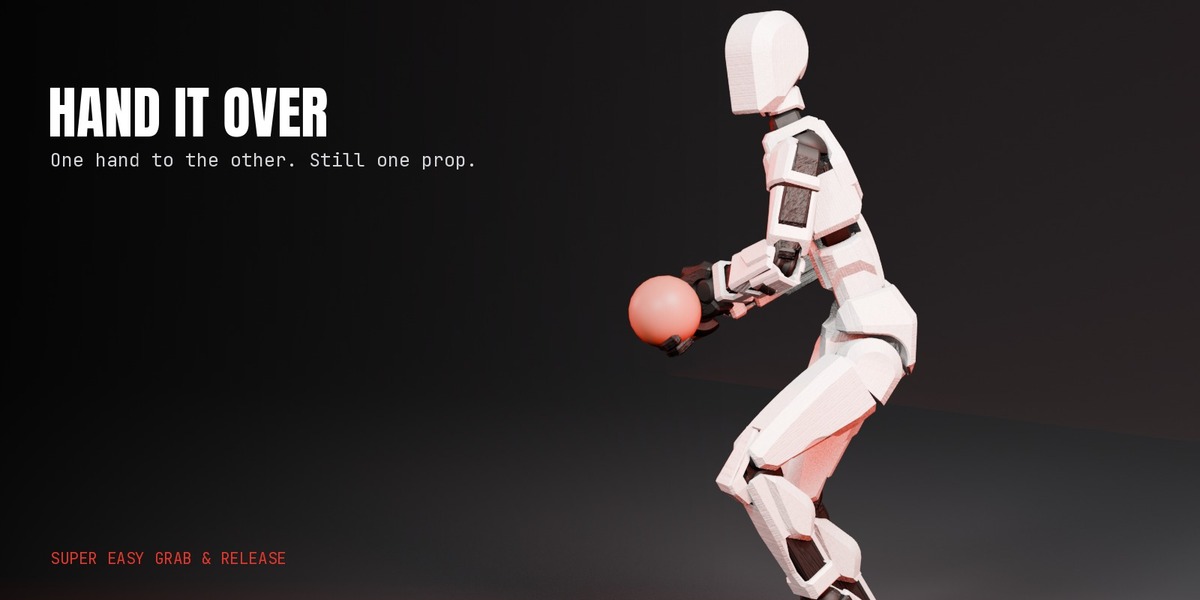
It is built for figure and character animation: hands are bones, props are objects, and a prop can be carried by another prop — a hand holds a crate, the crate holds a gem. When the shot is locked, Bake & Clean turns it into plain keyframes and removes the setup.
Features
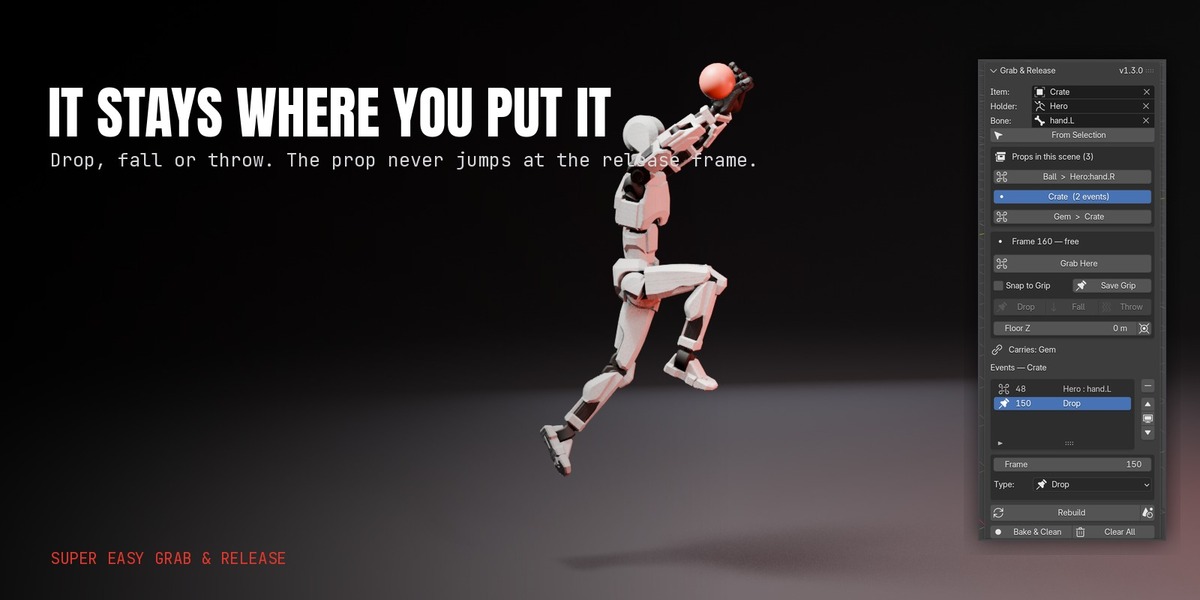
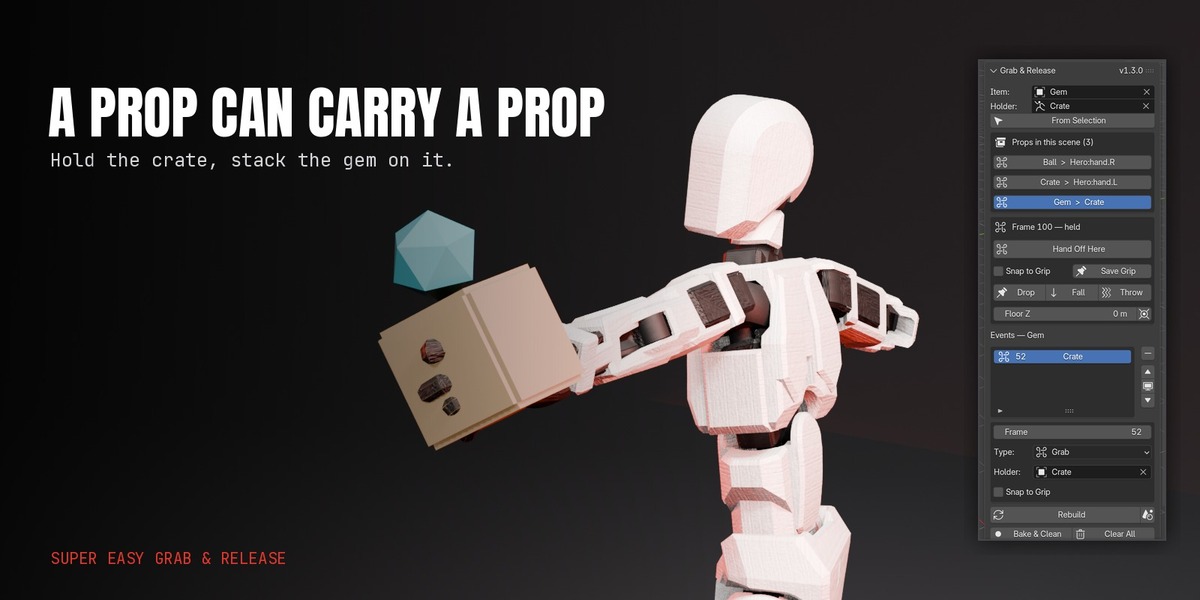
Grip snap
Pose the prop in the hand once, press Save Grip, and every later grab puts it in that exact spot. Saved per hand, so left and right can differ.
Editable event list
Every grab and release in one list per prop. Change a frame, holder, bone or throw setting and press Rebuild.
Many props at once
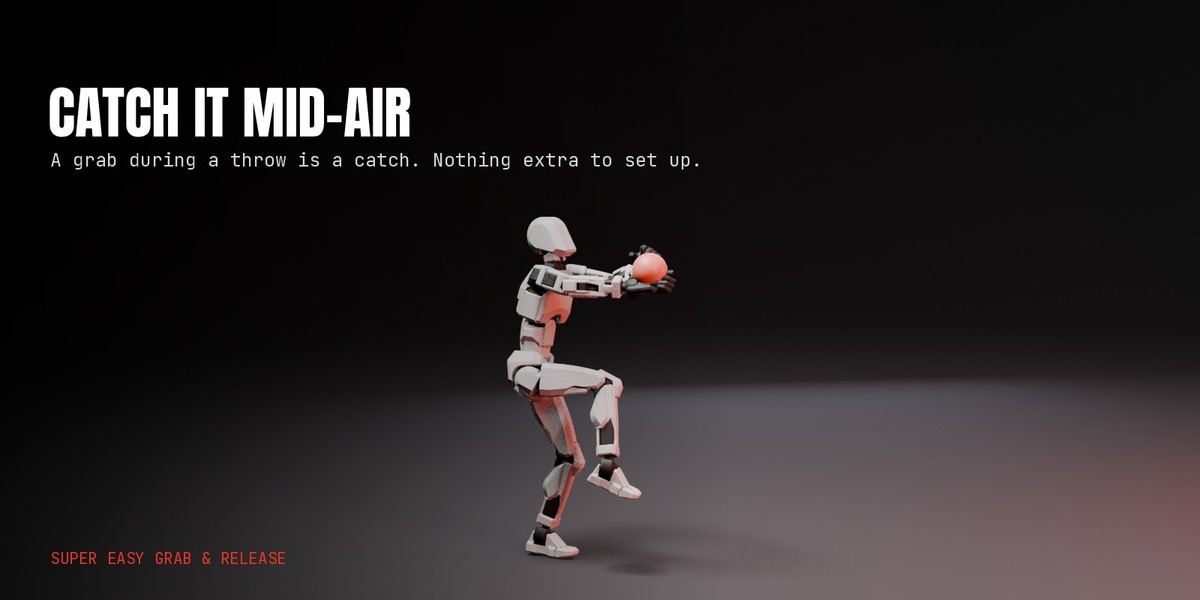
The panel lists every prop in the scene with grabs and who is holding it right now. Two props in one hand is fine.
Timeline markers
Each pickup and release is marked, so you can see them while scrubbing.
Clean under retiming
Releases hold up through time-remapping add-ons and motion blur, with no rotation flick at the frame the prop leaves the hand.
Bake & Clean
Plain keyframes on every frame, setup removed, ready to export.
Its own sidebar tab
Nothing else in your N-panel moves.
Adjustable gravity
So falls read right at action-figure scale instead of looking fast and small.
How it works
Every grab is a Child Of constraint on the prop, aimed at the hand bone, with its influence switched on at your frame. The add-on computes the inverse matrix itself, so there is no Set Inverse to remember and no offset to fix.
Every release hands the prop to a small hidden empty that sits exactly where the hand let go, or flies the fall or throw arc. The prop's own transform is keyed once, at the first grab, and never touched again.
That is what keeps releases clean. Both sides of every switch put the prop in the same place on the switch frame, so there is nothing for Blender to blend between — whatever the interpolation, including the sub-frames that motion blur and time-remapping add-ons read. The prop never turns faster than the hand it was in.
The empties live in a collection named after the add-on, Super Easy Grab & Release. They are hidden, unselectable and excluded from renders, and Rebuild recreates them, so you can ignore them.
It writes normal Blender data throughout — constraints, keyframes and empties. Nothing is simulated at playback, there is no cache to bake and no dependency to install.
Requirements
Blender 5.0 or newerWindows, macOS, LinuxAny render engine
- Blender 5.0 or newer, on Windows, macOS or Linux.
- Any armature. Hands are picked from a bone list, so there is no naming convention to match: AccuRIG, Mixamo, ActorCore, Character Creator, Rigify and Auto-Rig Pro all work, as does a rig you built yourself. Props can also be held by plain objects, with no rig at all.
- Any render engine. The add-on only writes keyframes.
- Nothing else to install. No external libraries, no internet connection, no account.
Coming next
ON THE WORKBENCH
Grab a stack of props with one click, for a tray or an armful.
Floor detection from the actual floor object, instead of typing a height.
The throw arc drawn in the viewport before you commit to it.
Grip snap that eases into the hand over a few frames instead of popping.
Grab on contact, detected from the hand reaching the prop.
Owners get every update through Blender's Get Extensions. Want a feature? Message me through Superhive.
More Super Easy add-ons
COLLECT THE SET
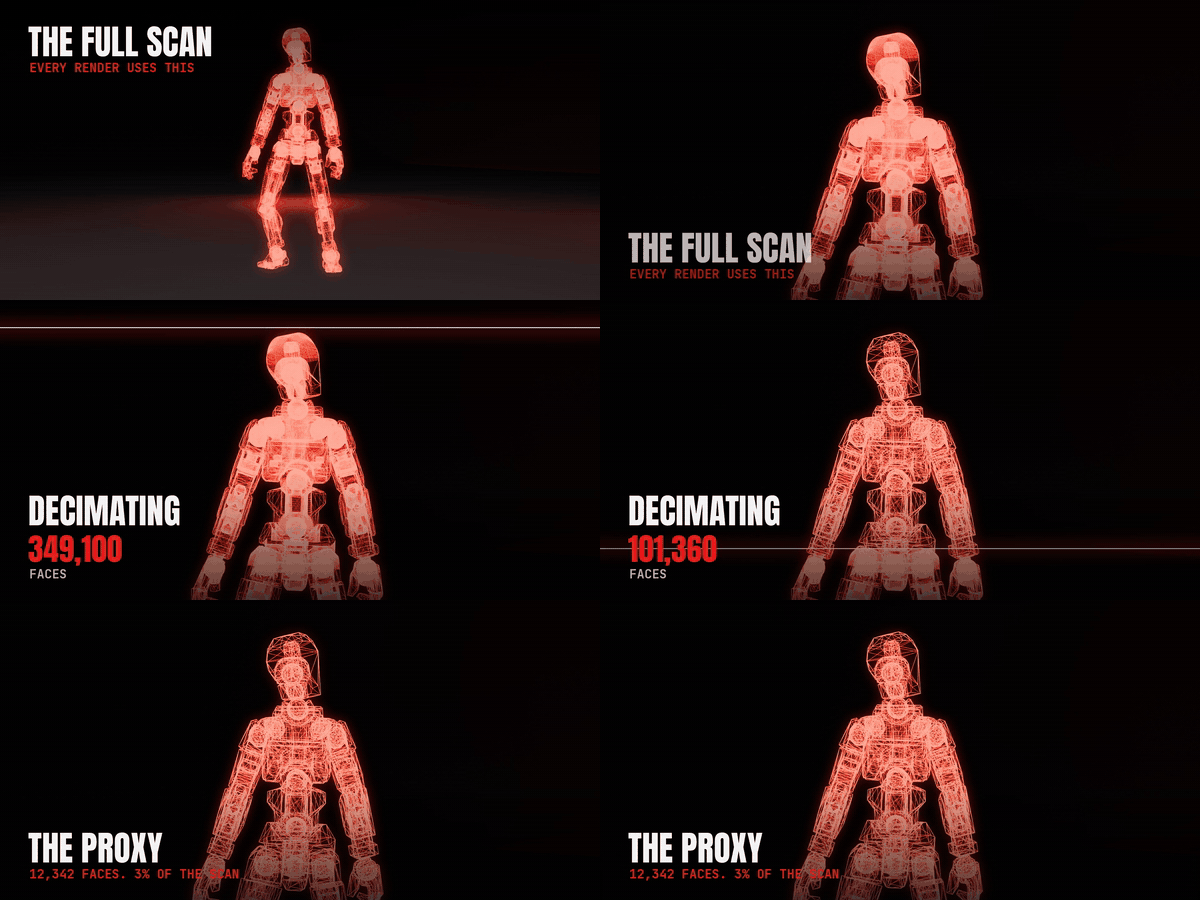
Built for 3D-scanned action figures. Works on any rigged character.