Super Easy Ragdoll
 Make It Move Media
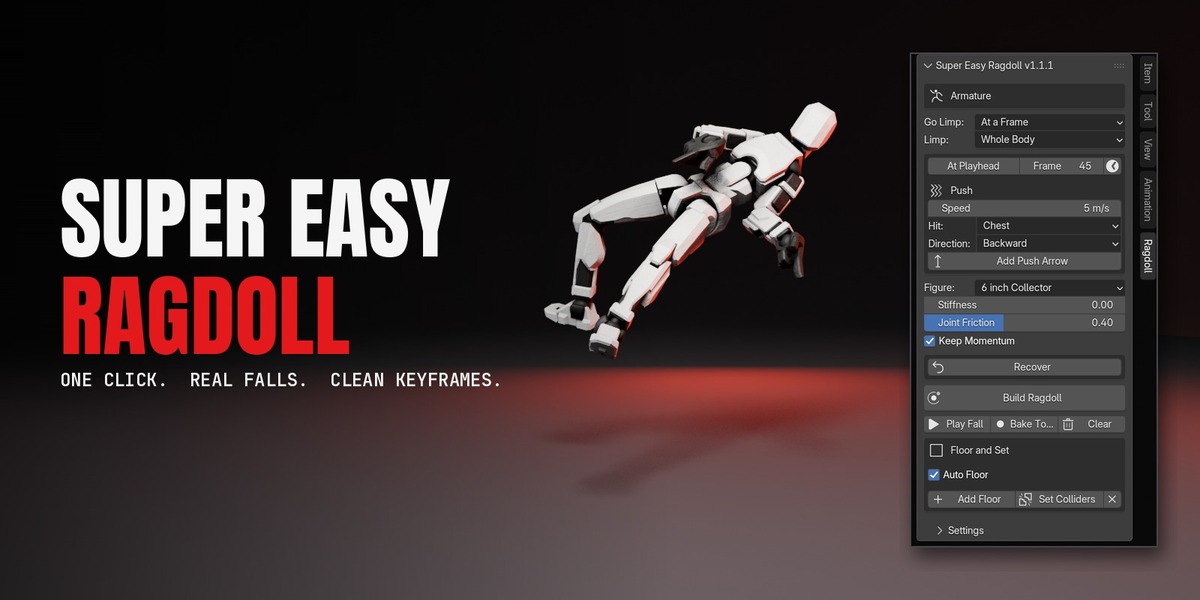
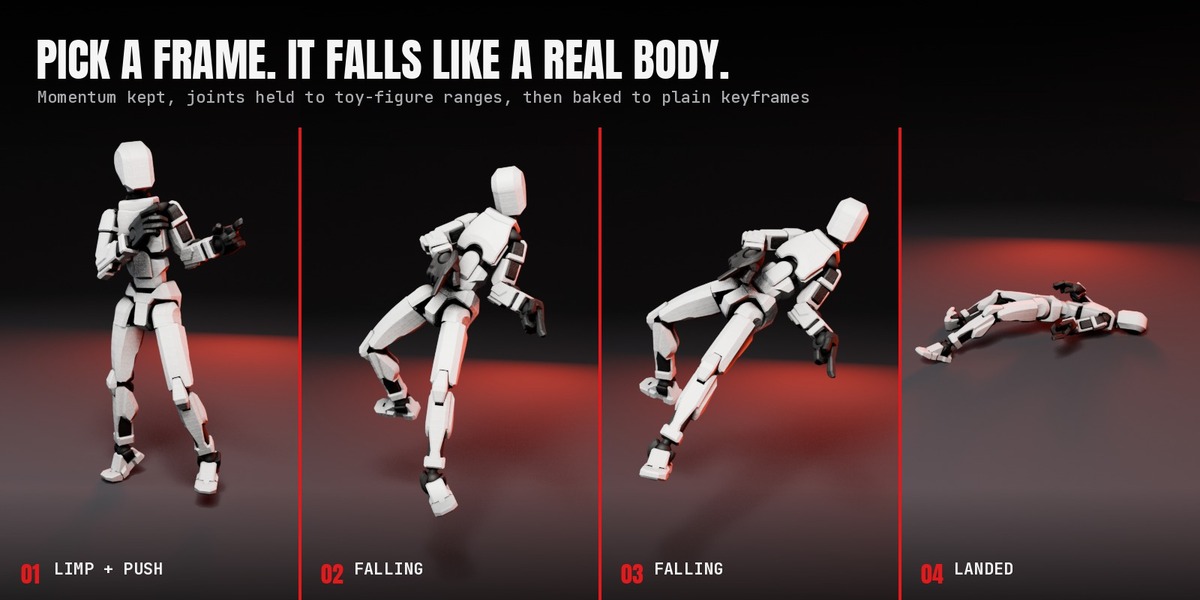
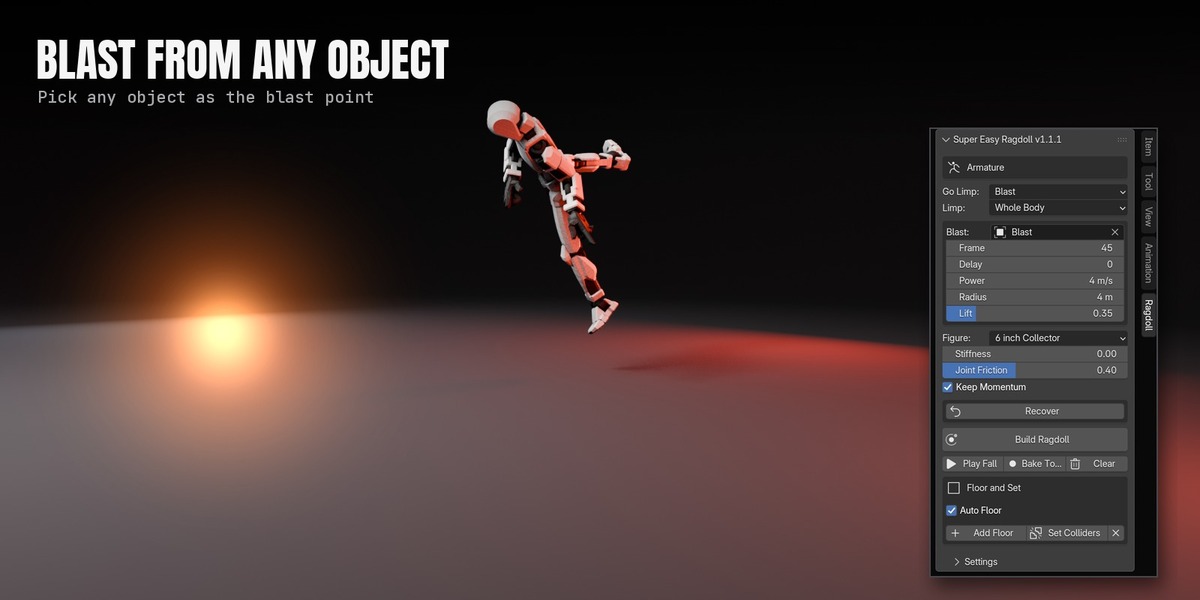
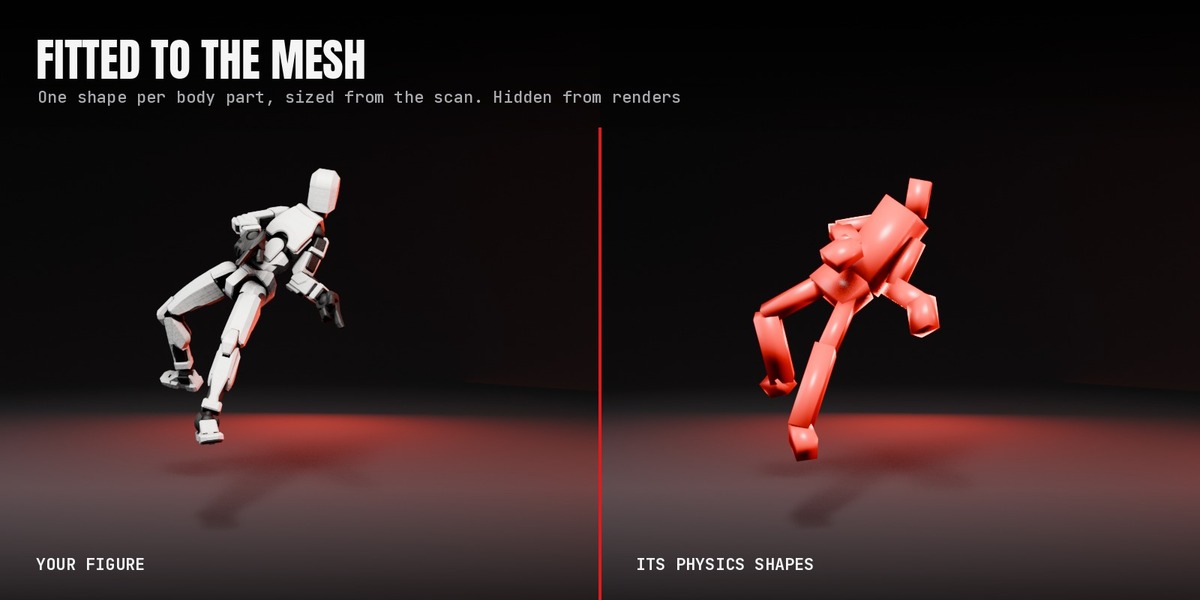



Any armature whose deform bones follow common naming: Character Creator / iClone, AccuRIG, Mixamo, Rigify deform bones, Unreal and Daz. Rigs exported rotated, at centimetre scale or parented work as they are.
Not directly in this version. Bake the animation to the deform bones first, then build the ragdoll on those.
No. Your mesh is never edited. Each bone gets one temporary constraint, and Bake or Clear removes it.
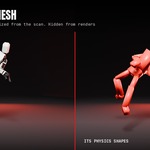
No. Every helper the add-on creates is disabled in renders. A live, unbaked ragdoll still renders its fall.
Any. The result is keyframes, so EEVEE, Cycles and Workbench all work.
No. The default Fall Speed, Hero Size, makes it fall like a full-size person whatever its scale. Choose True Scale if you want real physics at the figure's real size.
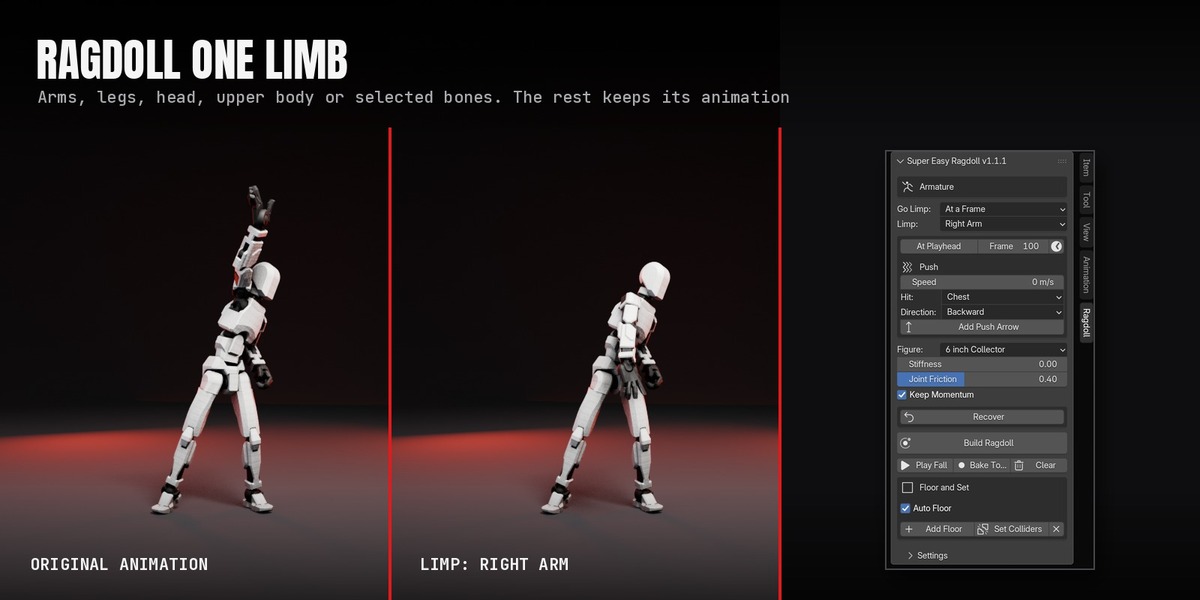
Yes. Set Limp to Left Arm, Right Arm, Both Arms, a leg, the head, the upper body, or Selected Bones. The rest of the body keeps its animation.
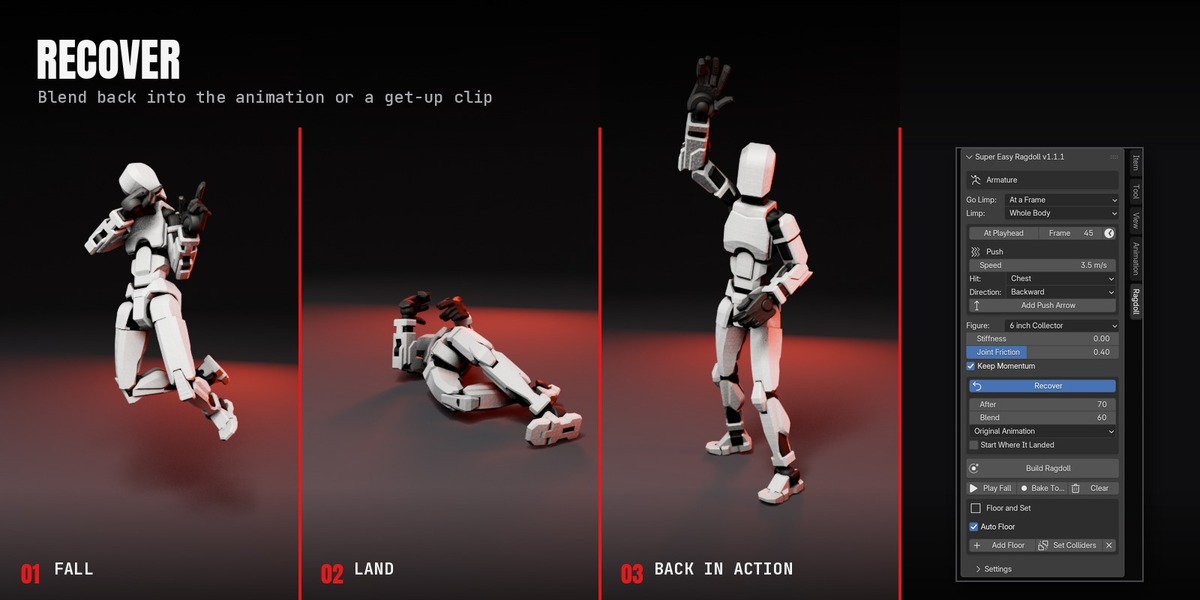
Yes. Tick Recover and blend back into the original animation, or into a get-up clip that starts where the figure landed.
Yes. Each figure gets its own limp frame and trigger, and Bake does them all in one pass.
Yes. Bake writes ordinary keyframes into a copy of your action, and your original action is kept. Clear brings the original back at any time.
Click Play Fall instead. Blender's normal playback skips frames in heavy scenes, and rigid bodies freeze when a frame is skipped. Play Fall steps every frame.
Set Quality to High, raise Joint Friction, or turn off Limbs Collide. For very small figures, keep Fall Speed on Hero Size.
Click Build Ragdoll again so the physics follows the new animation.
Message me through Superhive. I reply within 72 hours.
Have questions about this product?
Login to message
| Blender Extension Compatible | Yes |
| Published | about 1 hour ago |
| Blender Version | 5.0 - 5.3 |
| Extension Type | Add-on |
| Render Engine Used | Cycles, Eevee |
| License | GPL |
Discover more products like this
action figure fall rigid body character animation explosion knockback physics ragdoll Character Creator mixamo