Super Easy Slow Motion
 Make It Move Media
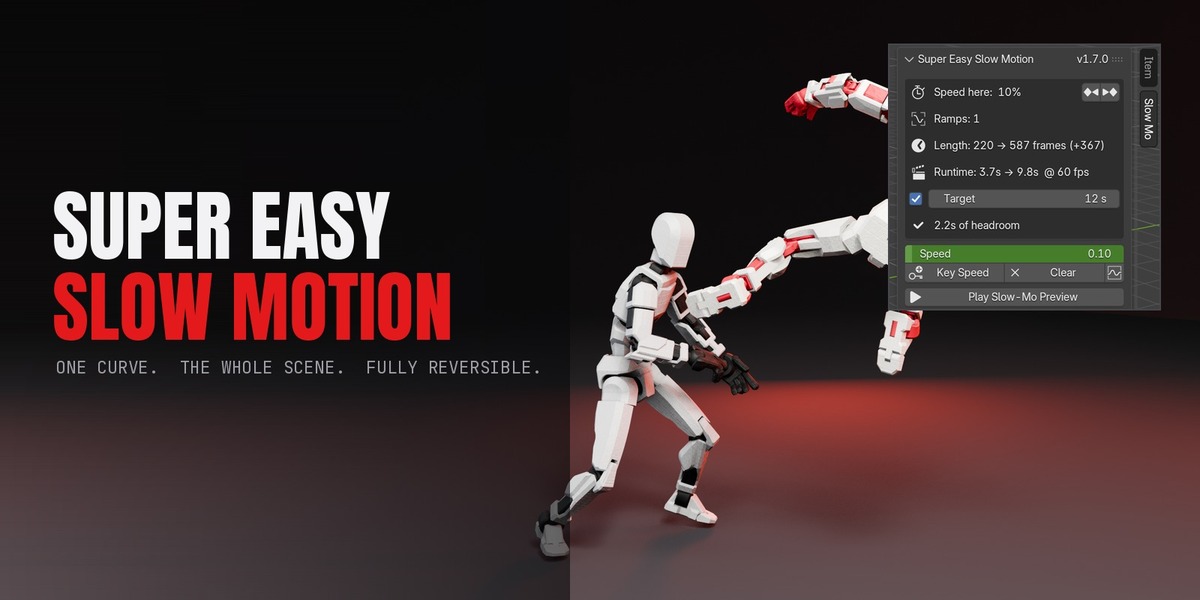

No. Your original actions are set aside as backups with a record on the scene, and Restore Original Timing puts back the exact keys, interpolation, NLA strips, markers, physics settings and frame range. Apply and restore as often as you like; there is no drift.
Yes. It works on keyframes and NLA strips rather than on a particular rig, so iClone and Character Creator exports, Mixamo, Rigify, Auto-Rig Pro and hand-keyed rigs all retime the same way.
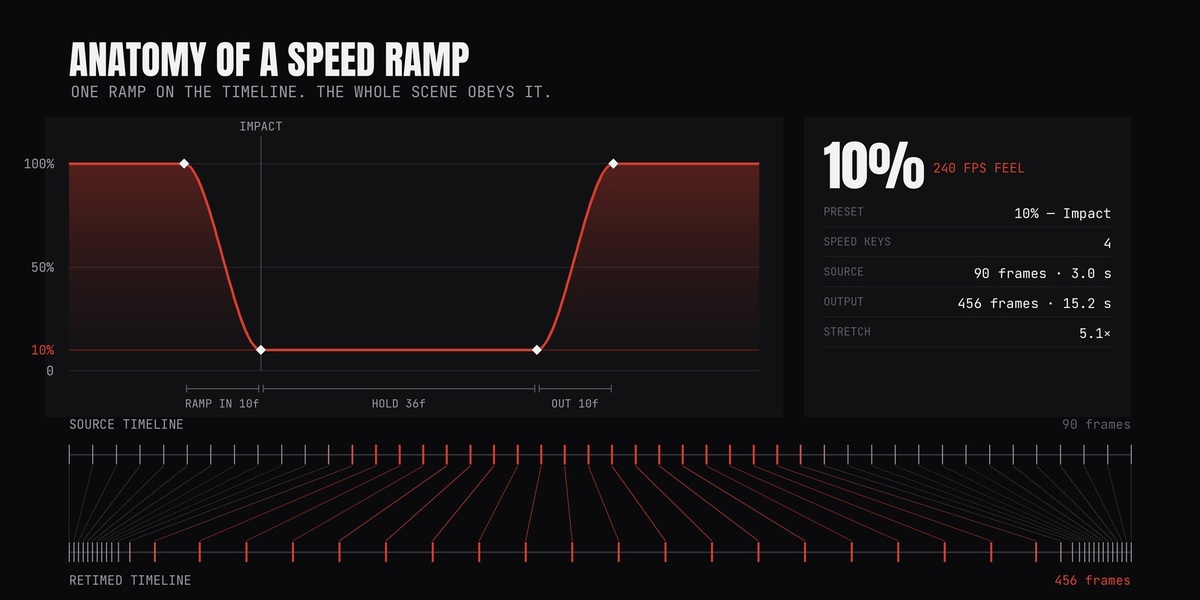
Yes, and this is the part most retime workflows get wrong. The strip's action is baked through the ramp into its own copy, so a slow section lands exactly where you put it instead of the whole take being stretched evenly.
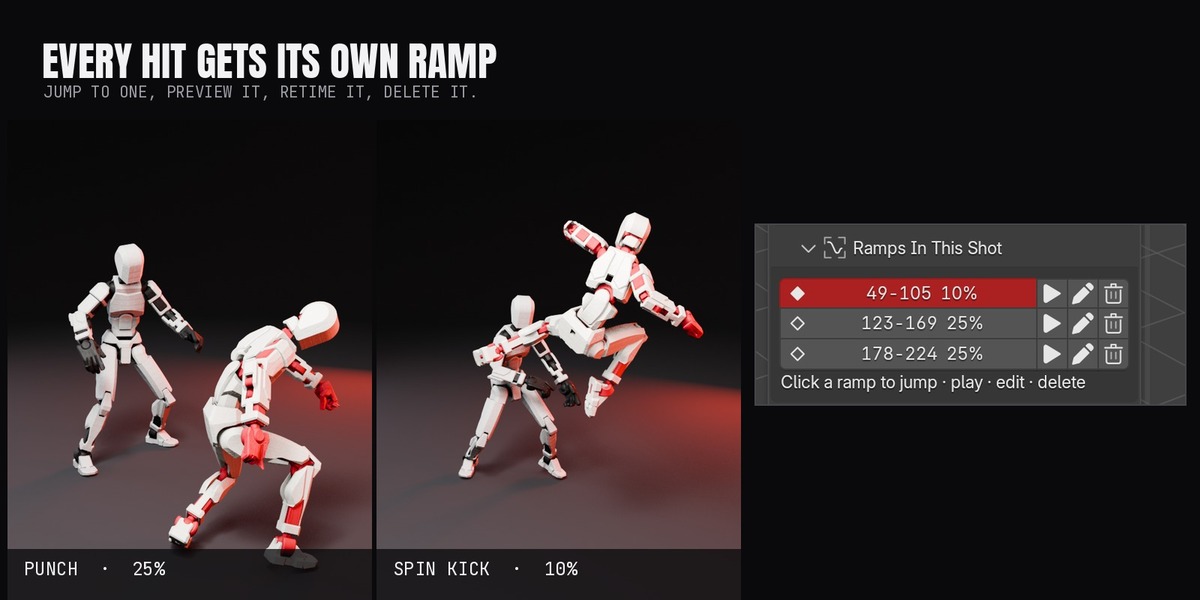
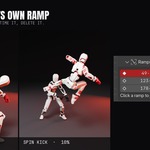
As many as you like. Each one appears in the Ramps In This Shot panel, where you can jump to it, preview just that ramp, change its speed, slide it along the timeline or delete it without touching the others.
Rigid body, cloth and particles, yes — their time scales and timestep are keyed to follow the speed curve, and caches are freed so the sims re-run on the new timing. Fluid domains and geometry-nodes simulation zones are not handled.
If the node group reads the Scene Time node, yes — its time input is rewired to the remapped clock during Apply and put back exactly on Restore. Simulation zones are the exception.
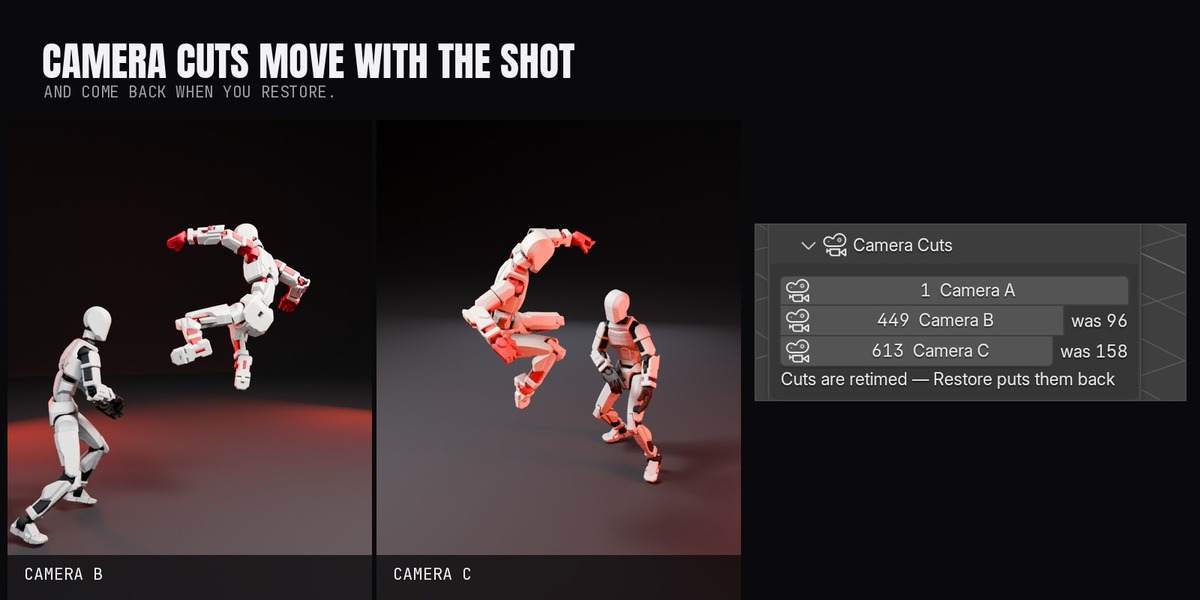
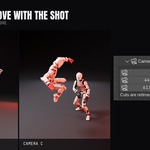
Camera-bound timeline markers are retimed, so a multi-camera edit keeps cutting on the same moment of action. If you move a cut while slow motion is applied, Restore maps that edit back through the ramp so it keeps the moment you chose.
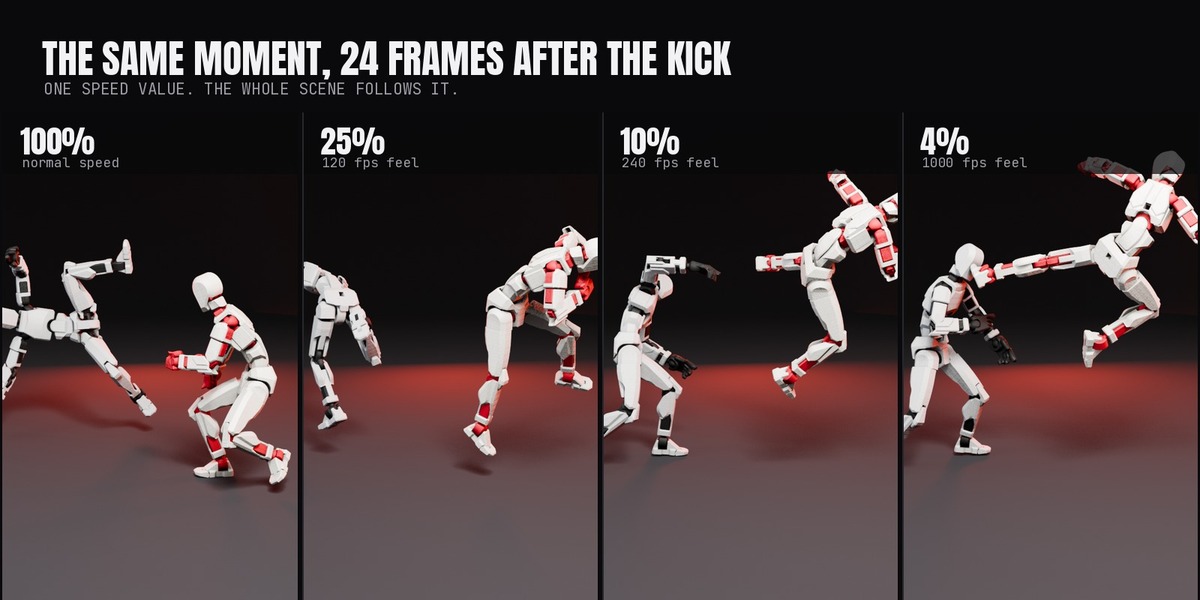
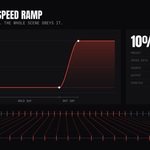
Yes. Any speed above 1.0 works, and there are 2x and 4x presets. Speed-ups are also what makes the punch ramp's overshoot possible.
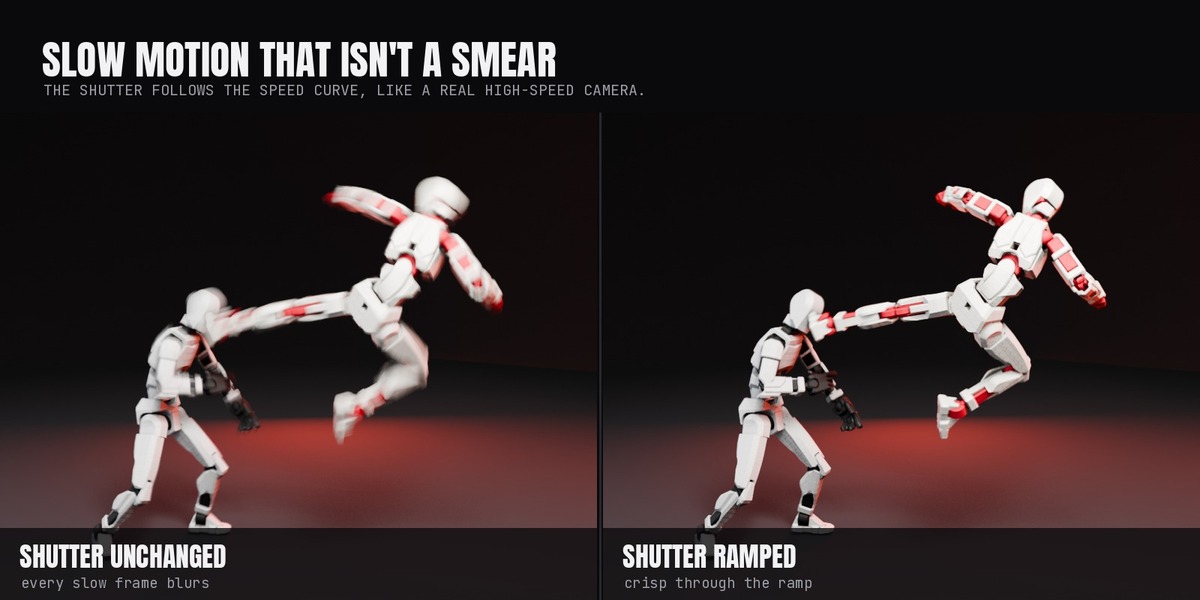
Only the shutter, and only if you leave Motion Blur Ramp on. It keys the shutter to follow the speed curve so slow sections render crisp like real high-speed footage. The keys are removed and your shutter value is restored on Restore.
Cycles and EEVEE. Nothing in the retiming is engine-specific.
No. Sound strips in the Sequencer are left alone — slowing dialogue needs a variable-speed audio render. Mute or re-cut the audio across the slowed section.
Yes, because the result is ordinary keyframes. Once applied, the retimed animation exports as FBX or glTF clips like any baked animation. Live physics and geometry-nodes motion do not export; bake or render those.
Yes. Adjust Ramps & Re-Apply restores the original timing and drops you straight back into editing, then you apply again. The panel will not let you stack two retimes.
Blender 5.0 and newer, tested through 5.3, on Windows, macOS and Linux. It handles both the classic action system and 5.x layered actions.
Have questions about this product?
Login to message
| Blender Extension Compatible | Yes |
| Published | 31 minutes ago |
| Blender Version | 5.0 - 5.3 |
| Extension Type | Add-on |
| Render Engine Used | Cycles, Eevee |
| License | GPL |
Discover more products like this
speed ramp high-speed time-remap Slow Motion mocap Retime NLA camera animation Motion Blur