 Make It Move Media
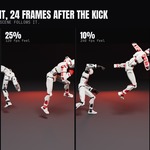
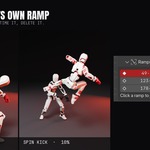

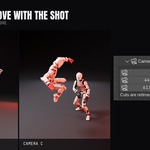
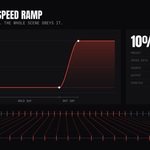
Blender has never had a speed curve.
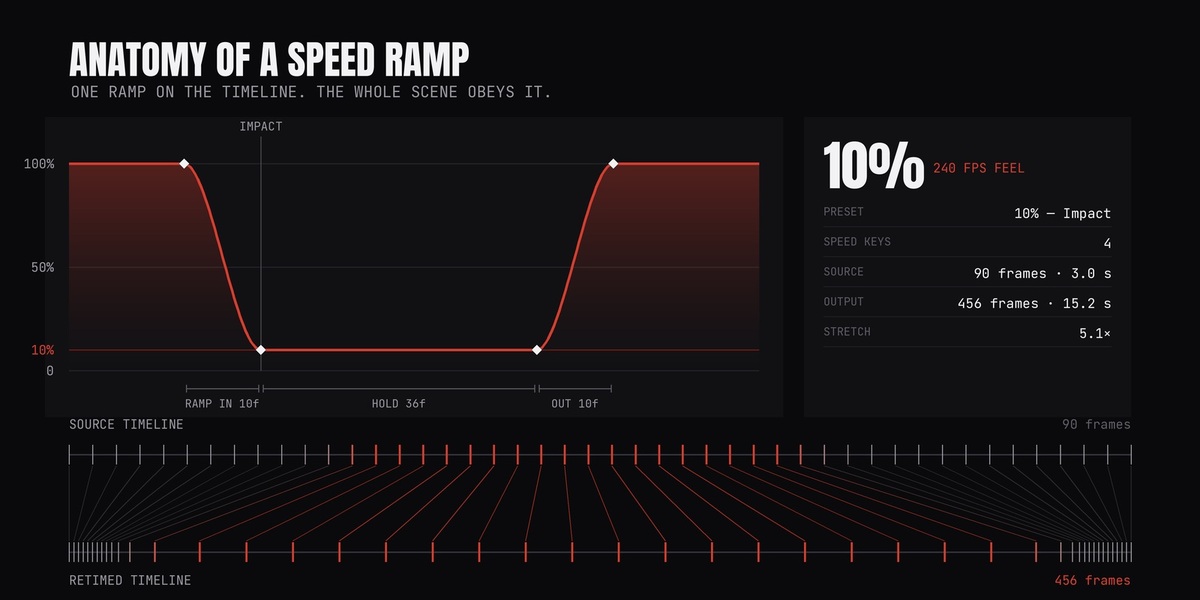
Slowing a shot down means hand-editing keyframes, stretching NLA strips, re-baking caches and hoping the markers still line up. Retime it once and you are doing it all again.
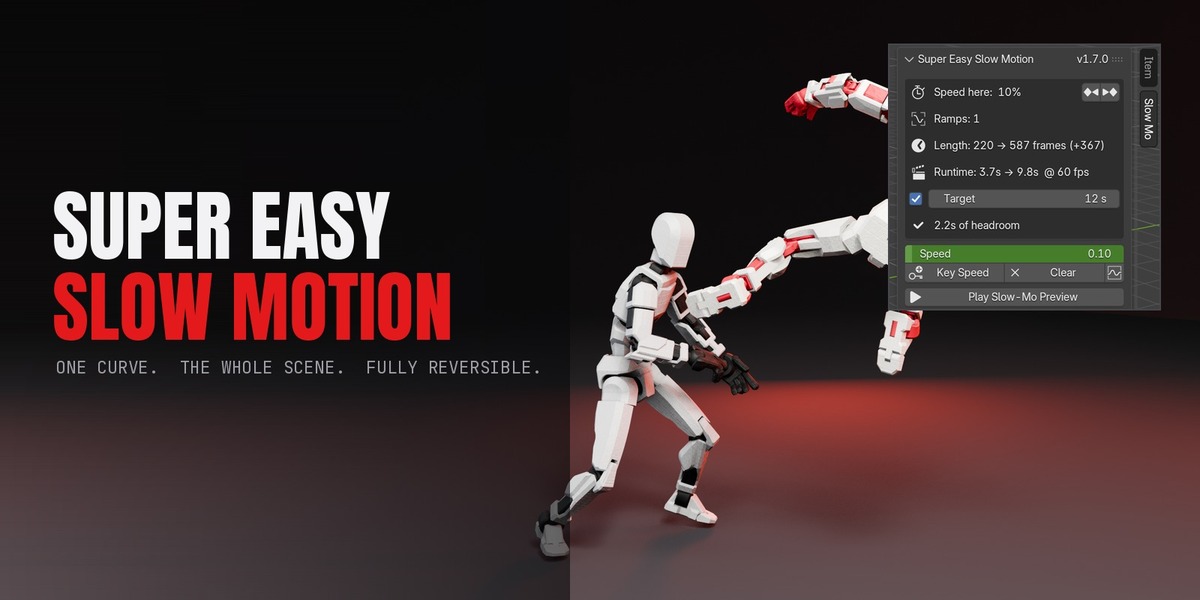
Super Easy Slow Motion gives you the control every video editor already has, inside Blender, working on the whole scene at once.
1
Drop a ramp
A preset at the playhead, or keyframe Speed yourself.
2
Press Apply
Pre-flight tells you exactly what will change.
3
The scene follows
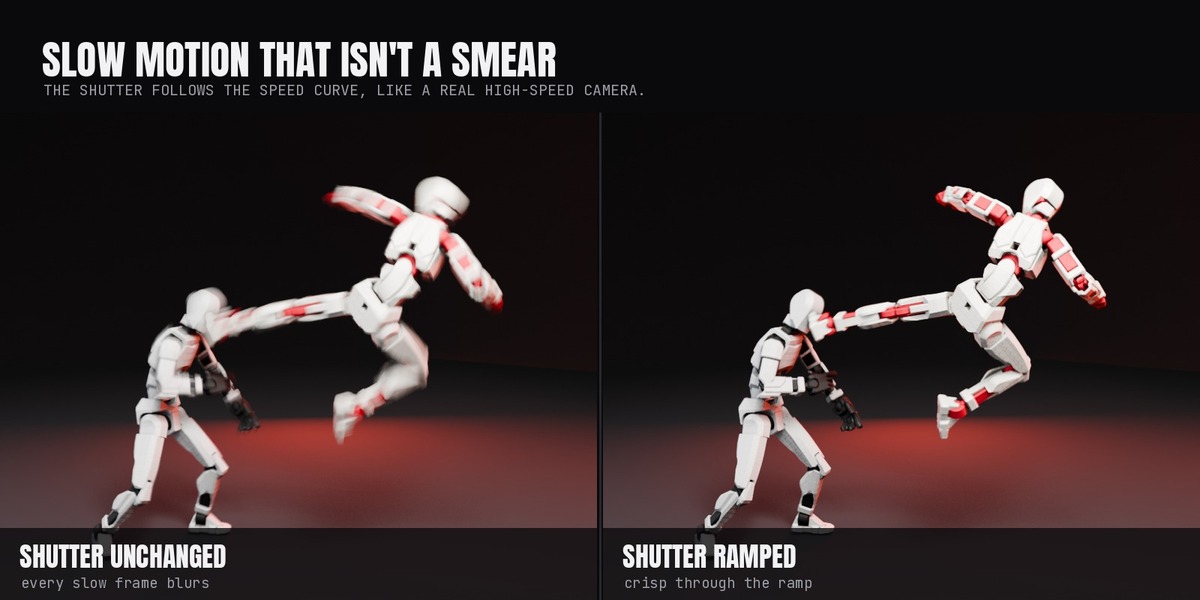
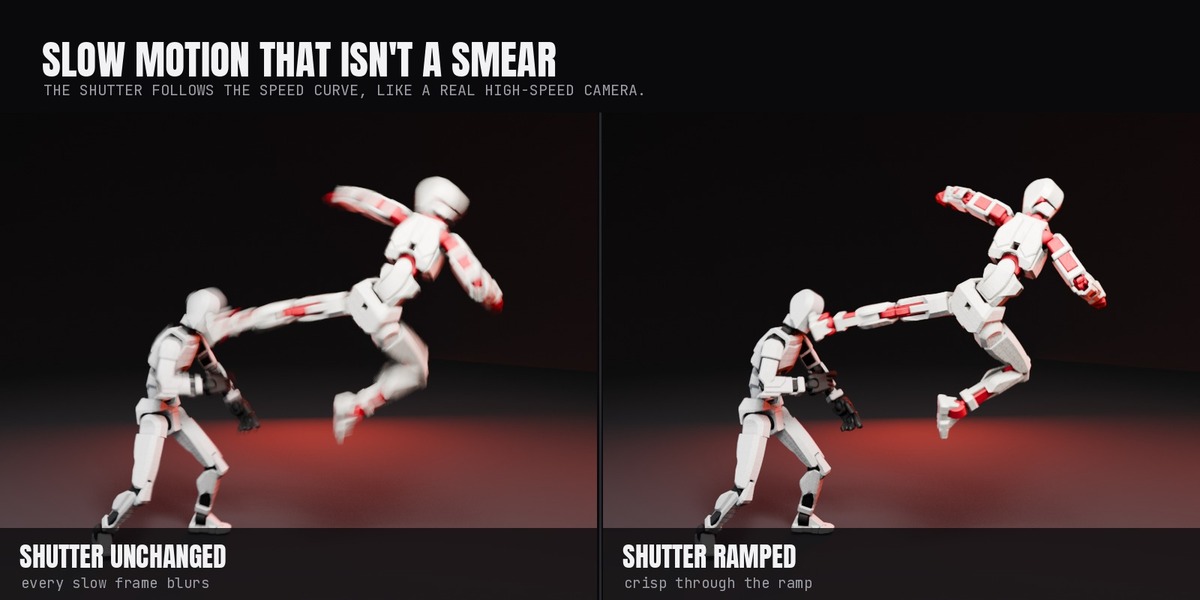
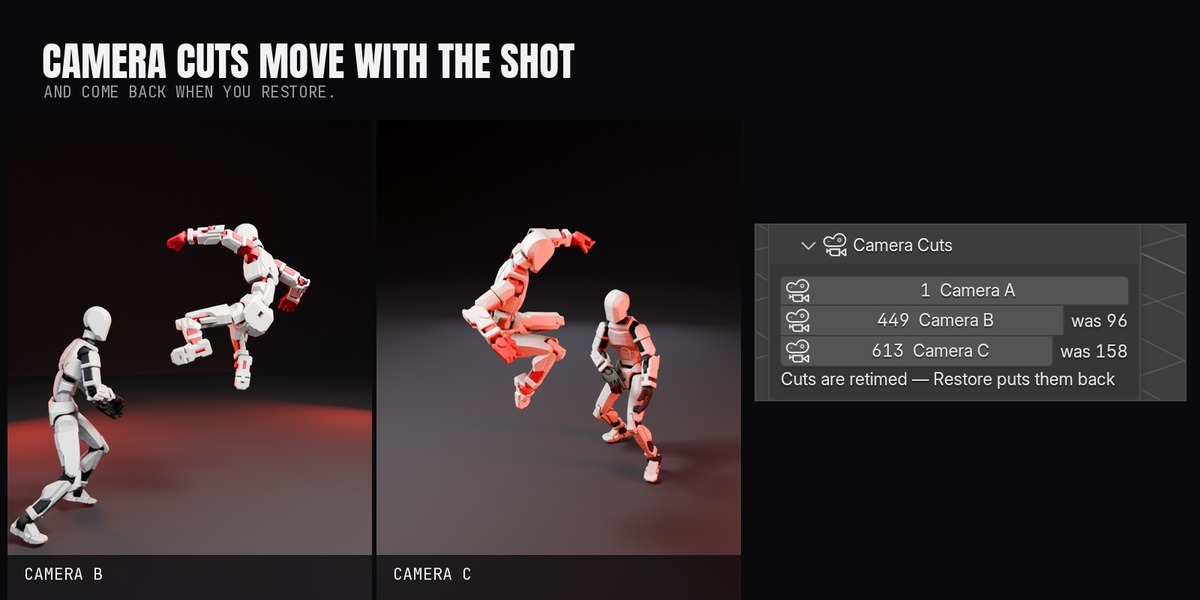
Animation, physics, markers and shutter, together.
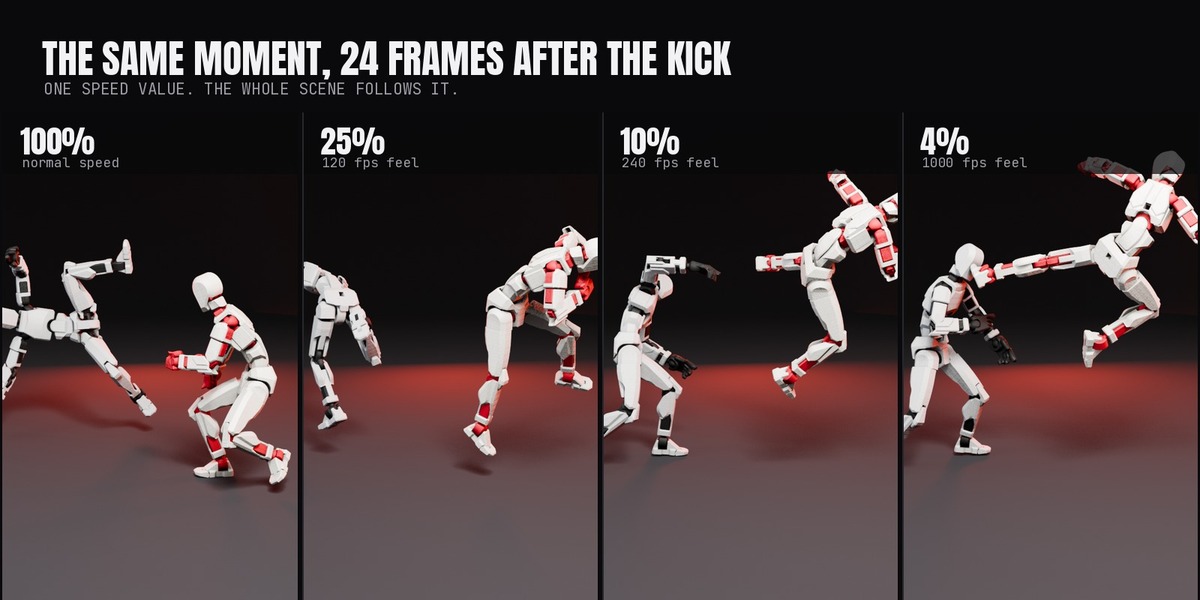
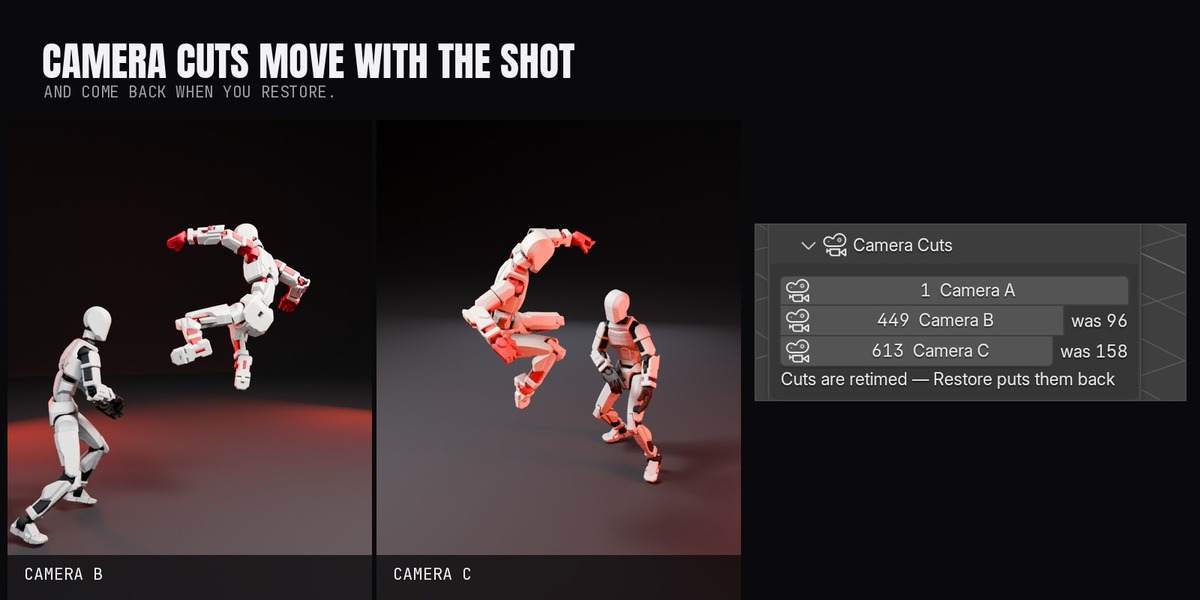
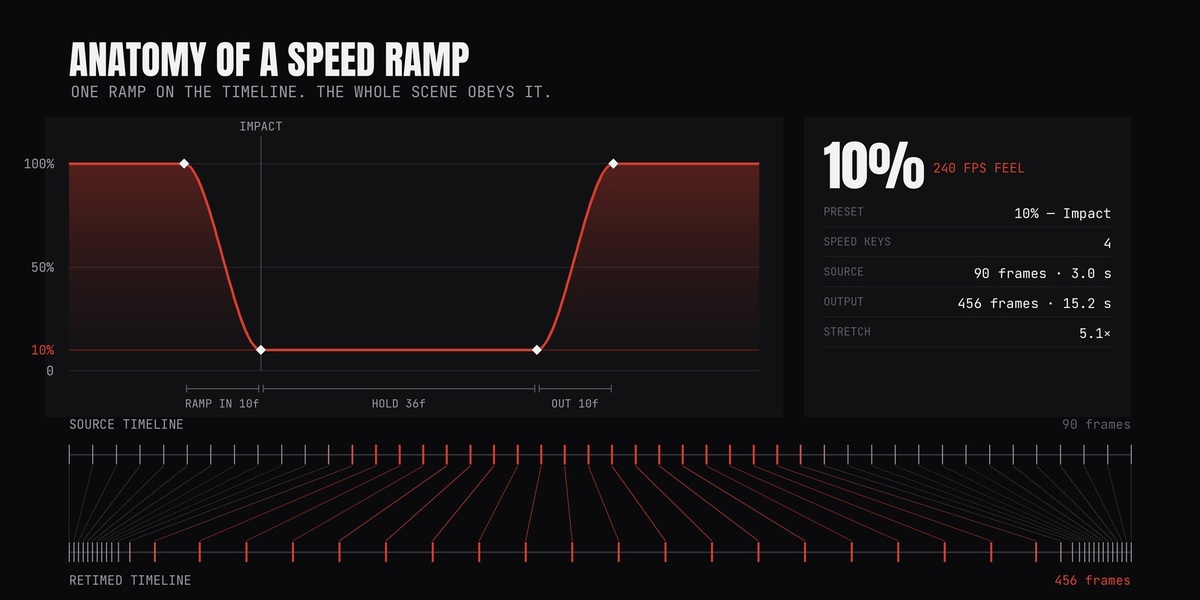
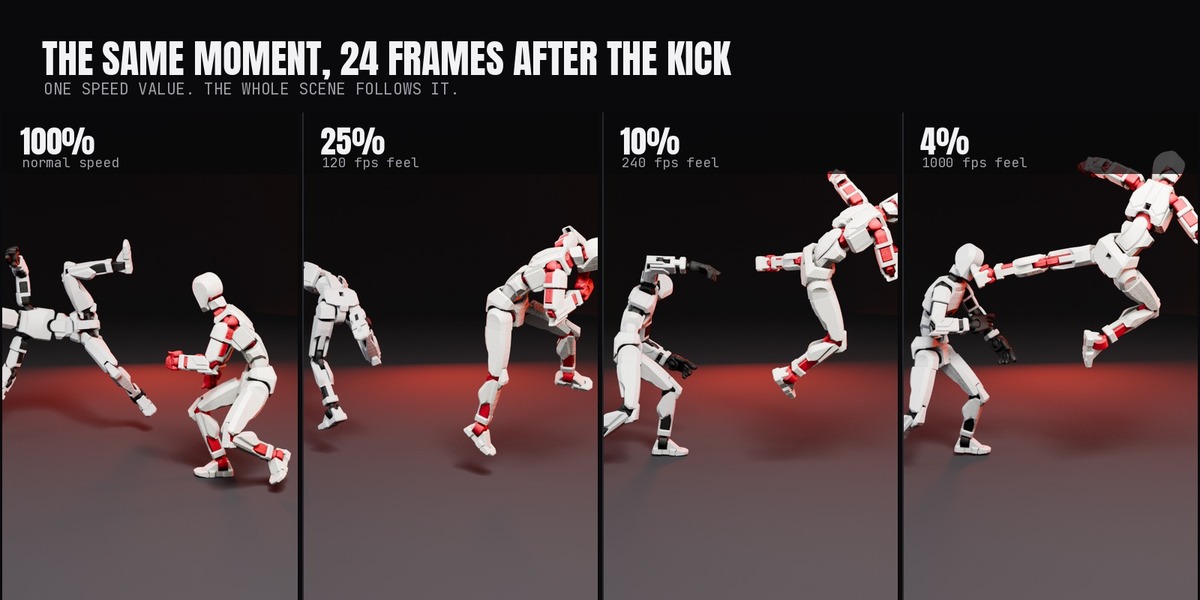
Keyframe one value — Speed — and every animated thing in the scene moves to the new clock. Restore Original Timing puts it all back exactly as it was.
Features
Target duration
Say how long the shot should run and it solves the speed for you.
Marker automation
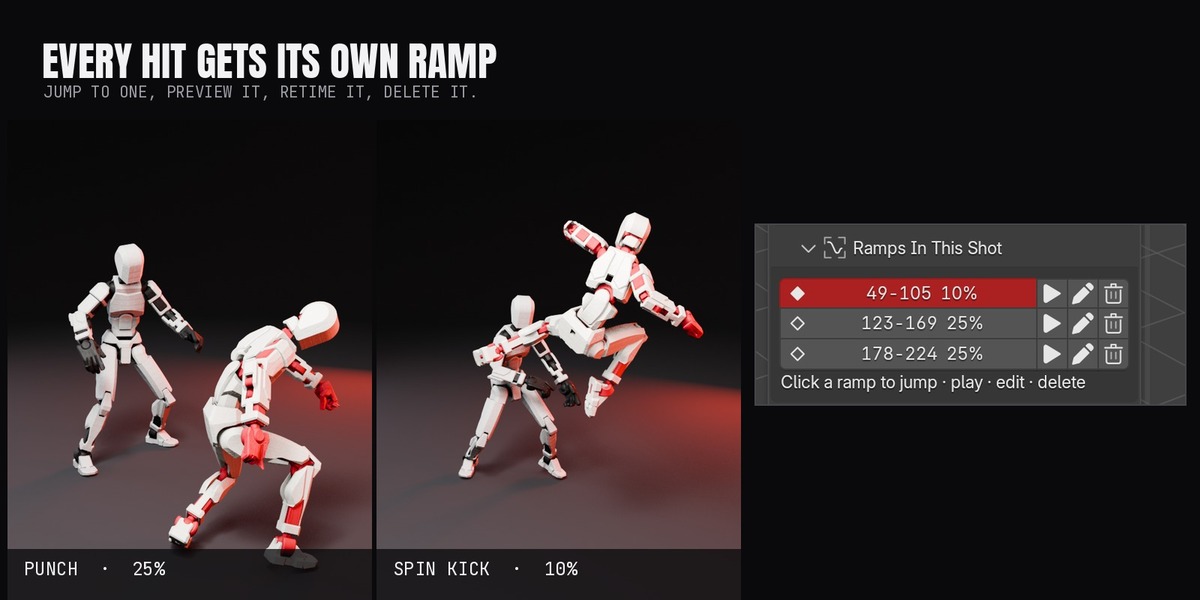
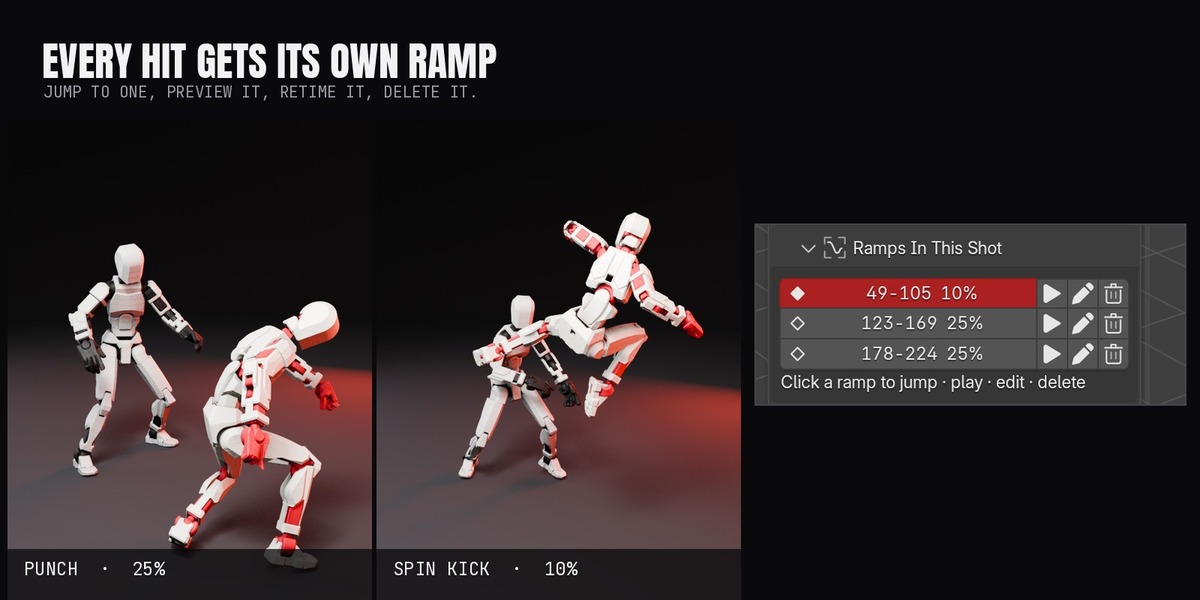
Name your timeline markers "slow" and drop your chosen preset at every one, for multi-impact fight shots.
Pre-flight
Before it touches anything it tells you what it will change: how many actions, how many NLA strips, which sims, and the new frame count.
Restore Original Timing
Fully reversible. Originals are backed up and put back exactly as they were.
Physics comes with it
Rigid body, cloth and particle caches are retimed and re-baked against the new clock, so sims stay in step with the animation.
Its own sidebar tab
Nothing else in your N-panel moves.
Film presets
One click drops a finished ramp at the playhead:
Whip Ramp
Dive in hard, hold, snap out.
Punch Ramp
A slight speed-up into the slam.
Freeze & Orbit
A near-still scene while the camera keeps moving.
2x Faster / 4x Timelapse
The same curve in the other direction.
How it works
It writes normal Blender data throughout — keyframes, strips, markers and caches. Nothing is simulated at playback, and the .blend opens anywhere.
Requirements
Blender 5.0 or newerWindows, macOS, LinuxAny render engine
- Blender 5.0 or newer.
- Works on any rigged character or animated object. Built and tested on 3D-scanned action figures.
- Any render engine. The add-on only rewrites timing.
- Nothing else to install. No external libraries, no internet connection, no account.
Installation
- Drag the .zip into Blender, or Edit > Preferences > Add-ons > Install from Disk.
- Accept Superhive as a remote repository so updates arrive through Get Extensions.
- Find it in the 3D Viewport sidebar (N) under the Slow Motion tab.
Coming next
ON THE WORKBENCH
Ramps drawn on the timeline itself, so you can see them while scrubbing.
Speed driven by a hit, detected from the contact frame.
Audio retimed with the picture.
Owners get every update through Blender's Get Extensions. Want a feature? Message me through Superhive.
More Super Easy add-ons
COLLECT THE SET
Built for 3D-scanned action figures. Works on any rigged character.