Super Easy Stop Motion
 Make It Move Media
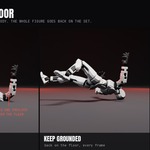
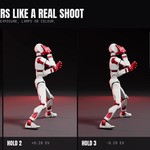
Installation
- Download mmm_stop_motion-1.6.3.zip from your Superhive orders. Don't unzip it.
- Drag the zip into Blender's window and click OK. Or go to Edit > Preferences > Get Extensions, open the drop-down at the top right, choose Install from Disk and pick the zip.
- If Blender asks to add Superhive as a remote repository, accept. You'll then get updates through Get Extensions.
- Press N in the 3D Viewport and open the Stop Motion tab.
To update by hand, install the new zip the same way; it replaces the old version.
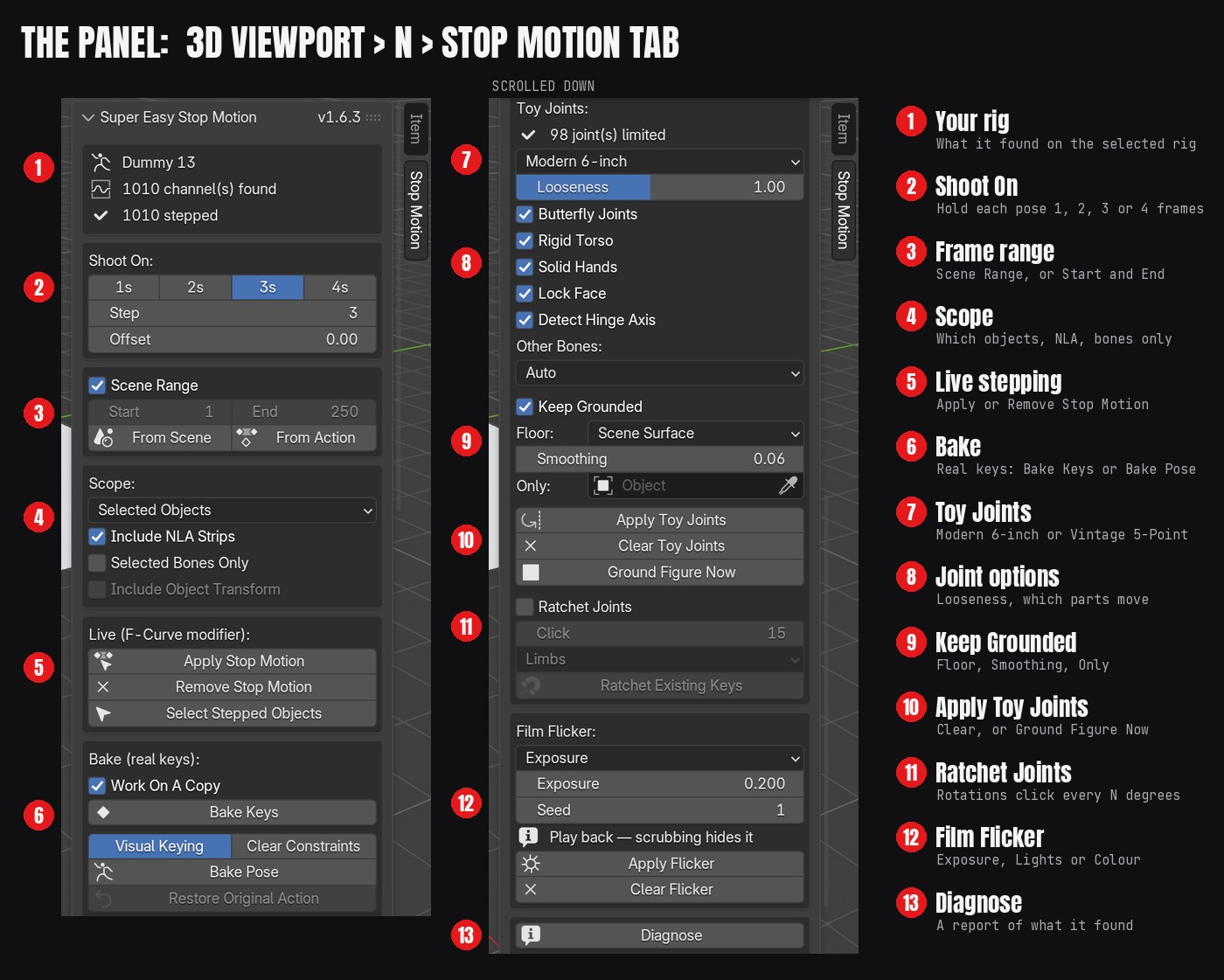
The panel
Quick start
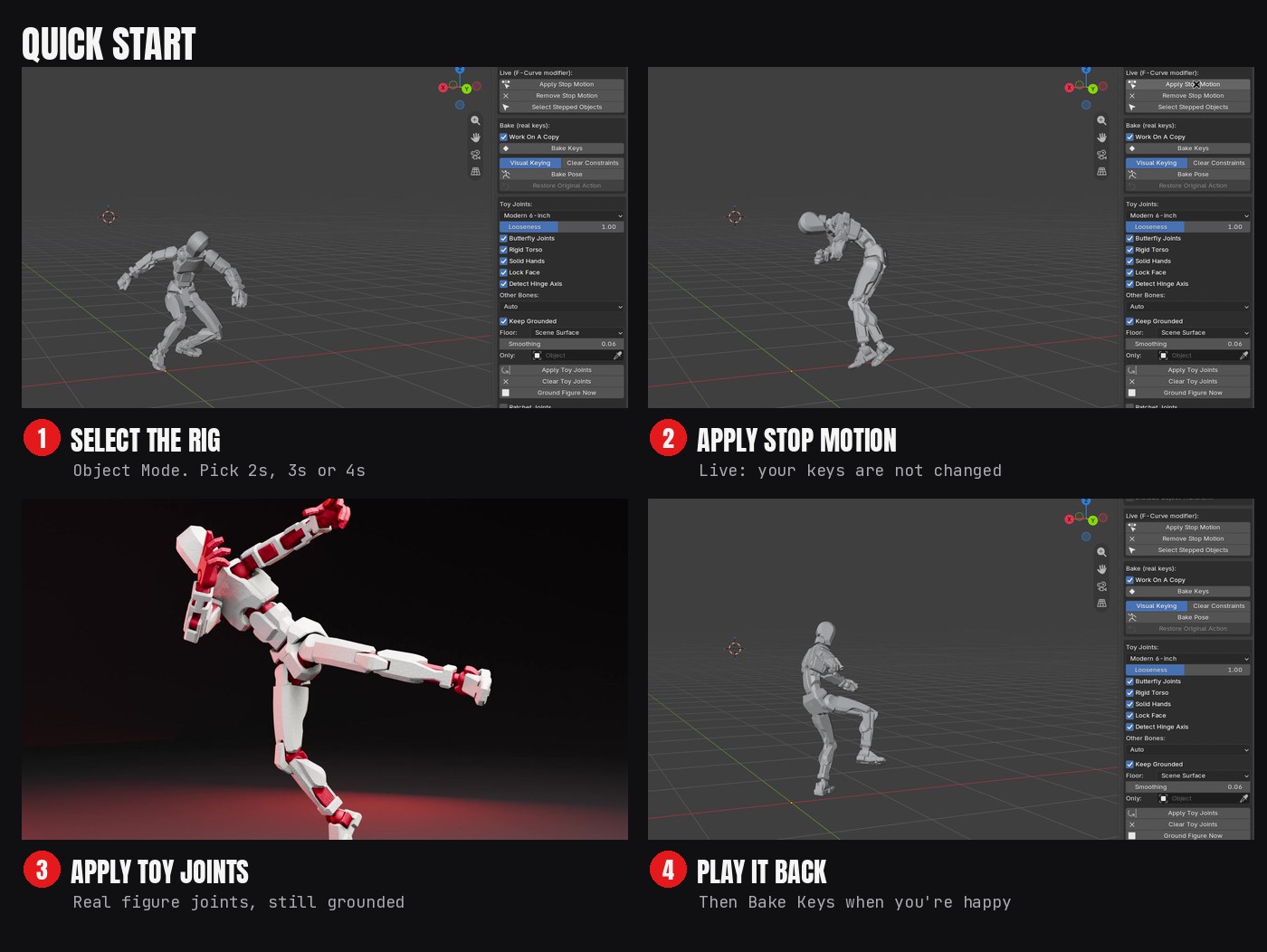
- Select your rig in Object Mode.
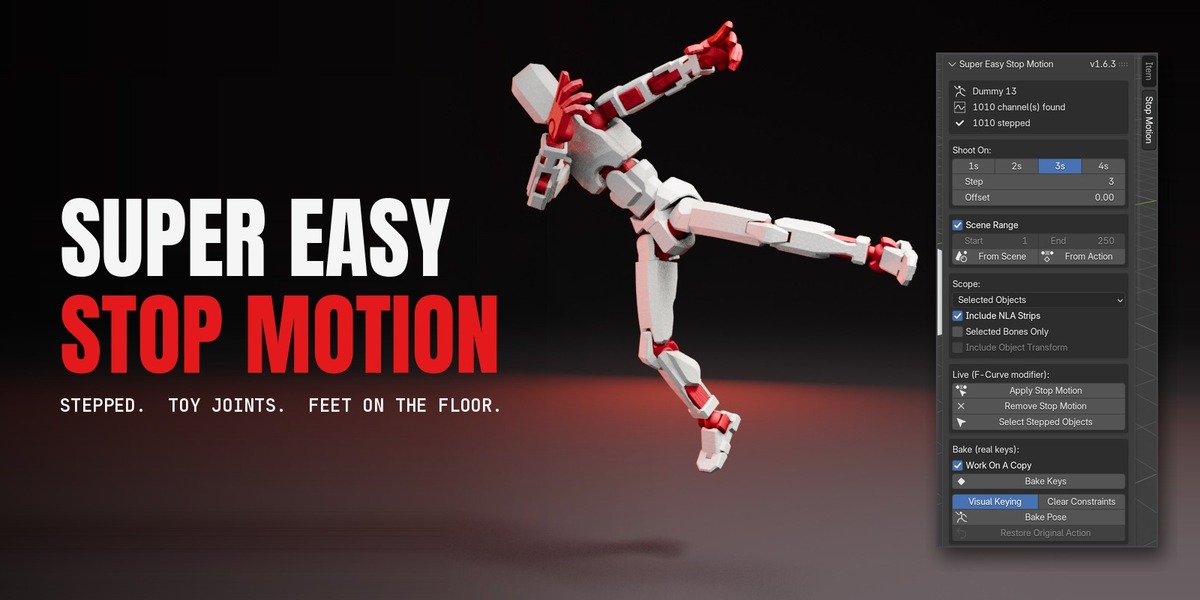
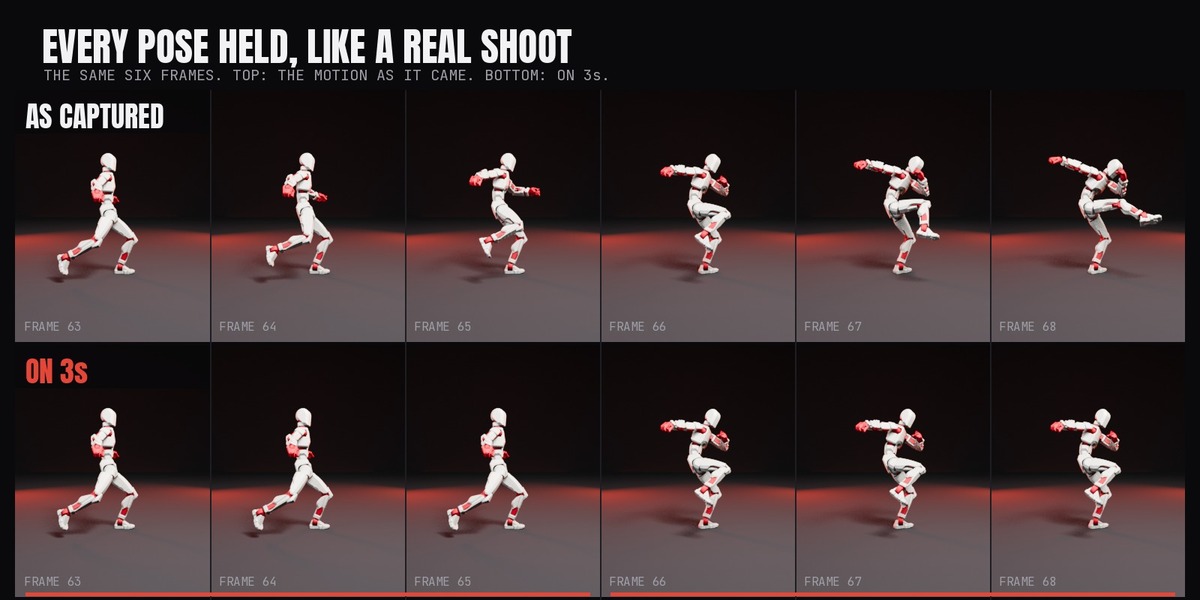
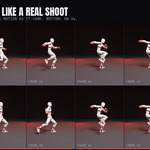
- In Shoot On, pick 2s, 3s or 4s. At 30 fps, 3s gives 10 poses a second; at 24 fps, 2s gives the classic 12.
- Click Apply Stop Motion. Press play: the animation now holds each pose.
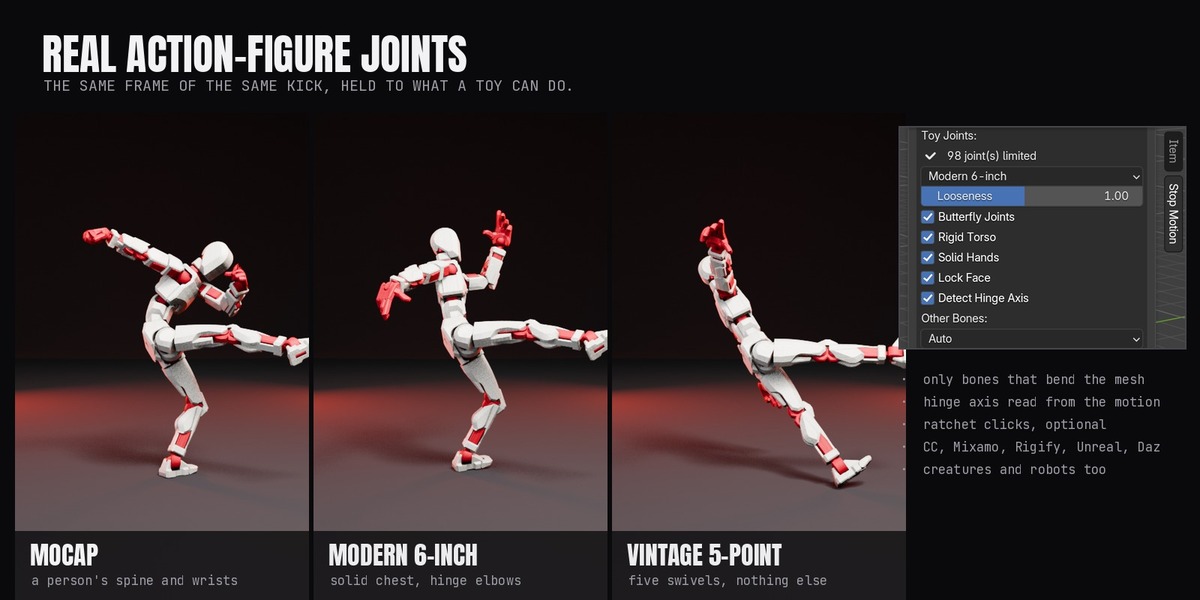
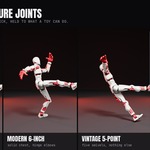
- Under Toy Joints, pick Modern 6-inch or Vintage 5-Point, leave Keep Grounded on, and click Apply Toy Joints.
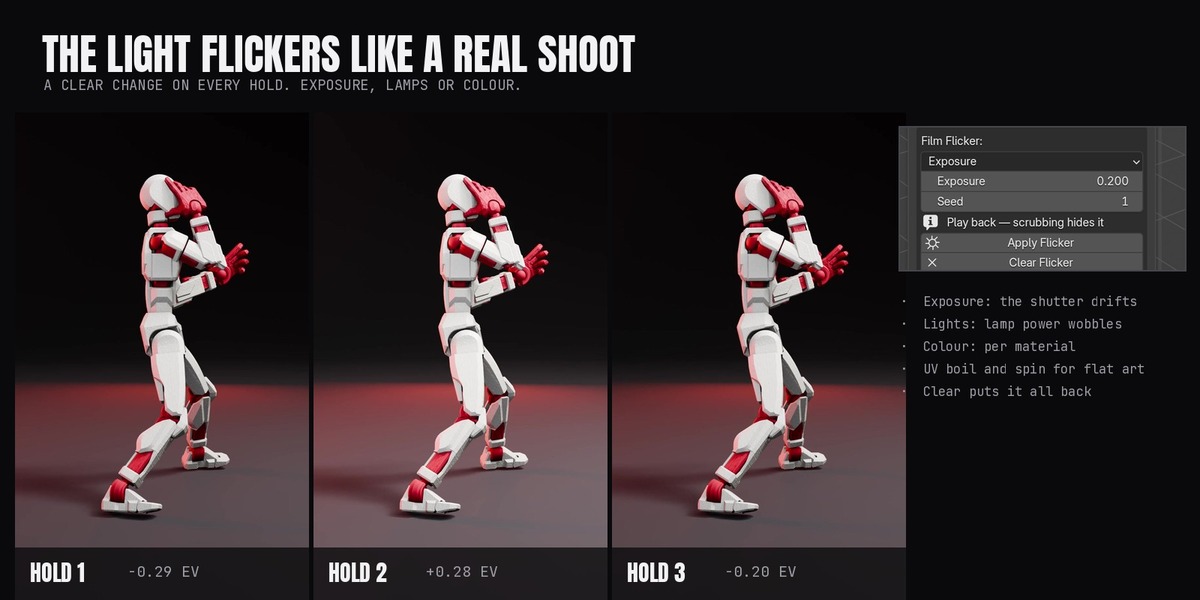
- Optional: under Film Flicker, pick Exposure and click Apply Flicker. Play it back in Material Preview or Rendered view.
- When you're happy, click Bake Keys (or Bake Pose for constraint rigs) to turn it into real keys.
Shoot on 2s, 3s or 4s
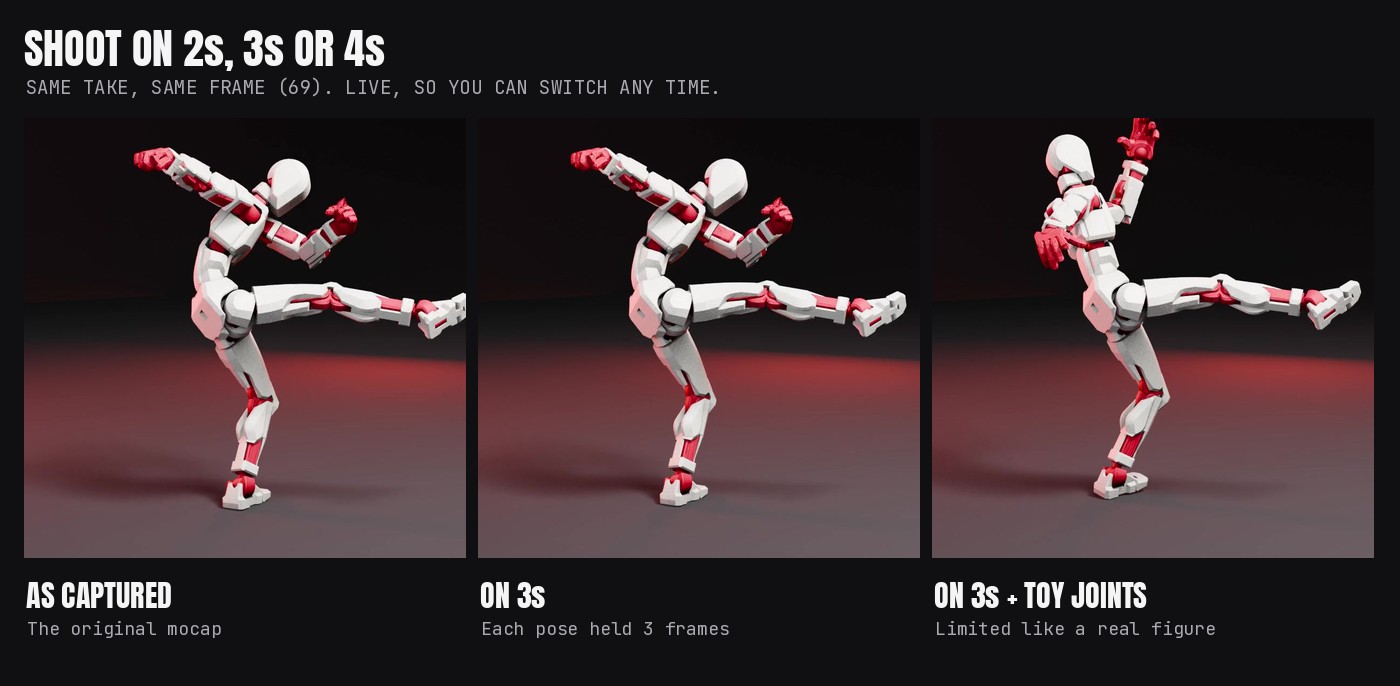
Stepping is live: Apply Stop Motion adds a Stepped modifier to every animated channel and your keys are untouched. Remove Stop Motion takes it off. Bake Keys rewrites the keys onto the holds; Bake Pose bakes what you see for constraint and IK rigs. Work On A Copy is on by default, and Restore Original Action puts the original back.
Toy Joints
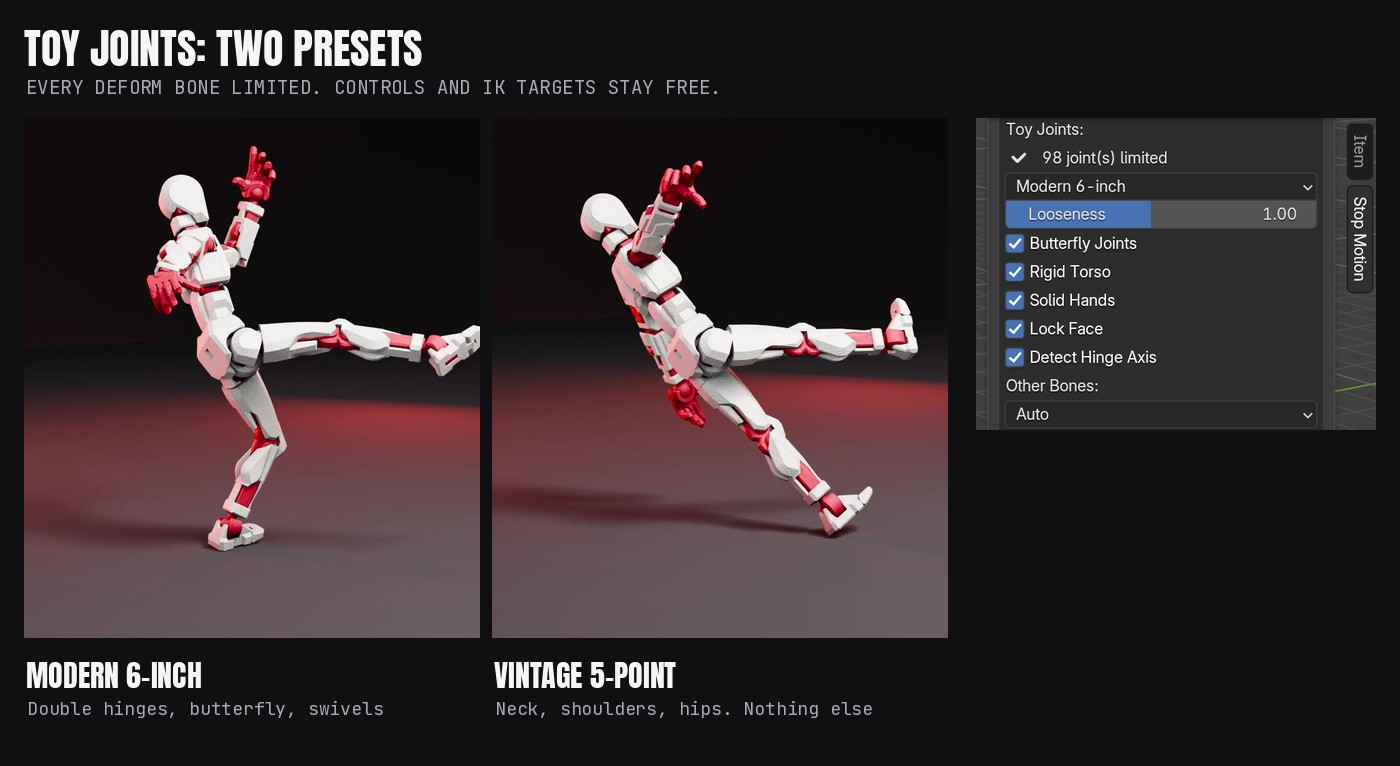
Toy Joints adds Limit Rotation constraints to the rig's deform bones from a joint map built from real figure articulation. Controls and IK targets stay free, and the top bone that turns the whole body is never limited. Bones the map doesn't know follow Other Bones: Auto, Leave Free, Generic Joint or Lock.
Keep Grounded
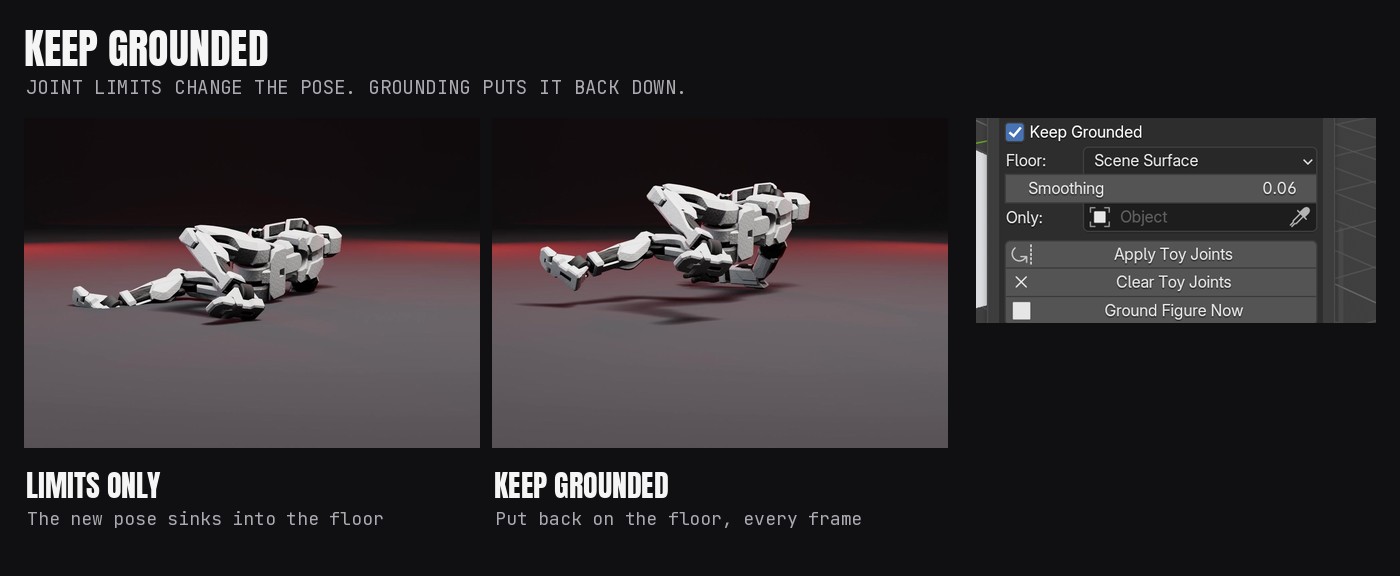
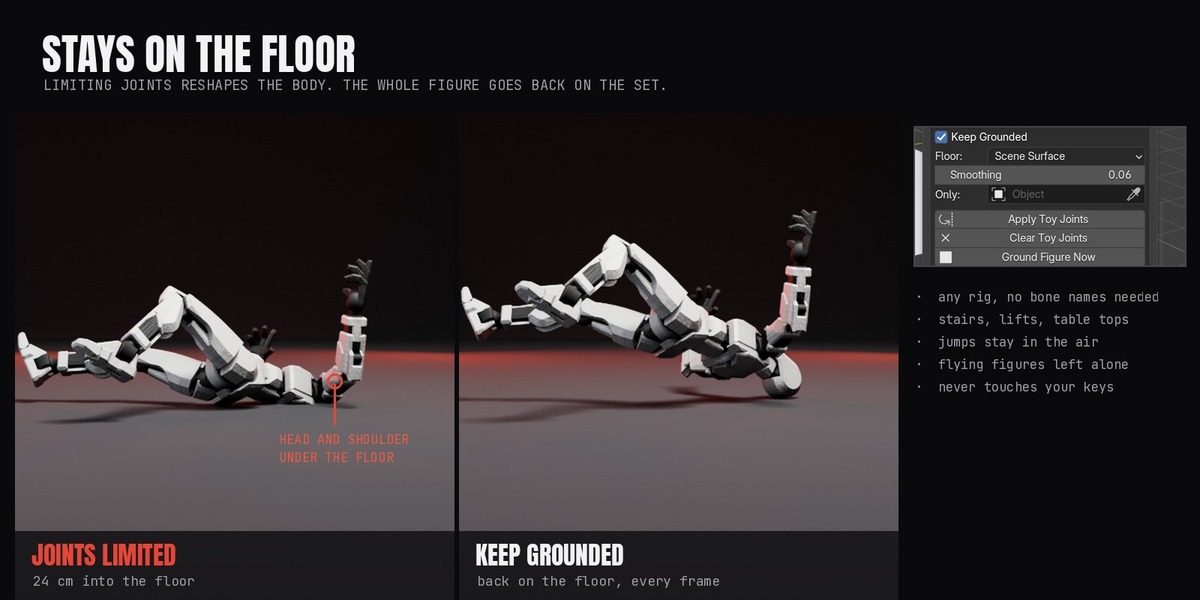
Joint limits change the pose, so feet can end up in the floor. Keep Grounded builds a contact model from the figure's own meshes, casts down onto your set every frame, and adds the height correction with its own constraint. Floor: Scene Surface (your set, frame by frame), Source Motion, or a fixed Height. Smoothing eases the correction only when the source feet are shaky; 0 means exact contact. Only counts a single object as the floor. After you change the animation, click Ground Figure Now.
Film Flicker
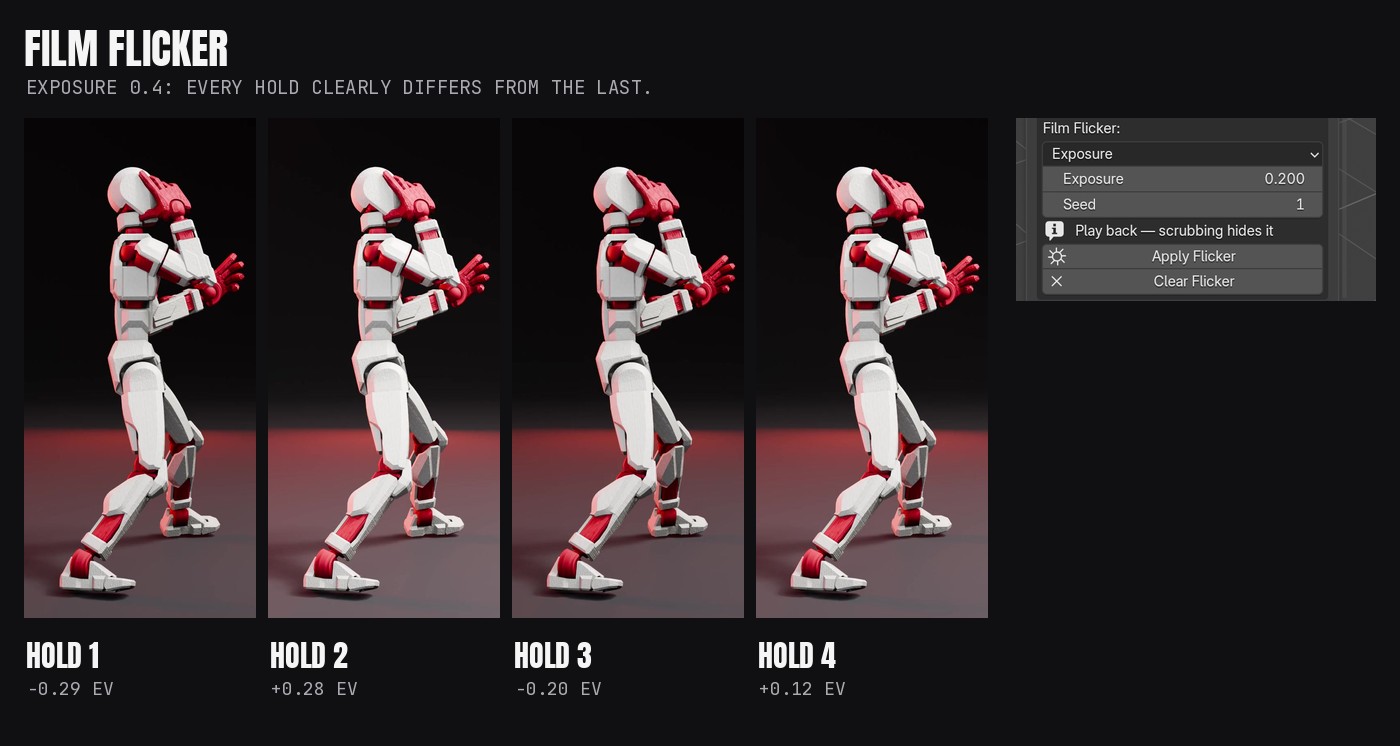
Exposure, Lights or Colour changes once per hold, and every hold clearly differs from the last. It shows when you play back in Material Preview or Rendered view, and in renders. Scrubbing and Solid view hide it. UV Boil and UV Spin are for flat art only. Clear Flicker restores everything exactly.
Diagnose
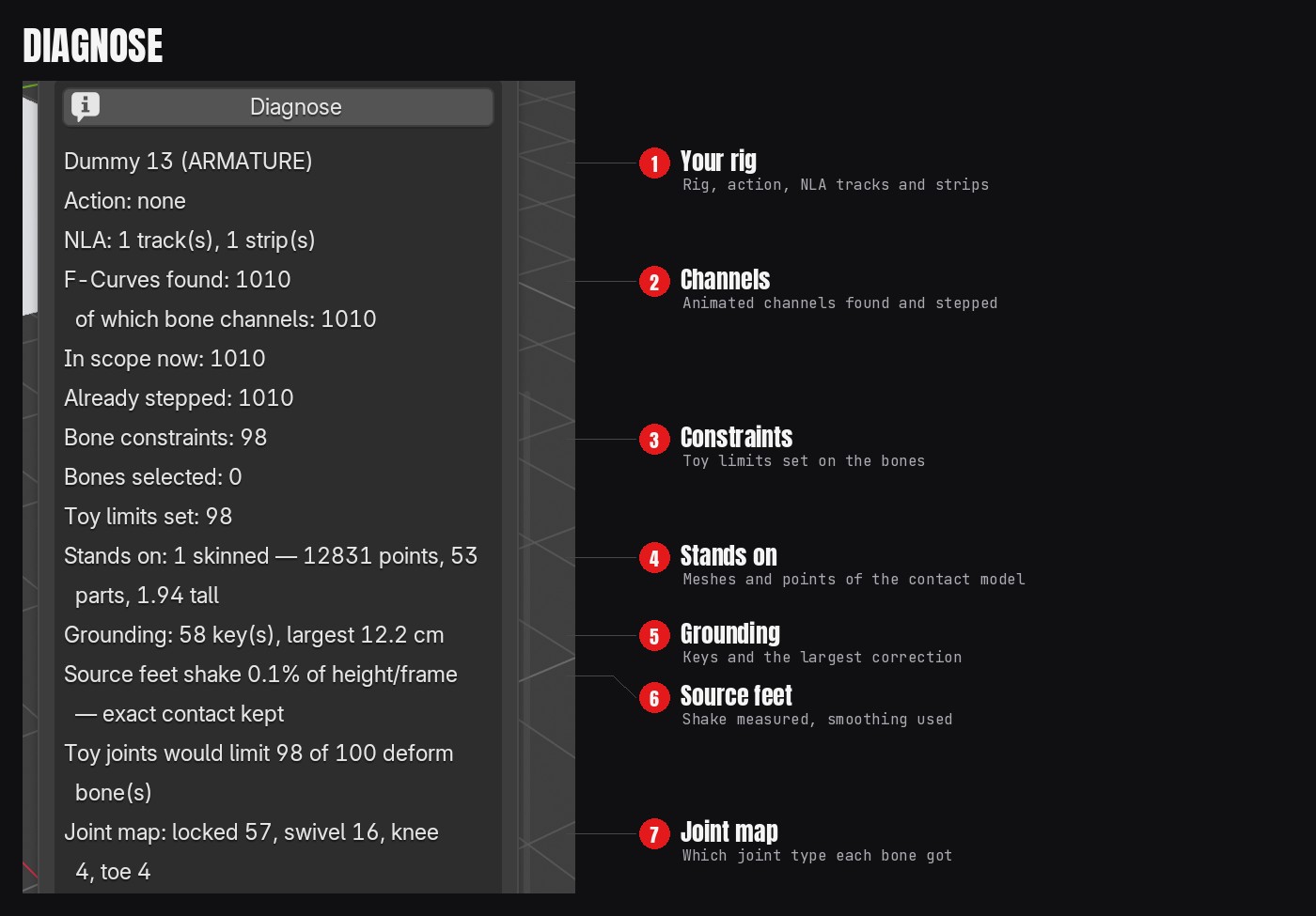
Settings
| Section | Setting | What it does | Default |
|---|---|---|---|
| Shoot On | 1s / 2s / 3s / 4s, Step | Frames each pose is held | 2 |
| Shoot On | Offset | Shifts where the holds land | 0 |
| Shoot On | Scene Range, From Scene, From Action | The frame range to step | Scene range |
| Scope | Selected Objects / Active Only | Which objects are stepped | Selected |
| Scope | Include NLA Strips | Steps the actions inside NLA strips too | On |
| Scope | Include Object Transform | Also steps the object's own location and rotation | Off |
| Bake | Work On A Copy | Bakes into a copy of the action and keeps the original | On |
| Bake | Bake Pose, Visual Keying, Clear Constraints | Bakes what you see, for constraint and IK rigs | |
| Toy Joints | Modern 6-inch / Vintage 5-Point | The figure the joint map copies | Modern 6-inch |
| Toy Joints | Looseness | 1.0 matches a modern 6-inch figure; 0.6 is stiffer | 1.0 |
| Toy Joints | Butterfly Joints, Rigid Torso, Solid Hands, Lock Face | Which parts move like the toy | On |
| Toy Joints | Detect Hinge Axis | Finds which way each elbow and knee bends | On |
| Grounding | Keep Grounded | Puts the figure back on the floor after joint limits | On |
| Grounding | Smoothing | Seconds of easing, used only on shaky source feet. 0 = exact contact | 0.06 |
| Ratchet | Ratchet Joints, Click | Snaps rotations to clicks of this many degrees | Off, 15 |
| Ratchet | Limbs / All Joints, Ratchet Existing Keys | Which joints click, and applies it to keys you already have | Limbs |
| Film Flicker | Exposure, Lamp Power, Brightness | How much it changes each hold | 0.2 EV, 0.15, 0.05 |
| Film Flicker | Seed | A different random pattern | 1 |
Good to know
- Toy Joints takes a moment on big scenes: about 20 seconds per rig on a scene with hundreds of set objects, with a progress bar.
- Grounding fixes height, not sliding. A planted foot can still slide sideways between holds.
- Scene Surface ignores other characters as floor. For a figure standing on another rigged character or vehicle, use Only to pick that object, or use Source Motion.
- Pose Mode bone filter: Selected Bones Only steps just the bones you selected.
Update log
1.6.3 (2026-11-12): First Superhive release. Film Flicker: every hold now clearly differs from the last, with stronger defaults. Diagnose report wraps to the sidebar width. Clean motion keeps exact floor contact.
Have questions about this product?
Login to message
| Blender Extension Compatible | Yes |
| Published | about 11 hours ago |
| Blender Version | 5.0 - 5.3 |
| Extension Type | Add-on |
| Render Engine Used | Cycles, Eevee |
| License | GPL |
Discover more products like this
animation joint limits stop motion rigify stepped animation character animation action figure toy mixamo rigging film flicker mocap