Super Easy Stop Motion
 Make It Move Media

No. Live stepping is a modifier on top of your keys. Bake Keys and Bake Pose work on a copy of the action by default, and Restore Original Action brings the original back.
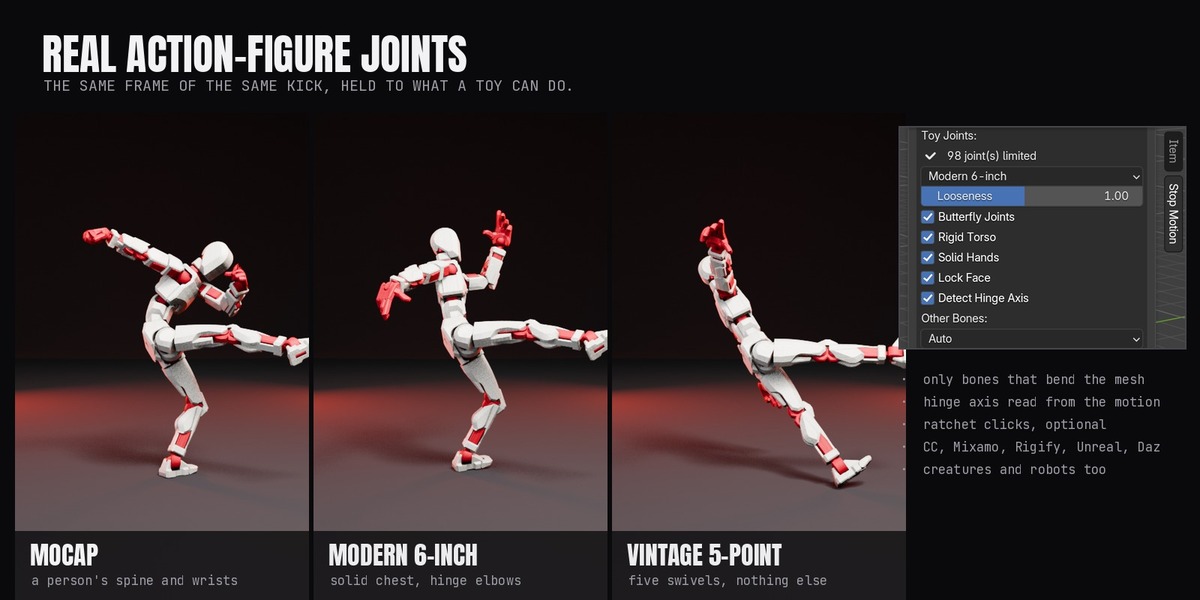
Any armature. It knows CC/AccuRIG, Mixamo, Rigify, Unreal and Daz bone names. Rigs with other names, creatures and robots get generic toy joints, and Diagnose shows what it found.
Yes. It steps the actions inside NLA strips, and the holds stay exact on scaled or slowed strips.
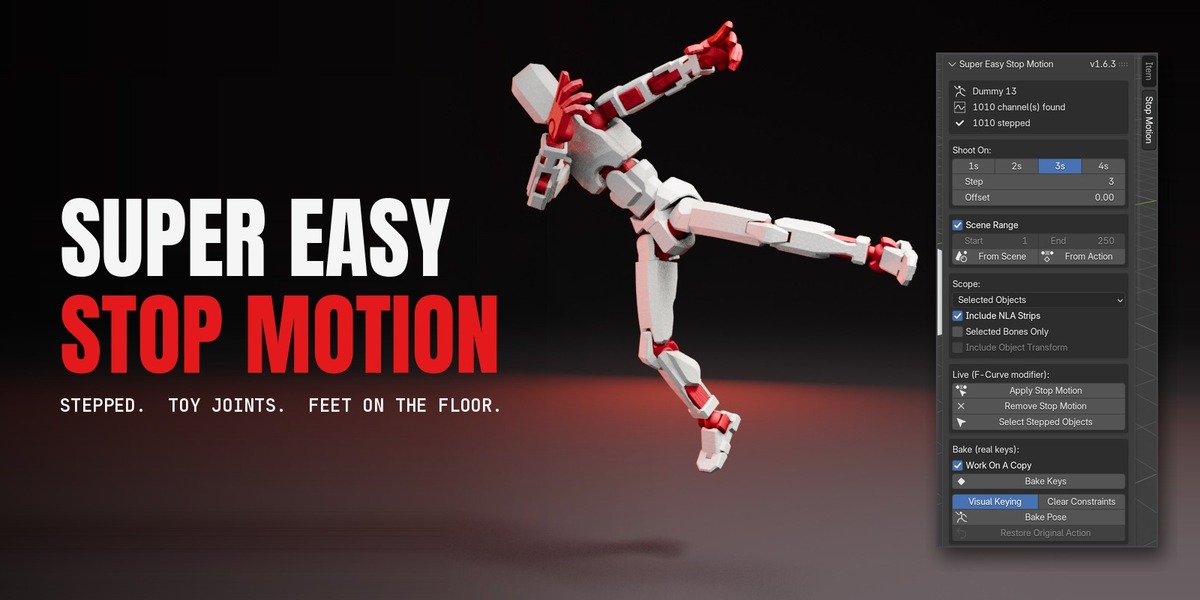
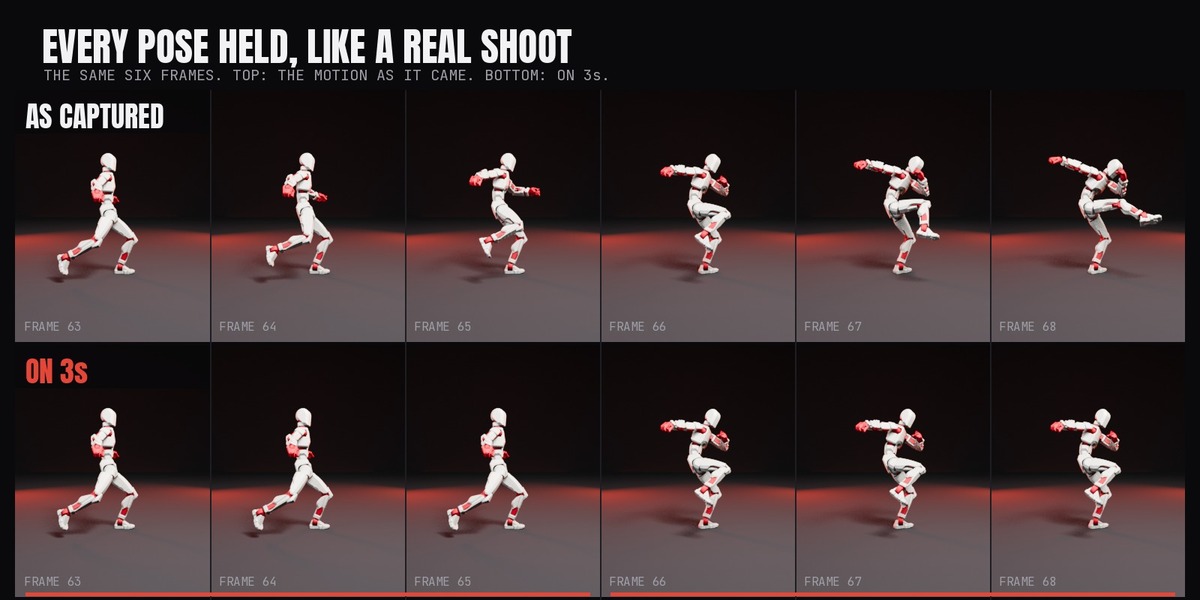
Aim for 10 to 12 poses a second. At 24 fps use 2s. At 30 fps use 3s, or 2s for fast action. At 60 fps set Step to 5.
Use Bake Pose. It bakes what you see, then keeps only the holds.
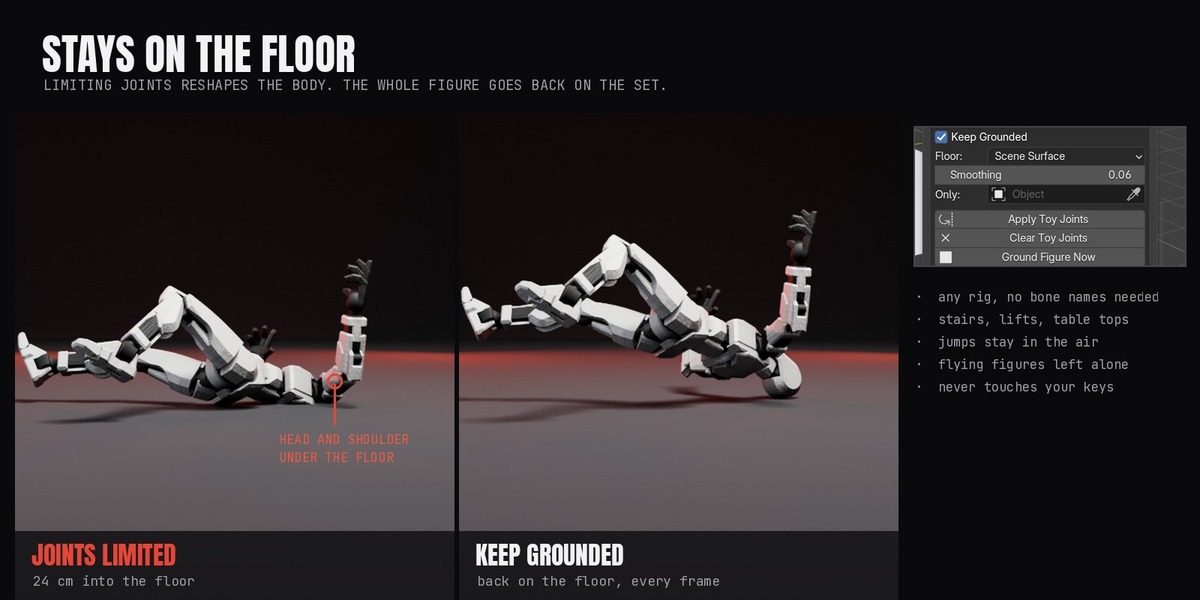
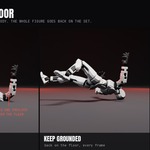
Joint limits change the pose, so feet can end up lower. Leave Keep Grounded on, or click Ground Figure Now after you change the animation.
No. It measures how shaky the source feet are and only eases the correction as much as needed. Set Smoothing to 0 if you want exact contact.
Yes. Jumps keep their height, flying characters stay at their source height, and stairs and moving platforms are measured every frame.
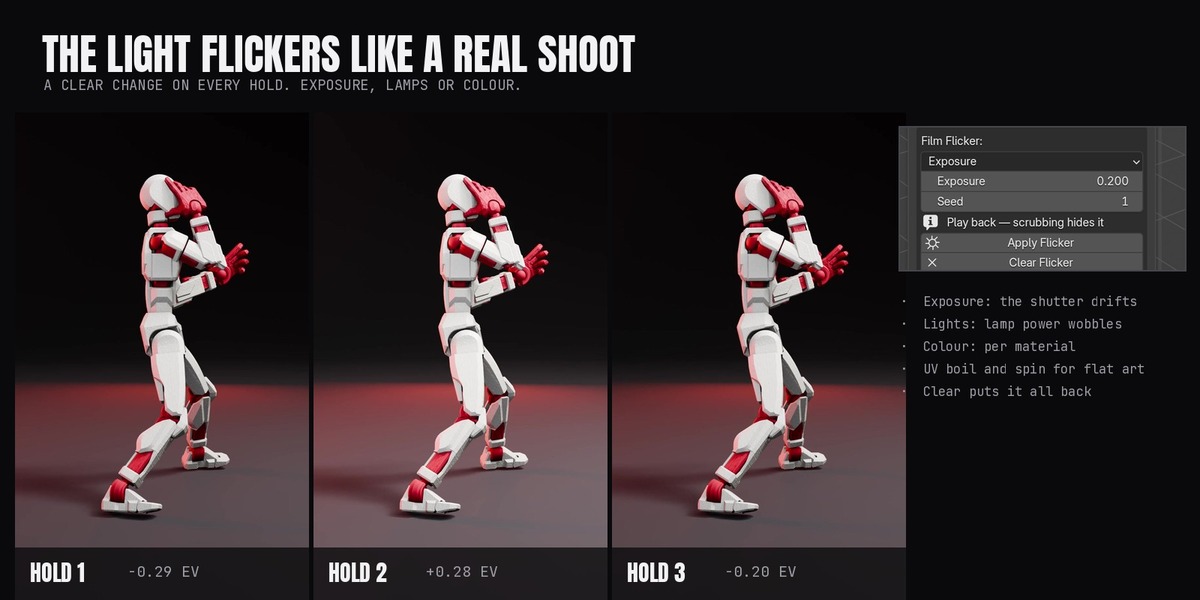
Play the animation back in Material Preview or Rendered view. Scrubbing and Solid view hide it.
Remove Stop Motion, Clear Toy Joints and Clear Flicker each undo their own part completely.
Yes. Any animated object can be stepped. Toy Joints and grounding need an armature.
Yes, after Bake Keys or Bake Pose. The result is plain keyframes, so it exports as an FBX animation. Live stepping and flicker are Blender-only.
Yes. Stepping, Toy Joints and grounding don't depend on the render engine, and the flicker shows in both EEVEE and Cycles.
Install from the zip and accept Superhive as a remote repository. New versions then appear in Edit > Preferences > Get Extensions.
Have questions about this product?
Login to message
| Blender Extension Compatible | Yes |
| Published | about 11 hours ago |
| Blender Version | 5.0 - 5.3 |
| Extension Type | Add-on |
| Render Engine Used | Cycles, Eevee |
| License | GPL |
Discover more products like this
stepped animation rigify joint limits mocap toy mixamo action figure rigging animation stop motion character animation film flicker