Super3D Format Bridge for Blender -- Multi-DCC Import Export
 blenderVfxMaster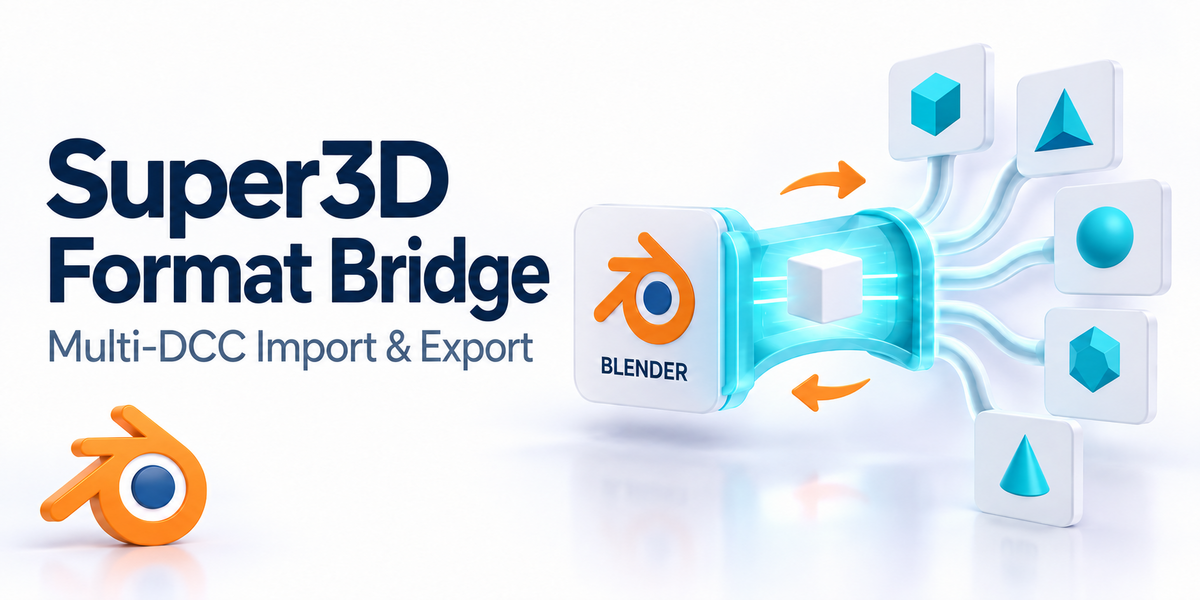


Installation
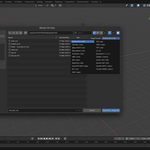
1. Download the product zip file.
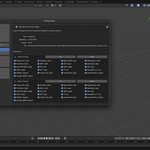
2. In Blender, go to Edit > Preferences > Add-ons.
3. Click Install, choose super3d_io_addon.zip, then enable the addon.
Usage
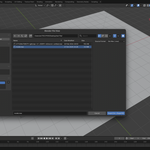
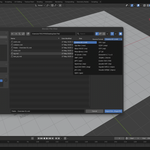
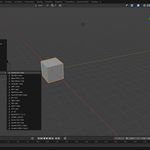
- Import: File > Import > Super3D
- Export: File > Export > Super3D
Best Practices
- Use supported Blender versions listed on the product page.
- For production pipelines, validate exported files before batch deployment.
- Keep naming conventions consistent for predictable results.
Troubleshooting
- If import/export fails, test with a minimal sample file first.
- Disable conflicting addons and retry.
- Include Blender version + OS + sample file when reporting issues.
Have questions about this product?
Login to message
| Blender Extension Compatible | Yes |
| Sales | 60+ |
| Rating | 6 ratings |
| Published | 7 months ago |
| Blender Version | 3.6 - 5.2 |
| Extension Type | Add-on |
| License |
Discover more products like this
3DMAX cinema4d super3d SketchUp transformation import Export maya c4d Houdini conversion tool format conversion