 P2_limit_sadge
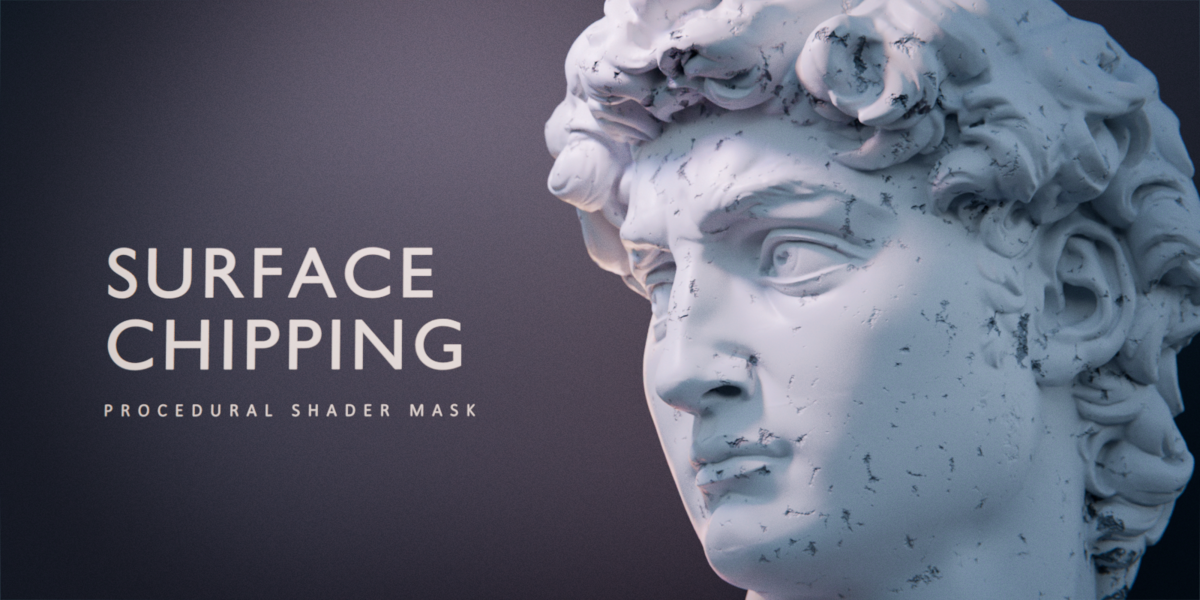
P2 · SHADER NODES
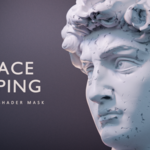
SURFACE CHIPPING
Add fine chipping to your materials.
A procedural grayscale mask for small, irregular surface chips. Connect it to Bump and Roughness in your existing Blender materials.
Procedural mask No UVs required No add-on required Blender 5.0+
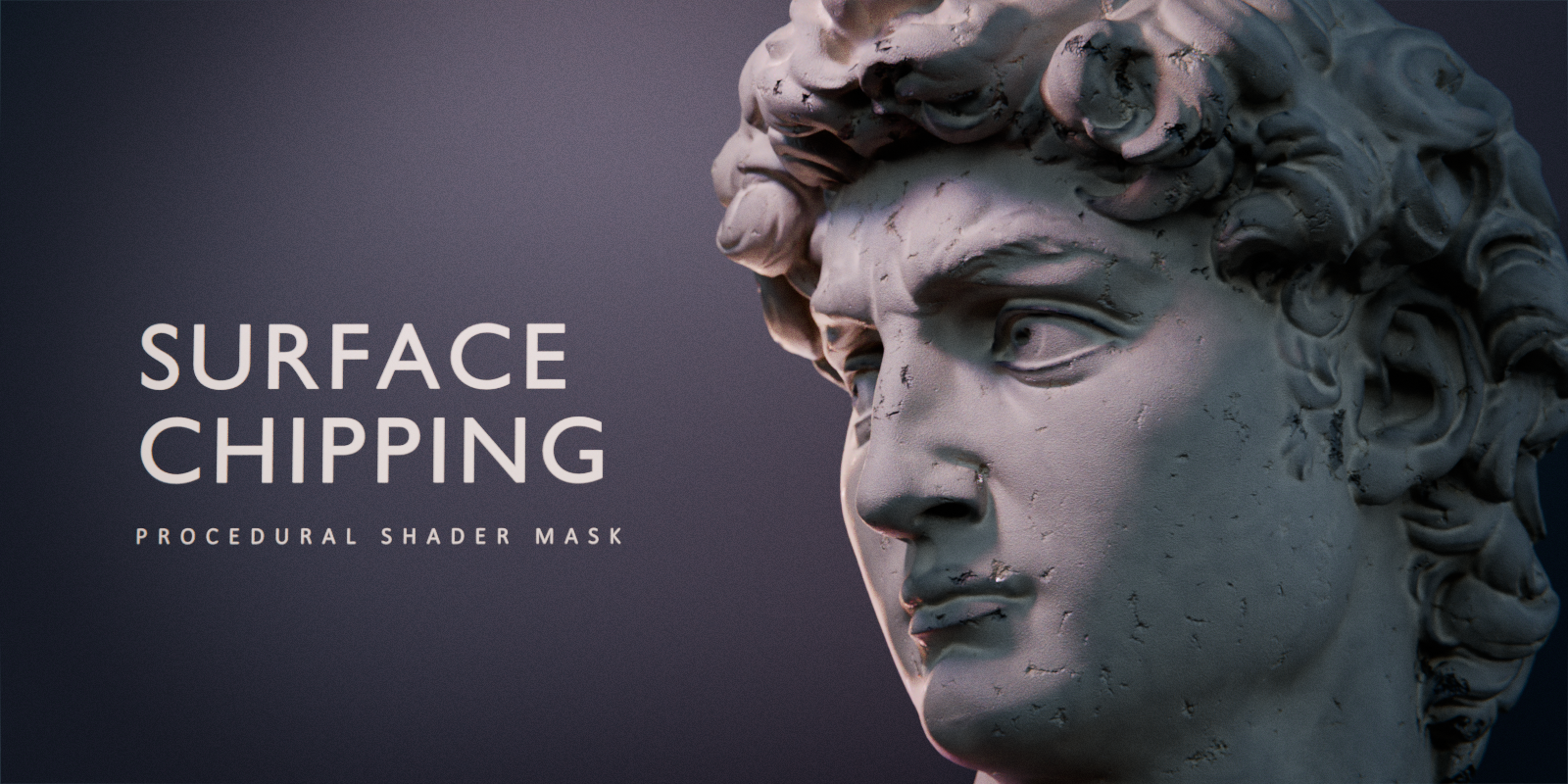
Add worn surface detail to stone, plaster, painted, or metal materials. Your base shader and lighting define the final look.
SEE THE EFFECT
Fine surface detail, revealed by the light.
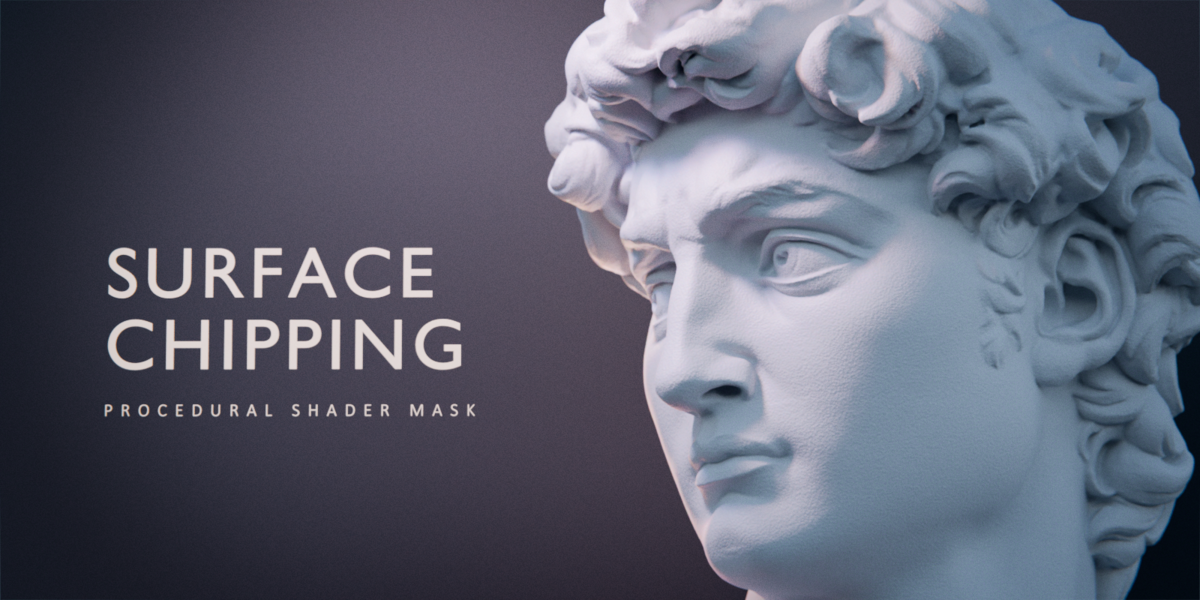
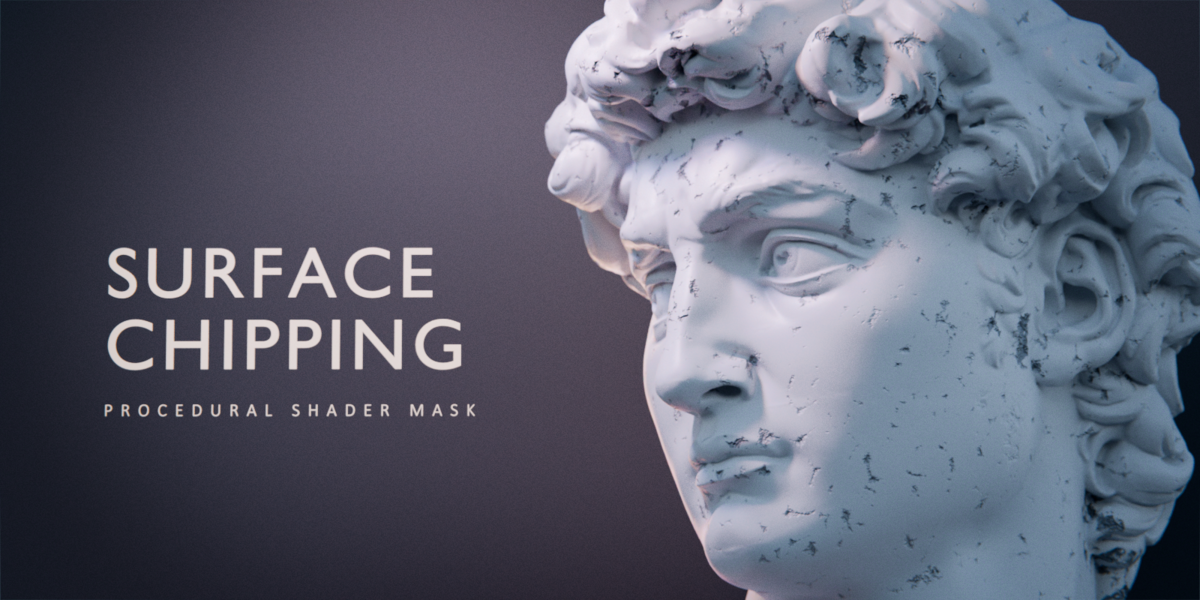
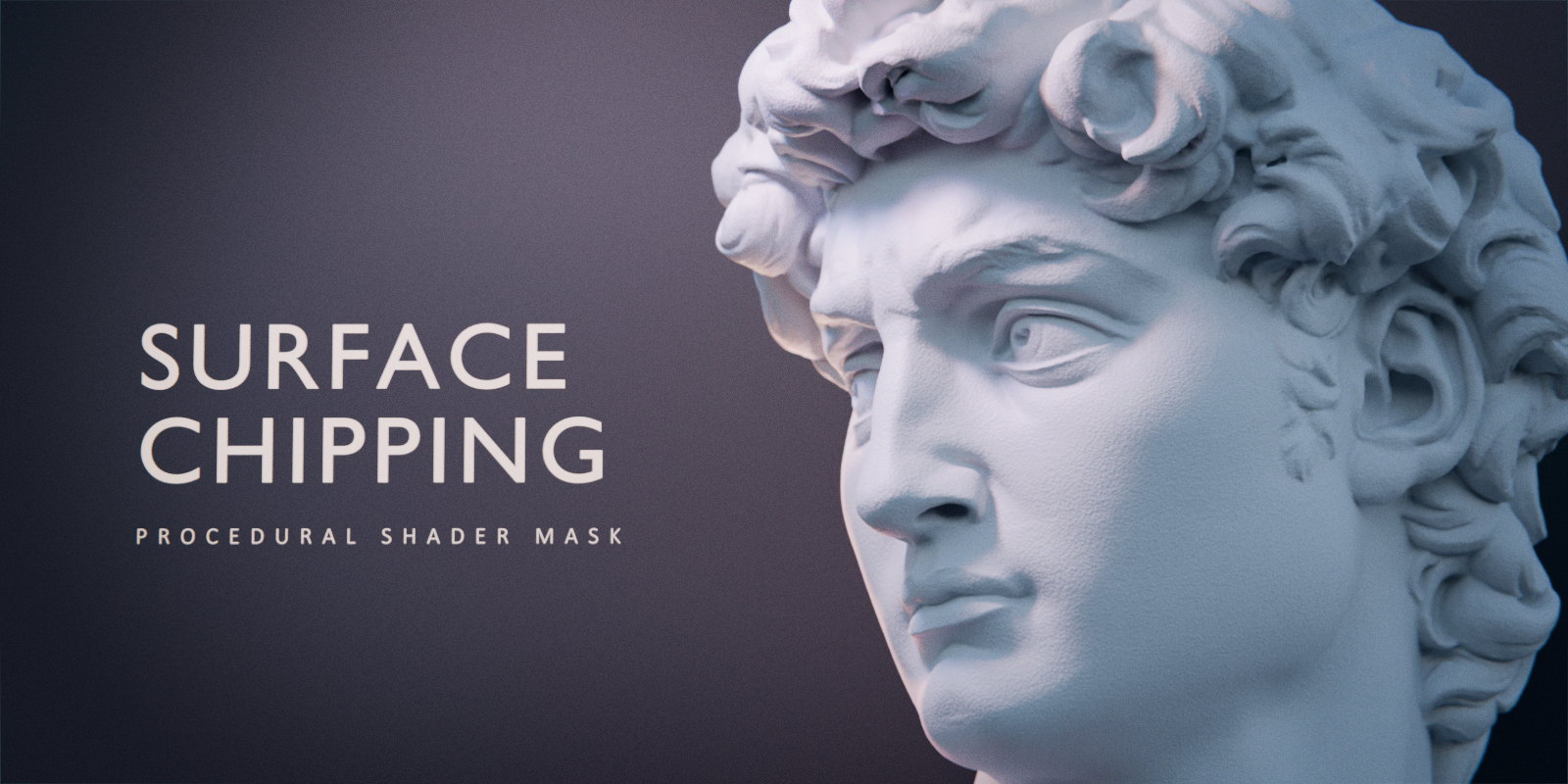
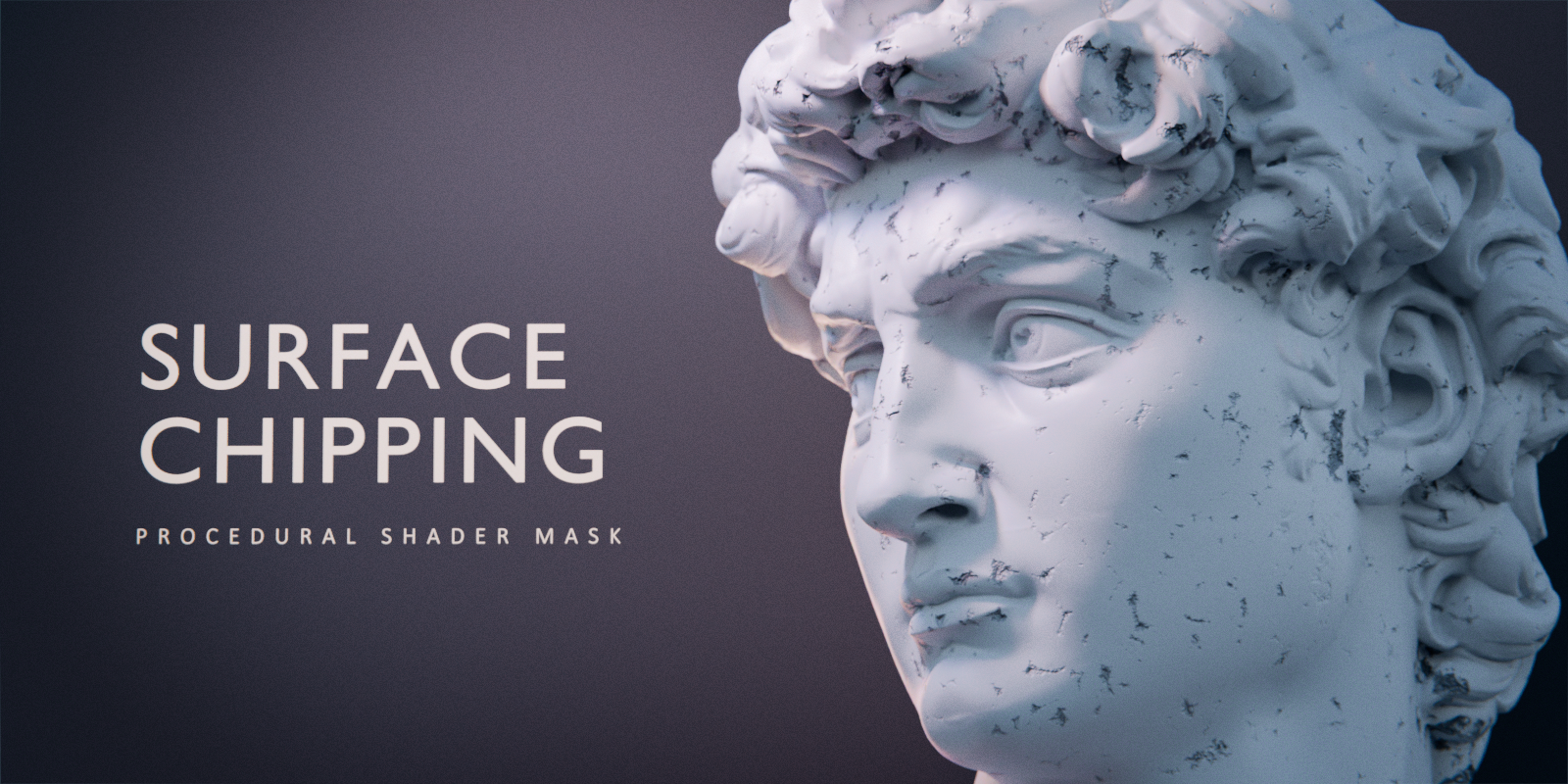
Compare the effect with the same camera, lighting, and base material. The mask adds irregular chips through Bump and roughness variation.
OFF · BASE MATERIAL
ON · SURFACE CHIPPING
CONTROL THE PATTERN
Choose the size. Shape the detail.
Three inputs control the mask. Set the apparent depth separately with your Bump node.
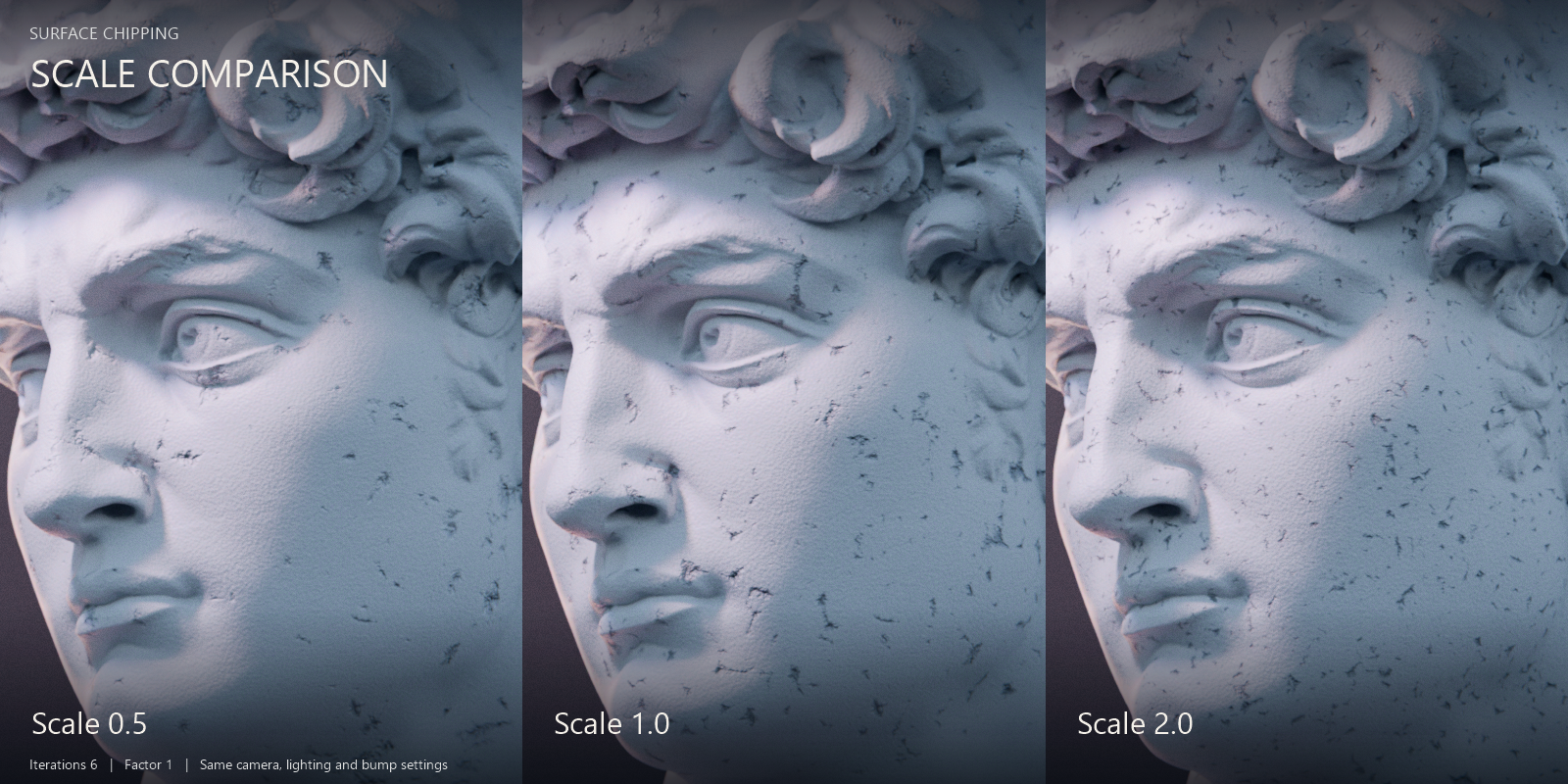
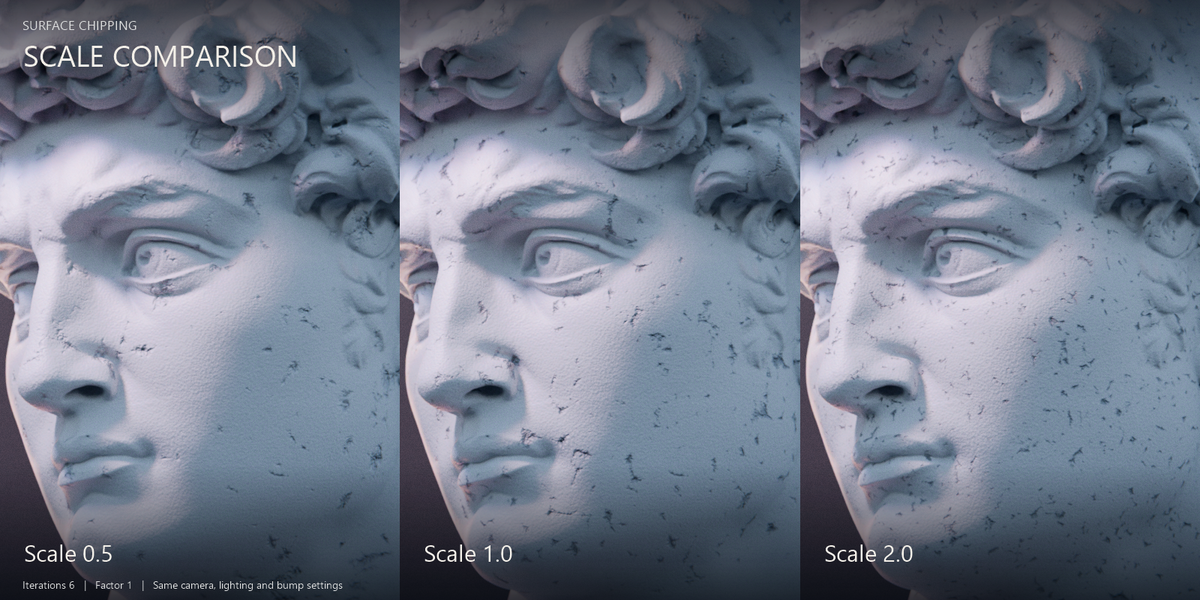
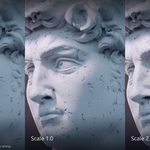
Scale · Pattern size
Higher positive values create finer detail. Lower positive values create larger patterns.
Iterations · Pattern buildup
Accumulate additional pattern passes to change the detail. Higher values increase shader computation.
Factor · Mask output
Multiply the mask from zero to its full value. Adjust Bump Strength and Distance to control the apparent depth.
INCLUDED EXAMPLE
See the connections. Use them in your shader.
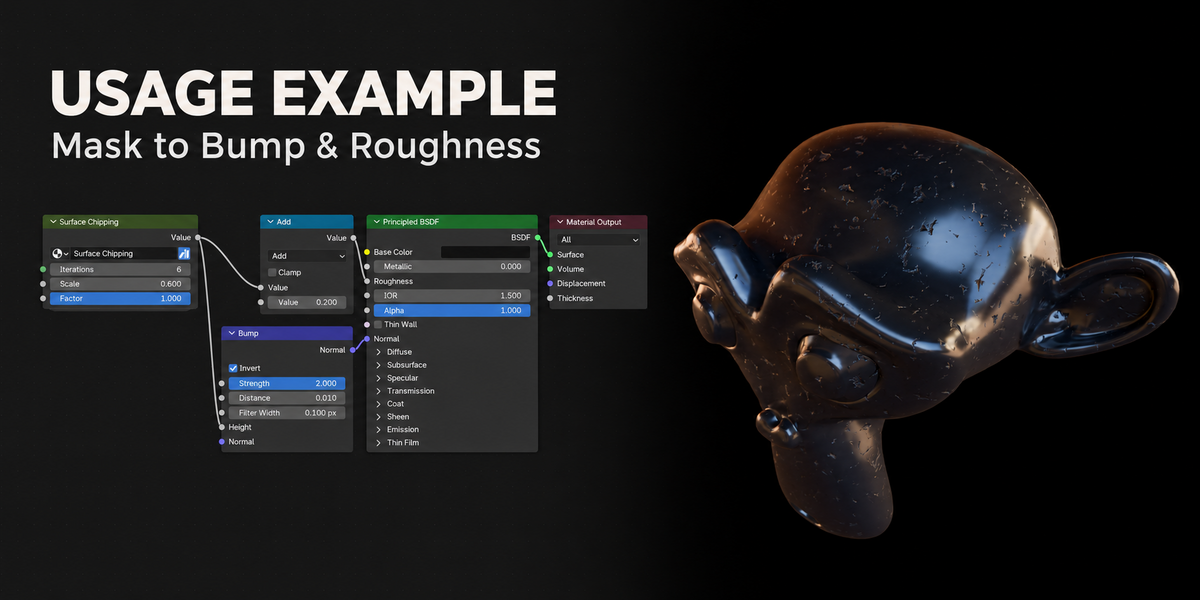
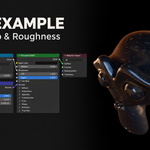
Suzanne comes with the Surface Chipping Example material assigned. The mask drives Bump Height and, through a Math Add node, Principled BSDF Roughness.
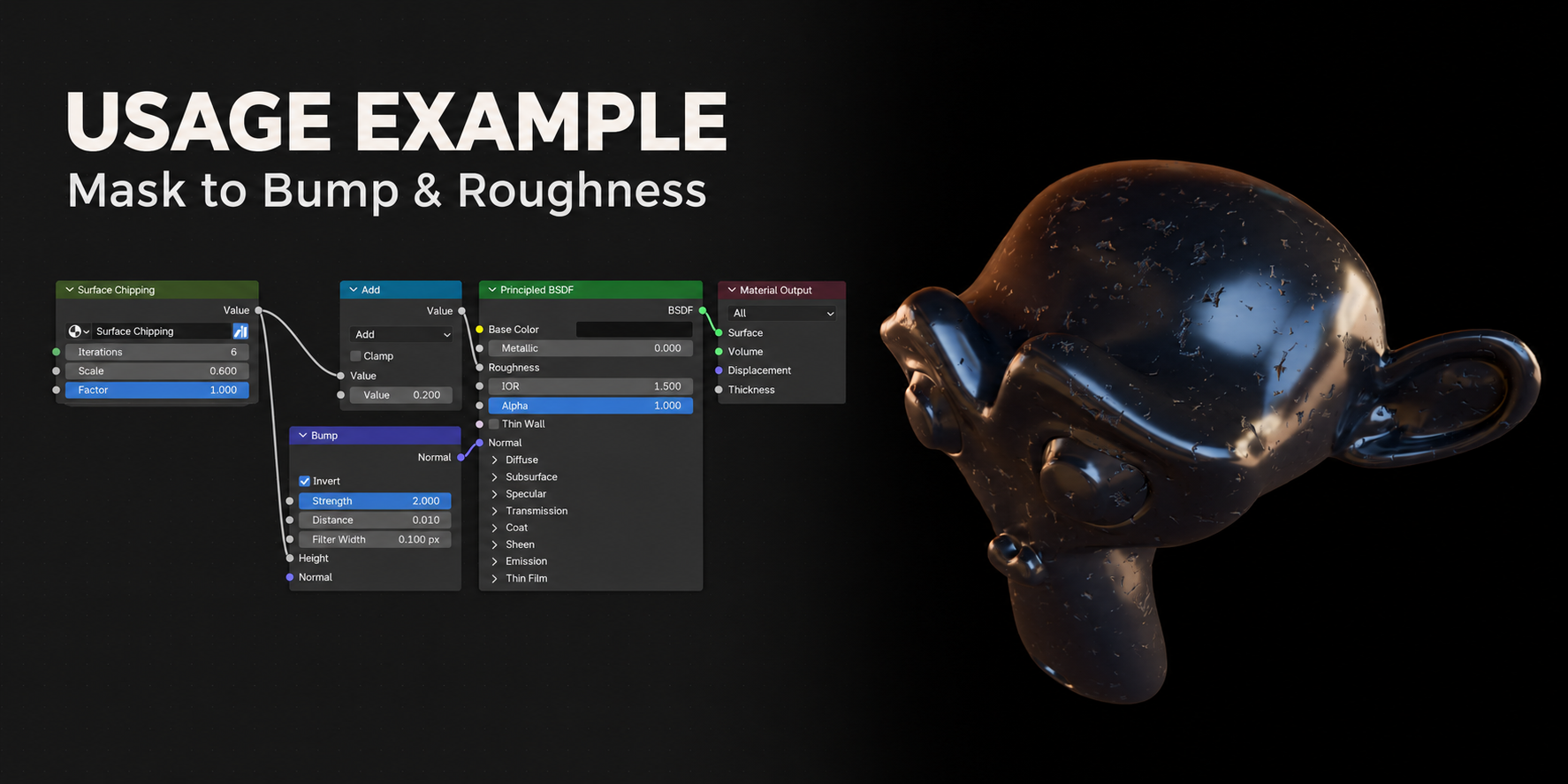
Inside Surface_Chipping.blend
Surface Chipping node-group asset
Registered for the Asset Browser with a custom preview and input descriptions.
Registered for the Asset Browser with a custom preview and input descriptions.
Suzanne and the example material
Inspect the setup, append the material, or reuse the mask in your existing shader.
Inspect the setup, append the material, or reuse the mask in your existing shader.
Blender 5.0+ · No add-on installation · No image textures needed for the mask
QUICK START
Add the mask to your material.
01 · IMPORT
Append NodeTree > Surface Chipping from the supplied .blend, or drag the asset from your registered library into the Shader Editor.
Append NodeTree > Surface Chipping from the supplied .blend, or drag the asset from your registered library into the Shader Editor.
02 · CONNECT
Connect Value → Bump Height, then Bump Normal → Principled BSDF Normal. Enable Bump Invert to match the included example.
Connect Value → Bump Height, then Bump Normal → Principled BSDF Normal. Enable Bump Invert to match the included example.
03 · ADJUST
Choose Scale, Iterations, and Factor, then adjust Bump Strength and Distance. Optionally remap the mask for Roughness or other material inputs.
Choose Scale, Iterations, and Factor, then adjust Bump Strength and Distance. Optionally remap the mask for Roughness or other material inputs.
BEFORE YOU BUY
The included setup uses Bump for surface shading. It does not change topology or silhouette, create through-holes, or automatically detect edges.
The mask uses world-space Position internally, with no exposed Vector input. Object movement or deformation can change the pattern; check this behavior for animated objects.
The David sculpture, marketing scenes, cameras, and lighting shown in sales images are not included. The Suzanne example is viewable in Material Preview and contains no render camera or lights.
Fine chips. Your material.
Shape the pattern, tune the bump, and keep building your surface.
