 NineLine


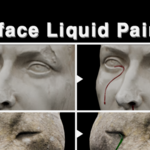
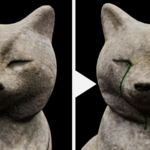
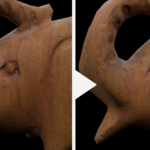
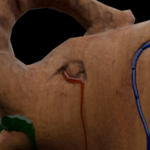


Installation
1. Go to Edit > Preferences > Get Extensions.
2. Open the menu in the upper-right corner and choose Install from Disk.
3. Select the Surface Liquid Painter ZIP file.
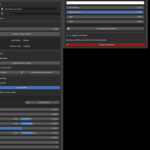
4. Open 3D View > Sidebar > Surface Liquid.
Basic Workflow
1. Assign a mesh to Target Object or select a Target Collection.
2. Click Create / Draw Guides.
3. Drag the left mouse button on the target surface.
4. Press Enter or Esc to finish drawing.
5. Select the generated SLP_Guide and click Generate from Active Guide.
6. Select the generated SLP_Liquid to adjust its shape and material settings.
7. Use Edit Guide to modify the path.
8. Click Apply Final Mesh to convert the result into a regular editable mesh.
Notes
- Draw from the intended start point toward the end point. Start Pool and End Droplet follow the drawing direction.
- The included material is intended for basic preview only. Refine or replace it in the Shader Editor for final rendering.
- Apply Final Mesh removes the linked Guide Curve and editable setup.
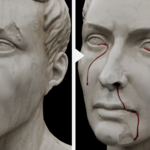
- Surface Liquid Painter is an art-directed modeling tool, not a fluid simulation.
Have questions about this product?
Login to message
| Blender Extension Compatible | Yes |
| Published | 2 months ago |
| Blender Version | 5.2 |
| Extension Type | Add-on |
| Render Engine Used | Cycles |
| License | GPL |
Discover more products like this
liquid painter liquid mesh blender-extension character effects surface liquid tear generator 3d modeling procedural modeling surface drawing blood generator curve tool