 Pavel Serak 3Dartmodeling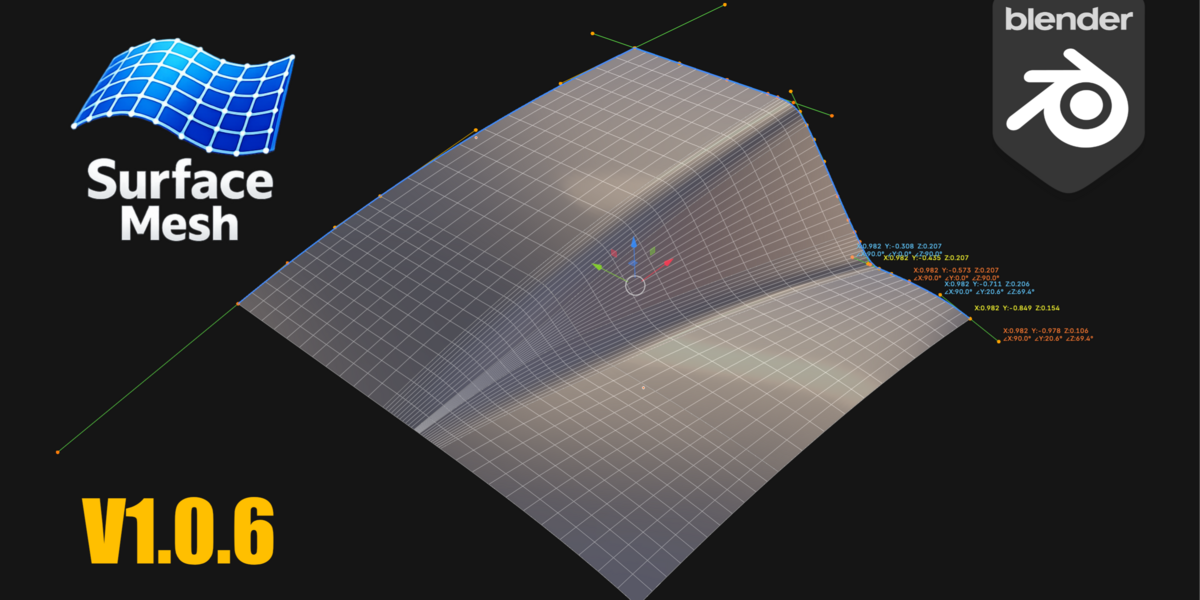


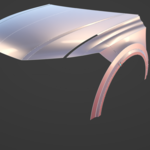
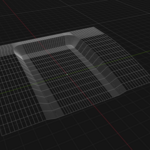
Surface Mesh — Modeling a car body in Blender
Create clean surfaces from a Bézier curve in Blender.
The Surface Mesh function creates surfaces from four boundary Bézier curves. It is designed specifically for modeling concept car bodywork: you sketch the four edges of a panel, generate the surface, connect it to another panel, and repeat the process—with the surface updating dynamically as the curve network is modified.
Before downloading Surface Mesh, watch the videos below to see what the feature can do.
While working with the excellent tool Blender, I wanted to get a bit closer to the capabilities of professional CAD software for car modeling - and that is how Surface Mesh came about.
Why surface mesh?
If you want to try modeling a car body or a design element using surfaces in Blender—creating curves first and then generating surfaces from them, just like in professional CAD software—Surface Mesh makes this possible. You can control each panel curve, and the surface recalculates in real time. The Auto-fix tool uses an algorithm that ensures the surface remains correctly aligned with the curves at all times.
Automatic curve direction correction handles this correctly. It doesn't just reverse the curves—it scans every combination of curve role and direction assignments to find the one that actually connects all four corners, thereby catching cases that a simple "reverse" button never could.
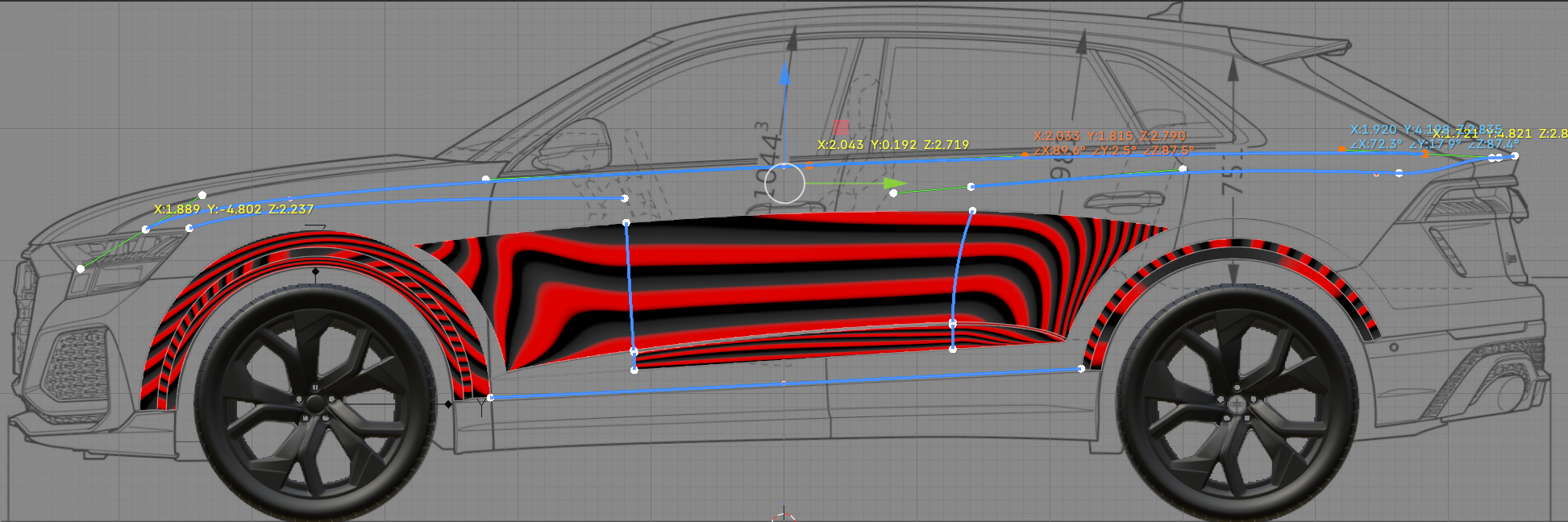
User interface tools
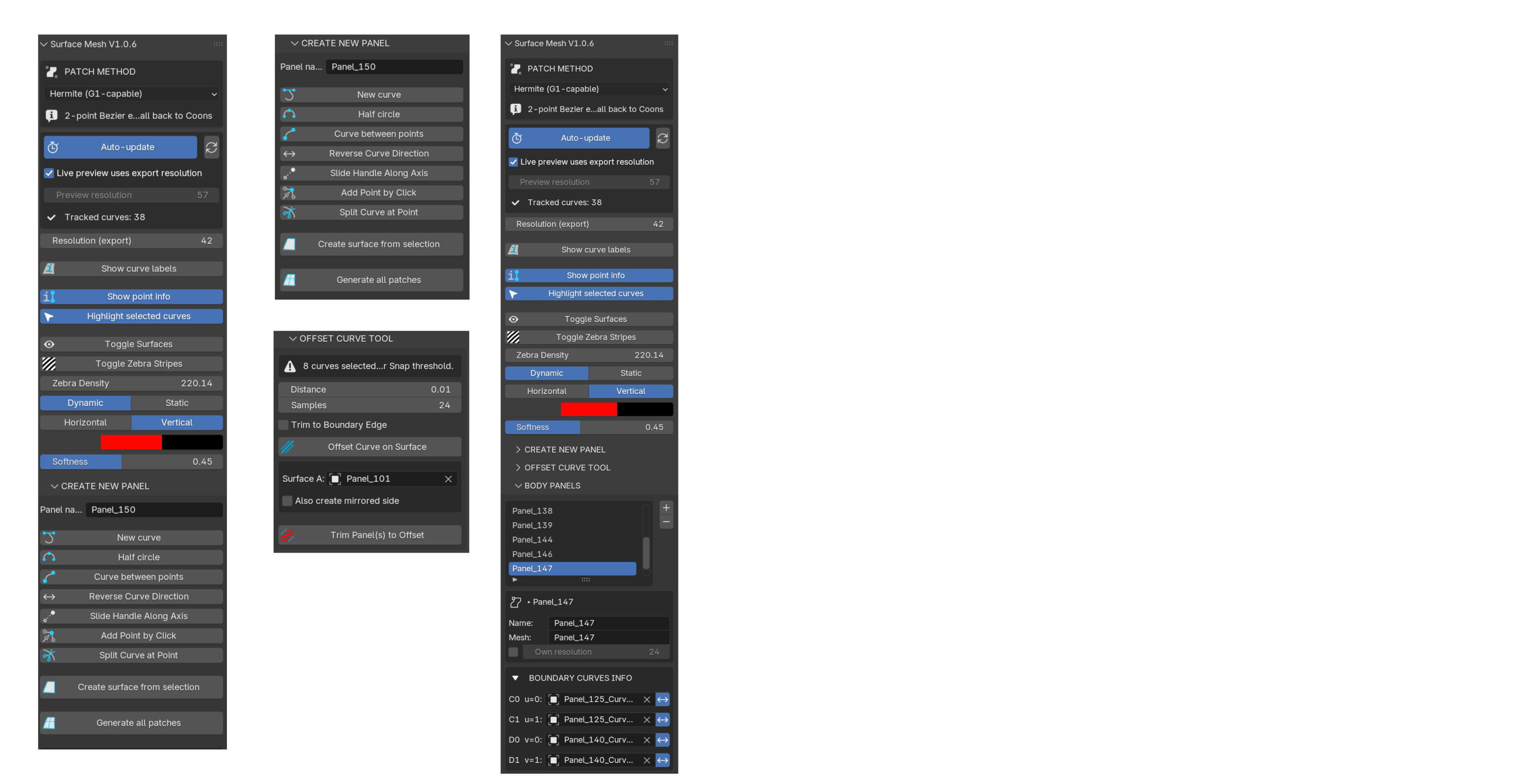
Features
Surface Generation
- New Surface / Create Surface from Selection — creates a Coons patch from any four boundary curves
- Automatic Update – the surface regenerates in real-time as curve points and handles are adjusted
- Separate preview and export resolutions for fast, live editing
- Automatic Curve Direction Correction – automatically detects the correct curve direction and role assignment
- Generate / Generate All Patches, Flip Normals
- Zebra Tool – static/dynamic
Curve tools
- New curve, Circle / Semicircle
- Curve between points – click two existing corner points to connect them
- Reverse curve direction
- Add point on click + Split curve at point – split one panel into two
- Curve offset tool
Curve management
- Merge endpoints – snap two or more curve endpoints to their common midpoint.
- Copy Shared / Copy All – duplicates curves before editing to prevent unintended deformation of an adjacent panel that shares the edge.
Mirror, safely done
- Add/remove Mirror modifier for each panel
- Applying the mirror bakes it in place without interrupting the generation process—the panel is marked as static, so the Generate/Auto-update functions will never silently overwrite the mirrored half (a common issue with live modifier-driven meshes). Once the application is undone, the panel reverts to its state as a live, curve-driven mesh at any time.
Visual aids
- Display curve labels – directly in the viewport, you will see which curve is C0/C1/D0/D1 and which panel it belongs to.
- View point information – live XYZ coordinates and angle manipulation in edit mode.
- Clicking a curve or surface in the viewport automatically selects its panel in the list.
Requirements
Blender 4.5+. Tested on Blender 5.2 (Windows). Bézier curves only (NURBS are not supported).
Version note
This is v1.0.6 – a stable foundation that I use daily on my own bodywork projects. Additional tools (panel connecting and more) are already in development for a future update.
Questions, bug reports, or ideas for new features?
Write to e-mail: [email protected]
https://github.com/3Dartmodeling/surface-mesh-blender
Youtube: https://www.youtube.com/@3Dartmodeling
