 VertexModeler Inc.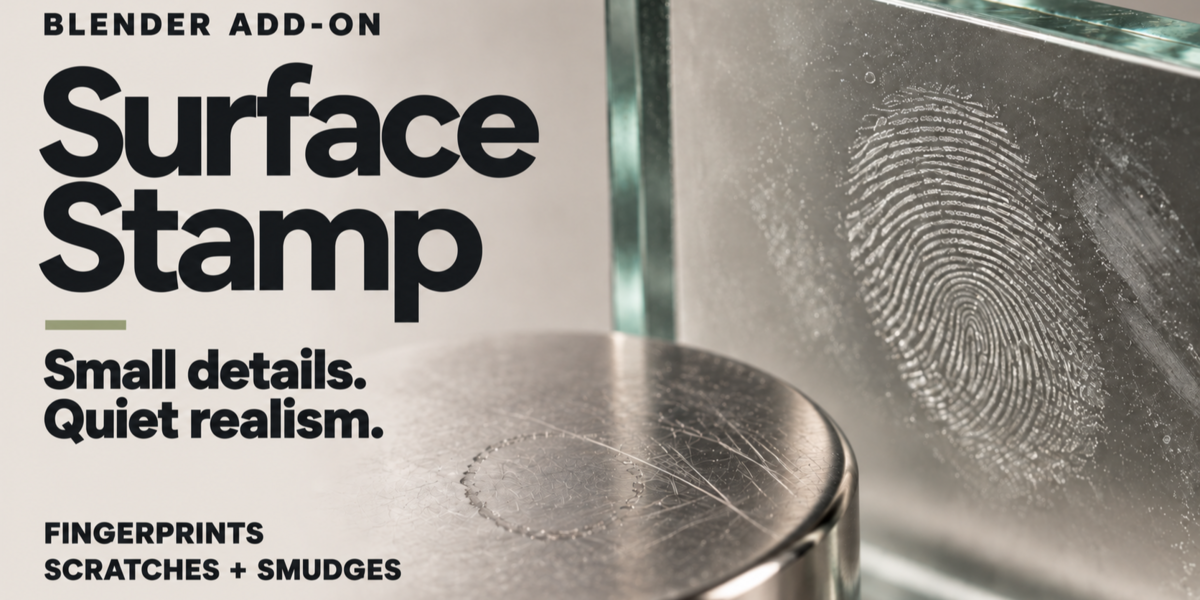
| SURFACESTAMP / MATERIAL DETAILS | SMALL MARKS. REAL CHARACTER. |
Surface |
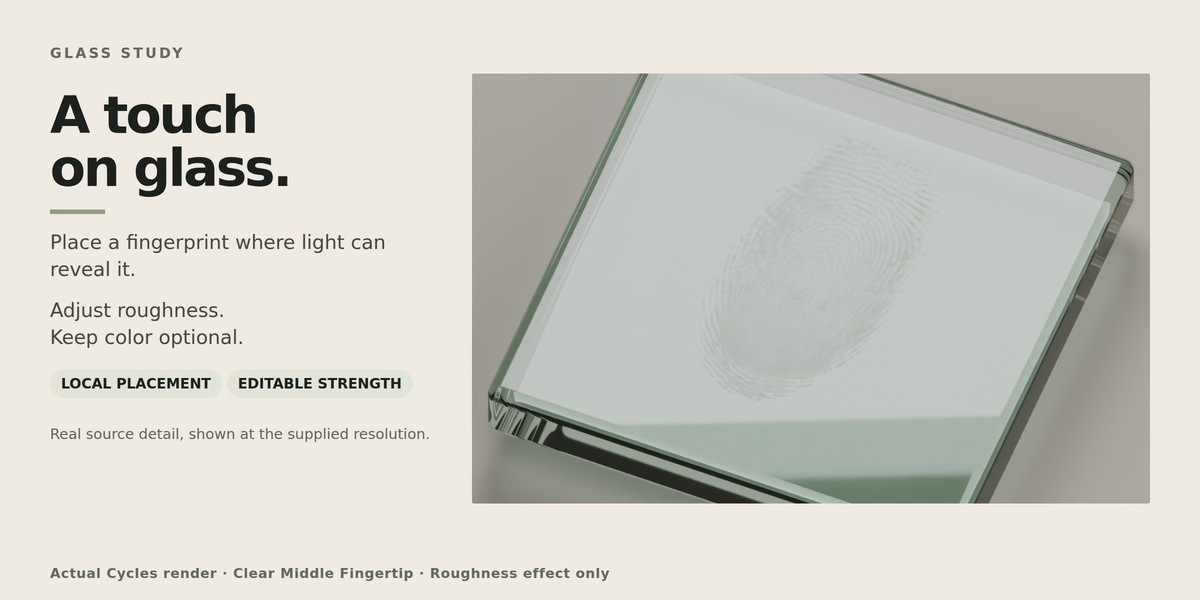
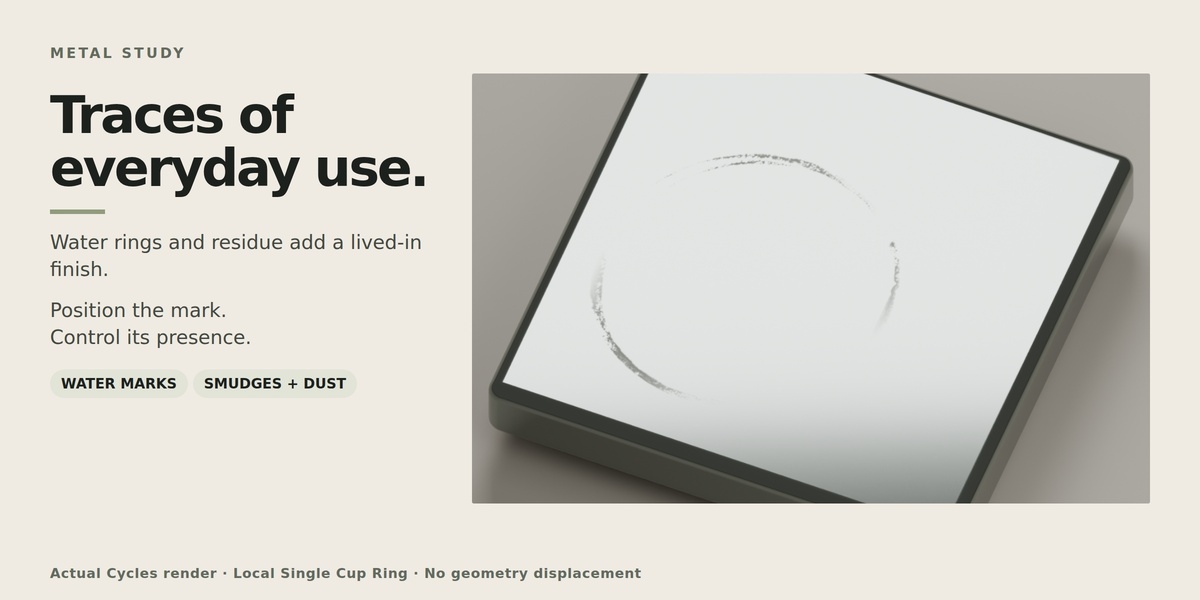
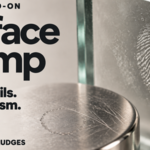
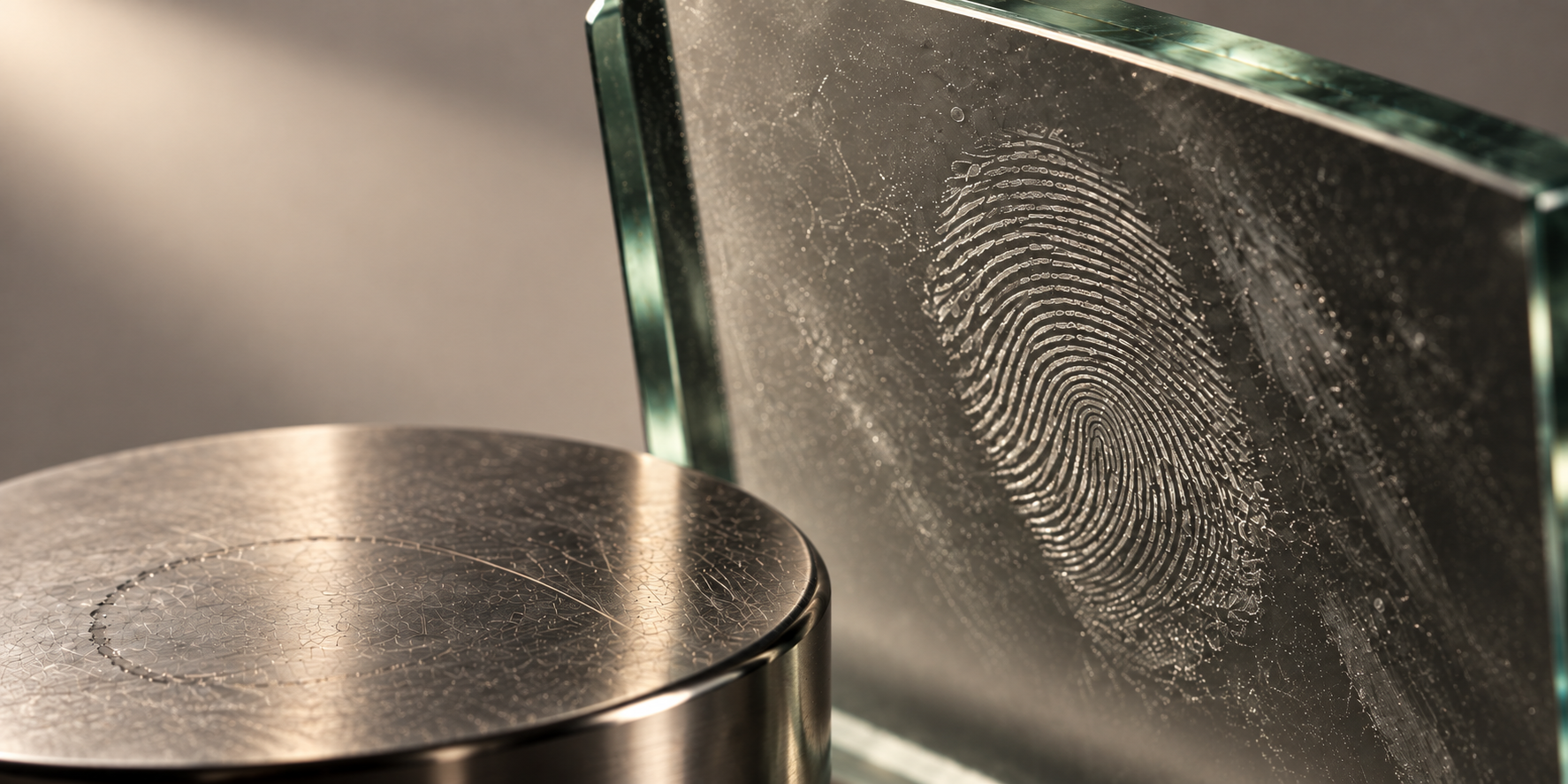
THE FINISHING TOUCH Small details. Fingerprints on glass. Residue on metal. Subtle wear where a product meets the world. |
| 01—05 / THE TOOLSET | PLACE. SHAPE. REFINE. |
01 LOCAL PLACEMENT A small mark. |
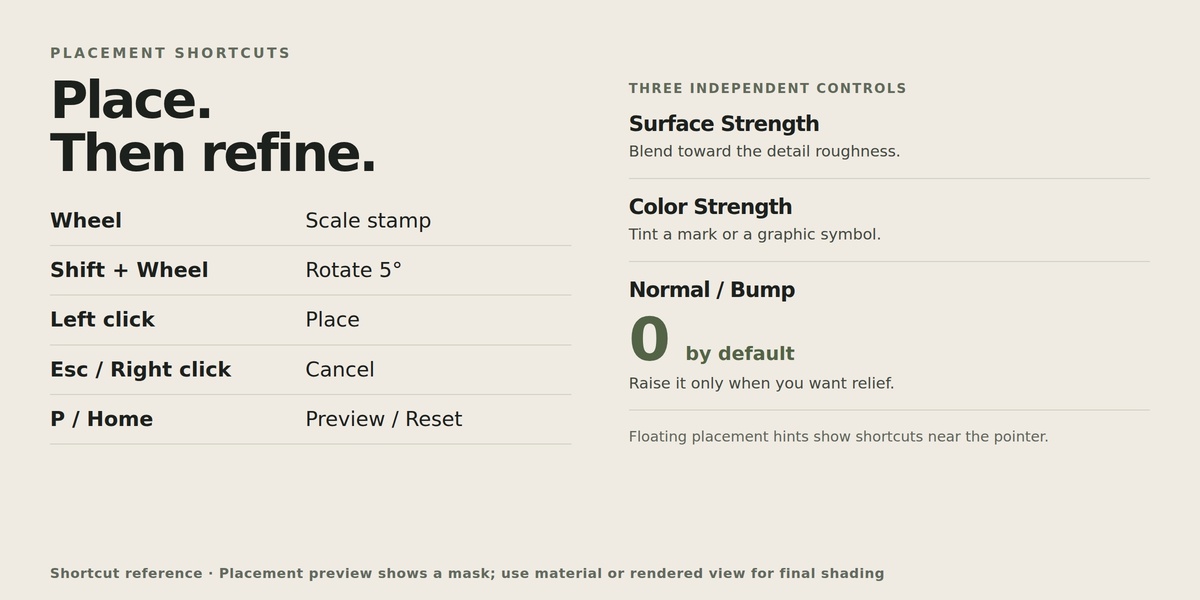
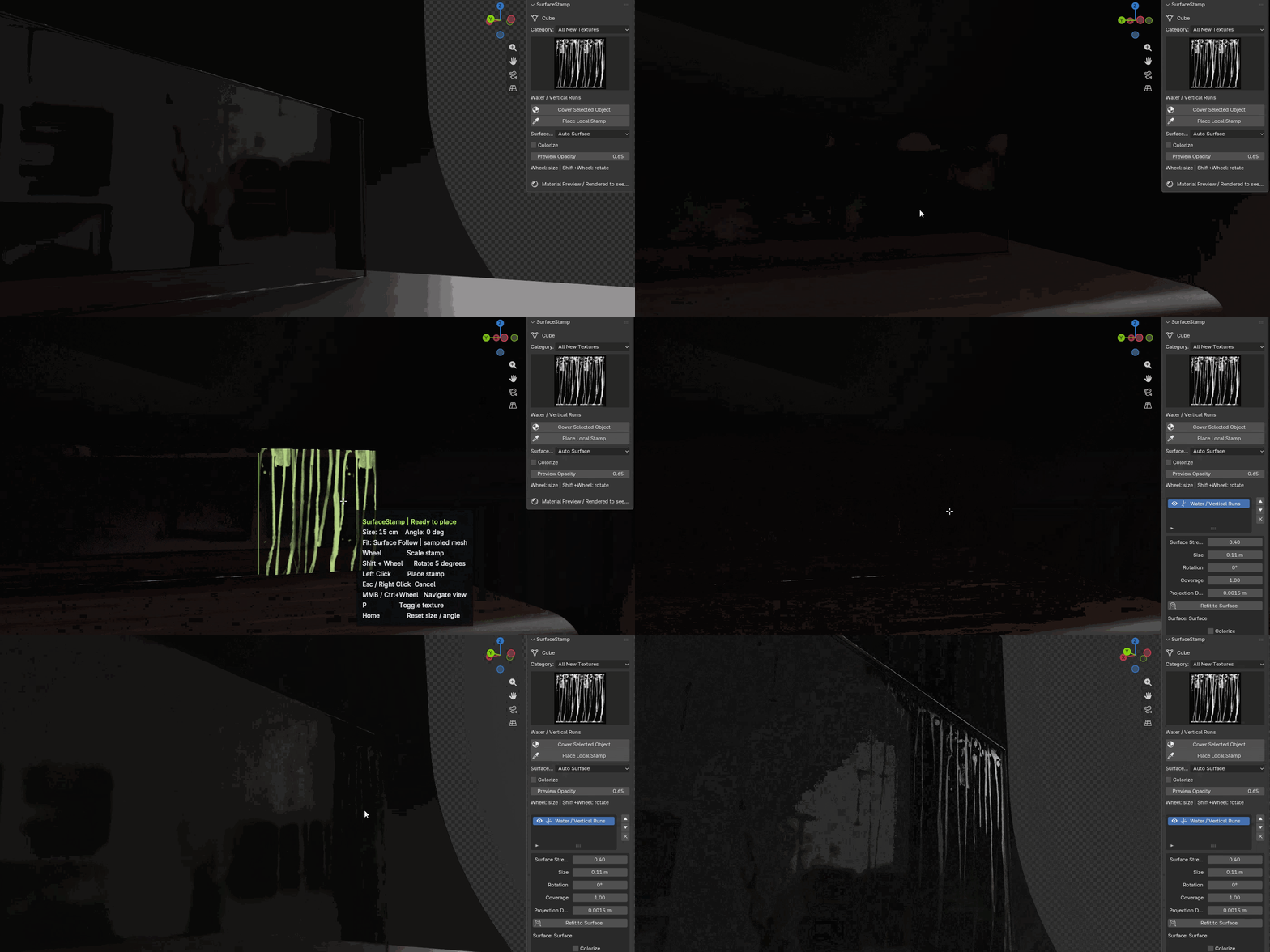
Place surface details with the same care you give your composition. Move across the selected mesh, preview the mark, and adjust its size and angle before clicking. See it before you place it. An on-surface mask shows the position and footprint of the stamp. Stay in the flow. Floating shortcut hints keep the controls beside your cursor. |
WHEEL |
SHIFT + WHEEL |
LEFT CLICK |
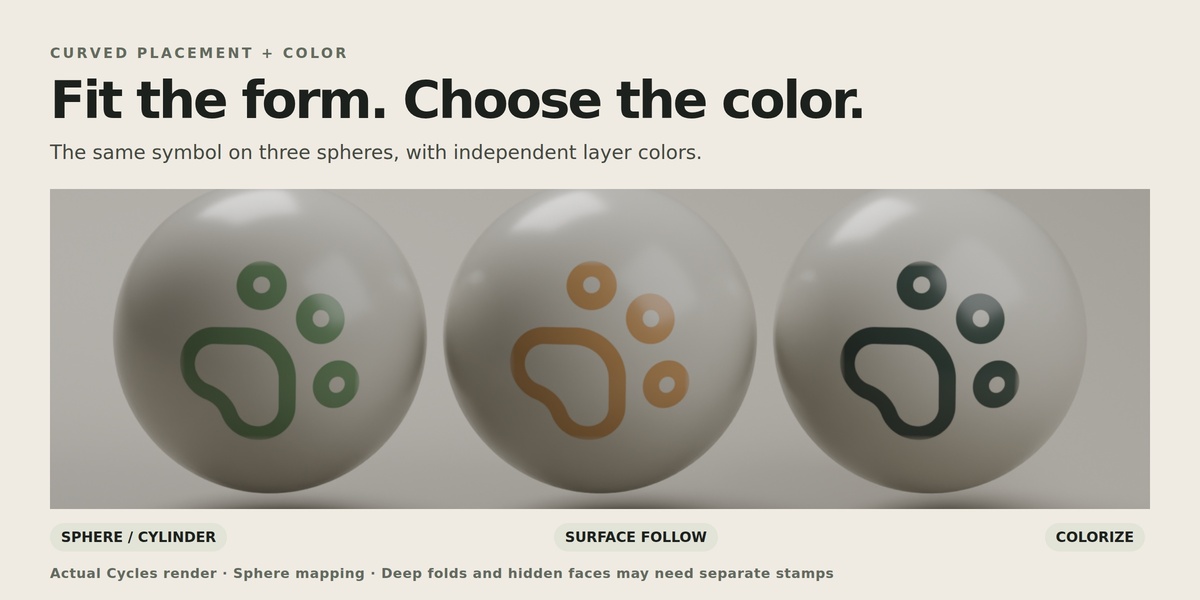
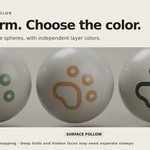
02 CURVED SURFACES Detail that Work with the shape of the object. Fit marks to rounded products and visible irregular surfaces, then refine the projection as needed. Auto Surface / Sphere / Cylinder Choose a local fit for the form in front of you. Surface Follow / Refit Project onto visible geometry and refine the placement direction. Deep folds and hidden faces may need smaller stamps or a different direction. |
03 MATERIAL EXPRESSION From a whisper |
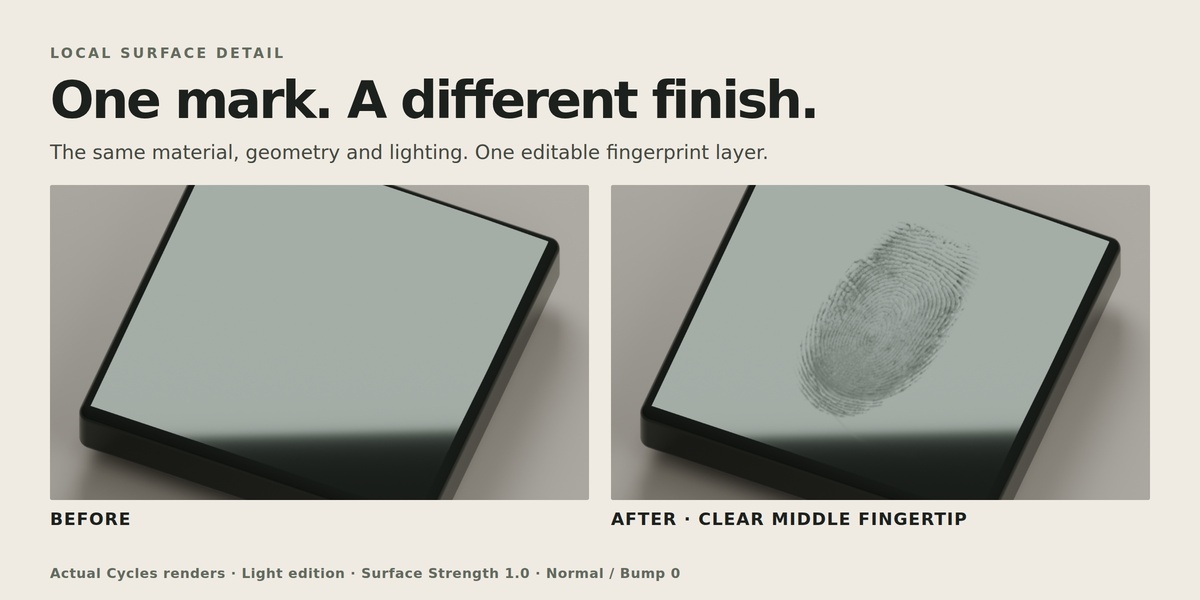
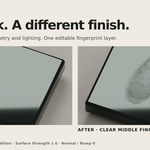
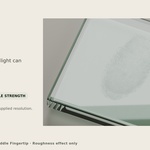
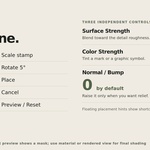
A faint fingerprint. A colored symbol. A little relief in the light. Shape the finish with three independent controls. ROUGHNESS / COLOR / BUMP |
01 / Surface Blend roughness for subtle changes in the reflections. |
02 / Color Tint marks independently. Selected presets also offer source colors. |
03 / Normal & Bump Default strength: 0. Add relief only when the finish calls for it. |
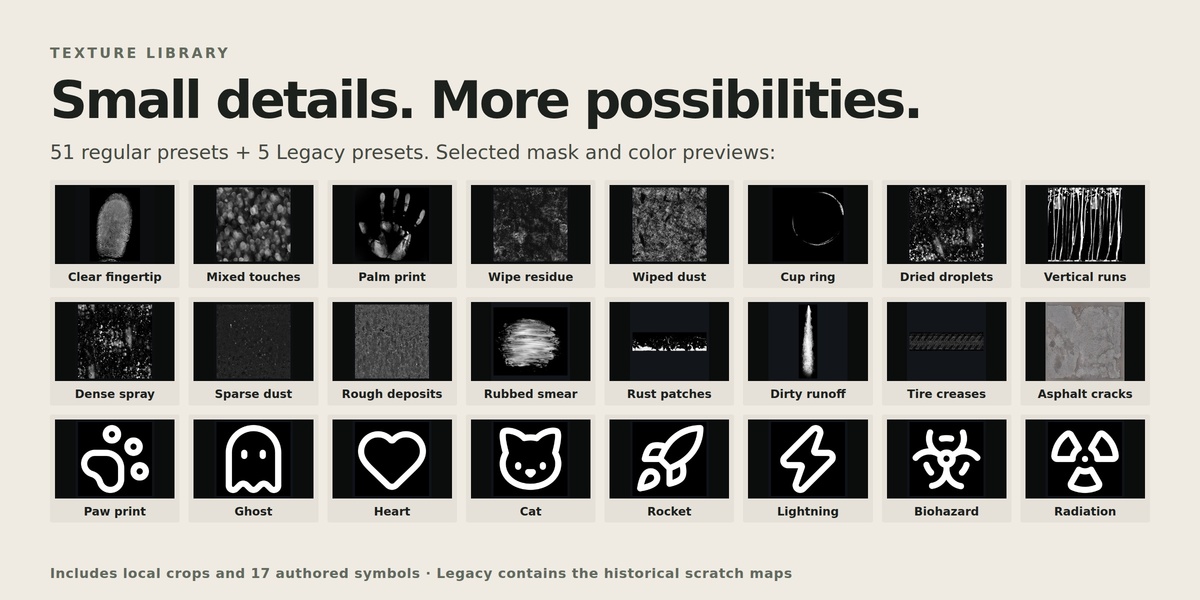
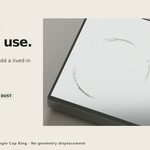
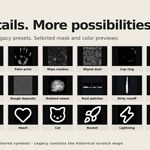
04 TEXTURES & COVERAGE A little history. Touch, wipe, spill, weather. Explore everyday surface marks, then add a playful accent with graphic symbols.
Place a single detail or use broader object coverage with eligible presets. 56 includes 51 regular presets and 5 Legacy compatibility presets. Some presets share source textures. |
05 EDITABLE LAYERS Keep the detail. Let the marks evolve with the image. Revisit placement, tune the finish, or remove a layer when the composition changes. Refine Edit size, rotation and the layer handle. Organize Toggle, reorder or remove individual effects. Restore Return to the stored original material backups. |
TWO TEXTURE EDITIONS / THE SAME TOOLSET
Choose your footprint.
LIGHT 88.5 MB Fingerprint, handprint and scratch dimensions retained. Broad marks limited to a 2K longest edge. |
FULL RESOLUTION 195.1 MB Original dimensions for the adapted textures. The same tools and preset selection. |
BEFORE YOU BEGIN
Blender 5.2. Install one edition. Supported materials require a top-level Principled BSDF. The placement preview shows the mask; use Material Preview or Rendered mode to evaluate the final shading.
Source dimensions vary. Isolated clear fingertips sample approximately 320–430 × 395–500 pixels from a larger handprint; they are not individual native 4K scans.
| SurfaceStamp. | Small details. Quiet realism. |
