Surfacestamp - Realistic Surface Details
 VertexModeler Inc.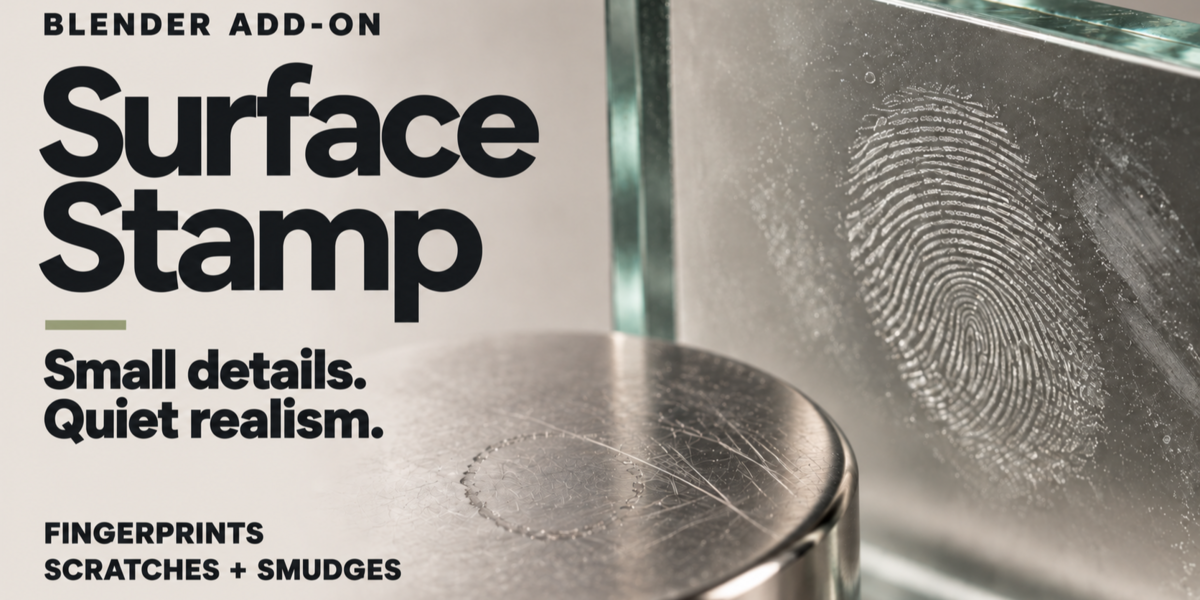

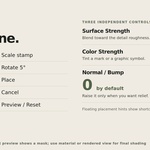
Can I edit a stamp after placing it?
Yes. Select its layer to adjust size, rotation, color, roughness and bump. You can also transform its handle and use Refit to Surface when needed.
Does it work on curved surfaces?
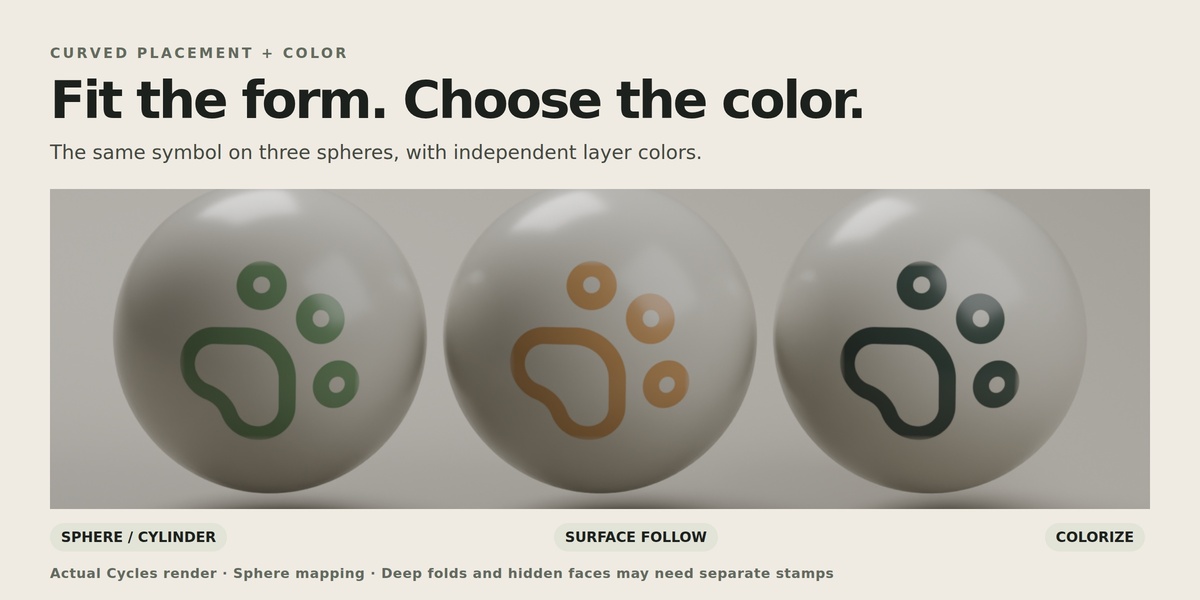
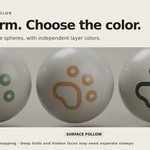
Yes. Auto Surface, Sphere, Cylinder and Surface Follow provide different fitting options. Deep folds and hidden faces may require smaller stamps or a different projection direction. The tool does not continuously wrap an image around arbitrary geometry.
Does SurfaceStamp support bump?
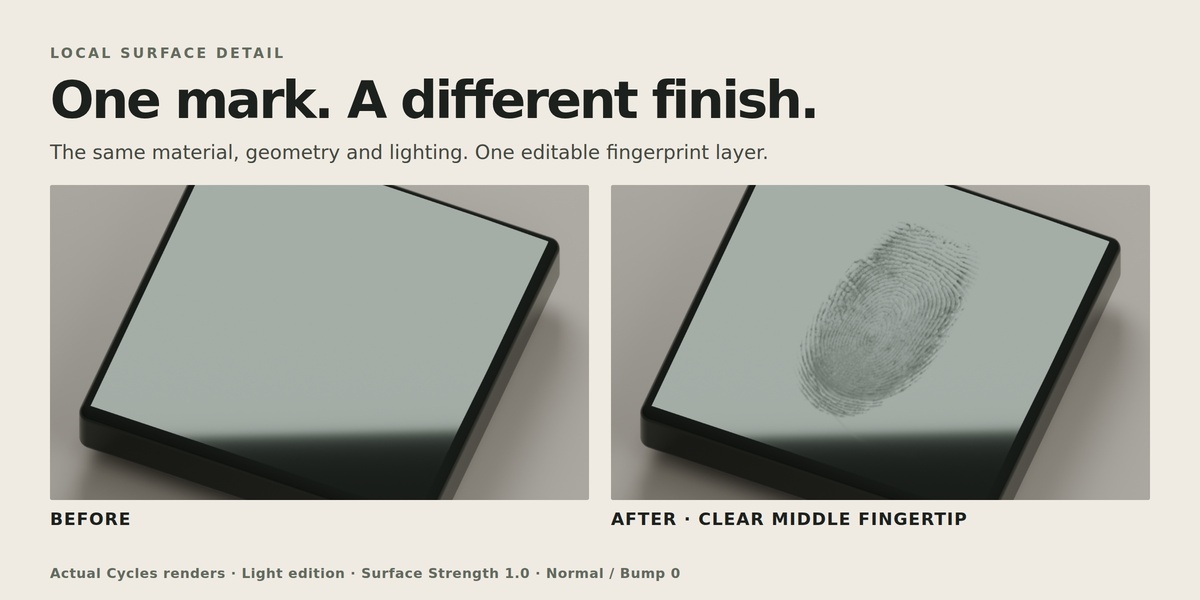
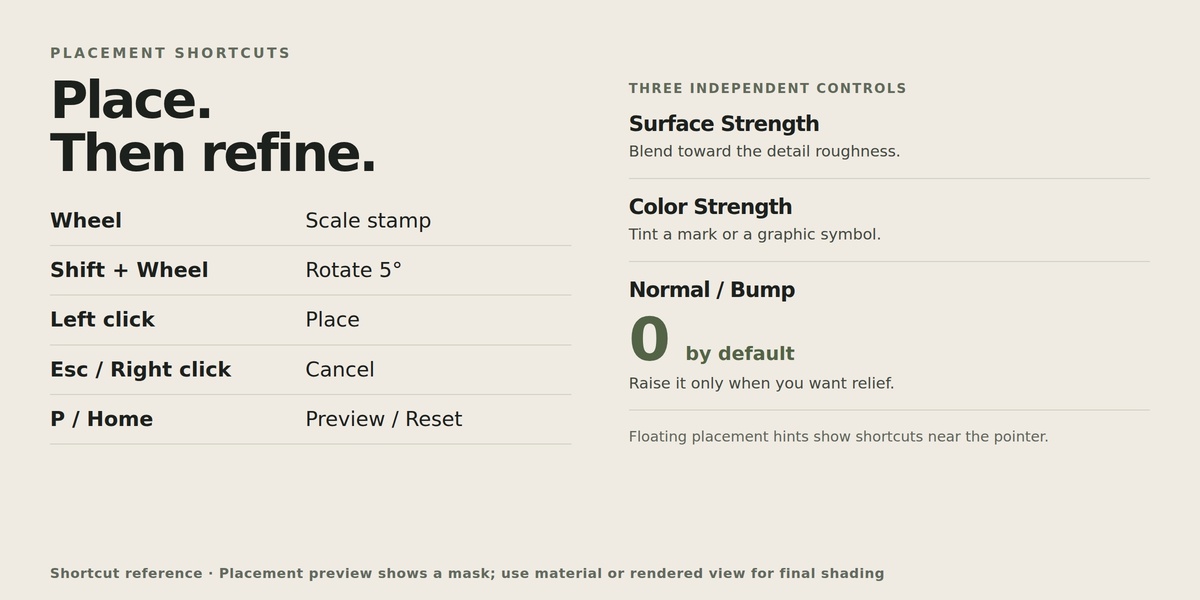
Yes. Normal / Bump starts at 0 for new layers. Increase it to add shading relief, then adjust Bump Depth (%) as needed. This changes surface normals, not the mesh geometry or silhouette.
Can I change a stamp’s color?
Yes. Enable Colorize and adjust the color and Color Strength. These are independent of the roughness effect. Selected presets also include original-color textures.
Why does the placement preview look different from the final render?
The preview is a positioning mask. It does not reproduce the final lighting, original-color textures or bump. Use Material Preview or Rendered mode to evaluate the finished material.
Can I preview a stamp before placing it?
Yes. The placement preview follows your pointer over the selected model. Use the mouse wheel to resize it and Shift + mouse wheel to rotate it. Floating hints show the available shortcuts.
Does it work with my existing materials?
SurfaceStamp supports materials containing a top-level Principled BSDF node. It creates working material copies and stores the original materials for restoration. Arbitrary shader networks and shaders nested entirely inside node groups may require manual preparation.
Do I need to download textures separately?
No. The included textures are bundled with the extension.
What is the difference between Light and Full Resolution?
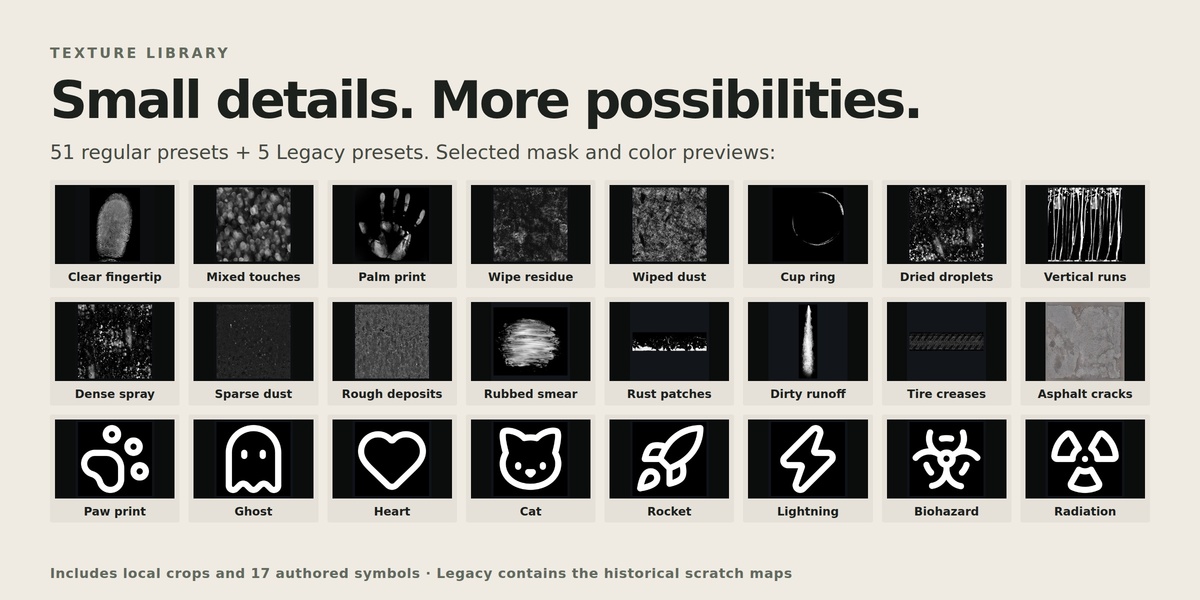
Both editions contain the same tools and presets. Light retains the original fingerprint, handprint and scratch dimensions while limiting larger general-purpose textures to a 2K longest edge. Full Resolution retains the original dimensions of the adapted textures. Install only one edition.
Which Blender version is supported?
This release targets Blender 5.2.
What does SurfaceStamp do?
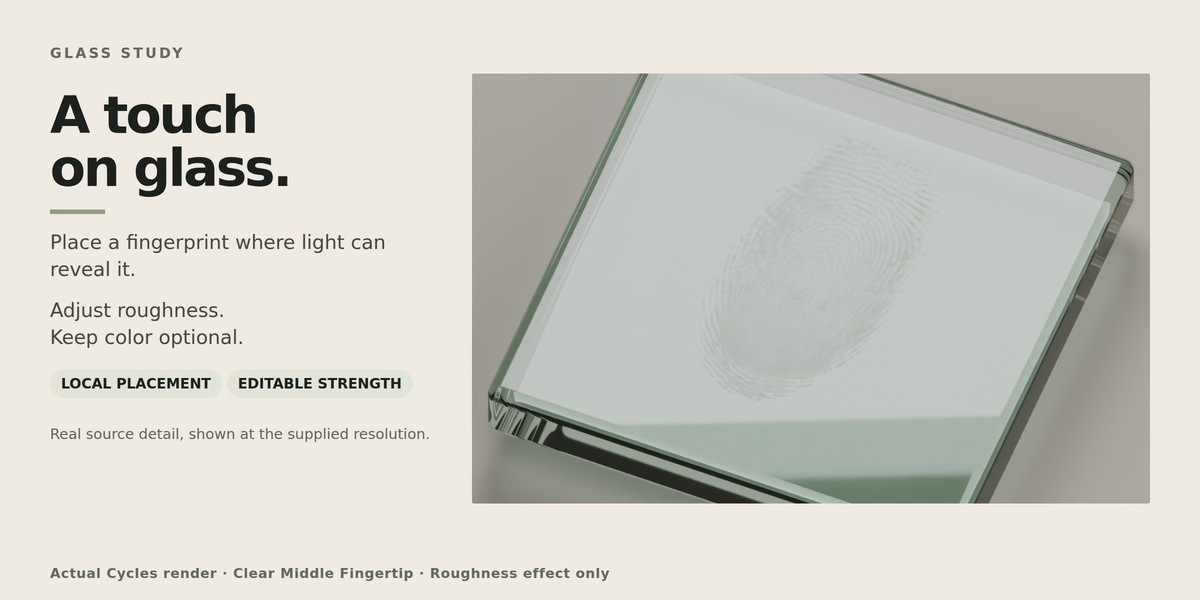
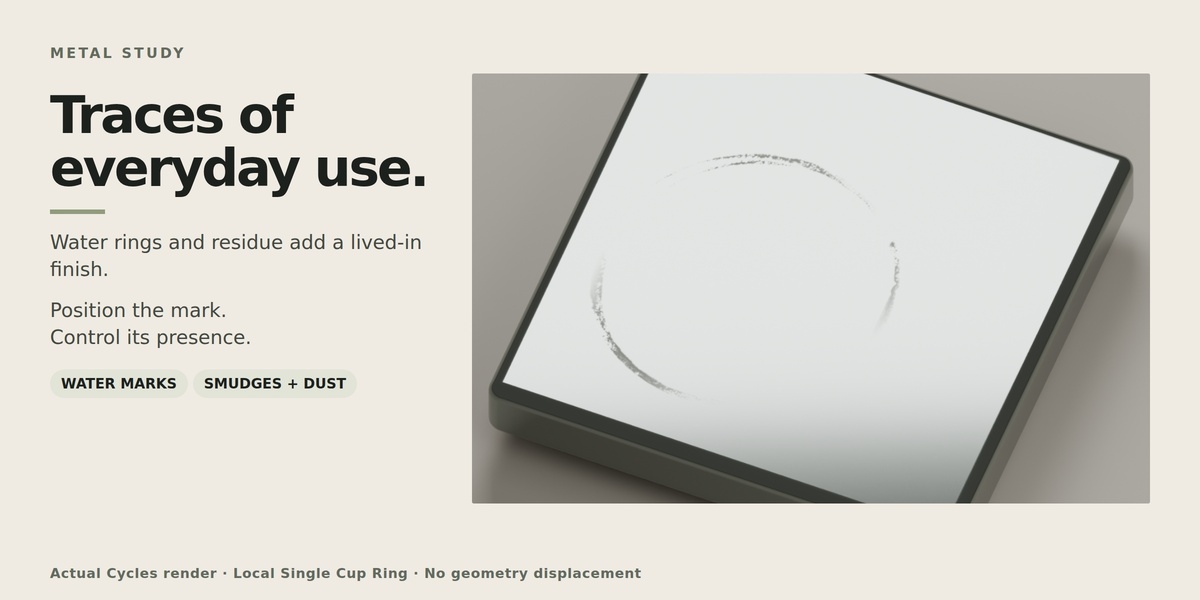
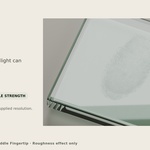
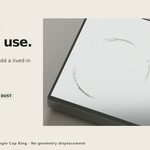
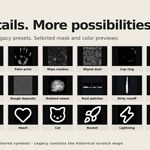
SurfaceStamp adds fingerprints, smudges, water marks, dust, wear and graphic symbols to supported materials. You can place individual marks or apply broader surface coverage.
$10$8
 Included
Includes 12 months of
- Support from VertexModeler Inc.
- Product updates
Extend this product’s Support Period +12 months: 50% of product price
Have questions before purchasing?
Login to message
| Blender Extension Compatible | Yes |
| Published | 17 days ago |
| Blender Version | 4.0 - 5.2 |
| Extension Type | Add-on |
| Render Engine Used | Cycles, Eevee, Freestyle |
| License | GPL |
Discover more products like this
scratches smudges roughness bump dust fingerprints realism product rendering surface details dirt decals Material Layers