 CStudio.ao
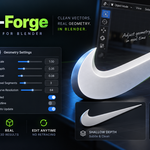
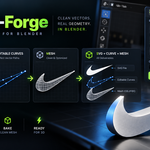
SVG-Forge — Image to SVG, Curves & 3D Geometry
Stop leaving Blender just to vectorize an image.
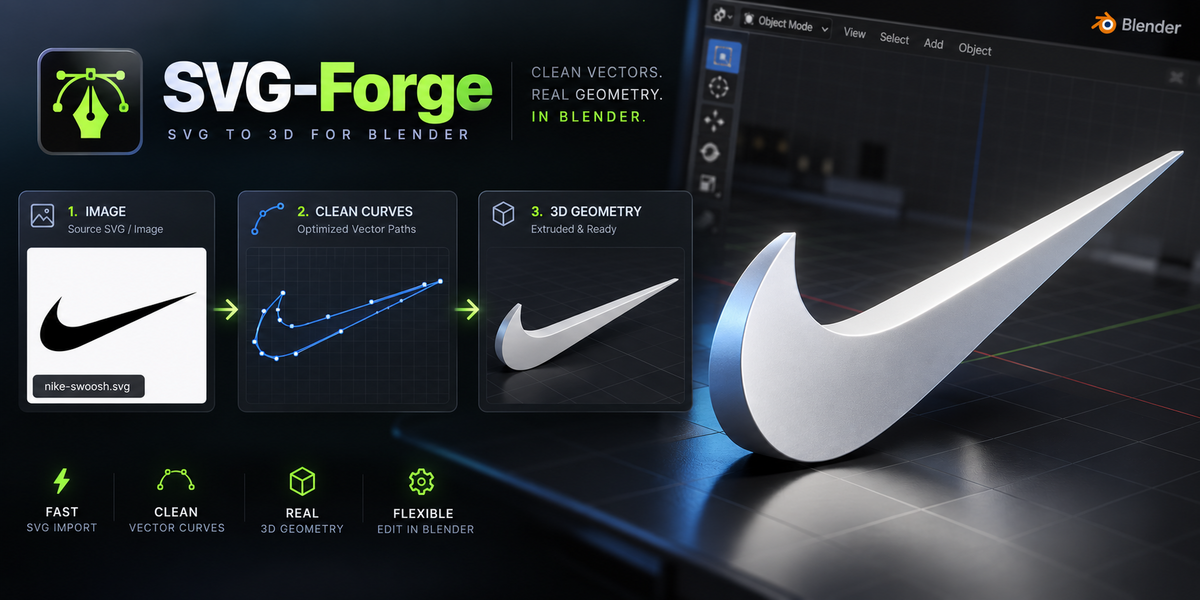
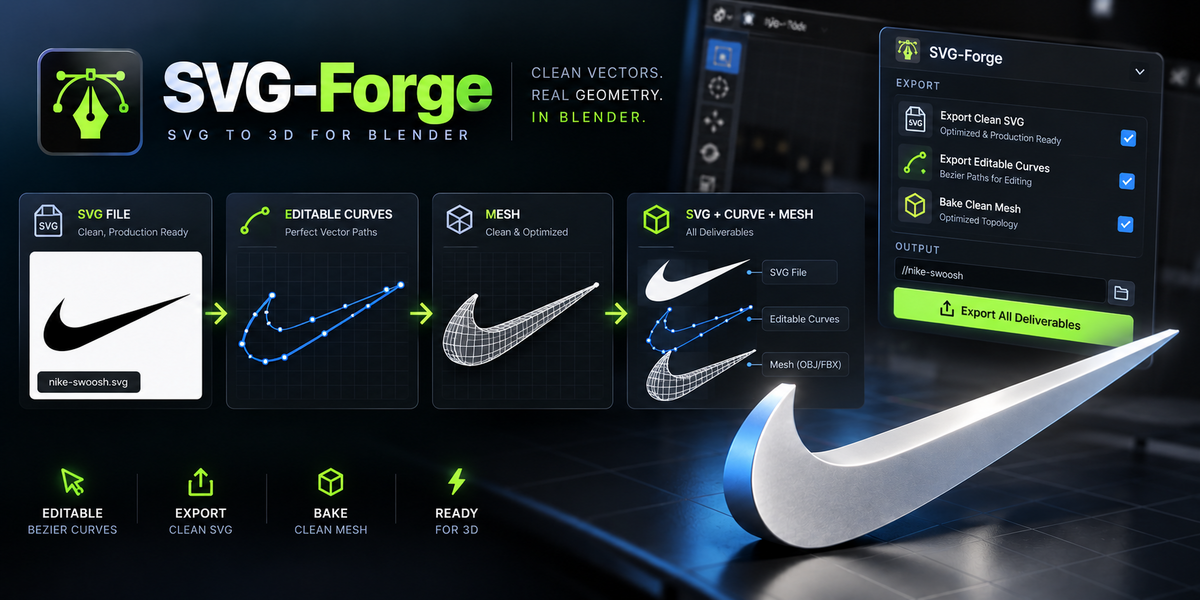
SVG-Forge provides an image-to-vector workflow designed around editable curves.
Import a logo, icon, graphic or silhouette, generate clean Bezier curves, refine the geometry and choose exactly what you need as the final output.
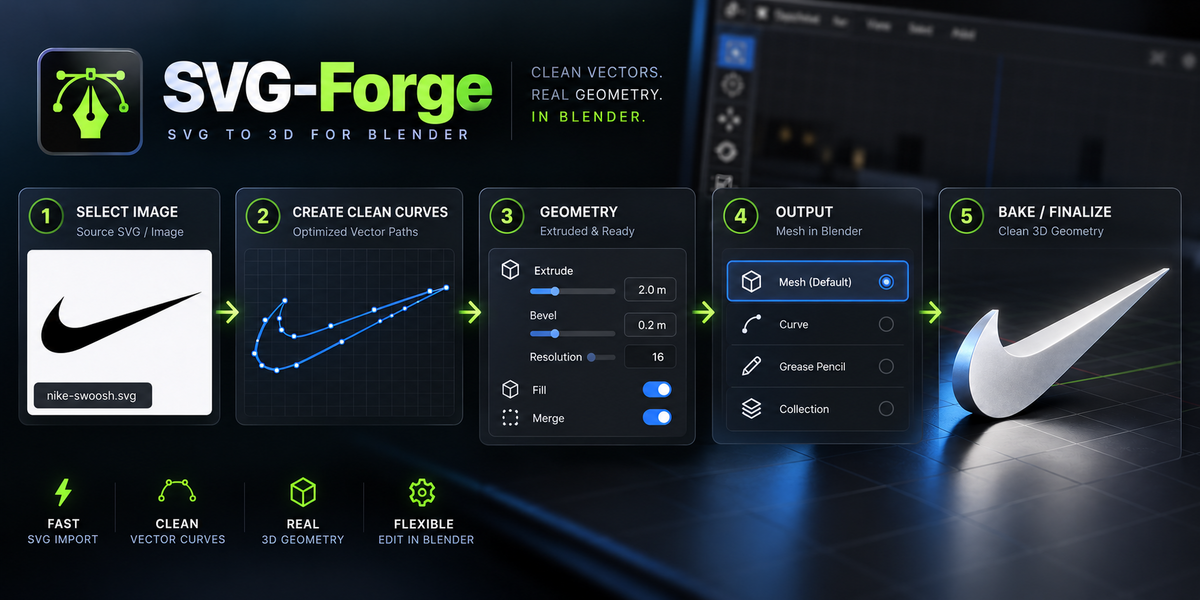
Image → Clean Curves → SVG / Curve / Mesh
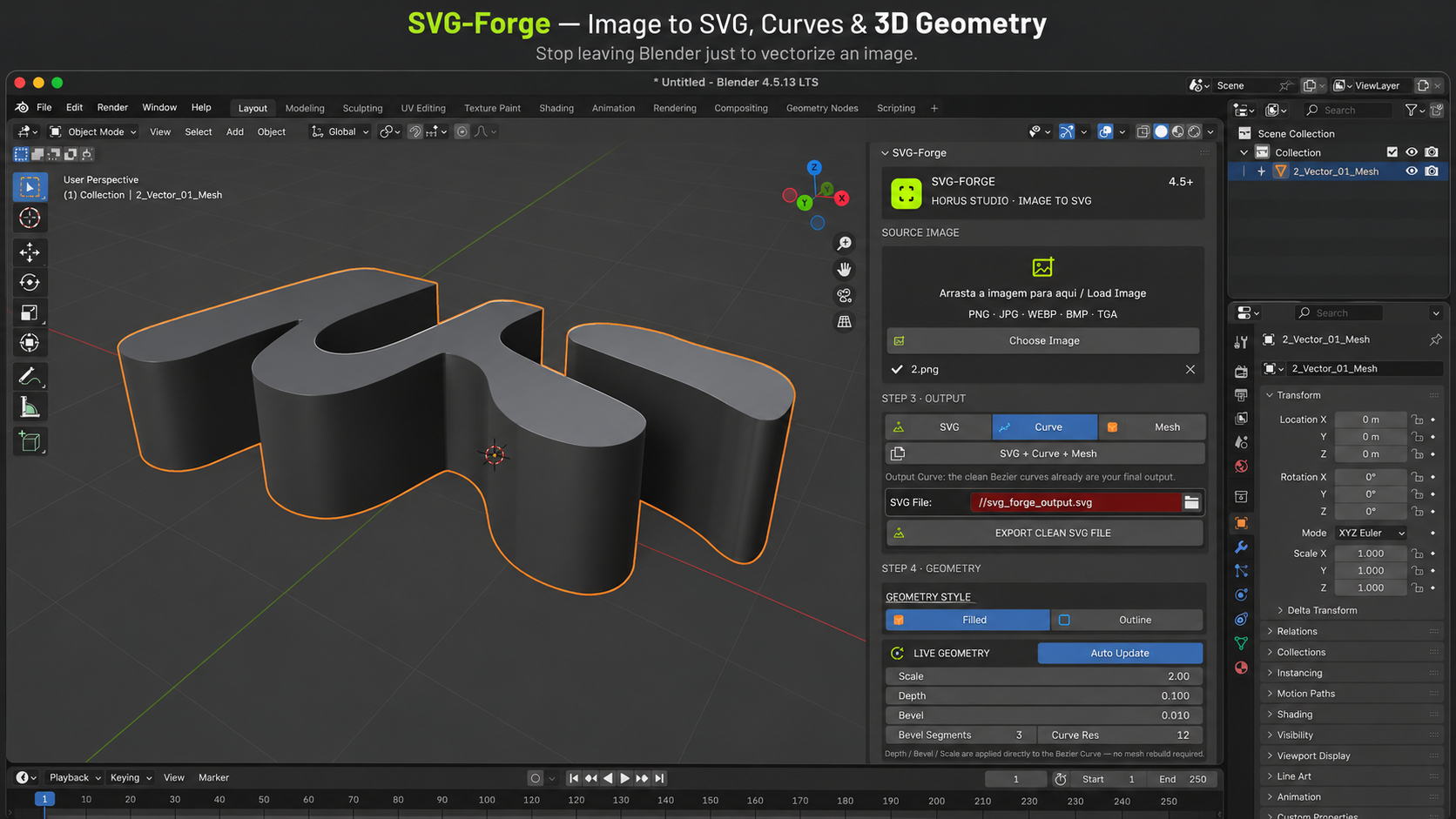
Curve-First Workflow
SVG-Forge does not force you directly into a baked mesh.
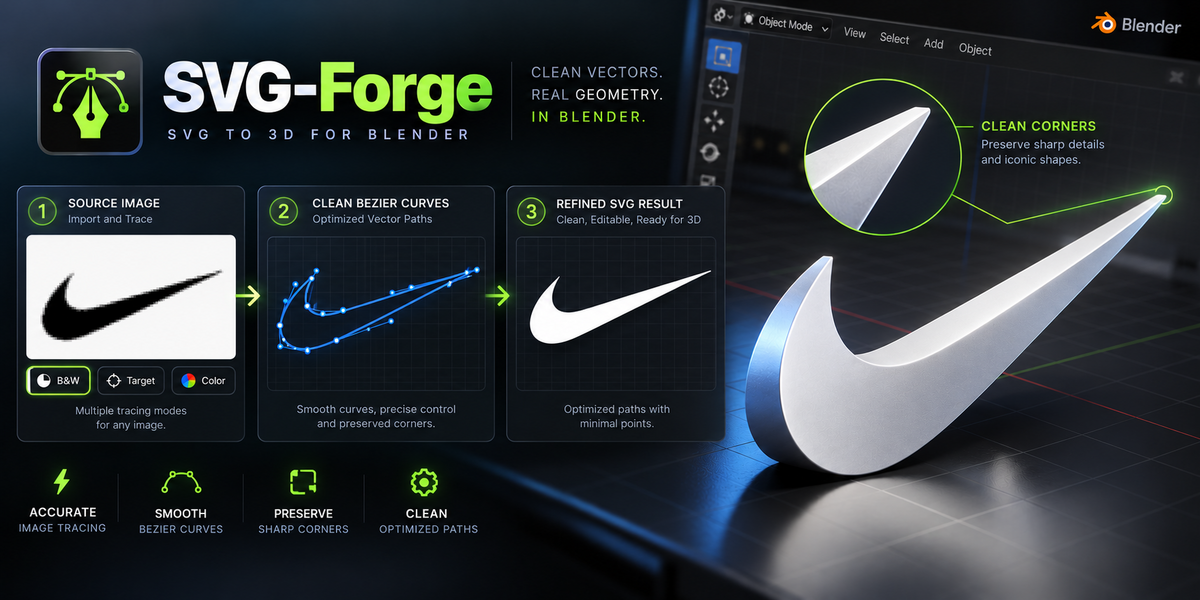
Your image is first converted into editable Bezier curves, giving you the opportunity to inspect and refine the vector result before creating final geometry.
This makes the workflow more flexible and helps avoid unnecessary geometry during the early stages.
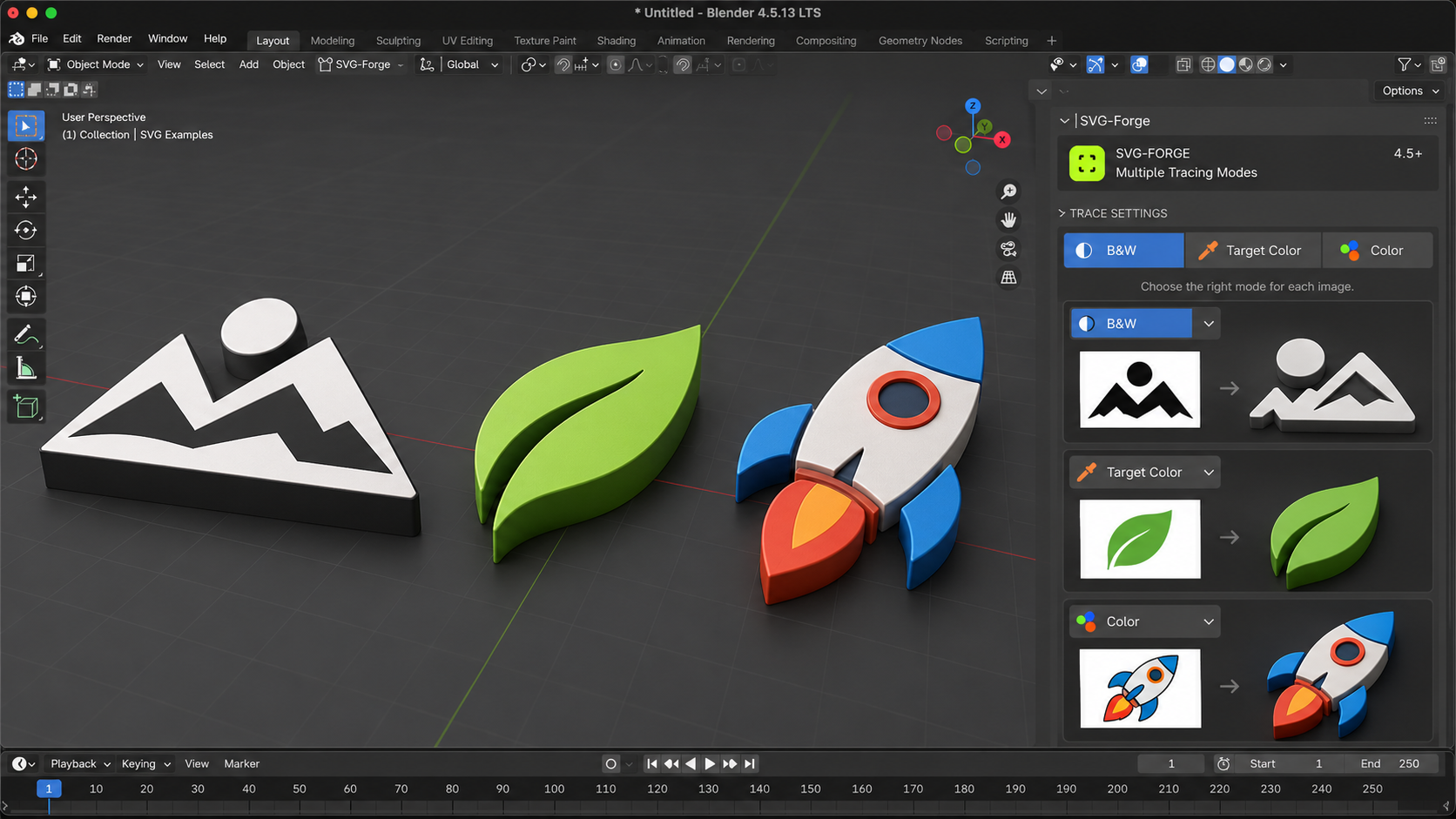
Multiple Tracing Modes
SVG-Forge supports different workflows depending on the source artwork:
B&W — threshold-based tracing for logos, silhouettes and high-contrast images.
Target Color — isolate a specific color from the source image.
Color — extract multiple color regions for more complex graphics.
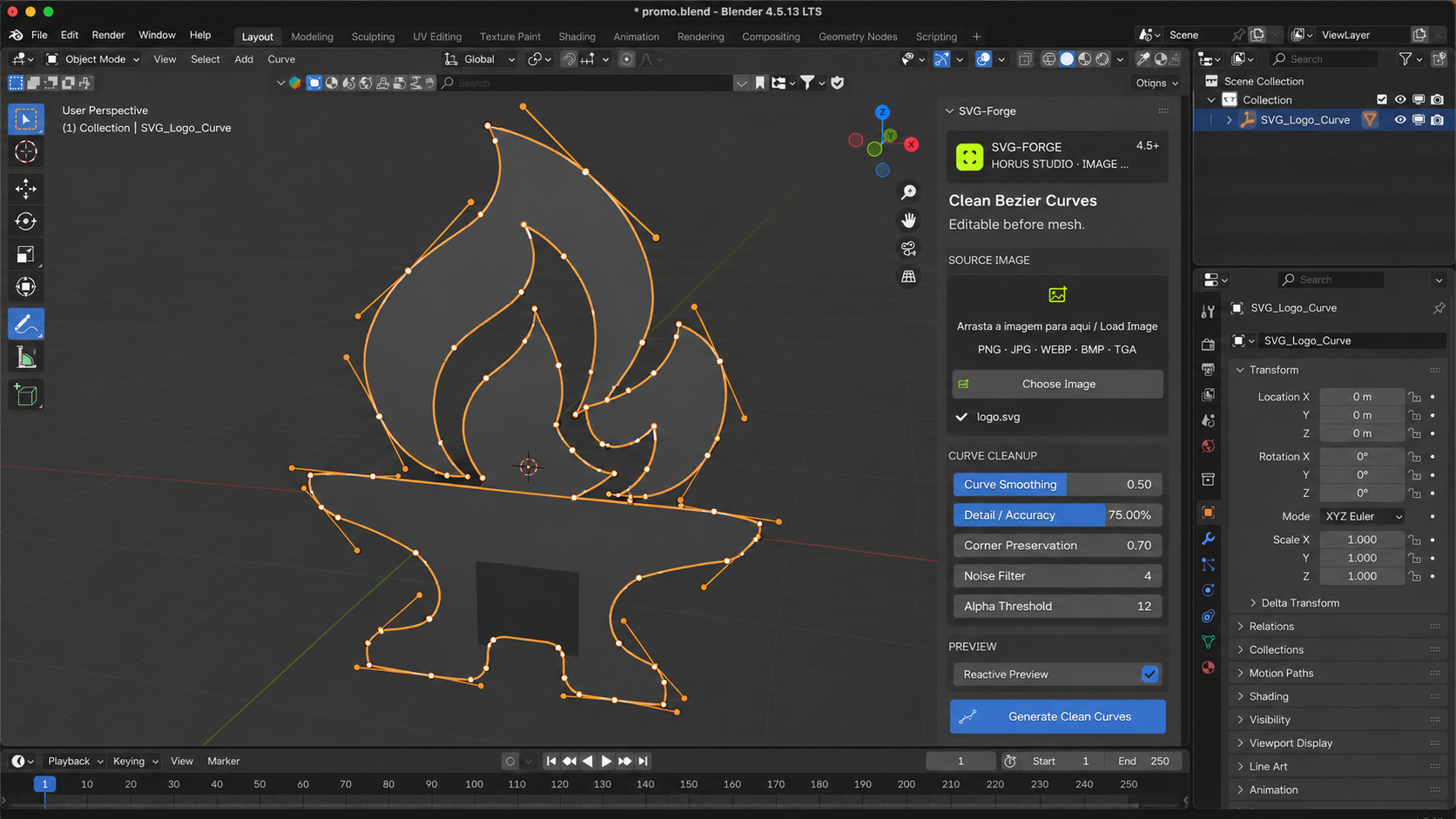
Clean Bezier Curves
Control how your raster image is translated into curves using:
- Curve smoothing
- Detail / accuracy
- Clean vector fitting
- Corner preservation
- Noise filtering
- Alpha handling
- Threshold controls
- Reactive preview
The result remains editable before you commit to a final mesh.
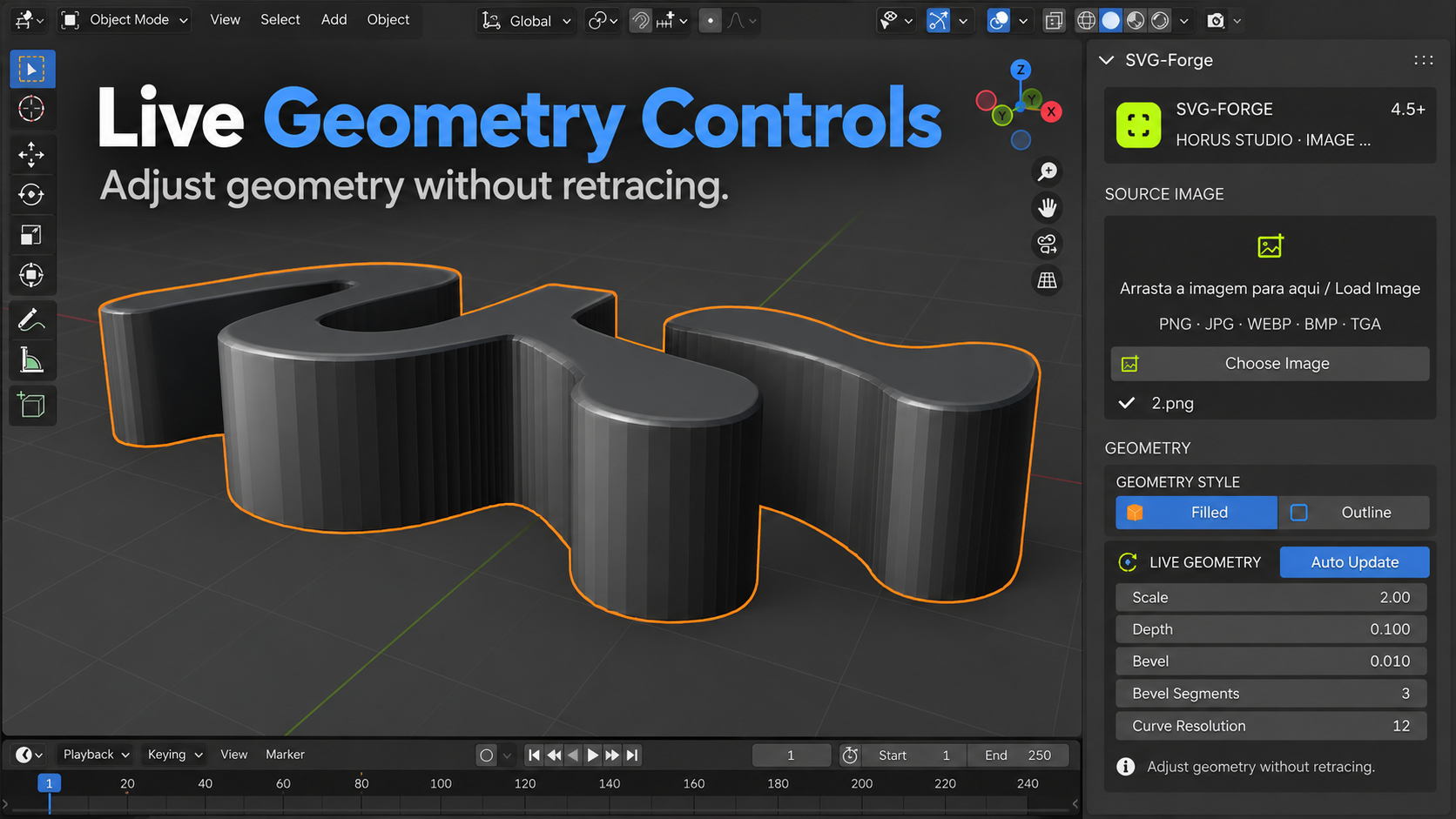
Live Geometry Controls
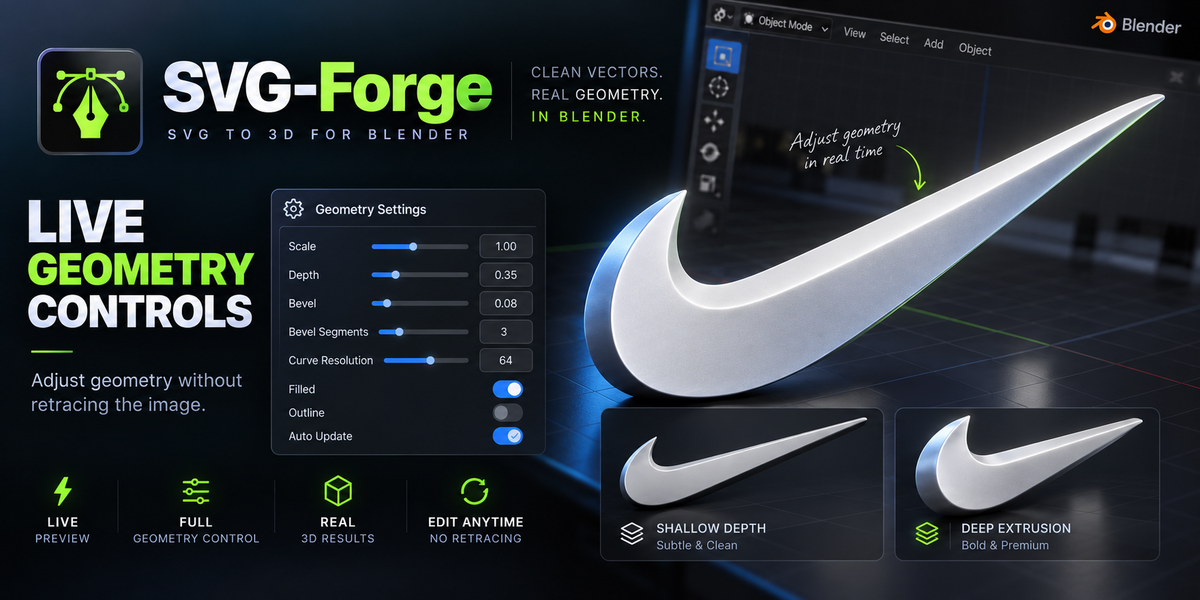
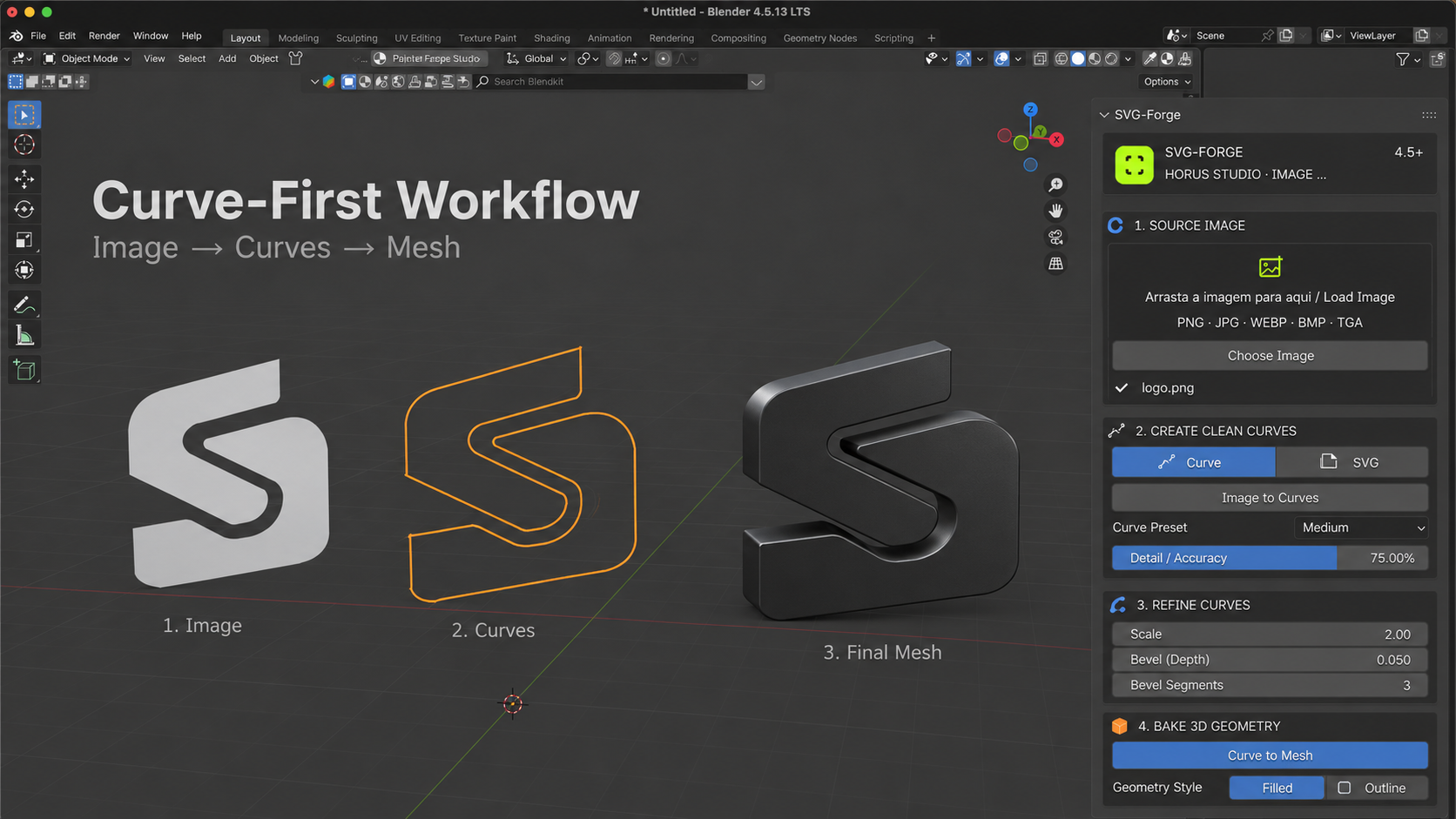
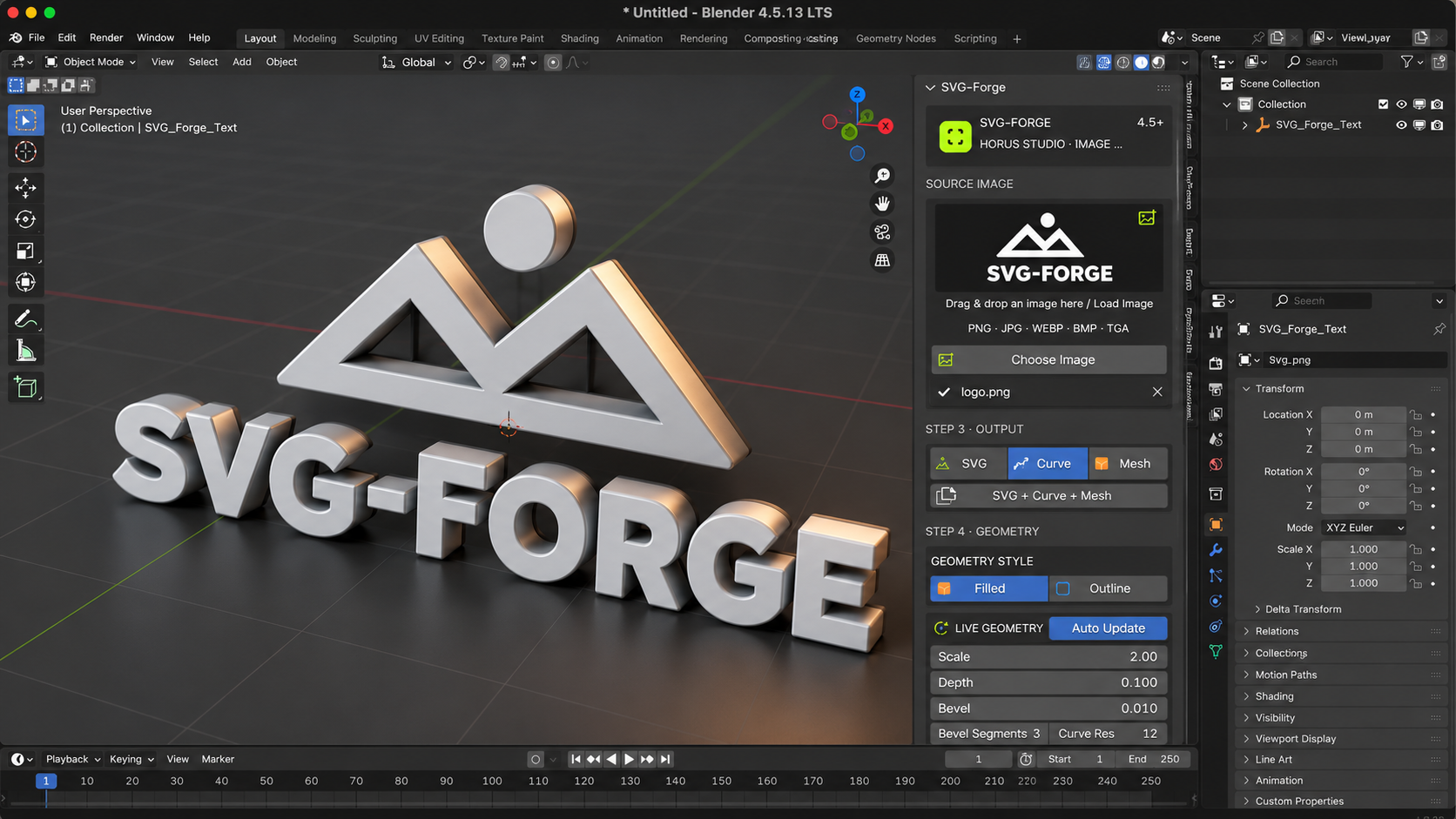
Once the curves are created, geometry parameters can be changed without retracing the original image.
Adjust:
Scale
Depth
Bevel
Bevel Segments
Curve Resolution
Filled / Outline geometry
With Auto Update, changes are applied directly to the curve workflow.
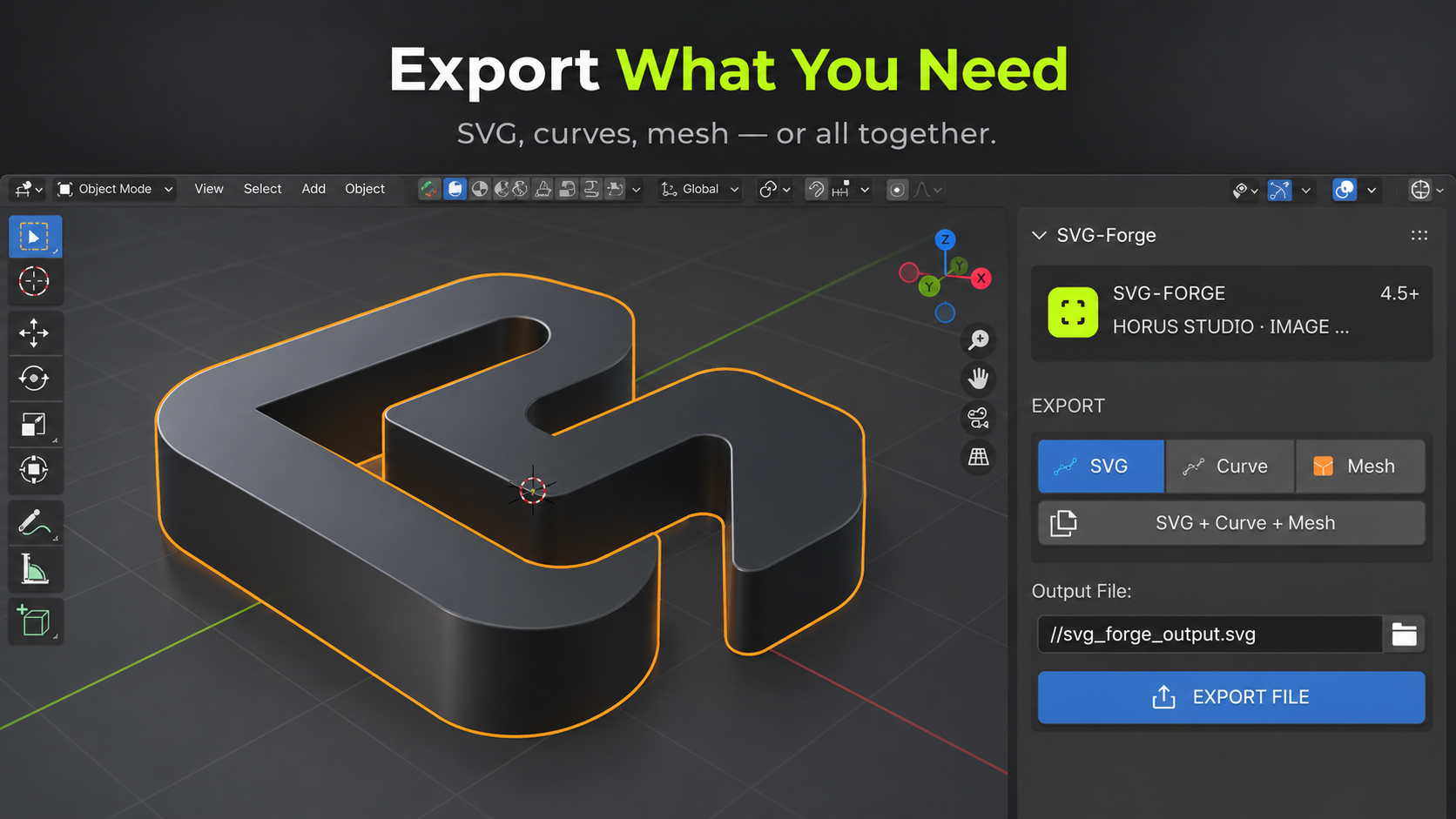
Export What You Need
SVG-Forge supports several outputs:
SVG File — export your traced vector as an SVG.
Editable Curves — keep the result as editable Bezier curves.
Mesh — bake the approved curves into 3D geometry.
SVG + Curve + Mesh — use the complete workflow when you need all formats.
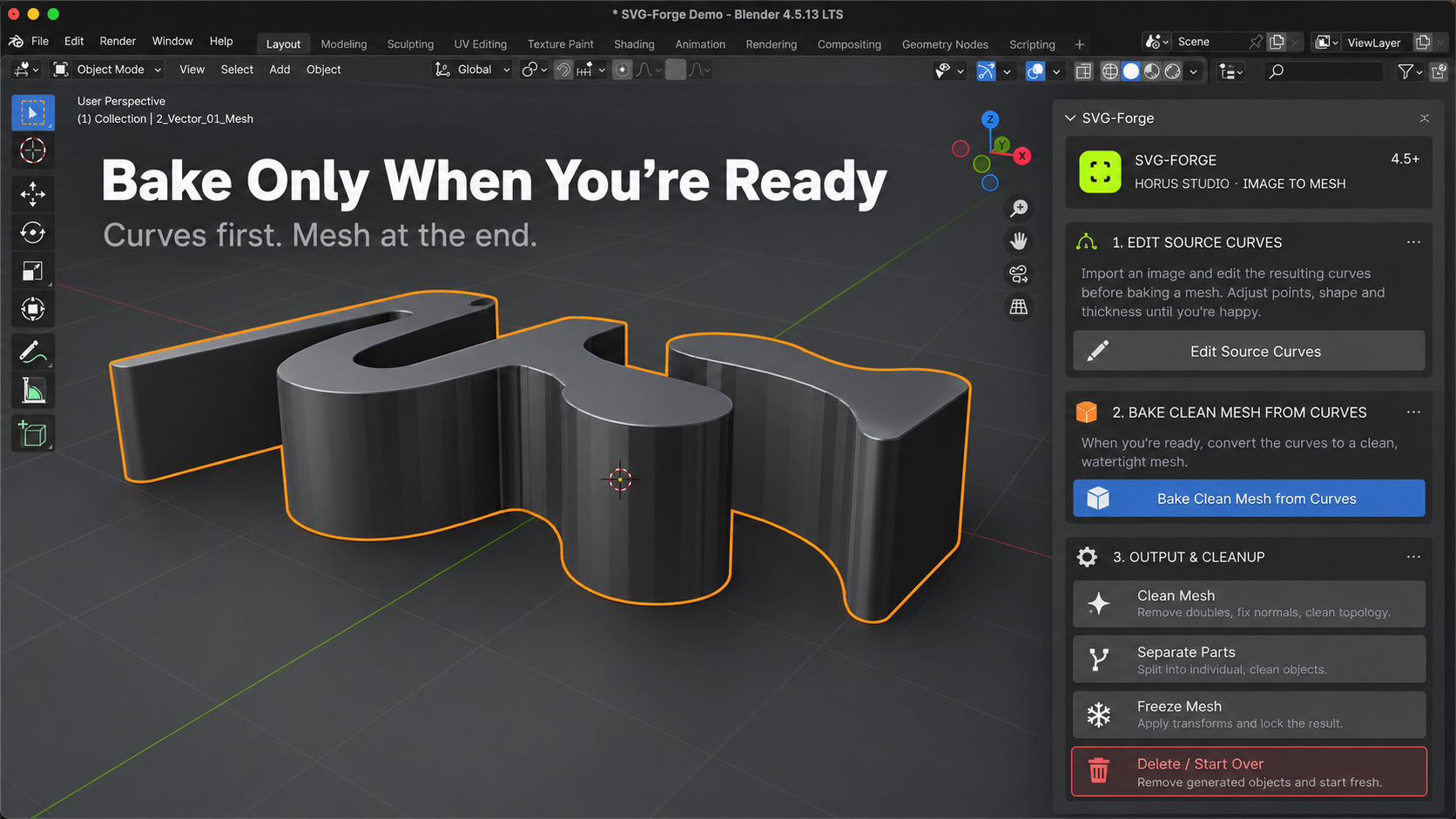
Bake Only When You're Ready
The mesh is created at the end of the workflow.
This allows you to edit the vector source first and bake the geometry only after the silhouette and parameters are ready.
SVG-Forge also includes tools to:
Edit Source Curves
Bake Clean Mesh from Curves
Clean Mesh
Separate Parts
Freeze Mesh
Delete / Start Over
Made For
SVG-Forge is especially useful for:
Logos · Icons · Signage · Decals · Graphic Shapes · Symbols · Silhouettes · Stylized 3D Text
Supported Image Formats
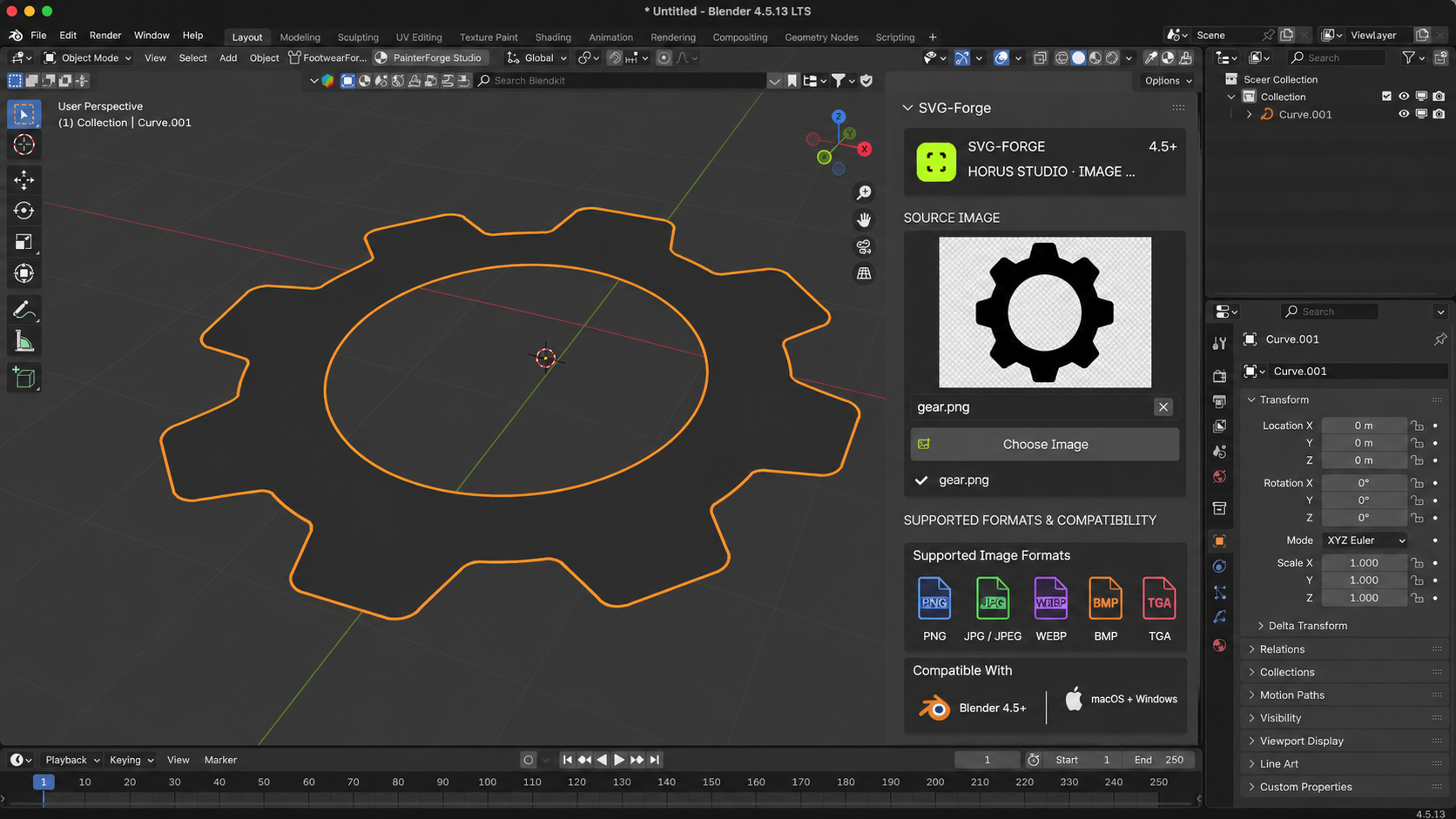
PNG · JPG / JPEG · WEBP · BMP · TGA
Compatibility
SVG-Forge is designed for Blender 4.5+ and supports macOS and Windows.
