 Sonneblom Digitaal

What it does
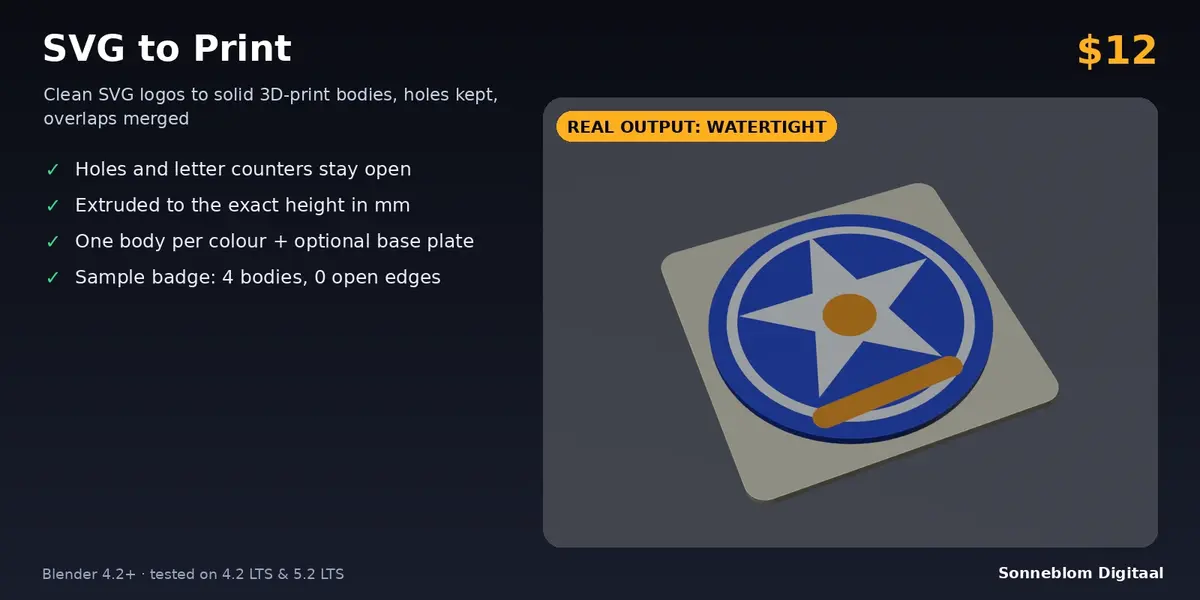
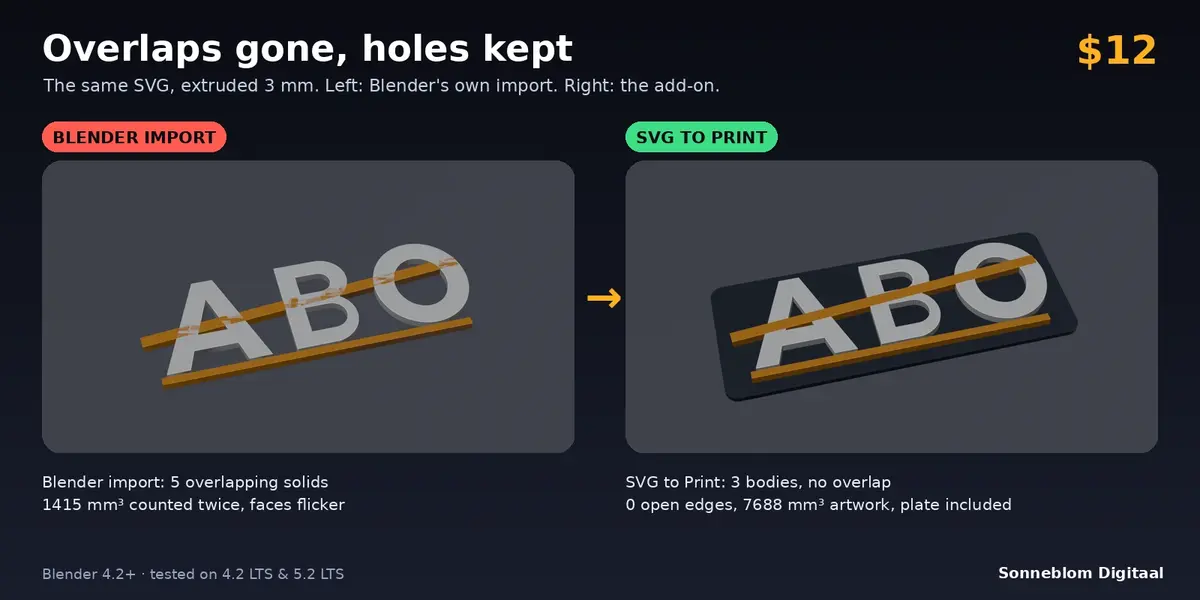
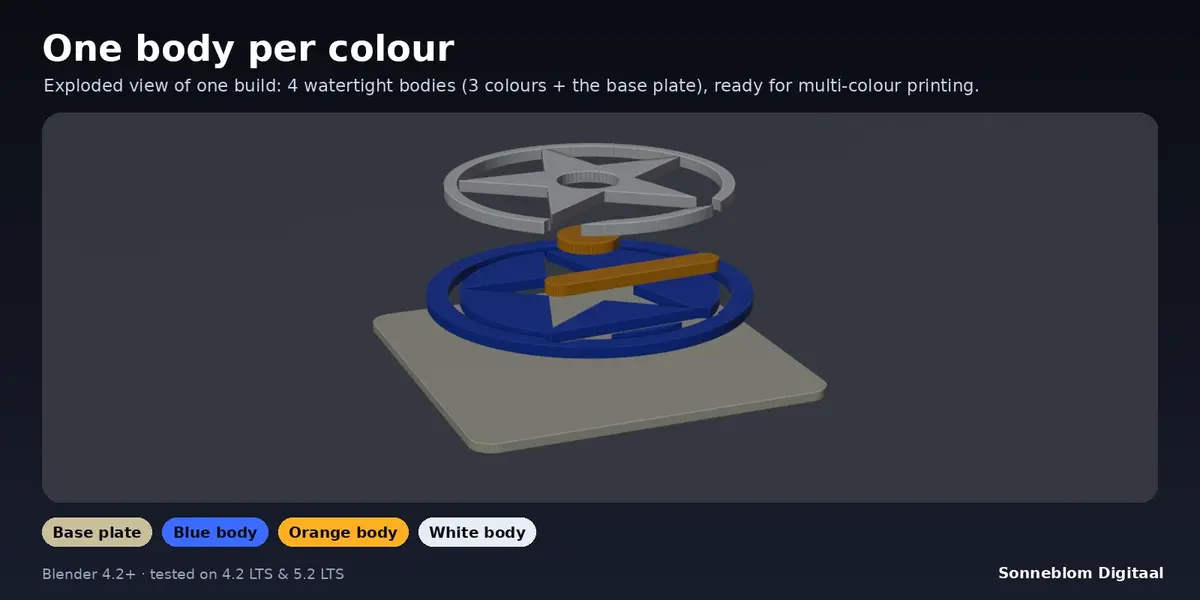
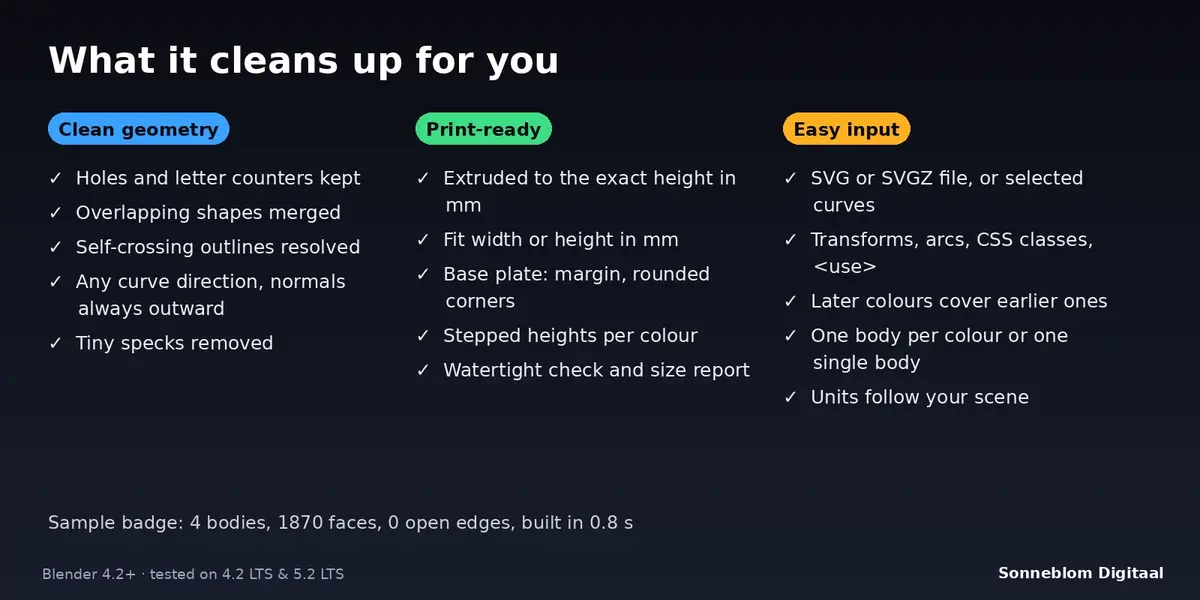
SVG to Print turns a logo, sign or badge drawn as an SVG into clean, watertight solid bodies that are ready for your slicer. It reads the SVG itself (or the curves you already imported with Blender's own SVG importer), works out what is solid and what is a hole, merges shapes that overlap, extrudes everything to an exact height in millimetres, and can add a rounded base plate. Every fill colour becomes its own body, so multi-colour printers get one clean part per colour, and where one colour is painted over another the lower colour is cut away so the bodies never overlap.
Who it's for
Makers who print logos, signs, badges, keychains, coasters, cookie-cutter outlines and wall art, and anyone who has imported an SVG into Blender and got overlapping fills, flickering faces, filled-in letter holes or meshes that the slicer complains about. No modelling skills needed: pick the file, set the size and height, click one button.
Key features
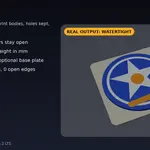
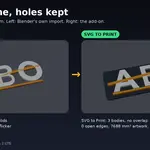
- Holes stay holes: follows the SVG fill rules (non-zero and even-odd) like a browser does, plus a Nested = hole switch for logos whose letter counters come out filled.
- Overlaps merged: shapes of the same colour are united into one solid, and self-crossing outlines (stars, figure eights, crossing sub-paths) are resolved.
- Any curve direction: clockwise or counter-clockwise outlines all give outward-facing normals.
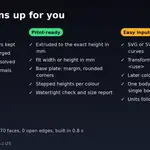
- Exact size: height in millimetres, and the artwork fitted to an exact width or height in millimetres (or kept at the size the SVG declares).
- One body per colour with a matching material, or one single merged body. Later colours cover earlier ones, like the picture you see.
- Optional base plate: separate body with your thickness, margin and rounded corners; the artwork sits on top of it.
- Stepped colour heights: each colour a set amount taller than the one before, for layered reliefs.
- Understands real SVG files: all path commands including arcs, rectangles with rounded corners, circles, ellipses, polygons, transforms, groups, CSS classes, style attributes, <use>, mm / cm / in / pt / px units, and compressed .svgz files.
- Clean-up: curve detail in millimetres and removal of tiny specks and pinholes from traced artwork.
- Check Bodies reports watertight or not, size in mm and volume. A built-in sample badge lets you try everything in one click.
- Units follow your scene (1 unit = 1 mm when the unit scale says so) with a manual override; each build is one undo step.
How to use
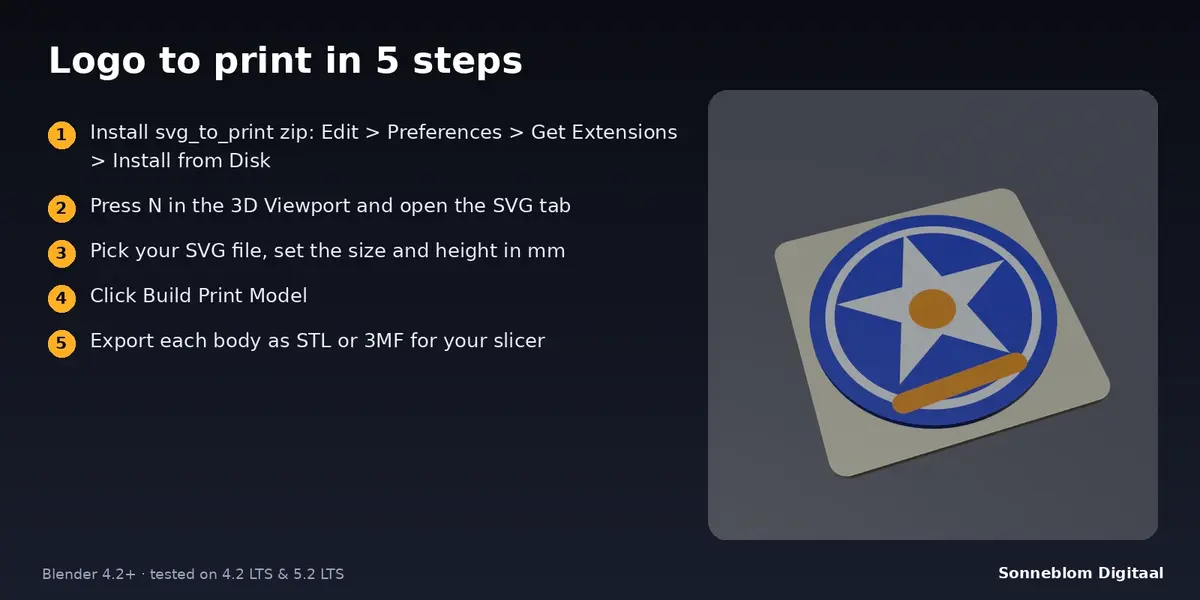
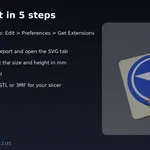
- Press N in the 3D Viewport and open the SVG tab.
- Choose your SVG file (or switch Source to Selected curves).
- Set the size in millimetres, the height and, if you like, the base plate.
- Click Build Print Model. The report shows the bodies, the size and whether everything is watertight.
- Select the bodies and export them as STL or 3MF for your slicer.
Compatibility
Blender 4.2 LTS or newer, tested on 4.2 LTS and 5.2 LTS. Works offline, no extra software needed. Both an extension zip and a legacy add-on zip are included.
Good to know
- Only filled shapes are printed. Outline-only (stroke) artwork and text are skipped with a message: convert them to paths first (in Inkscape: Path > Stroke to Path, Path > Object to Path).
- Gradients are printed in their first colour; clip paths, masks, patterns, filters and embedded images are ignored.
- Colours share a body only when they are exactly the same colour; two slightly different blues become two bodies.
- Outlines that touch at a single point (a bow tie, or two overlapping shapes combined with the even-odd rule) cannot form one perfect solid. The add-on still builds them and says so in the report instead of hiding it.
- Complex logos with many overlapping colours do many Boolean operations: about 120 overlapping shapes took roughly 20 seconds in our tests.
- Bodies are flat extrusions without bevels. "Replace previous result" deletes the earlier objects of the same name when you build again.
Support
Questions or a bug? Use the Superhive product page messages and we reply within a day.