SVG to Print
 Sonneblom Digitaal
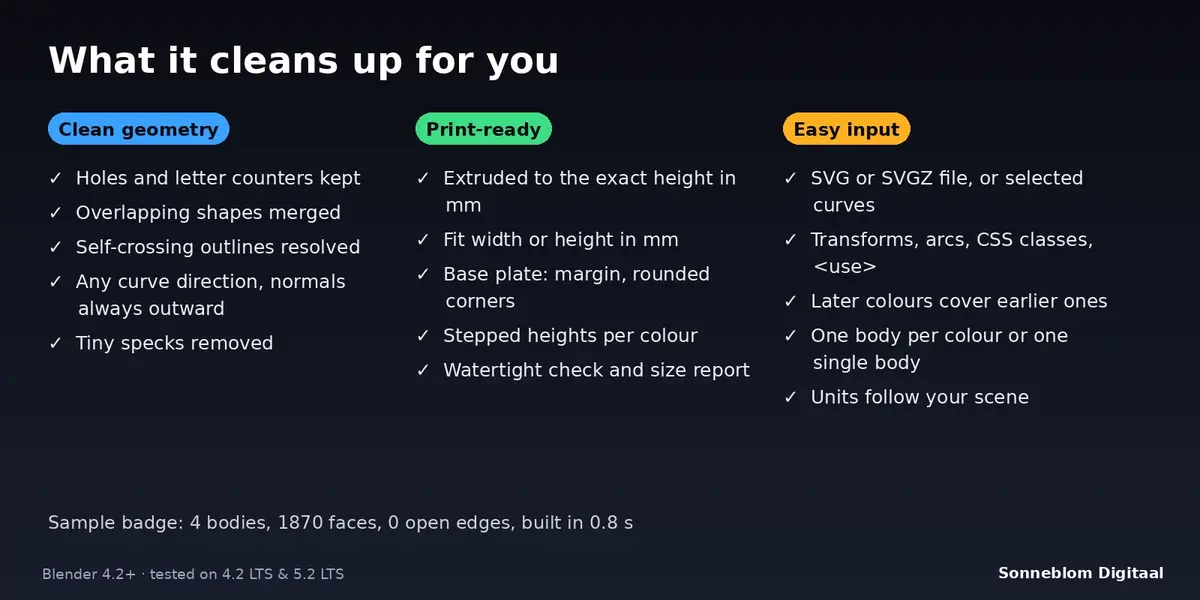
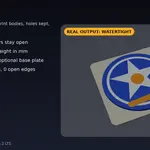
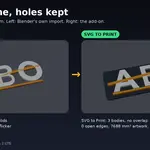
SVG to Print 1.0.0
Turns SVG logos into clean, watertight, solid 3D-print bodies with exact millimetre sizes. Blender 4.2 LTS or newer, tested on 4.2 LTS and 5.2 LTS.
Install
-
Extension zip (recommended):
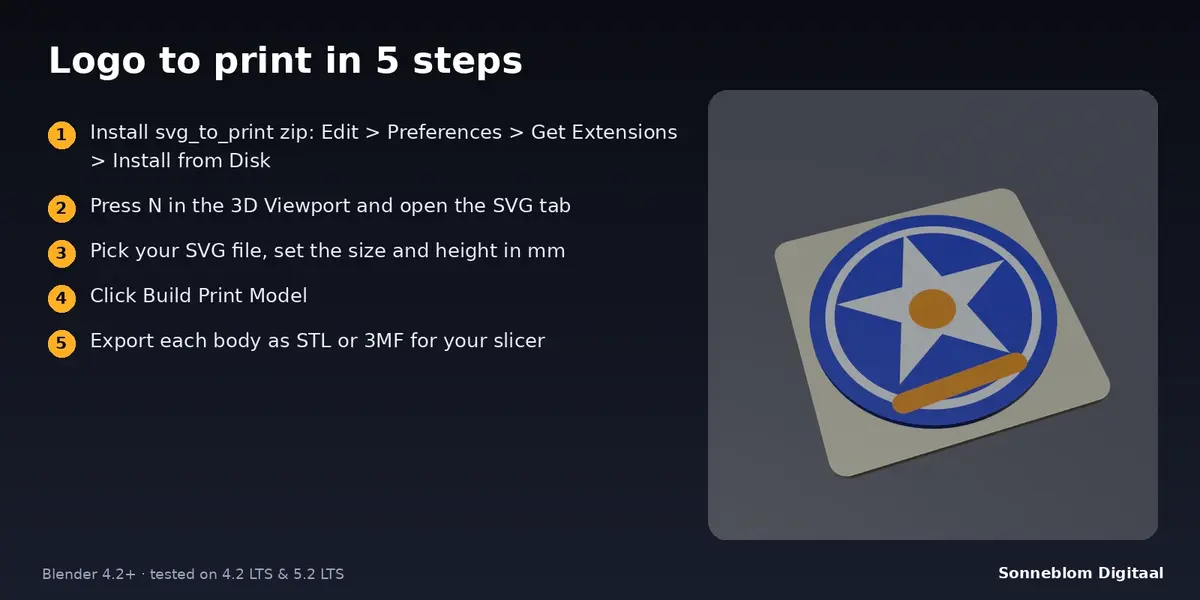
svg_to_print-1.0.0.zip. Drag it into Blender, or go to Edit > Preferences > Get Extensions, open the drop-down at the top right and choose Install from Disk. -
Legacy zip:
svg_to_print-1.0.0-legacy.zip. Go to Edit > Preferences > Add-ons > Install from Disk, then tick SVG to Print.
The panel is in the 3D Viewport sidebar. Press N and open the SVG tab. The add-on needs permission to read the SVG file you choose; it never writes files and never uses the network.
Build a model, step by step
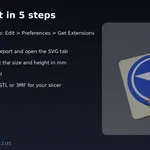
- Set 1 Blender unit =. Leave it on Auto if your scene unit scale is already right (unit scale 0.001 means 1 unit = 1 mm), or choose 1 mm for scenes where one unit is one millimetre. The line under it shows the result.
- Set Source to SVG file and pick the file with the folder icon. Or choose Selected curves and select curve objects, for example artwork imported with Blender's own SVG importer.
- Choose Size: As in the file, Fit width or Fit height and enter the size in millimetres. Set Height (how far the artwork is extruded).
- Decide on Bodies (one per colour or one single body), whether later colours cover earlier ones, and how holes are decided.
- Switch Base plate on or off and set its thickness, margin and corner radius.
- Click Build Print Model. The bodies are created in a new collection, centred on the 3D cursor with their bottom at the cursor height. The report under the buttons lists the number of bodies, the artwork size, the top height, the volume and whether they are watertight, plus any warnings.
- Select the bodies and use Check Bodies any time to see size, volume and watertight status of any selected mesh.
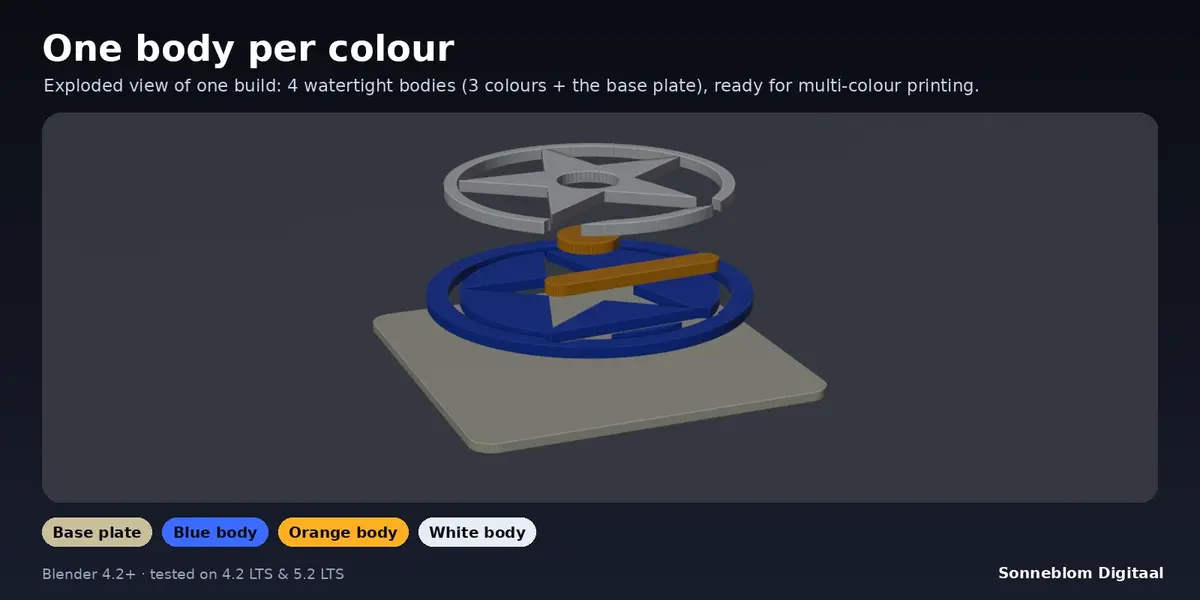
- Export with File > Export > STL or 3MF. Colour bodies and the plate are separate objects, so each can be assigned its own filament.
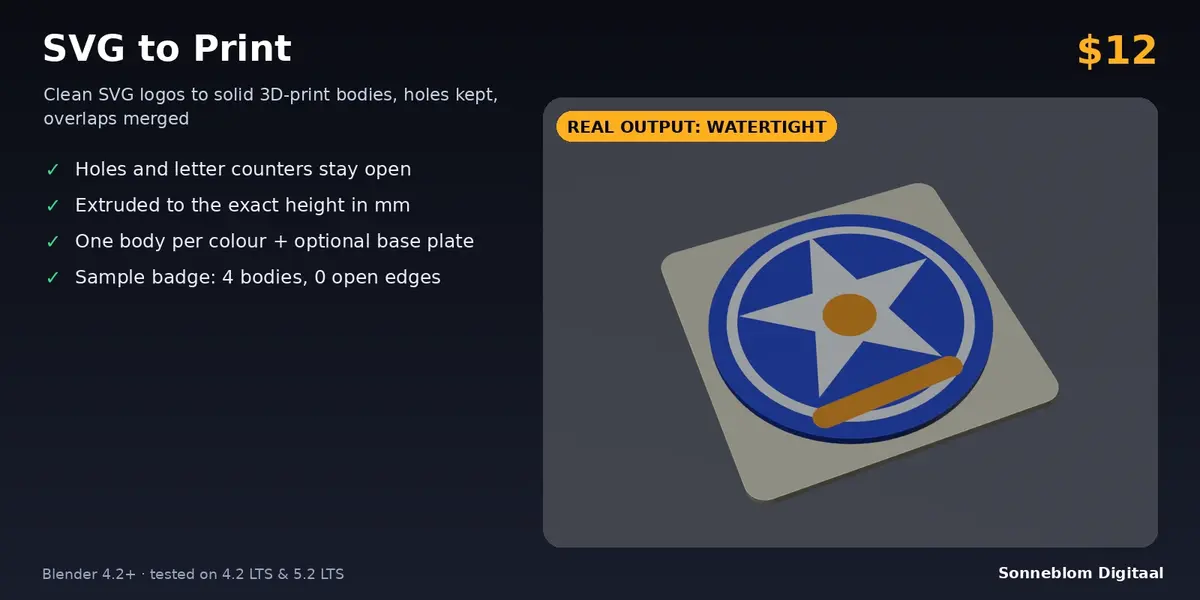
Try the Sample Badge builds the built-in sample (a circle, a ring, a star and two accents in three colours) with your current settings.
Settings (defaults)
| Setting | Default | What it does |
|---|---|---|
| 1 Blender unit = | Auto | How long one Blender unit is. Auto reads Scene > Units; or force 1 mm, 1 cm, 1 m, 1 inch. |
| Source | SVG file | An SVG / SVGZ file, or the selected curve objects. |
| Size | Fit width | As in the file (the size the SVG declares; 96 px per inch when it has no units), fit width or fit height. |
| Size (mm) | 60 | Width or height of the artwork without the plate margin. |
| Height (mm) | 2.0 | Extrusion height, measured from the top of the base plate (or from zero without a plate). |
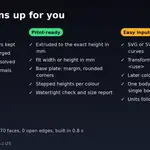
| Bodies | One per colour | One body per fill colour, or one single merged body. |
| Later colours cover earlier | On | Removes the covered part of the lower colour so bodies do not overlap. |
| Holes | As the SVG says | Follow the file's fill rule, or treat every nested outline as a hole (even-odd). |
| Colour heights | All the same | Or Stepped: every colour is Step taller than the previous one (paint order). |
| Step (mm) | 0.6 | Extra height per colour in Stepped mode. |
| Base plate | On | Adds a separate plate under the artwork. |
| Plate thickness (mm) | 2.0 | Thickness of the plate. |
| Margin (mm) | 3.0 | Plate border around the artwork. |
| Corner radius (mm) | 3.0 | Rounded plate corners (0 = sharp, limited to half the plate size). |
| Plate colour | Dark grey | Display colour of the plate material. |
| Curve detail (mm) | 0.05 | Largest gap between a curve and its straight pieces. Smaller = smoother and heavier. |
| Remove specks (mm²) | 0.02 | Outlines smaller than this are deleted, including tiny holes. 0 keeps everything. |
| Replace previous result | On | Deletes the earlier result with the same name before building again. |
What is supported in the SVG
Filled paths (M, L, H, V, C, S, Q, T, A, Z, absolute and relative), rect (with rx / ry), circle, ellipse, polygon, polyline, groups, transforms (translate, scale, rotate, skew, matrix), fill and fill-rule from attributes, style attributes and CSS classes in a style block, currentColor, rgb(), hex and common colour names, use, fill-opacity 0 / display none / fill none (skipped), and mm, cm, in, pt, pc, px units with a viewBox. Files may start with an XML header and DOCTYPE and may be gzip-compressed (.svgz).
Tips
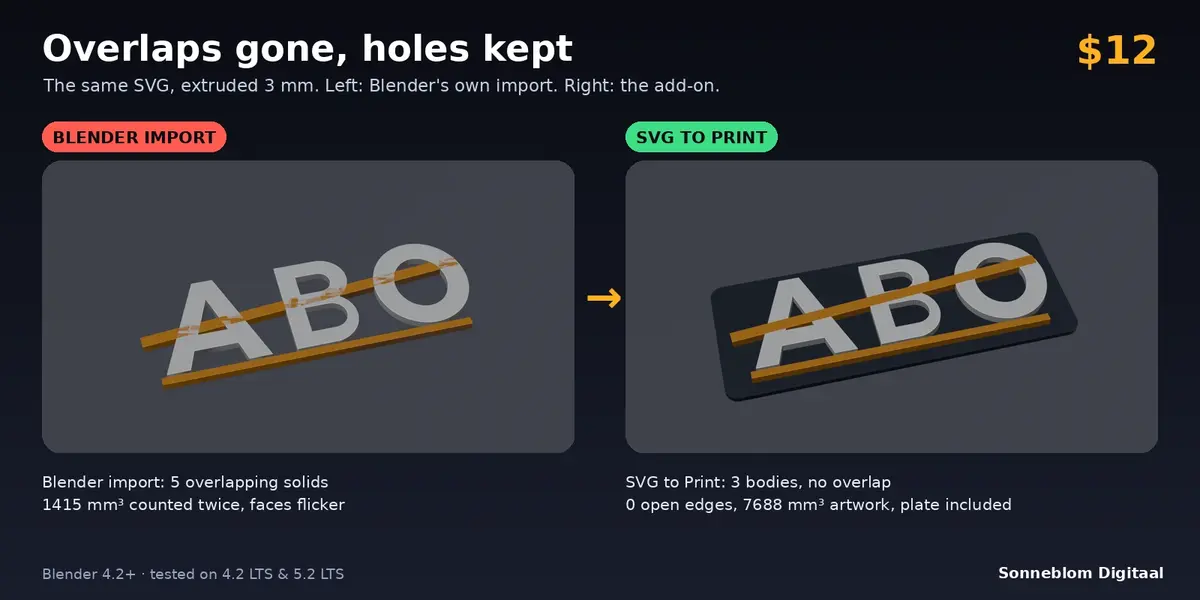
- Letter holes filled? Set Holes to Nested = hole.
- Traced bitmap with dust and dots? Raise Remove specks (for example to 0.5 mm²).
- Round parts look faceted? Lower Curve detail to 0.02. Very heavy logos? Raise it to 0.1.
- For a single-colour sign use One single body: everything is merged into one solid.
- For a layered look use Stepped colour heights.
- Build Print Model can be undone with Ctrl+Z.
Limits
- Strokes (outline-only lines) and text are skipped: convert to paths first. Gradients use their first colour; clip paths, masks, patterns, filters and images are ignored.
- Outlines that touch in one point cannot be a perfect manifold; the report then says "NOT all watertight".
- Selected-curves source: stacking order follows object names; NURBS curves use their control polygon (convert to Bezier first); curves are projected onto the XY plane.
- Artwork over 600 000 outline points is refused: raise Curve detail or simplify the drawing.
Troubleshooting
- "no filled shapes found": the file has only strokes or text. Convert them to paths in your vector editor.
- "does not exist": the file path is wrong or the file moved.
- Everything is tiny or huge: check 1 Blender unit = and the Size setting.
- Report says NOT all watertight: look for outlines that touch at a single point or tiny overlaps in the drawing and fix them in the vector editor.
Changelog
- 1.0.0: first release.
Uninstall
Edit > Preferences > Get Extensions (or Add-ons), find SVG to Print and remove it. Objects you built stay in your file as ordinary meshes.
Licence
GPL-3.0-or-later. Made by Sonneblom Digitaal.
Have questions about this product?
Login to message
| Blender Extension Compatible | Yes |
| Published | about 9 hours ago |
| Blender Version | 4.2 - 5.2 |
| Extension Type | Add-on |
| License | GPL |
Discover more products like this
extrude logo SVG multicolor base plate 3d printing watertight signs